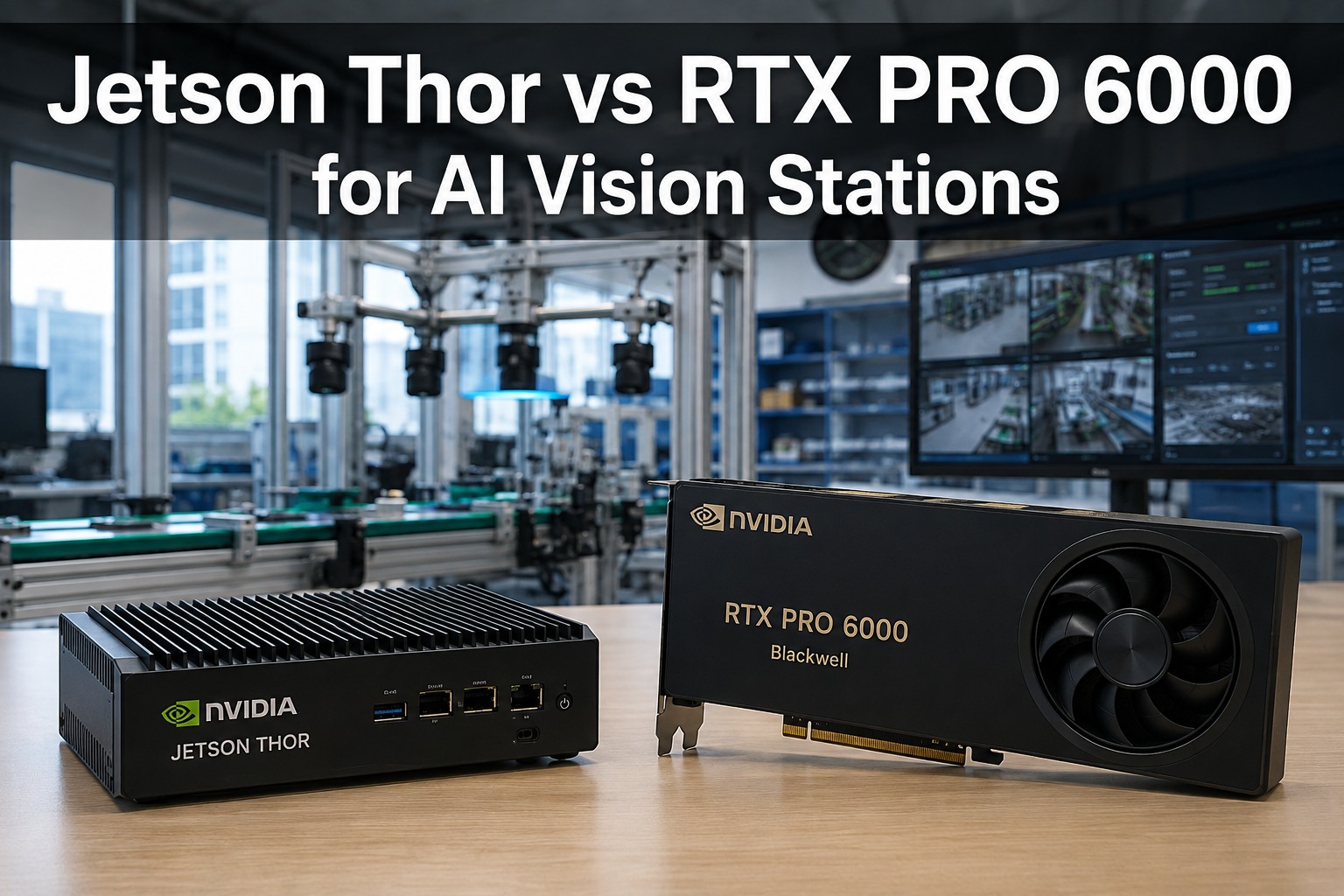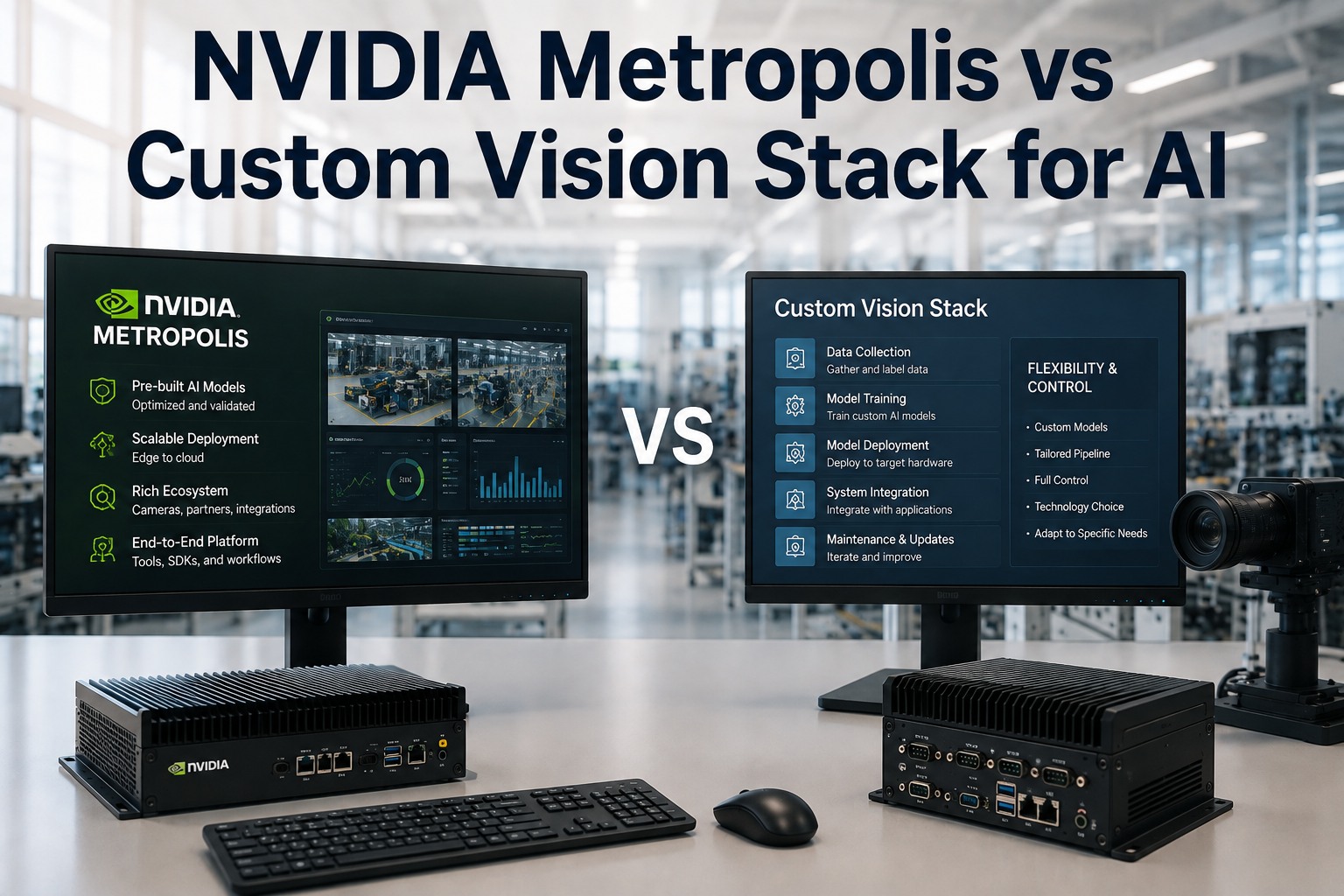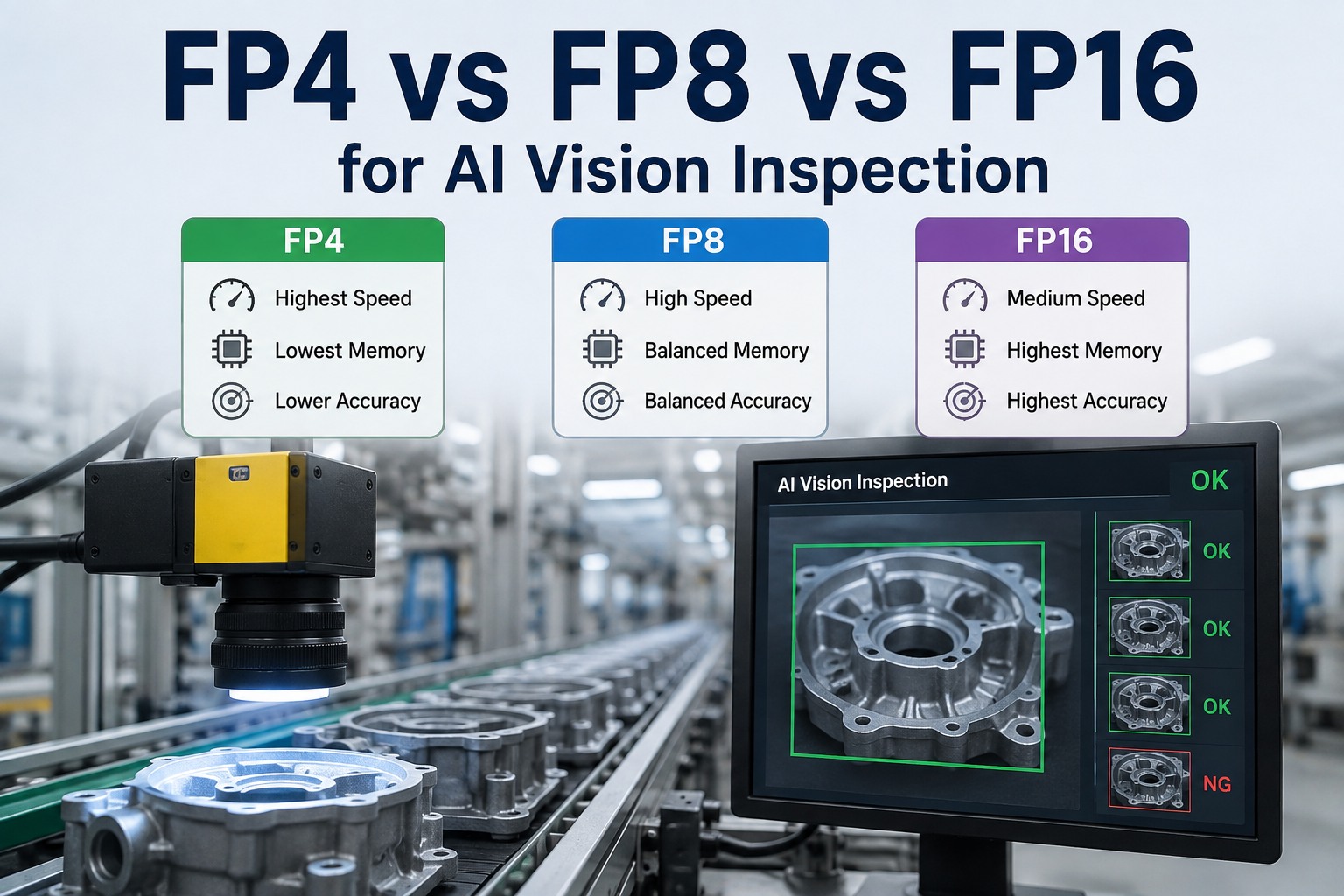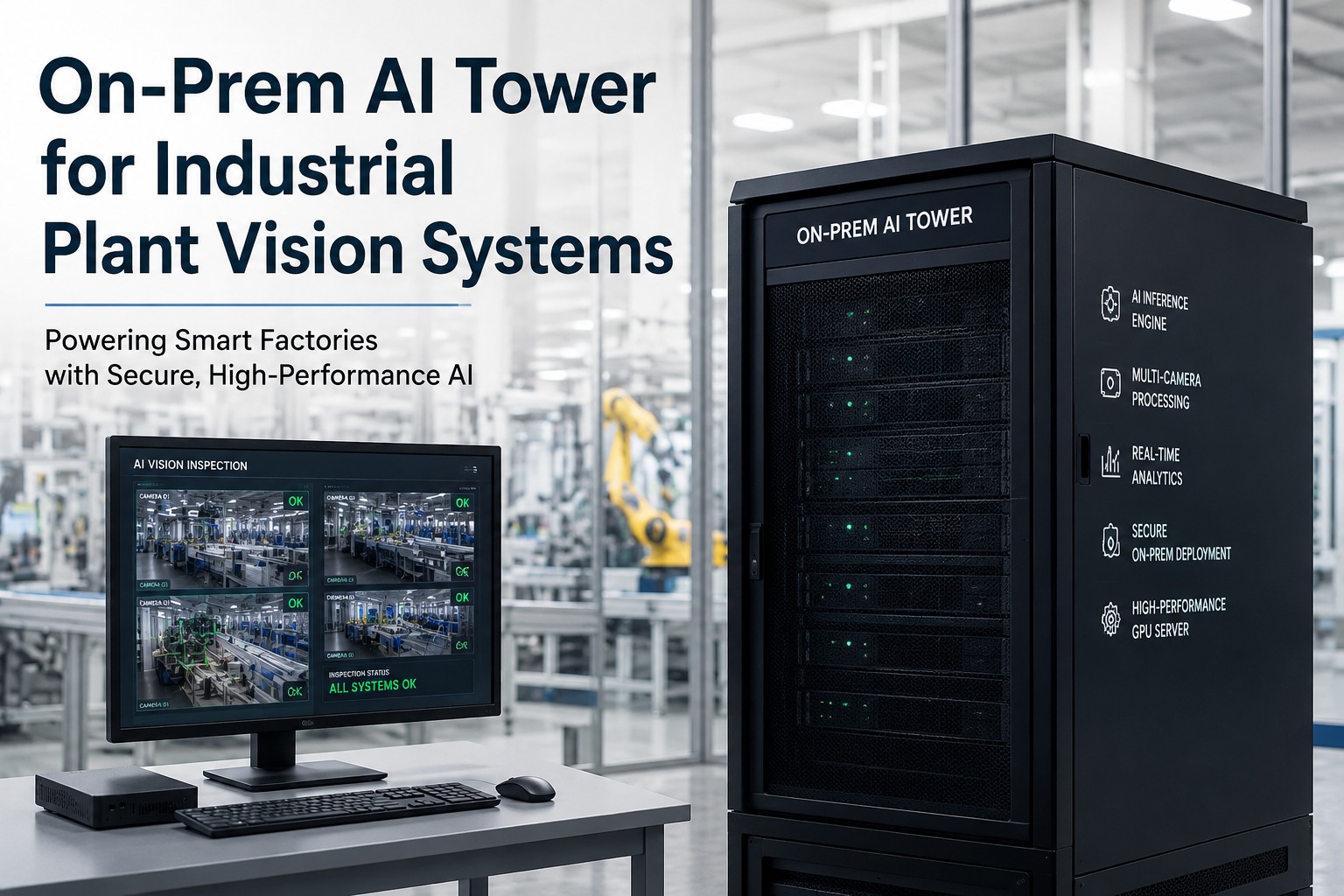
AI vision inspection is bottlenecked by three things at once: how many camera streams you can decode and run in parallel, how large a model you can hold in memory, and how fast you can push inference without dropping units on a moving line. The NVIDIA RTX PRO 6000 Blackwell was built for exactly this kind of pressure. With 96GB of ECC memory, 24,064 CUDA cores, fifth-generation Tensor Cores with FP4, dedicated video-decode hardware, and Multi-Instance GPU partitioning, a single card can host many high-resolution camera feeds, run modern deep-learning defect models at full precision, and still leave headroom. This guide breaks down what the RTX PRO 6000 Blackwell brings to AI vision inspection the memory, the multi-camera decoding, the inference precision, and the model scaling — and how iFactory deploys it on-premise or in the cloud.
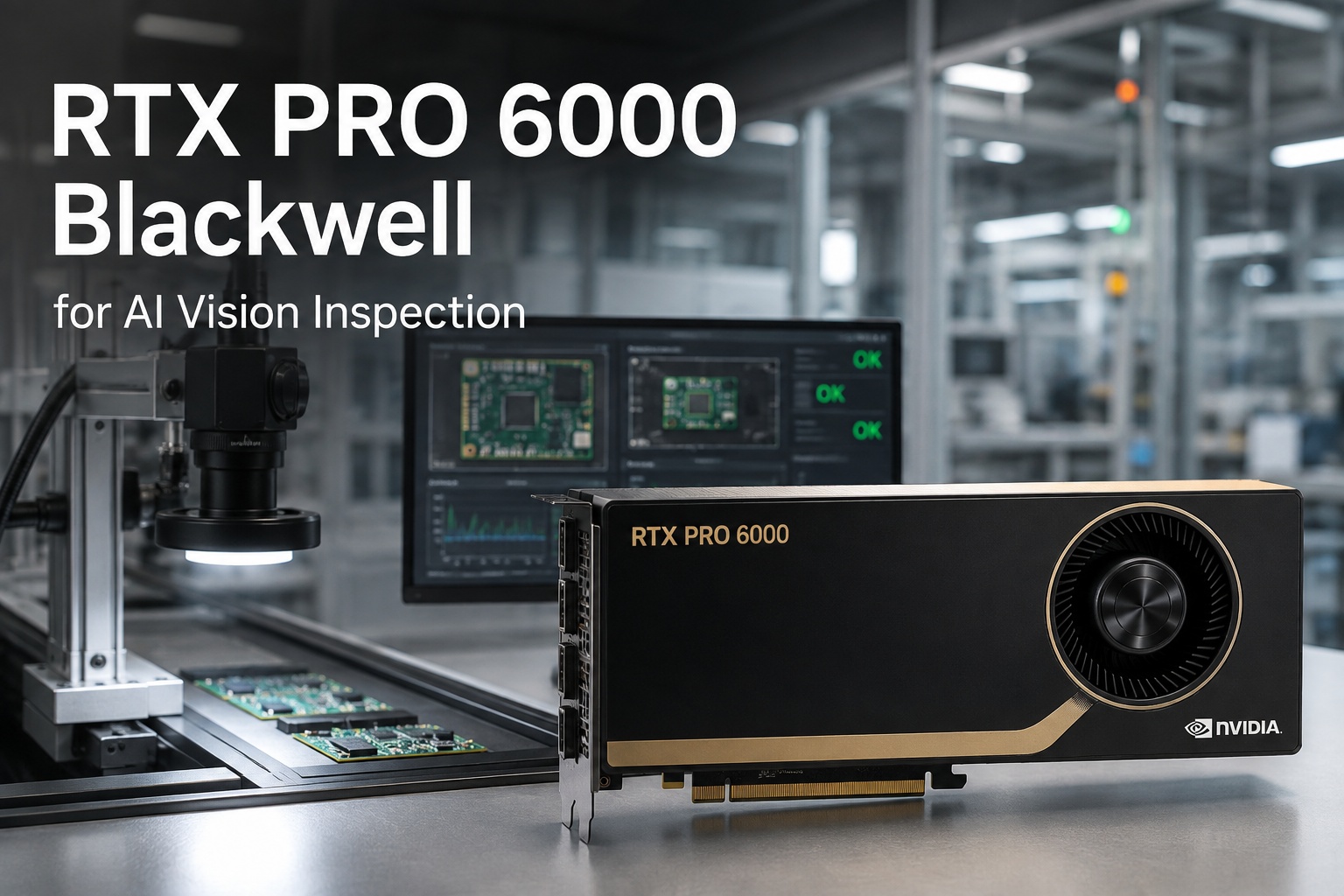
RTX PRO 6000 Blackwell for AI Vision Inspection
One workstation-class GPU for whole-line vision: 96GB ECC memory, 24,064 CUDA cores, 5th-gen Tensor Cores with FP4, hardware video decode for many camera streams, and Multi-Instance GPU to isolate each line. Big defect models at full precision, real-time inference, and your choice of on-premise or cloud deployment.
Why This GPU Fits Vision Inspection
Vision inspection is a uniquely demanding GPU workload — it's not one big model run occasionally, it's many streams inspected continuously, in real time, with no tolerance for a dropped frame on a moving line. The RTX PRO 6000 Blackwell maps onto those demands almost point for point.
96GB holds the whole workload
Multiple models, high-resolution frame buffers, and many camera streams live in memory at once — no juggling, no offloading mid-inspection.
Hardware decode frees the GPU
Dedicated video-decode engines handle the camera feeds, so CUDA and Tensor cores stay focused on inference rather than unpacking frames.
FP4 doubles throughput
Fifth-gen Tensor Cores run FP4 for roughly double the inference rate of FP8 — more units per second when line speed is the constraint.
ECC for 24/7 production
Error-correcting memory and certified drivers give the reliability a continuous inspection line needs — a production GPU, not a consumer card.
Multi-Camera Decoding — Many Feeds, One Card
The capability that most directly shapes vision deployments is how many camera streams a single card can take on. Legacy setups put one small device per camera; the RTX PRO 6000 flips that — dedicated decode hardware ingests many high-resolution feeds in parallel, and MIG walls each line's inference into its own isolated slice of the GPU. One card becomes the whole line's vision brain.
Want to know how many of your camera streams one RTX PRO 6000 can carry? Book a 30-minute demo — iFactory will size your camera count, resolution, and models against a single card and show the MIG partition plan. Sessions available this week.
Model Scaling — Big Vision Models at Full Precision
Modern inspection increasingly uses large transformer and anomaly-detection models that smaller devices simply can't hold. The 96GB memory pool changes what's runnable: high-resolution, high-parameter models load and run at full precision on one card, without the aggressive quantization or sharding that costs accuracy elsewhere. And when you want speed over maximum precision, FP4 is there to trade for throughput.
Large models resident
High-parameter defect and anomaly models stay fully in memory — no reloading between inspections.
Full-resolution frames
High-megapixel images process without downscaling, so fine and subtle defects stay detectable.
Precision you choose
Run FP16 for maximum accuracy or FP4 for roughly double throughput — tuned per line, per model.
Room to grow
Headroom for bigger models and more cameras later — the card scales with your inspection program.
Not sure whether your defect models need full precision or would run faster at FP4? Ask iFactory Support with your model types and accuracy targets, and the team will recommend a precision and sizing plan for your lines — typically a response within 3 business days, no obligation.
What iFactory Runs on It
The GPU is the engine; iFactory is the vision system around it. On the RTX PRO 6000, iFactory runs the full inspection stack — the same capabilities whether the card sits in your plant or in the cloud.
On-Premise or Cloud — Same Vision Engine
iFactory runs the RTX PRO 6000 vision workload either way. On-premise is the default where inspection images carry batch genealogy or process IP and reject decisions need line latency — a pre-configured appliance, racked and ready, running every inference inside your fence. Cloud suits multi-site programs that want the GPU managed centrally, with one model version rolled out everywhere. Same vision engine, same models, your choice of where it runs.
iFactory On-Premise Appliance The default — images stay in-fence
- Pre-configured RTX PRO 6000 — ships racked, loaded, ready; plug power and network.
- Lowest latency — reject decisions at line speed, no round-trip.
- Images never leave — inference in-fence; batch genealogy and IP stay in the plant.
- Direct camera & PLC wiring — connects to your existing hardware.
iFactory Cloud For multi-site, centrally managed vision
- Fully managed — no on-site GPU hardware to maintain.
- Same vision engine — identical models, MIG, and SPC.
- Cross-site consistency — one model version everywhere.
- Elastic scale — add cameras and sites without new local hardware.
One card for the whole line's vision — on-premise or in the cloud.
The RTX PRO 6000 Blackwell brings 96GB of ECC memory, 24,064 CUDA cores, FP4 Tensor Cores, hardware multi-camera decode, and MIG partitioning to AI vision inspection — many streams, big models at full precision, real-time inference on a single card. iFactory sizes, ships, and runs the full inspection stack on it, on-premise inside your fence or as a managed cloud deployment. ROI proven on one line first.
Frequently Asked Questions
What makes the RTX PRO 6000 good for AI vision inspection?
Four things line up with vision's demands: 96GB of ECC memory holds multiple models, high-resolution frame buffers, and many streams at once; dedicated hardware video-decode engines ingest many camera feeds without tying up compute; fifth-gen Tensor Cores with FP4 deliver up to 4,000 INT8 TOPS and roughly double the throughput of FP8; and Multi-Instance GPU partitions the card so each line's inference runs isolated. Together they let one card serve a whole line.
How many camera streams can one card handle?
It depends on resolution, frame rate, and model size, but the point of the RTX PRO 6000 is consolidation — its 96GB memory and dedicated decode hardware let it ingest and inspect many high-resolution feeds in parallel, where legacy setups needed a separate small device per camera. MIG then walls each line's inference into its own slice. iFactory sizes the exact count against your cameras and models.
Can it run large modern vision models?
Yes — that's a core advantage. The 96GB memory pool lets high-parameter transformer and anomaly-detection models load and run at full precision on a single card, without the aggressive quantization or sharding smaller devices force. You can run FP16 for maximum accuracy or switch to FP4 to roughly double inference throughput when line speed matters more than the last increment of precision.
What is MIG and why does it matter for inspection?
Multi-Instance GPU partitions one physical GPU into multiple isolated instances, each with dedicated memory and compute. For inspection, that means several lines or camera groups can share one RTX PRO 6000 while staying fully walled off from one another — one line's load can't disrupt another's, and you manage one card instead of a fleet of edge devices.
Can it run on-premise, in the cloud, or both?
Both — iFactory offers on-premise and cloud deployment of the same vision engine. On-premise is the default where inspection images carry batch genealogy or process IP and reject decisions need line latency: a pre-configured RTX PRO 6000 appliance runs every inference in-fence and images never leave the plant. Cloud suits multi-site programs that want the GPU managed centrally with one model version everywhere. Contact iFactory Support to choose the right deployment.
How do I book a demo or get a GPU sizing?
Two routes. For a live walkthrough, schedule a 30-minute demo — it covers multi-camera decoding, model scaling, MIG partitioning, and on-prem-vs-cloud deployment. For a written sizing against your workload, contact iFactory Support with your camera count, resolution, models, and line speeds and expect a response within about 3 business days. No obligation either way.
96GB, multi-camera, full precision — the vision GPU for the whole line.
The 2026 AI vision inspection GPU is the RTX PRO 6000 Blackwell: 96GB ECC memory, hardware decode for many camera streams, FP4 Tensor Cores for real-time throughput, and MIG to isolate each line — big models at full precision on one card. iFactory sizes, ships, and runs the inspection stack on it, on-premise or in the cloud, ROI proven on one line first. The next step is a 30-minute demo mapped to your camera fleet. Sessions available this week.