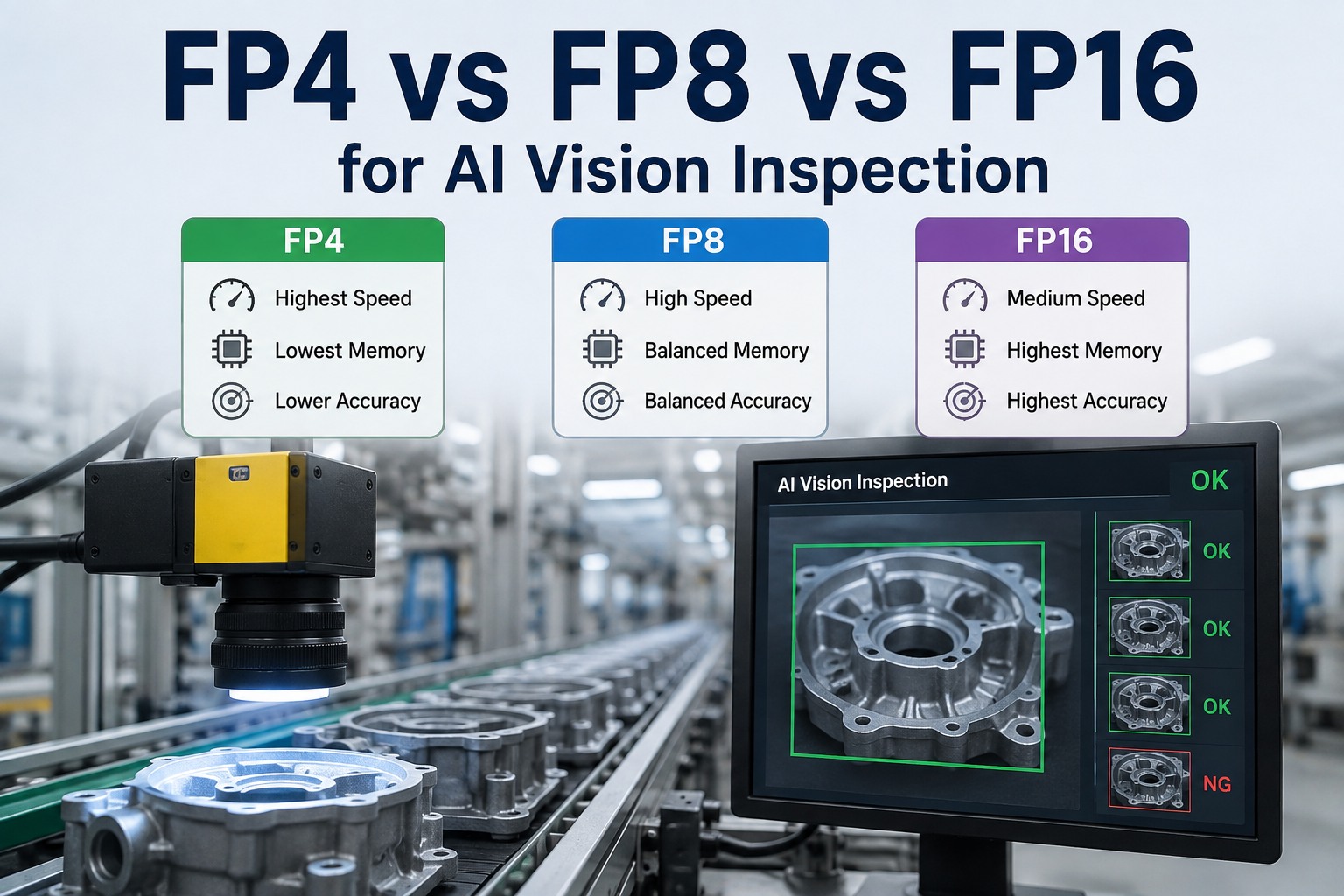
Every AI vision inspection system makes a quiet decision that shapes its accuracy, speed, and cost: what numeric precision the model runs at. FP16, FP8, and FP4 are the three choices that matter on modern GPUs, and they trade against each other in a predictable way — lower precision means faster inference and less memory, but risks losing the fine detail that catches a subtle defect. Get it right and you fit more camera streams on one card and keep line pace; get it wrong and you either waste compute or miss defects. The good news is it isn't all-or-nothing: you can tune precision per model and per line. This guide compares FP4 vs FP8 vs FP16 for AI vision inspection the accuracy, speed, and memory trade-offs, when each fits, and how iFactory tunes precision whether you run on-premise or in the cloud.
FP4 vs FP8 vs FP16 for AI Vision Inspection
Precision is the accuracy-versus-speed-and-memory dial on every vision model. FP16 for maximum accuracy on critical defects, FP4 for maximum throughput and stream density, FP8 as the middle ground — and the freedom to mix them per line. Understand the trade-offs, then let iFactory tune precision for your defects, on-premise or in the cloud.
What Precision Actually Means
Numeric precision is how many bits represent each number in the model. FP16 uses 16 bits per value, FP8 uses 8, FP4 uses 4. Fewer bits means each weight takes less memory and each calculation is faster — but also that the numbers are coarser, which can blur the fine distinctions a defect model relies on. Quantization is the process of converting a model down to lower precision; done well, the accuracy loss is small, which is why lower precision is usable at all.
The Three-Way Trade-Off
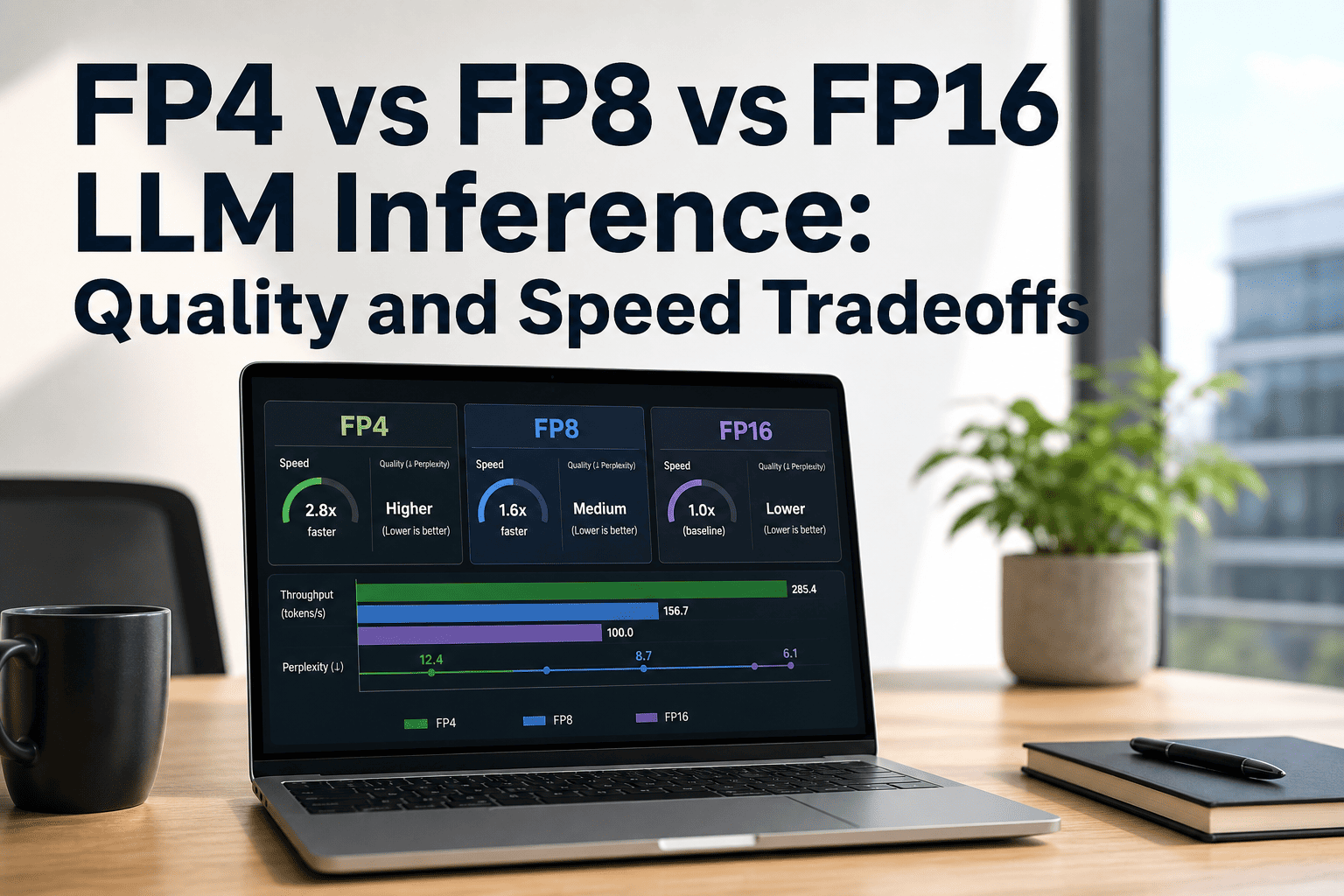
The relationship is consistent: as precision drops, speed and memory efficiency rise while accuracy headroom falls. There's no universally "best" one — the right pick depends on the defect and the line. Here's how the three compare across what matters for inspection.
Want to know which precision your specific defects need? Book a 30-minute demo — iFactory will test your models at FP16, FP8, and FP4 on representative images and show the accuracy-versus-throughput trade for each. Sessions available this week.
When Each Precision Fits
The decision comes down to how subtle your defects are and how much throughput the line demands. Most plants end up using more than one precision across their lines — matching the dial to each job.
Critical & subtle defects
Hairline cracks, faint particulate, tight cosmetic tolerances — anywhere a missed defect is costly and the fine detail matters more than speed. The accuracy reference.
General production vision
The default for most lines — near-FP16 accuracy with a real speed and memory gain. Strong all-rounder when defects are visible and throughput matters too.
High-volume, clear defects
Fast lines with obvious defects — missing components, gross misprints, presence/absence — where throughput and packing many streams onto one card is the priority.
Not sure whether to standardize on one precision or mix them across lines? Ask iFactory Support with your defect types and line speeds, and the team will recommend a per-line precision plan that balances accuracy and throughput — typically a response within 3 business days, no obligation.
Blackwell Makes FP4 Practical
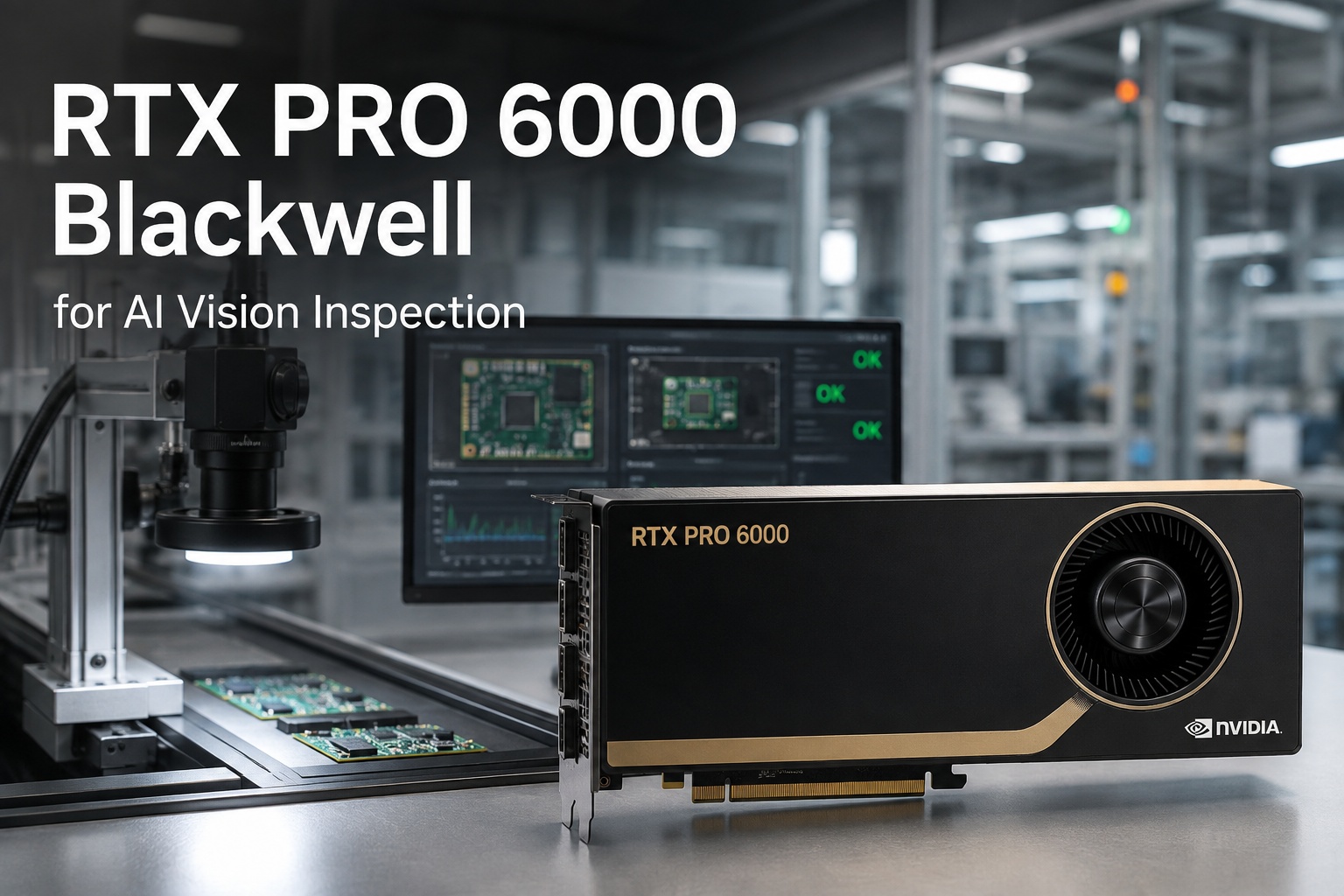
FP4 was a research curiosity until hardware caught up. NVIDIA's Blackwell architecture — the RTX PRO 6000 and its fifth-generation Tensor Cores — added native FP4 support, delivering roughly double the inference throughput of FP8 with acceptable quality loss for many production applications. That's what makes FP4 a real option for vision today: you can pack more high-resolution streams onto a single card, or run the same streams faster, without dedicated exotic hardware.
On-Premise or Cloud — Same Precision Control
Whichever precision each line needs, iFactory gives you the same tuning either way it's deployed. On-premise is the default where inspection images carry batch genealogy or process IP and reject decisions need line latency — a pre-configured Blackwell appliance inside your fence. Cloud suits multi-site programs that want the GPU managed centrally. The precision choices, and the ability to mix them per line, are identical in both.
iFactory On-Premise Appliance The default — images stay in-fence
- Pre-configured Blackwell GPU — FP16, FP8, and FP4 ready out of the box.
- Per-line precision tuning — set the dial for each line locally.
- Images never leave — inference in-fence; genealogy and IP stay in the plant.
- Lowest latency — reject decisions at line speed, no round-trip.
iFactory Cloud For multi-site, centrally managed vision
- Fully managed — no on-site GPU hardware to maintain.
- Same precision control — identical FP16 / FP8 / FP4 tuning.
- Cross-site consistency — precision policies applied everywhere.
- Elastic scale — add streams and sites without new local hardware.
Precision is a dial, not a default. Tune it per line — on-prem or cloud.
FP16, FP8, and FP4 trade accuracy against speed and memory, and the right choice depends on your defects and line speed — most plants mix them. iFactory tests your models at each precision, sets the dial per line to hit your accuracy target with the throughput you need, and runs it on a Blackwell GPU inside your fence or as a managed cloud service. ROI proven on one line first.
Frequently Asked Questions
What's the difference between FP4, FP8, and FP16?
They're numeric precisions — how many bits represent each number in the model. FP16 uses 16 bits for the finest detail and highest accuracy; FP8 uses 8 bits for half the memory with near-full accuracy; FP4 uses 4 bits for a quarter of the memory and the fastest inference, with some accuracy loss. Lower precision means faster, lighter models but coarser numbers, which can affect detection of very subtle defects.
Which precision is best for AI vision inspection?
There's no single best — it depends on the defect and the line. FP16 suits critical or subtle defects where accuracy is paramount; FP8 is the balanced default for general production; FP4 fits high-volume lines with clear defects where throughput and stream density matter most. Most plants use more than one, matching precision to each line's accuracy target and speed demand.
Does lower precision mean missing defects?
Not necessarily — it depends on the defect. For clear, obvious defects (missing components, gross misprints), FP4's coarser numbers are still plenty accurate. The risk appears with very subtle defects — hairline cracks, faint particulate — where FP16's fine detail matters. The right approach is to validate each model at each precision on your actual images and choose the lowest precision that still hits your accuracy target.
What is quantization?
Quantization is the process of converting a model from higher precision to lower — FP16 down to FP8 or FP4. Done well, the accuracy loss is small while the speed and memory gains are large, which is what makes lower precision usable in production. iFactory handles quantization and validates the result, so you get the throughput benefit without an unchecked accuracy hit.
Why does Blackwell matter for FP4?
NVIDIA's Blackwell architecture — including the RTX PRO 6000 with fifth-generation Tensor Cores — added native FP4 support in hardware, delivering roughly double the inference throughput of FP8 with acceptable quality loss for many production applications. That's what makes FP4 practical for vision: you can pack more high-resolution streams onto a single card or run them faster, without exotic dedicated hardware.
Can I tune precision on-premise, in the cloud, or both?
Both — iFactory offers on-premise and cloud deployment with identical precision control. On-premise is the default where inspection images carry genealogy or process IP and reject decisions need line latency: a pre-configured Blackwell appliance runs in-fence. Cloud suits multi-site programs wanting central management. The FP16/FP8/FP4 tuning, and mixing precision per line, work the same either way. Contact iFactory Support to choose the right deployment.
The right precision for every line — validated on your defects.
FP16, FP8, and FP4 each have a place in vision inspection: accuracy, balance, or throughput. iFactory tests your models at each, sets precision per line to hit your accuracy target with maximum stream density, and runs it on Blackwell GPUs on-premise or in the cloud. ROI proven on one line first. The next step is a 30-minute demo testing precision on your own images. Sessions available this week.