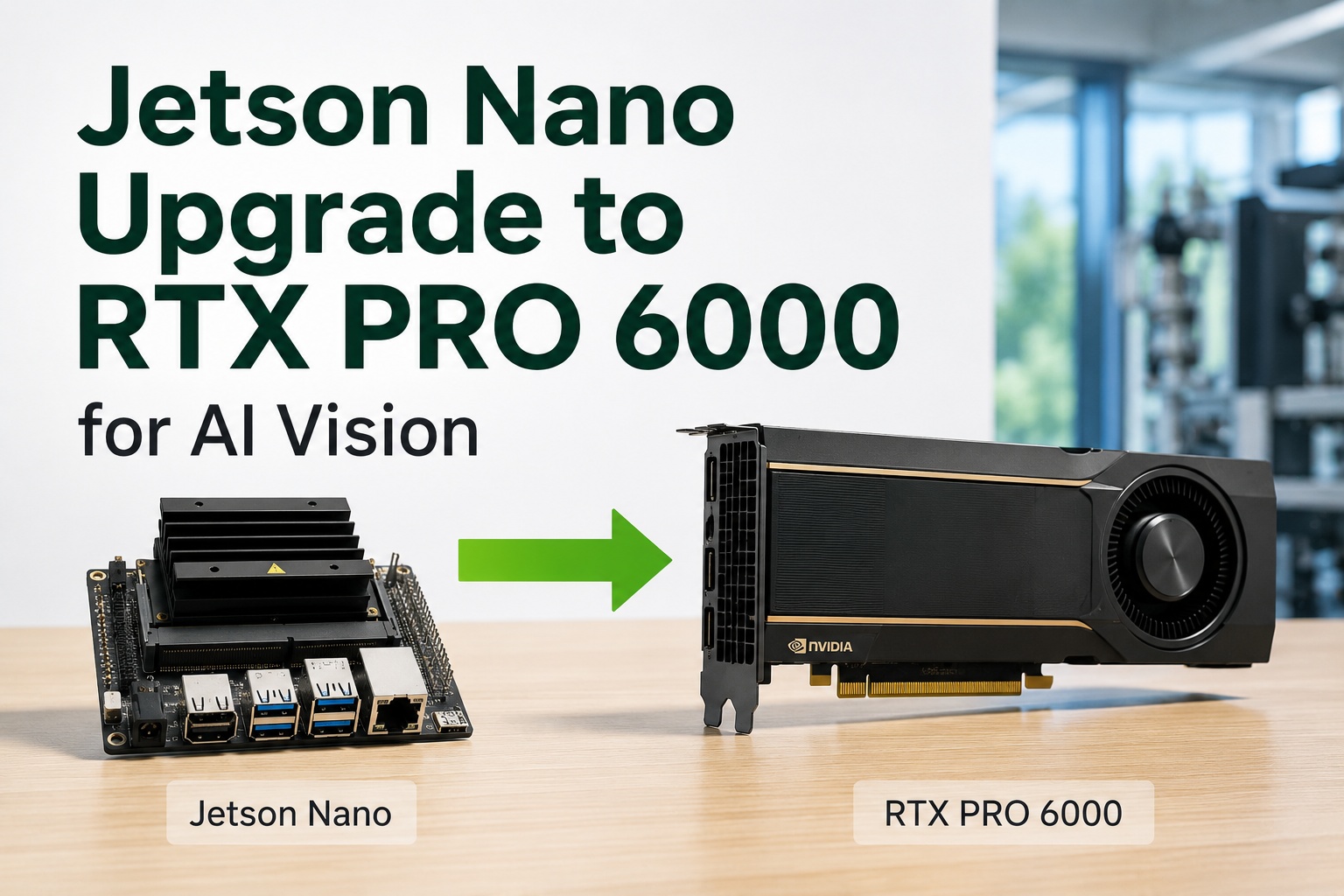
Moving a vision model from a Jetson edge module to a server GPU sounds like it should be a copy-and-run, and that assumption is exactly what breaks migrations. The trained model itself is portable, but the optimized inference engine that actually runs on the Jetson is not — TensorRT engines are compiled for a specific GPU architecture, so an engine built for a Jetson simply won't load on a server card. A clean migration means bringing the model definition and weights across, then rebuilding the optimized engine on the target GPU, validating that precision and accuracy survived the move, matching the software dependencies, and testing inference end-to-end before you trust it on a line. Done in order, it's routine; skipped steps are where migrations fail silently. This guide walks how to migrate vision models from Jetson to server GPUs — containers, TensorRT engine regeneration, precision validation, dependencies, and inference testing — and how iFactory handles the migration for you, on-premise or in the cloud.
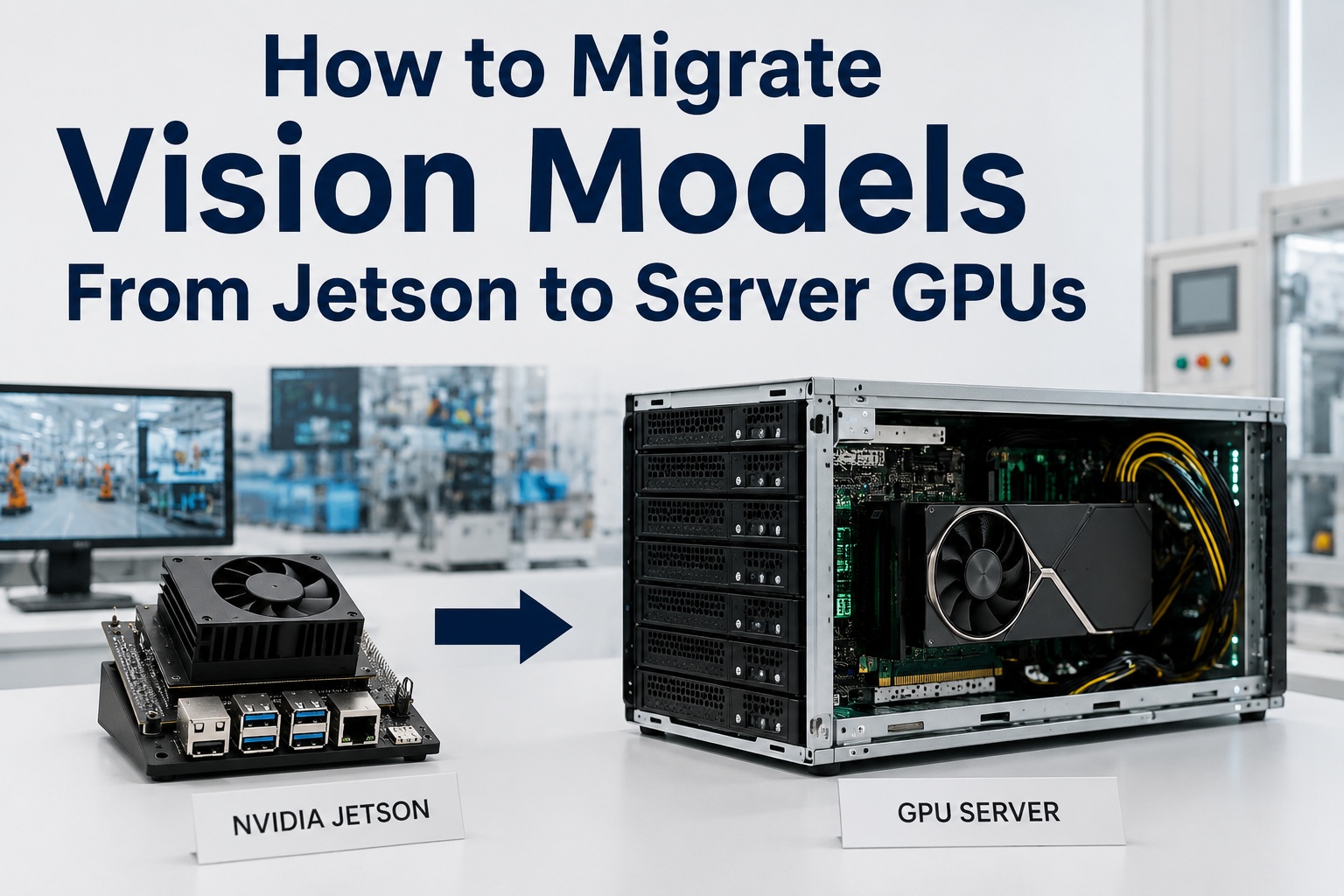
How to Migrate Vision Models From Jetson to Server GPUs
The model is portable; the Jetson's optimized engine is not. A clean move means carrying the model across, regenerating the TensorRT engine on the server GPU, validating precision and accuracy, matching dependencies, and testing inference end-to-end. Do it in order and it's routine. iFactory handles the whole migration — on-premise or in the cloud.
The Mistake That Breaks Migrations
Most failed Jetson-to-server moves come from one wrong assumption: that the thing running on the Jetson can be copied straight to the server. It can't — and understanding why is the whole key to doing it right.
- The compiled TensorRT engine file
- Jetson-specific JetPack / L4T libraries
- Edge-tuned precision calibration
- Arm-built container images as-is
- The trained model definition & weights
- The source framework model (ONNX, etc.)
- Your labeled validation dataset
- The inspection logic around the model
The rule of thumb: bring the model, not the engine. A TensorRT engine is compiled and optimized for one specific GPU architecture, so a Jetson engine won't run on a server card — it has to be regenerated on the target. Get that right and the rest of the migration is a careful checklist.
The Migration Sequence
A clean Jetson-to-server migration follows five ordered steps. Each one has to pass before the next makes sense, which is what keeps a subtle precision or dependency problem from reaching the line.
Step by Step — What Each Stage Does
Here's what actually happens at each stage of the move, and why it matters. Skip or rush any one and the failure tends to surface later, on the line, where it's hardest to diagnose.
Export the model
Take the trained model out of its Jetson deployment in a portable form — commonly ONNX or the source framework format — carrying the definition and weights, not the compiled engine.
Rebuild the container
Jetson containers are built for Arm and JetPack. Recreate the runtime for the server's x86 architecture with matching CUDA, cuDNN, and TensorRT versions — the dependency stack the target GPU needs.
Regenerate the TensorRT engine
Compile a fresh TensorRT engine on the server GPU from the portable model. This is the non-negotiable step — the engine is optimized for the target architecture and cannot be copied from the Jetson.
Validate precision & accuracy
Re-check the model against your labeled dataset at the chosen precision. The server may run a different precision than the edge did, so confirm accuracy held and recalibrate if needed.
Test inference end-to-end
Run the full pipeline — capture, preprocess, infer, decide — on the server under realistic load, confirming latency, throughput, and results before it goes anywhere near a live line.
Planning a Jetson-to-server migration and want it done without silent accuracy loss? Book a 30-minute demo — iFactory will walk the model export, engine regeneration, and validation for your models on the target GPU. Sessions available this week.
The Two Steps People Skip
Almost every migration that "works but the AI got worse" skipped one of these two. They're the quiet failure points, because the model loads and runs — it's just subtly wrong or slow.
Accuracy quietly drifts
If the server runs a different precision than the Jetson and no one re-validates against labeled data, accuracy can drop without any error — the model runs fine and simply misses more defects.
Version mismatches bite
Mismatched CUDA, cuDNN, or TensorRT versions between the container and the GPU cause subtle behavior changes or hard failures that are painful to trace back after deployment.
Worried a past or planned migration skipped precision validation or dependency matching? Ask iFactory Support to review your migrated models or run the validation on the target GPU, and the team will confirm accuracy held and dependencies align — typically a response within 3 business days, no obligation.
How iFactory Handles the Migration
Rather than hand you a migration checklist, iFactory does the move — porting your models onto the target server GPU, regenerating engines, validating accuracy, and testing end-to-end, so what lands on the line matches or beats what the Jetson delivered.
On-Premise or Cloud — Migrate to Either
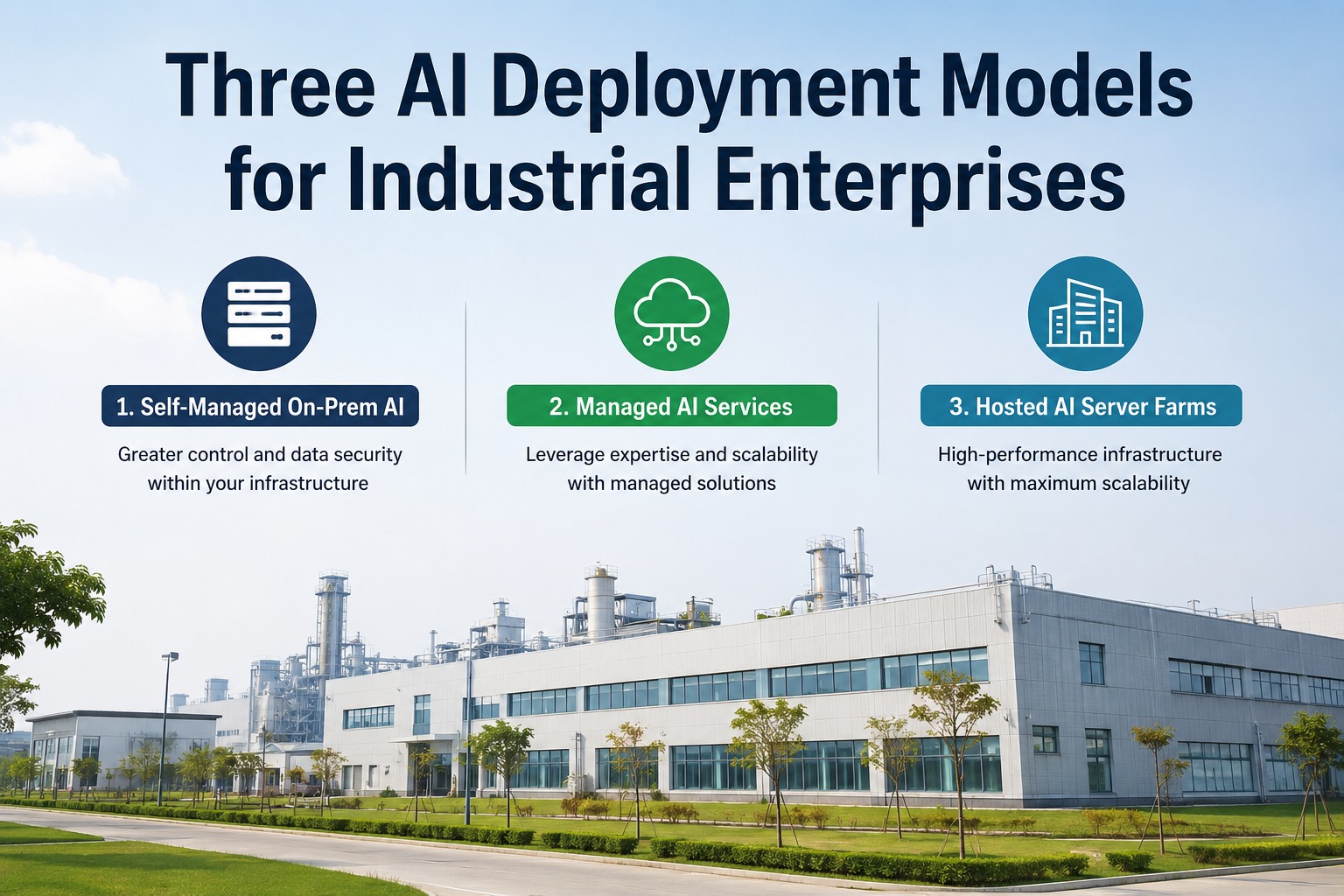
The migration process is the same wherever the server GPU lives, and iFactory offers both targets. On-premise is the default where inspection images carry batch genealogy or process IP and reject decisions need line latency — models migrated onto a pre-configured appliance in your fence. Cloud suits multi-site programs that want the GPU managed centrally. Either way, the models are ported, validated, and tested on the target.
iFactory On-Premise Migrate onto an in-fence appliance
- Models on your appliance — ported and engine-regenerated on the on-prem server GPU.
- Images never leave — full data residency behind your firewall.
- Line-latency inference — local, no round-trip, outage-independent.
- Validated on-site — accuracy and inference tested where it runs.
iFactory Cloud Migrate to a managed cloud GPU
- Fully managed — no on-site GPU hardware to maintain.
- Same migration & engine — identical porting and validation.
- Cross-site consistency — one migrated model version everywhere.
- Elastic scale — add streams and sites without new local hardware.
Bring the model, rebuild the engine, validate everything.
Migrating vision models from Jetson to a server GPU is routine when done in order: export the model, rebuild the container, regenerate the TensorRT engine on the target, validate precision and accuracy, and test inference end-to-end. iFactory does the whole migration — porting, engine regeneration, validation, and testing — onto an on-premise appliance in your fence or a managed cloud GPU. ROI proven on one line first.
Frequently Asked Questions
Can I just copy my model from the Jetson to the server?
Not the running engine — only the model. The trained model definition and weights are portable, but the optimized TensorRT engine that actually runs inference on the Jetson is compiled for that specific GPU architecture and won't load on a server card. You export the portable model (commonly to ONNX), then regenerate a fresh TensorRT engine on the target GPU. Bring the model, not the engine.
Why do I have to regenerate the TensorRT engine?
Because a TensorRT engine is optimized and compiled for one GPU architecture. The engine built for a Jetson's integrated GPU simply won't run on a server's discrete card, and even if it could, it wouldn't be optimized for it. Regenerating the engine on the target GPU from the portable model is what produces a fast, correctly-optimized runtime for the server — it's the core technical step of the migration.
What about containers and dependencies?
Jetson containers are built for Arm and the JetPack/L4T stack, so they don't run as-is on an x86 server. You rebuild the container for the server's architecture with matching CUDA, cuDNN, and TensorRT versions. Dependency mismatches between the container and the GPU are a common cause of subtle failures, so aligning the versions to the target GPU is an essential, easily-overlooked step.
Will my accuracy change after migrating?
It can, and that's why validation is mandatory. The server may run the model at a different precision than the edge did, which can shift accuracy. After regenerating the engine, you re-check the model against your labeled validation dataset at the target precision and recalibrate if needed. Skipping this is how migrations "work" while quietly missing more defects — the model runs, it's just subtly less accurate.
How do I know the migration succeeded?
End-to-end inference testing on the target. Beyond confirming the model loads, you run the full pipeline — capture, preprocess, infer, decide — under realistic load and check that accuracy held, latency meets your reject window, and throughput covers your streams. Only once it passes on the target GPU under real conditions should it go to a live line. iFactory runs exactly this validation before any cutover.
Can I migrate to on-premise, cloud, or both?
Both — iFactory offers on-premise and cloud targets with the same migration process. On-premise is the default where inspection images carry genealogy or process IP and reject decisions need line latency, with models ported onto an in-fence appliance. Cloud suits multi-site programs wanting central management. The porting, engine regeneration, and validation are identical either way. Contact iFactory Support to choose the right target.
A migration that lands accurate, fast, and tested.
Moving vision models from Jetson to server GPUs is a clean, ordered process — export, containerize, regenerate the engine, validate precision, test end-to-end — not a risky copy. iFactory does the whole move onto an on-premise appliance or a managed cloud GPU, validating accuracy and inference before any cutover. ROI proven on one line first. The next step is a 30-minute demo mapped to your models and target GPU. Sessions available this week.