A brand negotiates the endcap for six months. The trade budget is signed off. The shipper cases land at the distribution center on time. And then, on the Tuesday of launch week, the promotion arrives at store number 47 and the display gets built at the wrong end of aisle three, missing the header card, with the wrong price tag on the shelf strip. Nobody at head office knows. The sales lift forecast on that store quietly evaporates for the rest of the campaign. Industry compliance studies have found that CPG companies estimate their promotion compliance around 70%, while the actual number is closer to 40% — and Nielsen has measured it as low as 30%. AI vision cameras from iFactory close that gap: watching every promotional display from build day through takedown, and correlating what actually stood on the floor with the sales lift the trade dollars were meant to buy.
SMART RETAIL — PROMOTION EXECUTION
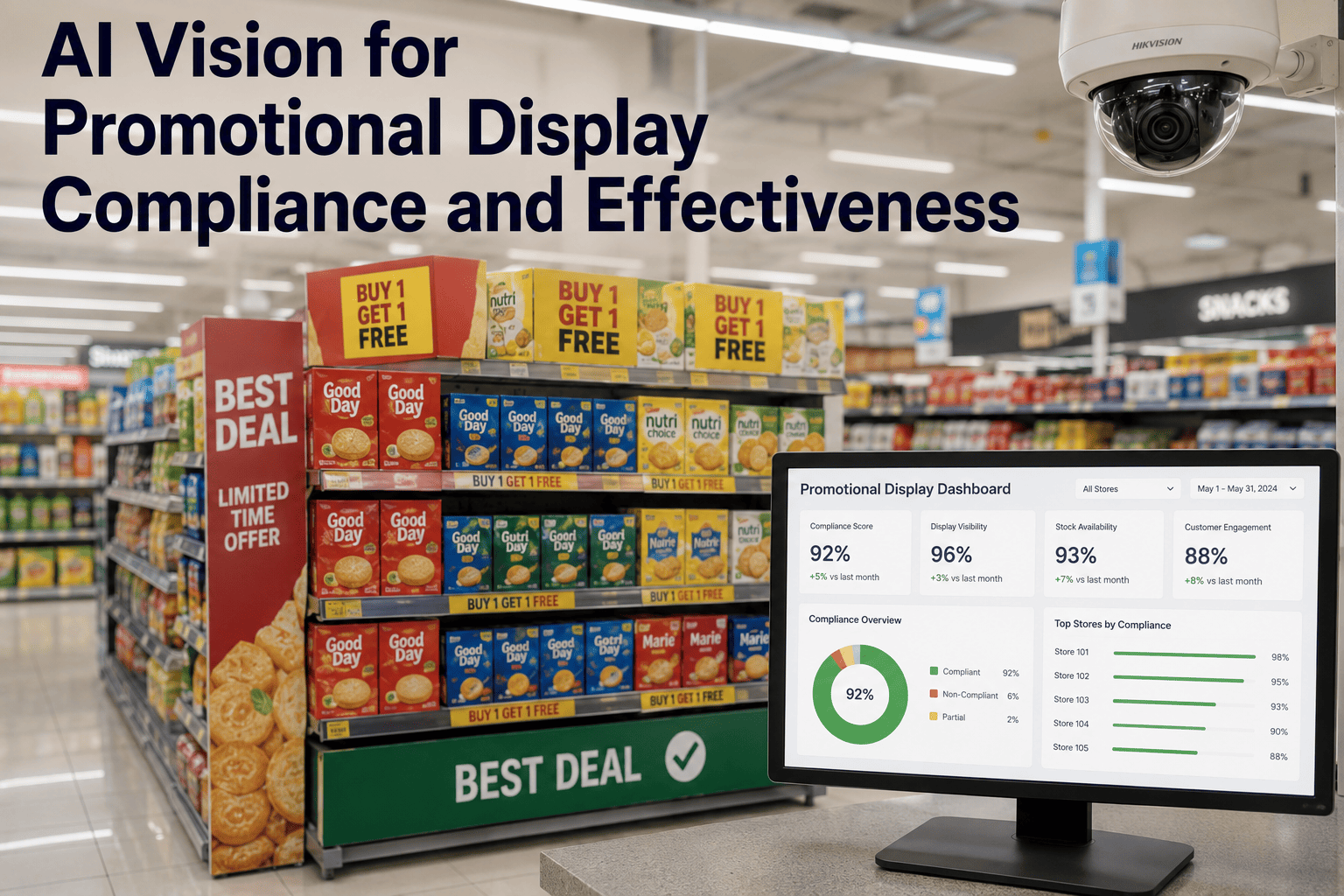
AI Vision for Promotional Display Compliance and Effectiveness
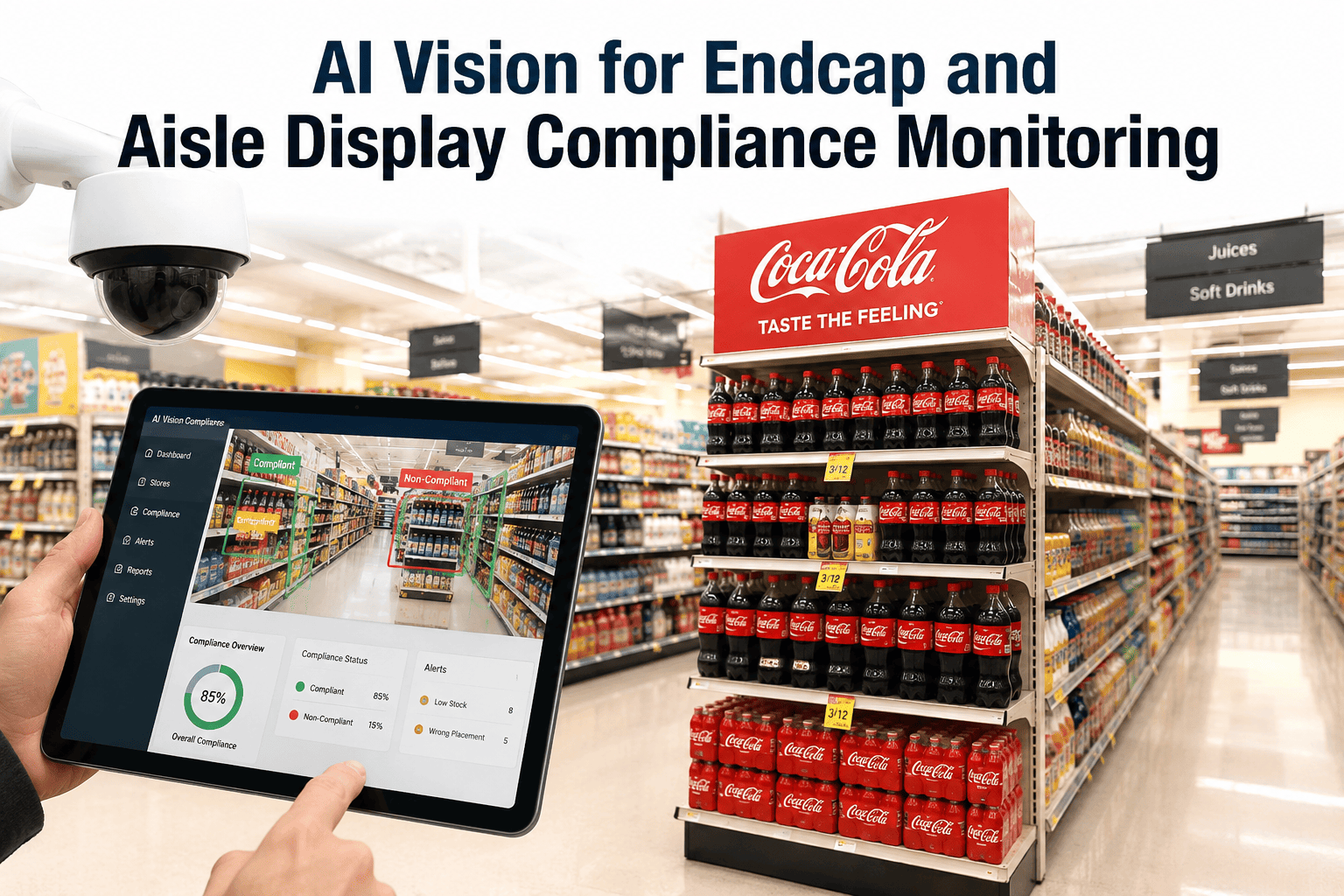
iFactory watches every endcap, freestanding fixture, and secondary display through the full campaign lifecycle — verifying it was built to spec, stayed stocked, kept the right signage, and delivered the sales lift the trade investment paid for.
40%
Actual promotion compliance rate
vs 70% assumed by brand teams
The Gap Between Planned and Executed Promotion
Promotion planning happens in a boardroom. Promotion execution happens on 500 store floors on the same weekend. That mismatch of location, urgency, and information is why promotional compliance numbers look nothing like the plan a brand signed off on — and why so much trade spend simply disappears between the check being written and the shopper walking down the aisle.
Assumed compliance
What brand teams believe is happening in stores
Actual compliance
What audits find is actually happening on store floors
Nielsen low estimate
The floor for compliance across measured trade events
Top-brand benchmark
Execution rate for retailers with active compliance programs
The Five Failure Modes That Silently Kill Promotional ROI
Promotional non-compliance is rarely a single dramatic failure — it is a set of quiet, common execution slips, each of which trims a slice off the sales lift the campaign was budgeted to deliver. Industry data attributes 60% of promotional losses to five specific failure modes. Each one is invisible from head office, and each one is what an AI camera can see the moment it happens.
FAILURE 01
Wrong Placement
A display built in a secondary location instead of the contracted endcap. Wrong placement can reduce promotional lift by 30% or more — the same product, the same price, the same shopper base, generating a fraction of the volume.
FAILURE 02
Wrong or Missing Signage
Header cards missing, price flags outdated, promotional messaging inconsistent with the current campaign. The psychological trigger that drives impulse purchases evaporates and the display becomes just another shelf.
FAILURE 03
Wrong Price at the Shelf
Promotional pricing that never made it to the shelf strip. Retailers lose an estimated $2 billion a year to promotional pricing errors — dollars written off through post-audit deductions and unhappy shoppers.
FAILURE 04
Empty or Partial Display
The structure is up, the header is right, and the shelves are half empty by Wednesday. A partly stocked promotional display signals compliance failure to the shopper even when the build itself was correct on day one.
FAILURE 05
Off-Window Execution
Displays built after the campaign window opens or left standing after it closes. Every day a promotion runs outside its planned window either loses lift or creates margin erosion, and neither shows up until the trade audit is done.
The Campaign Lifecycle — Where the AI Watches at Every Stage
A promotional display is not a single event. It is a lifecycle — plan, build, maintain, correlate, retire — and compliance can fail at any of those stages. iFactory's vision platform watches the display across the whole lifecycle, not just at the launch snapshot, so a display that was built correctly on Monday and then went half-empty by Thursday shows up as clearly as one that was built wrong from the start.
1
Pre-Launch — Plan Loaded
The campaign plan, target store list, planogram, and required signage set are loaded into the platform before launch week so the AI knows exactly what "compliant" means for each store.
2
Launch Day — Build Verification
Within hours of the display going up, cameras verify placement, structure, signage presence, price accuracy, and initial fill. Wrong builds are flagged in time to be fixed before the weekend rush.
3
In-Flight — Continuous Watch
Throughout the campaign window, the AI monitors stock levels, signage integrity, and price-strip consistency. Empty facings, torn headers, and drift back to base pricing all generate maintenance tickets.
4
Post-Launch — Lift Correlation
Compliance data is correlated with POS sales lift by store, so the brand can see which stores executed the plan and delivered the lift — and which ones did neither, which did one but not the other, and why.
5
Takedown — Window Closed
At campaign end, the AI verifies that displays come down on schedule, promotional signage is removed, and shelf pricing reverts. Nothing lingers past the contracted window into unplanned discounting.
See Live Display Compliance on Your Own Campaigns
iFactory can pull real display verification data from an anonymized retail deployment and walk you through what campaign-cycle compliance looks like — then scope a proof of value against your next upcoming promotion window.
What Each Camera Frame Actually Checks
Every frame the AI reviews is scored against a structured checklist tied to the current campaign spec. That specification is not a subjective grade — it is a concrete list of criteria a shopper's eye would use to judge whether the display is doing its job. When any criterion fails, the alert tells the field team exactly what to fix, not just that "something is wrong."
01
Fixture location matches contract
Endcap, freestanding, or secondary — verified against the contracted position for that store
02
Structure built correctly
All display components present, no collapsed shelves, no missing risers or graphic panels
03
Header card and signage present
Campaign header in place, matches current version, undamaged and legible from the aisle
04
Price strip matches promotion
Shelf strip shows the promoted price, matches the campaign brief, no lingering base-price labels
05
Correct SKUs facing forward
Promoted SKUs are on the display, in the right facings, oriented so the label reads to the shopper
06
Fill level above threshold
Stock level meets or exceeds the minimum-fill spec for the campaign, no empty facings past threshold
07
No unauthorized adjacencies
Non-promoted SKUs have not crept onto the display and diluted the promotional message
08
Within campaign window
Display is up during the planned dates, taken down within the contracted grace period after end
Compliance Score × Sales Lift — Where Trade Dollars Actually Go
Compliance data alone tells only half the story. The insight that changes trade spend decisions comes from crossing compliance with sales lift, store by store, campaign by campaign. iFactory correlates the two so brands and retailers can finally see the four buckets every promotion falls into — and know where to invest, where to fix, and where to walk away.
HIGH · HIGH
Winners
High compliance, high sales lift. The playbook worked. These stores define what "correctly executed" looks like — study them and replicate the pattern across the estate.
HIGH · LOW
Wasted Effort
Display built correctly but sales lift did not materialize. The problem is not execution — it is targeting, pricing, or product-market fit. Redirect the trade spend elsewhere.
LOW · HIGH
Missed Opportunity
Sales lift happened despite poor execution. Imagine the number with a compliant display. These stores are the fastest route to campaign-wide upside if execution can be fixed.
LOW · LOW
Full Failure
Display never went up correctly and lift never happened. The trade dollar was written off before the shopper ever saw the promotion. Priority list for immediate field remediation.
From Detection to Fix in Hours — Not Weeks
Compliance data is only valuable if it triggers action inside the campaign window. A wrong build discovered by a post-campaign audit is a receipt for money already lost. iFactory turns detection into a same-day workflow so field teams and store associates can fix the problem while the campaign is still running.
HOUR 0
Detection
Camera identifies missing signage, wrong price, or empty facings on the promotional display against the campaign spec.
HOUR 0.5
Routing
Categorized task with photo evidence lands on the field rep's or store associate's handheld along with the exact fix instruction.
HOUR 2–4
Correction
Field team or store associate fixes the display and marks the task complete, uploading a confirmation photo when required.
HOUR 4–6
Verification
Next camera pass confirms the fix, closes the loop, and updates the compliance score for that store and campaign in near real time.
Frequently Asked Questions
How does the AI know what the promotional display is supposed to look like at each store?
Each campaign is loaded into the platform as a structured specification — target fixture, planogram, required signage, promoted SKUs, promoted price, campaign window, and store list. iFactory imports this specification from your trade promotion management platform, planogram library, or a supplied campaign brief before launch week begins. When the camera captures a display, the AI compares what it sees against the exact spec for that store and campaign — not against a generic template. This is why the compliance score is genuinely comparable across stores and across campaigns rather than relying on a subjective field-rep judgment. You can
talk to our team about how campaign specs are ingested from your existing systems.
Can the system verify displays that are in aisles or fixtures without dedicated cameras?
Most secondary and endcap positions are covered adequately by existing ceiling cameras once their frames are configured to monitor those specific fixture zones. Freestanding displays placed in central aisles or lobby positions sometimes need a supplemental camera positioned to capture the display face at a shopper-approach angle, since a top-down view alone will not reliably check header presence or price-strip content. During the pilot design phase, iFactory maps your promotional display footprint against camera coverage and identifies only the supplemental positions genuinely required for reliable verification. Most rollouts reuse the majority of existing hardware and add cameras surgically where campaign fixtures move regularly.
How does compliance data actually connect to sales lift?
The platform ingests point-of-sale data at the store-campaign-SKU level and joins it to the compliance timeline for that store. This lets you filter by execution quality — compare sales lift in stores that stayed above 90% compliance the whole campaign window against stores that dropped below 60% for part of the window. The four-bucket view — winners, wasted effort, missed opportunity, full failure — is generated automatically from this join. Brands use this to reallocate trade spend toward store clusters that convert executed promotions into measurable lift, and away from clusters where the money is not producing return regardless of how well the display is built.
Who receives the alerts when a display goes non-compliant — the brand's field team or the retailer's store staff?
Both, depending on how the alert is categorized and who has responsibility under the joint business plan. A wrong build during launch week typically routes to the field rep or merchandiser responsible for setting the display. An empty facing during in-flight monitoring typically routes to the store associate closest to that fixture. A signage tear or price-strip drift can route to either, depending on the retailer's operating model. Routing rules are configured up front to match your existing trade compliance and store operations processes, so the alerts land where the actual authority to fix the problem lives — not with the person who happens to see the dashboard first.
What kind of reporting does the platform deliver back to brand and retailer stakeholders?
The platform generates campaign-level compliance reports with per-store compliance scores, time-in-compliance charts, exception logs with photo evidence, and the compliance-lift correlation view. Reports can be exported for joint business plan reviews with retail partners, filed as evidence for trade audit deduction disputes, or fed directly into a business intelligence stack for cross-campaign analytics. Individual store managers see their own execution scores, regional managers see their portfolios, and brand and category leadership see the estate-wide roll-up. To see the reporting structure applied to a sample campaign,
book a demo and we will walk you through the campaign report format live.
Stop Paying Full Price for Half-Executed Promotions
Every trade dollar assumes a display that went up correctly, stayed stocked, kept its signage, and stayed within the window. iFactory's promotional vision platform verifies all of that continuously — and correlates it with the sales lift you were told to expect. Fewer surprises at trade audit. More promotions that pay back.