Every retailer knows the walk — an empty peg where the best-seller should be, a customer turning away instead of asking staff. Store teams already work hard, but manual shelf checks happen once or twice a week at best, and a shelf can sit empty for hours before anyone notices. Industry audits put real out-of-stock rates at 8 percent or higher, meaning one in every thirteen items a shopper wants simply is not there. iFactory's AI vision layer watches shelves continuously instead of periodically, turning a walk-the-aisle guess into a real-time signal your team can act on before the sale is lost. Book a shelf monitoring demo to see it running on your own floor plan.
Stop Losing Sales to Shelves Nobody Checked
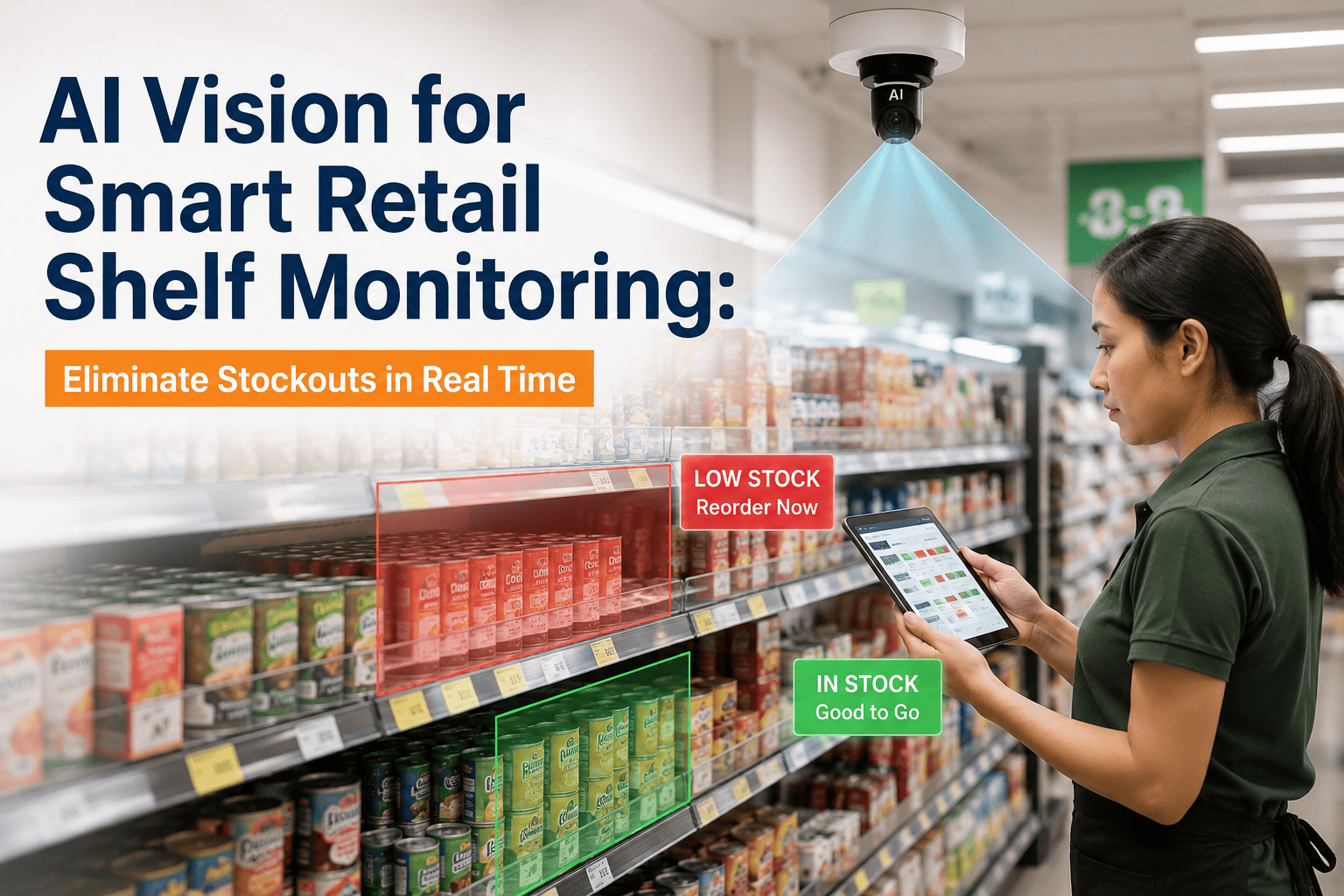
AI cameras scan every aisle continuously, flagging empty facings, misplaced products, and pricing errors the moment they happen — not on the next scheduled walk.
What an Invisible Empty Shelf Actually Costs
Stockouts rarely show up in a weekly report until the revenue is already gone. These are the numbers retail operators are working against right now.
average real-world out-of-stock rate across FMCG retail, more than double what most category managers assume
lost globally each year to inventory distortion — stockouts and overstocks combined — according to IHL Group
typical frequency of manual shelf checks, leaving most gaps unnoticed for days at a time
of shoppers who abandon a search over a stockout never return to buy that item, even after restock
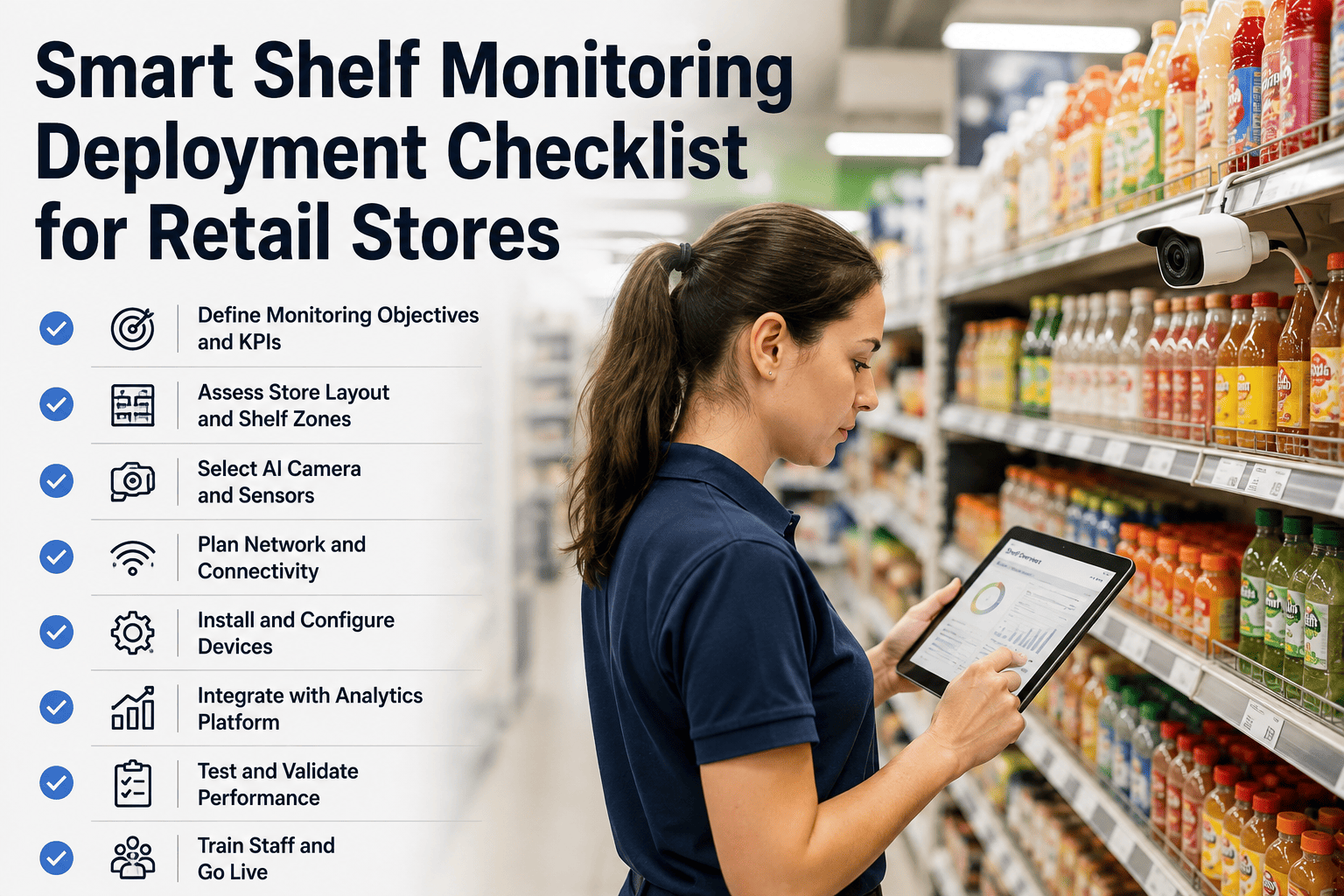
From Empty Shelf to Restocked Shelf: How the Detection Loop Works
The system does not replace your store associates — it removes the guesswork of when and where to look.
Continuous shelf capture
Fixed or mobile cameras image every aisle on a rolling cycle, far more often than any human walk-through schedule allows.
Computer vision analysis
The AI reads shelf images against your planogram, identifying empty facings, low stock, misplaced SKUs, and label mismatches.
Instant staff alert
A flagged gap routes directly to the nearest available associate's device with aisle, shelf position, and SKU already identified.
Verified restock
Once the shelf is refilled, the next scan cycle confirms the fix automatically, closing the loop without a manual check-off.
See Your Own Store Floor Mapped for Blind Spots
iFactory can walk through your current planogram and store layout to show exactly where stockouts are most likely forming undetected right now.
Manual Walks vs. Continuous AI Monitoring
The gap between scheduled human checks and always-on computer vision is where most lost sales quietly accumulate.
- Checked once or twice a week per aisle at most
- Relies entirely on associate memory and attention
- Empty facings can sit unnoticed for days
- No historical record of when a gap actually started
- Pricing and label errors caught only by chance
- Every aisle scanned on a continuous rolling cycle
- Detection runs independent of staff workload or shift
- Alerts fire within minutes of a shelf going empty
- Full timestamped history of every gap and restock
- Pricing and label mismatches flagged automatically
What the AI Is Actually Watching For
On-shelf availability is not just about empty space — it is about anything that stands between a shopper and the product they came for.
Empty or low facings
Detects when facing count drops below planogram minimums, not just total absence, so restocking happens before the shelf looks bare.
Misplaced products
Flags items sitting in the wrong section, which quietly erodes both sales and planogram compliance without ever registering as a stockout.
Price and label mismatch
Catches incorrect or missing shelf tags that create checkout disputes and compliance risk long before a customer or auditor spots them.
Planogram drift
Tracks how far a shelf's actual layout has drifted from the approved planogram over time, not just at a single audit snapshot.
Detection Speed by Store Format
Scan frequency and alert routing should match how fast a category actually moves. Use this as a starting benchmark for rollout planning.
An Operations Director's View From the Floor
Before this, our shelf audits were a Tuesday and Friday task — by the time someone walked the aisle, an empty facing could have been sitting there since Wednesday morning. Once we had continuous scanning running, the alerts started catching gaps within the same hour they opened. We stopped losing entire promo weekends to a shelf nobody happened to check, and staff stopped wasting time walking aisles that were already full.
faster shelf scanning versus manual associate walk-throughs
typical reduction in out-of-stock rate after continuous monitoring rollout
more productive shelf checks compared to unaided human scanning
Frequently Asked Questions
Does this replace store associates or reduce headcount?
No. The purpose is to remove the guesswork of deciding when and where to walk an aisle, not to replace the people who restock shelves and help customers. Associates still perform the physical restock, price correction, and customer-facing work — the AI simply tells them exactly where to go and what to fix, cutting wasted time spent walking aisles that are already fully stocked. Retailers running this technology today have been explicit that headcount is not the target of the rollout.
How accurate is computer vision at detecting an empty shelf versus a display change?
The system is trained against your specific planogram data, so it distinguishes an intentional display change from an actual stockout by comparing current shelf state to the approved layout and expected facing counts. Accuracy improves over the first few weeks of deployment as the model learns store-specific lighting, fixture types, and seasonal reset patterns. Most deployments reach high reliability well within the first month, with false alerts continuing to drop as the model accumulates more store-specific image history.
What hardware is required to get started?
Depending on store layout, this runs on fixed aisle-end cameras, mobile scanning units, or a combination of both, so the rollout can match existing store infrastructure rather than requiring a full renovation. Most implementations begin with a pilot zone covering a handful of high-velocity aisles before expanding store-wide. Book a demo to walk through the hardware options that fit your store footprint.
Can this integrate with our existing planogram and inventory systems?
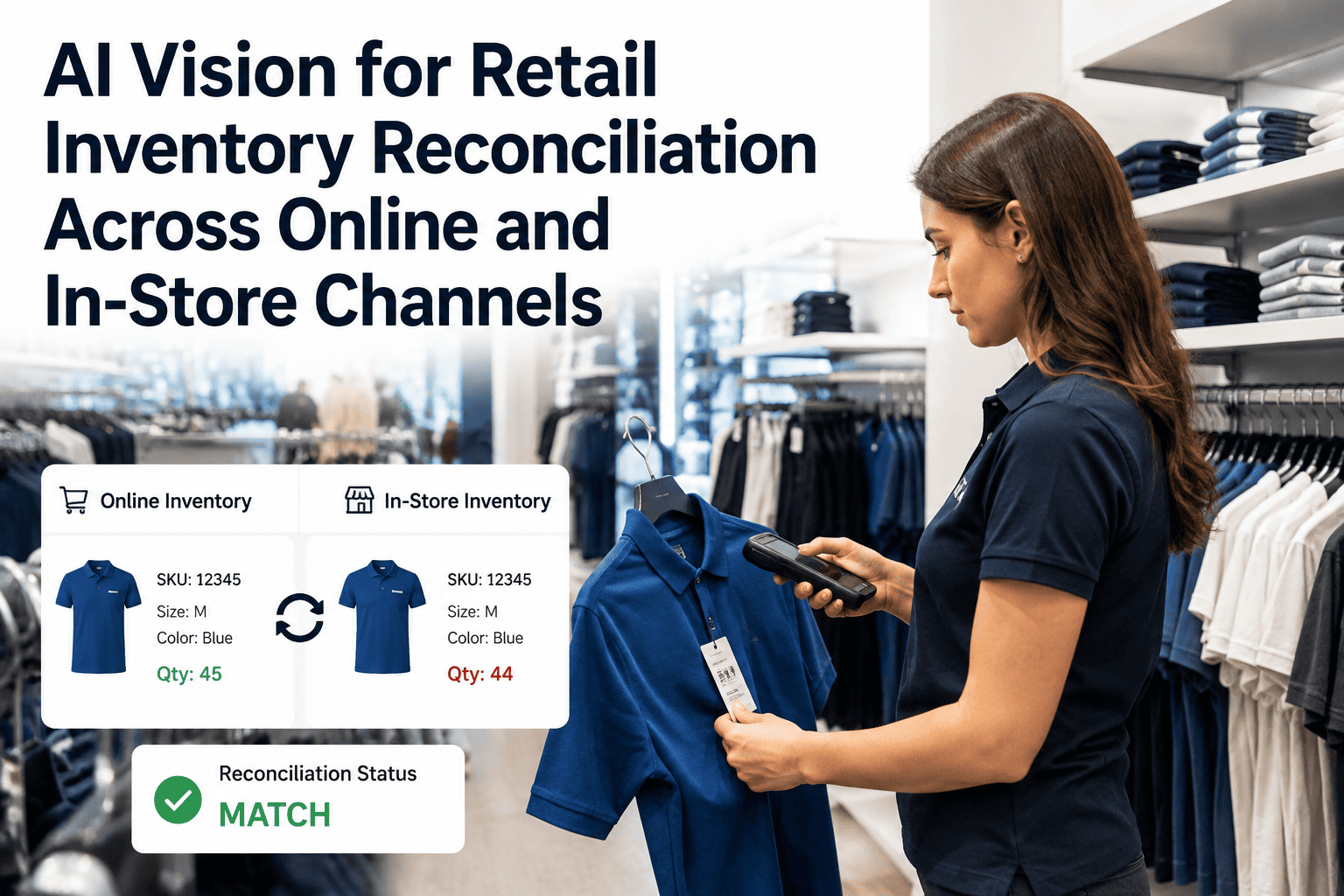
Yes. The AI layer is built to ingest existing planogram files and connect with inventory management systems already in place, so store teams are not asked to maintain a second, separate source of truth. Alerts and shelf-state data can also feed back into replenishment and demand forecasting tools for a fuller picture of on-shelf availability across the chain. Talk to a specialist about connecting your current systems.
How long does a pilot rollout typically take?
A single-store or single-zone pilot can typically be live within a few weeks of kickoff, covering camera or scanner installation, planogram calibration, and staff alert routing setup. Multi-store rollouts scale from there based on store count and layout complexity, with each additional location benefiting from lessons learned during the initial pilot phase.
The Business Case: What Closing the Gap Is Worth
Faster detection does not just look better on a dashboard — it changes real revenue, labor, and compliance numbers across a store or a chain.
Recovered sales
Out-of-stocks cost retailers an estimated 4 to 8 percent of annual sales. Cutting detection time from days to minutes recovers a meaningful share of that loss without adding a single SKU to inventory.
Labor reallocation
Associates stop walking aisles that are already fully stocked and instead go straight to the shelf that needs attention, freeing hours back for customer-facing work on the floor.
Promotional protection
Promo and endcap displays are the most expensive place to run out, since marketing spend is already committed. Continuous monitoring protects that spend by catching gaps during the promo window, not after it closes.
Audit and compliance readiness
A timestamped record of every detected gap and restock gives category managers and compliance teams verifiable planogram adherence data instead of a once-a-quarter manual snapshot.
Rolling Out Across a Multi-Store Chain
A single pilot store proves the concept. Scaling it across a chain is where the real revenue recovery shows up, and it does not have to happen all at once.
Pilot zone selection
Start with the highest-velocity aisles in one or two stores, where a stockout is most costly and most visible, to generate a fast, measurable result.
Planogram calibration
The model is tuned against each store's actual fixtures, lighting, and layout so detection accuracy is store-specific from day one rather than a generic average.
Staff workflow integration
Alert routing is mapped to how each store actually assigns restock tasks, whether that is a single associate device, a department queue, or a manager dashboard.
Chain-wide expansion
Once pilot results are validated, rollout extends store by store using the same calibration playbook, with each new location benefiting from lessons already learned.
See What Your Shelves Are Missing Right Now
Book a 30-minute walkthrough. iFactory will map a pilot zone against your current store layout and show what continuous shelf monitoring would catch in your first week.