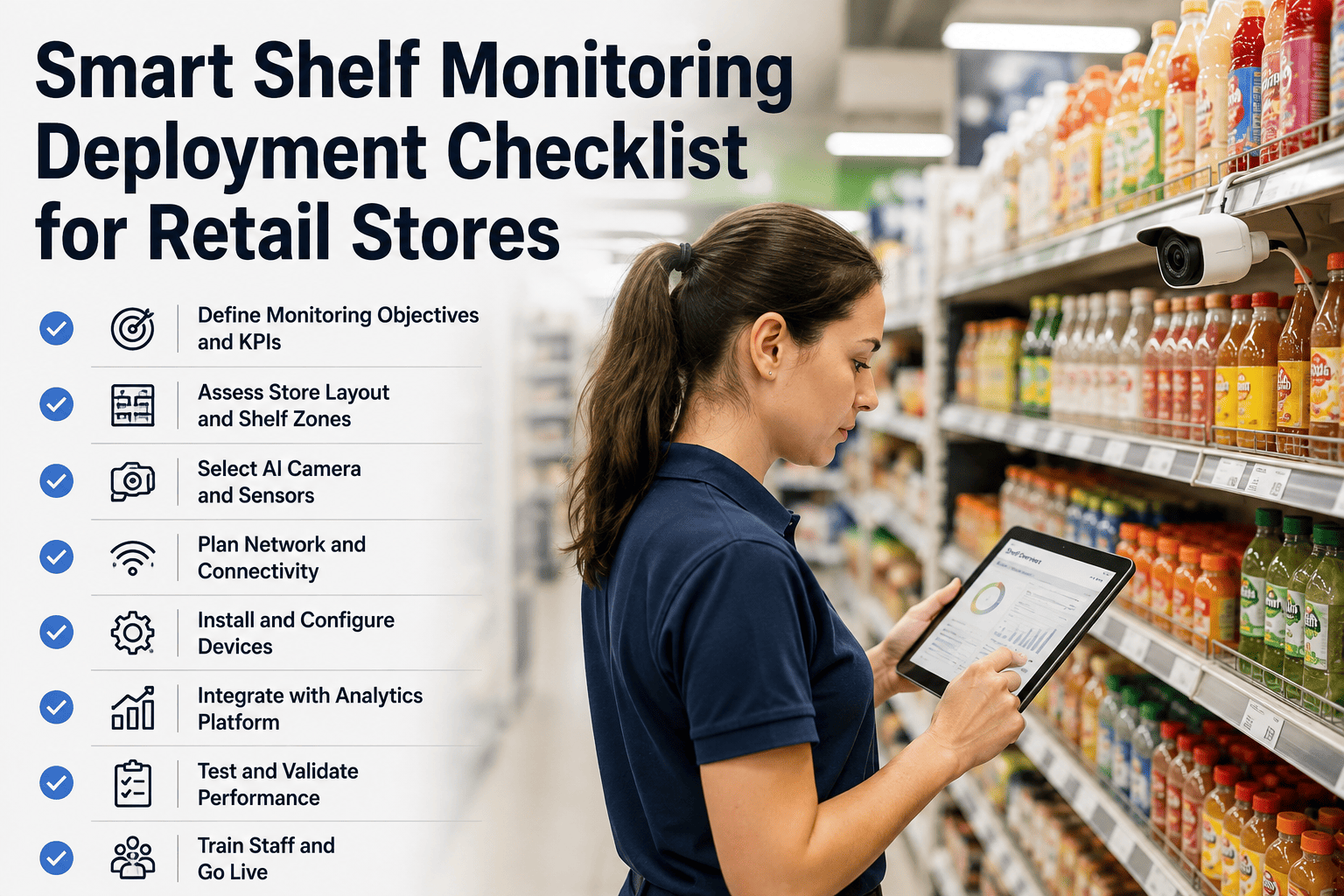
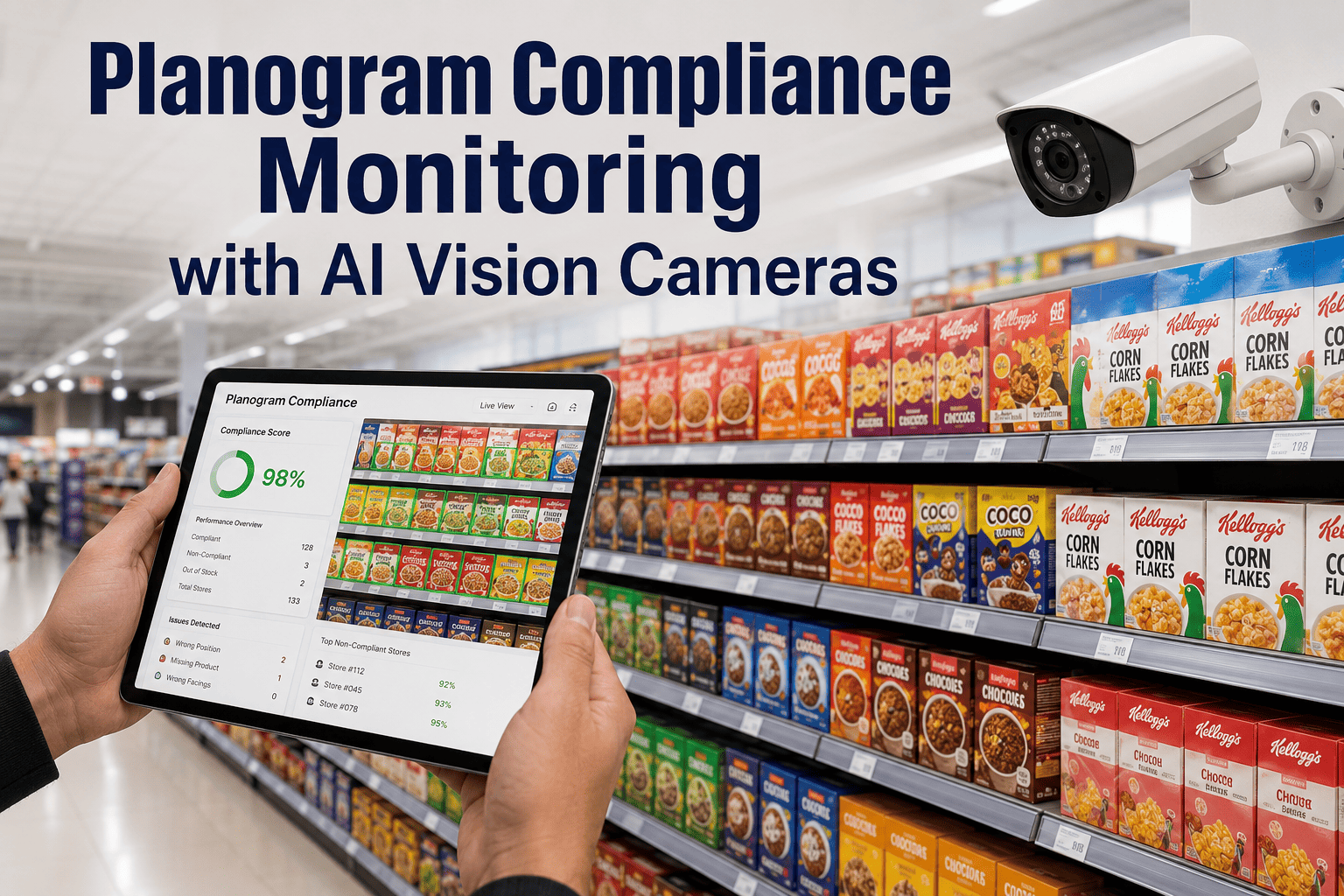
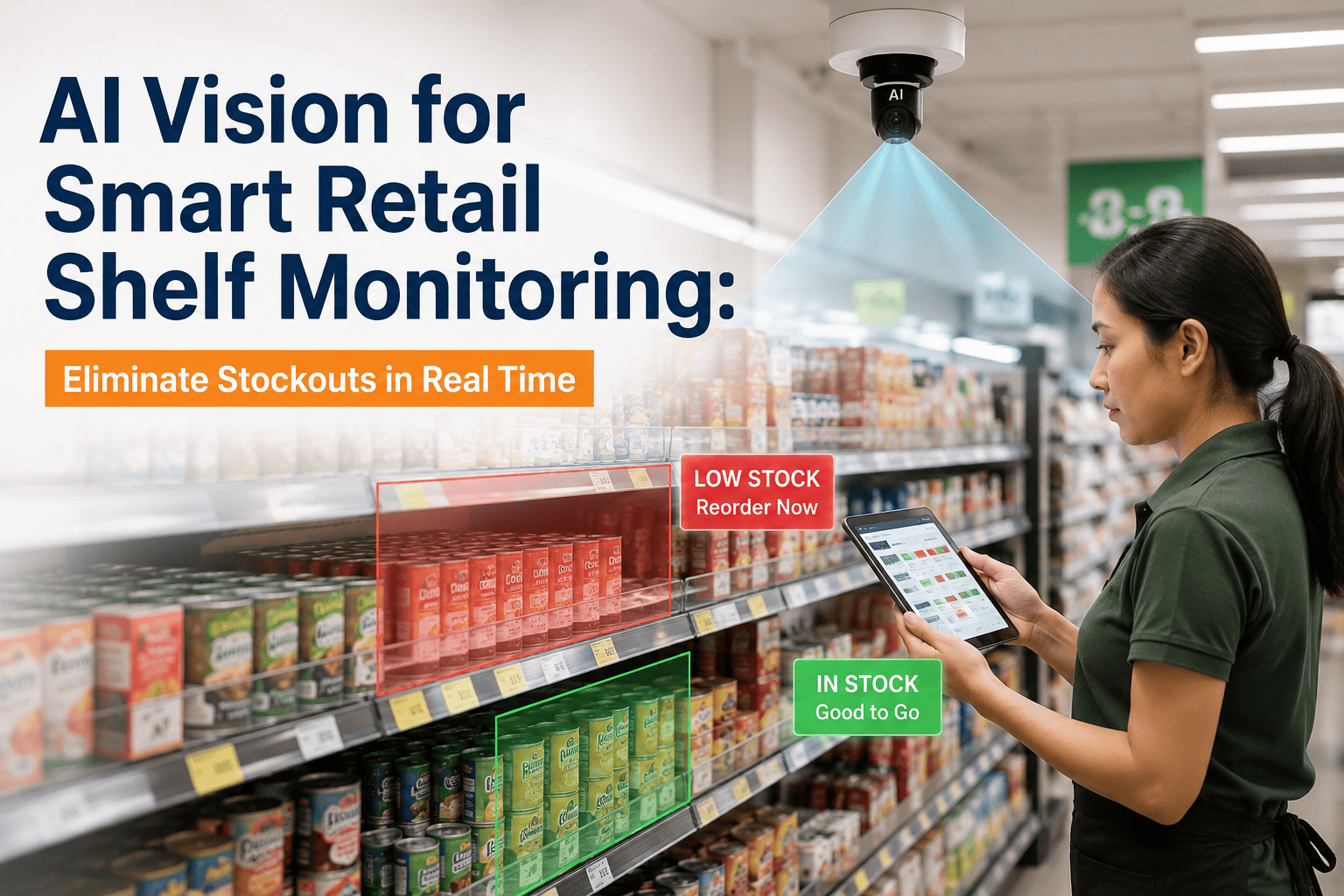
An out-of-stock shelf costs a store roughly the same whether it stays empty for twenty minutes or two hours — the customer who walked past it already decided you did not have what they came for. The gap between those two outcomes is not the technology on the shelf. It is the deployment discipline behind it: whether the camera actually sees the shelf edge, whether the planogram data matches what merchandising ships weekly, whether the alert reaches the associate closest to the aisle, and whether the store team was ever trained to trust it. This 50-point checklist walks through every phase of a defensible smart shelf monitoring rollout, from the first aisle survey through the go-live gate that decides whether it becomes a real operational tool or a dashboard nobody opens. If you want a walkthrough against your specific store format, you can book a deployment planning call with our retail vision team.
Smart Retail · 50-Point Deployment Checklist
Smart Shelf Monitoring Deployment Checklist For Retail Stores
50 checkpoints across seven phases — aisle-level camera placement, planogram data integration, alert routing to associates, baseline capture, staff training, and performance validation before the system becomes the layer your operators trust every shift.
What Is At Stake On A Retail Shelf
Shelf execution is one of the most measurable margins in modern retail, and it is one of the most consistently under-managed. An out-of-stock event that lasts a shift instead of an hour is a lost basket, a lost trip, and often a lost loyalty moment that shows up in next quarter's category performance without ever being attributed to the empty facing that caused it. Every deployment in this checklist exists to close that gap between "the shelf is wrong" and "someone knows the shelf is wrong."
60-70%
Reduction in out-of-stock event duration on deployed aisles
90%+
Planogram compliance rate versus manual-audit baselines
40-60%
Reduction in labor spent on manual shelf audits
Minutes
Time from empty facing detected to associate notified
How This 50-Point Checklist Is Organized
The 50 checkpoints are split across seven phases that mirror the actual rollout sequence in a live store. Phase 1 covers the pre-install aisle survey. Phase 2 covers camera placement per shelf and per aisle geometry. Phase 3 covers the planogram data pipeline. Phase 4 covers alert routing to the associate closest to the fix. Phase 5 covers baseline capture so the model knows what "correct" looks like in your specific store. Phase 6 covers staff training. Phase 7 covers the performance validation gate before the store is signed off. Every phase has explicit checkpoints so nothing gets deferred to memory.
01
Aisle Survey
7 checkpoints
02
Camera Placement
9 checkpoints
03
Planogram Integration
7 checkpoints
04
Alert Routing
7 checkpoints
05
Baseline Capture
6 checkpoints
06
Staff Training
7 checkpoints
07
Performance Validation
7 checkpoints
Phase 01 · Aisle Survey Checklist
Every deployment mistake that shows up in month three was almost always a survey item skipped in week one. Aisle lighting that looks fine to a shopper is often several stops too dark for a shelf-edge camera, and a mounting position that seemed clean on the store drawing turns out to be blocked by promotional signage during high-traffic weeks. The survey has to be walked in the actual store, in the actual lighting, during the actual hours the system will operate.
01Every aisle walked end to end during store hours, not from architectural drawings
02Highest-velocity SKU aisles prioritized for the first camera rollout
03Aisle length, shelf count per bay, and facing count per shelf documented
04Ambient lighting measured at shelf face, not at ceiling or walkway
05Promotional signage locations logged so cameras are not blocked seasonally
06Existing camera and cable infrastructure mapped where reuse is possible
07Store manager consulted on operational constraints before install week is scheduled
Phase 02 · Camera Placement Per Aisle Checklist
The camera placement rule that decides whether the deployment works is simple to state and easy to skip: the camera has to see every facing on every shelf it is responsible for, in the lighting it will actually operate under, without depending on a shopper not standing in the aisle. That means opposite-shelf mounting on most gondola configurations, height calibrated to shelf edge rather than ceiling, and dedicated illumination anywhere ambient lighting falls short.
08Camera mounted on opposite gondola facing the shelf it monitors, not overhead
09Field of view covers full bay width plus one facing margin on each side
10Camera height calibrated so every shelf edge is visible without occlusion
11Depth of field sufficient to keep back-of-shelf products in focus
12Dedicated shelf-edge lighting added where ambient falls below camera minimum
13Reflective surfaces tested for glare — refrigerator glass, packaging film
14Mount position tolerant of shopper occlusion — inference degrades gracefully
15Cable path routed through gondola or ceiling grid, not exposed on shopper side
16Enclosure aesthetics reviewed with store team so it fits the customer experience
Not sure whether opposite-shelf mounting fits your aisle geometry? Our retail team can walk your specific gondola layout before you specify cameras.
Store Format Coverage At A Glance
Phase 03 · Planogram Data Integration Checklist
A planogram compliance system is only as trustworthy as the planogram data it compares against. Every alert about a "misplaced product" that comes from an outdated planogram is an alert the store team learns to ignore, and once they learn to ignore alerts they will ignore the real ones too. The integration has to reflect what merchandising actually shipped this week, not the layout that was current when the pilot started.
17Current planogram source of truth identified and owned by a named person
18Planogram data feed automated — no manual export-import per store per week
19SKU master data synchronized so every product on the shelf is recognized
20Reference imagery captured for every SKU in the monitored category
21Planogram change cadence documented — weekly, seasonal, promotional resets
22Version control on planograms so compliance is measured against the right layout for the date
23Store-level exceptions supported without breaking central compliance reporting
Phase 04 · Alert Routing And Associate Response Checklist
The alert routing decision is where most deployments quietly fail. A detection sitting on a category manager's dashboard at head office does nothing for the shopper walking past an empty facing right now. Alerts have to reach the associate closest to the aisle, in the tool they already use during their shift, with enough context to fix it in a single trip. If the associate has to open three apps and check two dashboards, they will not do it, and the system will fail on adoption long before it fails on accuracy.
24Primary alert channel identified — handheld device, existing task app, headset
25Alerts routed to the associate assigned to that department, not a central pool
26Alert payload includes SKU, facing count, image, aisle, and bay location
27Severity levels defined — critical out-of-stock, low fill, misplaced product
28Acknowledgement and resolution loop closed within the alert, not on a separate log
29Escalation path defined for unaddressed alerts after a defined SLA window
30Alert volume rate-limited during shift changes and closing hours
Rolling Out Across A Multi-Store Network?
A single-store pilot is a completely different problem from a hundred-store rollout, and the checklists that keep the pilot honest are the same ones that stop the rollout from stalling on store number twelve. Our team has scoped this across regional and national retail networks and can walk your specific rollout plan against the phases in this checklist during a working session.
Phase 05 · Baseline Capture Checklist
A shelf model that has only seen the store on clean opening-day footage will not survive its first weekend restock cycle. Baseline capture is where the system learns what "correctly stocked" actually looks like in your specific store, under your specific lighting, on your specific shelving, across every shift and every day of the week. Cutting this phase short is the fastest way to end up with a system that generates constant false alerts on the days that matter most.
31Baseline footage captured across every shift, weekday, and weekend
32Post-restock condition captured so "full" is defined per shelf, not globally
33Peak traffic conditions captured with shoppers present in the aisle
34Seasonal packaging variants captured before the seasonal reset goes live
35Known out-of-stock and misplaced examples labeled for model fine-tuning
36Baseline data refreshed on a defined cadence, not one-time at commissioning
Deployment Coverage Outcomes
Per-Aisle
Camera coverage on every high-velocity SKU category
Real-Time
Alerts routed to the associate closest to the empty facing
Traceable
Every alert linked to SKU, bay, timestamp, and resolution
Phase 06 · Staff Training Checklist
Every shelf monitoring deployment that fails on adoption fails at Phase 6, not at any of the technical phases before it. Store associates and department managers are the population who will decide whether the system is treated as a tool or as background noise, and that decision is made in the first two weeks based on whether the training actually equipped them to use it. Training has to cover both what the system will do and what it explicitly will not do, so expectations are calibrated before day one.
37Store manager training completed before store associate training begins
38Department associates trained on how to receive, acknowledge, and resolve an alert
39Training covers when to trust the alert and when to flag it back to support
40System boundaries clearly explained — what it does not monitor, so nothing is assumed
41Refresher training scheduled for new hires and seasonal staff
42Escalation path clear — who to call when an alert seems wrong for two shifts in a row
43Store team recognition or KPI structure aligned so acting on alerts is rewarded
Phase 07 · Performance Validation Gate Checklist
Go-live on a shelf monitoring system is not the day the cameras start capturing. It is the day store operations agrees that the alerts are worth acting on, and that is a much higher bar. Between the two milestones is a validation phase where the system runs alongside the existing shelf audit process and its accuracy is measured against what the associates actually find when they walk the aisle. Skipping this gate is what produces a technically working system that everyone quietly ignores.
44Alerts run in parallel with manual shelf audits for a full week minimum
45True positive rate measured against physically verified shelf state
46False positive rate measured and tuned below the associate trust threshold
47Time from alert to resolution measured per aisle and per department
48Baseline planogram compliance score captured before go-live for comparison
49Store team feedback captured — did the alerts help, and were they actionable
50Handover sign-off only after one full week meeting accuracy and adoption targets
Trying to define the right accuracy targets before you commit to a rollout? Our team can share reference benchmarks from comparable store formats.
Common Deployment Mistakes To Avoid
Repurposing security CCTV instead of dedicated shelf-edge cameras
Comparing shelf state against a planogram that merchandising last updated two seasons ago
Sending every alert to a central operations pool nobody physically walks the store
Skipping baseline capture and going live on model defaults that never saw your store
Training the store manager but not the department associates who will actually act
Rolling out to a hundred stores after a pilot in one atypical flagship location
Ignoring the false positive rate until associates have already tuned the system out
Frequently Asked Questions
Can we reuse existing security CCTV cameras for shelf monitoring?
Not reliably, and this is one of the most common early-stage mistakes in retail vision deployments. Security cameras are mounted for wide-angle coverage of aisles and entrances, not for a clean look at shelf edges with every facing visible, and their resolution and angle almost never resolve individual SKUs at the depth of shelf a compliance model needs. Dedicated shelf-edge cameras mounted opposite the gondola are the standard because they capture the specific angle, distance, and field of view the model was trained on. If you want to see the difference in real captured footage from both approaches, our team can walk it in a
demo session.
How many cameras does a typical store deployment start with?
Camera count is driven by the number of high-velocity aisles you want to monitor rather than total store footprint, and most retailers begin with the categories where out-of-stocks are most expensive — beverages, dairy, snacks, tobacco compliance, promotional end-caps. A large-format grocery pilot typically starts with two to four aisles covered by four to eight cameras, expands to a full category once the operating model is proven, and then rolls out format-wide across the chain. Convenience and specialty formats tend to start with a single high-margin category rather than aisle-wide coverage.
What happens if our planogram data is not clean or not up to date?
This is the single most common blocker in retail vision rollouts, and it is one of the most solvable — but it has to be addressed before go-live rather than during it. Stale planograms cause the system to flag correctly stocked shelves as non-compliant, which erodes associate trust faster than any other failure mode. The Phase 3 checkpoints in this checklist exist specifically to catch this: identify the source of truth, automate the feed, version-control the layouts. If planogram governance is a known weak spot,
talk to our team before starting the rollout so we can scope the data work into the deployment plan.
Will associates actually act on the alerts, or will they be ignored like most retail tech?
Adoption depends almost entirely on Phases 4 and 6 of this checklist — alerts routed into the tool associates already use during their shift, with enough context to fix the issue in a single trip, and training that calibrates expectations before day one. Deployments that skip either of these end up with the classic pattern of a working system nobody looks at. Deployments that get both right typically see acknowledgement rates above 85 percent within the first month, and the shelf-level KPIs move accordingly. If you want the specific tactics that drive that outcome, our team can share what has worked in comparable formats.
How long does a full deployment take from survey to signed-off go-live?
A single-store deployment typically runs six to ten weeks from initial aisle survey to formal handover, split across roughly one week of survey and planning, two to four weeks of camera installation and network setup, two weeks of planogram integration and baseline capture, and one to two weeks of parallel validation before sign-off. Multi-store rollouts stagger site by site so the first stores are validated before later stores enter install week, and lessons from the first three or four sites feed into the standard install runbook for the rest. Book a
planning call if you want a scoped timeline against your specific format.
Turn This Checklist Into A Working Shelf Monitoring Program
Our retail vision team can walk this entire 50-point checklist against your specific stores, categories, and planogram governance model — starting with a free deployment review that maps aisle-level camera placement, alert routing, and validation targets against your operating environment before any hardware ships. Six to ten weeks from survey to a store your associates actually trust the alerts on.