Integrating AI Video Analytics with WMS for Automated Exception Handling
By Johnson on July 29, 2026
Every warehouse operations lead has lived the same story: the WMS says 240 units of SKU 8842 are in slot B-14-C, the picker walks up and finds an empty pallet position with two crushed cartons sitting sideways in the next slot down. The system is confident. Reality disagrees. Someone opens an exception ticket, and by the time it clears three days later the cycle count is already stale again. Inventory accuracy is not a data problem — it is a reconciliation problem, and the gap between what the WMS believes and what is physically in the racks is where operational cost lives. AI vision closes that gap in real time by watching what actually happens on the floor and writing corrections back to the WMS the moment reality diverges from the record. See how iFactory's vision-to-WMS integration layer works on live warehouse operations.
iFactory Vision + WMS Integration
When Your Cameras Talk To Your WMS, Exceptions Fix Themselves
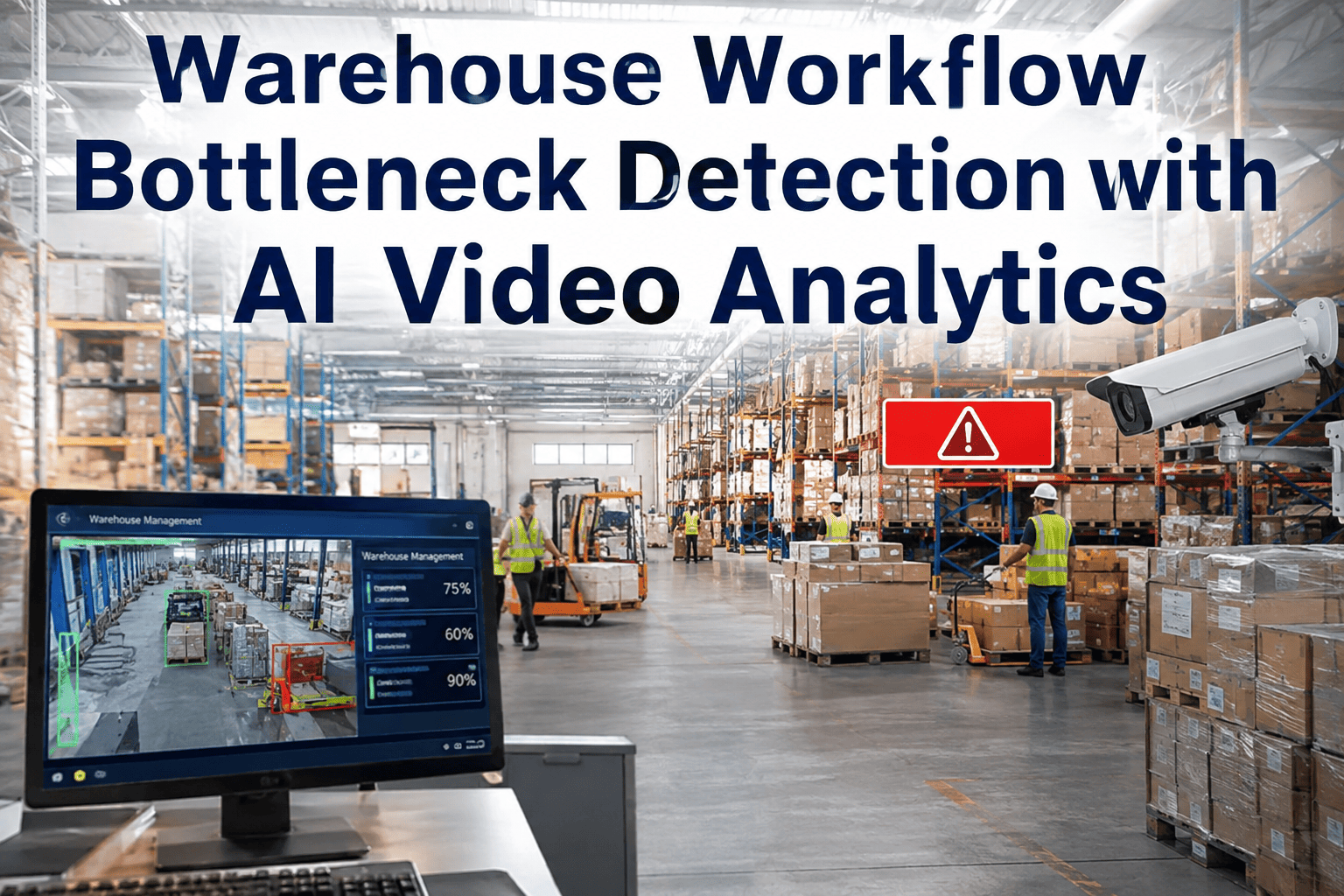
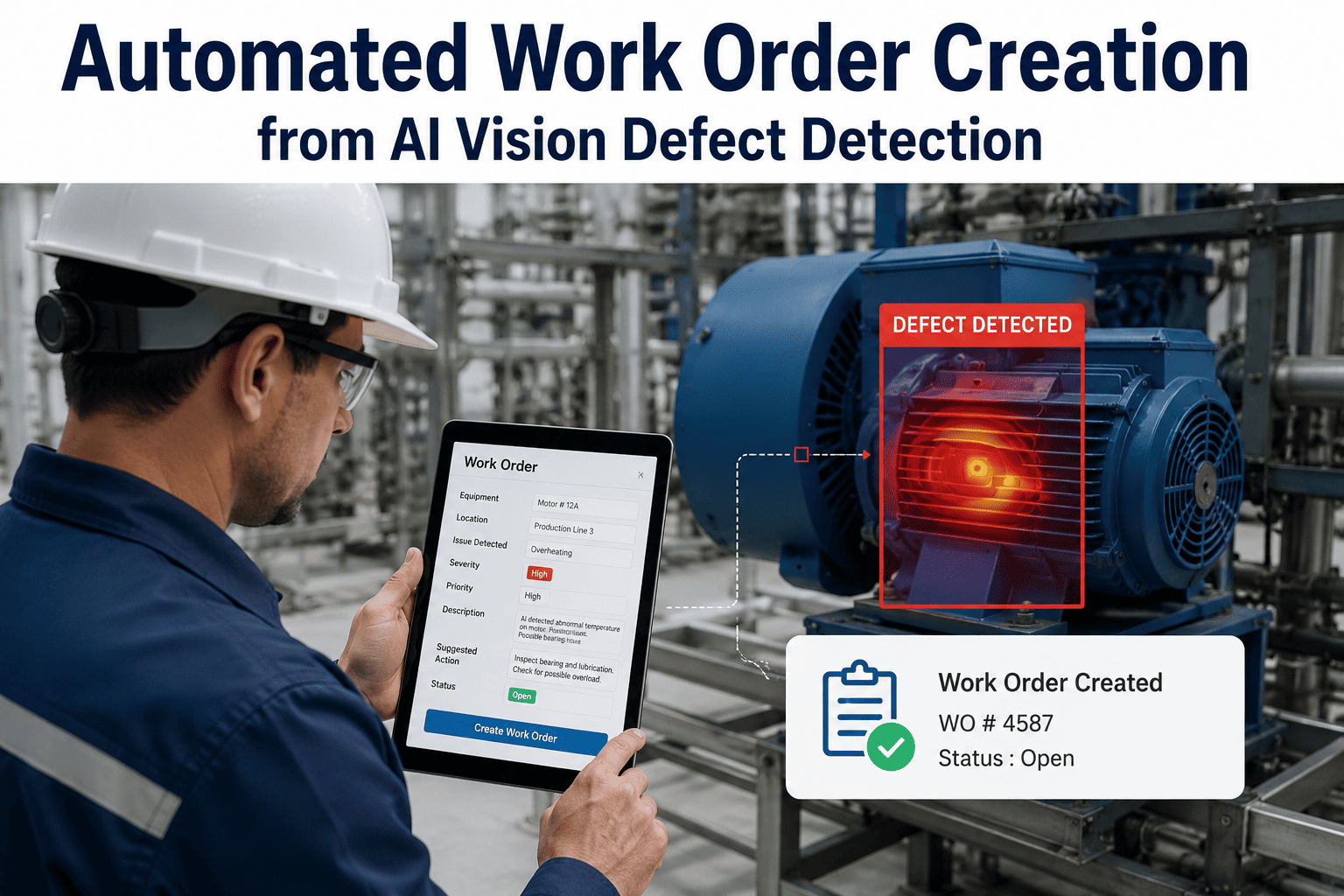
AI video analytics detect inventory discrepancies as they happen — misplaced items, wrong slots, damaged goods, missing pallets — and push automated corrections and evidence-backed exceptions directly into your warehouse management system without manual tickets.
The Inventory Accuracy Gap Nobody Wants to Measure
Every operations leader knows their WMS reported inventory accuracy is not the same as their actual inventory accuracy — the gap between them is the reason cycle counting exists as a permanent operational function rather than a one-time cleanup exercise. In practice, that gap is where damaged product hides, misplaced pallets sit unrecovered, and putaway errors from three shifts ago quietly become tomorrow's short-shipment.
Traditional exception handling was built for a world where the WMS was the only system that had a view of the racks, so every reconciliation had to run through cycle counts, physical audits, or a walkie call from the picker at the pick face. Vision integration changes the math on that entirely — because if a camera can see the slot, and the vision layer can compare the observed state to the WMS record in real time, then the exception no longer needs to wait for a human to discover it during a count.
Reported Accuracy
98-99%
what the WMS believes it holds against transaction records and cycle counts
Physical Reality
85-92%
what a full wall-to-wall physical audit typically reveals in mid-size DCs
Weekly Exception Tickets
300-800
for a mid-size DC, most opened and closed manually across multiple systems
Average Resolution Time
18-36 hrs
from ticket open to reconciled and closed against the WMS record
Nine Exception Types That Now Handle Themselves
Not every warehouse exception is a good fit for automated handling — some genuinely require human judgment on the floor, and forcing automation on those creates more problems than it solves. But the nine categories below represent the exceptions that show up on almost every mid-size DC shift and that are highly repeatable, visually detectable, and structurally suited to auto-updating the WMS with photo evidence attached. These are the categories where vision integration produces immediate operational relief on day one of a deployment.
01
Wrong Slot Putaway
Pallet placed in a slot different from the one the WMS directed the operator to. Vision confirms the actual slot at the moment of placement and writes a location correction back to the WMS with photo evidence — no ticket, no radio call.
02
Damaged Product on Arrival
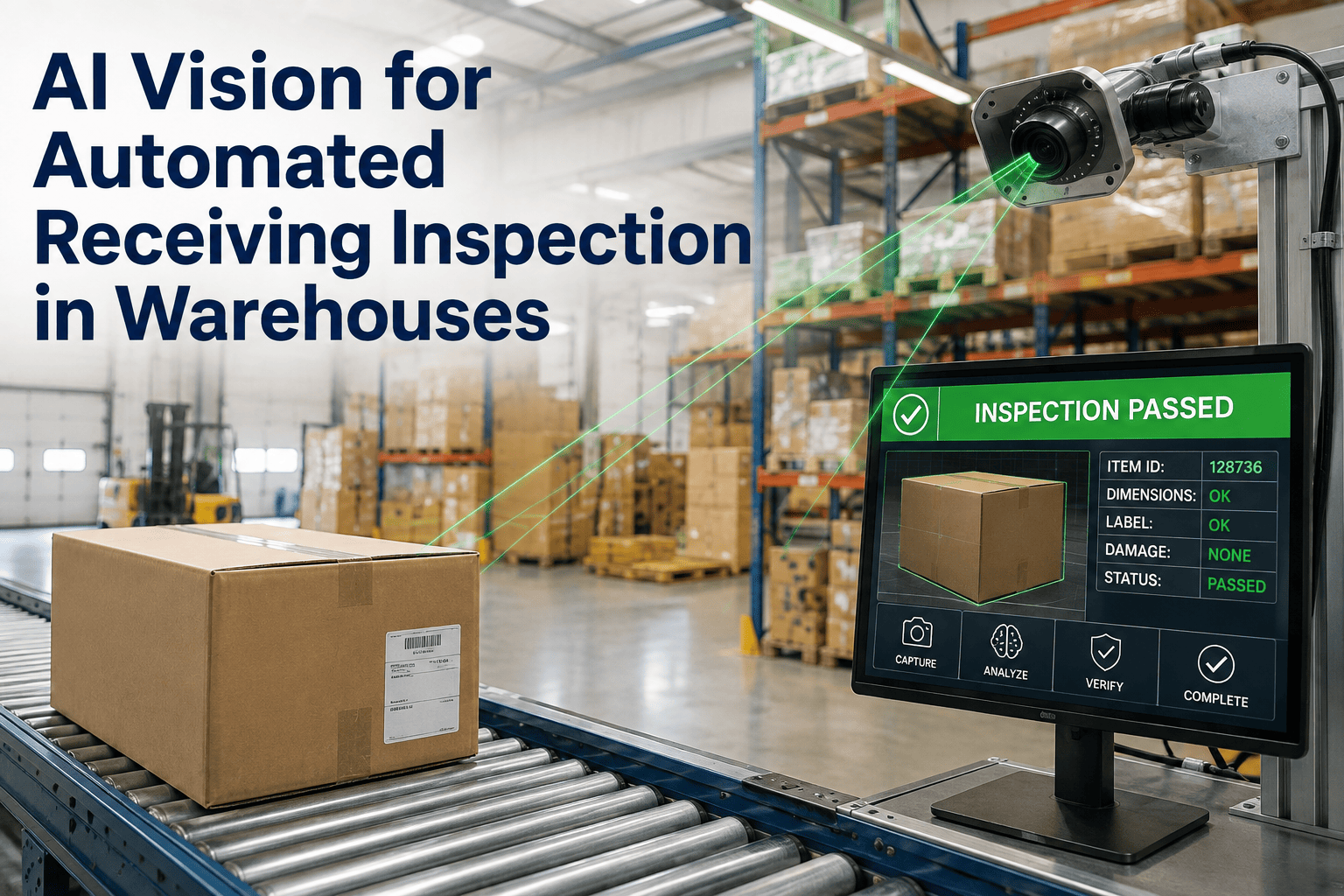
Cartons or units with visible damage identified during unload or putaway. Vision flags the damage class, creates the quality hold in the WMS, attaches images, and routes to the QA queue for disposition without waiting for a human to notice.
03
Slot Occupancy Discrepancy
WMS shows the slot as full but the camera sees empty, or the reverse. Auto-reconciliation runs the correction cycle without opening a ticket, treating the observed state as the source of truth once verified across multiple frames.
04
Case-Count Mismatch
Pallets arriving with fewer or more cases than the ASN and PO indicate. Vision counts cases at unload and creates the receiving variance record automatically, sending the count discrepancy to buying without manual entry.
05
Wrong SKU in Slot
Vision reads the carton or unit against the SKU the WMS expects in that location. Mixed-SKU slots and product substitutions are caught before they turn into short-shipments or mis-picks on the next wave.
06
Missing Pallet at Pick Face
Pick face reserve position shows empty when the WMS says it should hold inventory. Auto-triggered replenishment task is sent to the WMS with the priority level scaled to how many pending picks depend on that slot.
07
Expired or Aged Inventory
Date-coded product visible on cartons flagged when observed inventory ages past the FEFO threshold. WMS receives an aged-inventory alert with location, quantity, and photo evidence for the pull cycle.
08
Wrapped and Banded Load Failures
Loose banding, torn wrap, or missing corner boards observed during storage or restaging. WMS creates the rework task automatically with the failure category attached, so the load is re-secured before it reaches the outbound door.
09
Rack Damage and Slot Blockage
Damaged uprights, bent beams, and obstructed slots identified during forklift traffic. WMS gets a location block record so no slotting engine will assign work to the impaired location until maintenance clears it.
The Vision-to-WMS Integration Architecture
The integration architecture between the vision layer and the WMS is what determines whether this works or fails, and it is the least-discussed piece of most vision deployment marketing. Two vision platforms with identical detection quality can produce completely different operational outcomes depending on how their event stream is delivered to the WMS, how transactions are constructed, and how conflicts are resolved when the vision layer and the WMS disagree on state.
How Vision Events Become WMS Transactions
The Five-Stage Automated Exception Loop
What actually happens between a vision event and a resolved WMS record is a five-stage loop that runs in seconds for most exception types, with the loop closing automatically for the majority of events and escalating to a human reviewer only when confidence scores fall below a category-specific threshold. The design principle is simple: the human touches only the exceptions where judgment genuinely adds value, and the system handles the rest without opening a ticket that someone has to close.
01
Detect
Vision model identifies the exception, captures the frame, and packages the evidence with location, timestamp, and pallet or SKU identification attached.
02
Score
Confidence and severity are calculated. High-confidence events trigger auto-correction; borderline events route to a lightweight human review queue on desktop or mobile.
03
Translate
The event is converted into the appropriate WMS transaction — location adjustment, quality hold, replenishment task, or receiving variance — matched to the target system's API format.
04
Post
Transaction is written to the WMS through the standard integration bus, with retry logic and queueing handled by the integration layer so no event is dropped in transit.
05
Log
The full event chain is logged with vision evidence, transaction ID, and outcome for later audit, dispute resolution, and monthly accuracy reporting.
Want to see this loop running against a live WMS instance? Book a walkthrough with our integration team.
Compatibility Across the Major WMS Platforms
WMS integration is a solved problem for the major platforms — the vision layer connects through the standard integration surfaces published by the WMS vendor rather than requiring custom database access or vendor-specific back-channel modifications. That means integration timelines are measured in weeks rather than quarters, and it means the vision layer moves with your operation if you migrate WMS platforms in the future without a full rebuild.
WMS Category
Integration Surface
Typical Integration Time
Certification Status
Tier-1 enterprise WMS (Manhattan, Blue Yonder, Oracle, SAP EWM)
Automation without a human review path is where most vision-plus-WMS integration projects earn their bad reputation. Any system that auto-corrects the WMS based on model output alone will eventually push a bad correction based on a confidently-wrong detection, and the recovery from that single event is often severe enough to make the operations team turn the whole integration off. The three-tier confidence model below is what prevents that failure mode — it gives the system freedom to act on the high-confidence detections that make up the majority of events, while routing the borderline cases through a lightweight review queue that a supervisor or lead can clear in under a minute per event.
Tier 1
High Confidence
90%+ score
Auto-corrected directly to WMS with photo evidence attached. Represents roughly 70-80% of daily event volume and takes zero shift labor to process.
Action: Auto-post
Tier 2
Medium Confidence
65-90% score
Routed to a mobile or desktop review queue with pre-populated correction ready for one-tap approval by the shift supervisor or lead operator.
Action: One-tap review
Tier 3
Low Confidence
Under 65% score
Held in a review queue that feeds the model tuning process. Not posted to the WMS but preserved as training input for the next model refinement cycle.
Action: Model tuning
Not sure where your operation should draw the tier thresholds? Talk to our team about tuning them to your specific accuracy targets.
The Operational Impact After Deployment
The results below reflect what mid-size distribution centers typically measure across the first twelve months after a vision-to-WMS integration goes live. The specific numbers depend on baseline accuracy, exception volume, and how aggressively the operation uses the integration to shift labor away from reconciliation work — but the direction is consistent across grocery, retail, industrial, and cold-chain deployments, and the payback horizon typically lands well inside the first year.
70-85%
Reduction in Manual Exception Tickets
The exceptions that used to open, route, and close by hand now handle themselves. What remains for the operations team is the small share of genuinely ambiguous cases where human judgment matters.
92-98%
Physical Inventory Accuracy
Continuous vision reconciliation closes the gap between reported accuracy and physical reality, so the WMS record and the racks actually agree at any point in the shift.
4-6x
Faster Exception Resolution
Exceptions that clear automatically resolve in seconds. The ones that route to review clear in under a minute with pre-populated corrections and photo evidence attached.
50-65%
Reduction in Cycle Count Labor
Continuous vision-based reconciliation replaces most of the recurring cycle count workload, freeing labor for higher-value work and shrinking the count schedule to exception-driven verification.
Frequently Asked Questions
Which WMS platforms does the integration currently support?
Production-certified integrations exist for the tier-one enterprise WMS platforms including Manhattan, Blue Yonder, Oracle Cloud WMS, and SAP EWM, as well as the mid-market platforms like HighJump, Softeon, Tecsys, and Infor, and cloud-native platforms like Fishbowl, ShipHero, Extensiv, and Deposco. ERP-embedded WMS environments such as NetSuite and Dynamics are also supported through their standard APIs. For legacy or homegrown WMS platforms, a custom adapter approach is available and the effort is scoped during the initial site assessment. Reach out to our integration team to confirm the certification level for your specific WMS version and configuration.
What happens if the vision layer and the WMS disagree on state?
Conflict resolution is one of the core responsibilities of the integration bus rather than a downstream problem for the WMS or the vision layer to solve on their own. For high-confidence vision events that contradict the WMS record, the integration layer treats the observed physical state as the source of truth and writes the correction with full audit trail attached. For lower-confidence events, the conflict routes to human review before any WMS transaction is posted. This design prevents the two most common failure modes: silent overrides that operations teams cannot audit, and infinite ping-pong corrections when two systems keep disagreeing about the same slot. Book a walkthrough to see exactly how conflicts are handled for your specific scenarios.
Do we need to modify our WMS configuration to make this work?
In most deployments, no significant WMS configuration changes are required, because the integration works through the standard transaction interfaces the WMS already publishes for external systems. Some operations choose to add a small number of custom exception codes or reason codes in the WMS to distinguish vision-generated adjustments from manually entered ones for reporting purposes, but even that is optional and can be added later if the operation wants clearer trend analysis on the automated event stream. The design intent is to keep the WMS side of the integration as light as possible so future WMS upgrades and version changes do not disrupt the vision layer. Talk to our integration team to walk through the specific configuration considerations for your WMS version.
How do you audit what the automation actually did on our behalf?
Every automated transaction posted to the WMS carries a full audit chain including the source vision event, the confidence score, the timestamp, the model version, and the specific frames or images that triggered the detection. That audit chain is searchable by pallet ID, SKU, location, time window, event type, and operator, and it remains available for as long as your retention policy specifies. In practice, this makes the vision-driven transactions more auditable than manually entered adjustments, because manual adjustments typically capture only the operator ID and a free-text reason code without the underlying visual evidence. During compliance reviews and internal audits, this evidence chain is often the strongest justification for the deployment. Reach out to see a working audit view from a live deployment.
What is the typical integration timeline for a mid-size DC?
For a mid-size distribution center with a tier-one or mid-market WMS platform in reasonable condition and an existing IP camera network, a typical full integration takes 8 to 12 weeks from contract to live automated exception handling on the first set of exception categories. That timeline includes site assessment, edge compute install, model tuning for your specific pallet types and slot configurations, WMS integration testing in a non-production environment, and a pilot period before cutover. Additional exception categories can be added incrementally after the initial go-live without redoing the base integration work. Book a walkthrough for a timeline scoped to your specific WMS and facility.
Close the Loop Between What You See and What Your WMS Knows.
See Vision + WMS Integration Running on Your Own Operation
Share a sample WMS transaction extract and a few clips from your pick face or receiving door. We will show what the integration would auto-post, what it would route to review, and what it would flag for tuning — no site visit needed to start.