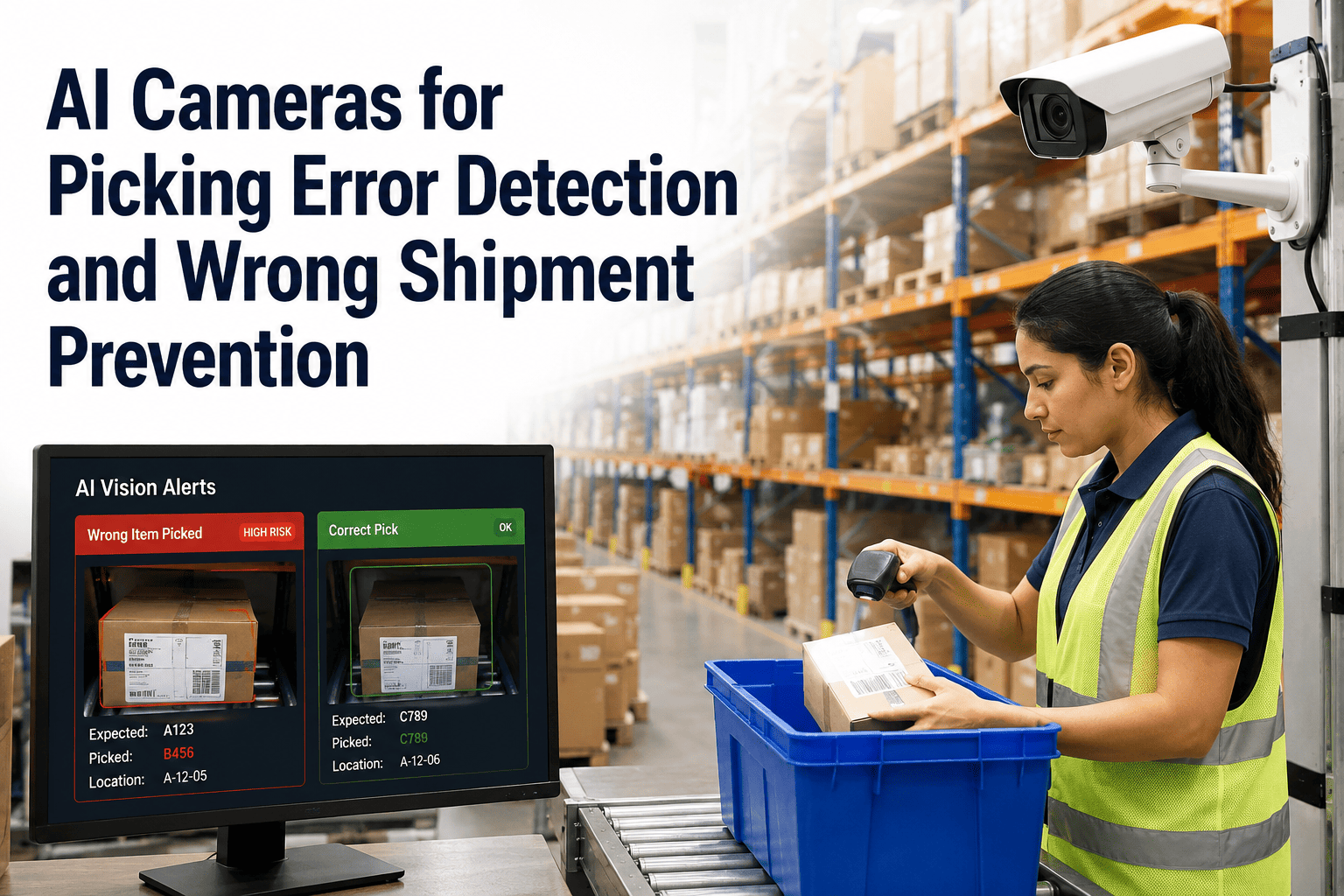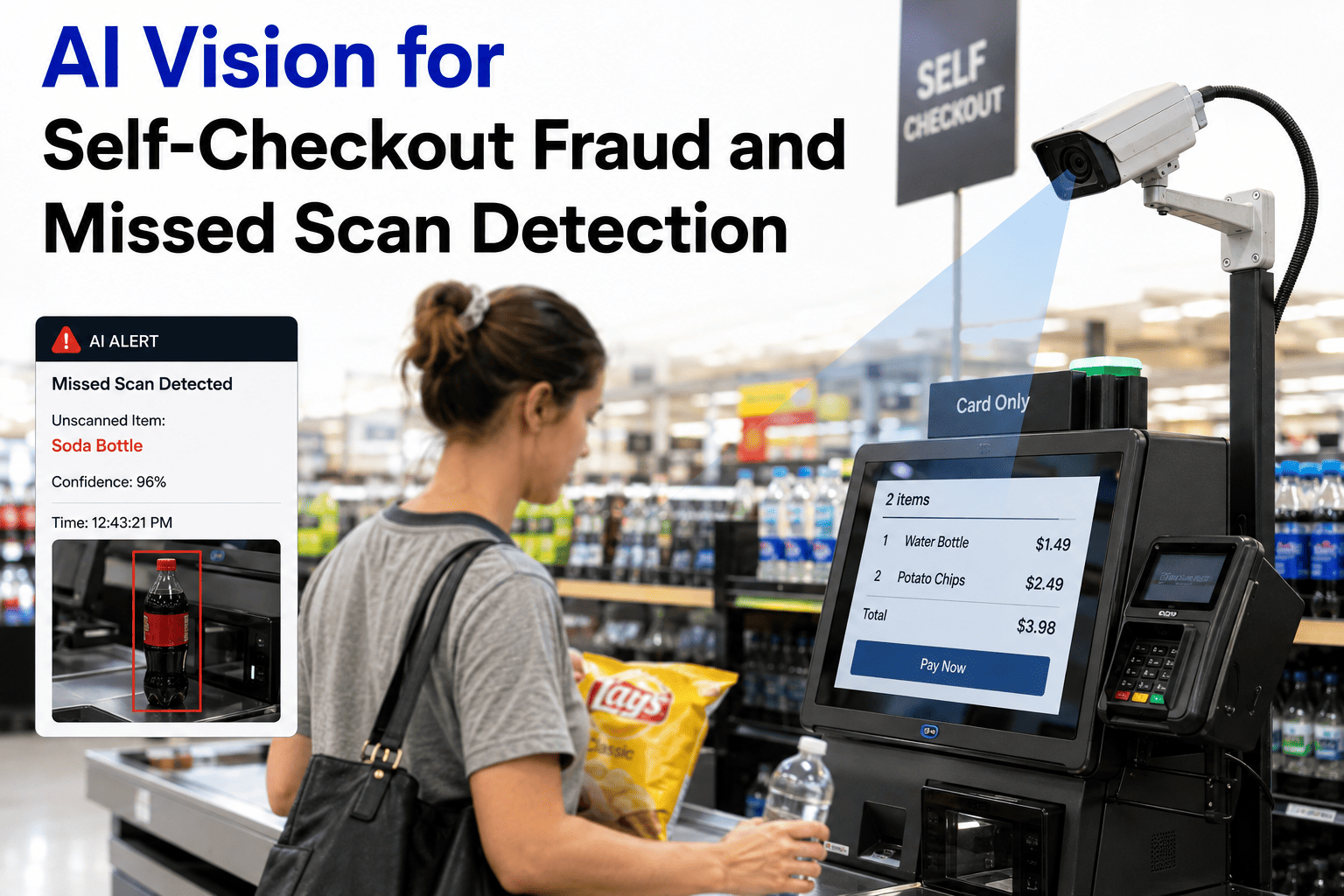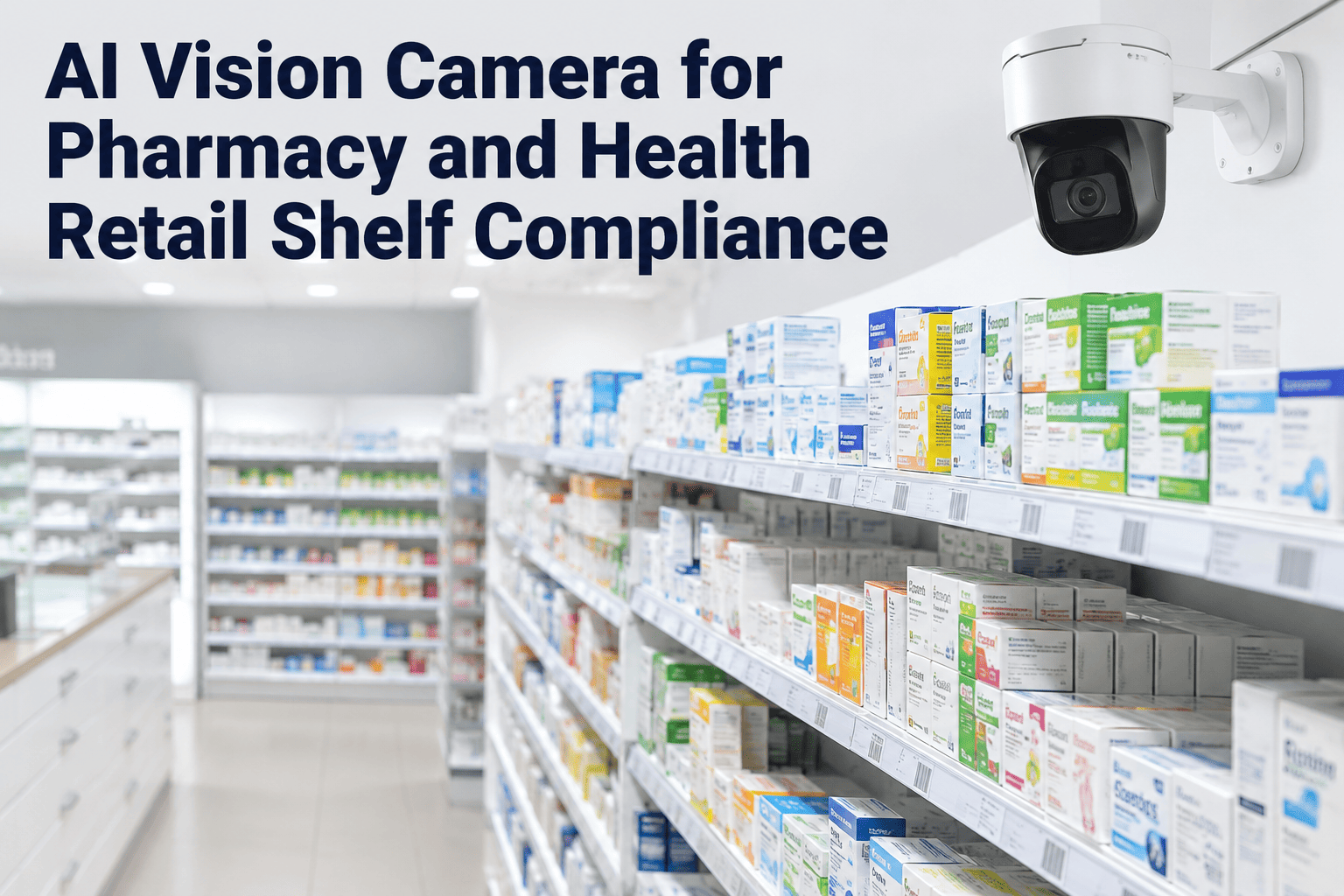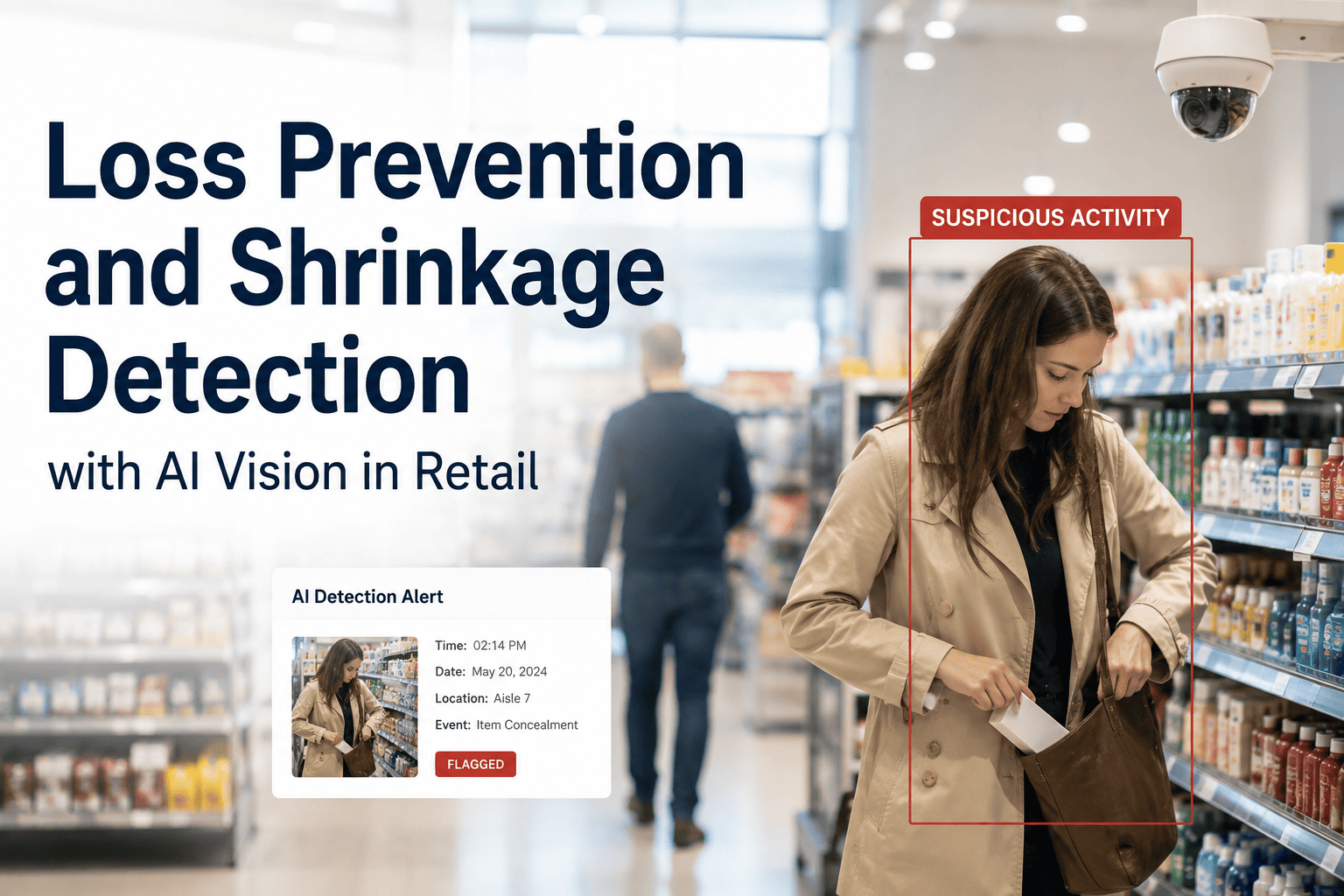
Retail shrink cost U.S. retailers an estimated $90 billion last year, and $66 billion of that was preventable with the right detection layer in place. Fixed cameras and human monitors catch a fraction of concealment, sweethearting, and checkout bypass events because people simply cannot watch every frame from every angle at once. AI vision systems close that gap by reading behavior patterns in real time — flagging suspicious movement, bag concealment, and scan-avoidance the moment it happens instead of days later during a stock count. Retailers running integrated computer vision loss prevention are reporting shrinkage cuts of up to 56%, turning a line item that used to be written off as "cost of doing business" into a KPI that actually moves. Book a demo to see how iFactory reads your existing camera feeds for shrinkage signals.
Why Traditional Loss Prevention Keeps Losing Ground
Electronic article surveillance and human floor walkers were built for a slower, simpler retail environment. Today's shrinkage is more organized, more distributed across self-checkout lanes, and increasingly internal — which means it rarely trips a door alarm on the way out. Security guards reviewing bank-of-monitors footage after the fact can only ever react to loss that has already occurred. Meanwhile, the same repeated behaviors — lingering near blind spots, swapping price tags, bypassing scan steps at self-checkout — happen thousands of times a day across a chain, far more than any team of humans could consistently notice. AI vision does not replace your team; it gives them a filtered, prioritized feed of the one percent of activity that actually warrants a look, instead of asking them to find it themselves.
How Behavior-Based Detection Actually Works
Existing Cameras, No Rip and Replace
iFactory connects to the CCTV and self-checkout cameras already installed in your stores. No new hardware, no rewiring — the AI layer sits on top of the video feed you already have and starts analyzing within days.
Behavior Pattern Recognition
Computer vision models trained on millions of hours of retail footage identify concealment gestures, unusual dwell time near high-shrink categories, and coordinated movement between two or more individuals.
Checkout and POS Correlation
The system cross-references what the camera sees against point-of-sale data — catching scan-avoidance, barcode swapping, and voided transactions that don't match the physical items moving through the lane.
Prioritized Alerts, Not Raw Footage
Instead of hours of video to review, loss prevention staff get a ranked queue of flagged events with timestamps and confidence scores, so investigation time goes to the incidents that matter most.
Behavior Signals the AI Is Trained to Catch
Concealment Gestures
Detects when merchandise is moved into bags, pockets, or clothing rather than a cart, flagging the frame for review without needing a human to spot it live.
Checkout Bypass
Identifies items passed around a scanner, under-ringing, and self-checkout scan-skip patterns by comparing basket weight and camera item counts against the POS log.
Sweethearting Patterns
Flags recurring instances where an employee appears to under-scan or wave through items for the same repeat customer, a leading indicator of internal collusion.
High-Shrink Zone Loitering
Tracks unusual dwell time in categories with historically high loss rates, correlating it with time of day and staffing levels on the floor.
See Your Own Store's Shrink Patterns
iFactory can run a pilot on your existing camera network and show you exactly where loss is concentrated before you commit to a full rollout.
Traditional LP vs. AI Vision Detection
| Capability | EAS & Manual Monitoring | iFactory AI Vision |
|---|---|---|
| Detection timing | At exit, after the fact | Real time, before exit |
| Coverage | Limited to tagged items and exit points | Every camera, every aisle, every lane |
| Internal theft visibility | Minimal to none | POS-correlated employee behavior tracking |
| Review workload | Hours of footage per incident | Ranked, timestamped alert queue |
| Hardware requirement | Tags, pedestals, dedicated staff | Existing camera infrastructure |
| Scalability across stores | Labor-intensive per location | Centralized model, deployed chain-wide |
Where Shrink Concentrates Most
Grocery & Convenience
Self-checkout adoption has pushed scan-avoidance losses higher, particularly on high-turnover, low-cost items that rarely get individually tagged for EAS.
Apparel & Big Box
Concealment in fitting rooms and organized retail crime targeting resale-friendly categories like electronics and cosmetics remain the largest exposure points.
Pharmacy & Specialty
High-value, high-demand SKUs near the front counter see disproportionate loss, often tied to repeat visits from the same individuals over several weeks.
Warehouse Clubs
Bulk cart transactions make manual receipt checks slow and inconsistent, creating a gap between what leaves the store and what the register actually recorded.
What Behavior-Based Detection Changes on the Floor
The financial case for AI vision loss prevention is straightforward once you separate preventable shrink from the losses no system can stop. Internal theft alone accounts for roughly a third of total shrinkage and is the hardest category for a floor team to catch through observation, because it looks like normal work until the pattern repeats. Behavior-based detection surfaces that pattern across weeks of footage automatically, something a rotating staff of loss prevention associates cannot realistically do at scale. Retailers piloting these systems are not just recovering margin on theft — they are also cutting the labor hours spent reviewing footage after incidents, since the system narrows a full day of video down to a short list of flagged clips. That combination of recovered inventory value and reduced investigation time is what pushes most deployments to positive ROI within a single quarter.
What Comes With the iFactory Retail Vision Layer
Multi-Camera Behavior Modeling
Correlates activity across multiple camera angles to reduce false positives and confirm genuine concealment or bypass events before an alert is raised.
POS and Video Cross-Reference
Matches transaction logs against camera-observed item counts in real time to catch scan-avoidance and under-ringing as it happens.
Store-Level Risk Dashboard
Ranks locations by shrink risk trend so regional loss prevention leads know exactly which stores need attention first.
Investigation Case Builder
Automatically compiles flagged clips, timestamps, and transaction data into a single case file, cutting investigation prep time significantly.
A Typical Detection Sequence, Start to Finish
Picture a mid-size grocery chain running iFactory across forty stores. At 6:40 PM on a Friday, a customer at self-checkout scans two of five items in a bag before moving to the next product — a pattern the system has learned to associate with basket-passing. The camera feed confirms five items handled, the POS log shows two scanned, and the confidence score crosses the alert threshold. Rather than triggering an alarm or stopping the transaction, the event is logged and pushed to the loss prevention dashboard with a ten-second clip attached. The regional LP lead reviews it the next morning alongside eleven other flagged events from that store, confirms three as genuine, and adjusts self-checkout staffing for peak hours. No guesswork, no full-day footage review — just a short, ranked list of exactly what needed a second look.
What You Need Before a Pilot Starts
IP Camera Coverage
Standard IP or NVR-based CCTV covering entry points, high-shrink aisles, and self-checkout lanes is generally sufficient — analog systems may need a low-cost video encoder.
POS Data Access
A read-only feed or export from your point-of-sale system lets the platform correlate scanned items against camera-observed activity for bypass and under-ring detection.
A Single Pilot Location
Most rollouts start with one store, ideally your highest-shrink location, so results are measurable and staff can get comfortable with the alert workflow before scaling.
A Named LP Contact
One person responsible for reviewing the flagged queue daily during the pilot ensures alerts translate into actual investigations rather than sitting unread.
From Reactive Security to Predictive Loss Prevention
Fits Into the Stack You Already Run
iFactory's retail vision layer is designed to sit alongside existing systems rather than force a replacement of them. It reads video over standard RTSP or ONVIF streams from most commercial NVR and VMS platforms, so the camera brand already installed across your stores generally does not need to change. On the data side, the platform accepts a read-only POS export or API connection, meaning your transaction system stays the system of record while iFactory only consumes what it needs to cross-reference events. For chains running a centralized security operations center, alerts and case files can route into the ticketing or incident-management tool your team already uses, rather than adding another standalone dashboard for staff to check separately.
Frequently Asked Questions
Do we need to replace our existing security cameras to use AI vision loss prevention?
No, in most deployments iFactory connects directly to the CCTV and self-checkout cameras already installed in your stores. The platform analyzes the existing video stream rather than requiring new hardware, which keeps rollout timelines short and avoids the capital cost of a full camera replacement. If certain areas have blind spots or outdated resolution that limits detection accuracy, our team will flag those specific gaps during the pilot phase. To find out what your current camera network can support, contact our support team for a compatibility check.
How does the system tell the difference between normal shopping behavior and actual theft?
The models are trained on large volumes of labeled retail footage covering both normal and suspicious behavior, so they weigh multiple signals together rather than reacting to a single gesture. Dwell time, concealment motion, item handling, and correlation with POS data all factor into a confidence score before an alert is generated. This layered approach is what keeps false positive rates low compared to simple motion-triggered alarms. Alerts are always routed to a human for final judgment rather than triggering automatic action. For a walkthrough of the detection logic on your product mix, book a demo with our team.
How long does it take to see measurable shrinkage reduction after deployment?
Most retailers begin seeing actionable alerts within the first two weeks of connecting cameras, since the models arrive pre-trained on general retail behavior patterns and refine further using your store's specific data. Measurable shrinkage reduction typically becomes visible within 60 to 90 days, once loss prevention teams have acted on enough flagged incidents to shift behavior on the floor. Many deployments reach positive ROI within that same 90-day window when accounting for recovered inventory and reduced investigation labor. Rollout speed can be discussed in detail during a scheduled consultation.
Can this system detect employee theft as well as shoplifting?
Yes, and internal theft is one of the strongest use cases, since it accounts for a large share of total shrinkage and is historically the hardest category to catch through manual observation alone. The system correlates camera-observed behavior at the register with POS transaction logs, surfacing patterns like repeated under-ringing, void abuse, or scan-avoidance tied to a specific employee over time. This is presented as a pattern for investigation, never as an automatic accusation. Our support team can walk you through how these cases are documented at ifactoryapp.com/support.
Is this suitable for a single store or only large multi-location chains?
The platform is built to scale in both directions, so a single high-shrink location can run a focused pilot just as easily as a multi-hundred-store chain can deploy centrally with a shared risk dashboard across all locations. Smaller operators often start with their highest-loss store to validate results before expanding, while larger chains typically prioritize rollout by shrink-risk ranking. Either path uses the same underlying detection models. To scope a deployment sized to your footprint, book a demo and share your store count.
Turn Every Camera Into a Loss Prevention Analyst
Stop reconciling shrink after the count. See where it's happening while it's still preventable.