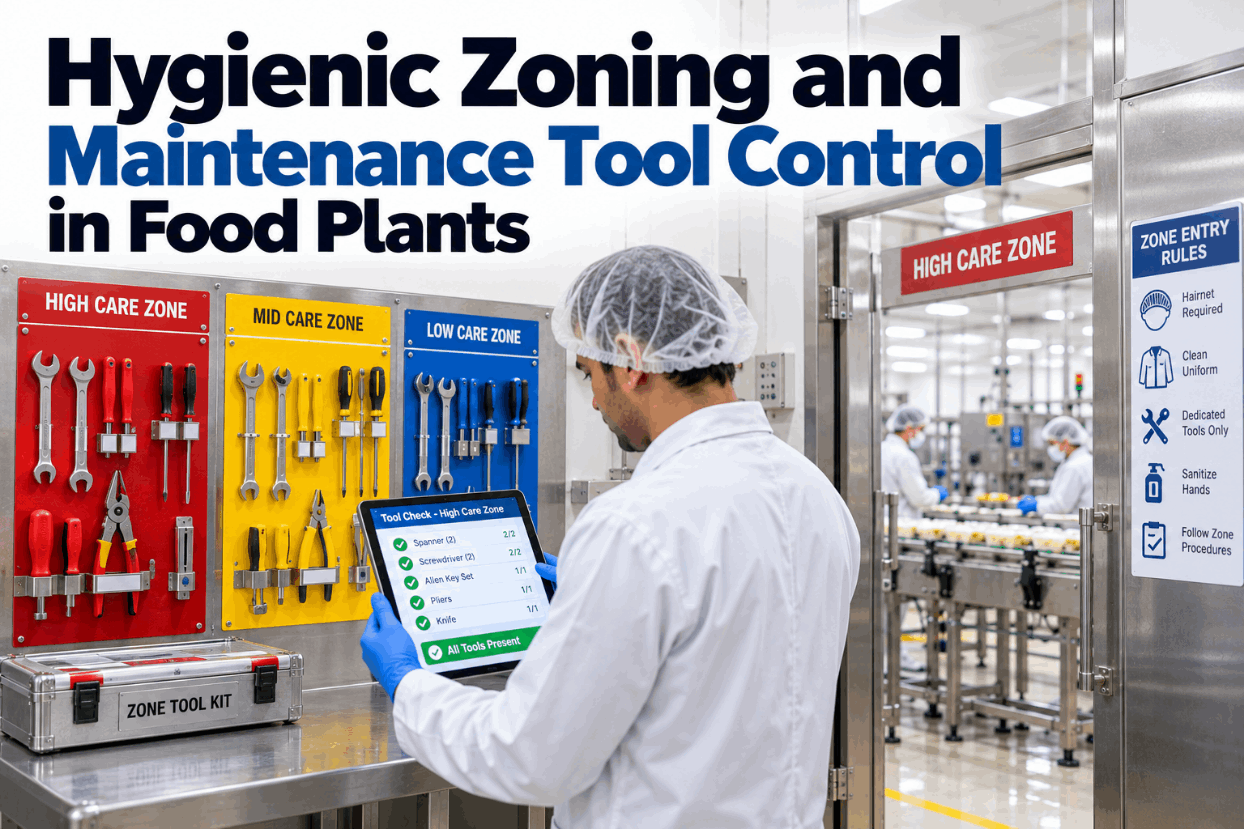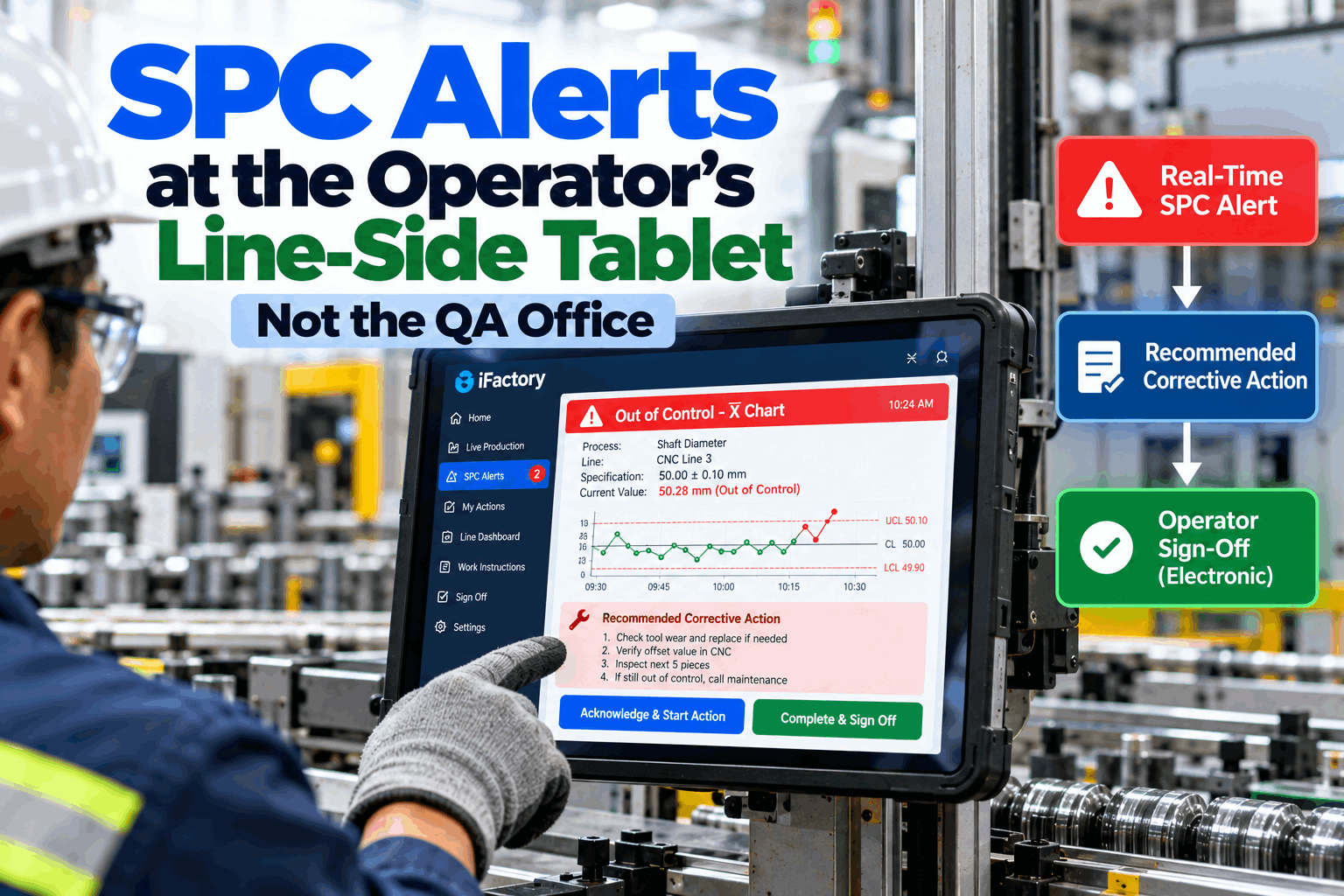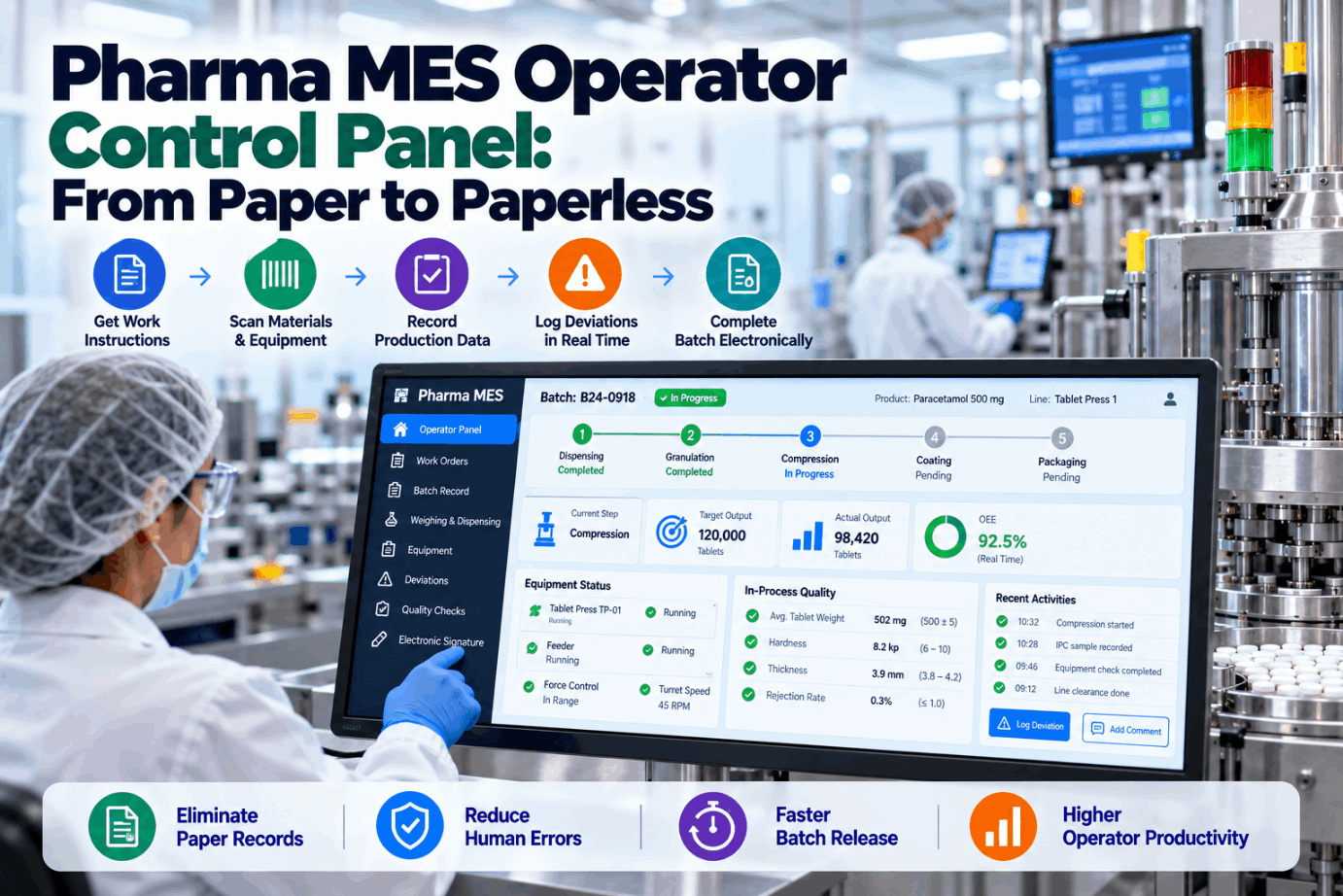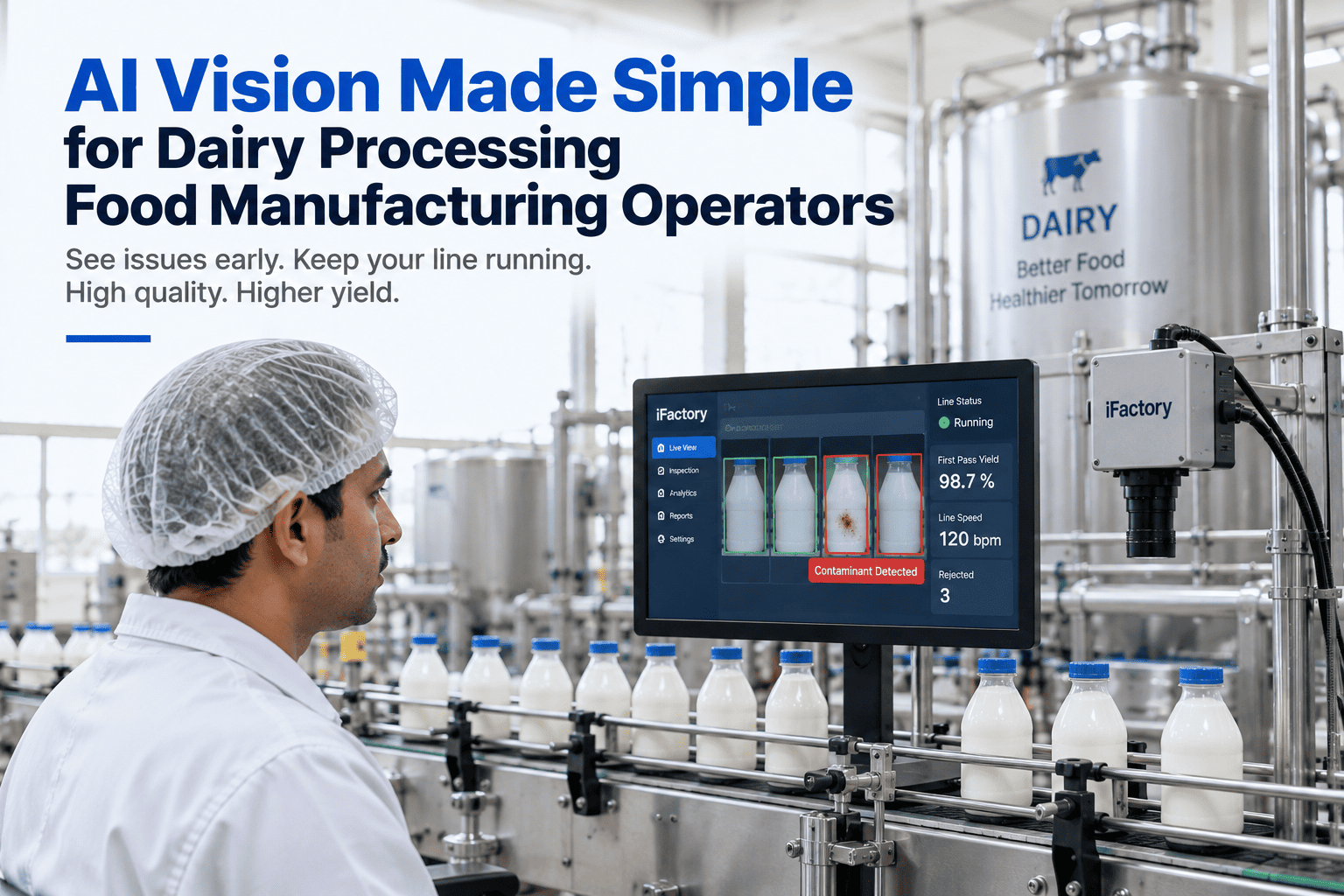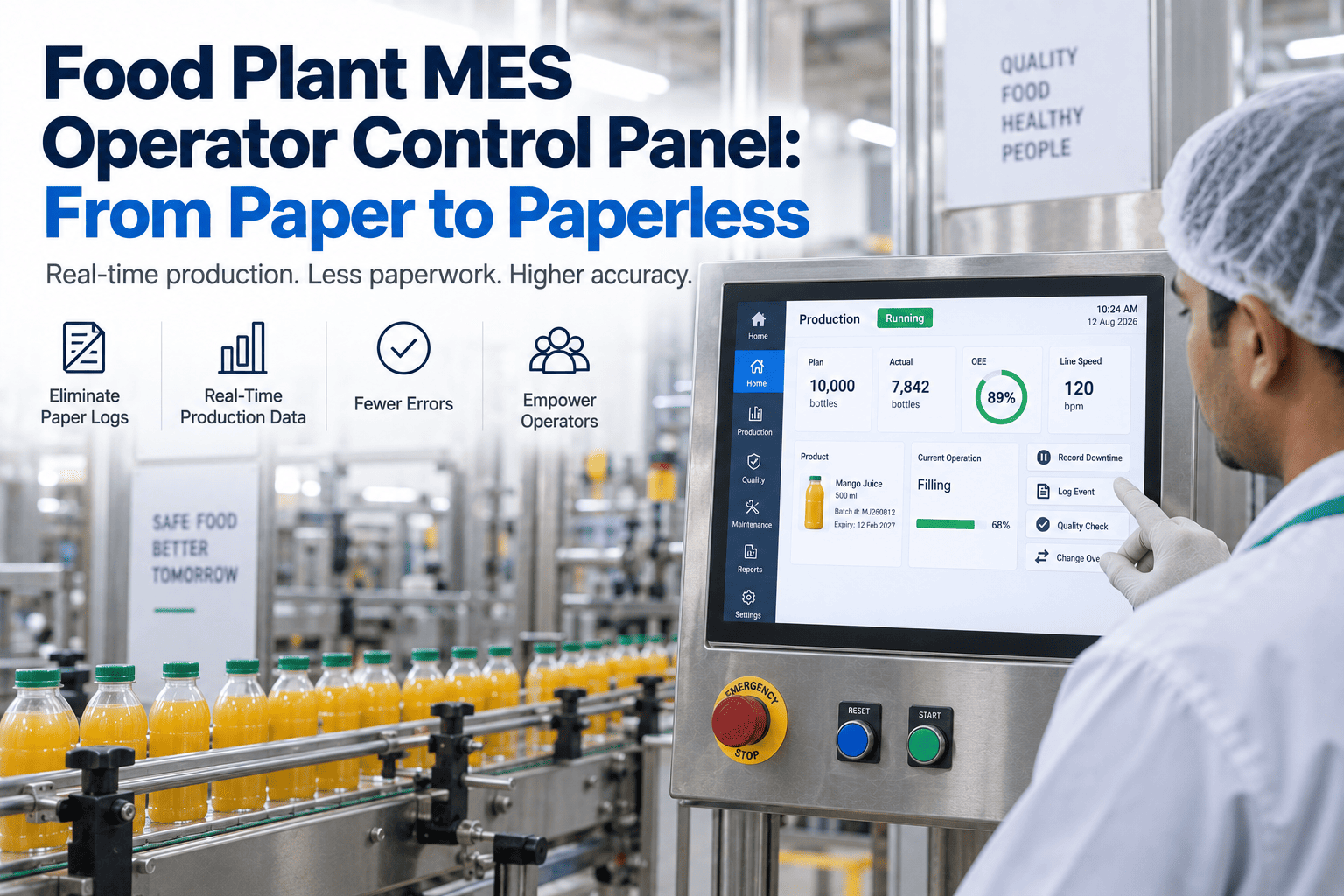
Walk a food plant floor and you'll spot it immediately: the terminal is there, the MES is installed, and right next to it sits a clipboard the operator is still writing on. That clipboard is the tell. It means the system was built for the people reading reports upstairs, not for the person running the line — so the operator does the work twice, once on paper and once keyed in later, and every transcription is a chance to fatfinger a number or skip a check. A real operator control panel fixes this by being the single screen where the operator does everything: order, steps, checks, sign-off. The paper disappears because there's nothing left to write down. You can book a demo to see the operator's screen on one of your lines.
The Clipboard Next to the Terminal Is the Problem. One Screen Ends It.
A modern MES operator control panel gives the person on the line one place to see the order, follow the steps, and record every check — ending the double entry and transcription errors that keep paper alive on the floor.
Double Entry Is the Symptom. A Management-First System Is the Cause.
The paper hasn't survived because operators are resistant or old-fashioned. It survives because most MES deployments optimized the manager's view — the dashboards, the reports, the traceability — and left the operator with a data-entry chore bolted on at the end of the shift. When the system doesn't fit the flow of the work, the operator keeps the clipboard as the real record and treats the terminal as paperwork. That's double entry, and it's where the errors live.
A blank field at end of shift asks the operator to remember what happened hours ago. A control panel guides them through each step as it happens, so the record is captured in the moment, not reconstructed from memory and a clipboard.
Writing a reading on paper and later keying it into the terminal doubles the effort and invites transcription slips — a transposed weight, a skipped line. The second entry is where a clean number becomes a wrong one.
Small fields, dense forms, and mouse-driven navigation belong to an office. An operator in gloves on a wet, fast line needs big targets and a screen that keeps up — or they'll default back to the pen.
When the panel can't see the scale, the line PLC, or the order from ERP, the operator becomes the integration layer — copying numbers between systems by hand, which is exactly the manual bridge that breaks.
Everything the Operator Needs, Nothing They Have to Fetch
The test of an operator control panel is whether the person running the line ever has to look anywhere else — another screen, a binder, a supervisor. A good panel consolidates the whole job into one view, so the operator's attention stays on the line and the record builds itself as they work. Here's what lives on that screen.
The active production order pulled straight from ERP, with the right version of the work instructions for that exact product and line — step-by-step guidance with images or video, not a laminated SOP from a drawer that may be two revisions out of date.
Each step presented in sequence, with the entry validated as it's made — a weight outside tolerance or a skipped check flags on the spot, before the operator moves on, instead of being caught days later in a record review. The panel won't let the process go wrong quietly.
Weights from the scale, temperatures from the line, counts from the PLC flow into the record automatically, so the operator confirms a number rather than transcribing it. The single largest source of data-entry error — the human copying a value — is simply removed.
Quality checks, CIP and sanitation logs, and the electronic signature that closes each step all happen on the same screen, in the flow of the work — so the batch record, the logbook, and the sign-off are byproducts of doing the job, not a separate stack of forms to fill at the end.
See the One Screen That Replaces the Clipboard
iFactory's operator control panel puts the order, the steps, the readings, and the sign-off in one place — so the record builds itself and the operator never has to write anything down twice.
The Same Shift, With and Without the Clipboard
The difference between a paper-plus-terminal setup and a true control panel shows up in the small moments of a shift — the ones that add up to hours of lost time and a record nobody fully trusts. This is where it changes.
| On the Line | Paper + Terminal (Double Entry) | One Control Panel |
|---|---|---|
| Recording a weight | Written on paper, keyed in later — twice | Auto-populated from the scale, confirmed once |
| Following the recipe | Laminated SOP, possibly an old revision | Correct version pushed to the screen |
| An out-of-spec reading | Caught in review, days later | Flagged on the spot, before moving on |
| A skipped step | Discovered when the record is audited | Panel won't advance until it's done |
| Signing off a batch | Paper signatures, reconciled afterward | E-signature per step, in the flow |
| The batch record | Assembled from forms after the run | Complete the moment the run ends |
Human Error Isn't Carelessness — It's the Transcription Step
It's easy to file data-entry mistakes under operator carelessness, but that misreads the problem. The errors cluster at one specific point: the moment a human copies a value from one place to another. Remove that step and most of the error goes with it. These are the transcription points a control panel eliminates.
The classic double-entry slip — a reading written correctly on paper becomes a transposed digit when keyed into the system later. The panel captures it once, at the source.
Reading a scale or gauge and writing the number down is itself a copy step prone to error. Auto-population from the equipment skips the human eye entirely.
End-of-shift data entry asks the operator to recall what happened hours ago. In-the-moment capture removes the memory gap where details get lost or guessed.
Copying an order number or lot code between the ERP, the terminal, and a form is a manual bridge that breaks. Integration carries the value across untouched.
A Panel Operators Fight Is Worse Than the Paper It Replaced
Here's the truth every paperless rollout eventually meets: if the operators don't take to the screen, they'll quietly keep the clipboard, and you'll have paid for a system that made the job harder. Adoption isn't a training problem to push through — it's a design property of a panel built for the person actually using it. These are what earn the operator's buy-in.
Tapping a validated pick-list or confirming an auto-filled reading has to beat writing it by hand. If the digital path is slower, the operator will route around it — so the panel is built to be the quickest way to do the job.
Large touch targets, a clear sequence, and a screen that responds at line pace — designed for a wet, gloved, fast environment rather than a desk, so it works the way the floor actually moves.
Real-time validation catches a mistake before it becomes a problem the operator gets blamed for later. When the panel visibly saves them from an error, it stops feeling like surveillance and starts feeling like a tool.
Because the panel mirrors the real sequence of the work rather than an abstract form, most operators are independent within a single shift — not a training course — which is what turns early skeptics into daily users.
In a Food Plant, the Operator's Record Is the Compliance Record
Ending double entry is valuable anywhere, but in food and beverage the operator's data isn't just operational — it's the traceability and safety record a recall or an audit depends on. A gap or an error in what the operator captured is a gap in the plant's ability to prove what it made and how.
When the operator's checks, weights, and sign-offs build a complete electronic batch record in real time, the SQF, BRCGS, or FSSC 22000 evidence exists on demand instead of being reconstructed from paper before an audit.
A panel that guides and enforces the cleaning log means a sanitation step can't be missed or back-filled — the record reflects what actually happened, which is exactly what a food-safety auditor checks.
Scanning materials and capturing lot codes on the panel ties every input to the batch as it's used, so forward and backward traceability is built in, not assembled after a problem surfaces.
The panel can require confirmation of allergen cleandown or a correct format changeover before production proceeds, turning a critical food-safety check from a paper promise into an enforced step.
One Screen, Integrated, Built for the Person on the Line
iFactory's operator control panel is designed from the operator inward — it connects to the systems around it so the record builds itself, guides the work so mistakes surface in the moment, and runs on the floor the way the floor actually works. The paper goes away because the panel does everything the clipboard did, faster.
What Operations Teams Ask About the Operator Control Panel
Retire the Clipboard for Good With One Operator Screen
iFactory's MES operator control panel puts the order, the guided steps, the auto-captured readings, and the e-signature in one place built for the person on the line — so double entry ends, errors drop, and the batch record is complete the moment the run is.