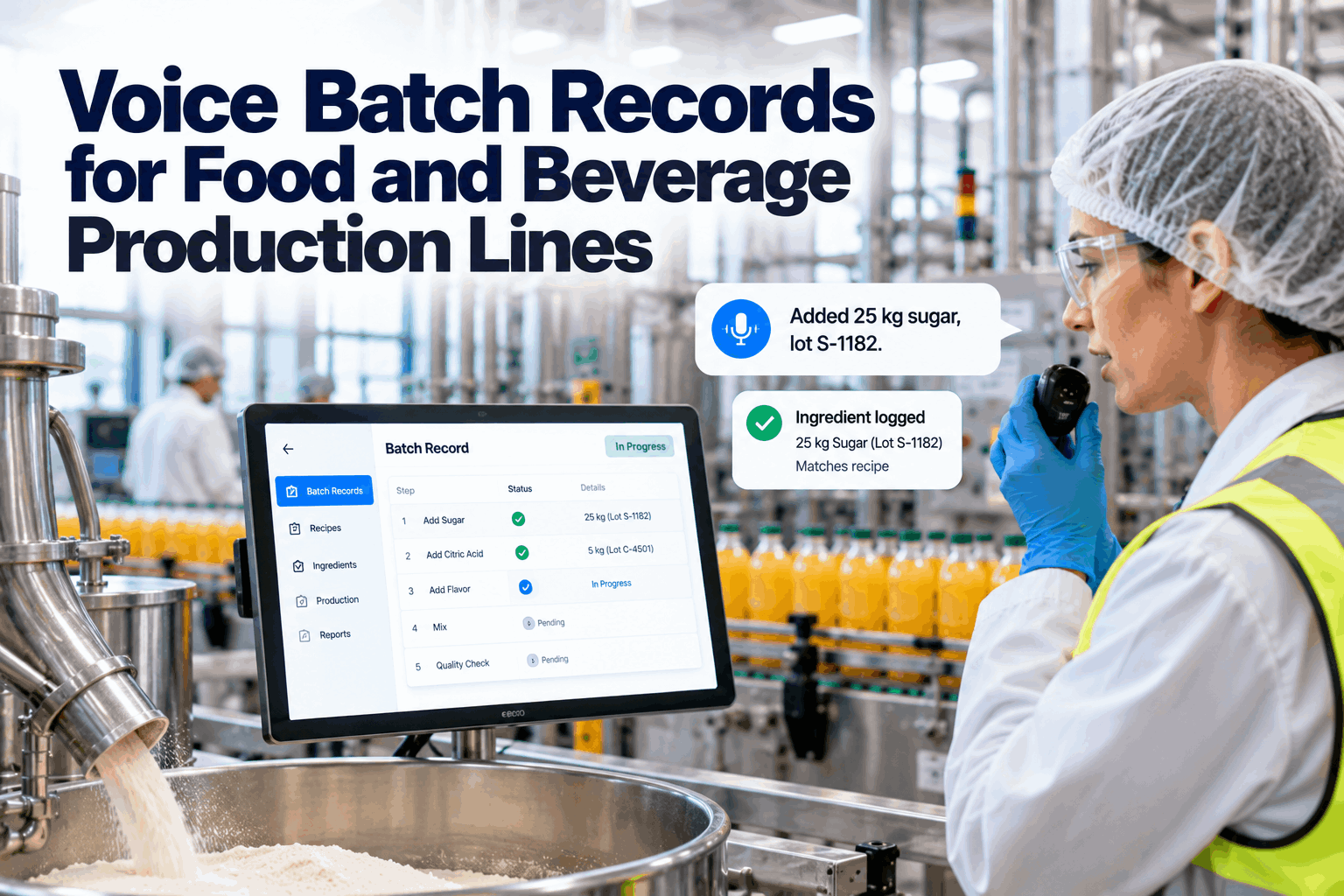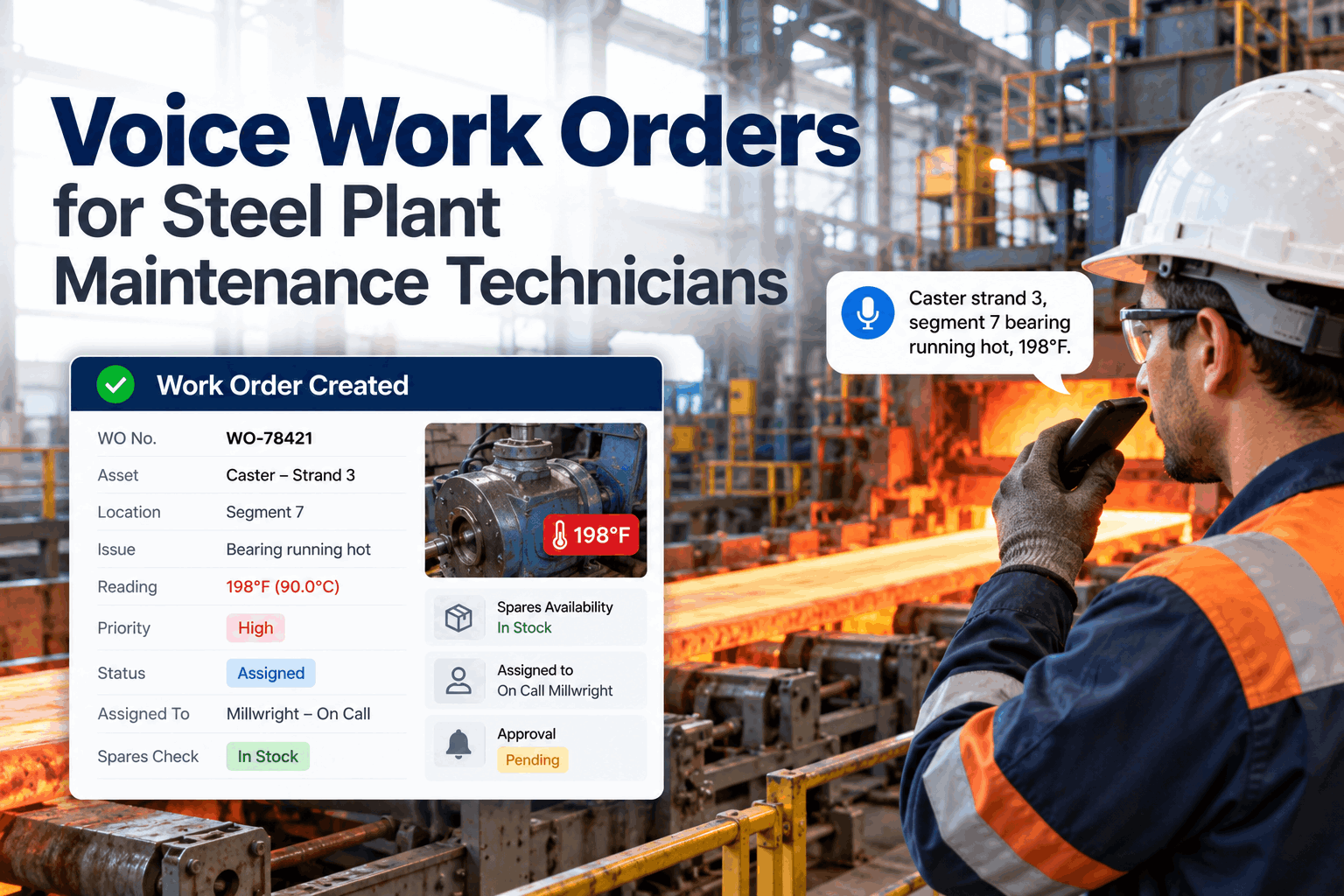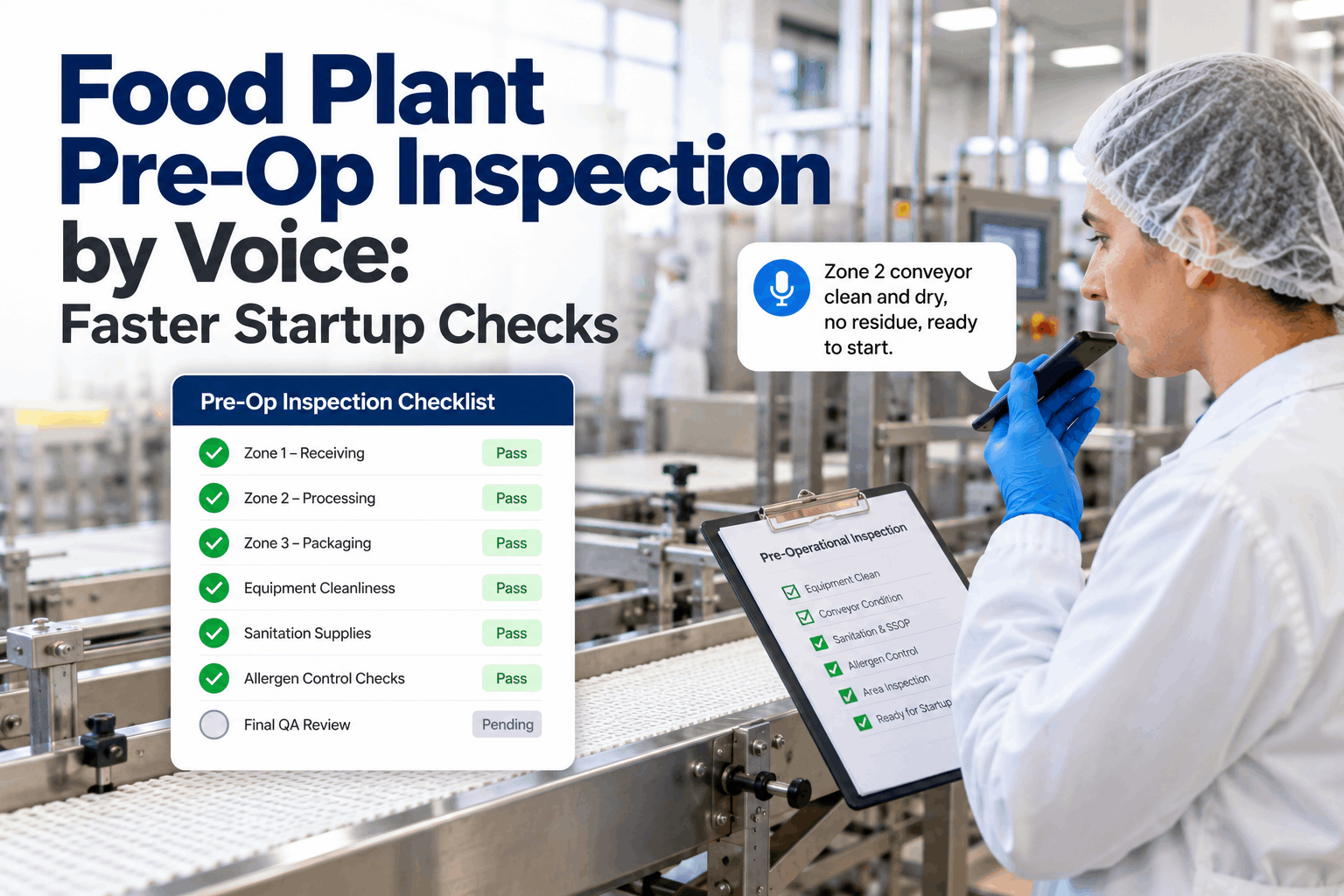
On a food line, the first person to see a problem is usually an operator in gloves, with product moving and no keyboard nearby. So the leaking valve gets mentioned on the radio, written on a whiteboard or saved for the end of the shift. By the time maintenance hears about it, nobody knows which valve, whether product was touched or how urgent it was. Voice requests let operators report it in seconds while AI fills the gaps, flags food safety risk and routes it. Start with an intake review.
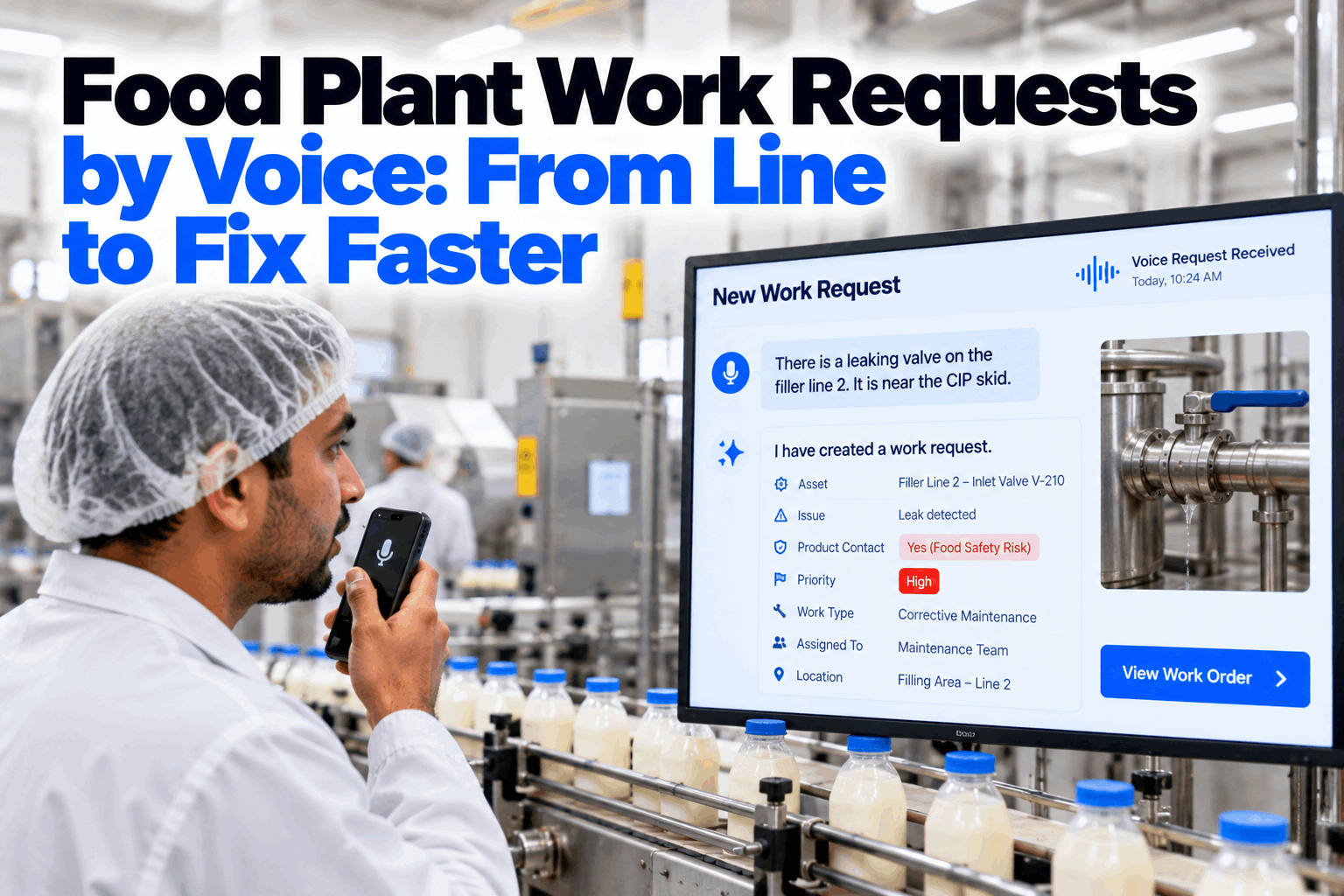
Food Plant Work Requests by Voice: From Line to Fix Faster
Operators speak the problem. AI identifies the line and asset, asks whether product contact is involved, sets priority and routes the request to the planner or the on-call technician.
- Hands-free reporting from the line
- Product contact flagged on every request
- Priority and routing set in seconds
Why Food Plant Work Requests Go Wrong
The problem is not that operators do not report. It is how hard reporting is.
Request forms assume someone can stop, find a terminal, wash or change gloves and type. On a running food line, that rarely happens. Problems are reported by radio, in passing or not at all, and the request that reaches maintenance says "filler leaking" with no asset, no symptom and no word on whether product was involved. Planners then spend time chasing details, technicians walk to the wrong machine and food safety questions are answered late. Small problems also go unreported because reporting feels like too much effort, and they grow into breakdowns that stop the line. Our maintenance specialists can review how requests reach your planners today.
Radio, whiteboard and memory
- Requests vague or never logged
- Asset and symptom left out
- Product contact not asked
- Same problem reported three times
Voice request intake
- Logged the moment it is spoken
- Asset matched from the plant register
- Product contact asked every time
- Duplicates merged automatically
What a Good Work Request Contains
Six facts turn a complaint into a job someone can plan.
A work request does not need to be long. It needs the facts a planner or technician would otherwise have to come back and ask for. Voice intake collects them in a short exchange, asking only for what the operator did not say. The examples show how a natural spoken report maps onto each field. Agree your request fields in a working session.
The Product Contact Question
One question changes what happens after the repair.
In a food plant, the most important fact about a breakdown is often whether it could affect the food. A leaking valve above an open conveyor, a broken guard near exposed product or a lubricant drip onto a product-contact surface all need actions beyond the repair itself. Product may need to be held, the area cleaned and the equipment released by QA before production restarts. Major food safety schemes such as BRCGS and SQF expect a hygiene clearance after maintenance in production areas, so flagging product contact at the start means that step is planned, not remembered at the end. Review your clearance process with our food safety team.
Product-contact surface
Repair on or above surfaces that touch food.
Loose parts
Broken parts, fasteners or swarf near product.
Lubricants and fluids
Oil, coolant or cleaning chemical leaks.
Hygiene clearance
Clean, inspect and sign off before restart.
Triage: Setting Priority in Seconds
Food safety outranks downtime, and downtime outranks convenience.
Priority rules should be simple enough that the AI and every planner apply them the same way. A food safety risk comes first, even if the line is still running. A stopped line comes next. Degraded running and planned work follow. The AI suggests a priority from the answers in the request, and the planner or on-call technician can change it. Keep the number of levels small. When most requests are marked urgent, urgent stops meaning anything, and the real food safety call waits behind a list of minor jobs. Set your priority rules with our planning team.
Operators keep reporting when they see results. A short message or spoken note when the job is done, naming what was fixed, does more for reporting habits than any poster on the wall.
Let Operators Report Problems Without Leaving the Line
Spoken requests turned into complete work requests, with asset, symptom, product contact and priority set, and routed to the planner or on-call technician.
How Voice Request Intake Works
A short conversation, not a form.
The operator presses a button on a headset or phone and describes the problem in normal words. Speech recognition tuned for plant noise turns it into text, and the AI matches the line and asset names against the plant's asset register. It asks only for missing facts, always including product contact. The finished request is read back for a quick yes, then saved and routed. If the same asset already has an open request, the new report is added to it and the operator is told. Local names matter here. Operators rarely say an asset number, so the register is loaded with the names people actually use on each line. See the full flow in a short demo.
Speak
Problem described in plain words.
Match
Line and asset found in the register.
Ask
Missing facts and product contact.
Confirm
Request read back for a yes.
Route
To planner or on-call tech.
Routing to the Planner or the On-Call Technician
Urgent work goes to a person now. Everything else goes to the plan.
Not every request should interrupt a technician. Routing rules send food safety and line-down requests straight to the on-call technician, with QA copied on anything involving product contact. Other requests go to the planner, who can group them, order parts and fit them into planned work. Outside planner hours, the rules change automatically. If the on-call technician does not acknowledge a P1 or P2 request within the agreed time, it moves to the next person on the rota, so an urgent call never sits unanswered on a silent phone. Set your routing in a planning session.
To the on-call technician
- P1 food safety, with QA copied
- P2 line down
- Asset history sent with the call
- Acknowledgement tracked
To the planner
- P3 degraded running
- P4 planned and minor work
- Grouped by area and skill
- Parts checked before scheduling
Measuring Request Quality
Better requests show up as faster, cleaner jobs.
The aim of voice intake is not more requests. It is complete requests that reach the right person quickly, and food safety risks that are never missed. A few measures show whether that is happening. Review them monthly with planners, supervisors and QA. If one line reports far fewer problems than similar lines, that is usually a sign reporting is hard there, not that the line has fewer faults. Plan your measures with our analytics team.
Report to acknowledgement
Minutes from speaking to a technician accepting.
Requests with asset
Share of requests tied to a register asset.
Clearances closed
Product-contact jobs with a signed hygiene clearance.
Voice Work Request Checklist
Eight checks before going live on the floor.
Use this checklist to prepare one area for voice requests. Tick items already in place. Get help with any gaps from our setup team.
Work Request Mistakes to Avoid
A request system people avoid is no system at all.
These are the patterns that most often stop food plant request processes from working. A short intake review can find them.
What works
- Reporting in seconds from the line
- Product contact asked every time
- Clear priority and routing rules
- Reporters told when it is fixed
What fails
- Forms that need a terminal and clean hands
- Food safety checked only after the repair
- Every request marked urgent
- Requests that vanish without feedback
How iFactory Handles Voice Work Requests
Voice Request Intake, on your own network.
iFactory's Voice Request Intake identifies the line and asset from speech, asks whether product contact is involved, sets priority and routes each request to the planner or on-call technician, with QA copied where food safety is at stake. It runs on an on-prem AI server inside your plant.
Spoken requests
Built for gloves, noise and headsets.
Asset matching
Line and asset from the register.
Product contact flag
Asked on every request.
Priority rules
Food safety first, then downtime.
Smart routing
Planner or on-call by priority and hour.
Hygiene clearance
Release step added to contact jobs.
Priorities, holds and hygiene release remain decisions for your maintenance and QA teams. Figures on this page are worked examples.
Turnkey AI: Delivered, Connected and Live in 6–12 Weeks
You do not build this. It arrives ready.
iFactory ships as a pre-configured NVIDIA AI server with the software pre-loaded, racked and ready. Rack it, plug in power and Ethernet, and the AI is live on your network. Our team handles cabling, network setup, PLC, SCADA, DCS and CMMS integration, CMMS and asset register links, operator training and 24×7 remote monitoring. Data stays on your network. For a scope matched to your plant, request a turnkey quote.
Ship, network and data
Server installed. CMMS, asset register and on-call rota connected. Asset names loaded.
Model training and pilot
Voice intake, product contact questions, priority and routing rules set up for one area.
Go-live and training
Voice requests live. Operators and planners trained. 24×7 monitoring begins.
Frequently Asked Questions
How do operators make a request by voice?
They press a button on a headset or phone and describe the problem. The AI asks for anything missing and reads the request back for a yes.
How does the AI know which asset it is?
It matches the spoken line and machine names against your asset register, including local names operators actually use.
Why ask about product contact every time?
Because it decides the food safety steps after the repair, such as holding product, cleaning and hygiene clearance before restart.
Does it work in loud, wet areas?
It is built for plant use with headsets and push-to-talk. The pilot tests recognition in your own areas first.
What happens with duplicate reports?
If the asset already has an open request, the new report is added to it and the operator is told it is already logged.
Can the AI set the wrong priority?
It suggests a priority from clear rules. Planners and on-call technicians can change it, and every change is recorded.
Does it replace our CMMS?
No. Requests are logged in your CMMS with full details, so planning and history stay where they are.
Are operators told when the job is done?
Yes. The reporter can be told by message or voice when the request is closed, which keeps people reporting.
How do we start?
Start with one area and its operators. A 6-week pilot loads asset names and sets up questions, priority and routing. To plan it, contact our team.
Hear About Problems the Moment They Happen
In thirty minutes we review how work requests reach your planners and show a sample request spoken, structured and routed. You keep the review either way.
- 1A sample of recent work requests
- 2Your asset register for one area
- 3Current priority definitions
- 4Your hygiene clearance procedure
- 5One problem that took too long to reach maintenance