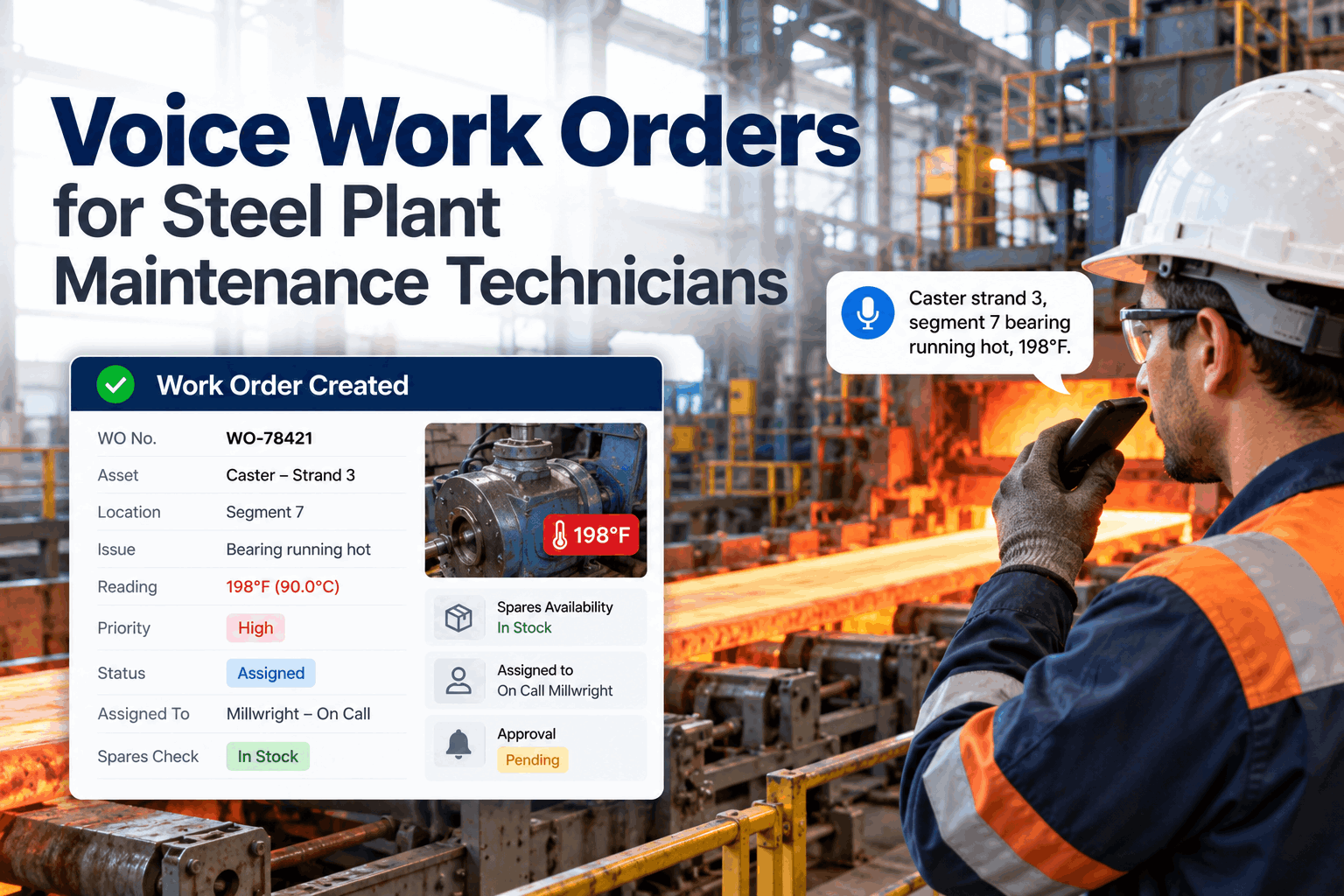
A millwright at the caster feels heat through his glove on a strand 3 segment bearing. The nearest terminal is two floors up, radio calls are a guessing game in the noise, and by shift end the fault is a line in a notebook or just a memory. Steel plants lose a lot of maintenance data this way, between finding a fault and logging it. This guide shows how voice work orders capture every fault, spare request and close-out hands-free, right at the equipment. Start with a work order review.
Voice Work Orders for Steel Plant Maintenance Technicians
Technicians speak the fault in plain words at the caster, mill or furnace. AI turns it into a structured work order, tags the asset, attaches the reading, checks spares and routes it for approval, all before the technician walks away.
- Why faults get lost between the floor and the CMMS
- How a spoken sentence becomes a complete work order
- What works in 100+ dBA areas with gloves on
Why Faults Get Lost on a Steel Plant Floor
The fault is found in seconds. Getting it into the system takes the rest of the shift.
Steel plants are hard places to type. Technicians wear heavy gloves and face shields, work around heat and moving equipment, and are often far from a terminal. Radios struggle with noise, and handwritten notes get wet, lost or rewritten from memory at the end of a long shift. The result is work orders with vague descriptions, no readings and the wrong asset, or no work order at all until the fault becomes a breakdown. Our maintenance specialists can map where your fault data leaks out.
Gloves and heat
Touchscreens and keyboards are slow or impossible to use at the equipment.
Distance to a terminal
Walking back to a PC means the fault is logged late, or not at all.
Vague descriptions
"Caster bearing hot" with no strand, segment or temperature.
Lost readings
Temperatures and vibration values that never reach the record.
Compare breakdowns with the work order history for the same asset. When the fault was known on the floor but no work order existed, the gap was capture, not detection. That gap is what voice closes, and it is often larger than managers expect.
From a Spoken Sentence to a Complete Work Order
Technicians talk the way they always do. The AI fills the fields.
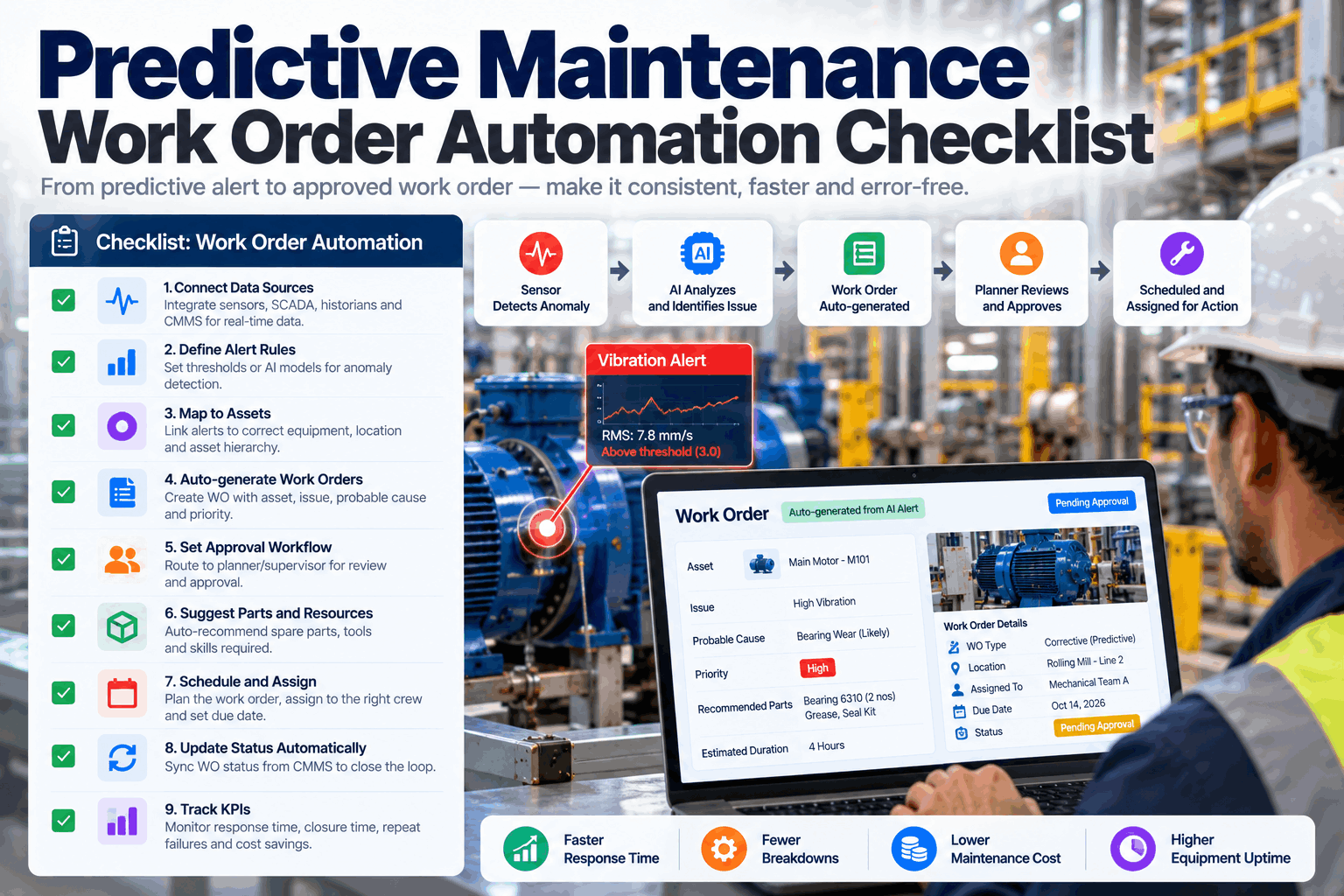
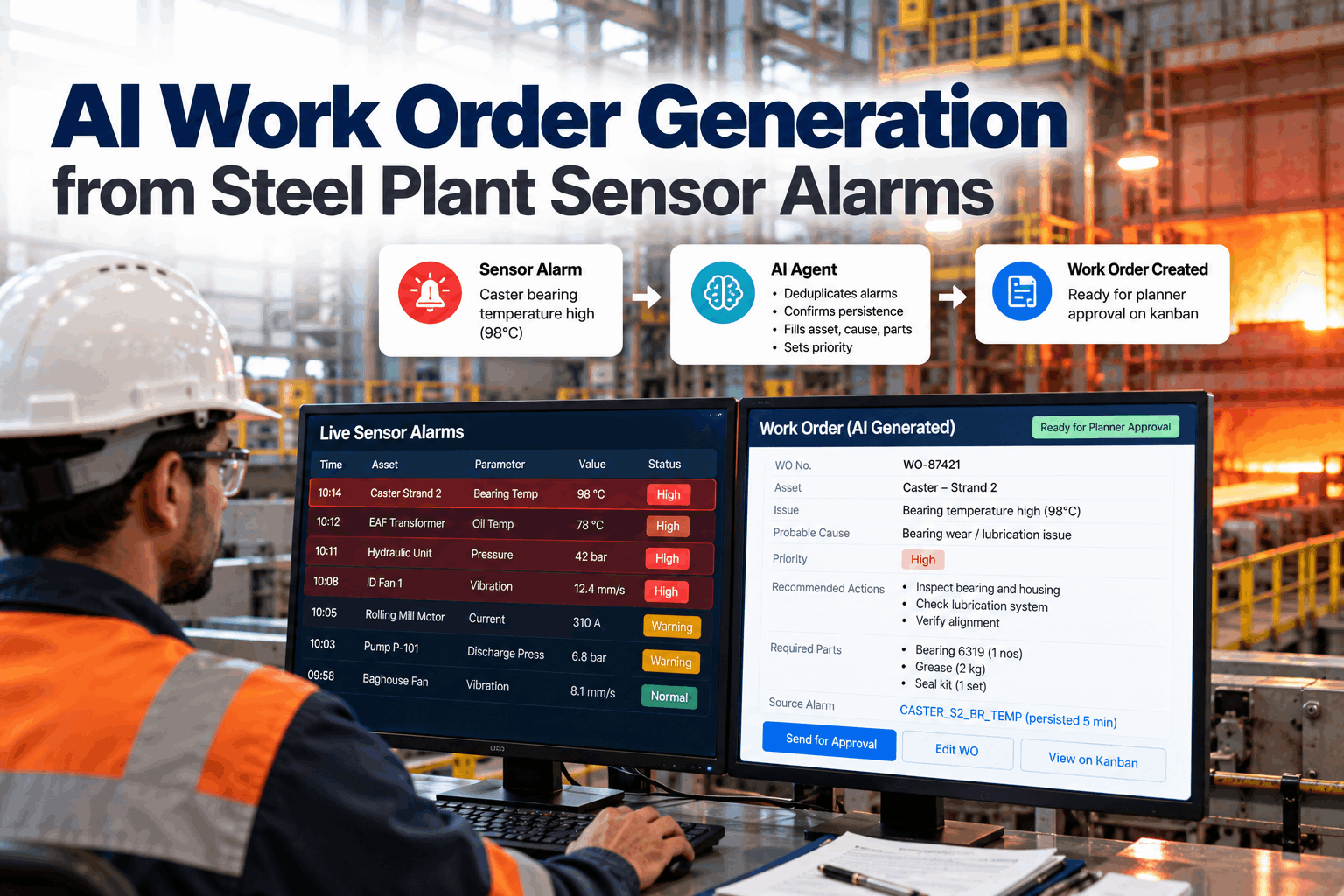
A good work order needs the asset, the symptom, a reading if there is one, the priority, any parts and who should do the job, all in one record. Technicians already say most of this out loud when they call a supervisor on the radio. The voice agent listens for the same information, maps it to your asset register and spare parts, and asks a short follow-up only when something is missing. Map your fields in a CMMS mapping session.
Speak
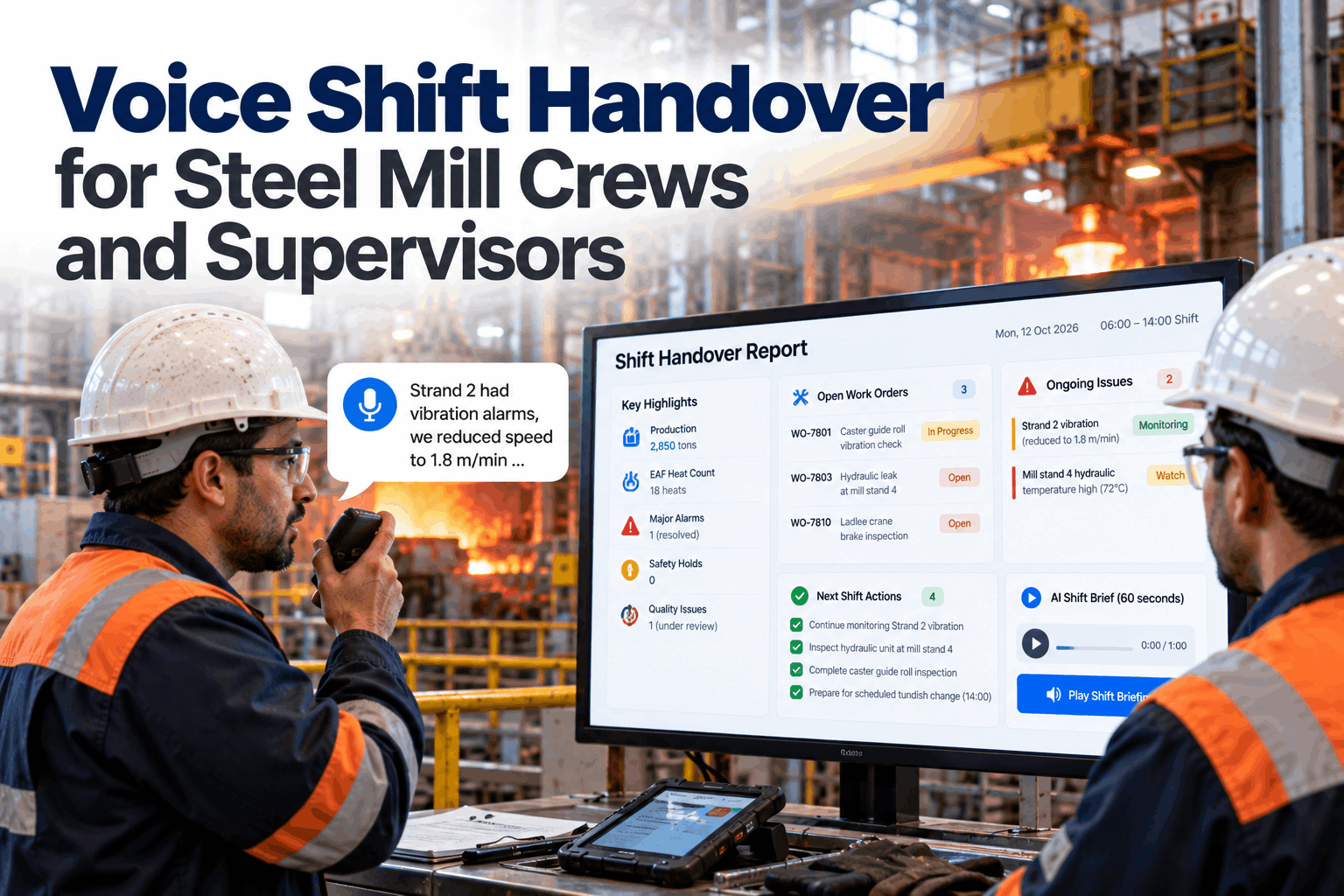
Push to talk and describe the fault in plain words.
Structure
Asset, symptom, reading and priority pulled out.
Read back
Agent repeats the key details for confirmation.
Check spares
Stock checked and parts reserved.
Route
Work order sent for approval and assignment.
Strand 3 and strand 8 can sound alike over a caster. Reading the asset and value back before saving catches those errors, and it takes two seconds compared with fixing the wrong asset history later. Over months, a clean asset history is what makes failure analysis possible.
Built for 100 dBA, Heat and Gloves
Voice only works if it works in the loudest corner of the plant.
A NIOSH survey of a steel wire mill measured 8-hour noise averages up to 105 dBA, well above the 85 dBA OSHA action level. Melt shops, casters and rolling mills can be just as loud. Voice capture there needs the right hardware and a model trained on your plant's words, not a phone held at arm's length and shouted into. Questions about hardware go to our deployment team.
Headset in the hearing protection
Microphone close to the mouth, combined with the earmuffs workers already wear every shift.
Push-to-talk
A large glove-friendly button, so the agent only listens when a technician asks.
Plant vocabulary
Asset names, strand numbers and local shop-floor terms taught to the model.
Heat-rated devices
Handhelds and headsets suited to radiant heat and dust.
Voice capture should work through the protection workers already wear. If a system only works when earmuffs come off, it causes a safety problem rather than solving a data one.
Where Voice Work Orders Help Most in a Steel Plant
Start where technicians are furthest from a keyboard and closest to the heat.
Every area of a steel plant raises work orders, but some lose far more fault data than others, shift after shift. Areas with high heat, high noise and long walks to a terminal gain the most from voice. They are also where faults grow fastest, so capturing them early matters most. Pick your first area in a pilot planning call.
EAF and ladle area
Water-cooled panels, hydraulics and electrode arms, near radiant heat.
Strands and segments
Bearings, rolls and spray nozzles, where small faults spread fast.
Stands and roll lines
Drives, gearboxes and guides in long, loud bays.
Overhead and ladle cranes
Faults spotted at height, far from any terminal.
If the same asset fails again and again, early fault capture is likely being missed there. Starting voice in that area gives the fastest proof, because the next early warning is far more likely to become a planned job instead of another breakdown.
What Hands-Free Work Orders Give Back
Every fault captured at the equipment saves a walk, a phone call and a half-remembered description. Across a steel plant, those minutes add up to whole shifts of craft time.
Spares, Approvals and Close-Out by Voice
The work order does not stop at creation.
Once the job is raised, the same voice agent helps run it from start to finish. It checks spare stock, reserves parts, asks the supervisor to approve and tells the assigned craft where to go. When the job is done, the technician closes it by voice, adding the cause, the action and the parts used. Plan your close-out codes in a workflow session.
Captured when the job is raised
- Asset, symptom and reading
- Priority from rules and criticality
- Spares checked and reserved
- Craft assigned for approval
Captured when the job is closed
- Cause found, from your failure codes
- Action taken and parts used
- Time on the job
- Follow-up work, if any
Cause and action codes are what reliability engineers need to find repeat failures. Technicians skip them when typing is slow. Spoken close-out gets them recorded on almost every job, in words the agent maps to your codes.
Voice Work Order Mistakes to Avoid
The tool only helps if technicians trust it on the first day.
Most voice rollouts that fail do so in the first two weeks, when the system mishears an asset or adds steps instead of removing them. First impressions on the floor decide whether crews keep using it. A short rollout plan session helps avoid those traps.
What works
- Clean asset names in the register before go-live
- Read-back on every asset and value
- Push-to-talk on headsets inside hearing protection
- Start with one area, such as the caster
What fails
- Asset register full of duplicate or vague names
- Phones held up to the mouth in a loud bay
- Long scripted questions for every job
- No follow-up when the system mishears
Track the share of work orders raised by voice, the share with a reading attached and the share closed with a cause code. If all three rise in the first month, technicians trust the tool. If one stalls, it points straight to the step that needs fixing, whether that is vocabulary, hardware or the close-out prompt.
How iFactory Runs Voice Work Orders
Voice Agent plus Work Order Engine, on your own network.
iFactory runs speech recognition and work order logic on an on-prem AI server inside your plant, so voice data never leaves your network. The Voice Agent captures the fault, and the Work Order Engine opens the job in your CMMS, tags the asset, attaches readings, checks spares and routes it for approval. Fit questions go to our solutions team.
Noise-robust speech
Trained for loud bays and your plant's terms.
Asset tagging
Spoken asset names matched to the register.
Readings attached
Temperatures and values saved with the job.
Spares check
Stock checked and parts reserved at creation.
Roster routing
On-call craft assigned and sent for approval.
Voice close-out
Cause, action and parts used captured by voice.
Results depend on your asset register, hardware and how consistently voice is used. We measure capture rate, data completeness and time saved on your own data during the pilot, rather than promising a general figure.
Turnkey AI: Delivered, Connected and Live in 6–12 Weeks
You do not build this. It arrives ready.
iFactory ships as a pre-configured NVIDIA AI server with the software pre-loaded, racked and ready. Rack it, plug in power and Ethernet, and the AI is live on your network. Our team handles cabling, network setup, PLC, SCADA, DCS and CMMS integration, headset setup, operator training and 24×7 remote monitoring. Data stays on your network. For a scope matched to your plant, request a turnkey quote.
Ship, network and data
Server installed. CMMS, asset register, spares and rosters connected.
Model training and pilot
Voice model tuned to your assets and accents. Pilot in one area.
Go-live and training
Voice work orders live plant-wide. Crafts trained. 24×7 monitoring begins.
Frequently Asked Questions
What is a voice work order?
It is a maintenance work order raised by speaking. The technician describes the fault, and the system fills the asset, symptom, reading, priority and parts fields, then sends it into the CMMS for approval.
Does voice recognition work in a steel mill?
Yes, with headsets built into hearing protection, push-to-talk and a model trained on your plant's vocabulary. Read-back confirmation catches anything misheard, and the model improves as it hears more of your crews.
Do technicians need to learn special commands?
No. They describe the fault in their own words, as they would to a supervisor. The agent asks a short follow-up only when a key detail is missing, such as the strand or the reading.
Does it replace our CMMS?
No. Work orders are raised in your existing CMMS. The voice agent is a faster way in, and it can also close jobs and record causes.
How are spare parts handled?
When a technician mentions a part, the agent checks stock, reserves it if available and flags the planner if it is not, so the job is not scheduled without parts. The part number is added to the work order automatically.
Can supervisors approve by voice or phone?
Yes. Approval requests go to the supervisor's mobile, and they can approve, reassign or change priority with a tap or a short spoken reply. Urgent jobs can skip approval under your own rules.
Does voice data leave the plant?
No. Speech recognition runs on an on-prem server inside your network, so recordings and work order data stay under your control and work even if the internet link is down.
What if a technician does not know the asset tag?
They describe it the way they know it, such as "strand 3, segment 7 bearing". The agent matches that to the asset register and reads the result back. If it is unsure, it asks one short question to narrow it down.
How do we start?
Start with one area, such as the caster or hot strip mill, where technicians are furthest from terminals and faults grow fastest. A 6-week pilot connects your CMMS, tunes the voice model and runs voice work orders beside your current process. To plan it, contact our team.
Log Every Fault Where It Is Found
In thirty minutes we look at how faults reach your CMMS today, where data is lost and which area would gain most from voice. You keep the notes whether or not you go further with iFactory.
- 1An export of last month's work orders
- 2Your asset register for one area
- 3Failure and cause codes in use
- 4Noise levels in your loudest bays
- 5A breakdown that was spotted but never logged