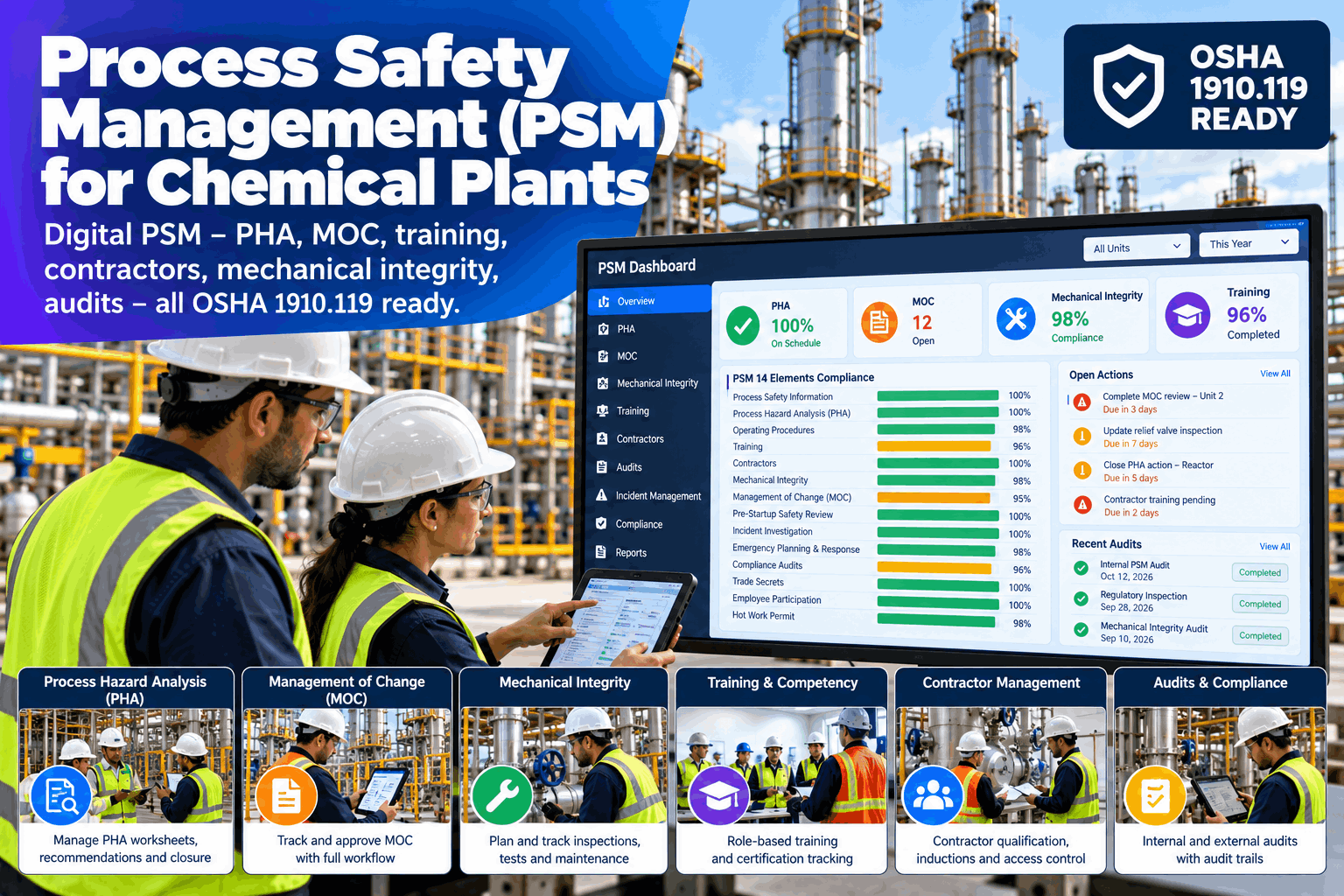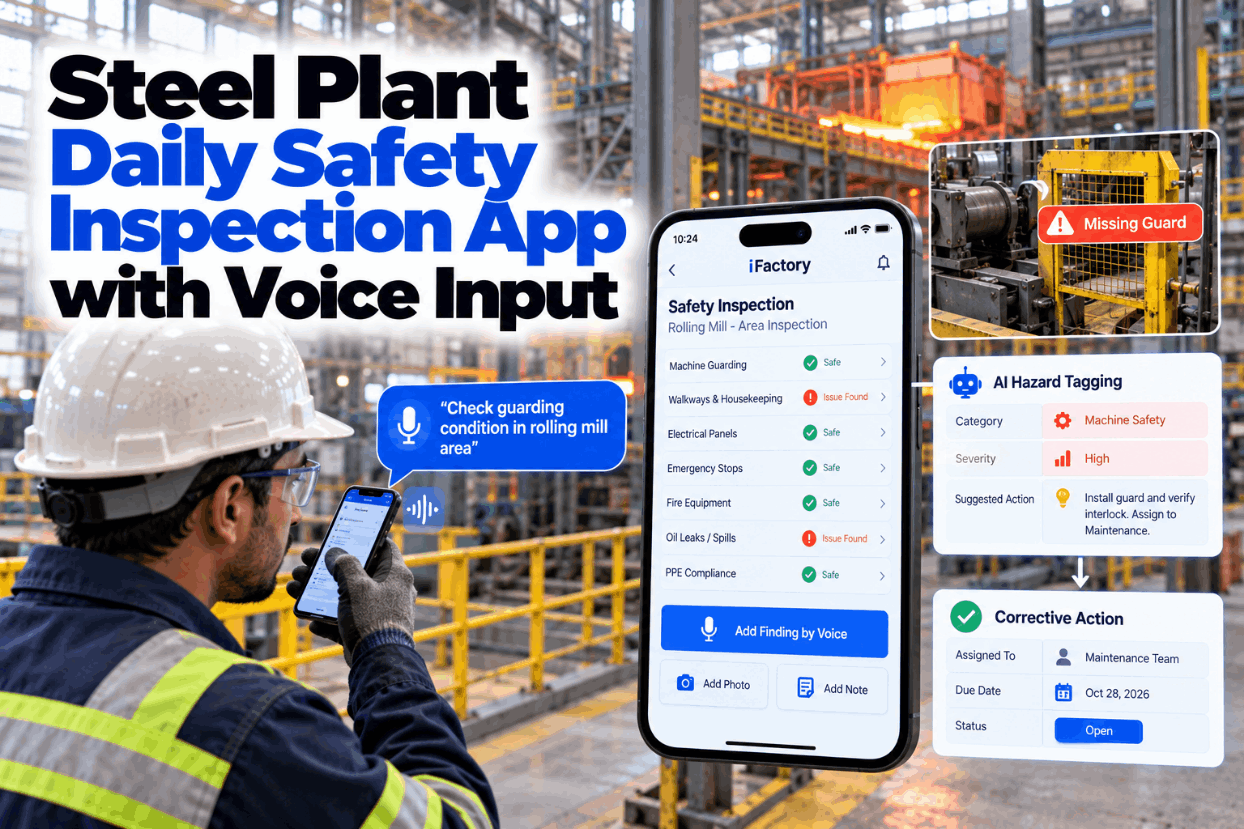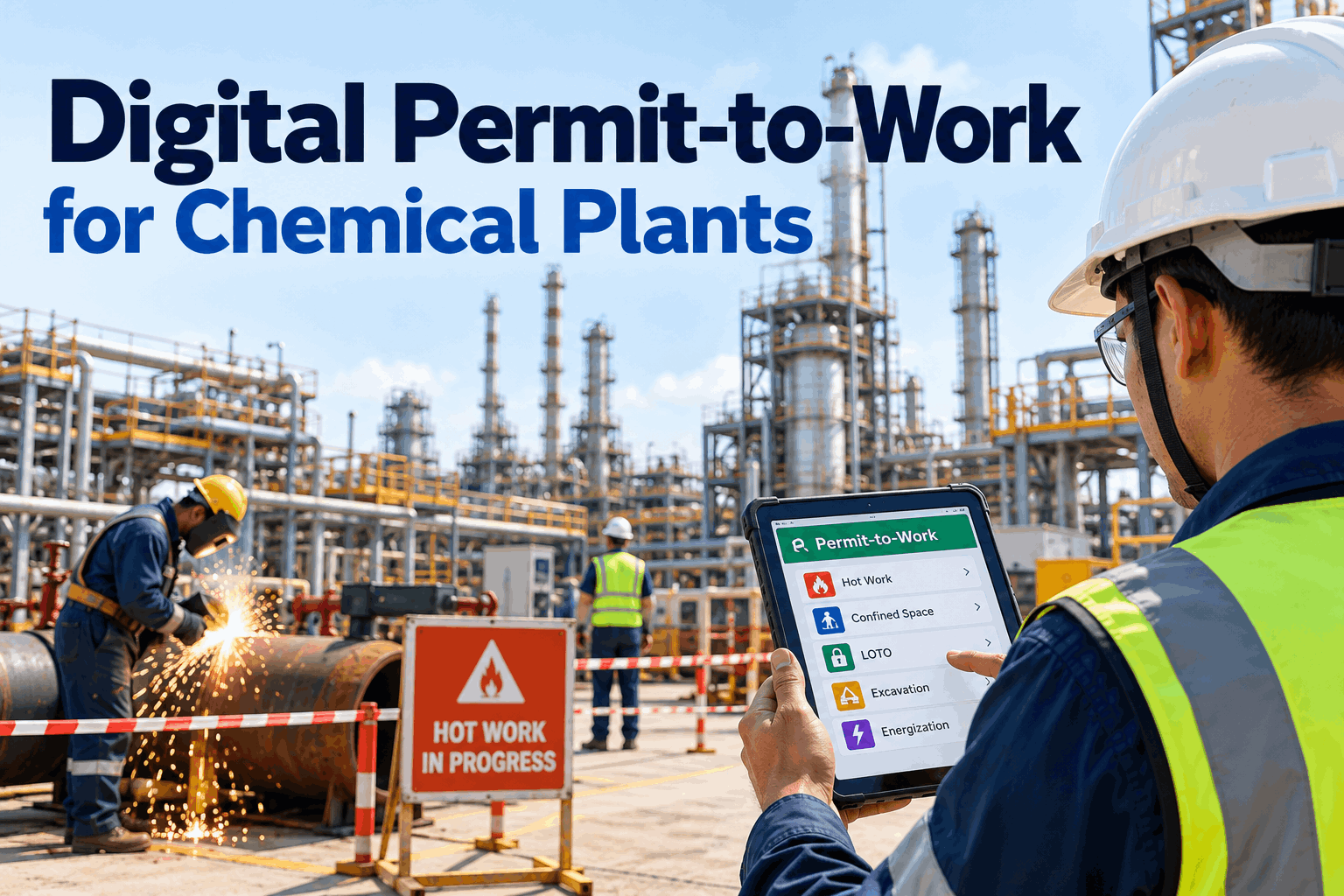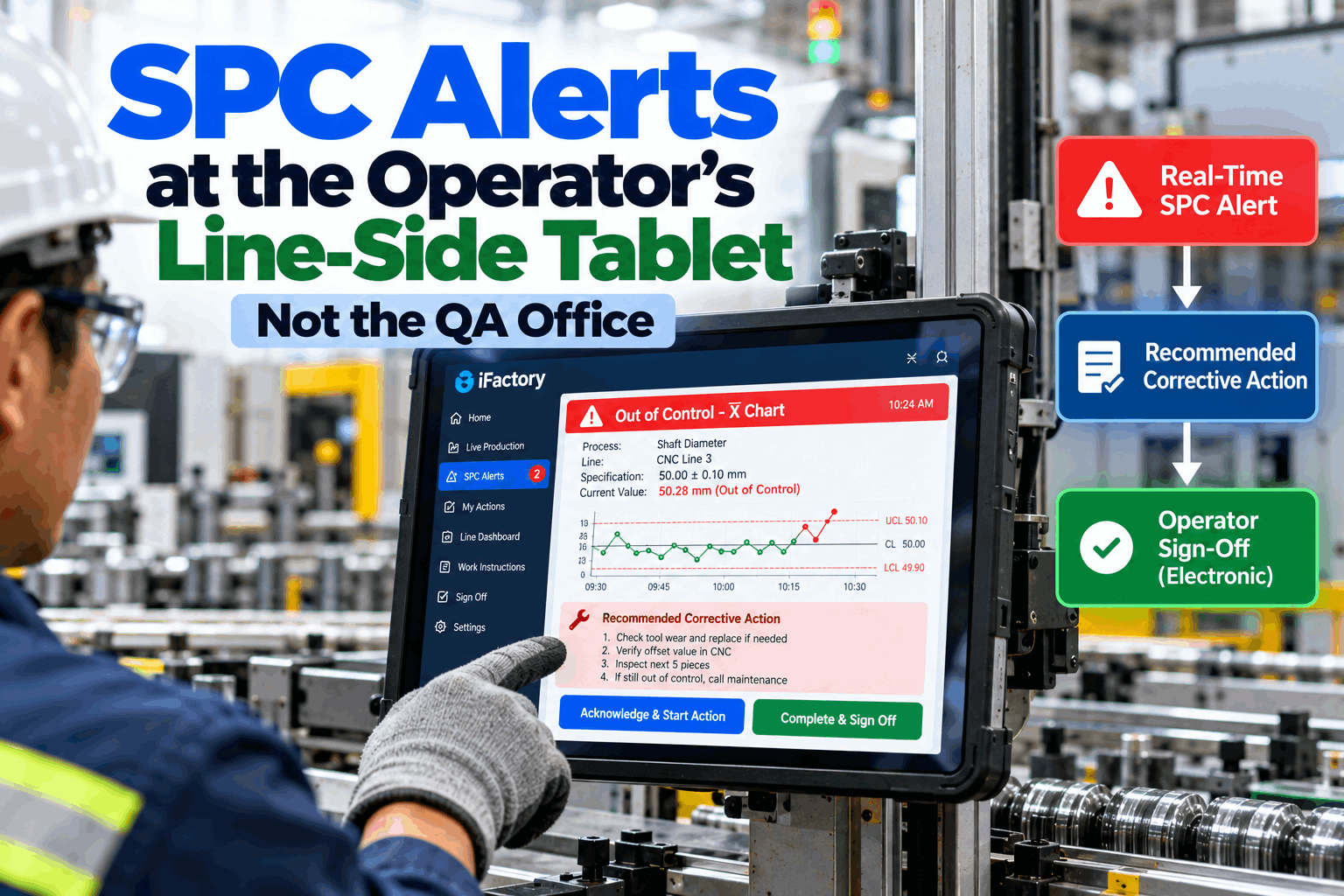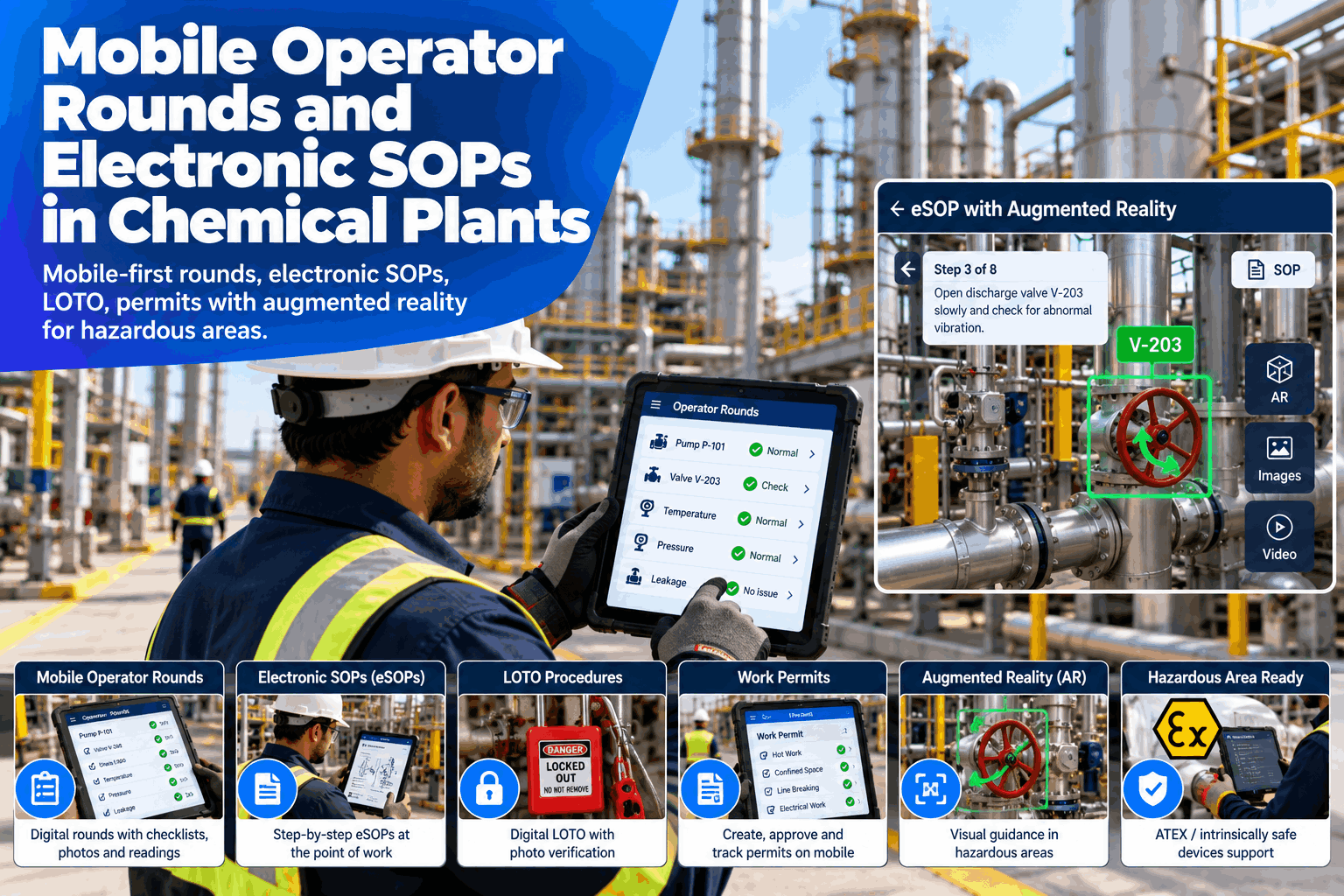
In a chemical plant, the operator on the round is the first sensor and the last check. Yet readings are still written on paper and re-keyed after the shift, SOP copies in binders drift out of date, and permits and lockout steps are chased across several forms. A mobile-first suite puts rounds, electronic SOPs, LOTO and permits in one app, with augmented reality guidance for the step in front of the operator. This page covers what to put on the device, how hazardous areas change the choice of hardware, a worked example and a rollout plan. Field operations leads can see it on their own round sheets in a mobile rounds walk-through.
Mobile Operator Rounds and Electronic SOPs in Chemical Plants
Run mobile-first rounds, electronic SOPs, LOTO and work permits with augmented reality guidance for hazardous areas, on a turnkey on-prem server that keeps plant data inside your network.
- Readings captured once, at the asset
- One current version of every SOP, in the operator's hand
- LOTO and permits recorded alongside the job
Why Paper Rounds and Paper SOPs Fall Short
The information exists, but not where the operator needs it.
Paper keeps working until something changes. A revised SOP does not reach every binder, a reading is written down and typed in later, and a permit or isolation step lives on a separate form. Each gap is small, but together they leave leads checking records instead of the plant. Our field operations specialists can map where your rounds lose time.
Re-keyed readings
Written once, typed again later.
Outdated SOP copies
Old versions still in binders.
Paper permits and LOTO
Steps split across several forms.
Hazardous area limits
Ordinary devices cannot go in.
What Goes on the Operator's Device
Five field tasks, each with one record.
The table is the template for scoping the app. Each line names a task the operator already does, what the operator does on the device and what the plant keeps. Start with rounds and eSOPs, then add LOTO and permits once the first two are stable. See it built around your sheets in a working session.
Hazardous area classification decides which devices may be used where. Use tablets and phones certified for your zone, such as ATEX or IECEx intrinsically safe models, and agree the choice with your safety and instrumentation teams. The app runs on the devices you approve and does not change an area's classification.
A Worked Example: Time Spent Re-Keying Paper Readings
Count the hours between the walk and the record.
Take a plant with 6 operators on rounds per shift across 3 shifts, so 18 operators a day. Each spends about 25 minutes per shift typing paper readings into the system. If mobile capture removes most of that, the hours go back to field work. All figures are illustrative.
See Your Own Round Sheets on a Mobile Device
Bring a current round sheet and an SOP, and we show them as a mobile round with range checks, photos and flags.
Where Augmented Reality Helps the Operator
Show the right step at the right asset.
AR is most useful where an operator could pick the wrong valve, panel or step. It adds guidance to the camera view and does not replace the permit, the isolation tag or the operator's judgment. Confirm every use with your safety team before it goes live.
Find the asset
The tag and name shown on the equipment in view.
Follow the step
The current SOP step shown beside the asset.
Confirm the point
A photo of the isolation point saved with the record.
A Round From the Operator's Side
Each step asks for one thing and records it.
The round walks the operator through the route in order, checks each value against its range and raises a flag when something is outside it. The lead sees the flag during the shift, not at the end. Try it on your own route in a live walk-through.
From Round Plan to Reviewed Shift
A round is useful when the lead can act on it.
Every round follows the same five steps, and the lead reviews flags during the shift. Plan the rollout with our implementation team.
Assign
Routes and SOPs go to the shift.
Walk
The operator follows the route in order.
Capture
Readings, photos and step ticks at the asset.
Flag
Out-of-range items go to the lead.
Review
The lead signs off the shift record.
Mobile Rounds and eSOP Best Practices
Do not copy the paper form. Improve it.
These are common gaps when plants move rounds and procedures to mobile. A short readiness review can catch them before the pilot.
What works
- Short rounds with clear ranges for each reading
- One controlled version of every SOP
- Devices certified for the zone they enter
- A pilot on one unit before the whole plant
What fails
- Copying a long paper form onto a screen
- Old SOP copies left in the binders
- Consumer devices taken into classified areas
- Rolling out to every unit on the same day
How iFactory Runs the Mobile Ops Suite
Rounds, procedures and permits on one server.
iFactory runs the Mobile Ops Suite on your on-prem server, so rounds, SOPs, LOTO and permit records stay inside your network. Routes, ranges and procedures are set up with your operations and safety teams, and flags and findings link to your work order system. Fit questions go to our solutions team.
Mobile rounds
Readings, photos and range checks.
Electronic SOPs
One current version, step by step.
LOTO and permits
Isolation and permit checks recorded.
AR guidance
The step shown at the asset.
Flags and findings
Sent to the lead during the shift.
On-prem
Plant records stay in the plant.
The figures and exchanges on this page are illustrative. Results depend on your routes, procedures, devices, network coverage and area classification, and we measure them on your plant during the pilot. Device certification for hazardous areas remains with the device manufacturer and your safety team.
Turnkey AI: Delivered, Connected and Live in 6–12 Weeks
You do not build this. It arrives ready.
iFactory ships as a pre-configured NVIDIA AI server with the software pre-loaded, racked and ready. Rack it, plug in power and Ethernet, and the AI is live on your network. Our team handles cabling, network setup, PLC, SCADA, DCS and CMMS integration, operator training and 24×7 remote monitoring. Data stays on your network. For an implementation guide and a quote matched to your plant, request a turnkey quote.
Ship, network and map rounds
Server installed. Wireless coverage checked. Routes, ranges and SOPs mapped.
Setup and unit pilot
Mobile rounds and eSOPs configured. Live pilot on one unit with approved devices.
Go-live and review
Roll-out across units. Operators trained. LOTO and permits added once stable.
Frequently Asked Questions
What are mobile operator rounds in a chemical plant?
Operators walk a defined route with a mobile device, enter readings, add photos and notes at each asset, and raise flags for anything outside its range, instead of writing on paper and re-keying later.
How is an electronic SOP different from a PDF?
An electronic SOP is controlled, versioned and followed step by step on the device, with each step recorded against the version used. A PDF shows the text but not whether the step was done or which copy was current.
Does mobile LOTO replace physical locks and tags?
No. The physical lock, tag and your isolation procedure stay as they are. The app guides the isolation list and records the confirmation and photo for each point.
Can we use it in ATEX or other hazardous areas?
Yes, with devices certified for the zone, such as intrinsically safe tablets or phones chosen with your safety and instrumentation teams. The app runs on approved devices and does not change area classification.
What about areas with weak network coverage?
Coverage varies by plant, so we survey it during network setup and scope any offline needs with you before the pilot. We do not assume coverage everywhere.
What are the best practices for field operations leads?
Keep rounds short with clear ranges, control one version of each SOP, pick devices for the zone, pilot on one unit and add LOTO and permits after rounds and eSOPs are stable.
What does it cost and what is the return?
Cost depends on the number of units, routes, devices and integrations, so we issue a turnkey quote after a short scoping call. The return comes from less re-keying, current procedures and faster flags, and the pilot measures it on your plant.
How do we start?
Start with a short session using a current round sheet and an SOP. A 6-week pilot then maps one unit, configures the app and runs live rounds with approved devices. To plan it, contact our team.
Put Your Rounds and SOPs in the Operator's Hand
In thirty minutes we take a round sheet and an SOP from your plant and show them as a mobile round with range checks, photos and flags. You keep the results either way.
- 1Current round sheets for one unit
- 2Two or three SOPs you use often
- 3Your LOTO and work permit forms
- 4Area classification by zone
- 5Devices and wireless coverage today