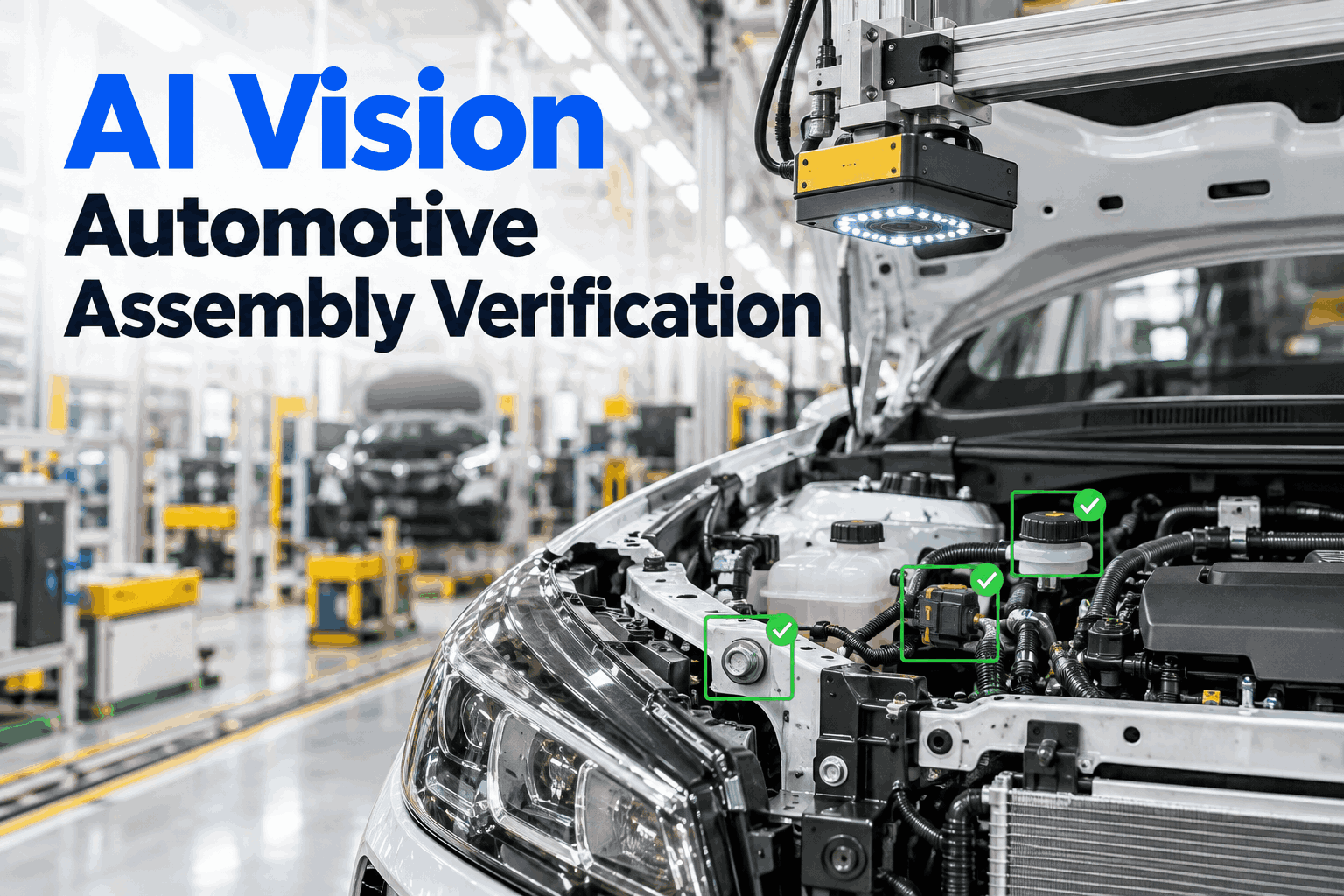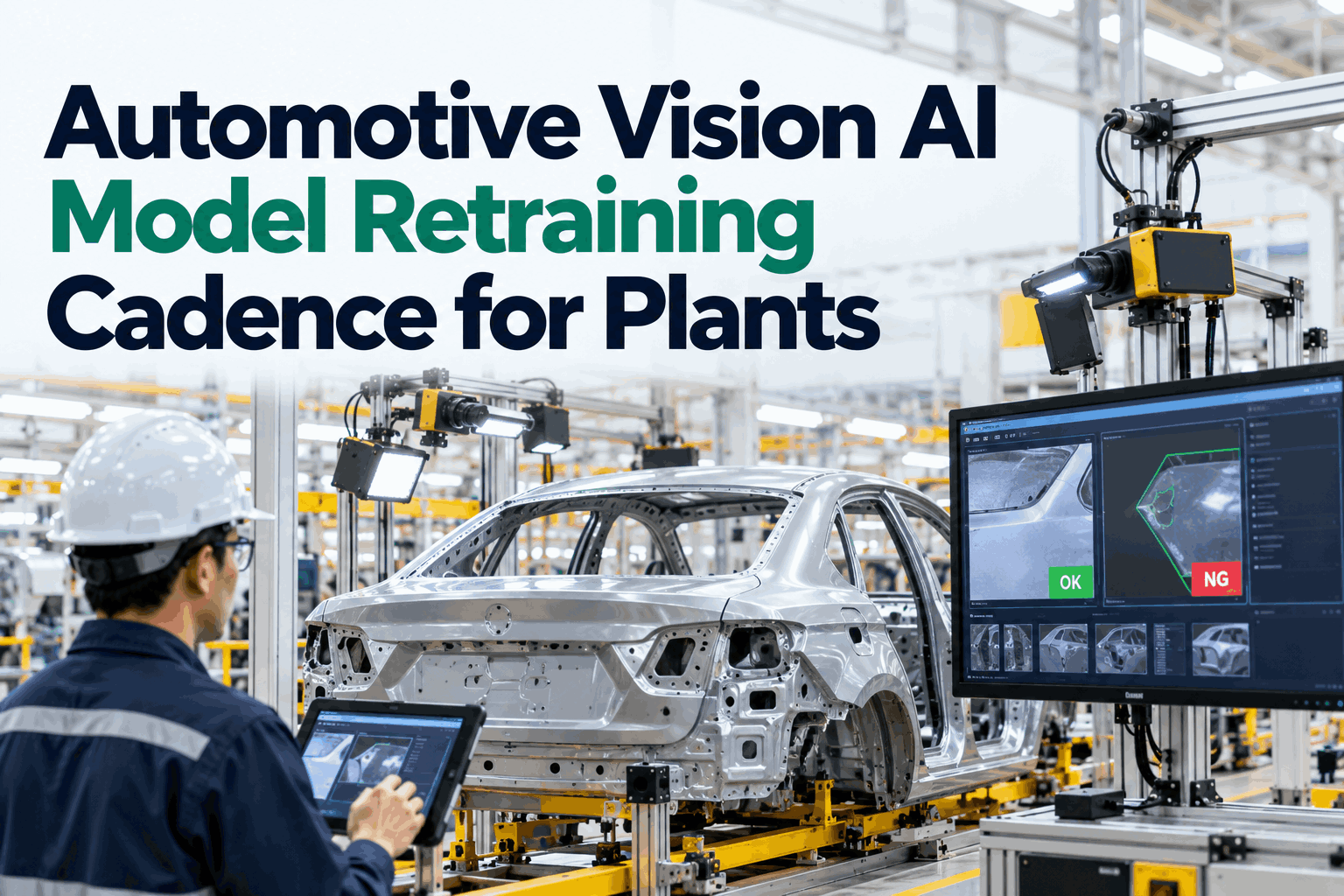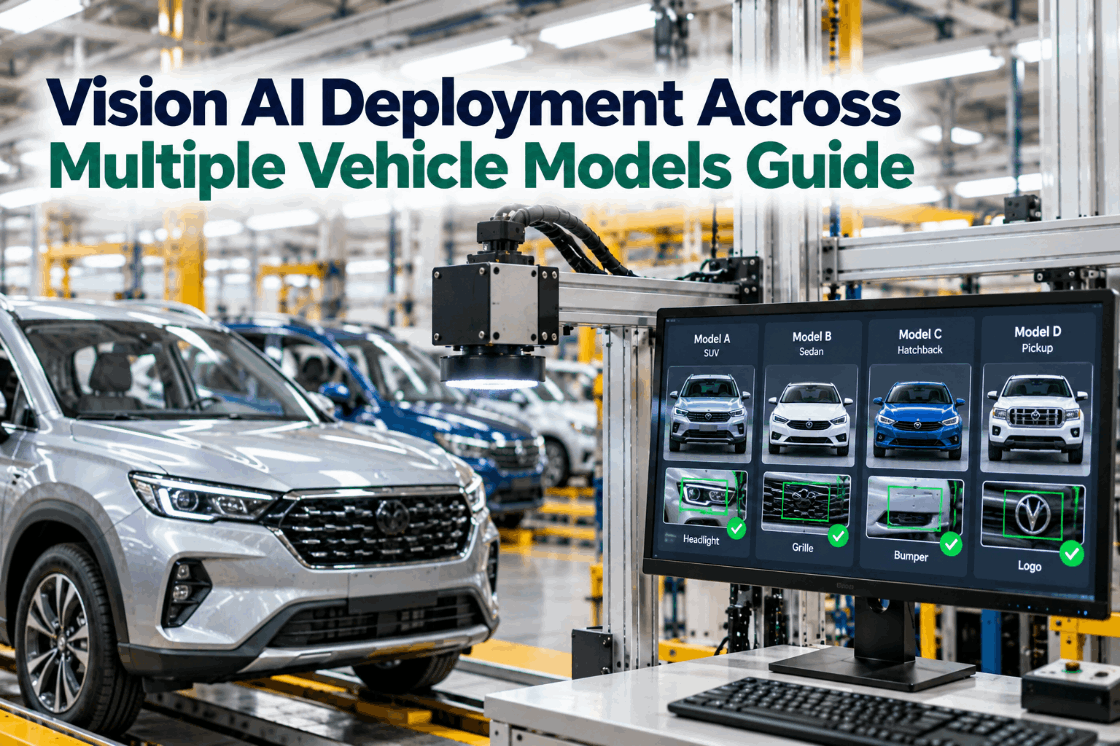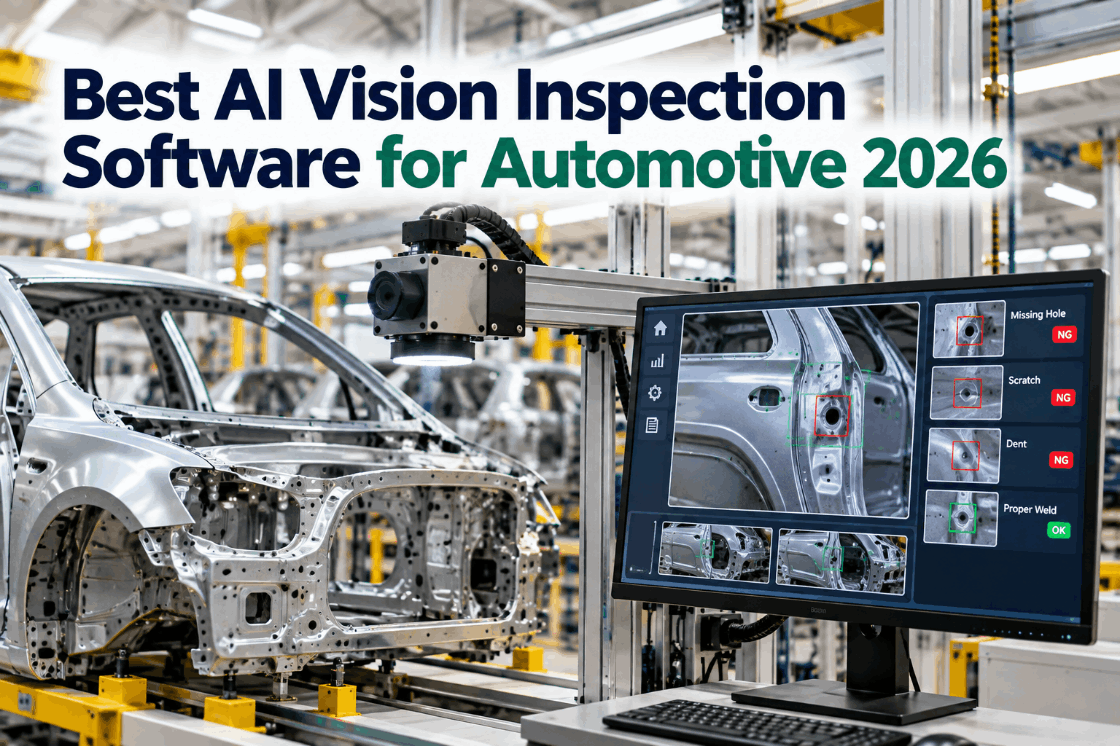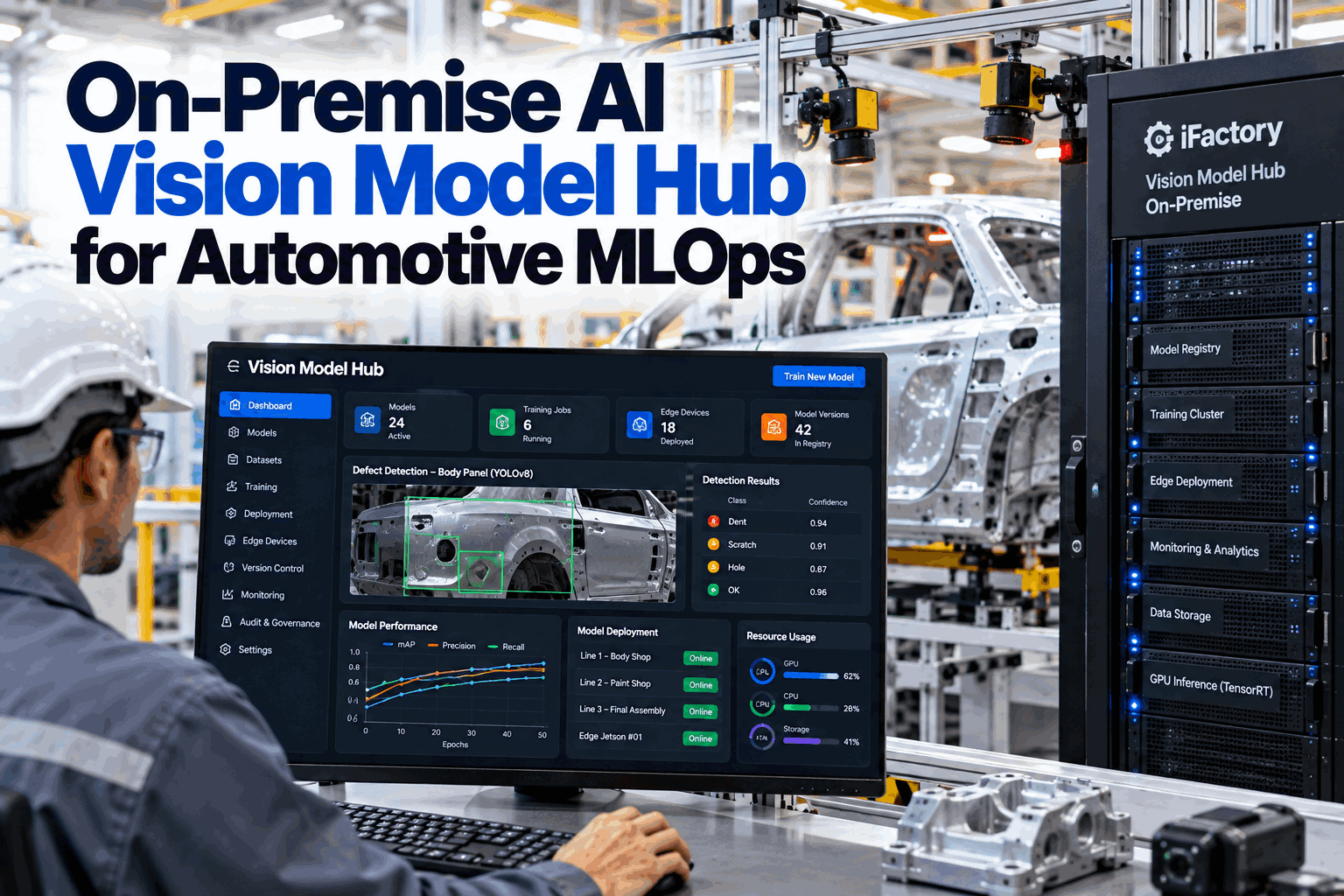
Most automotive plants that try AI vision get the first model working. The trouble starts with the second, the tenth and the fiftieth. A new paint colour confuses the defect model, a supplier changes a part and the classifier drifts, and nobody is sure which version runs on which station. Cloud retraining is often ruled out. An on-premise AI vision model hub keeps the whole lifecycle inside the plant: train, validate, version, deploy and govern every model on your own servers and edge devices, with no cloud dependency. Plan yours in an MLOps review.
On-Premise AI Vision Model Hub for Automotive MLOps
One hub inside the plant for every vision model: datasets, training, a model registry, TensorRT-optimised builds and controlled rollout to edge devices on the line, fully air-gapped.
- Why vision projects stall after the first model
- The full model lifecycle, kept on-premise
- Versioning, safe rollout, rollback and governance
Why Vision Projects Stall After the First Model
The model is the easy part. Running fifty of them is the hard part.
Automotive plants change constantly: new colours, new trims, new suppliers, new lighting after a maintenance job. Every change can shift what a camera sees, and a model that was accurate at launch slowly becomes less so. Without a way to collect new images, retrain, test and roll out safely, teams either freeze models and accept the drift, or retrain by hand with no clear record of what changed. Our AI engineers can review where your vision projects stand today.
Model drift
New variants and lighting erode accuracy over time.
Version confusion
Nobody is sure which model runs on which station.
Cloud ruled out
Images cannot leave the plant under IT or customer rules.
Risky releases
New models pushed to the line with no staged test.
The Model Lifecycle, Kept On-Premise
Every step from image to station happens inside your network.
A model hub ties the lifecycle together so each step feeds the next and leaves a record. Images from the line become labelled datasets, datasets become trained models, models are tested and optimised, and approved versions roll out to edge devices. Field results flow back to show where the next round of training is needed. Each edge device reports its confidence levels and inspector overrides, so the hub can show which stations and defect classes are starting to drift before accuracy visibly falls. See the lifecycle in a live demo.
Collect
Images and edge cases captured from the line.
Label
Defects marked by trained inspectors.
Train
On the on-prem NVIDIA server.
Validate
Golden set, per-class checks, sign-off.
Deploy
Optimised build rolled out in stages.
The images that improve a model most are the ones it got wrong or was unsure about. Have the edge devices save low-confidence and overridden results automatically, so inspectors can label them and the next training round focuses on real weaknesses.
Labelling Without Losing Consistency
A model can only be as consistent as the people who label its images.
When several inspectors label images, small differences in judgement become noise in the model. The hub supports a written defect library with examples, review of a share of labels by a second person, and agreement checks between labellers. Disagreements are settled once and added to the library, so the next round of labels is more consistent. Set up labelling rules with our quality team.
Defect definitions
Each class with examples and lookalikes.
Second check
A share of labels reviewed by another inspector.
Labeller consistency
Disagreements measured and settled.
Dataset versions
Every training set frozen and recorded.
The Right Model for Each Job
Different inspection tasks need different model families.
A vision hub should not force one model type onto every problem. The pre-loaded automotive stack covers the common tasks, and each family is tuned for the edge hardware it will run on. Discuss your use cases with our vision team.
The Model Registry: One Source of Truth
Know exactly what runs where, and how it got there.
Every trained model is stored in the registry with its version, the dataset it was trained on, its test results, the person who approved it and the stations it runs on. When a quality question comes up months later, the record shows which model inspected which parts. Old versions are kept, not overwritten, so any past decision can be reproduced if a customer or auditor asks. Set up the registry with our implementation team.
Recorded for every version
- Training dataset and labelling version
- Per-class test results on the golden set
- Optimised build and target hardware
- Approver, date and release notes
Questions it answers
- Which model inspected this part?
- What changed between v14 and v15?
- Which stations still run an old version?
- Who approved the current release?
Run Every Vision Model From One Hub
Training, versioning and controlled rollout inside your plant, with a full record from dataset to station and no cloud dependency.
TensorRT Optimisation for the Edge
A model that is accurate but slow is no use at line speed.
Models trained on a server are usually too heavy to run at full speed on edge devices. The hub builds each approved model into an NVIDIA TensorRT engine for its target hardware, often using reduced precision such as FP16 or INT8 to cut inference time. Because lower precision can change results slightly, the optimised build is tested again against the golden set before release. The test runs on the same hardware the station uses, so cycle time and accuracy are both proven before the model ever sees a live part. Discuss your hardware with our edge team.
Engine per device
Each target, from Jetson modules to line PCs, gets its own optimised build.
FP16 or INT8
Faster inference, with accuracy checked again after conversion.
Cycle time check
Inference time tested against the station's takt.
Safe Rollout and Instant Rollback
Never put an untested model in charge of a whole line.
New versions roll out in stages. First the model runs in shadow mode on one station, judging parts without acting, so its results can be compared with the live model and with inspectors. Then it takes over one station, then the line. Delivery to edge devices happens over the plant network, signed and verified. If anything looks wrong, the previous version is restored in minutes, without anyone visiting the station. Plan rollout stages with our deployment team.
Model Release Checklist
Tick each gate before a new version leaves shadow mode.
A short, fixed checklist keeps releases consistent whoever runs them. In the hub, these gates are enforced before a model can be released. Adapt them with our quality team.
Governance for Automotive Quality
An AI model in the inspection loop is part of your control plan.
When a model decides whether a part passes, changes to that model deserve the same discipline as any other process change. Automotive quality systems built around IATF 16949 already expect controlled changes and traceable records, and customers increasingly ask how AI inspection is managed. The hub keeps an audit trail of every dataset, training run, approval and release, so model changes can be handled through your existing change management process. Review governance with our compliance team.
Controlled releases
Every release approved by a named person.
Part to model
Each inspection result tied to a model version.
Role-based control
Who can label, train, approve and release.
Air-gapped
No outbound connection needed to run or retrain.
Model Hub Mistakes to Avoid
Tools do not fix a missing process.
These are common problems when plants scale AI vision. A short readiness review can find them.
What works
- A fixed golden set for every model
- Per-class results, not one accuracy number
- Shadow mode before every release
- Rollback stored on every device
What fails
- Retraining on new images only
- Copying models to stations by hand
- Releasing without the optimised build tested
- No record of which model judged which part
How iFactory Runs the Vision Model Hub
Vision Model Hub On-Premise, inside your network.
iFactory's Vision Model Hub trains, versions and governs vision models on an on-prem NVIDIA server, builds TensorRT-optimised engines for each edge device and rolls them out over the plant network in controlled stages. The automotive model stack, including YOLO, ViT, MobileNet and LSTM-tiny, comes pre-loaded. Fit questions go to our solutions team.
Model registry
Every version from dataset to station.
On-prem training
Retrain on your own images, inside the plant.
Release gates
Golden set, per-class checks and sign-off.
TensorRT builds
Optimised engines for each edge device.
Staged rollout
Shadow, one station, then the line.
Air-gapped
No cloud needed to run or retrain.
Results depend on your stations, images and labelling quality. We measure model accuracy, release speed and rollback events on your own line during the pilot, rather than promising a general figure.
Turnkey AI: Delivered, Connected and Live in 6–12 Weeks
You do not build this. It arrives ready.
iFactory ships as a pre-configured NVIDIA AI server with the software pre-loaded, racked and ready. Rack it, plug in power and Ethernet, and the AI is live on your network. Our team handles cabling, network setup, PLC, SCADA, DCS and CMMS integration, camera and edge device links, operator training and 24×7 remote monitoring. Data stays on your network. For a scope matched to your plant, request a turnkey quote.
Ship, network and data
Server installed with the automotive model stack. Cameras and edge devices connected.
Model training and pilot
Registry, golden sets and release gates set up. First model retrained and shadowed on one station.
Go-live and training
Model hub live for all vision stations. Engineers trained. 24×7 monitoring begins.
Frequently Asked Questions
What is an on-premise AI vision model hub?
A system inside the plant that manages the full lifecycle of vision models: datasets, training, testing, versioning, optimisation and rollout to edge devices, without using the cloud.
Can it run fully air-gapped?
Yes. Training, the registry and rollout all run on your own servers and network, with no outbound connection needed.
Which model types are included?
The pre-loaded automotive stack includes YOLO for detection, Vision Transformers and MobileNet for classification, and LSTM-tiny for short time-series signals.
What does TensorRT optimisation do?
It builds each model into a fast engine for its target NVIDIA hardware, often using FP16 or INT8 precision. The optimised build is tested again before release.
How are new versions rolled out?
In stages: shadow mode on one station, then one live station, then the line. The previous version stays on each device for quick rollback.
How does it support automotive quality systems?
It records every dataset, training run, approval and release, so model changes can go through your change management process and each inspection can be traced to a model version.
How often should models be retrained?
When monitoring shows a need, such as new variants, rising low-confidence results or more inspector overrides, rather than on a fixed calendar. Every retrain still goes through the same release gates.
Can we bring our own models?
Yes. Existing models can be registered, tested against a golden set and managed through the same release process.
How do we start?
Start with one model family and a few stations. A 6-week pilot sets up the registry, golden sets and staged rollout. To plan it, contact our team.
Scale AI Vision Without the Cloud
In thirty minutes we review your vision stations, models and release process, and sketch a model hub setup for one line. You keep the sketch either way.
- 1List of vision stations and models
- 2Edge hardware in use
- 3How models are retrained today
- 4Your IT rules on data leaving the plant
- 5One model that lost accuracy over time