Steel Plant Digital Logbook: Swap Paper Logs for Voice AI

By David Cook on October 26, 2026

steel-plant-digital-logbook-swap-paper-logs-voice-ai

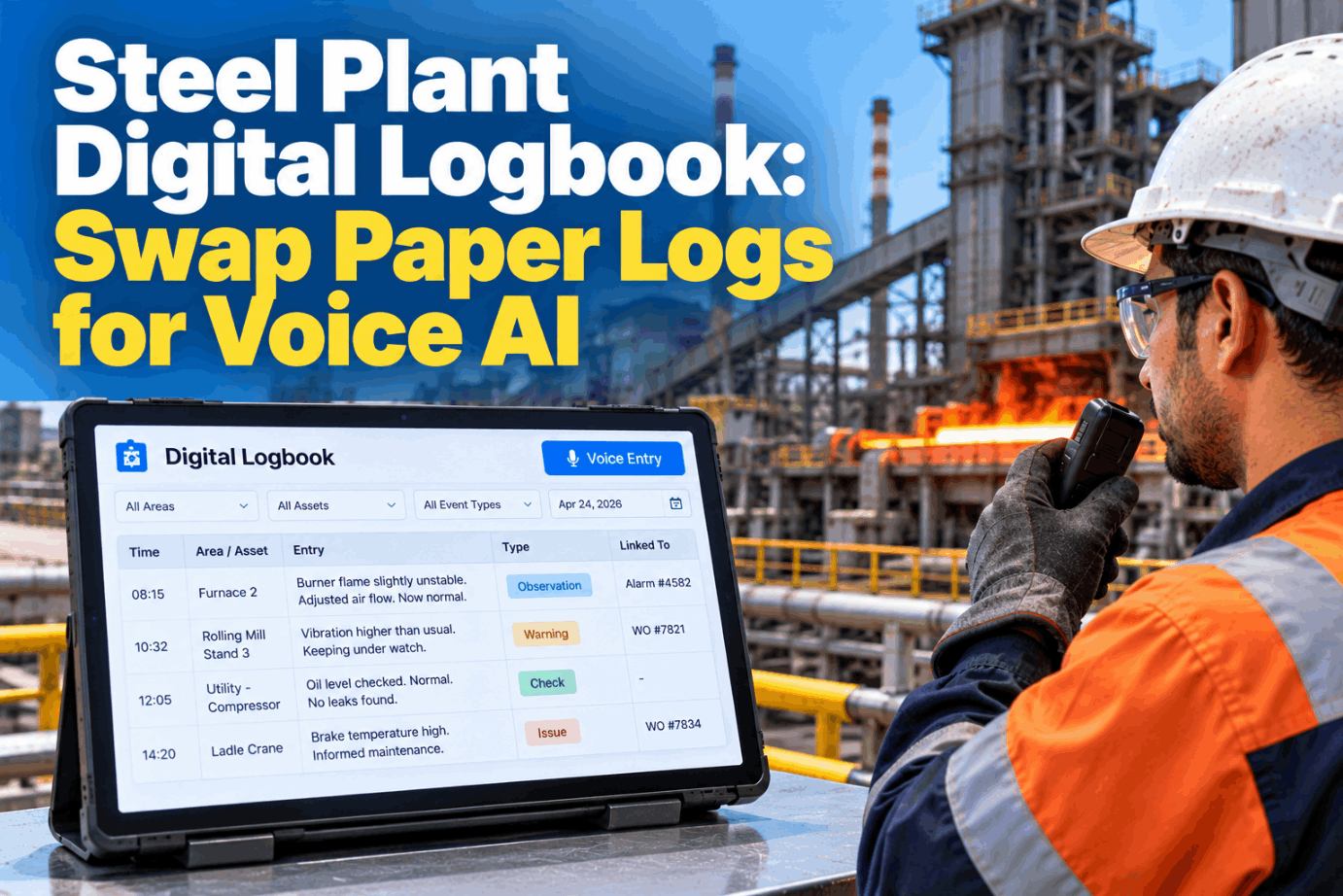
Every area of a steel plant keeps a log: heats and delays in the melt shop, sequences in the caster, furnace and roll events in the hot mill, pumps and compressors in utilities. Most are handwritten books that never leave the pulpit, so nobody else can search them. A steel plant digital logbook lets operators speak entries that are timed, tagged and searchable. See it in a short logbook demo.

VOICE AGENT · STEEL PLANT LOGBOOKS

Speak Area Logs Hands-Free. Find Any Entry in Seconds

iFactory Digital Logbook + Voice lets operators dictate area logs at the equipment. AI tags the asset and event type, links each entry to alarms and work orders, and answers searches like "all entries on furnace 2 burners last week".

Logbook search4 entries
"All entries on furnace 2 burners last week"
Mon 19 Oct · 03:12Zone 4 burner 7 flame unstable, air trimmedAlarm linked
Thu 22 Oct · 22:05Burner 7 pilot not lighting, two triesWO 58302
Sat 24 Oct · 09:30Pilot igniter replaced, burner back onWO closed
Reheat furnace 2 · 19–25 Oct · all area logs
STEEL PLANT DIGITAL LOGBOOK

The Area Logs a Steel Plant Already Keeps

A steel plant runs several logbooks at once, each written by a different crew in its own style. They share one purpose: a running, dated account of what happened, in the operator's own words. That account is what engineers and investigators reach for first. The matrix shows typical content. Your areas will differ, so map yours with our support team.

Area log
Typical entries
Who writes it
Links that matter
Melt shop
Heat events, delays, electrode and refractory notes, water leaks
Furnace and ladle furnace operators
Heat number, furnace alarms
Caster
Sequence start and end, tundish and mould changes, speed changes, breakout alarms
Caster operators and pulpit lead
Sequence, strand, mould level alarms
Hot mill
Reheat furnace burners, cobbles, roll changes, descaler issues
Furnace and mill operators
Coil ID, stand, furnace zone
Utilities
Pumps, cooling towers, compressors, oxygen plant, substations
Utilities operators on rounds
Round readings, trips
Shift turnover
Open problems, holds, equipment out of service, permits in force
Shift managers and area leads
Open WOs and permits
Alarm notes
Why an alarm came in, what was done, shelving reasons
Control room operators
Alarm tag and time
PAPERLESS PLANT

Paper Area Log Book or Voice Logbook

Paper logs are fast to write and easy to trust, which is why they last. The trouble starts when someone outside the pulpit needs them: a reliability engineer after a repeat trip, a manager after a near miss, an investigator months later. Typing into a terminal doesn't solve it, because nobody leaves a furnace to type. Voice dictation keeps the speed of paper and adds the reach of a database. Compare both in a side-by-side demo.

PAPER LOGBOOK
  • Written at the end of the shift from memory
  • Readable only in the pulpit where the book sits
  • Asset names written five different ways
  • No link to the alarm or the work order
  • Searching means turning pages
VOICE DIGITAL LOGBOOK
  • Spoken at the equipment, stamped by the server clock
  • Readable from any approved screen in the plant
  • Asset matched to the register every time
  • Linked to the alarm and the work order
  • Searched by asset, area, date, type or word
OPERATOR LOG ENTRIES

Six Event Types the AI Tags

An entry becomes useful when it can be grouped with others like it. iFactory reads each dictated entry, matches the equipment name to the asset register and labels the type of event. The operator only says what happened. If the asset or type is unclear, the agent asks one short question before saving. Review your event types with our support team.

Observation
"Steam from caster spray chamber, strand two"
Reading
"Cooling tower basin at forty-one percent"
Alarm response
"Mould level alarm, slowed cast speed, cleared"
Equipment fault
"Compressor three tripped on high temperature"
Process change
"Switched furnace two to low fire for the delay"
Safety note
"Slag pot route blocked by a parked loader"

Log It at the Furnace, Not at the End of the Shift

Operators wear heavy gloves and face shields. They speak the entry, iFactory reads it back, tags the asset and event type and links any alarm in the same minute. A work order is one more sentence away.

Reheat furnace 2 log · Operator and iFactory
OperatorFurnace two, zone four, burner seven pilot won't light. Tried twice.
iFactoryRead back: RF2 zone 4 burner 7, pilot not lighting, two tries, 22:05. Linked to the burner 7 flame alarm at 22:01. Raise a WO?
OperatorYes. And put it on the handover.
iFactoryWO 58302 raised. Added to open items for the day shift handover.
AREA LOG BOOK ROUNDS

Operator Rounds Spoken Stop by Stop

Utilities and furnace operators walk fixed rounds and write readings on a sheet, then copy anything unusual into the log. Voice removes the copying. At each stop the operator says the reading, the agent checks it against the limit for that point, and anything outside it becomes a log entry linked to the asset. Map your own rounds with our support team.

1Cooling towerBasin level and return water temperature
2Pump housePump bearing temperature and noise
3FiltersDifferential pressure high, entry raised
4Dosing skidChemical tank levels
5CompressorsOil level, discharge temperature, trips
ALARM LINKED NOTES

Log Entries That Explain the Alarm History

The alarm journal shows what the control system saw. The logbook shows what people did about it. ISA-18.2 guidance treats more than 10 alarms in 10 minutes for one operator as a flood, and gives targets for rates, shelved and stale alarms. Linking the two records shows why an alarm was shelved and what happened during a flood. See alarm links live in an alarm journal demo.

Flood
More than 10 alarms in 10 minutesSpeak one note for the flood window, not one per alarm. The agent links it to every alarm in that window.
Shelved
Operator suppresses an alarm for a set timeThe log keeps who shelved it, why and when it returned.
Out of service
Alarm suppressed, often for maintenanceThe entry names the WO, so the list can be checked before restart.
Stale
In alarm for more than 24 hoursEntries show whether anyone is acting on it or it needs review.
WORK ORDER LINKS

Three Ways an Entry Meets a Work Order

Most log entries need no action. The ones that do should never depend on someone reading the book and phoning maintenance. iFactory links entries and work orders both ways, so operators see what maintenance did and planners see what operators noticed first. Set up link rules with our support team.

Raise
Entry raises a new WO"Raise a WO" at the end of an entry opens one with the asset, text and time filled in.
Join
Entry joins an open WOIf a WO is already open on that asset, the agent offers to add the entry instead of raising a duplicate.
Return
WO closeout appears in the logWhen the job closes, a line appears in the area log so the next shift knows.
SEARCHABLE LOGS

How a Spoken Search Turns Into Filters

Engineers ask questions in plain words, and the search should take them that way. iFactory reads a question, turns it into filters for asset, date range, area and event type, and returns entries from every log in time order. The filters are shown, so the person can see exactly what was searched and widen or narrow it. Try your own questions in a search demo.

Question"All entries on furnace 2 burners last week"
AssetReheat furnace 2 › burners
DatesMon 19 to Sun 25 Oct
LogsFurnace, utilities, shift, WOs
TypesAll event types
Mon 03:12Burner 7 flame unstable, air trimmedFurnace log · alarm
Wed 14:40Gas header pressure low for five minutesUtilities log · alarm
Thu 22:05Burner 7 pilot not lightingFurnace log · WO 58302
Sat 09:30Pilot igniter replaced, burner back onWO closeout
STEEL PLANT DIGITAL LOGBOOK BEST PRACTICES

Shift Handover the Way HSE Guidance Describes It

The UK HSE lists shift handover among safety critical communications and points to Piper Alpha as a reminder of what poor communication can cost. Its guidance for inspectors sets out the principles below. It also says sites should rely more on written communication when 12-hour shifts are in operation. The logbook is that written half. Plan your handover routine with our support team.

Face to face
Outgoing and incoming staff meet, not just a note on the desk
Two-way
Both sides share responsibility for the handover
Verbal and written
Talk it through, backed by the log
Planned content
Based on what incoming staff need to know about plant status
Enough time
As much time as accurate communication needs
What the log adds to a face-to-face handover

Before the meeting, iFactory lists the shift's open items: equipment out of service, shelved alarms, open WOs and permits. Both leads talk through the list and nothing depends on memory.

LOG RECORDS FOR INCIDENT INVESTIGATION

Retention and Integrity When the Log Becomes Evidence

After an incident, the log is often the best account of what people saw and did. Investigators need to trust when each line was written and by whom. Retention depends on the process. OSHA's PSM standard, 1910.119, applies only to covered processes, such as anhydrous ammonia above 10,000 lb or chlorine above 1,500 lb. There, an investigation starts within 48 hours and the report is kept five years. Oxygen is not on the Appendix A list. Check each process with your EHS team, and see the incident export in an investigation demo.

Server timeEvery entry stamped by the system clock, not typed by hand
Named authorPersonal logins and voice, never a shared pulpit account
Original keptChanges saved as new versions with a reason
Retention per logSet by area to meet your rules and investigation needs
Role-based accessCrews write their own area logs, others can read
Incident exportEntries, alarms and WOs for a chosen time window in one pack
STEEL PLANT DIGITAL LOGBOOK COST AND ROI

Size the Write-Up Time With Your Own Numbers

The clearest time cost of paper logs is the end-of-shift write-up, when operators reconstruct the shift from memory. The worksheet uses assumed inputs only, so replace each one with figures from your plant. Build a full case with our support team.

Areas keeping paper logs8, assumed
Shifts per day3, assumed
Minutes of write-up per area per shift15, assumed
Write-up time per day8 × 3 × 15 = 360 min = 6 h

With voice, most of that time moves to the moment of the event and entries become more accurate. Add the hours engineers spend searching paper books after trips and incidents, using your own estimate. Leave avoided incidents out unless your data supports them.

STEEL PLANT DIGITAL LOGBOOK EXAMPLES

Three Spoken Entries From Three Areas

These illustrations show how a short spoken entry becomes a tagged, linked record. They are not case studies. Test phrases from your own crews in a phrase test.

Melt shop log
"EAF two, water on the roof, small leak near panel six."Tagged to the roof panel as an equipment fault, linked to the cooling water alarm and sent to the shift manager.
Caster log
"Strand one mould level hunting, slowed speed to 1.1."Saved as an alarm response with the speed value and linked to the mould level alarms in that window.
Utilities log
"Compressor three tripped on high temp, restarted."Logged as an equipment fault, joined to the open WO on that compressor.
STEEL PLANT DIGITAL LOGBOOK IMPLEMENTATION GUIDE

A One-Area Pilot Plan

Start in one area where the log is busy and searched often, such as a reheat furnace or the caster. Agree names and links first, then run voice and paper side by side. Plan your pilot with our support team.

Pilot areaHot mill, reheat furnace 2
Logs movedFurnace log and shift turnover
Asset namesZones and burners as crews say them
Alarm sourceControl system alarm journal
WO linkCMMS for the hot mill
Side by sideTwo weeks, voice and paper
CheckWeekly search test by engineers
OwnerArea manager, then next area
TURNKEY AI DEPLOYMENT

Digital Logbook, Voice Agent and AI Server in One Package

iFactory delivers Digital Logbook + Voice as a turnkey bundle. A pre-configured NVIDIA AI server ships racked and ready with speech models, area log templates and alarm and CMMS connectors pre-loaded, so voice is processed on site. You rack it, plug in power and Ethernet, and the AI is live. Scope it for your plant with a turnkey quote.

What's Included
  • Pre-configured NVIDIA AI server, racked and ready
  • Speech models tuned for mill and furnace noise
  • Melt shop, caster, hot mill and utilities log templates
  • Asset and event type tagging from your register
  • Alarm journal link for alarm linked notes
  • Work order links in both directions
  • 24×7 remote monitoring of models and hardware
Live in 6–12 weeks
Wk 1–4
Install and Connect

Server racked, logs mapped, alarm journal and CMMS linked.

Wk 5–8
Pilot One Area

Voice and paper side by side, names and event types tuned.

Wk 9–12
Go-Live and Training

More areas switched over, crews trained, paper books archived.

HOW iFACTORY FITS

Steel Plant Digital Logbook Software That Listens

iFactory turns every area log into records that are timed, tagged and linked as they are spoken. Our support team can walk you through a pilot plan.

1
Dictated hands-free. Area logs are spoken at the equipment and read back before saving.
2
Asset and event type tagged. Every entry is matched to the register and labelled by type.
3
Linked to alarms and WOs. Entries join the alarm journal and the work orders they relate to.
4
Searched in plain words. Ask "all entries on furnace 2 burners last week" and get them.
1000+
Industrial clients running iFactory
99.9%
Platform uptime for continuous steel plants
6-12 wks
From racked server to paperless area logs
FREQUENTLY ASKED QUESTIONS

What Plant Managers Ask About Steel Plant Digital Logbooks

What is a steel plant digital logbook?
An electronic version of the melt shop, caster, hot mill, utilities and shift logs that crews keep on paper. Each entry is timed, attributed and searchable. With voice, operators dictate entries hands-free and AI tags the asset and event type.
How does it link entries to alarms?
It reads the alarm journal from your control system. When an entry names an asset at a time close to an alarm on that asset, the agent offers the link. During an alarm flood, one spoken note can be linked to all alarms in that window.
Does voice work next to a furnace or mill stand?
It is designed for it, with headsets suited to high noise, speech models tuned on plant audio and a read-back before every save. If a phrase is unclear, the agent asks again rather than guessing.
Does OSHA PSM apply to our logbooks?
Only for processes covered by 1910.119, such as anhydrous ammonia or chlorine above their threshold quantities. Many steel processes are not covered. Where PSM applies, incident investigation reports are kept five years. Your EHS team should decide coverage process by process.
Can we keep paper logs during the change?
Yes, and it is a good idea. Run voice and paper side by side in one area for about two weeks, compare the two, then close the paper book and archive it.
How do we start?
Pick one area with a busy log, such as a reheat furnace, agree the asset names and event types, and connect the alarm journal and CMMS. Our support team can plan that pilot with you.

Every Area Log Searchable From One Place

Replace paper area logs with voice entries that are timed, tagged to assets and linked to alarms and work orders. Delivered turnkey and live in 6 to 12 weeks.
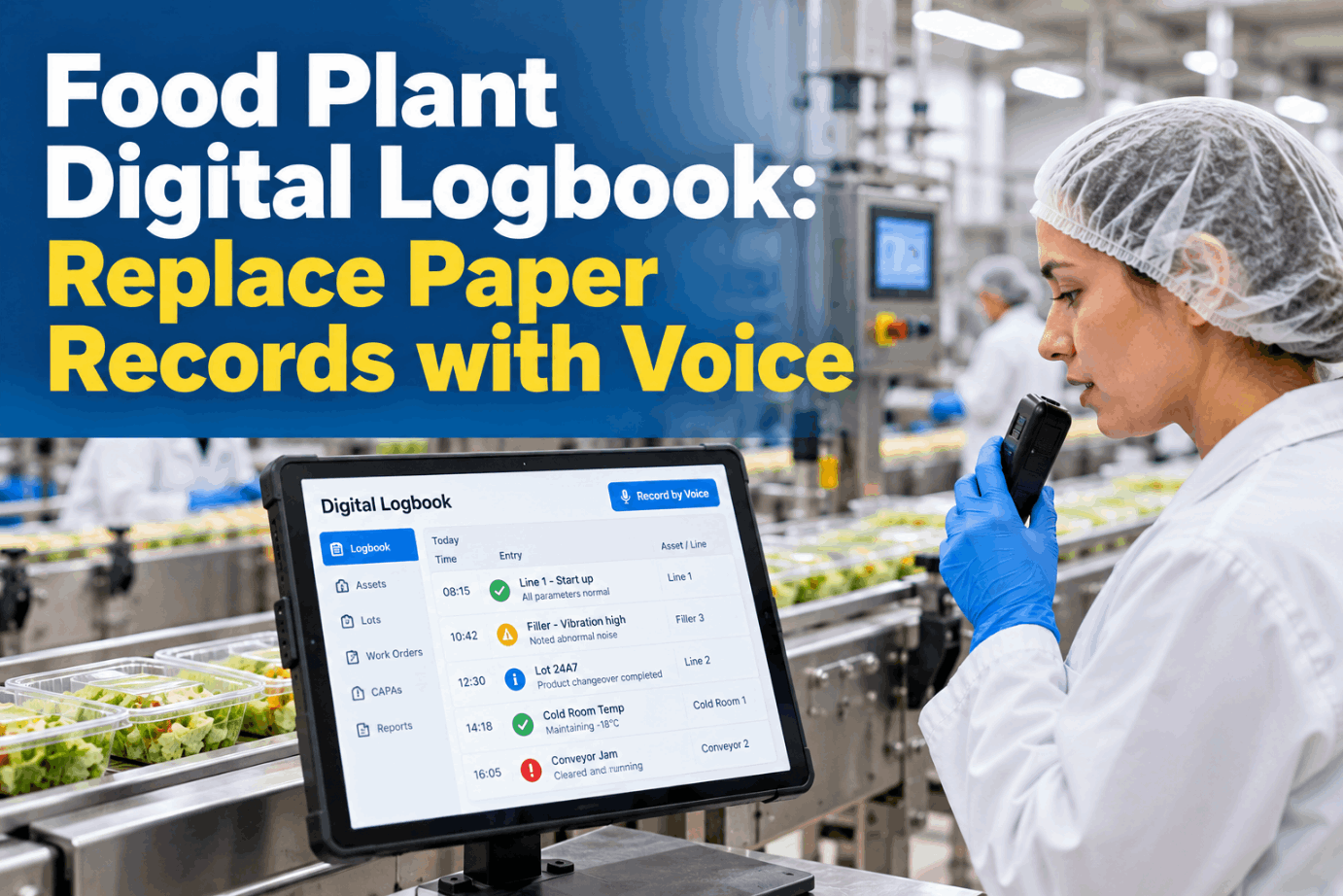

Example shift · Hot mill area log
EntriesSpoken at the equipment
TagsAsset and event type
LinksAlarms and work orders
HandoverOpen items listed for both leads
Every entry found in one search

Share This Story, Choose Your Platform!