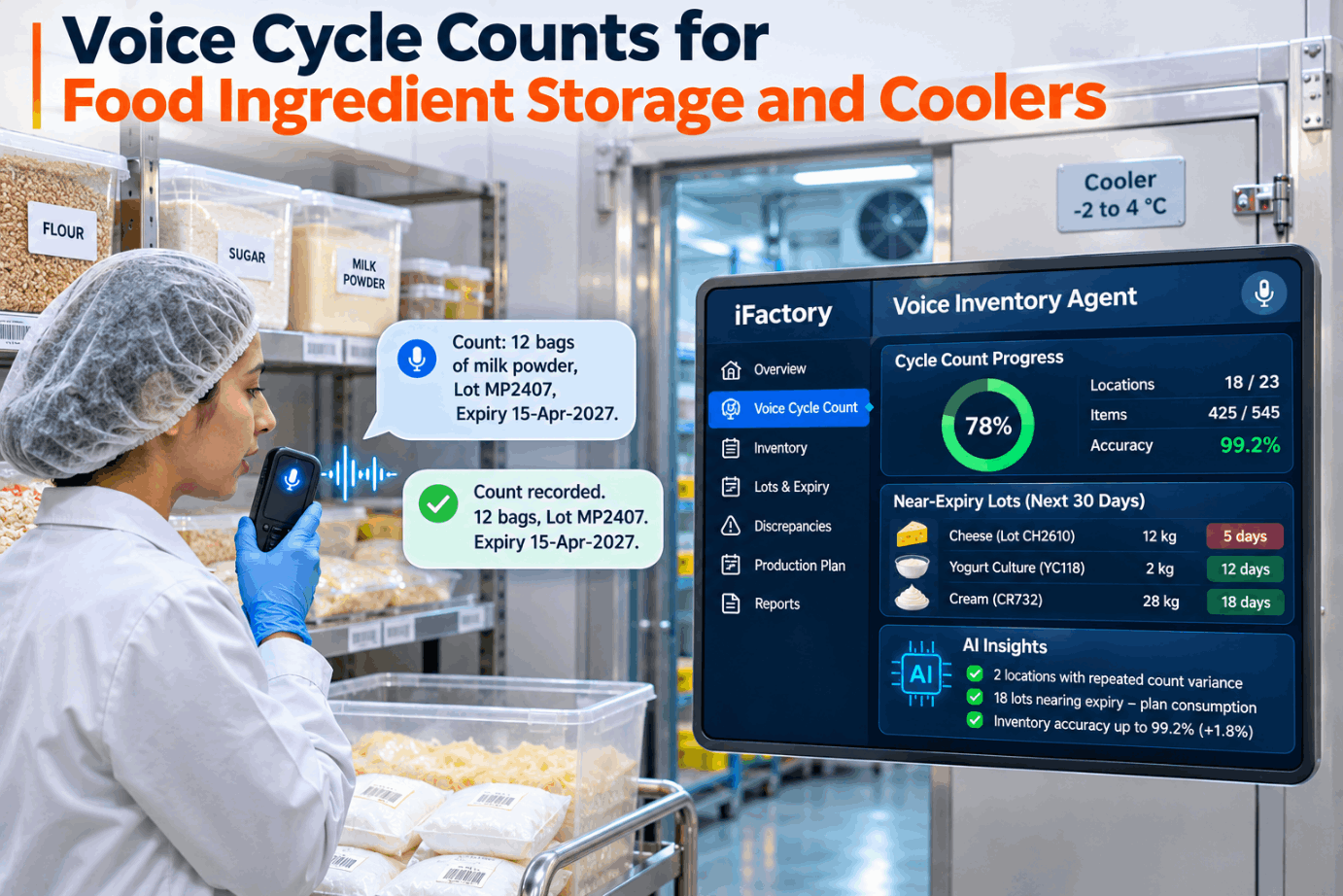
Counting ingredients in a cold cooler or a freezer with a clipboard means gloves off, numb fingers and lot codes copied from frosted labels. Mistakes made there turn up later as a short batch, an expired lot in a mix or a trace that takes all afternoon. Voice cycle counts let the counter keep gloves on, speak the count, lot and best-by date, and hear each one read back before it is saved. See a cooler count run end to end in a short voice count demo.
Count Coolers and Freezers With Gloves On, Lot by Lot
iFactory's Voice Inventory Agent prompts each location, takes spoken counts and lot codes, reads them back and flags any gap against the system. Lots close to their date go straight to the production planner.
Dry Store, Cooler and Freezer Count Differently
A cycle count is a small, planned count of a few locations every day instead of one full stocktake that stops the stores. In a food plant the count changes with the room. Dry stores hold sacks and opened bags, coolers hold short-life lots that turn over fast, and freezers make labels hard to read and hands slow. Plan your route room by room with our inventory support team.
Count the Risky and Costly Items Most Often
ABC analysis ranks items by yearly usage value and counts the top class most often. Food plants add two more reasons to move an item up: it carries a labelled allergen, or it has a short shelf life. A cheap item that would stop a batch or cause an allergen mix-up deserves A-class attention. The frequencies below are a common starting point, not a rule. Set your own classes in a count planning session.
Why the Counter Should Not Hear the System Number
In a blind count, the counter is told where to count and what item to look for, but not what the system expects. Seeing the expected number makes it easy to agree with it instead of counting, especially at the back of a cold rack. The voice prompt gives the location, item and unit only, and the comparison happens after the count is confirmed. Ask our support team how blind prompts are set for each room.
- Sheet printed from the WMS shows 14 boxes expected
- Counter finds 13 behind the pallet and writes 14
- Errors get confirmed rather than found
- Lot codes copied later, often from memory
- Prompt names the location, item and unit only
- Count and lots spoken, read back and confirmed
- Gap shown after saving, recount queued at once
- Counter, time and room saved with every line
Lot Codes and Best-By Dates, Spoken and Read Back
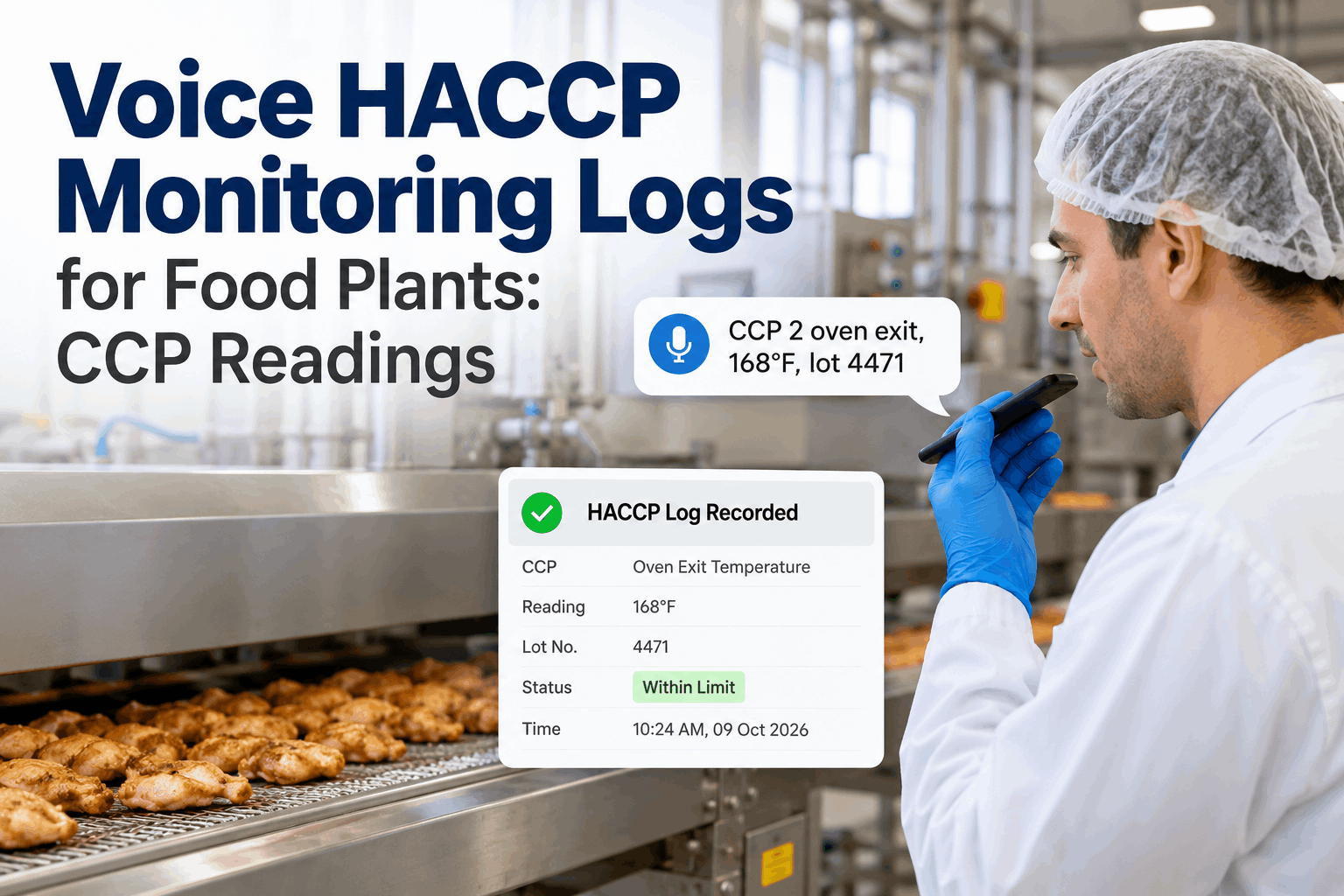
A count in a food plant is only half done without the lot. Speech in coolers and freezers has to cope with fan noise, cold-stiff voices and gloved hands on the push-to-talk button, so every lot code and date is read back before it is saved. If the read-back is wrong, the counter says no and repeats it, or scans the label instead. Hear a full exchange in a live voice walkthrough.
Letters and digits are read one at a time. Dates are read with the month as a word, so 11/04 can't be taken as April by one person and November by another. A lot that the system has never received for that item is challenged, not saved.
Counts That Check Themselves Before They Are Saved
The Voice Inventory Agent compares each spoken count with the WMS the moment it is confirmed, queues a blind recount when it falls outside tolerance and tells the planner when a lot is close to its date.
First Expired, First Out Starts With a True Count
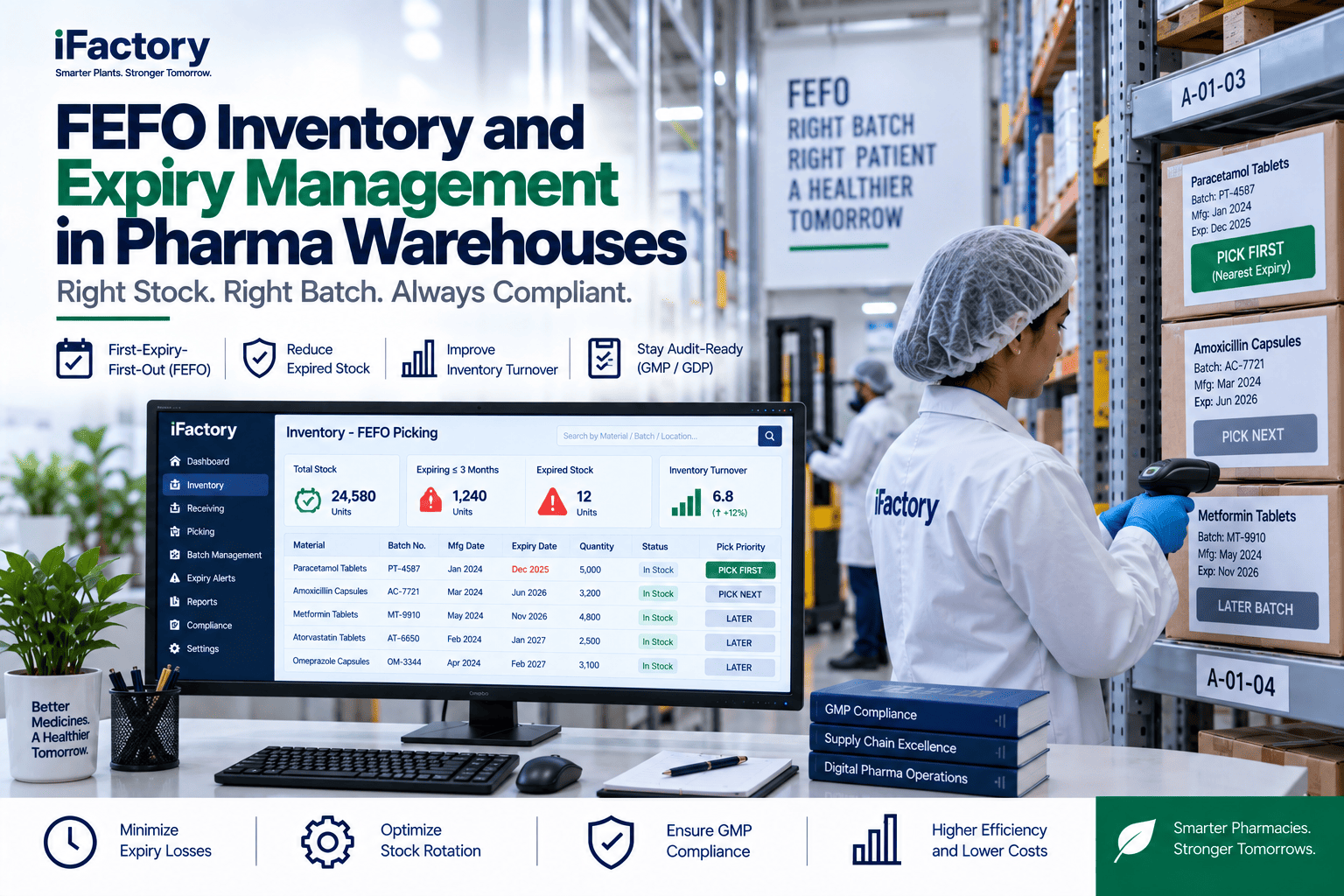
FEFO means the lot with the earliest expiry or best-by date is used first, whatever order it arrived in. FSSC 22000 Version 6 added FEFO to its storage and warehousing requirements, alongside FIFO. FEFO only works if the system knows which lots are really on the rack, so a count that confirms quantity but not lot leaves the pick list guessing. Review your rotation rules with our support team.
Variance Tolerance and Recount Rules
Not every gap needs a manager, and not every match means the count is right. A short ladder keeps small gaps moving and sends the risky ones up. A gap above tolerance gets a blind recount by a different person before anyone adjusts stock, and the adjustment is posted in the WMS or ERP, which stays the system of record. Agree your ladder in a recount rules review.
A lot found that the system doesn't hold, an allergen item in the wrong location, or a lot past its date still on the rack. These go to QA the same shift, whatever the quantity.
When the Unit Is a Kilo, Not a Box
Many ingredients don't come in whole units. Cheese blocks and meat cases vary in weight, and every dry store has opened bags. For these, the counter weighs the item, speaks the scale reading, and the agent turns it into stock units. The figures below are illustrations. Talk through your unit rules with our support team.
The Arithmetic Behind Inventory Accuracy
Inventory record accuracy is the share of counted locations where the record matched the physical count within tolerance. It is simple to work out and easy to bend, so define it once and keep the definition. Track it by room and class, not just as one plant figure, and track lots as well as quantities. See the accuracy view in a stores dashboard demo.
Where Voice Counts Sit Next to the WMS and Traceability
The voice agent captures and checks the count; the WMS or ERP stays the system of record for stock, lots and adjustments. For US plants handling foods on FDA's Food Traceability List, the FSMA 204 rule asks for key data elements, including traceability lot codes, at events such as receiving and transformation. FDA has proposed moving the compliance date to 20 July 2028, and Congress has told FDA not to enforce it before that date, so confirm the current status. Lot-level counts keep those records honest, but counting alone doesn't make a plant compliant. Ask our support team about WMS links.
Five Steps to the First Counted Room
Start with one room and one class, prove the read-back works in your own noise and cold, then widen the scope. Most of the effort is in clean location and item data, not in the voice part. Plan the first room with our implementation team.
Size the Count Time With Your Own Numbers
The sums below use assumed inputs only, taken from the ABC example above. Replace them with a timed count in your own cooler before you use them. Our support team can help you time a baseline.
Add what is harder to price: fewer keying errors, lots caught before their date and faster traces. Leave write-off savings out of the total until your records prove them.
Voice Counting and an On-Site AI Server, Shipped Ready
iFactory ships the Voice Inventory Agent turnkey. A pre-configured NVIDIA AI server ships racked and ready, with speech recognition running on site so a count in the freezer doesn't depend on a cloud link. You rack it, plug in power and Ethernet, and the AI is live. Price it for your stores in a turnkey scoping call.
- Pre-configured NVIDIA AI server, racked and ready
- Headsets suited to cold rooms, with push-to-talk for gloves
- Location and item words loaded from your WMS
- Blind count prompts by room, class and route
- Read-back rules for lot codes, dates and weights
- WMS or ERP link for gaps and recount queues
- Planner alerts for near-date lots
Locations, items and lot formats pulled from the WMS, headsets fitted, server installed.
Voice and paper counts run in parallel in a single cooler while read-back is tuned.
Blind counts live in every room, with planner alerts and accuracy reports switched on.
Voice Cycle Count Software Built for Cold Rooms
iFactory is built for counters who work in the cold with their hands full, and for planners who need to know which lot to use next. Our support team can fit it to your stores and routes.
What Stores and Plant Managers Ask About Voice Counts
Know What Is on Every Cold Rack, Lot by Lot
Blind voice counts with read-back, gaps flagged at the rack and near-date lots sent to the planner. The Voice Inventory Agent arrives turnkey and goes live in 6 to 12 weeks.