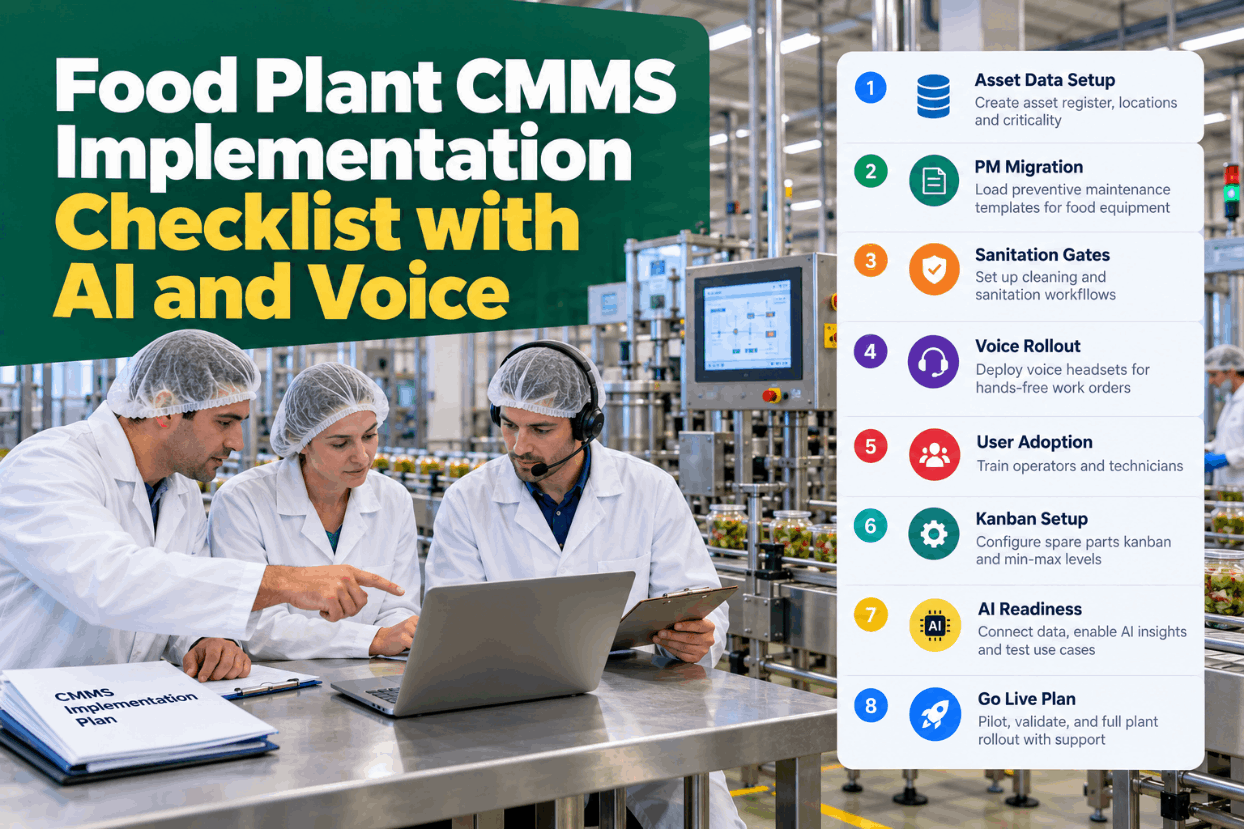
Food Plant CMMS Implementation Checklist with AI and Voice

By James C on October 28, 2026

food-plant-cmms-implementation-checklist-ai-voice

Most CMMS rollouts in food plants stall for the same reasons: an asset list nobody fully trusts, a PM library copied from paper with every duplicate intact, and sanitation steps that live on a separate form. Then go-live arrives and crews keep the clipboards. A food plant CMMS implementation checklist turns each phase into checks with an owner and a sign-off, so nothing is skipped. Walk through the full checklist in a short implementation demo.

GUIDED IMPLEMENTATION · FOOD PLANT CMMS

Six Phases From Paper PMs to a Live CMMS, Each One Signed Off Before the Next

iFactory Guided Implementation imports your asset list, loads food PM templates, sets up kanban boards and sanitation gates, and rolls out voice headsets with crew training. Each phase closes with a sign-off, so go-live is a decision, not a date on the calendar.

✓Asset dataSigned off
✓PM migrationSigned off
✓Sanitation gatesSigned off
4Kanban setupIn progress
5Voice rolloutWk 9–10
6Go-liveWk 11–12
Week 7 of 12 · 3 of 6 phases signed off
ASSET REGISTER SETUP

Build the Asset Register Top Down and Name Everything Once

Every work order, PM and future AI model hangs off the asset register, so it comes first. Build it from the site down, walk each line to confirm what is really installed, and fix one naming rule before anyone types a tag. ISO 14224, the reliability data standard from oil and gas, uses a nine-level taxonomy with the equipment unit at level 6 as the common reporting level. Most food plants need only five levels. Agree your naming rule with our implementation team.

Level 1SitePlant 1PLT1
Level 2AreaPacking hallPLT1-PK
Level 3LineLine 2PLT1-PK-L2
Level 4Equipment unitFiller 2, where PMs and history sitPLT1-PK-L2-FIL02
Level 5ComponentCapper head…-FIL02-CAP
Naming rules that last

Use codes, not nicknames, with fixed segment lengths and no spaces. One person approves every new tag after go-live.

ASSET CRITICALITY

Rank Criticality Before You Load a Single PM

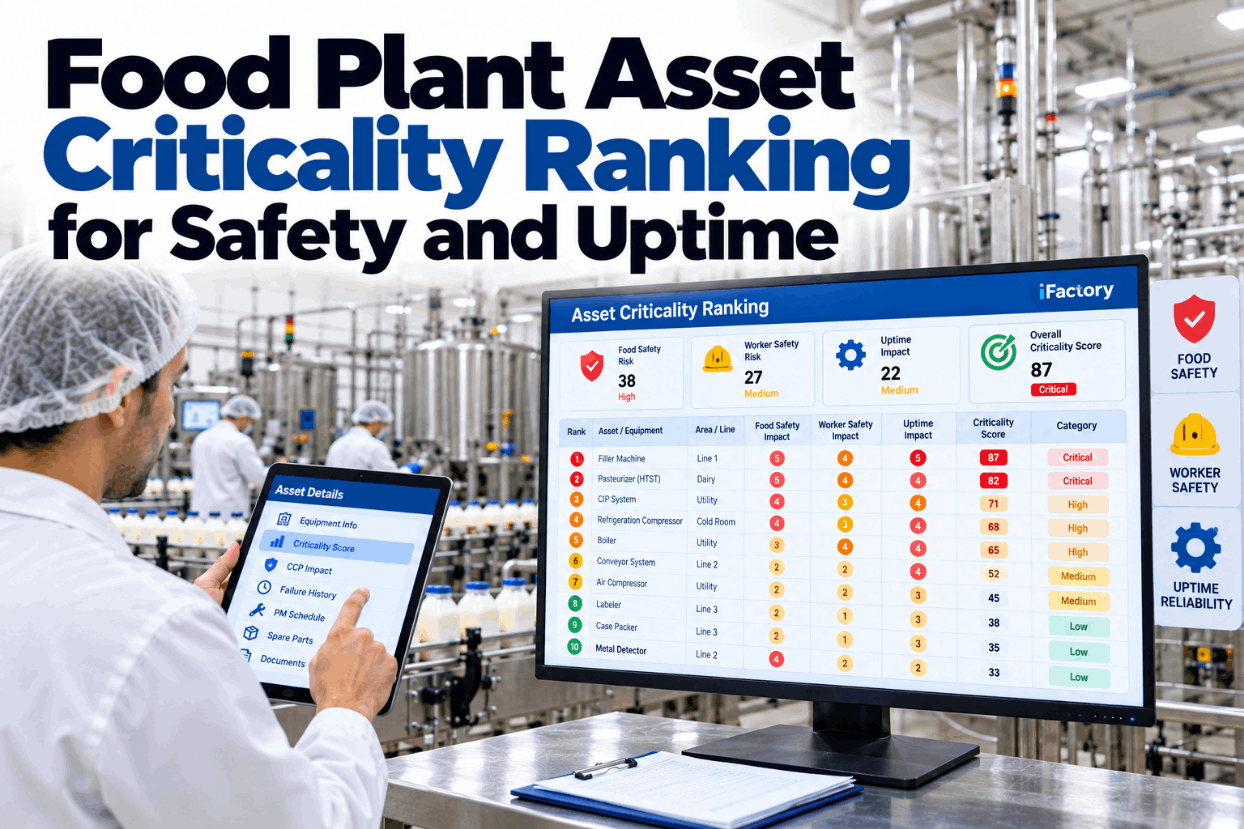
Criticality decides where planning effort and spares go. In a food plant, score food safety as its own consequence next to people safety, output and cost, so a metal detector never ranks low just because it rarely fails. Score each equipment unit on consequence and likelihood, then sort into bands. Score your first lines in a criticality workshop.

A · Critical
Food safety or people safety at stake, or the whole line stopsMetal detector, pasteuriser, retort
B · Important
Line slows, or a backup exists but is not instantCase packer, labeller, check weigher
C · Standard
Small effect on output, quick fix, spare on siteConveyor drives, small pumps
D · Run to failure
Cheap, fast to swap, no food or safety effectStore lighting, office fans
PM MIGRATION

Clean the PM Library Before It Moves, Not After

Binders and Excel sheets often hold years of PMs written by different people for the same machine. Moved as they are, they fill the new CMMS with duplicates, and technicians who see three tasks for one gearbox trust none of them. Sort the library first: merge duplicates, retire tasks for removed equipment, give each task a frequency basis and link it to one asset ID. Send a sample of your PM sheets to our migration team.

AS FOUND IN BINDERS AND EXCEL
  • The same task written three ways for one filler
  • Frequencies with no reason recorded
  • Tasks for equipment scrapped years ago
  • Assets named by nickname, not tag
  • Steps like "check and service as required"
AS LOADED INTO THE CMMS
  • One task per job per asset, duplicates merged
  • Frequency tied to OEM data, run hours or history
  • Retired tasks archived with a short reason
  • Every task linked to a single asset ID
  • Steps with limits, readings and a sign-off
Duplicate check · Filler 2 gearbox
Binder, maintenance officeWeekly oil check
Planner's Excel listGearbox lube inspection
Night shift sheetFIL2 oil level, weekly
Merged → PLT1-PK-L2-FIL02 · Gearbox oil level and leak check · weekly
FOOD SAFETY SETUP

Four Food Safety Settings a Generic Rollout Misses

A generic CMMS closes a job when the technician says it is done. A food plant can't. BRCGS Food Safety Issue 9 asks for a documented hygiene clearance after maintenance (4.7.4), temporary repairs kept to a minimum and controlled (4.7.3), and lubricants suitable for food use (4.7.5). Build these into the work order itself, not a separate form. See them on a live work order in a food safety walkthrough.

Sanitation gate
Hygienic release before restartA job in a production area can't close until clean, sanitise and an authorised inspection are signed. The release time and name are kept.
Temporary repair flag
Every quick fix has a due dateTemporary repairs are tagged, given a date for the permanent fix and stay visible on the board until it is done.
Food-grade parts flag
H1 lubricants and contact parts markedNSF H1 lubricants are registered for incidental food contact under rules modelled on 21 CFR 178.3570. The flag stops the wrong grease being issued.
Allergen-zone tags
Assets know their allergensEach asset carries the allergens it handles, so a job in a nut or sesame zone brings the right tools, clothing and clean-down rules.

A Rollout Team That Does the Heavy Lifting

iFactory imports your asset list, maps your PMs to food templates, builds the kanban board and sanitation gates, and trains crews on voice headsets. Your team reviews each phase and signs it off before the next one starts.

Rollout check · Maintenance manager and iFactory
Maintenance managerWhat is still open before Line 2 can go live?
iFactoryTwo items. Twelve case packer PMs have no frequency basis, and nobody holds the sanitation release role on nights.
Maintenance managerGive night release to the shift supervisor.
iFactoryNight shift supervisor now holds sanitation release for Line 2. The PM item is with the planner.
KANBAN BOARD SETUP

Set Up the Board From Your Own Gates and Limits

Set up the kanban board with the people who will use it. Columns should follow how work really moves, including the sanitation and QA release gates, with a work-in-progress limit on each busy column. Keep one setup sheet per area. Get a blank setup sheet from our support team.

AreaPacking hall, Lines 1 to 3
ColumnsRequested, Planned, In work, Sanitation, QA release, Done
WIP limitsIn work 6, QA release 3
Card showsAsset tag, priority, allergen zone, due time
SwimlanesOne per line, plus one for shutdown jobs
Who moves cardsTechnicians to Sanitation, QA to Done
Gate ownerQA lead on days, shift supervisor on nights
ReviewWeekly for four weeks, then monthly
VOICE HEADSET ROLLOUT

Pilot Voice With One Crew in the Loudest Area First

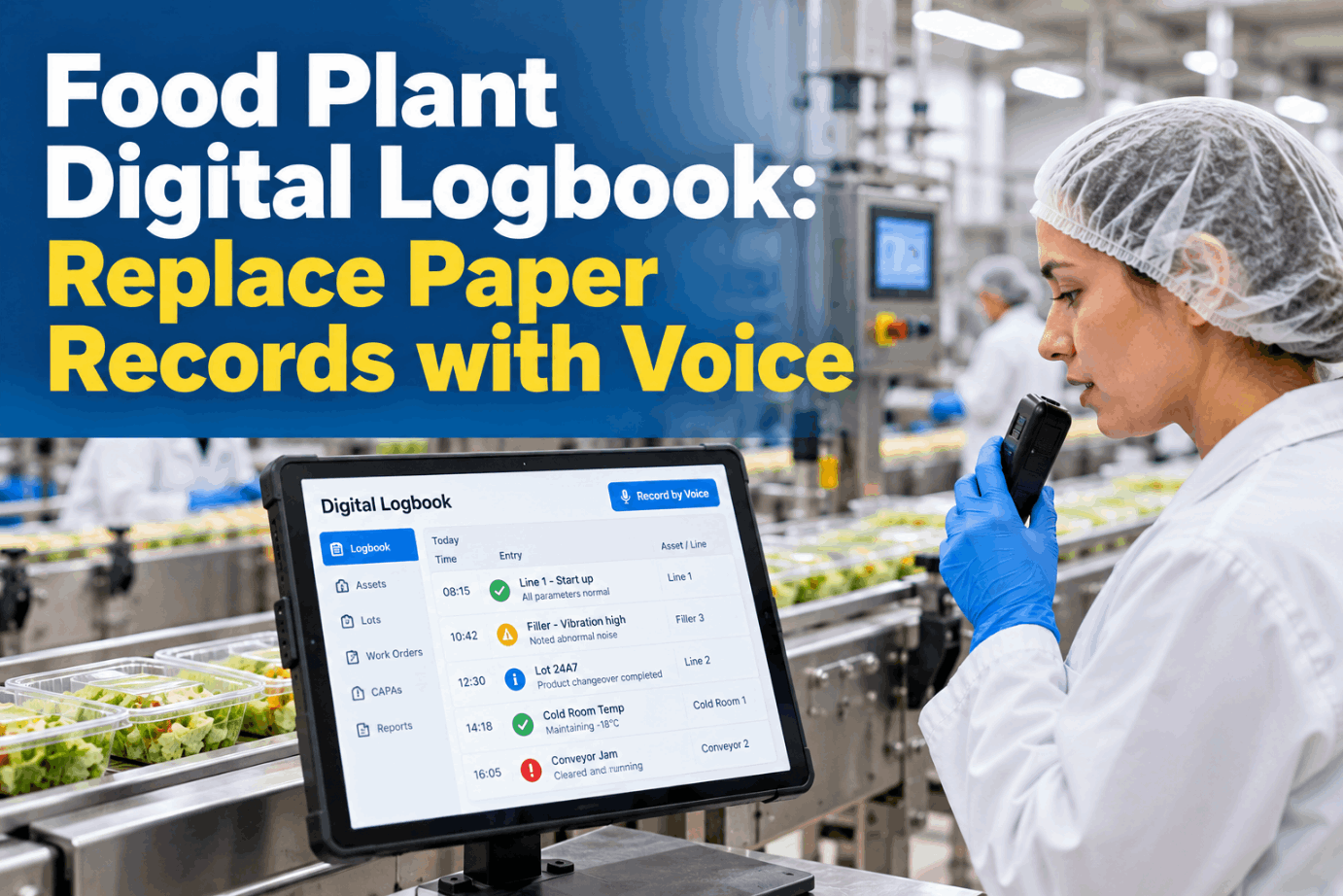
Voice entry earns its place where hands are gloved or wet, but it must work in your real noise. Start with one willing crew and test in their loudest spot, hearing protection on. OSHA sets 85 dBA over eight hours as the action level for a hearing conservation programme, so many packing halls need headsets that work with earmuffs or plugs. Plan the pilot in a voice rollout session.

1Pick the crewOne shift, one line, a lead who wants it
2Noise testLoudest spot, PPE on, machines running
3Glove testWet, cold and cut-resistant gloves on the talk button
4Phrase listTwenty phrases for the jobs done most
5ExpandNext crew only when the pilot crew stops using paper
Technician says"Close work order four one seven, replaced capper bearing, needs sanitation."
iFactory confirms"Work order 417 closed. Moved to the sanitation gate. QA release pending for Filler 2."
FOOD PLANT CMMS IMPLEMENTATION CHECKLIST TEMPLATE

The Checklist, Phase by Phase

Tick items as each is done and signed. A phase with unticked items is not ready for sign-off. Add your own site rules. Ask our support team for a printable version.

01Asset dataReliability lead
02PM migrationPlanner
03Sanitation gatesQA and sanitation
04Kanban setupMaintenance supervisor
05Voice rolloutCrew lead
06Go-livePlant manager
FOOD PLANT CMMS IMPLEMENTATION CHECKLIST BEST PRACTICES

Train by Role and Watch What People Actually Do

Training records prove attendance, not changed habits. Train by role in short floor sessions on real assets from each person's own line, then track a few behaviours weekly for the first two months of the cmms rollout. Set up your adoption review in a short planning call.

Same-shift closureShare of jobs closed on a handheld or by voice in the shift they were done
Failure codes usedShare of corrective jobs closed with problem, cause and action codes
Paper left on the floorPaper PM sheets still in use, with a target of zero
Release time loggedShare of sanitation releases with a time and an authorised name
Operator requestsWork requests raised in the system, not by radio or word of mouth
Board as the agendaWhether the daily maintenance meeting runs from the kanban board
GO LIVE PLAN

Six Go-Live Criteria, Each With a Pass Test

Go-live should be a decision against criteria agreed at kickoff, not a date that arrives. Each criterion has a test anyone can check, an owner who signs it and a rule for failure. Go live where tests pass and hold the rest. Agree your criteria with our implementation team.

Criterion
Pass test
Signed by
If it fails
Asset register
Spot check of 30 tags on the floor, all found and correct
Reliability lead
Hold the area, fix and recheck
PM library
No duplicates in a sample of 50 PMs, each with a frequency basis
Planner
Fix before the first PM cycle
Sanitation gate
A test job can't close without hygienic release, on every shift
QA manager
No go-live in production areas
Kanban board
Daily meeting run from the board for one full week
Maintenance supervisor
Extend the parallel week
Voice
Pilot crew closes jobs by voice in the loudest area
Crew lead
Go live on handhelds, keep piloting
Support
Named contacts and an escalation path for the first two weeks
Plant manager
Delay start until named
DATA READINESS

Collect Today What the AI Will Need Next Year

Predictive models learn from history, and in a new CMMS that history starts on go-live day. Four data habits set up now decide whether AI has anything useful to learn from a year later. Check your data readiness with our AI specialists.

FC
Failure codesProblem, cause and action picked from short lists, never typed as free text
MR
Meter readingsRun hours, cycles or counts logged on a schedule, by voice or from the PLC
DT
Downtime reasonsEach stop tied to an asset tag, so losses trace back to equipment
ID
Matching tagsSensor and PLC tag names mapped to the same asset IDs as the register
FOOD PLANT CMMS IMPLEMENTATION CHECKLIST EXAMPLES

Three Rollout Moments the Checklist Caught

These are illustrations, not case studies. Each shows a checklist item catching a gap early. Talk through your own plant with our support team.

Duplicate PMs on a filler
Three tasks became oneBinder, Excel and night sheet each held a gearbox check. The planner merged them into one weekly task.
Release gate on nights
Go-live held for one weekA test job closed without release on nights because no role existed. The gate was fixed first.
Voice in the bottling hall
Headsets changed before expandingThe noise test failed with earmuffs on. A model that fits under hearing protection passed the retest.
TURNKEY AI DEPLOYMENT

Implementation Team, Food Templates and AI Server in One Package

iFactory delivers the CMMS rollout and the AI platform as one turnkey package. Our team does the setup work and runs the voice pilot with your crews. A pre-configured NVIDIA AI server ships racked and ready to run voice and, later, predictive models on site. You rack it, plug in power and Ethernet, and the AI is live. Scope it for your plant with a turnkey quote.

What's Included
  • Pre-configured NVIDIA AI server, racked and ready
  • Asset import tools and hierarchy setup
  • Food PM templates and duplicate cleanup
  • Kanban board and sanitation gate setup
  • Voice headsets with an on-site noise and glove pilot
  • Role-based training for crews, planners and QA
  • 24×7 remote monitoring of server and voice models
Live in 6–12 weeks
Wk 1–4
Data and Library

Asset register built, criticality scored, PM library cleaned and loaded.

Wk 5–8
Gates and Board

Sanitation gates, release roles and kanban boards set up and tested on one line.

Wk 9–12
Voice and Go-Live

Voice pilot, role training, go-live criteria signed and paper withdrawn.

HOW iFACTORY FITS

Food Plant CMMS Implementation Checklist Software With a Team Behind It

iFactory pairs a CMMS set up for food plants with a team that does the setup work alongside yours. Our support team can walk you through a pilot plan.

1
Imports what you have. Asset lists, PM sheets and history come in through import tools, cleaned on the way.
2
Starts from food templates. PMs for fillers, ovens, pasteurisers and packers are ready to adapt.
3
Builds the gates in. Sanitation release, temporary repair and food-grade flags live on the work order.
4
Rolls out voice properly. Headsets are piloted, tested in noise and gloves, and crews are trained on the floor.
1000+
Industrial clients running iFactory
99.9%
Platform uptime for round-the-clock plants
6-12 wks
From kickoff to a signed go-live
FREQUENTLY ASKED QUESTIONS

What Plant Managers Ask Before a Food Plant CMMS Rollout

How long does a food plant CMMS implementation take?
iFactory plans 6 to 12 weeks from kickoff to go-live for a single site, depending on the number of lines, the state of your asset data and how many PMs need cleaning.
Should we migrate every old PM?
No. Move the work, not the paperwork. Merge duplicates, retire tasks for equipment that is gone and give each remaining PM a frequency basis and one asset ID. We can review a sample of your PM library when you book a 30-minute demo.
How does the CMMS handle hygienic release after maintenance?
A job in a production area can't close until clean, sanitise and inspection by an authorised person are signed. That supports the documented hygiene clearance BRCGS asks for in clause 4.7.4, and the release time and name stay with the work order for audits. You can see the release gate on a live line in a short call.
Will voice headsets work with hearing protection?
Only if they are chosen for it. Test in your loudest area with earmuffs or plugs in place and machines running, and try every glove type crews wear. Our support team can advise on headset choice before the pilot.
What should we do now to use AI later?
Close corrective jobs with coded problem, cause and action, log meter readings on a schedule and map sensor tags to the same asset IDs. That history is what predictive models learn from.
What does iFactory do, and what does our team do?
We import assets, clean and load PMs, build the board and gates, run the voice pilot and train crews. Your team owns the decisions: criticality scores, release roles and go-live sign-off. Walk through the split with our team before kickoff.

Go Live on Criteria, Not on a Date

Clean asset data, PMs without duplicates, sanitation gates on every job and voice that works in your noise, delivered turnkey in 6 to 12 weeks.
Example rollout status · Packing hall
Asset dataSigned off, walked and tagged
Phases3 of 6 signed off
Current phaseKanban setup, Lines 1 to 3
Next gateVoice pilot, Line 2
Every go-live criterion tracked to a signature

Share This Story, Choose Your Platform!