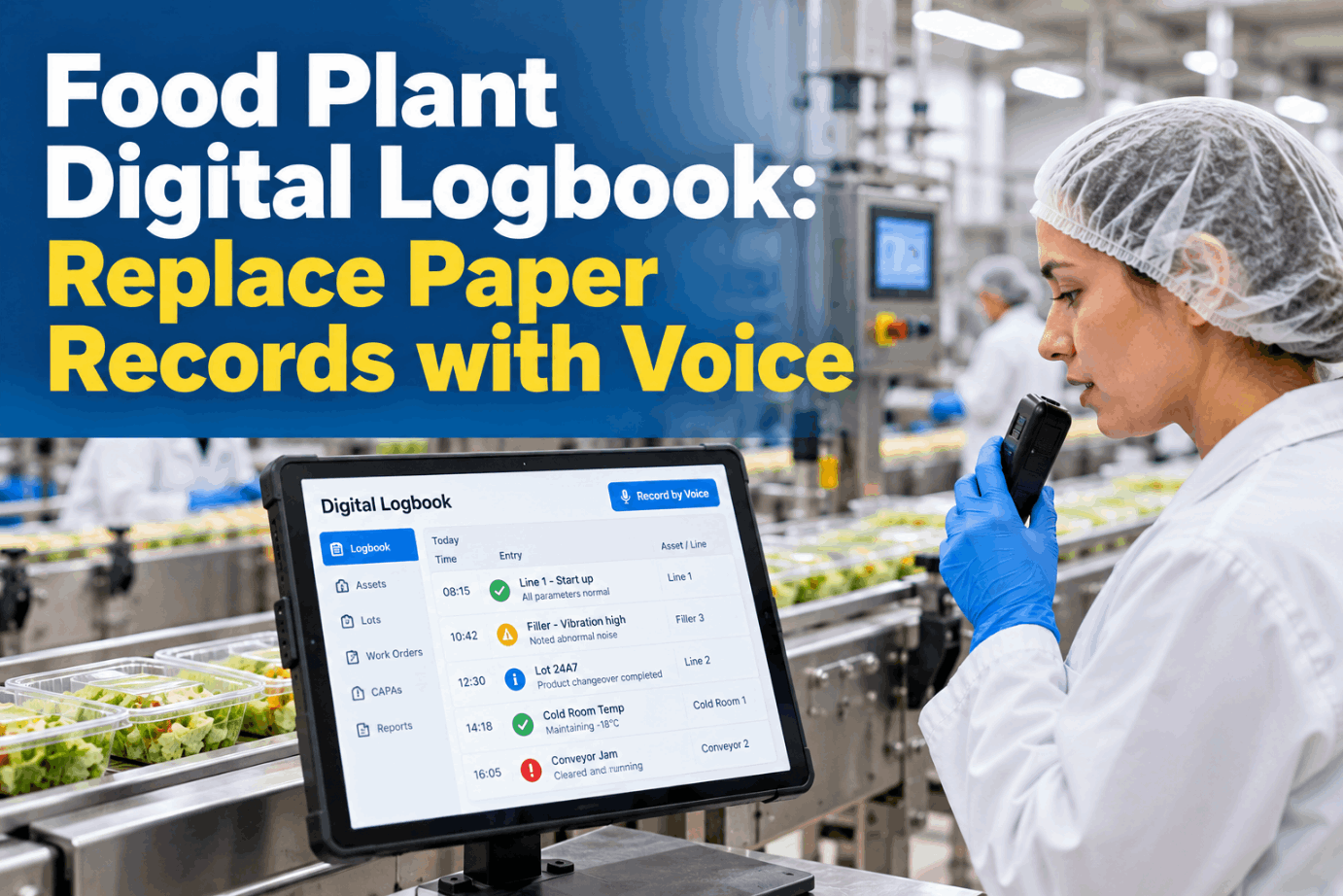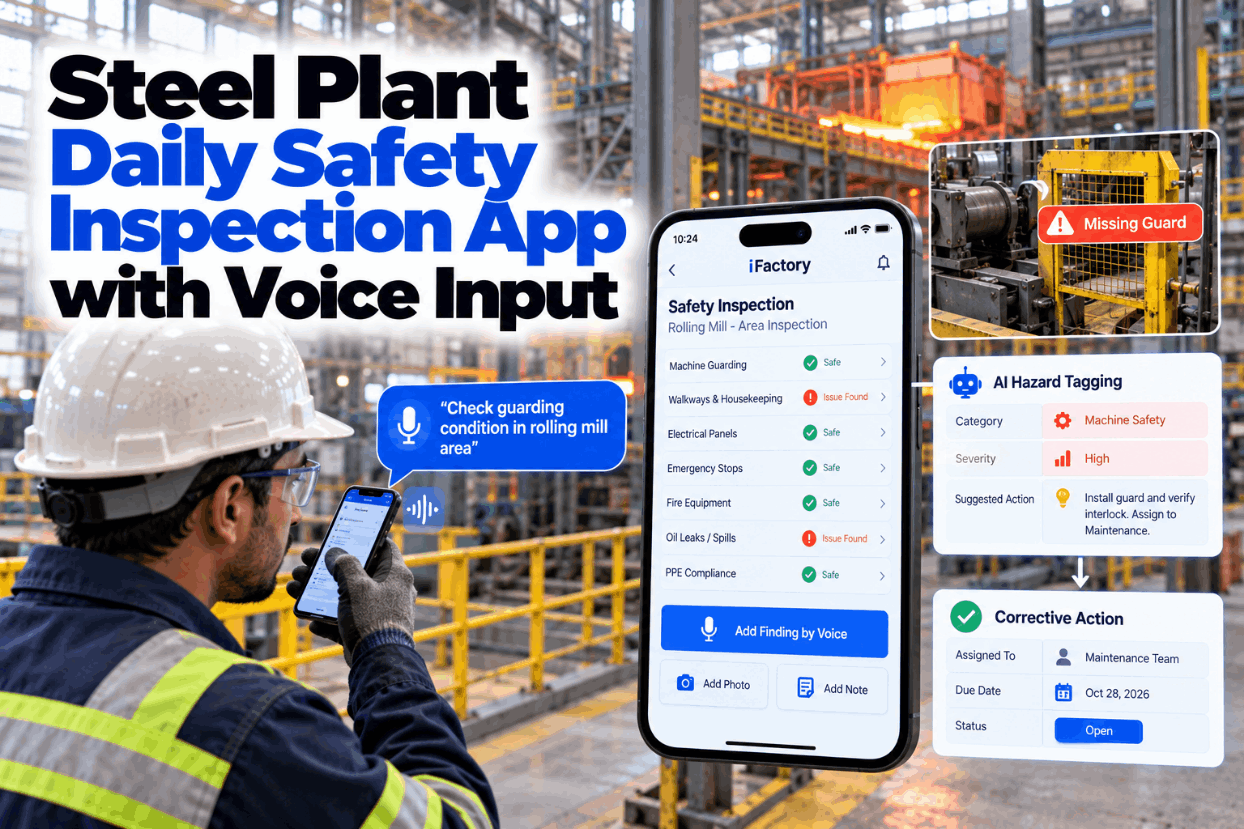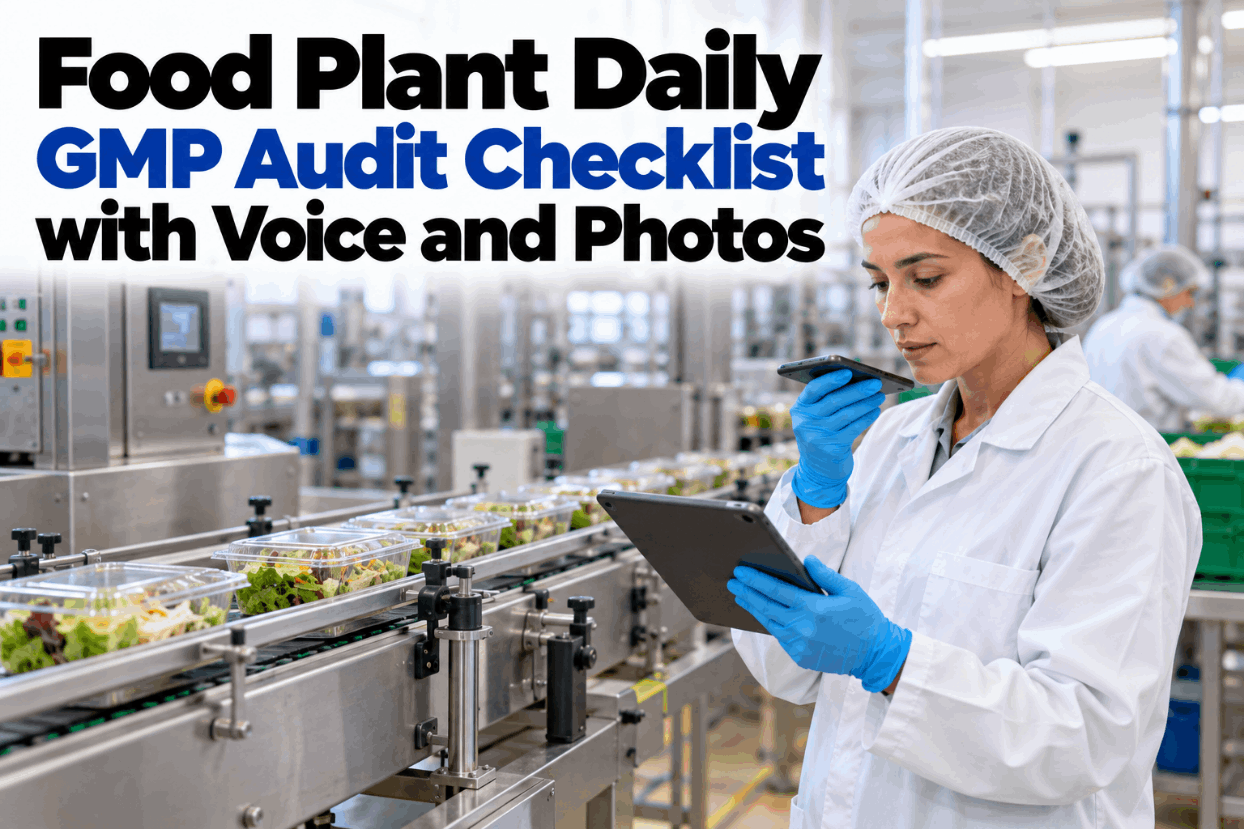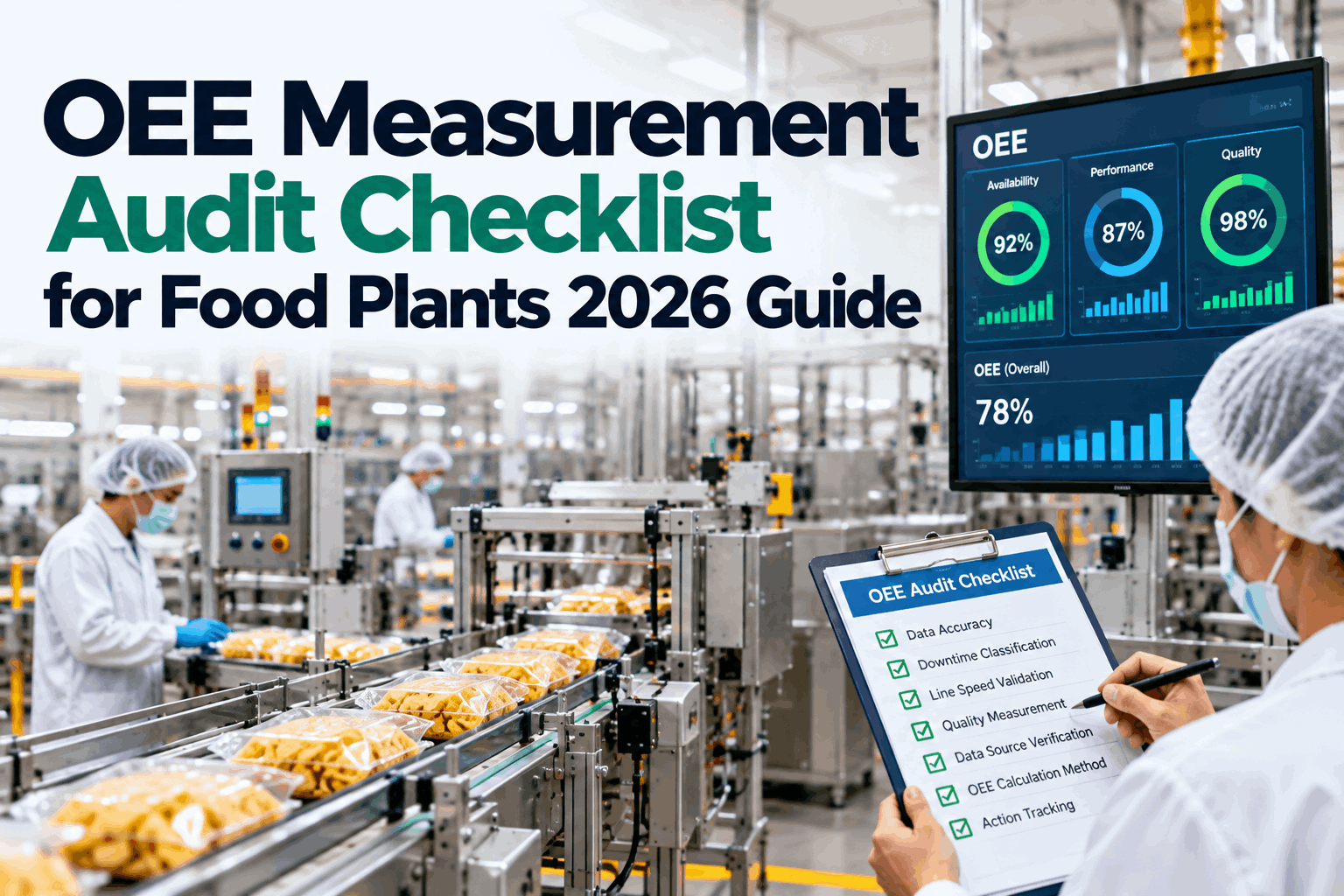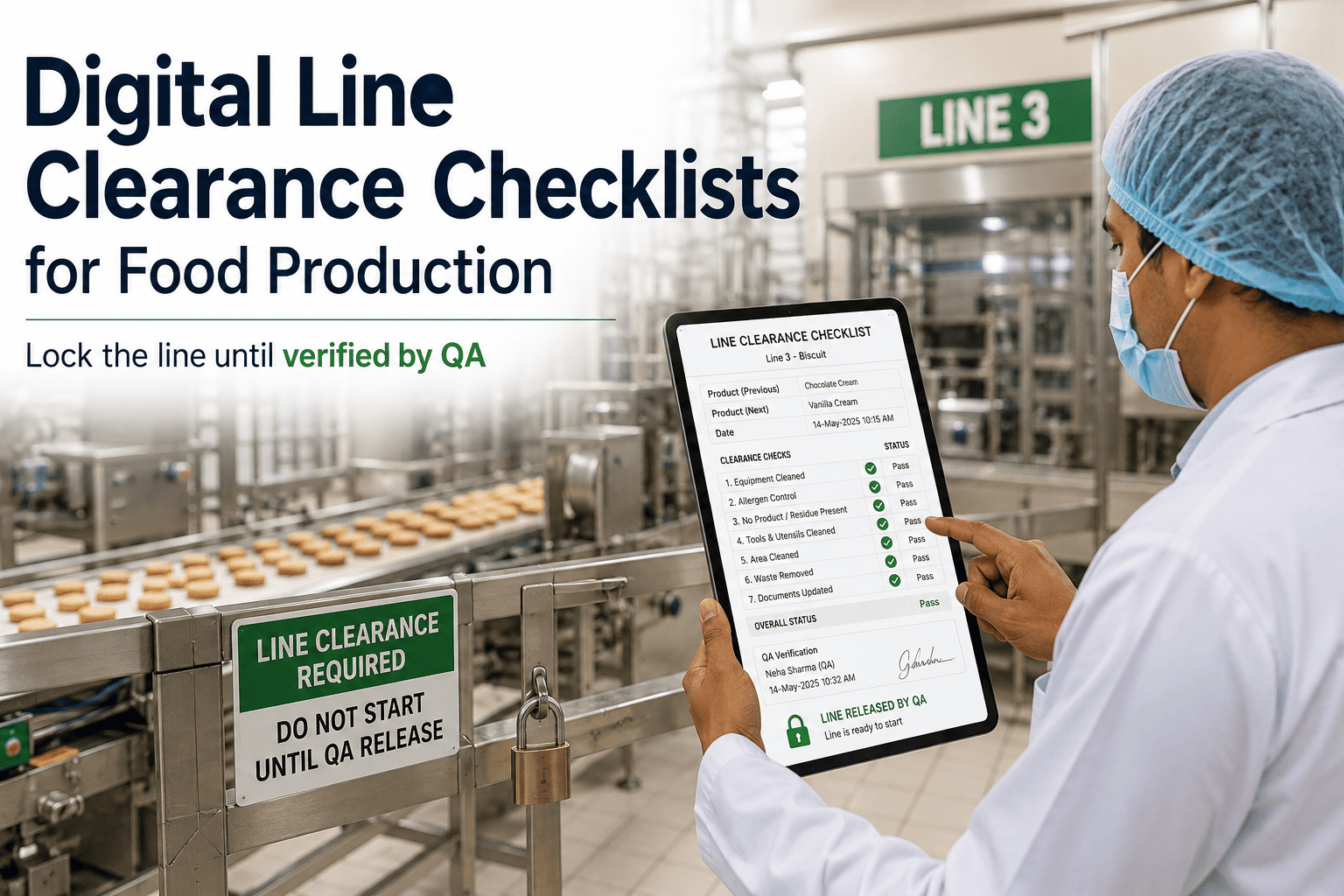
Most food plants run the same inspections every week: pre-op checks, GMP walks, glass audits, allergen changeovers, pest rounds, forklift checks and trailer checks at the dock. The hard part is rarely knowing what to check. It is keeping twenty paper forms current, filled in on time and acted on when something fails. This library sets out 20 ready food plant inspection checklist templates, with the purpose, frequency, key items and rule behind each one. See them run as voice checklists in a short checklist demo.
Twenty Food Plant Checklists, Loaded and Ready to Run by Voice
iFactory's Checklist Library comes with 20 food templates preloaded. Crews complete them by voice or tap and add photos, and every failed item becomes a work order or a CAPA automatically.
Ten Inspection Areas, Twenty Templates
A good checklist library follows the risks in your plant, not the order the forms were written in. Grouping by area makes gaps easy to spot, such as a strong pre-op routine with nothing on the dispatch dock. The 20 templates below cover the ten areas most GFSI audits look at. Map your own areas with our checklist team.
Templates 1 to 10: Hygiene and Contamination Control
These ten templates protect the product directly. Citations point to 21 CFR 117, SQF Edition 9 and BRCGS Food Safety Issue 9, the editions audited today. SQF Edition 10 takes effect no earlier than January 2027, so check clause numbers when you move over. Your hazard analysis sets the final frequencies. Walk through them in a template review.
The daily GMP audit, pre-op and allergen changeover, line clearance, cold room logs, safety walks and foreign material incidents have their own guides. This page is the library view.
Inbound Trailer and Receiving Checklist, in Full
Here is one template in full. Under 21 CFR 1.908(d), a receiver of food that needs temperature control must judge whether it suffered significant temperature abuse in transit, for example by checking product and trailer temperatures. Section 117.80(b)(1) asks for raw materials to be inspected as needed to confirm they are suitable. Tick the boxes here, or speak each item at the dock door. For a version with your own limits, contact our support team.
Speak the Checklist, Keep Both Hands on the Job
At the dock, in the glass audit or at the forklift charger, crews say the item and the result. iFactory reads it back, attaches the photo and turns any fail into a work order or a CAPA before the next item.
Templates 11 to 20: Plant, People and the Dock
The second half covers the plant, the people who run it and the trucks at the dock. Safety templates cite OSHA general industry rules. Utility test frequencies come from your own risk assessment. Map these templates to your assets in a setup session.
Where a Failed Item Goes Next
A failed item only matters if someone acts on it. In iFactory every template item carries a fail route. Equipment and building fails go to maintenance as work orders. Fails that touch product safety open a CAPA and, where needed, a hold. The inspector confirms the route by voice. Set routes for your templates with our support team.
- Forklift horn not working on the pre-use check
- Door seal gap found on the pest-proofing walk
- Worn scraper blade on the equipment check
- Compressed air filter past its change date
- Missing extinguisher tag in the packing hall
- Allergen swab fails after a changeover clean
- Product over the receiving limit at the dock
- Glass breakage over open product
- Pest activity inside a production room
- Residue found after pre-op sign-off
A cracked light cover over an open conveyor needs a work order to replace it and a CAPA for the product beneath. iFactory raises and links both.
Six Rules for Checklists People Actually Complete
Long, vague lists get ticked from memory at the end of the shift. Short lists with clear pass rules get done at the point of work, on paper, a handheld or a headset. Review your current forms in a form review.
Size the Paperwork Time With Your Own Numbers
The time saved sits in writing up, filing and chasing forms, and in the gap between a fail and a work order. Only the first is easy to count. Every input below is assumed, to show the arithmetic only. Build the case with your own figures with our support team.
Faster repairs and fewer audit findings for missing forms are real, but track them after go-live rather than guess them.
Five Steps From Paper Forms to a Live Library
For plant managers, the work is mostly sorting forms and agreeing owners. Start with two areas, then add the rest. Plan your first areas in a rollout call.
Checklist Library, Voice Agent and AI Server in One Package
iFactory delivers the Checklist Library as a turnkey bundle. A pre-configured NVIDIA AI server ships racked and ready with the 20 food templates, the voice agent and the CMMS and CAPA connectors pre-loaded, so speech stays on site. You rack it, plug in power and Ethernet, and the AI is live. Scope it for your plant with a turnkey quote.
- Pre-configured NVIDIA AI server, racked and ready
- 20 food plant checklist templates, ready to edit
- Voice completion with read-back on every item
- Photo capture from handhelds on any finding
- Failed items raised as work orders or CAPAs automatically
- CMMS and quality system connectors
- 24×7 remote monitoring of software and hardware
Server racked, templates matched to your forms, places and assets loaded.
Voice checklists run beside paper, fail routes tuned with QA and maintenance.
All areas live, crews trained, paper forms retired.
A Checklist Library Built for the Food Plant Floor
One place for every inspection, completed hands-free and acted on at once. Our support team can walk you through a pilot plan.
What Plant Managers Ask About Food Plant Inspection Checklist Templates
Twenty Templates, No More Clipboards
Load the 20 food templates, complete them by voice with photos, and let every failed item raise its own work order or CAPA. Delivered turnkey and live in 6 to 12 weeks.