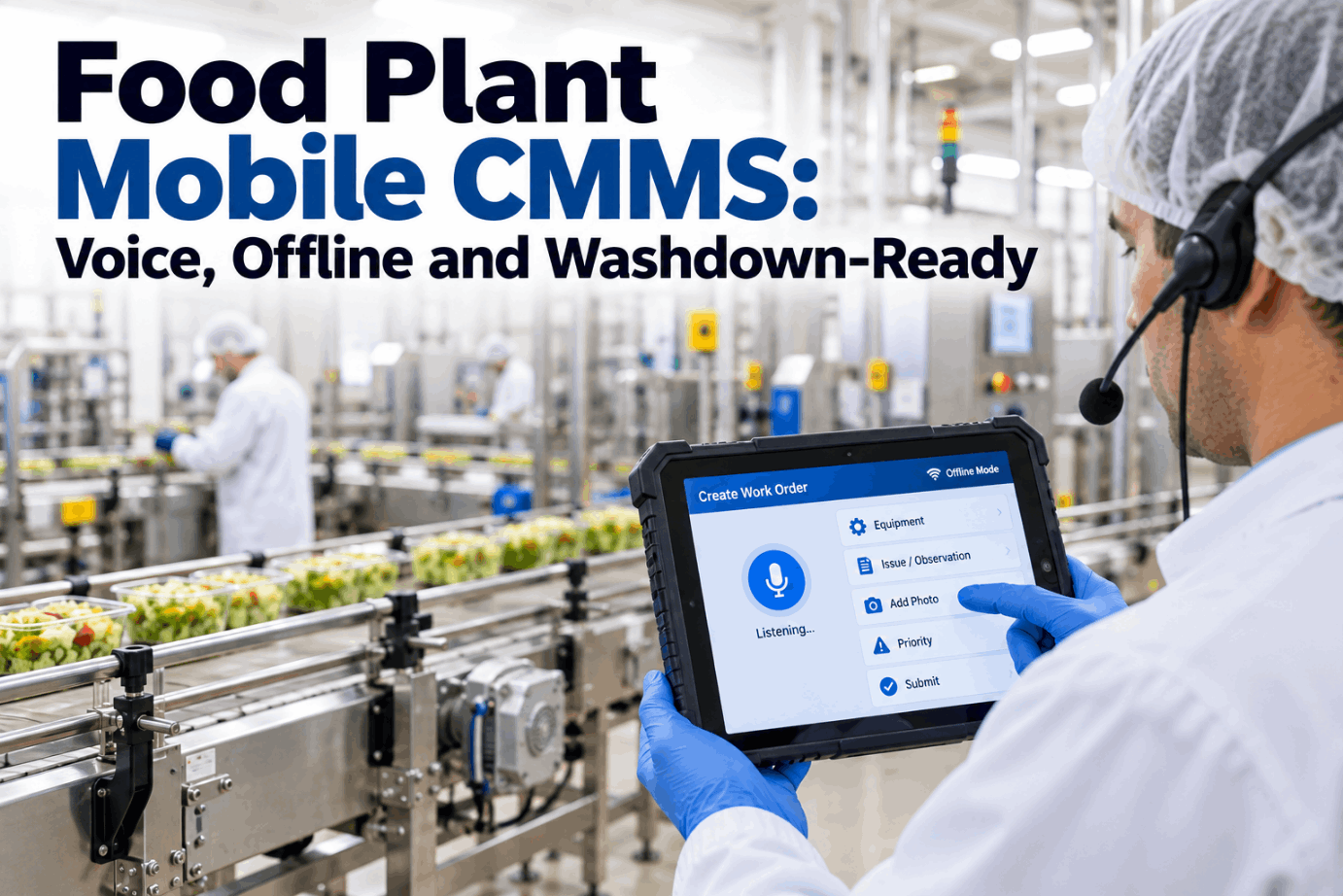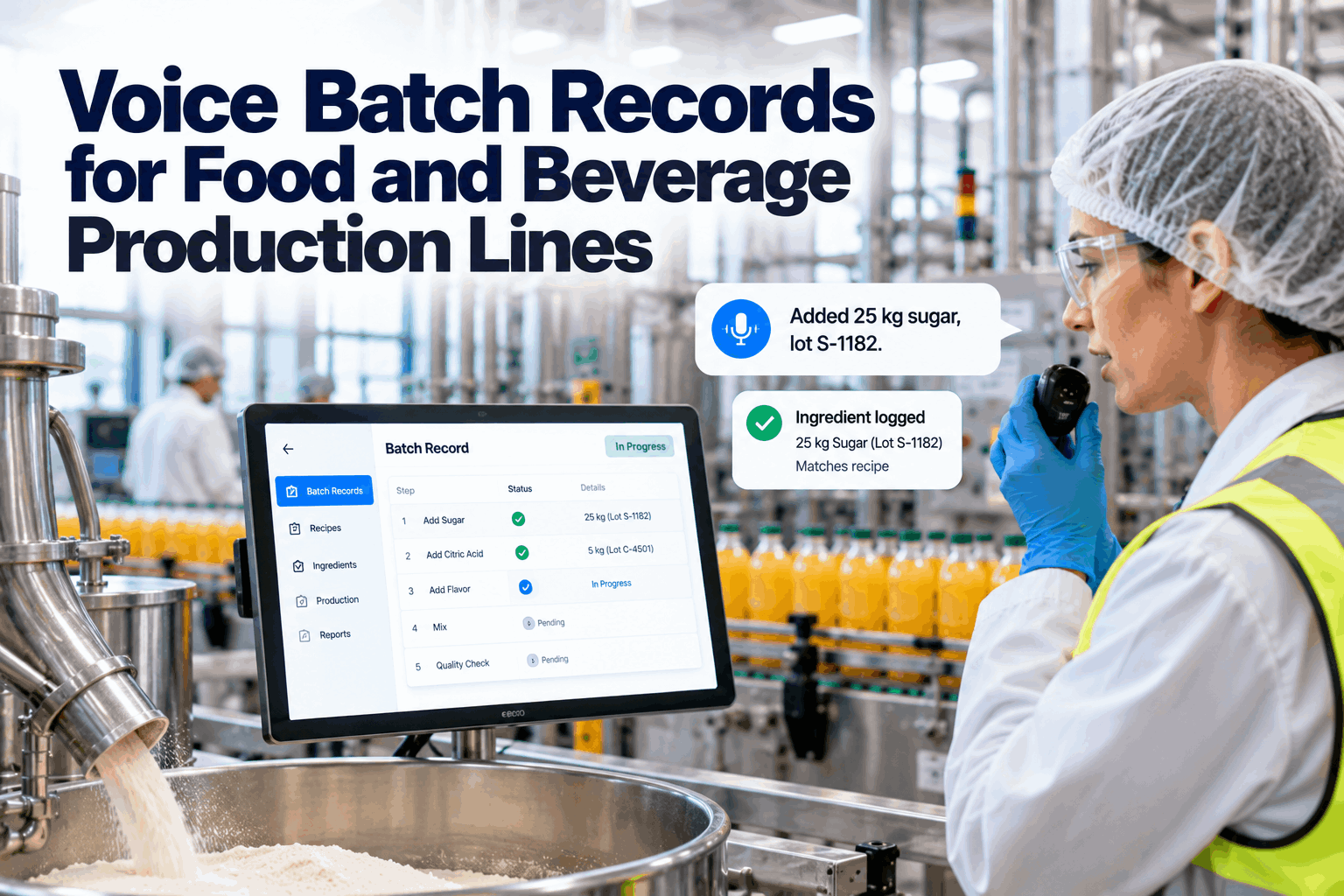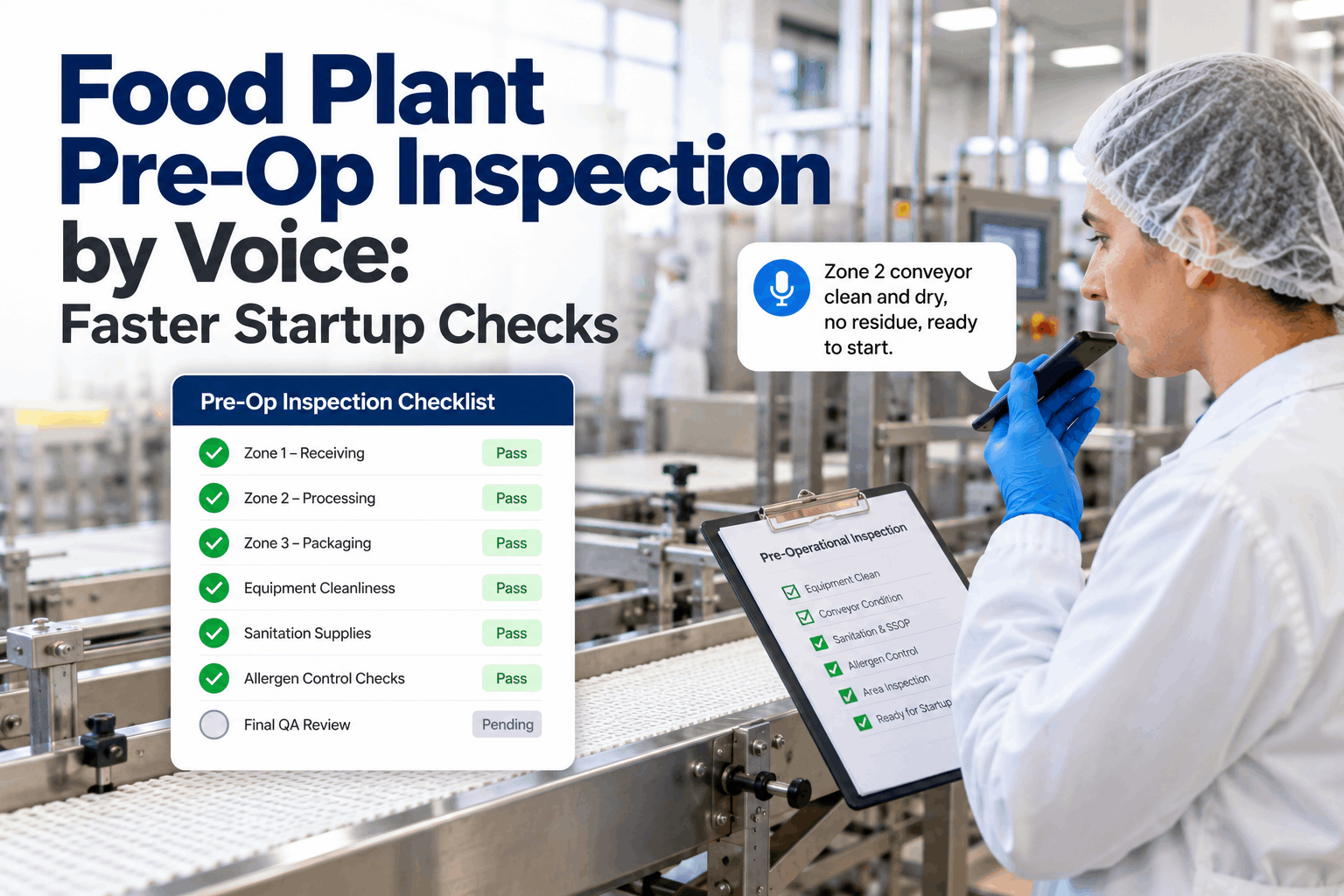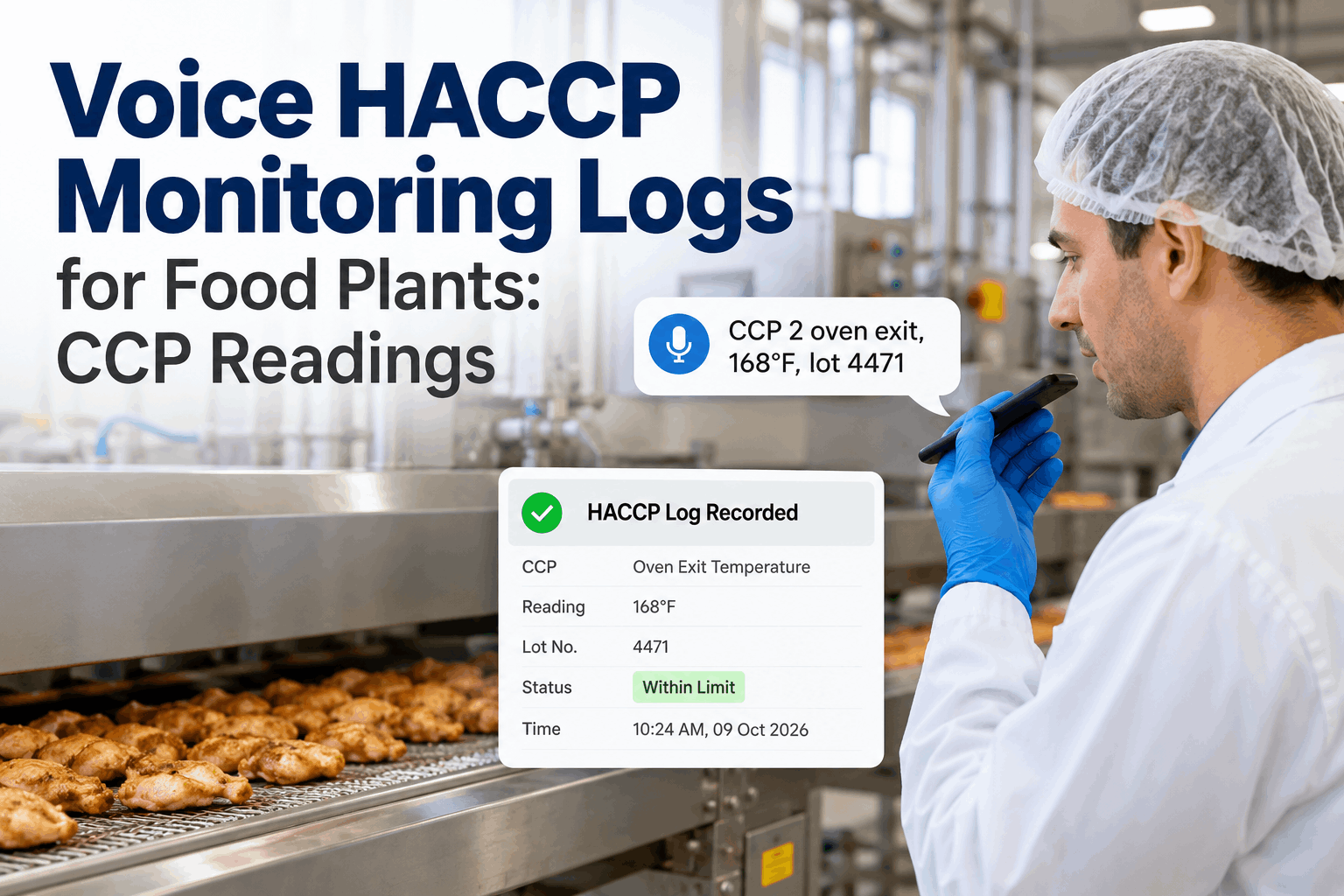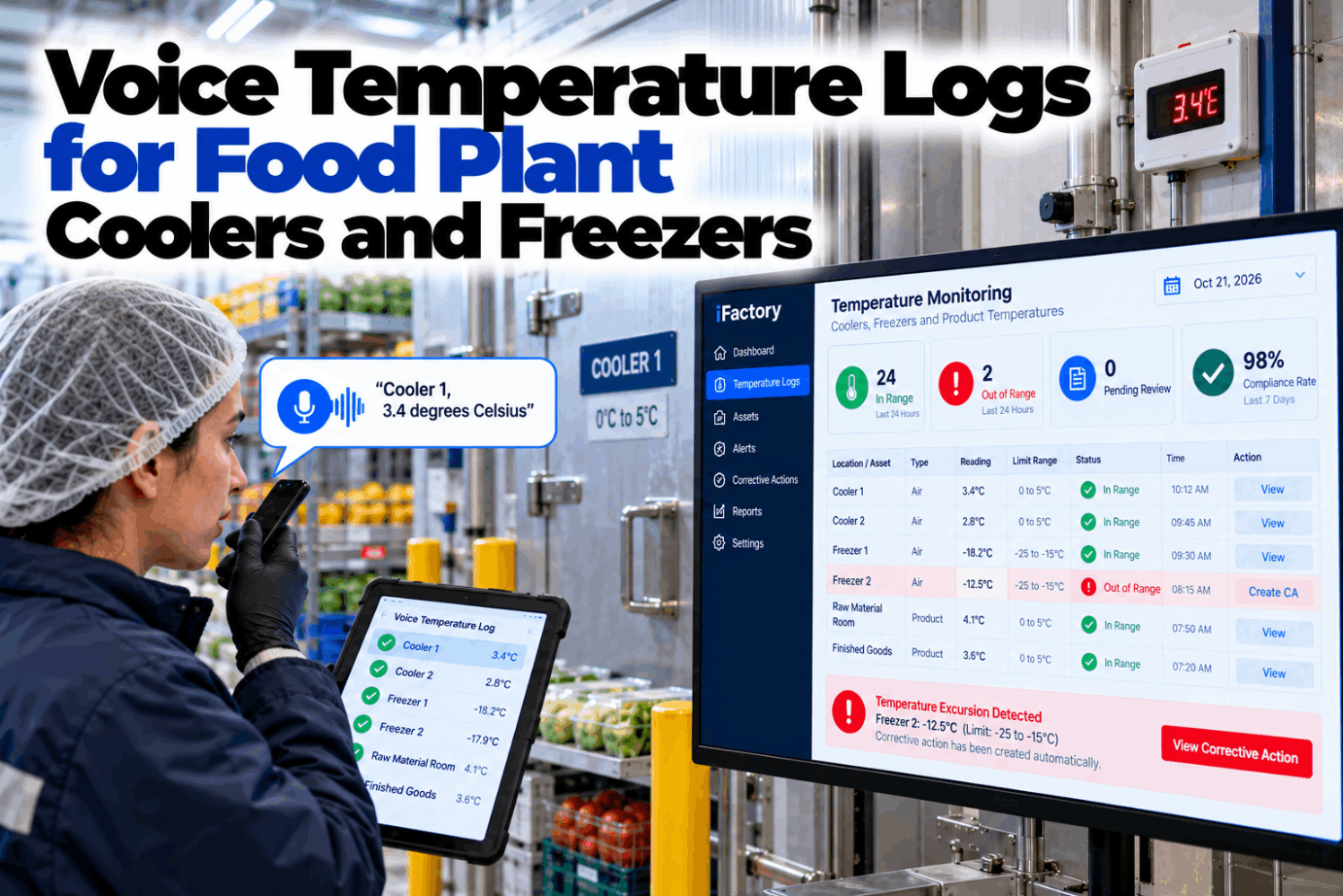
Cooler and freezer logs are some of the most-filled forms in a food plant, and some of the least trusted. Readings get written from memory at the end of a round, clipboards freeze to the wall, and a high number noted on paper may sit unseen until QA reviews the sheet days later. Voice temperature logs let staff speak each reading at the door, with the value checked against your limit the moment it is said. Hear how a cold room round sounds in a short voice logging demo.
Speak the Reading at the Door, Get a Signed Record Before You Close It
iFactory's Voice Logging Agent prompts each cooler and freezer check on schedule, validates every spoken reading against your limits and opens a corrective action when a value is out of range. Sensor data cross-checks the manual log.
What to Log in Each Cold Space
Limits come from your own hazard analysis, and many plants run tighter than any public figure. Two common reference points are the FDA Food Code's cold-holding limit of 41°F (5°C) or below for foods that need temperature control, and the 0°F (−18°C) that USDA FSIS cites for safe frozen storage. Under 21 CFR 117.40(e), each freezer and cold storage compartment holding food that can support microbial growth needs a thermometer or recording device showing the temperature accurately. Set your room limits with our food safety support team.
What a Temperature Record Has to Show
Under 21 CFR 117.305, food safety records must hold actual values, be accurate, indelible and legible, and be made at the time of the activity. They must identify the facility, the date and, where appropriate, the time, and carry the signature or initials of the person who did the check. A voice entry meets each point by design, because the system stamps the time and the person while the reading is still on the probe display. Review your current cooler log sheet against these points in a record review session.
Paper, Sensors or Both
Wireless sensors watch air temperature around the clock, but they can't check product, look at a door seal or notice ice on an evaporator. Manual rounds can, but only at the moment someone is there. Most plants get the best record by keeping both and comparing them. Talk through your mix of sensors and rounds with our support team.
A Day of Rounds, Prompted by Voice
iFactory reminds the assigned person when a round is due, through a headset, handheld or radio. If the round isn't started within a set window, the prompt moves to the shift lead. The strip below shows an example schedule of rounds every four hours. Your own frequency comes from your plan, and high-risk rooms, such as those holding ready-to-eat product, may need more frequent checks than raw material stores. Set your round times in a scheduling walkthrough.
Every Reading Checked the Moment It Is Spoken
No clipboards in the freezer, no write-ups at the end of the shift. iFactory hears the reading, checks it against your limit, confirms it back and compares it with the room sensor.
What Happens When a Spoken Reading Is High
An out-of-range value should start action at once, not wait for a sheet review. iFactory asks for a recheck, prompts a product temperature check and opens a corrective action with the reading already attached. Your deviation procedure then takes over, and the full exchange stays in the log so reviewers can see exactly what was said and when. Tune the steps with our support team.
The voice log captures the reading and starts the action. How product is assessed, held or released after an excursion belongs in your deviation and corrective action procedure, which iFactory hands the record to.
Trust the Thermometer, Then Check It Against the Sensor
A log is only as good as the instrument behind it. Under 117.40(f), instruments that measure temperature must be accurate, precise and adequately maintained. Many plants verify handheld probes with the ice point method, then compare manual readings with room sensors to catch drift on either side. The cross-check below uses illustrative values. See your own rooms compared in a cross-check demo.
A Cooler Log Sheet, Built From Spoken Entries
This is how one round looks once spoken entries are filed. Each line is one reading with its time and initials, and actions sit on the same line as the value that caused them. Values are illustrative. Ask our support team for a blank version of this template.
Three Spoken Entries and What They Become
These are illustrations of how short phrases turn into full records. They are not case studies. Notice that staff speak naturally, and that notes about frost, doors or late rounds become part of the same record instead of a separate conversation. Try your own room names and phrases in a phrase test session.
Sizing the Time in Paper Rounds
The clearest saving is the time spent writing, collecting and typing up sheets. Less visible costs, such as a high reading noticed hours late or an audit finding for a missing entry, are real but should not be guessed. This worksheet uses assumed inputs only, to show the arithmetic. Run it with your own room count and frequency with our support team.
Over 365 days that is 90 × 365 = 32,850 minutes, or about 548 hours. Add QA time spent reviewing sheets only if you have measured it.
A Go-Live Checklist for Plant Managers
Voice temperature logs for plant managers come down to a short list of decisions made before the first round. Most of them are about naming, limits and ownership rather than technology, and each one is easier to settle with QA and the cold store crew in the room. Tick them off as you go. Our rollout team can work through the list with you.
Voice Agent, Sensor Links and AI Server in One Box
iFactory delivers the Voice Logging Agent as a turnkey system. A pre-configured NVIDIA AI server ships racked and ready with speech models tuned for noisy, cold spaces, so voice runs on site. You rack it, plug in power and Ethernet, and the AI is live. Scope it for your cold store in a turnkey planning call.
- Pre-configured NVIDIA AI server, racked and ready
- On-site speech models for cold, noisy rooms
- Scheduled prompts with escalation to shift leads
- Limit checks on every spoken reading
- Corrective actions opened on excursions
- Room sensor links for manual cross-checks
- 24×7 remote monitoring of models and hardware
Server racked, rooms named, limits and sensors loaded.
Voice and paper run together, phrases tuned to your crews.
Voice becomes the record, alerts on, QA review set up.
Voice Logging Built for Cold Rooms
iFactory turns cold room rounds into records that are checked as they are made. Our support team can show how it fits your current routine.
What Food Plant Teams Ask About Voice Temperature Logs
Retire the Frozen Clipboard
Give every cooler and freezer round a voice prompt, a limit check and a signed record made at the door. Excursions start action straight away. Delivered turnkey and live in 6 to 12 weeks.