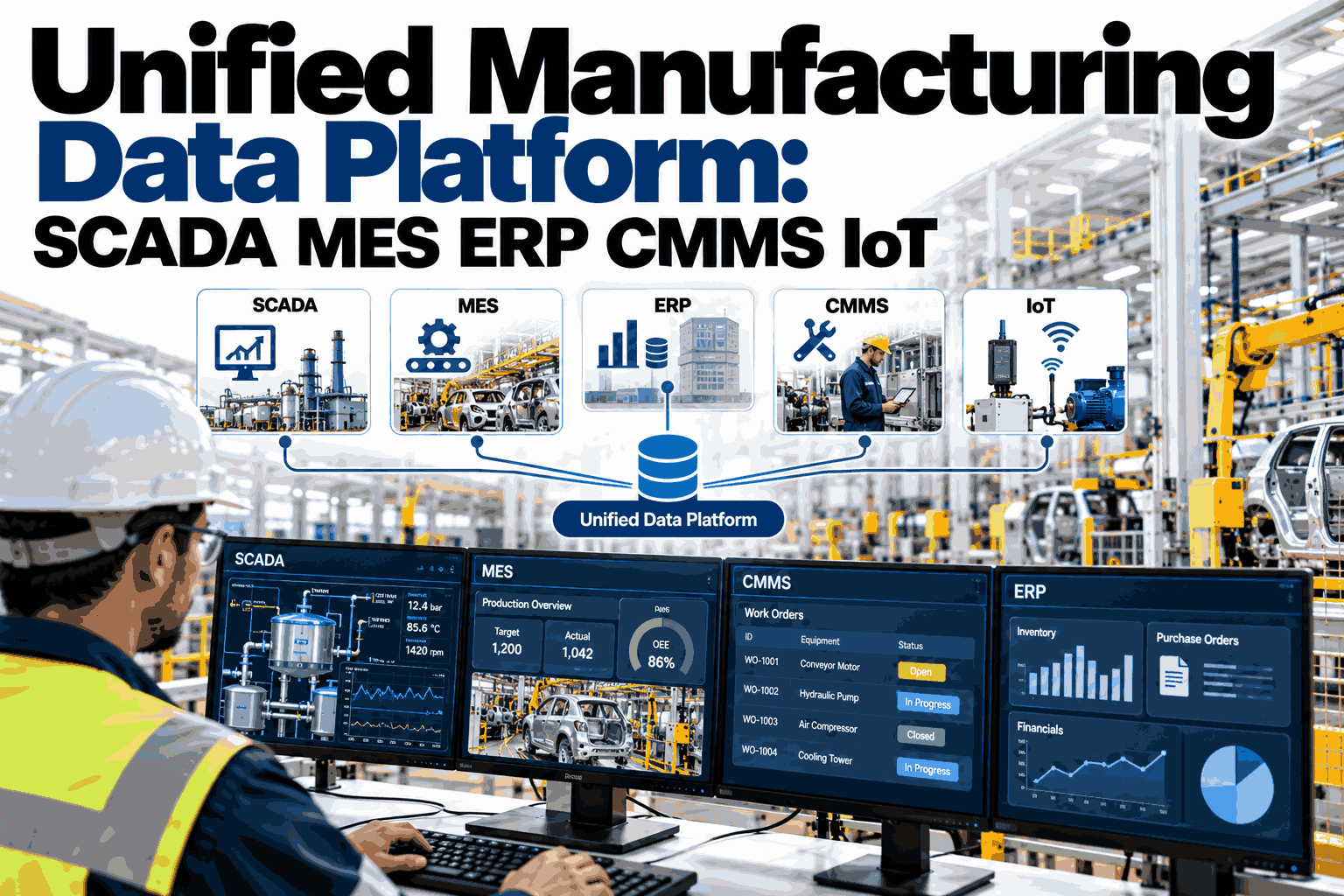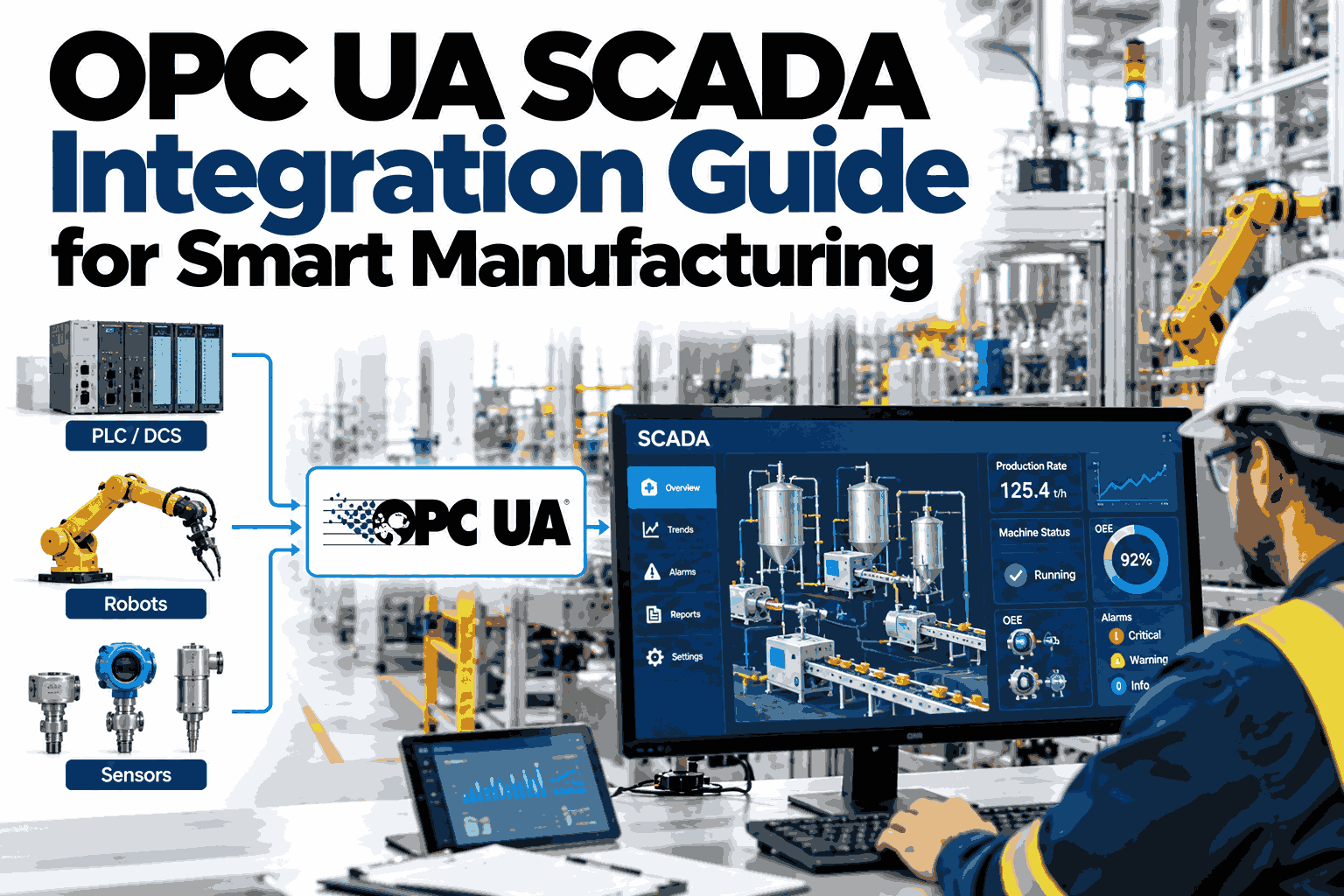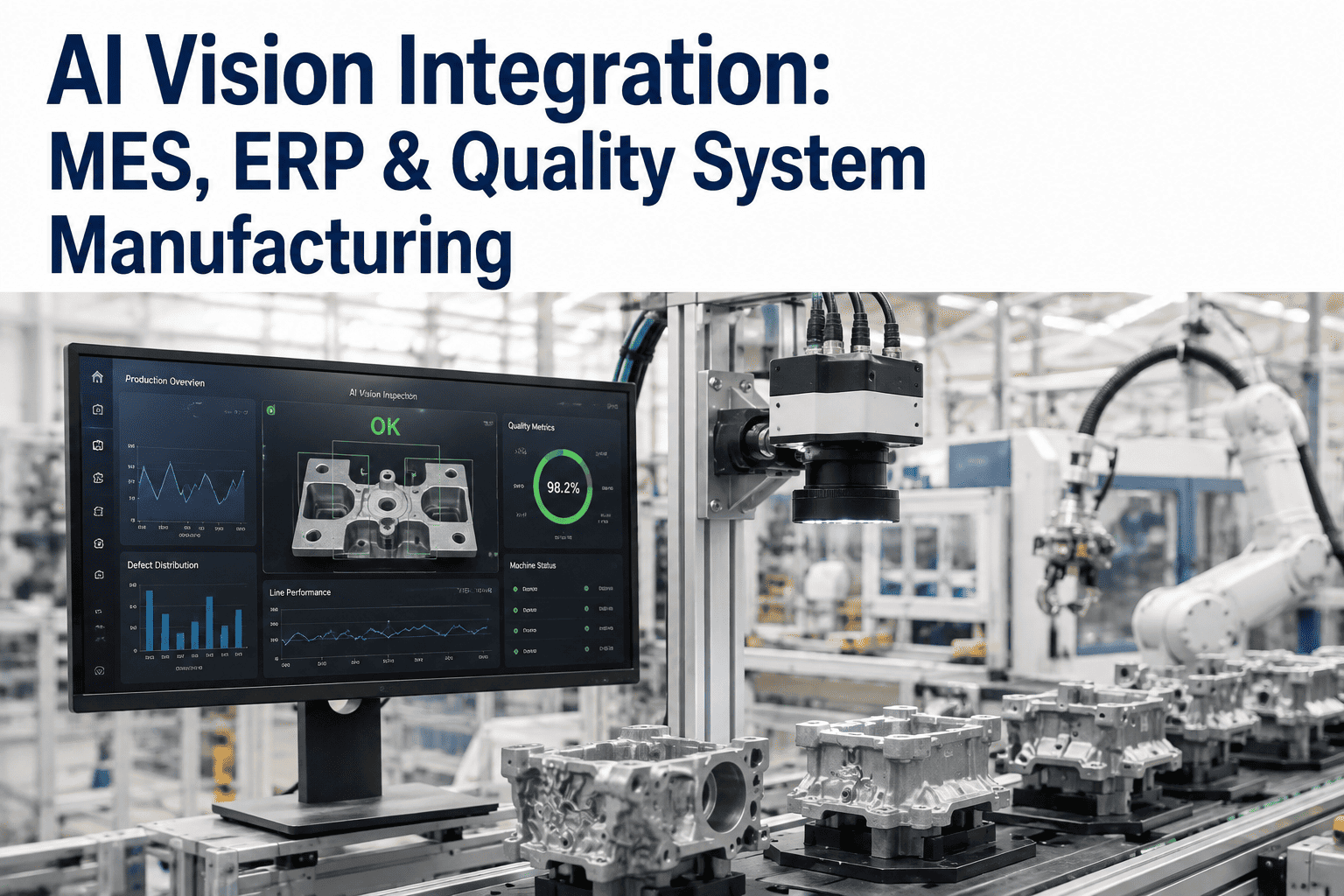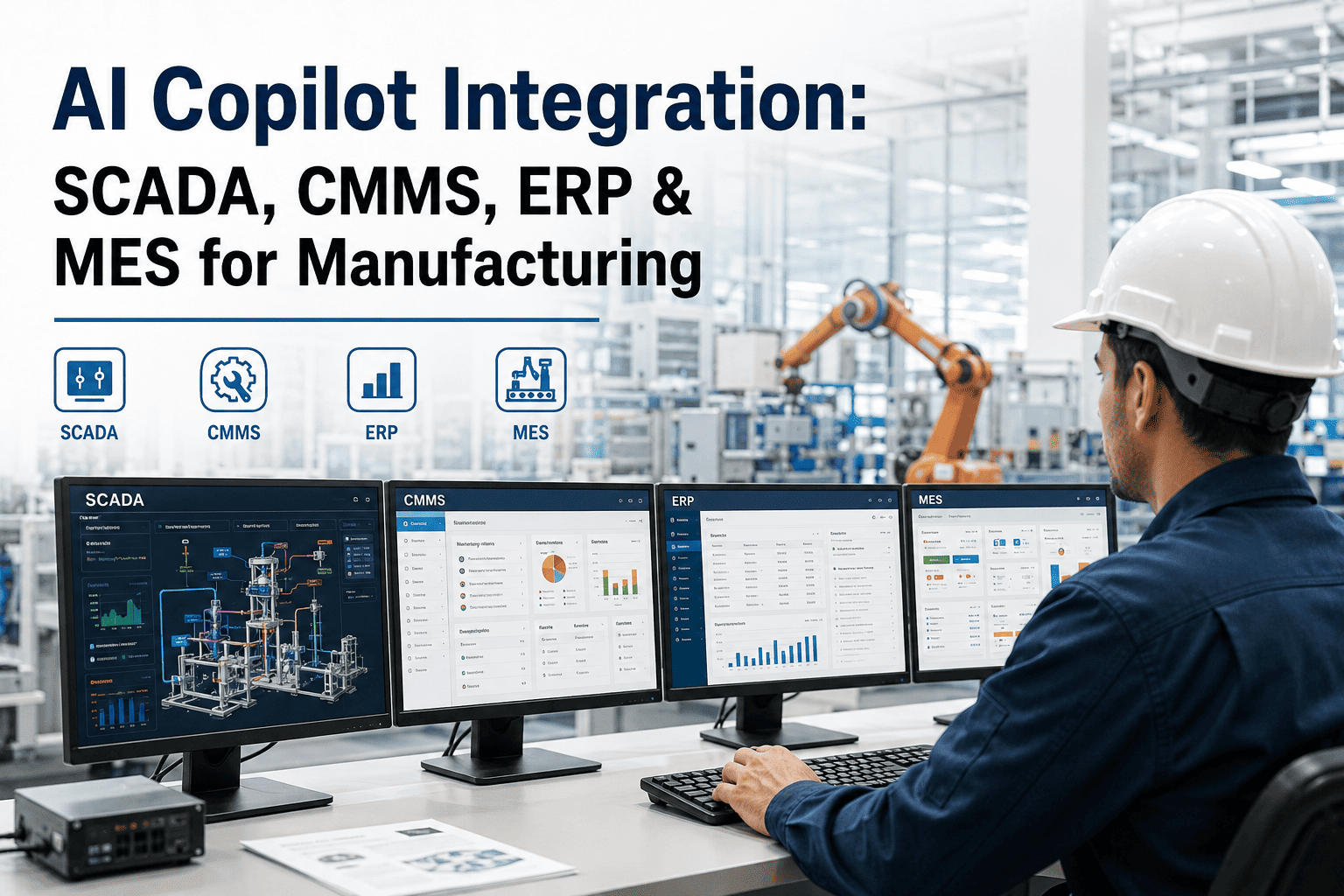
A single production line generates data in at least four different places, and almost none of those places talk to each other by default. SCADA holds the moment-to-moment process values. CMMS holds what maintenance actually did. ERP holds the business numbers finance cares about. MES holds the production events that tie it all together. An AI copilot that only reads one of these systems can only ever give a partial answer, no matter how well it explains what it does know. Manufacturers ready to connect these systems into one usable layer can Book a Demo to see how iFactory's copilot bridges all four.
Four Systems, Four Different Stories About the Same Event
When a line stops unexpectedly, each system records a different fragment of what happened. SCADA logs the exact process values at the moment of stoppage. MES logs the production count lost and the shift affected. CMMS logs whether a work order was raised and what a technician found. ERP logs the downstream cost impact on scheduled orders. Individually, none of these fragments explains the full event. Together, they tell a complete story — but only if something is capable of pulling all four together automatically, rather than requiring a person to open four separate applications and manually connect the dots.
Why Point-to-Point Integration Doesn't Scale
Many plants attempt to solve system fragmentation by building direct connections between pairs of systems — SCADA to MES, MES to ERP, and so on — one integration project at a time. This approach works for the first pair but grows increasingly fragile as more connections are added, because each new integration has to account for the quirks of every system it touches. A copilot architecture avoids this by sitting above all four systems as a unified query and context layer, translating a single question into the right calls to the right systems without requiring a dedicated integration project for every new data source added later.
What Cross-System Answers Look Like in Practice
The practical value of integration shows up in the kind of question a copilot can actually answer well. A single-system tool can tell you a machine stopped at 2:14am. A cross-system copilot can tell you it stopped at 2:14am, that a similar alarm appeared twice the previous week without a work order being raised, that the affected part had been on back order in ERP for nine days, and that the resulting downtime pushed two scheduled orders past their ship date. That is the difference between a data lookup and a decision-support answer.
Data Quality and Naming: The Hidden Integration Challenge
The technical connection between systems is often the easier half of integration. The harder half is reconciling how each system names the same thing differently — an asset might be "Line 4 Press" in SCADA, "PRS-04" in CMMS, and a numeric cost center code in ERP. Without a mapping layer that resolves these naming inconsistencies, cross-system queries either fail silently or return incomplete results. Building and maintaining this mapping is unglamorous work, but it is the foundation that determines whether integration produces trustworthy answers or misleading ones.
| System | Asset Reference Example | Common Mismatch |
|---|---|---|
| SCADA | Line 4 Press (tag prefix L4-PRS) | Free-text naming that varies by shift or programmer |
| CMMS | PRS-04 | Asset hierarchy structured differently than SCADA tag groups |
| ERP | Cost center 41022 | Numeric codes with no direct link back to a physical asset name |
| MES | Work center WC-L4 | Production routing structure independent of maintenance asset structure |
Security and Access Control Across Four Systems
Integrating four systems into a single query layer raises a legitimate question about who should be able to see what. A copilot that surfaces ERP cost data to every floor operator, or maintenance history to someone in finance who has no operational context for it, creates both a security concern and a confusion problem. Role-based access needs to carry through the integration layer itself, so the same question asked by two different people can return appropriately scoped answers rather than a single unrestricted view of everything.
Frequently Asked Questions: AI Copilot System Integration
Does integrating a copilot require replacing our existing SCADA, CMMS, or ERP systems?
No — a copilot architecture is designed to read from existing systems as they are, acting as a layer above them rather than a replacement for any of them. This is a deliberate design choice, since replacing an ERP or CMMS system is a multi-year undertaking most plants are not prepared to take on just to gain conversational access to their own data. Manufacturers can Book a Demo to see how integration works against systems already in place.
How long does a typical four-system integration take to implement?
Timelines vary significantly based on how clean each system's existing data and naming conventions already are, but a phased approach — connecting one or two systems first, validating answer accuracy, then expanding to the remaining systems — is far more reliable than attempting all four simultaneously. Plants with well-maintained asset naming and reasonably current CMMS records generally see faster, smoother rollouts than those correcting years of inconsistent data entry along the way.
What happens if one of the four source systems goes offline or is unreachable?
A well-designed copilot degrades gracefully rather than failing entirely — it answers from whichever systems remain reachable and clearly states which data source was unavailable for a given query, rather than silently presenting an incomplete answer as if it were complete. This transparency matters more in a manufacturing context than almost any other setting, since a confidently wrong answer about equipment status can lead to a genuinely unsafe decision.
Can the copilot write data back into these systems, or is it read-only?
Most manufacturing copilot deployments start read-only by design, since the priority is trustworthy information access rather than automated action, and write-back capability introduces a much higher bar for validation and safeguards. Some deployments do add limited write-back for specific, well-tested actions — such as logging a work order note — once read accuracy has been proven over time in production use.
How do we handle the asset naming mismatches between our different systems?
Building an asset mapping table that links each system's naming convention to a single canonical asset identifier is the standard approach, and it is usually a one-time effort per asset rather than an ongoing burden once established. Plants that have already invested in a clean asset hierarchy in one system, most often the CMMS, typically use that as the canonical reference point for mapping the other three systems against. Contact iFactory Support for guidance on structuring this mapping before integration begins.