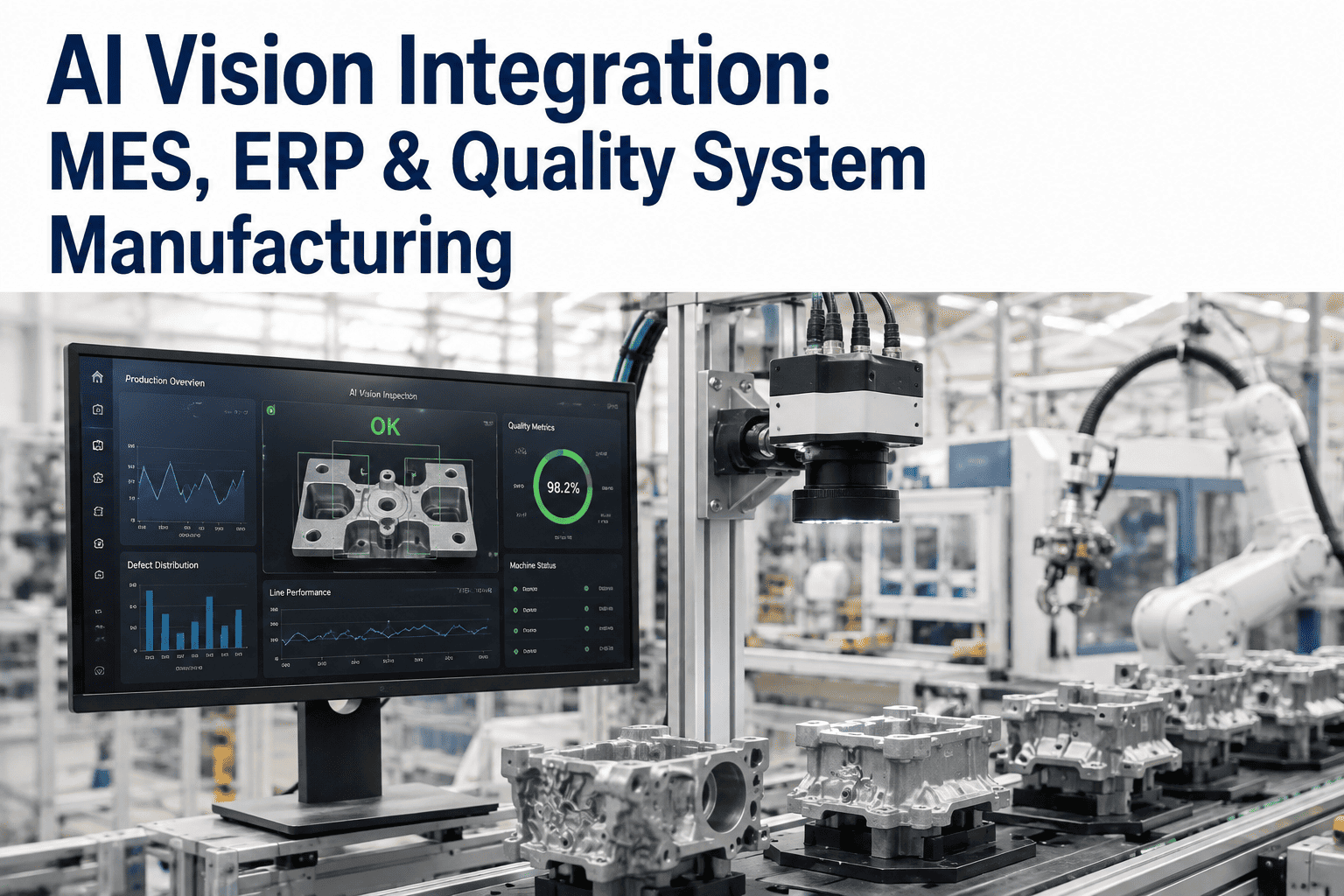
AI Vision Integration: MES, ERP & Quality System Manufacturing
By James Smith on August 7, 2026
An AI vision system that detects a defect and does nothing more than flash a red light on a local HMI has delivered maybe a third of its potential value — the detection event itself is only useful once it becomes a quality record in the QMS, a cost entry in the ERP, and a production data point in the MES, connected automatically rather than requiring someone to manually re-key the same information into three separate systems after the fact. The plants getting the most value from AI vision inspection are not necessarily running the most accurate models — they are the ones who solved the unglamorous but essential integration problem of getting detection events to flow automatically into the systems that already run quality, production, and cost management. This is a reference for architecting that integration correctly, across MES, ERP, and quality management systems. Book a session with the iFactory integration architecture team to map your AI vision data flow into your existing system landscape.
AI Vision · System Integration Architecture
AI Vision Integration with MES, ERP, and Quality Management Systems
Connecting AI vision detection events automatically into production data, cost accounting, and quality workflow systems — turning a detection into an actionable record without manual re-entry.
How a Single Detection Event Becomes Four Different Records
A single defect detection event carries information relevant to multiple systems simultaneously, but each system needs that information structured differently — the integration architecture's job is transforming one detection event into the correctly formatted record each downstream system expects, automatically and consistently.
Event Capture Layer
The AI vision system publishes a structured detection event — defect type, location, severity, confidence score, associated product/lot identifier, and timestamp — to a message layer immediately upon detection, before any downstream routing decision is made.
Routing and Transformation Layer
An integration middleware layer subscribes to detection events, applies business logic (which severity levels trigger which downstream actions), and transforms the event into the specific format and protocol each target system requires — rather than the vision system itself maintaining direct point-to-point connections to every downstream system.
System-Specific Delivery Layer
Each downstream system receives the transformed record through its native integration method — MES via OPC-UA or a direct API, ERP via a scheduled or real-time API integration, QMS via a workflow-triggering API call that initiates the appropriate quality process.
MES Integration
Connecting Detection Events to Production Data and Work Order Context
MES integration ensures a detection event is understood in production context — which work order, which shift, which equipment, and which operator were active at the moment of detection — context that transforms a bare defect count into actionable production intelligence.
Integration Element
Data Exchanged
Typical Protocol
Business Value
Work order context
Active work order, product spec, shift/operator
OPC-UA, REST API
Defect attribution to specific production context, not just timestamp
Real-time yield visibility without manual scrap tally reconciliation
Equipment correlation
Detection events tagged with equipment/station ID
OPC-UA tag mapping
Equipment-specific defect trending for maintenance correlation
Map Your Specific System Landscape
iFactory Architects Integration Between Your AI Vision System and Your Existing MES, ERP, and QMS
Every plant's system landscape is different — different MES vendor, different ERP, different QMS workflow structure. iFactory's integration architecture review maps the specific connections your systems need, rather than assuming a generic integration pattern will fit.
Translating Detection Events Into Cost, Inventory, and Financial Impact
ERP integration connects AI vision detection data to the financial and inventory systems that quantify the actual business impact of quality events — scrap cost accounting, inventory adjustment, and supplier quality data that feeds procurement decisions.
Scrap and Rework Cost Posting
Detection events triggering scrap disposition automatically post cost entries to the ERP, eliminating the manual cost accounting reconciliation that otherwise lags actual quality events by days or weeks.
Inventory Adjustment
Confirmed defective units are automatically reflected in inventory records, keeping on-hand quantities accurate without a separate manual inventory correction step following quality disposition.
Supplier Quality Data Feed
When defect root cause traces to incoming material, detection data feeding the ERP's supplier quality module builds an evidence-based supplier performance record without manual data compilation.
Quality Management Integration
Automated NCR Generation and CAPA Workflow Triggering
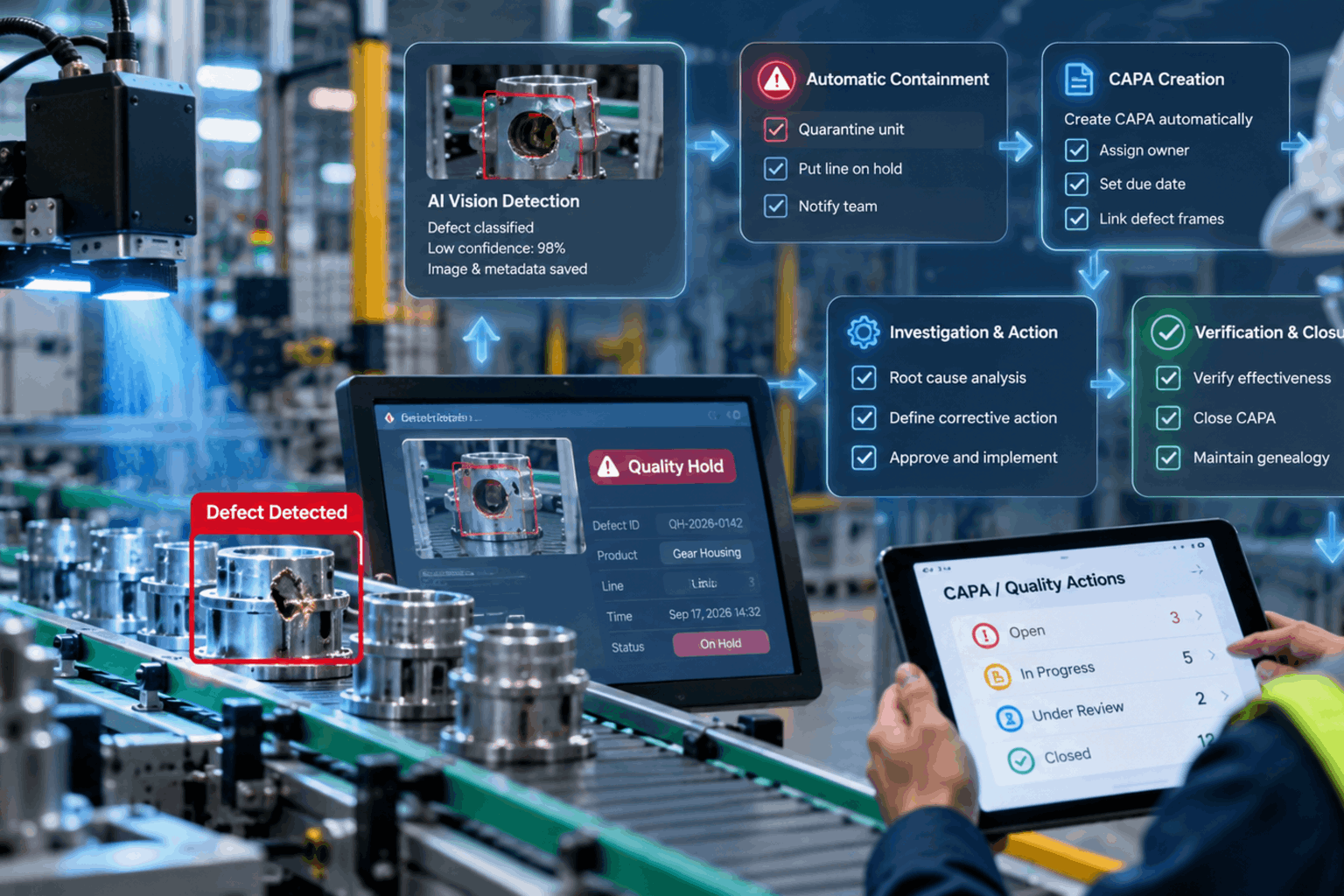
Quality management system integration is where AI vision detection most directly replaces manual quality administration work — automatically generating non-conformance records and triggering corrective action workflows based on detection patterns, rather than requiring a quality technician to manually document every finding.
01
Automated NCR Generation
Detection events above a defined severity threshold automatically generate a structured non-conformance record in the QMS, pre-populated with defect type, location, product context, and supporting image evidence — eliminating manual NCR data entry for routine findings.
02
Pattern-Based CAPA Triggering
Beyond individual NCRs, aggregated detection pattern analysis (a specific defect type trending upward, concentrated on a specific line or shift) can automatically trigger a corrective action investigation workflow, surfacing systemic issues before they would be noticed through individual NCR review alone.
03
Evidence Archival and Audit Trail
Detection images and confidence data are archived and linked to the corresponding QMS record, providing complete evidence for any customer audit, regulatory inspection, or internal quality investigation without needing to separately locate historical inspection data.
Integration Programme KPIs
Six Metrics That Define AI Vision Integration Maturity
Event-to-Record Latency
Target: <60 seconds
Time from detection event to the corresponding record appearing in each downstream system — a long latency undermines the real-time value of the integration.
Manual Re-Entry Elimination
Target: >90% of routine NCRs automated
Percentage of quality records generated automatically versus requiring manual technician data entry — the direct labor efficiency metric of the integration programme.
Data Consistency Across Systems
Target: 100%
Whether the same detection event is represented consistently across MES, ERP, and QMS records — inconsistency indicates a transformation or mapping error in the integration layer.
Integration Uptime
Target: >99.5%
Availability of the integration layer itself — downtime here means detection events accumulate without downstream propagation, requiring backfill once connectivity restores.
Cost Posting Accuracy
Target: within ±2% of manual reconciliation
Accuracy of automated scrap and rework cost postings compared against manual accounting reconciliation — validates the ERP integration is capturing financial impact correctly.
CAPA Trigger Precision
Target: >80% of triggers lead to valid investigation
Percentage of pattern-based automated CAPA triggers that quality teams confirm represent genuine systemic issues worth investigating, versus false-positive triggers that waste investigation resources.
From the Integration Desk
“
The plants that get disappointing ROI from an otherwise well-performing AI vision system almost always have the same root cause: the vision system detects defects accurately, but the detection event dies on a local HMI screen instead of flowing into the systems that actually run the business. I have walked plants where a quality technician was still manually writing down defect counts from a vision system's display screen and re-entering them into the QMS by hand, completely negating the automation value the vision system was supposed to deliver. Integration architecture is unglamorous compared to the AI model itself, and it is frequently treated as an afterthought in project planning, budgeted and scoped only after the vision system is already running. The plants that get this right treat integration architecture as a first-class part of the project from day one — mapping exactly which systems need which data, in which format, triggering which workflow, before a single camera is even installed. That sequencing difference is often the single biggest determinant of whether an AI vision investment delivers its full projected value or falls meaningfully short.
Dashiell Ferreira-Lindqvist
Manufacturing IT-OT Integration Architect · 17 years architecting integration between shop floor systems and enterprise platforms · Former Senior Integration Architect, industrial automation systems integrator · Specialist in MES, ERP, and QMS connectivity for AI-driven quality systems
Integration Team Questions
AI Vision Integration with MES, ERP, and QMS — Frequently Asked
Do we need a dedicated integration middleware platform, or can the vision system connect directly to each downstream system?
A middleware layer is generally recommended once more than two downstream systems are involved, since it avoids brittle point-to-point connections that each break independently. Book a demo to discuss the right integration pattern for your specific system count.
How do we handle older MES or QMS systems that don't have modern API capabilities?
Legacy systems can often still be integrated through database-level connections or file-based exchange, though this requires more careful design than a modern API integration. Book a demo to review integration options for your specific legacy systems.
Can we control which detection severities actually generate automated NCRs, or does every detection create a record?
Yes — severity thresholds are fully configurable, so only detections meeting your defined criteria trigger automated NCR generation, avoiding record overload from minor findings. Book a demo to configure threshold logic for your quality workflow.
How long does a typical MES/ERP/QMS integration project take once the vision system itself is already deployed?
Integration timelines vary by system complexity, but a typical single-system integration takes 4 to 10 weeks, with multi-system projects running in parallel where possible. Book a demo to scope a timeline for your specific system landscape.
What happens to detection events if the integration layer goes down temporarily?
A well-architected integration layer includes local buffering, so detection events queue and backfill automatically once connectivity restores, rather than being lost. Book a demo to review failure handling design for your architecture.
Detection Is Only Half the Value — Integration Delivers the Rest
Connect Your AI Vision System to the Platforms That Actually Run Your Plant
iFactory architects the integration layer between your AI vision system and MES, ERP, and QMS — automated NCR generation, real-time cost posting, and production context correlation, so every detection event becomes an actionable record without manual re-entry.