An NVIDIA DGX H100 draws 10.2 kW of power, generates enough heat to warm a small apartment, and costs your organization up to $9,000 per minute when it goes down. With AI data center capacity projected to consume 33% of global infrastructure by 2025 and rack densities climbing past 100 kW, the maintenance stakes have never been higher. Here's how leading AI teams are integrating CMMS software with DGX infrastructure to eliminate unplanned downtime, automate GPU maintenance workflows, and protect millions in compute investment.
$9K
Average Cost Per Minute of Data Center Downtime
10.2kW
Max Power Draw Per DGX H100 System
100kW+
Heat Per Rack in Modern AI Data Centers
40%
Of Data Center Costs Go to Maintenance
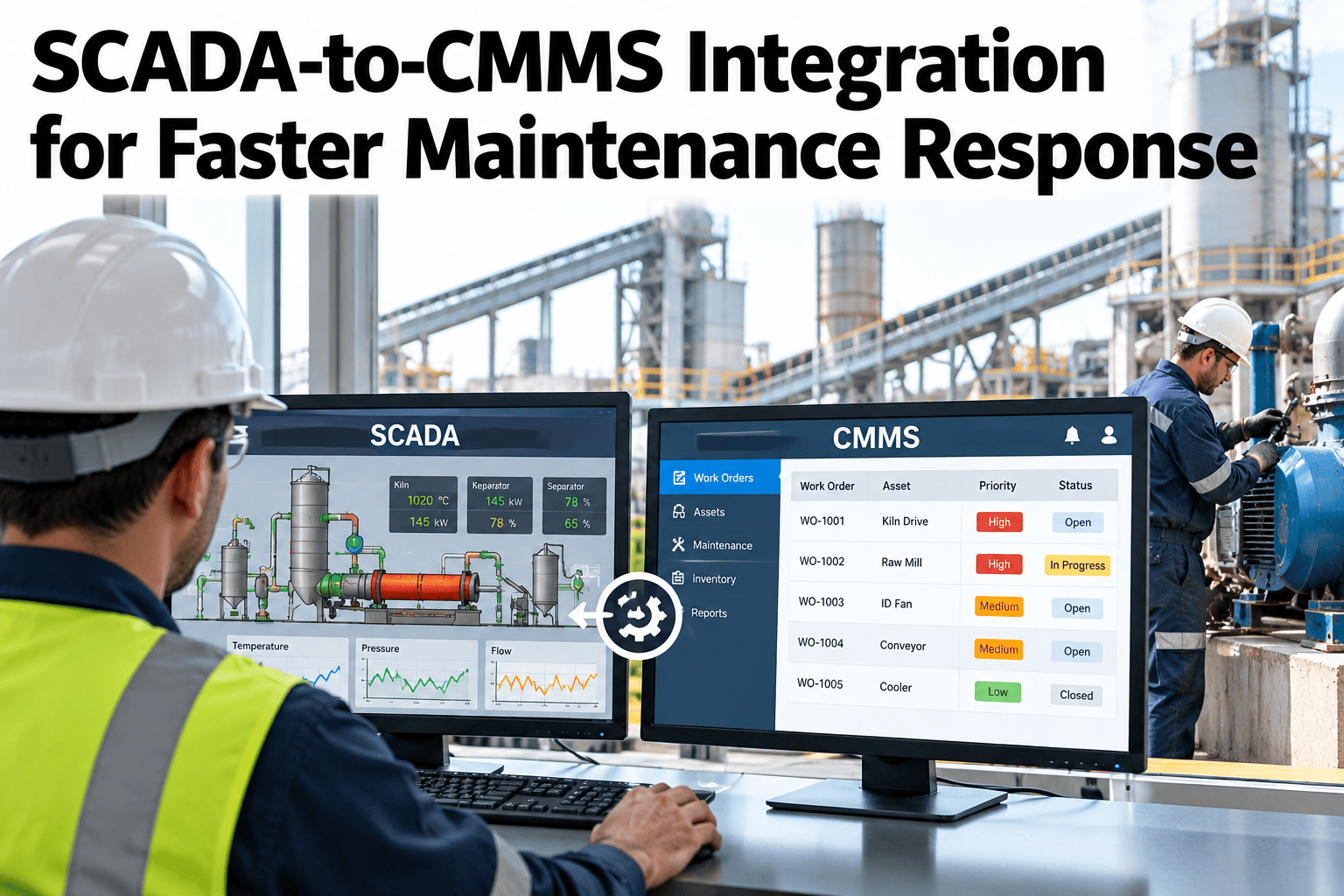
NVIDIA DGX systems — from the DGX H100 to the DGX B300 and rack-scale GB200 NVL72 — are the backbone of enterprise AI. But these are not traditional servers. They pack 8 high-performance GPUs generating extreme thermal loads, require liquid cooling infrastructure, consume megawatts of power, and demand specialized maintenance expertise that most IT teams weren't built for. When maintenance is reactive, a single GPU failure can cascade into training job failures, wasted compute cycles, and six-figure losses in hours. A CMMS (Computerized Maintenance Management System) bridges the gap between DGX hardware telemetry and operational action — turning sensor data into automated work orders, predictive alerts, and audit-ready maintenance records.
Why DGX Systems Need More Than Standard IT Monitoring
Traditional IT monitoring tools like Nagios or Datadog excel at software-layer alerting — CPU usage, memory, network latency. But DGX infrastructure presents a fundamentally different maintenance challenge: physical hardware operating at extreme power densities with specialized cooling, interconnects, and components that degrade over time.
Extreme Thermal Management
DGX systems generate massive heat — up to 100 kW per rack with 5 DGX H100 units. GPUs in rear tray positions run hotter than front-row GPUs due to airflow physics. Without proactive thermal monitoring tied to maintenance workflows, heat soak degrades component lifespan and triggers thermal throttling that silently kills training performance.
Impact
Critical — Performance loss + hardware degradation
Liquid Cooling Infrastructure
Modern DGX systems like the GB200 NVL72 require direct-to-chip liquid cooling with cold plates, coolant loops, pumps, and external chillers. This is plumbing in your data center — it needs scheduled inspections, leak detection maintenance, coolant quality testing, and pump servicing that IT monitoring tools simply don't track.
Impact
Critical — Coolant failure = immediate shutdown
GPU Component Degradation
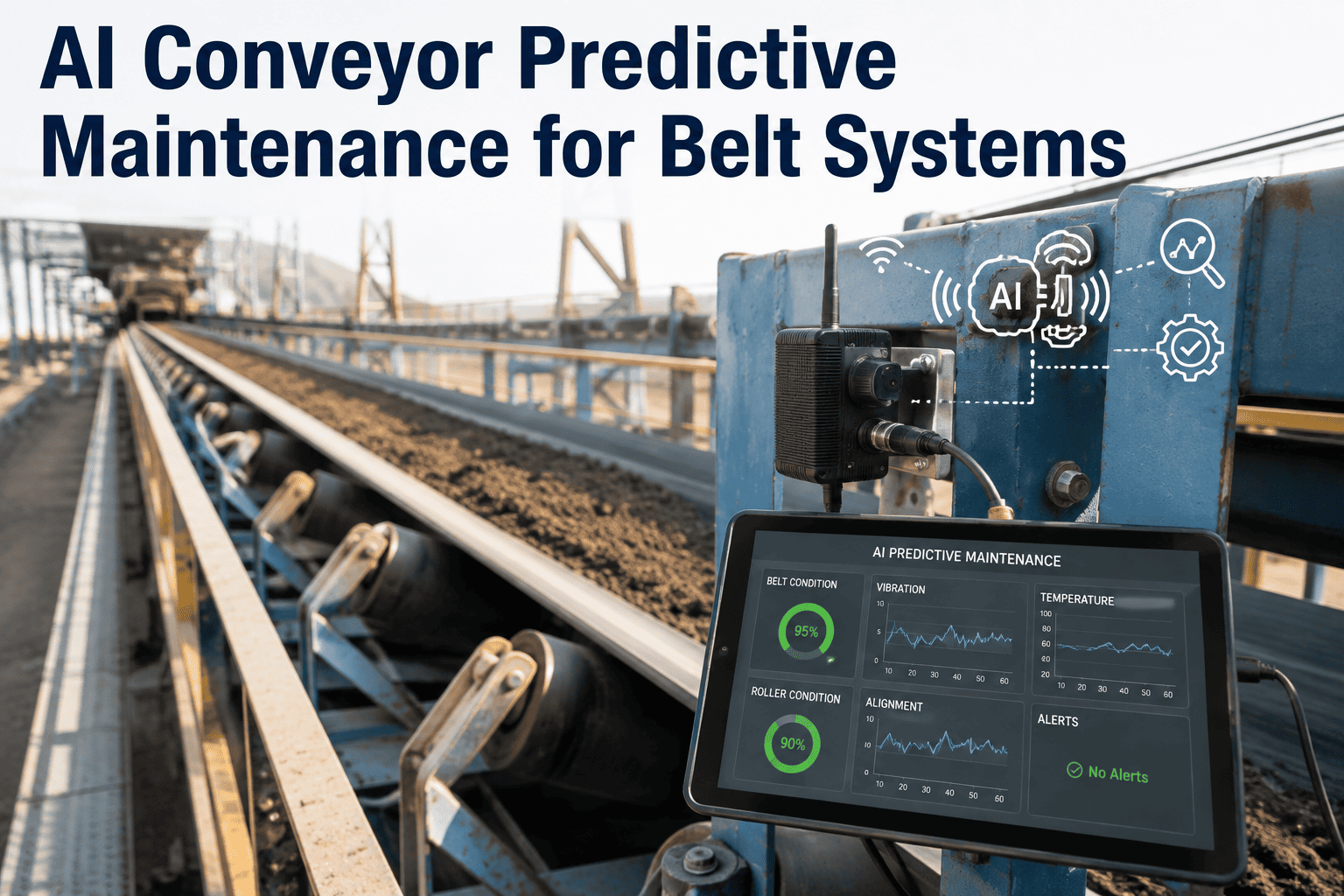
HBM memory, NVLink interconnects, NVSwitch fabric, power delivery modules, and SSD cache drives all degrade under sustained AI workloads. Power throttling events, memory bit errors, and interconnect degradation happen gradually — they need trend-based tracking and condition-based maintenance, not just threshold alerts.
Impact
High — Silent performance loss before failure
Power Distribution Complexity
DGX B300 systems use 12 power supply units with N+N redundancy, busbar or PDU configurations, and specialized locking power cords. Power shelf maintenance, UPS battery health, PDU load balancing, and backup generator testing all require scheduled physical maintenance with documented compliance trails.
Impact
High — Power failure = total cluster outage
The DGX Maintenance Stack: What Actually Needs Tracking
A single DGX system contains dozens of serviceable components across multiple maintenance domains. Here's the complete picture of what a CMMS must manage across your DGX deployment.
GPU & Compute Layer
GPU Modules (8 per DGX)
Thermal history, power throttling events, memory errors (ECC), utilization trends, remaining useful life estimation
CPU Processors
Core temperature trends, cache errors, performance degradation patterns
System Memory (up to 4TB)
DIMM health, correctable error rates, replacement scheduling
Interconnect & Network Layer
NVLink & NVSwitch Fabric
Link health, bandwidth degradation, error rates, switch tray maintenance
InfiniBand / Ethernet NICs
Port health, transceiver condition, cable integrity, firmware versions
Storage & Cache Layer
NVMe OS Drives & Cache SSDs
Write endurance (TBW), SMART health data, temperature monitoring, proactive replacement scheduling
Power & Cooling Layer
Power Supplies (12x N+N)
Output voltage stability, fan RPM, capacitor aging, redundancy validation
Liquid Cooling System
Coolant flow rate, inlet/outlet temperature delta, pump pressure, leak sensor status, coolant quality
Cooling Fans
RPM trends, bearing wear indicators, airflow volume, dust accumulation scheduling
Facility Infrastructure Layer
UPS & Battery Systems
Battery health testing, discharge cycles, capacity degradation, replacement scheduling
PDU & Busbar Systems
Load balancing, thermal imaging schedules, connection torque verification, circuit breaker testing
CRAC/CRAH Units & Chillers
Refrigerant levels, compressor health, filter replacement schedules, efficiency monitoring
7 Best Practices for DGX + CMMS Integration
Organizations running DGX infrastructure at scale need a structured approach to connecting hardware telemetry with maintenance execution. These best practices come from teams managing hundreds of GPU nodes where every hour of downtime costs five to six figures.
01
Map Every DGX Component as a CMMS Asset
Don't treat a DGX system as one asset. Register each GPU module, PSU, NVLink switch tray, cooling fan, SSD, and NIC as individual tracked assets with serial numbers, install dates, warranty status, and maintenance history. This enables component-level failure tracking and parts forecasting — critical when a single GPU replacement can take weeks to source.
Result
Component-level MTBF tracking and proactive parts inventory
02
Ingest BMC & NVIDIA Telemetry into CMMS
Every DGX system includes a Baseboard Management Controller (BMC) that exposes hardware health data via IPMI/Redfish APIs. Connect nvidia-smi GPU metrics, NVML sensor data, and BMC alerts directly to your CMMS. When a GPU temperature exceeds its threshold or a power supply fan drops below normal RPM, the CMMS should automatically generate a prioritized work order — not just send an email.
Result
Zero-delay automated work orders from hardware anomalies
03
Build Separate Maintenance Plans for Cooling Infrastructure
Liquid cooling is the single most critical maintenance domain for modern DGX deployments. Create dedicated preventive maintenance schedules: weekly leak sensor checks, monthly coolant quality testing, quarterly pump inspections, and annual chiller servicing. A coolant leak on a DGX GB200 rack doesn't just damage one server — it can take out an entire scalable unit of 8 systems.
Result
Prevent catastrophic multi-system cooling failures
04
Schedule Maintenance Around Training Jobs
AI training jobs can run for days or weeks. Integrate your CMMS scheduling with your job orchestrator (NVIDIA Base Command, Run:ai, or Slurm) so that preventive maintenance is automatically deferred to windows between jobs — not blindly scheduled on calendar intervals that interrupt multi-day training runs.
Result
Zero maintenance-caused training job interruptions
05
Track Power Events as Maintenance Triggers
DGX systems exhibit power throttling under sustained half-precision workloads — GPUs automatically reduce clock frequency to stay within power limits. Log every throttling event in the CMMS as a condition indicator. Frequent throttling on specific GPUs signals degradation in power delivery or thermal interface material that needs physical intervention before it becomes a failure.
Result
Catch performance degradation before it becomes downtime
06
Maintain Firmware & Software Versions as Asset Attributes
DGX systems run NVIDIA DGX OS, GPU driver stacks, BMC firmware, NIC firmware, and NVSwitch firmware — all with independent update cycles. Track every version in your CMMS as an asset attribute. When NVIDIA releases a critical firmware update, you can instantly query which systems need it, generate batch work orders, and document compliance.
Result
Instant fleet-wide firmware compliance visibility
07
Generate Compliance-Ready Maintenance Audit Trails
AI data centers serving regulated industries — healthcare, finance, government, defense — must demonstrate maintenance compliance for physical infrastructure. Every cooling inspection, power test, hardware swap, and firmware update must be logged with timestamps, technician IDs, and outcomes. Your CMMS becomes the single source of truth for auditors.
Result
Audit-ready documentation for every maintenance action
Your DGX Systems Are Talking. Is Your Maintenance Listening?
iFactory's CMMS connects directly to your GPU infrastructure telemetry — turning BMC alerts, thermal anomalies, and power events into automated work orders, predictive maintenance schedules, and compliance-ready audit trails. Purpose-built for high-performance computing environments where every minute of downtime costs thousands.
The Real Cost: Reactive vs. Proactive DGX Maintenance
The economics of DGX maintenance are dramatically different from traditional IT. When a single GPU server costs $200,000–$400,000+ and downtime costs $9,000 per minute, the ROI of proactive maintenance is measured in days, not years.
Reactive DGX Maintenance
$540K/hour
Potential downtime cost at $9K/min
GPU failures discovered during training runs
Coolant leaks escalate to multi-node damage
Firmware mismatches cause cluster instability
No parts inventory — weeks waiting for GPU replacements
Compliance gaps discovered during audits
A single unplanned DGX outage can waste days of training compute and cost six figures
VS
CMMS-Driven Proactive Maintenance
Predictable
Planned interventions during job windows
GPU degradation caught weeks before failure
Cooling systems inspected on automated schedules
Firmware versions tracked and updated fleet-wide
Predictive parts ordering based on component MTBF
Complete audit trail for every maintenance action
Proactive programs reduce unplanned downtime by 40–50% and maintenance costs by 25–40%
DGX Preventive Maintenance Schedule: What to Track and When
Here's the preventive maintenance framework that top-performing AI data centers automate through their CMMS. Every task below should generate a work order, require technician sign-off, and feed into your asset health scoring.
GPU temperature and power draw monitoring via nvidia-smi / NVML
Cooling system flow rate and leak sensor status verification
ECC memory error rate tracking across all GPU and system memory
NVLink and InfiniBand link health status and error counters
SSD SMART health data collection and write endurance tracking
PSU output voltage stability and fan RPM trend review
Coolant temperature delta analysis (inlet vs outlet drift)
GPU power throttling event log review and trend analysis
Firmware version audit against NVIDIA's latest recommendations
Physical inspection of all cable connections and locking power cords
Coolant quality testing and filtration system check
UPS battery health test and discharge cycle validation
Air filter replacement and dust accumulation assessment
Thermal imaging of PDU/busbar connections for hot spots
Full cooling system flush and pump rebuild (quarterly)
Chiller compressor inspection and refrigerant check (quarterly)
Backup generator load test and fuel system service (quarterly)
Full system health audit with NVIDIA support team (annual)
Rack structural integrity and seismic mount verification (annual)
Why iFactory Is Built for AI Data Center Maintenance
Most CMMS platforms were designed for factories and facilities — not for the unique demands of high-performance GPU infrastructure. iFactory bridges that gap with capabilities specifically suited to DGX and HPC environments.
Automated Work Orders from Hardware Telemetry
Connect BMC, nvidia-smi, and sensor data to automatically generate prioritized work orders when anomalies are detected — no manual ticket creation, no missed alerts.
Component-Level Asset Tracking
Track every GPU, PSU, NIC, SSD, and cooling component individually with serial numbers, warranty dates, maintenance history, and health scores across your entire DGX fleet.
Predictive Maintenance Intelligence
Trend-based analytics identify components degrading toward failure — enabling replacement during planned maintenance windows instead of emergency downtime.
Compliance & Audit Documentation
Every inspection, repair, firmware update, and calibration is time-stamped, traceable, and exportable for regulatory compliance across healthcare, finance, and government environments.
Protect Your GPU Investment. Automate Your Maintenance.
Whether you're running a single DGX B300 or managing a DGX SuperPOD with thousands of GPUs, iFactory gives your infrastructure team the tools to shift from reactive firefighting to predictive, data-driven maintenance — keeping your AI factory running at peak performance.
Frequently Asked Questions