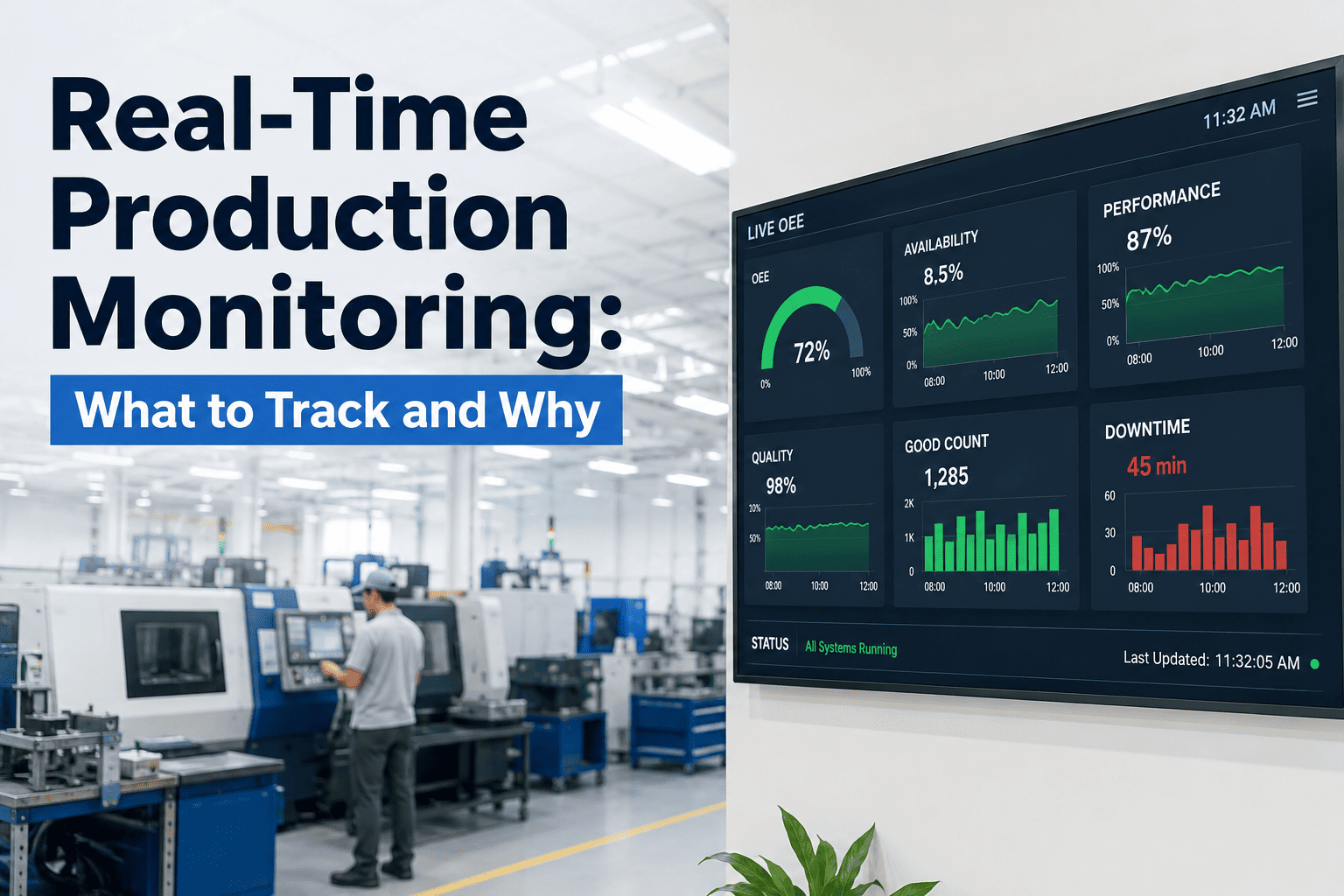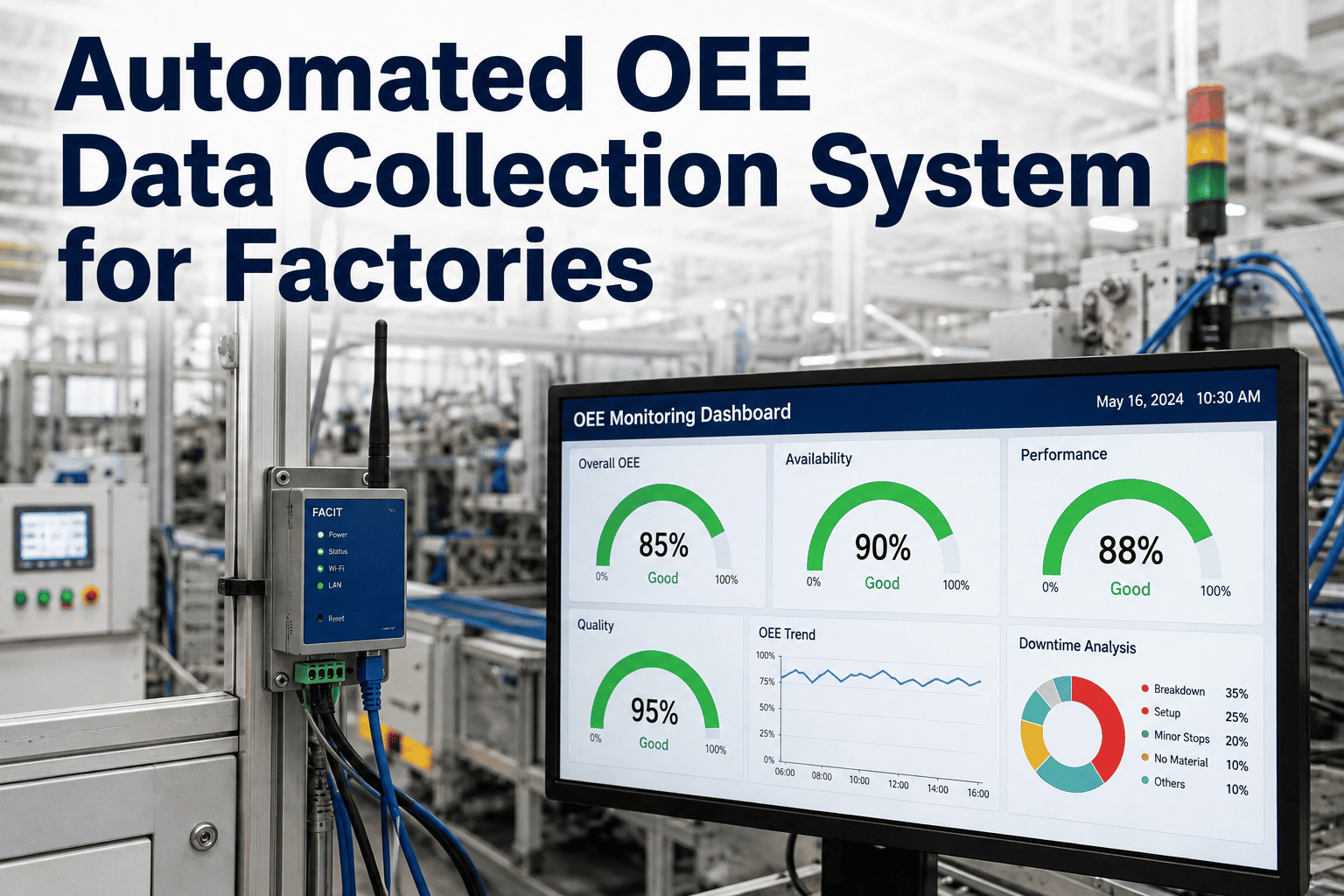
An operator running a machine, watching for jams, and hitting a target count does not have a spare hand to log every micro-stop, every changeover minute, and every scrap part on a clipboard, so most of that data simply never gets written down. The OEE number built from what did get logged is not wrong exactly, it is just missing most of the story. Book a demo to see automated data collection replace the clipboard entirely.
Every Manual OEE Log Is Missing the Data Nobody Had Time to Write Down
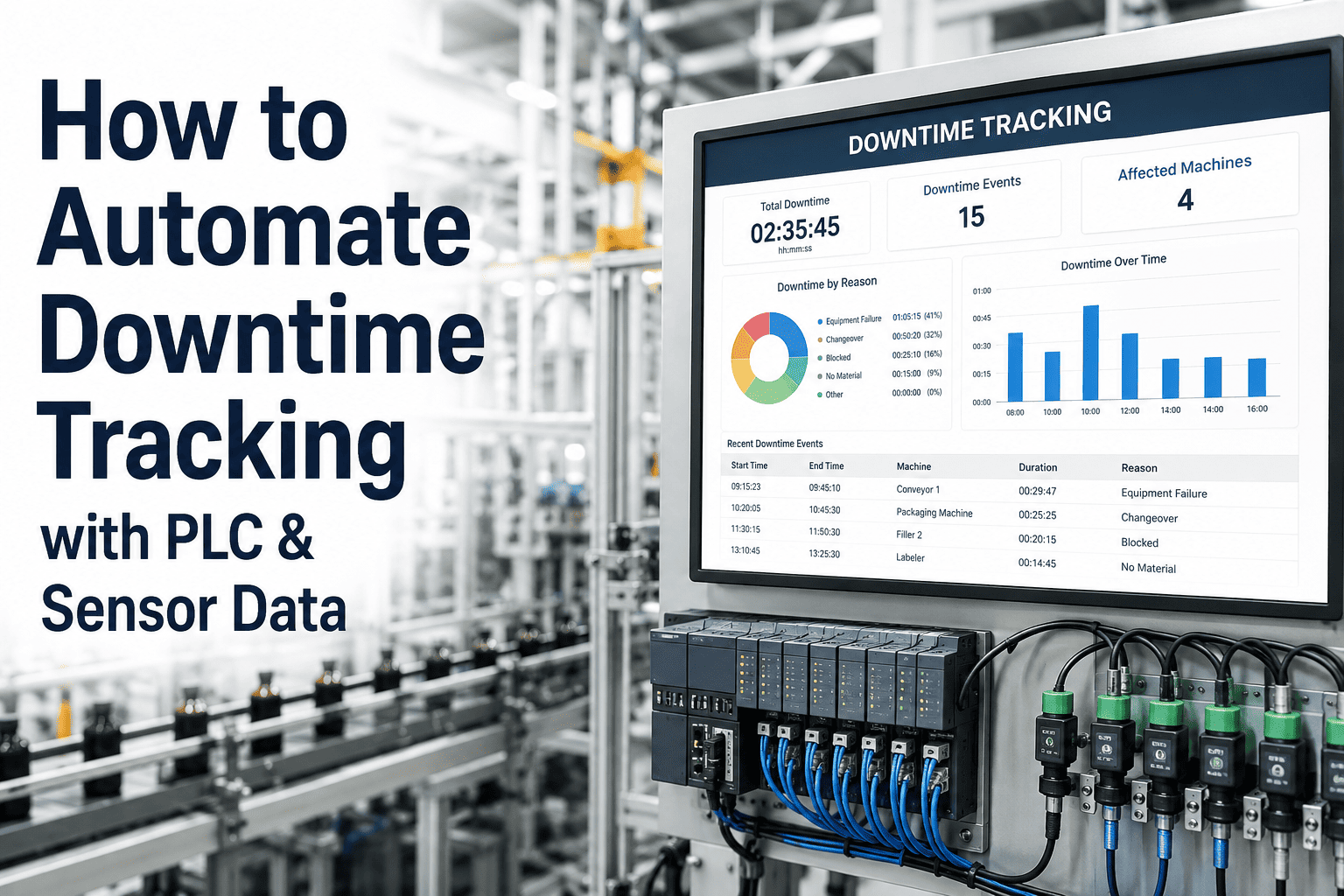
Machine states, cycle counts, and reject tallies captured by hand are inherently incomplete, because production does not pause for paperwork. Automated data collection captures every state change and every count directly from the equipment, building an OEE picture manual logging structurally cannot match.
What Changes When the Machine Reports Its Own Data
| Data Point | Manual Logging | Automated Collection |
|---|---|---|
| Machine state changes | Logged when operator has time, often batched at end of shift | Captured in real time from PLC or sensor signal |
| Small stops under 2 minutes | Almost never logged individually | Every stop captured regardless of duration |
| Cycle counts | Estimated or logged at shift end | Counted continuously as parts are produced |
| Reject and scrap counts | Tallied on paper, sometimes underreported | Logged at the point of rejection with reason code |
| Changeover duration | Estimated to the nearest 5 or 10 minutes | Timestamped to the second from state change |
None of this reflects operators cutting corners. It reflects the simple reality that running a machine and documenting every state change in detail are two full-time jobs competing for the same set of hands, and the machine always wins that competition when production is the priority.
Four Data Streams an Automated OEE System Captures Continuously
Stop Reconstructing Yesterday's Performance From Memory
iFactory captures machine state, cycle counts, and reject events automatically as they happen, building an OEE picture that reflects what actually occurred on the line.
How Machines Without Built-In Connectivity Get Connected
The Losses Automated Collection Reveals That Manual Logging Never Caught
Common Questions About Automated OEE Data Collection
Does automated data collection require replacing existing machines or PLCs?
Most factories can connect existing machines through their current PLC outputs or simple retrofit sensors like current clamps and proximity switches, without replacing the machine or its control system. Only equipment with no accessible electronic signal at all typically needs additional hardware, and even then the addition is usually a small external sensor rather than a control system replacement. Book a demo to assess connectivity options for your specific equipment fleet.
How do operators tag the reason for a downtime event without slowing down production?
A simple interface at each station lets operators select a reason code from a short list, such as material jam, tooling change, or quality hold, in a few seconds once a stop is detected, rather than requiring a written explanation. The stop duration itself is already captured automatically the moment it happens, so the reason code adds context to data the system logged on its own. Contact support to see the reason code interface configured for your production stations.
How accurate is automated OEE data compared to what operators were logging manually?
Automated data is generally more complete rather than simply more accurate on the events that were being logged, since it captures every stop and every cycle count directly from the equipment rather than relying on an operator's memory and available time during a busy shift. Most facilities find their true OEE is lower than the manually logged number once automated collection is switched on, because previously unlogged small stops and speed losses become visible for the first time. Book a demo to compare automated data against your current manual logs.
Can automated OEE data collection integrate with an existing MES or ERP system?
Automated data collection is typically designed to feed into an existing MES, ERP, or reporting dashboard rather than replacing it, so captured machine state, cycle counts, and reject data flow into the systems your team already uses for scheduling and reporting. Integration specifics depend on the platforms already in place at your facility and are addressed during initial setup. Contact support to plan integration with your existing systems.
How long does it take to deploy automated OEE data collection across a full production line?
Deployment timelines depend heavily on how many machines already have accessible signals versus how many need retrofit sensors, but most single-line deployments move from initial audit to live data collection within a few weeks, with a validation period afterward to confirm accuracy against a manual shadow log before fully retiring paper-based tracking. Larger multi-line rollouts are typically phased machine group by machine group. Book a demo to get a deployment timeline estimate for your facility.
Let the Equipment Log Its Own Performance Data
iFactory captures machine state, cycle counts, and quality events automatically, giving you a complete OEE picture the clipboard was never able to provide.