A daytime energy audit sees a plant running at full production, every machine doing real work, every line justified. A Saturday night walkthrough sees something different: compressors still pressurizing a line that shut down six hours earlier, lights on in an empty warehouse, and a dryer idling at temperature with nothing moving through it. An energy treasure hunt is built specifically to catch that second picture, and it only pays off when the findings turn into funded, tracked actions instead of a list that gets filed after the event ends. Continuous improvement teams planning their next walkthrough can structure an opportunity register that actually gets acted on.
Off-Shift Walkthroughs Find Waste a Daytime Audit Never Sees
iFactory AI tracks what a treasure hunt team finds, turns each finding into a scoped action, and keeps the register visible until it closes out.
Why Off-Shift Waste Stays Invisible to a Daytime Audit
A standard energy audit is almost always scheduled during normal production hours, which means it structurally cannot see the waste that only exists when the plant is supposed to be quiet.
Equipment Left Running Past Shutdown
A compressor, oven, or conveyor that should power down at shift end but is left running, sometimes for the full off-shift window, every single day.
Lighting and HVAC in Unoccupied Spaces
Areas with no scheduled activity still get lit and conditioned on the same schedule as occupied production floors.
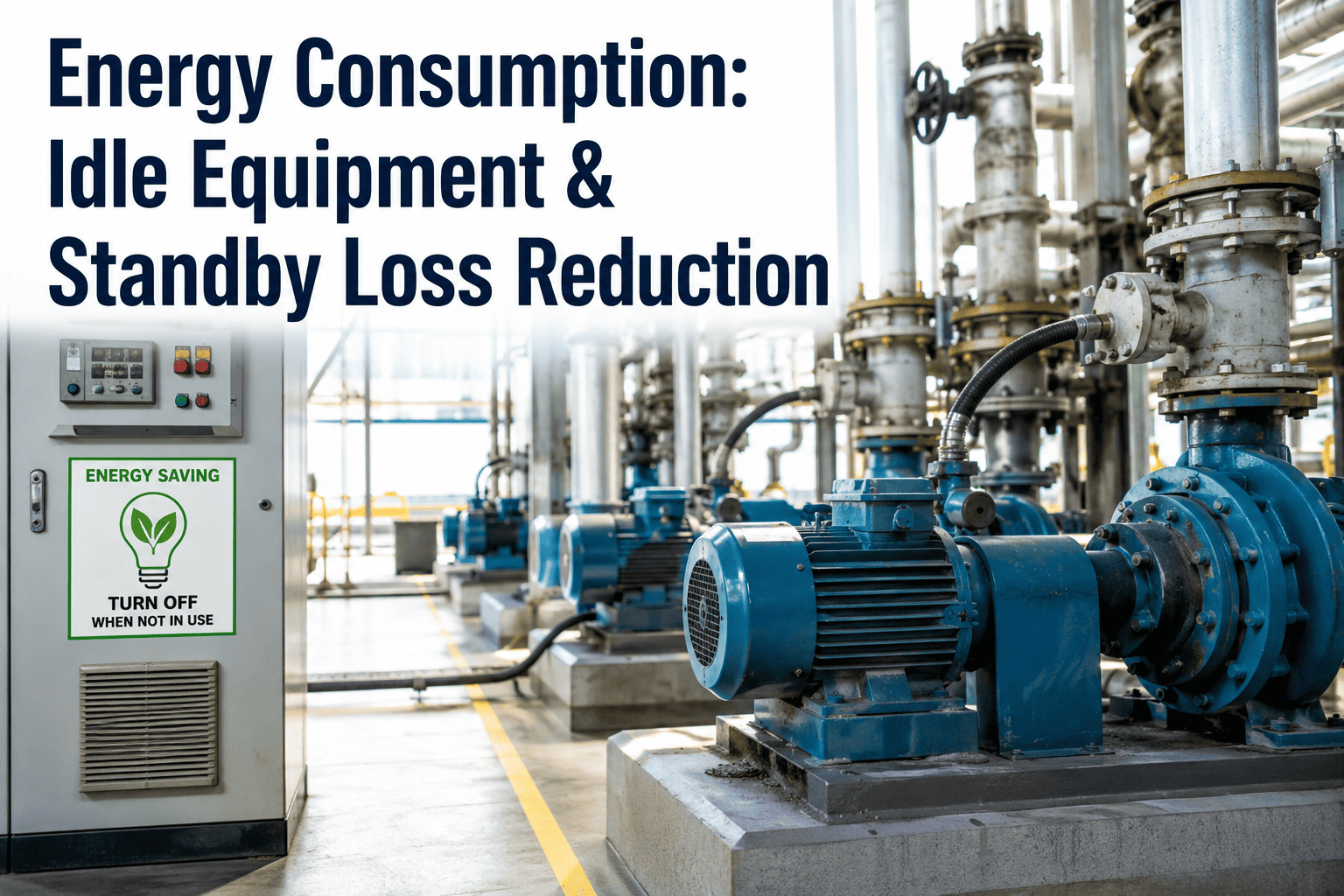
Idle Equipment Drawing Standby Load
Machines in standby mode between runs can draw a meaningful fraction of their full-load power, unnoticed because nothing appears to be happening.
Structuring the Walkthrough Event
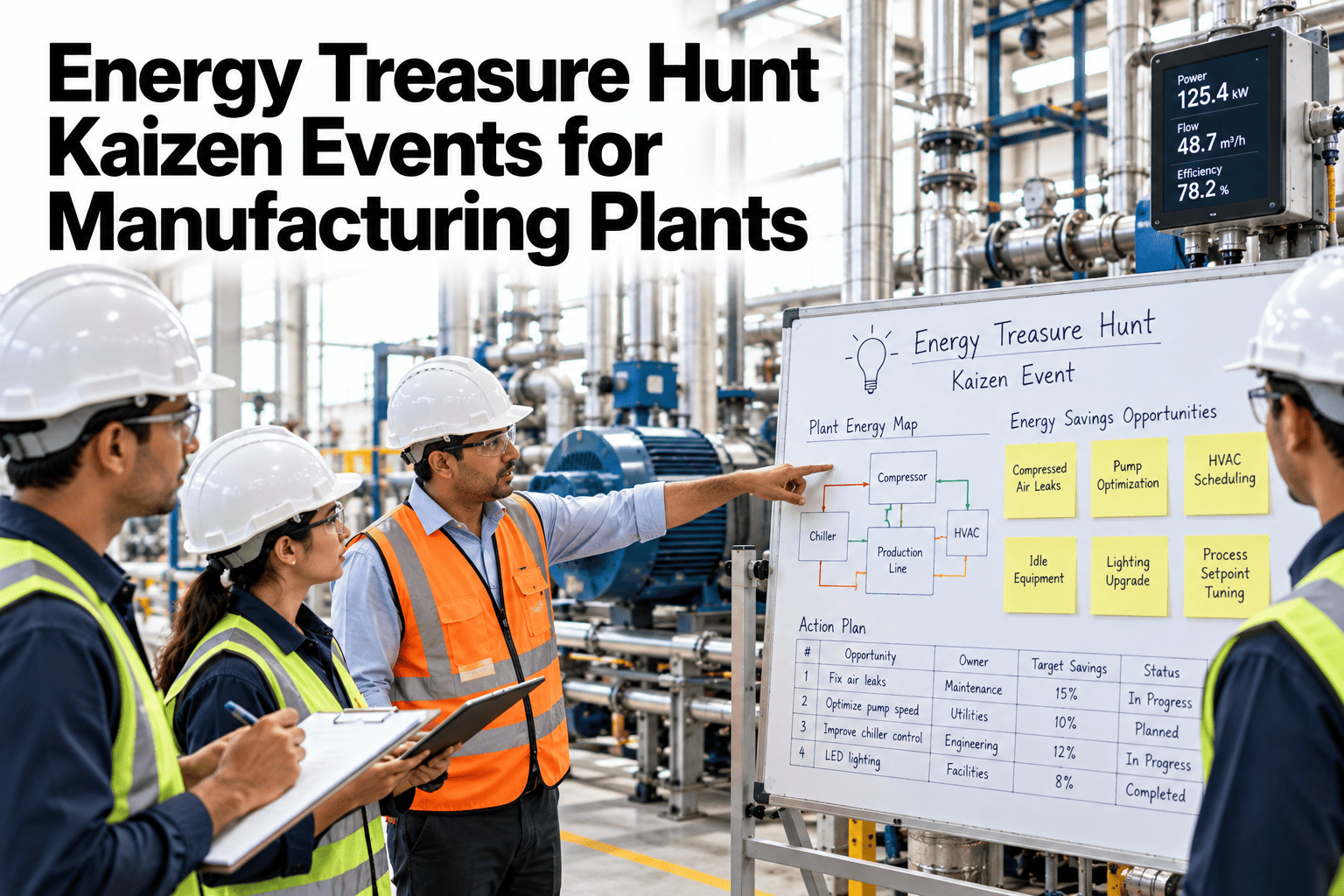
A treasure hunt works best as a structured event, not an informal walk, with a defined team and a clear capture method.
Turn Your Next Walkthrough Into a Tracked Register
Bring your last treasure hunt's findings to a 30-minute session and see how each one could be scored, assigned, and tracked to closure.
Quick Win vs Funded Project
Not every finding needs the same path to closure. Sorting findings early keeps the easy wins from getting stuck behind a capital approval process.
| Type | Example Finding | Typical Path to Closure |
|---|---|---|
| Quick win | Compressor left running after shift shutdown | Shutdown checklist update, closed within days |
| Quick win | Lighting on in an unoccupied warehouse bay | Occupancy sensor or schedule adjustment |
| Funded project | Standby load on aging equipment with no low-power mode | Capital request for equipment upgrade |
| Funded project | HVAC zoning that conditions unoccupied space with occupied space | Controls retrofit, scoped and budgeted |
A register that mixes both types without sorting them tends to let quick wins sit unaddressed while waiting on the same review cycle as a capital project that will take months regardless.
Keeping the Register From Going Stale
The gap between most energy kaizen events and lasting savings is not the walkthrough itself, it is what happens to the list afterward.
The value of a treasure hunt is almost entirely in what happens after the walkthrough ends. Plants that run the event once a year as a standalone exercise tend to see the same findings resurface each time, while plants that keep the register open and visible between events close quick wins within days and catch recurring patterns, like the same equipment being left running, before they become a habit nobody questions anymore.
Frequently Asked Questions
How often should a plant run an energy treasure hunt?
Many programs start with one or two events a year, often tied to a shift pattern or seasonal change, though plants new to the practice tend to find the most findings in their first event and can calibrate frequency from there. Plan a cadence that fits your production schedule in a short session.
Who should be on the walkthrough team?
A mix of operators, maintenance staff, and energy or facilities personnel tends to surface the broadest range of findings, since each role notices different things, such as an operator spotting an unusual noise or a maintenance tech recognizing a bypass that was never closed. Ask the iFactory AI team how to structure your walkthrough team.
How do we estimate savings for a finding during the walkthrough?
A rough estimate based on equipment nameplate power and the duration it was observed running unnecessarily is usually sufficient to prioritize findings, with a more precise measurement reserved for items being considered for a larger funded project. Score a recent finding against your own utility rates in a demo.
What keeps quick-win findings from getting forgotten?
Assigning a named owner and a short target closure date at the moment the finding is logged, rather than during a later review meeting, is what keeps a quick win from sliding into the same backlog as larger capital projects. Set up a tracked register for your next event on a call.
Can this connect to our existing energy monitoring data?
Findings from a walkthrough can be cross-checked against interval meter data from the same time window, confirming whether an observed idle load actually shows up in the utility record and helping prioritize which findings carry the largest real impact. Connect your walkthrough findings to existing meter data with the support team.
Turn a Weekend Walkthrough Into Lasting Savings
iFactory AI helps teams capture treasure hunt findings, score them, and track them to closure. Book a walkthrough built around your next event.