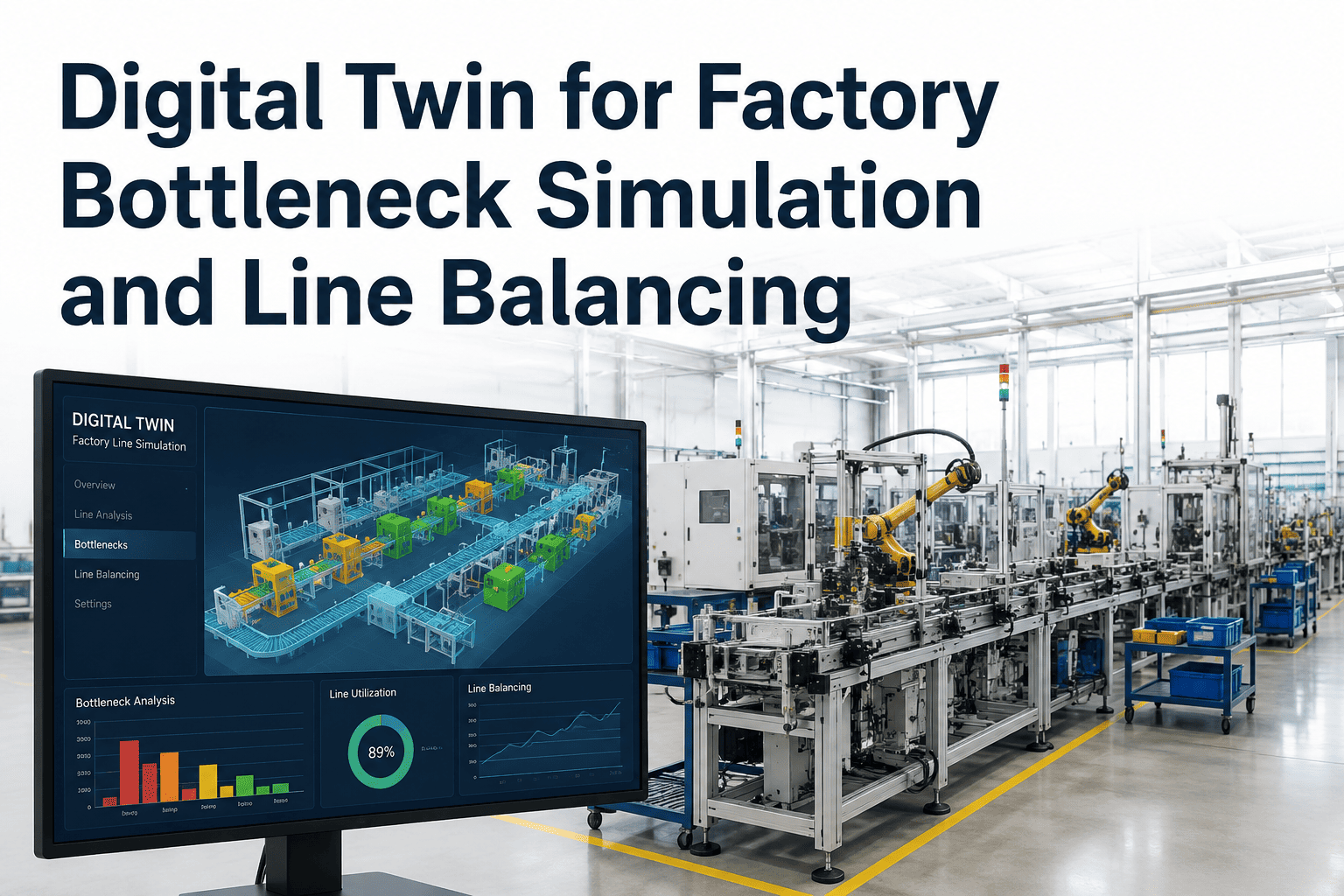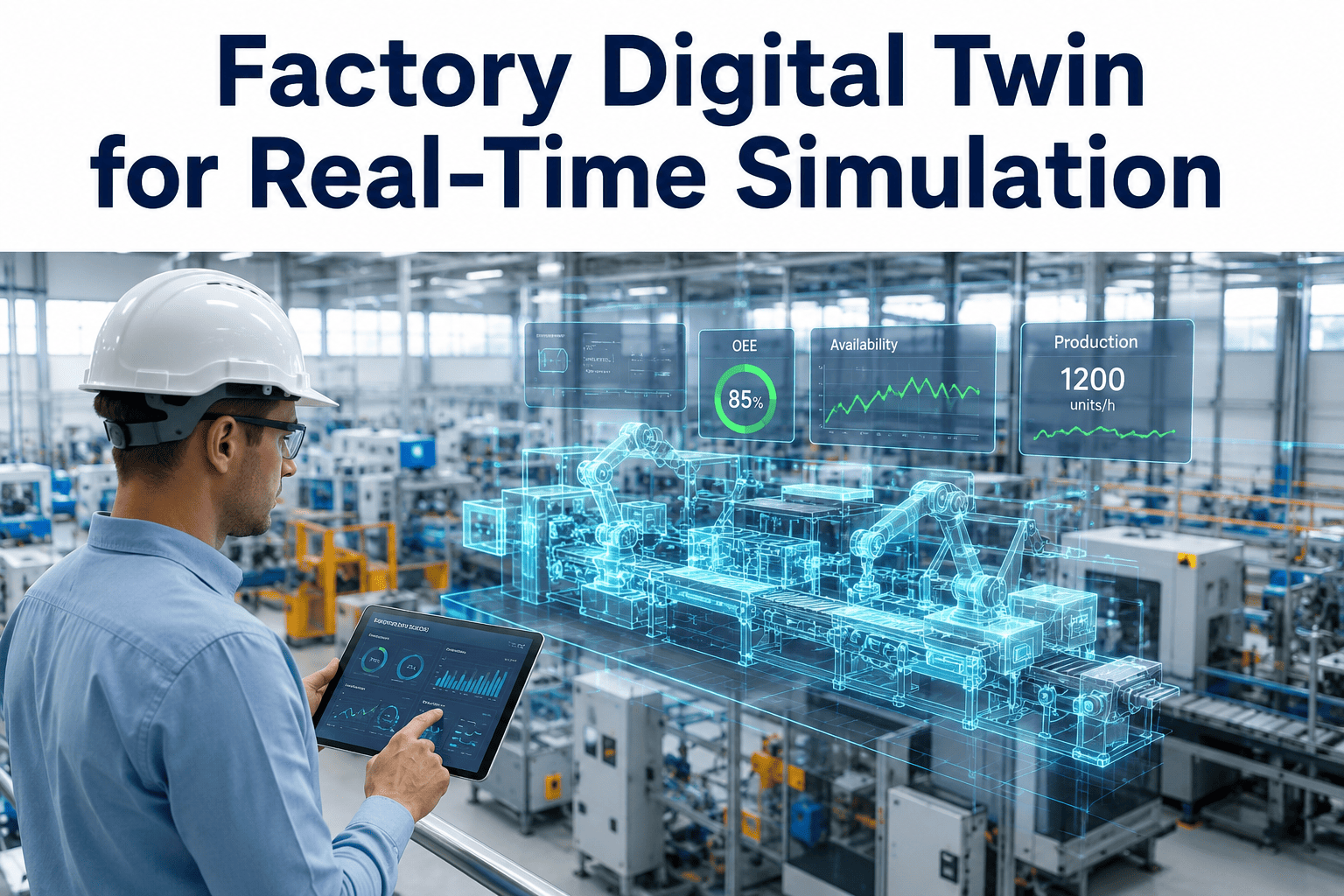
A digital twin only earns its name once it stops being a pretty 3D model and starts being a decision engine. Too many plants have a rotating model of their floor that looks impressive in a boardroom presentation and tells nobody anything they did not already know from the morning shift report. A real factory digital twin, one built on live sensor data across assets, processes, the whole plant, and energy systems, changes what the model is for entirely, and you can book a demo to see what that looks like against your own production data.
Four Twins, One Live Model of Your Entire Plant
iFactory synchronizes an asset twin, a process twin, a factory twin, and an energy twin into a single real-time model, so a question about tomorrow's schedule, this week's bottleneck, or this quarter's energy spend can be simulated before you commit a single change to the physical floor.
A virtual model of a single machine, tracking vibration, temperature, and cycle time to predict remaining useful life and optimal maintenance timing.
A model of an entire line that simulates flow, identifies bottlenecks, and tests scheduling changes before they touch the actual floor.
A plant-wide model combining every line, every asset, and material flow into a single simulation of how the whole facility behaves together.
A live model of power consumption across the plant that flags waste, models demand response scenarios, and ties energy cost directly to production decisions.
The Twin Itself Is the Easy Part
Vendor demonstrations make digital twins look like a software problem, connect some sensors, load a 3D model, and watch the dashboard light up. In practice, the twin itself represents a relatively small share of the total implementation effort. The larger share, and the part that determines whether a twin actually delivers value, is getting the underlying data infrastructure right: sensors calibrated correctly, SCADA systems actually feeding clean data, and historians that do not silently drop readings during a network hiccup. A twin built on top of messy OEE tracking does not fix the mess, it just gives that mess a nicer interface.
This is why iFactory's digital twin deployments start with a data audit, not a 3D model. Before any simulation logic runs, the underlying field sensor layer, the SCADA layer, and the PLC network layer are validated end to end, because a twin that occasionally shows a machine as running when it is actually down will lose the floor's trust within the first week, and trust lost that early is difficult to rebuild.
Data infrastructure work is rarely the part of a digital twin project that gets budgeted generously up front, because it does not photograph well in a proposal the way a rotating 3D render does. Yet it is consistently the part that determines whether a twin becomes a daily operational tool or a demo that nobody opens after the first month. A plant with clean, well-calibrated sensor data and a modest visualization layer will outperform a plant with a stunning 3D model sitting on top of unreliable readings, every time, because decisions made from a twin are only as good as the data feeding it.
Find Out What Your Current Data Foundation Can Actually Support
iFactory audits your sensor, SCADA, and historian layers before recommending a twin scope.
What "Real-Time Simulation" Actually Means Day to Day
A proposed schedule change, adding a shift, reordering a changeover sequence, is run against the process twin first, surfacing bottlenecks and starved stations in simulation instead of discovering them on the floor. Planners can test several sequencing options in the model in the time it would take to implement just one of them physically, and only the option that actually performs best in simulation gets scheduled for real.
Asset twins fed by vibration, temperature, and current sensors flag motor, pump, and compressor degradation days to weeks in advance, turning midnight breakdowns into scheduled maintenance windows. Maintenance planners see a ranked list of at-risk assets rather than waiting for a fault code to appear after the damage has already started.
The energy twin simulates how a shift in production schedule, equipment mix, or utility rate structure changes total plant power draw, before that decision is locked in. This makes it possible to weigh a faster production schedule against its energy cost in the same model, rather than discovering the tradeoff on next month's utility bill.
Instead of theoretical capacity math, the factory twin models actual bottleneck behavior across every connected line, giving a far more honest answer to "can we take this new order." Sales and operations teams can evaluate a large order's feasibility against the twin before making a delivery commitment to the customer.
Choosing the Right Twin Scope for Where You Are
| Twin Type | Primary Question It Answers | Typical ROI Driver |
|---|---|---|
| Asset Twin | When will this machine fail | Reduced unplanned downtime |
| Process Twin | Where is this line losing throughput | Higher line-level throughput |
| Factory Twin | How does the whole plant behave together | Better capacity and capital planning |
| Energy Twin | Where is power being wasted | Lower utility spend per unit produced |
What Manufacturers Report After Twin Deployment
Where Twin Projects Stall Most Often
The single most common failure pattern is scoping the first twin around the most visually impressive part of the plant rather than the part with the clearest business case. A beautifully rendered twin of a showcase line that already runs well delivers a great demo and a mediocre return. A twin built around the line with the worst unplanned downtime, even if it is less photogenic, tends to prove out the technology's value fastest and builds the internal case for expanding scope.
A second common mistake is treating the twin as a one-time project rather than a living model. Production lines change, machines get swapped, new SKUs get introduced, and a twin that is not maintained alongside those changes gradually drifts from reality until someone on the floor stops trusting it. Successful deployments assign clear ownership for keeping the twin's semantic model current as the physical plant evolves, the same way a company would assign ownership for keeping any other operational system of record accurate.
How a Twin Deployment Actually Rolls Out
Audit the Data Foundation
Sensors, SCADA connections, and historian feeds are validated for accuracy before any twin logic is built on top of them.
Build the Asset Twins
Critical rotating equipment and process assets get individual twins first, since this is where predictive maintenance value is realized fastest.
Connect the Process Twin
Asset twins are combined into a line-level model that simulates flow, changeovers, and scheduling scenarios.
Scale to Factory and Energy Twins
Once line-level twins are proven, the model extends to plant-wide material flow and energy consumption, tying operational and financial views together.
Why Semantic Structure Matters More Than 3D Graphics
A common misconception is that the value of a digital twin lives in its visual fidelity, how realistic the 3D rendering of the plant looks. In practice, the value lives almost entirely in the semantic model underneath the visualization, the structured description of each asset's states, roles, and constraints that lets the twin actually reason about what a signal means rather than just display it. Without that semantic layer, a twin is a data visualization tool with a nice camera angle. With it, a twin becomes able to detect anomalies, adapt to production changes, and support scenario simulation that a purely visual model never could.
This semantic clarity also becomes the shared language that makes data from PLCs, historians, SCADA systems, and IoT sensors interoperable across the plant, which is what allows the same twin to serve maintenance, production, and energy teams from one consistent model instead of three disconnected views built by three different departments over three different years.
Enterprise integration adds a further layer of value once the semantic foundation is solid. Connecting the twin to ERP data allows the model to evaluate operational scenarios at the enterprise level, simulating how equipment downtime affects order fulfillment or how a shift in energy pricing should influence the production schedule. This is the point at which a digital twin stops being a plant-floor tool and becomes a shared reference point between operations and the parts of the business that depend on operations running predictably.
Why Most Manufacturers Don't Build Their Own Twin Platform
Every plant leader who has priced out a homegrown digital twin build eventually runs into the same wall: the twin logic itself is a small fraction of the total engineering effort. The larger, less glamorous work is building and maintaining the semantic information models for every asset class, the protocol translation layer for a dozen generations of PLCs and historians, and the simulation engine that has to stay accurate as the physical plant changes underneath it. Internal teams that take this on are effectively building and maintaining a software product on top of their day job of running a plant, and that maintenance burden tends to grow every time a new machine, sensor, or SCADA version is added to the floor.
Buying a twin platform built specifically for manufacturing environments means that protocol support, semantic modeling, and simulation logic are maintained centrally and improved across every deployment, not just the one your team happens to be staffed to support this quarter. This does not remove the need for internal ownership entirely, someone still has to own data quality and validate that the twin reflects reality, but it removes the multi-year software engineering project that a from-scratch build represents.
The build-versus-buy decision also has a speed dimension. A platform-based deployment can start delivering asset-level predictive maintenance value within weeks on a first batch of monitored equipment, while an internally built platform is often still in its data modeling phase a year in. For most manufacturers, the opportunity cost of that delay, the downtime and quality issues that continue accumulating while a homegrown twin is still being built, outweighs whatever customization advantage a fully bespoke system might eventually offer.
Digital Twins Are Moving From Pilot to Core Infrastructure
Digital twin adoption has shifted noticeably over the past two years, from a technology that a handful of advanced manufacturers experimented with to one that industry analysts now describe as core infrastructure for organizations competing on uptime, efficiency, and sustainability. That shift matters for how a plant should think about scope. A twin project framed as an isolated pilot on one line tends to get evaluated, and sometimes cancelled, purely on that line's own numbers. A twin project framed from the start as infrastructure that will eventually cover the whole plant tends to get the sustained investment needed to actually reach the factory-wide scale where the largest returns show up.
This is particularly visible in regulated and asset-intensive sectors, food and beverage, discrete manufacturing, and process industries, where physics-based and data-driven twins of critical assets, reactors, compressors, filling lines, and packaging equipment, are increasingly treated as a standard part of the reliability program rather than an innovation experiment. The manufacturers furthest along this curve are not the ones with the most visually impressive 3D models, they are the ones whose twins are quietly running scenario simulations every time a scheduling or maintenance decision gets made.
Questions Manufacturers Ask About Digital Twin Implementation
See Your Plant Modeled in Real Time, Not Rendered in 3D for a Slide
iFactory builds digital twins that simulate real scheduling, maintenance, and energy decisions before you commit to them.