A food plant runs on events that cannot wait for the next walk-round: a cook kettle drifting below its critical limit, a metal detector rejecting three packs in a row, a changeover that has overrun while allergen clean verification sits unsigned. Most plants still learn about these through a radio call, a passing supervisor, or a paper log reviewed at end of shift, which means the batch at risk has already moved two stations downstream. Plants that act before product is affected are not watching more screens. They have moved the event from the control room to the pocket of the person who can fix it, with the context needed to act, and a clear record of who responded. Mobile alerting for operators and supervisors is not a notification feature bolted onto a dashboard. It is a routing and escalation design: the right event, to the right role, with the right urgency, on the right device. This guide covers what to alert on, who should receive it, how escalation should work, and how to roll it out. iFactory Production Execution Dashboard delivers those alerts live, from line to phone.
iFactory Production Execution Dashboard - Food and Beverage
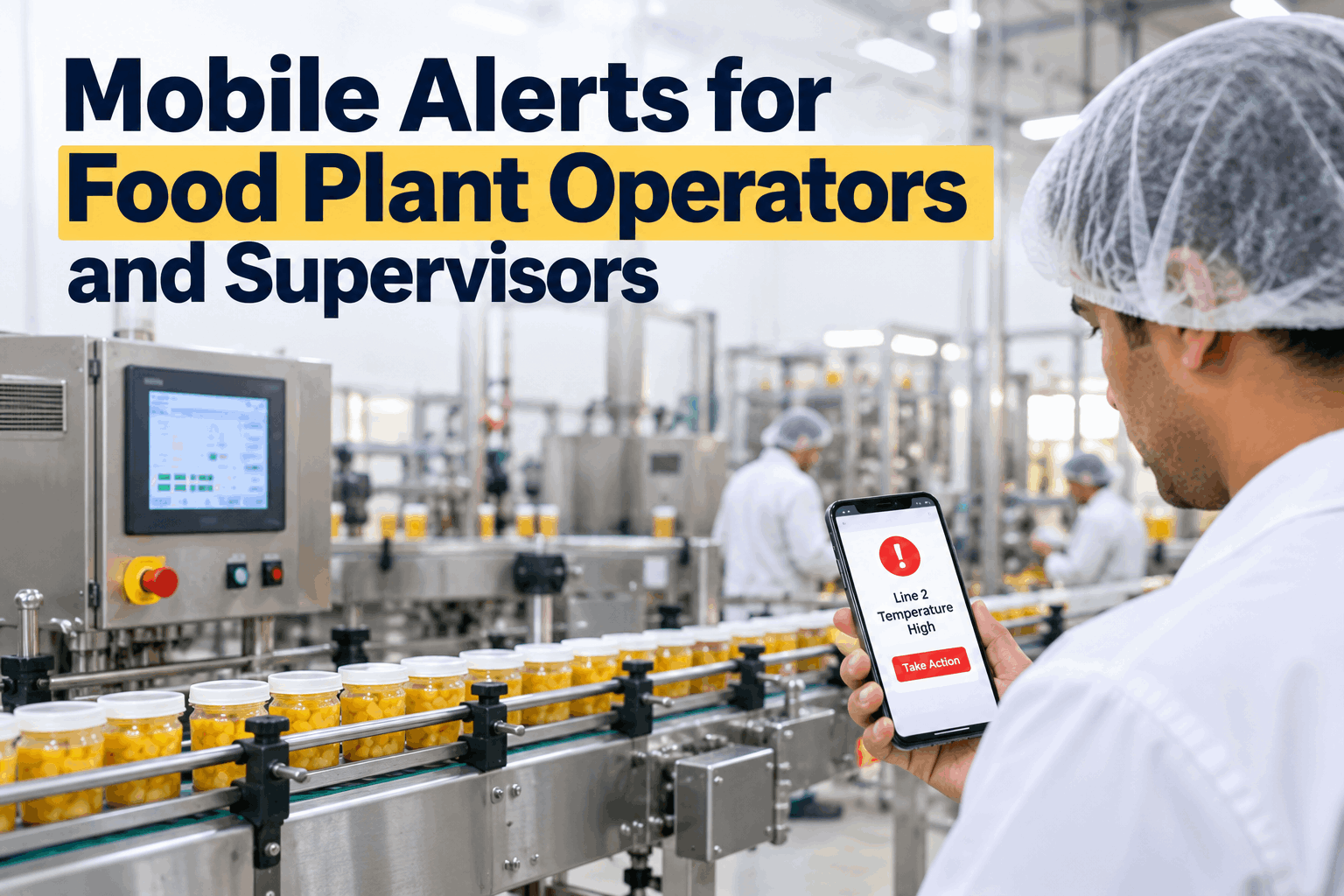
Mobile Alerts for Food Plant Operators and Supervisors
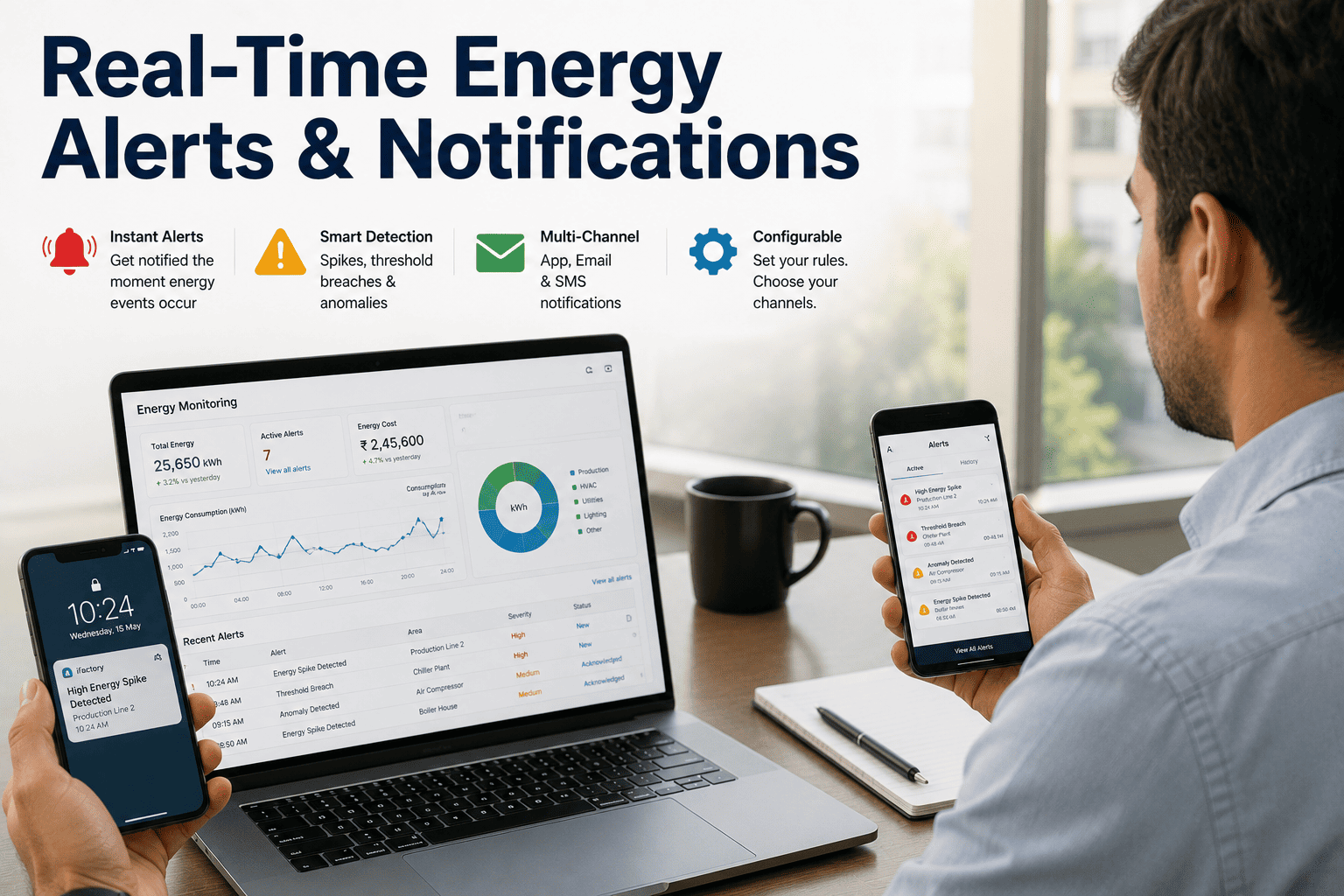
Push, SMS, and email alerts routed by role, line, and severity, so critical events reach the person who can act while the batch can still be saved.
< 60 sec
from line event to operator phone
62%
faster acknowledgement of critical deviations
3 tiers
automatic escalation if no one responds
100%
of alerts time-stamped with who responded
How Food Plants Actually Hear About Problems
Most plants believe their alerting is better than it is. The test is simple: when a critical event happened last month, how did the responsible person find out, and how long did it take? The answer places the plant on one of four stages.
Stage 1
Radio and walk-rounds
Events are discovered by whoever happens to be nearby. Information travels by voice, handwritten notes, and shift handover. Nothing is recorded unless someone writes it down.
Recognition signal: "We found it on the 10 o'clock round" - the deviation started at 9:15.
Stage 2
Email and SMS
Some systems send messages, but to a shared inbox or a fixed phone list. Alerts are untargeted, so most are ignored and the important ones are buried.
Recognition signal: "Everyone gets everything" - nobody is sure whose job a given alert is.
Stage 3
Plant-wide push
A mobile app delivers real-time notifications from line systems. Speed improves, but alerts are still broadcast by site rather than routed by role, line, and shift.
Recognition signal: "The app buzzes all day" - operators mute it within a fortnight.
Stage 4
Role-based mobile alerting
Each alert carries line, product, batch, and limit context, goes to the named role on shift, requires acknowledgement, and escalates automatically when it is not received.
Recognition signal: "The operator had it in 40 seconds" - and the log shows who, when, and what was done.
Which Events Deserve a Mobile Alert
The fastest way to destroy an alerting programme is to alert on everything. Reserve push alerts for events where delay changes the outcome: product safety, batch integrity, or line output. Everything else belongs on the dashboard or in a shift summary. This is a typical starting set for a food plant.
Event
Trigger source
Severity
First recipient
Response target
Cook or chill temperature outside critical limit
Process probe or PLC tag
Critical
Line operator and QA
Acknowledge in 2 min
Metal detector or x-ray reject streak
Inspection equipment
Critical
Line operator and supervisor
Acknowledge in 2 min
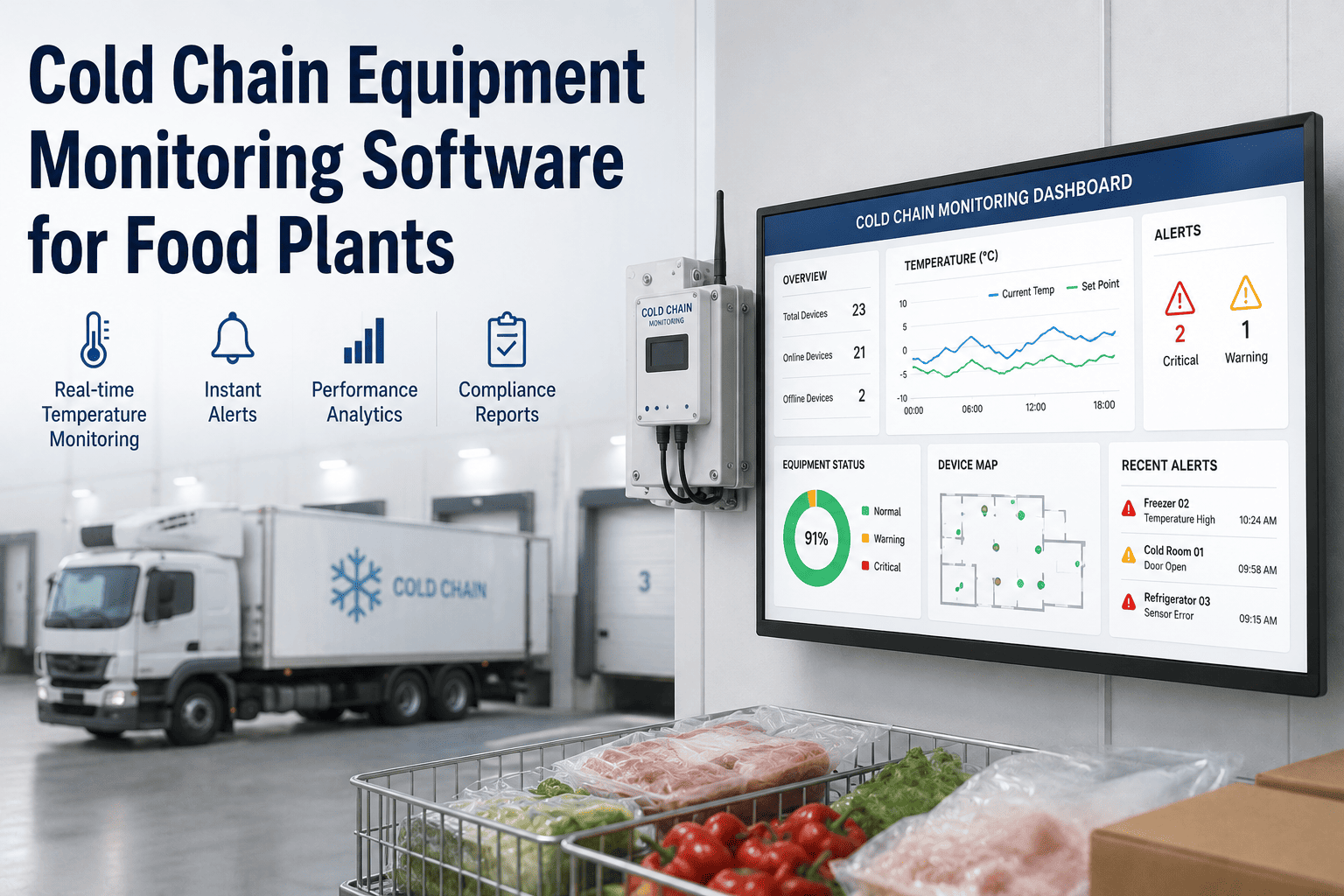
Cold store temperature excursion
Storage sensor
Critical
Warehouse lead and QA
Acknowledge in 5 min
Allergen changeover verification overdue
Changeover checklist
High
Line operator
Complete in 10 min
Unplanned line stoppage over threshold
Line OEE state
High
Shift supervisor
Acknowledge in 5 min
Ingredient or packaging running low
Work order vs stock
High
Line operator and materials
Act in 15 min
Batch yield drifting below target
Production execution data
Watch
Shift supervisor
Review in 30 min
Shift target at risk
Rate vs plan
Watch
Shift supervisor
Review at mid-shift
What Each Role Sees on Their Phone
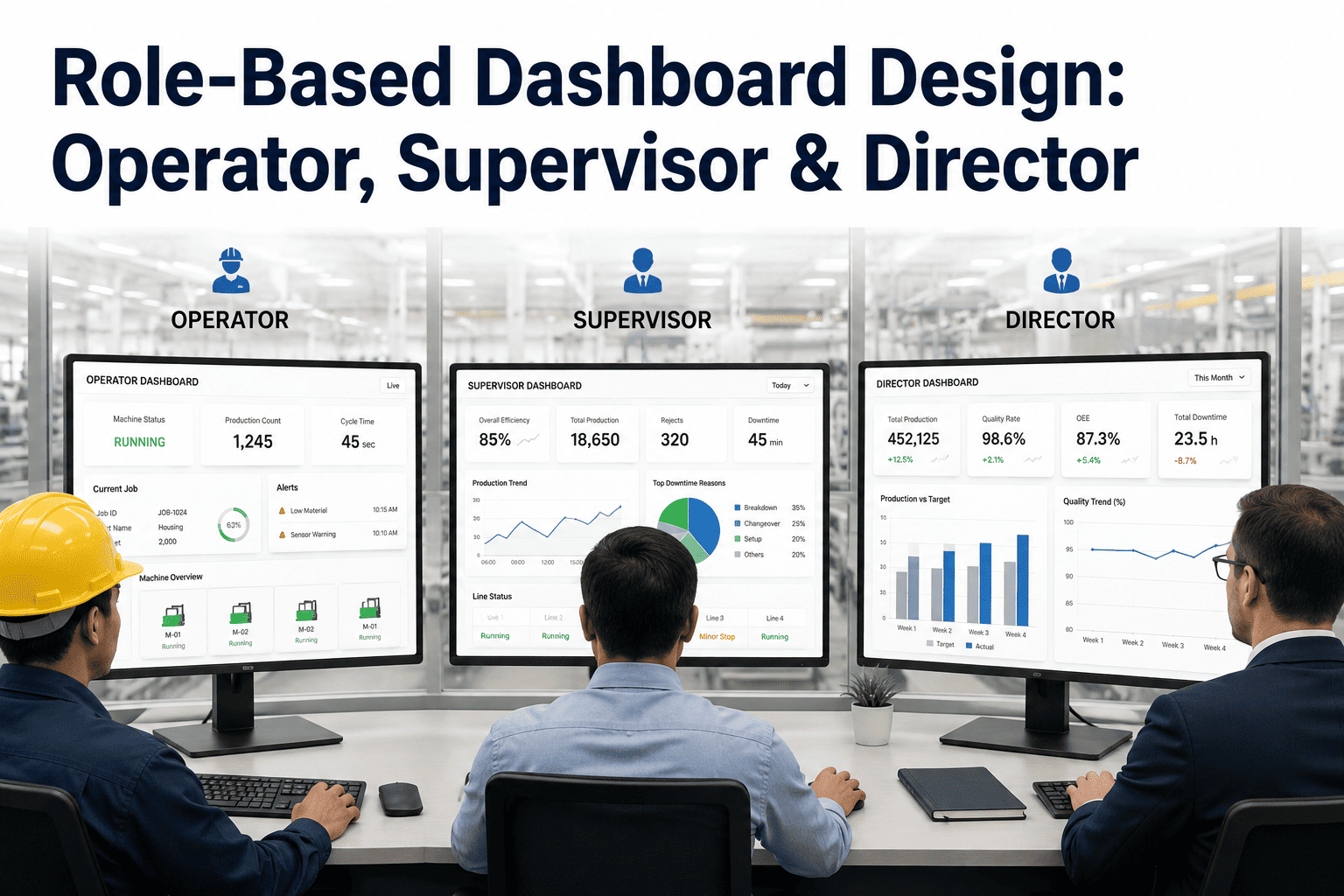
The same event looks different to each person. An operator needs the instruction and the limit. A supervisor needs the line impact and who is already on it. QA needs the batch and the evidence. Role-based views keep each alert short enough to read in seconds and complete enough to act on without calling anyone.
Operator view
Line 3 - Filling and sealing
Act now
AlertSeal temp lowlimit 168 C, reading 161 C
BatchB-20418product and pack size shown
InstructionStop and checklinked work instruction
ActionAcknowledgeone tap, time-stamped
Supervisor view
Packing hall - 6 lines
2 open
Open alerts2 of 6 linesLine 3 and Line 5
Acknowledged by1 of 2Line 5 awaiting response
Output impact-140 unitsvs plan this hour
Escalates in6 minif Line 5 not acknowledged
Quality view
QA technician on shift
Review
DeviationCCP limitcook step, kettle 2
Product at risk3 batchessince last in-limit reading
EvidenceAttachedtrend and operator response
DecisionHold or releaserecorded against batch
Maintenance view
Engineer on call
Assigned
RequestSealer jawraised from operator alert
Line stateStoppedsince 14:12
Last fix11 days agosame asset, same fault
StatusOn the wayvisible to supervisor
Escalation That Does Not Depend on Anyone Being Available
An alert that no one acknowledges is a failed alert, and a plant should know that within minutes, not at the next audit. Escalation rules turn an unanswered notification into a managed process. Each tier uses a stronger channel and a wider audience, and every step is logged.
Tier 1
Operator - 0 to 2 minutes
Channel
Push with sound and vibration
The line operator receives the alert with limit, reading, batch, and work instruction. One tap acknowledges and starts the response clock.
Tier 2
Supervisor - 2 to 10 minutes
Channel
Push plus SMS fallback
If the operator has not acknowledged, the shift supervisor is alerted with the line and batch affected. SMS covers dead zones and handsets with the app closed.
Tier 3
Management - after 10 minutes
Channel
Push, SMS, and email
Production, QA, and plant managers are notified together. The full timeline of who was alerted and when is attached for the incident record.
Want to see which of your line events should be alerts, and who should receive them? Book a demo - bring your HACCP critical control points and a list of last quarter's missed or late-detected events, and we will draft the alert and escalation map in the first session.
What Role-Based Mobile Alerting Delivers
These are the results food plants should expect to measure once alerts are routed by role, escalated automatically, and limited to events that change the outcome.
< 60 sec
Event to phone
from line signal to the responsible operator
62%
Faster acknowledgement
on critical deviations versus radio and round-based detection
Fewer
Batches at risk
because deviations are caught before product moves downstream
Full
Response record
of who was alerted, who acted, and how long it took
Frequently Asked Questions
How do we stop operators from ignoring alerts after a few weeks?
Alert fatigue comes from volume and poor targeting, not from the technology. Limit push alerts to events where delay changes the outcome, send each one only to the role responsible on that line and shift, and include enough context to act without a phone call. Informational events stay on the dashboard. We also review alert volume per role after the first month and retire or downgrade any alert that is acknowledged but never acted on.
Will it work on the production floor, where phones are restricted and connectivity is patchy?
Most plants use a mix of approved handsets, shared line tablets, and rugged devices, and the alert design accounts for each. Where coverage is weak, SMS and email act as fallbacks, and unacknowledged alerts escalate to the next tier rather than waiting. Hygiene zones with no personal devices can use a shared line device or a wearable, with the same acknowledgement and escalation rules.
Can alerts support our HACCP and audit requirements?
Every alert is stored with its trigger value, time, recipients, acknowledgement, and any action recorded against it. That gives QA a time-stamped response history per deviation and per batch, which supports corrective action records and audit review. The alerting does not replace your food safety plan. It makes sure the deviations your plan defines are seen and answered quickly, and that the evidence exists afterwards.
How are alerts connected to the equipment and systems we already have?
Alerts are generated from the same data the production execution dashboard already uses: PLC and line signals, process sensors, inspection equipment, and work order and batch records. The first step is to map your priority events to existing data sources and confirm which are already available. Most plants can start with a focused set of critical-limit, stoppage, and changeover alerts before adding further sources.
Put the right alert in the right hand.
See iFactory Mobile Alerts Running on Your Food Lines
Bring your critical control points, your current alert methods, and the last five events that were detected late. We will map each to a role, a channel, and an escalation path, and show the operator and supervisor views live.
By role
operator to manager
Full log
audit-ready history