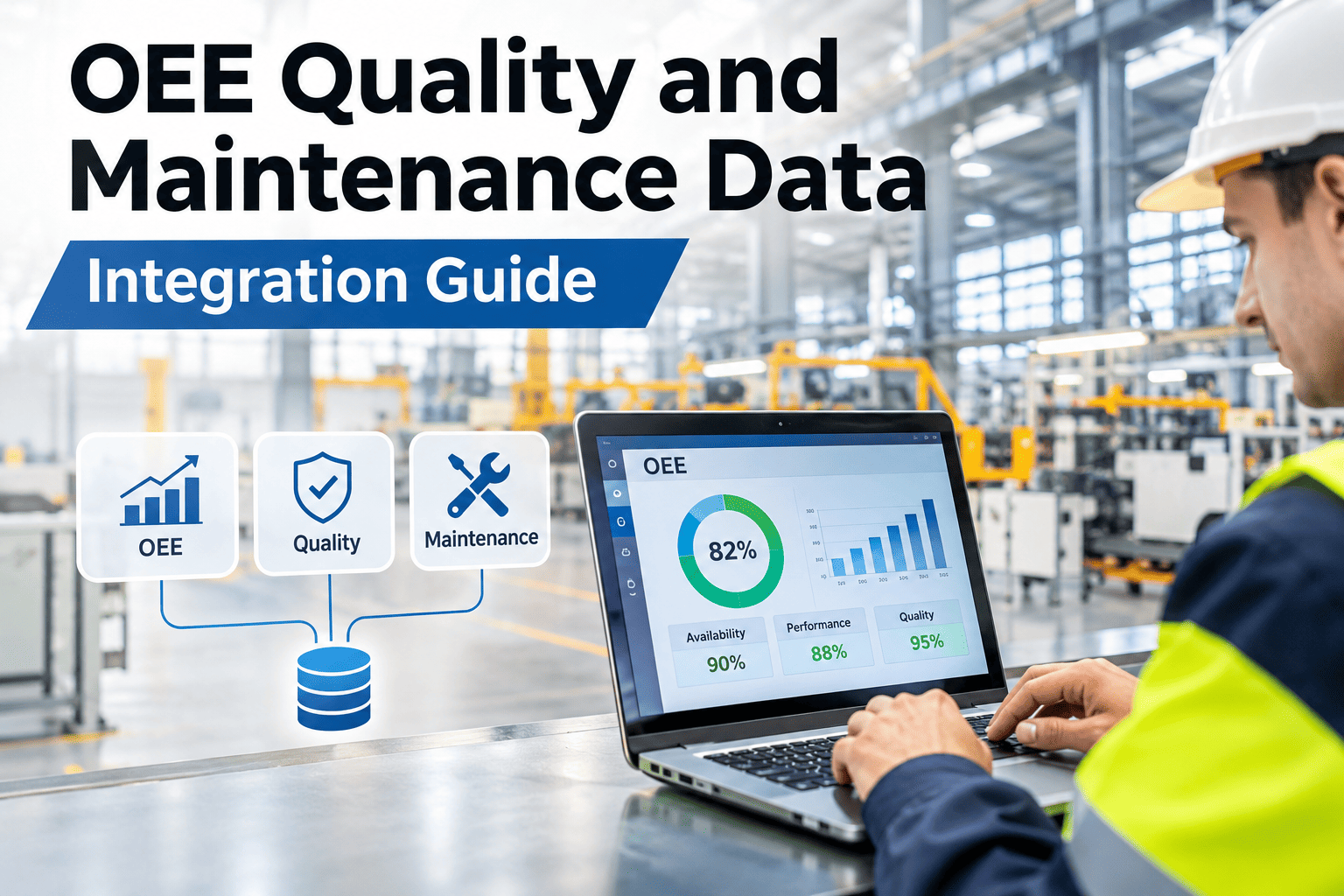
OEE Quality and Maintenance Data Integration Guide

By James Smith on November 24, 2026

oee-quality-maintenance-data-integration-guide

OEE, quality and maintenance data integration means linking the records from each system through shared keys, so one asset, one lot and one moment in time can be read across all of them. It is the plumbing behind a connected view of equipment performance, and it fails most often on small things: a machine with four different names, clocks that disagree, and records kept at different levels of detail. Data quality, availability and lineage limit AI deployment for 32 percent of manufacturers, and integration with legacy systems for 27 percent (RSM, 2026). iFactory, an on-premise AI platform for smart manufacturing, maps and joins these sources on one plant server, and teams can see their own asset names matched across OEE, quality and maintenance records in a short session.

Industrial Data Integration · Guide

Same Machine, Four Names. That Is the Real Integration Problem.

iFactory AI maps every system's name for an asset to one record, so OEE, quality and maintenance finally agree.

OEE systemLine 2 Filler
Quality systemStation Q4
Maintenance systemAsset FL-0207
Production planWork center 12
All four are the same filler
One asset record: Filler, Line 2
The definition

What Does OEE, Quality and Maintenance Data Integration Mean?

It means the four record types describe the same equipment and time using shared identifiers. Without that, each system tells a true but disconnected story.

OEE data
Run time, stops, speed and counts.
Quality data
Inspections, defects and reasons.
Maintenance data
Work orders, failures and repairs.
Production data
Orders, schedules and output.
The case

Why Is Integration Still the Hard Part?

Most plants already collect the data. They struggle to connect it.

32%
cite data quality, availability and lineage as an AI limit (RSM, 2026)
27%
cite integration with legacy systems (RSM, 2026)
16%
of mid-market firms have a fully governed, integrated data state (Kaufman Rossin, 2026)

Integration is the unglamorous work that makes later analytics possible. To see where your records stand, ask our team for a data integration check.

See Your Four Systems Speak the Same Language

Share sample exports from OEE, quality and maintenance. iFactory AI will show how they join.

The join keys

Which Four Keys Connect Manufacturing Records?

Four shared fields are enough to link almost any manufacturing record to another.

1
Asset ID
One identifier per machine, with a map from every local name.
2
Product and lot
Recipe or part number plus the material lot or batch.
3
Shift
Agreed start and end times, including handover.
4
Timestamp
One synchronized clock across every source.

Time is the strongest key, because a defect and a stop can be matched by when they happened even if names differ. To plan keys for your systems, review a key mapping with our specialists.

The grain problem

Why Do Records at Different Levels of Detail Fail to Match?

Grain is the level at which a record is kept. A stop is logged per minute, a defect per unit, a work order per day. Joining them needs a common grain.

Machine signal
Seconds
Defect record
Per unit
Downtime log
Per event
Work order
Per job
The usual answer is to align everything to time intervals, such as one minute or one shift, and keep the original detail underneath.
The architecture

What Does an Integration Architecture Look Like?

Four layers move data from source to insight. Each layer has a clear job.

Analytics and dashboards
OEE, quality and maintenance views.
Unified data model
Asset, product, shift and time keys applied.
Collection and cleaning
Gap checks, unit fixes and code mapping.
Source systems
PLCs, MES, quality, maintenance and ERP.

iFactory is delivered on an on-premise NVIDIA server, live in 6–12 weeks, with PLC, ERP and MES integration, training and 24×7 remote monitoring in scope.

The matrix

Which System Supplies Which Field?

Field NeededUsual SourceJoin KeyCommon Problem
Run time and stops PLC or machine monitor Asset and time Unlabeled short stops
Good and rejected count Counters and quality system Asset, lot and time Counts that do not reconcile
Defect reason Quality inspection Lot and asset Free-text reasons
Failure and repair Maintenance system Asset and time Late or batch entry
Order and product Production plan or ERP Product and time Plan differs from actual run
Quality checks

Which Data Quality Checks Should Run Every Day?

Clock sync
Compare timestamps across sources and flag offsets before events are joined.
Missing intervals
Detect gaps in signals and fill them only with clearly marked values.
Duplicate events
Remove repeats from retries and double entry.
Unit consistency
Confirm grams, kilograms and pieces are not mixed.
Code mapping
Map each local reason code to one shared list.
Late entries
Track records entered long after the event and mark them.
The reconciliation test

How Do You Prove the Join Is Correct?

Run a simple balance test. If the numbers do not reconcile, the join or the data is wrong.

Units made
equals
Good units
plus
Scrap
plus
Rework

Run it by line and shift. Gaps point to missing counts or a mismatched asset map. For a ready-made test, ask support for a reconciliation checklist.

Key terms

Which Terms Do Integration Teams Use?

Data lineage
The trail showing where a value came from.
Master data
Agreed records for assets, products and reason codes.
Grain
The level of detail at which a record is kept.
Reconciliation
Checking that totals agree across systems.
Data model
The structure that links assets, events and time.
Governance
Rules and owners that keep data trustworthy.

A shared glossary prevents most arguments later. To see these terms in a working model, review a unified data model with our team.

Worked example

What Does One Joined Record Look Like?

Four separate records describe one event. Each is correct on its own, and each team sees only its own line. This example is illustrative.

OEE system
Line 2 Filler stopped from 02:14 to 02:46.
Maintenance
Work order on FL-0207: sensor replaced at 02:46.
Quality
Lot 4471 reject rate rose at 03:10.
Production
Order 8812 fell behind plan by 6 percent.
Joined by asset, lot and time, the four rows become one story: a sensor fault stop, a reject spike after restart and a delayed order.

Without the join, quality sees a lot problem, maintenance sees a closed work order and planning sees a late order. With it, the cause and the cost are visible together. To see a joined record built from your own exports, ask support about a sample join on your data.

Expert review

Integrating Manufacturing Data Responsibly

Holds up
Shared identifiers, a common grain and daily quality checks are standard practice for manufacturing data work.
Verify
That one owner maintains the asset map and reason codes, and that changes are logged.
Avoid
Joining first and cleaning later. Errors multiply once records are combined.
Questions

Frequently Asked Questions

How do you integrate OEE, quality and maintenance data?
Map each system's names and codes to shared keys for asset, product, shift and time, align records to a common grain, then check totals reconcile. See the steps applied to your systems.
Do we need to replace our existing systems?
No. Integration reads from current PLCs, MES, quality and maintenance tools through standard protocols and exports. Ask which of your systems are supported.
What if machine names differ between systems?
A mapping list links every local name to one asset ID. Building it is a one-time task with periodic review. Plan an asset mapping session with our team.
How do you handle records kept at different detail levels?
Align everything to time intervals such as one minute or one shift, while keeping the original detail underneath for drill-down. Review grain choices for your data.
Does the integrated data stay in our plant?
Yes. iFactory runs on-premise on a plant server, so integrated records stay on site. Ask support about on-premise data handling.

Connect Your OEE, Quality and Maintenance Records

Book a session to see iFactory AI map, clean and join your manufacturing data into one trusted view.

Share This Story, Choose Your Platform!