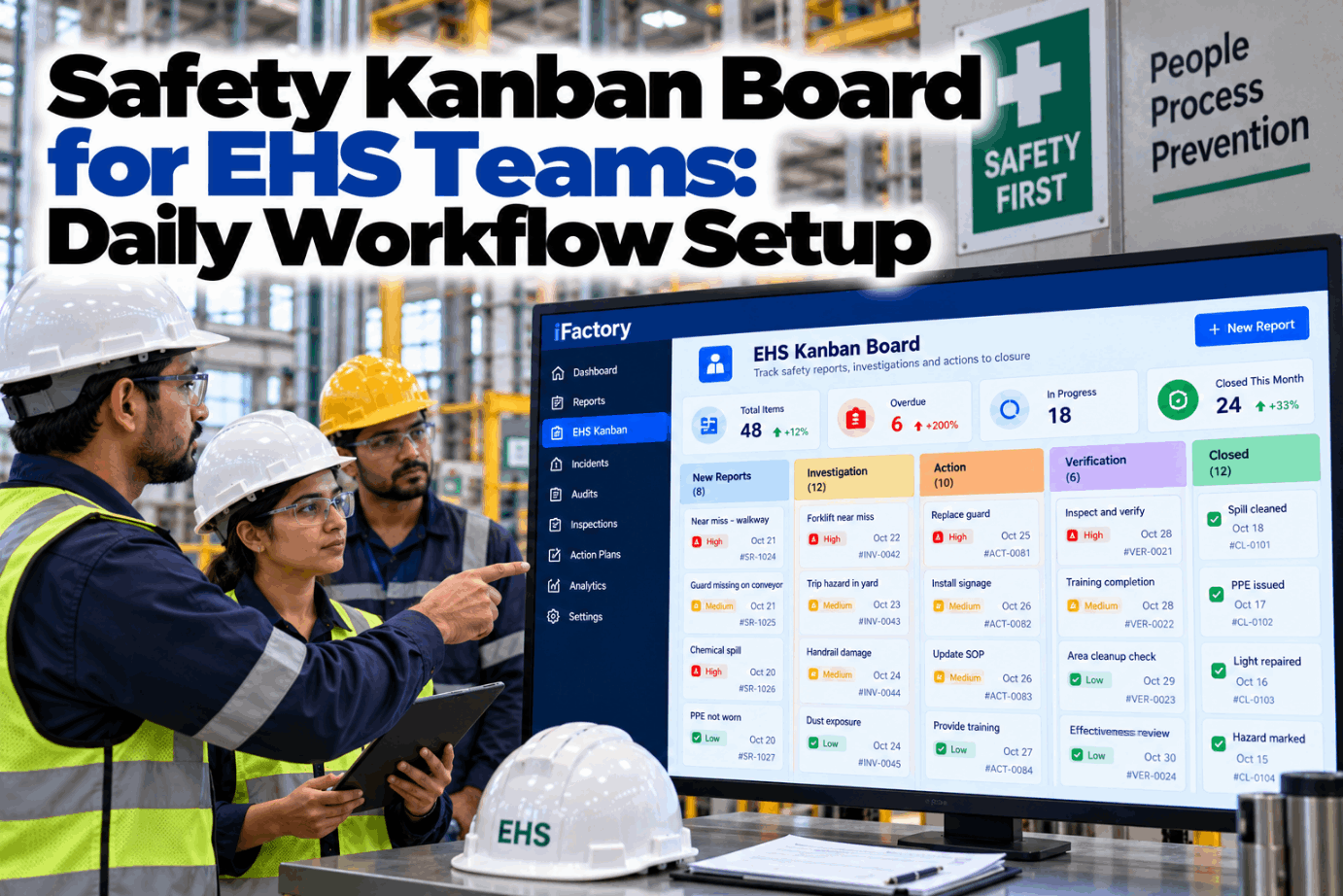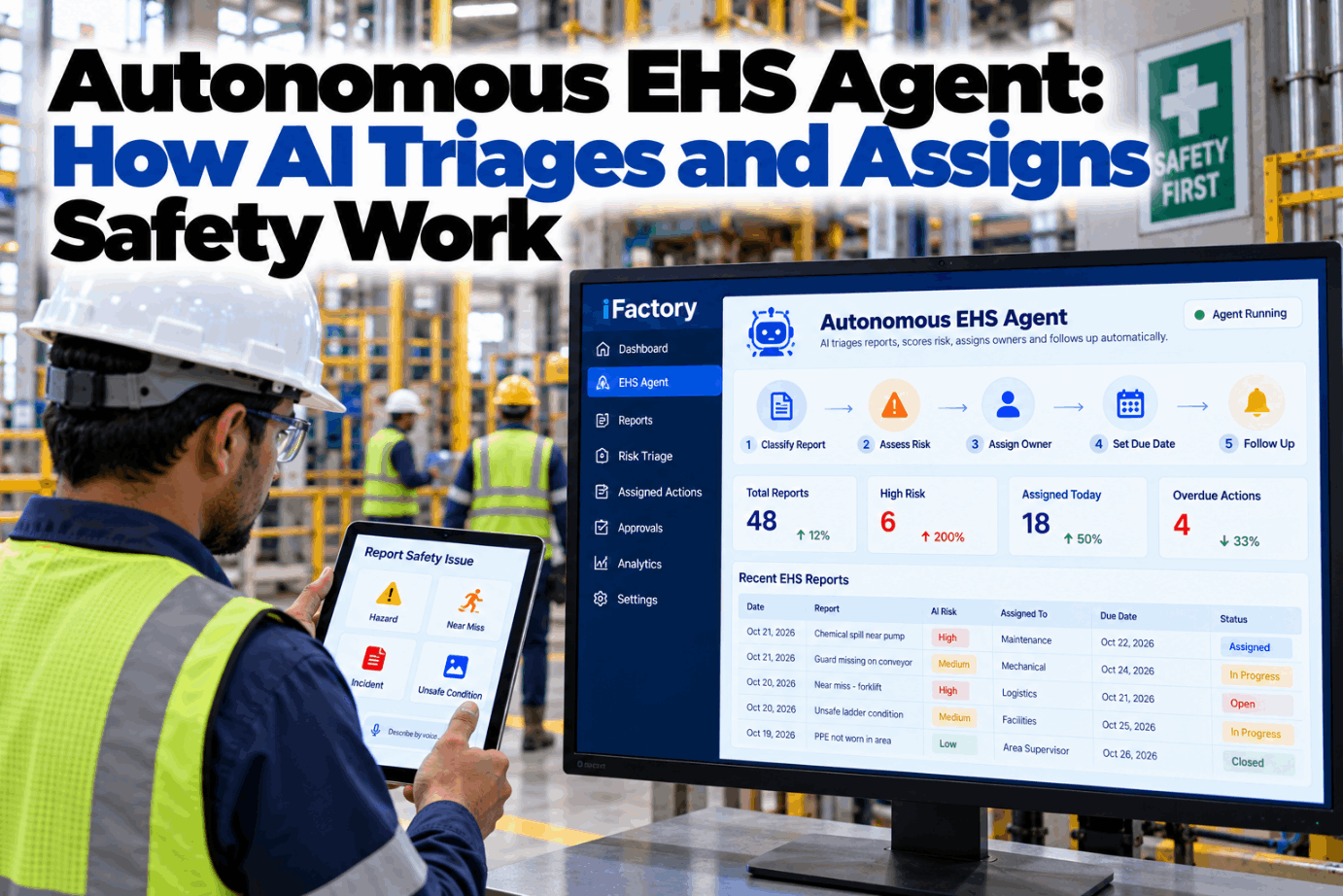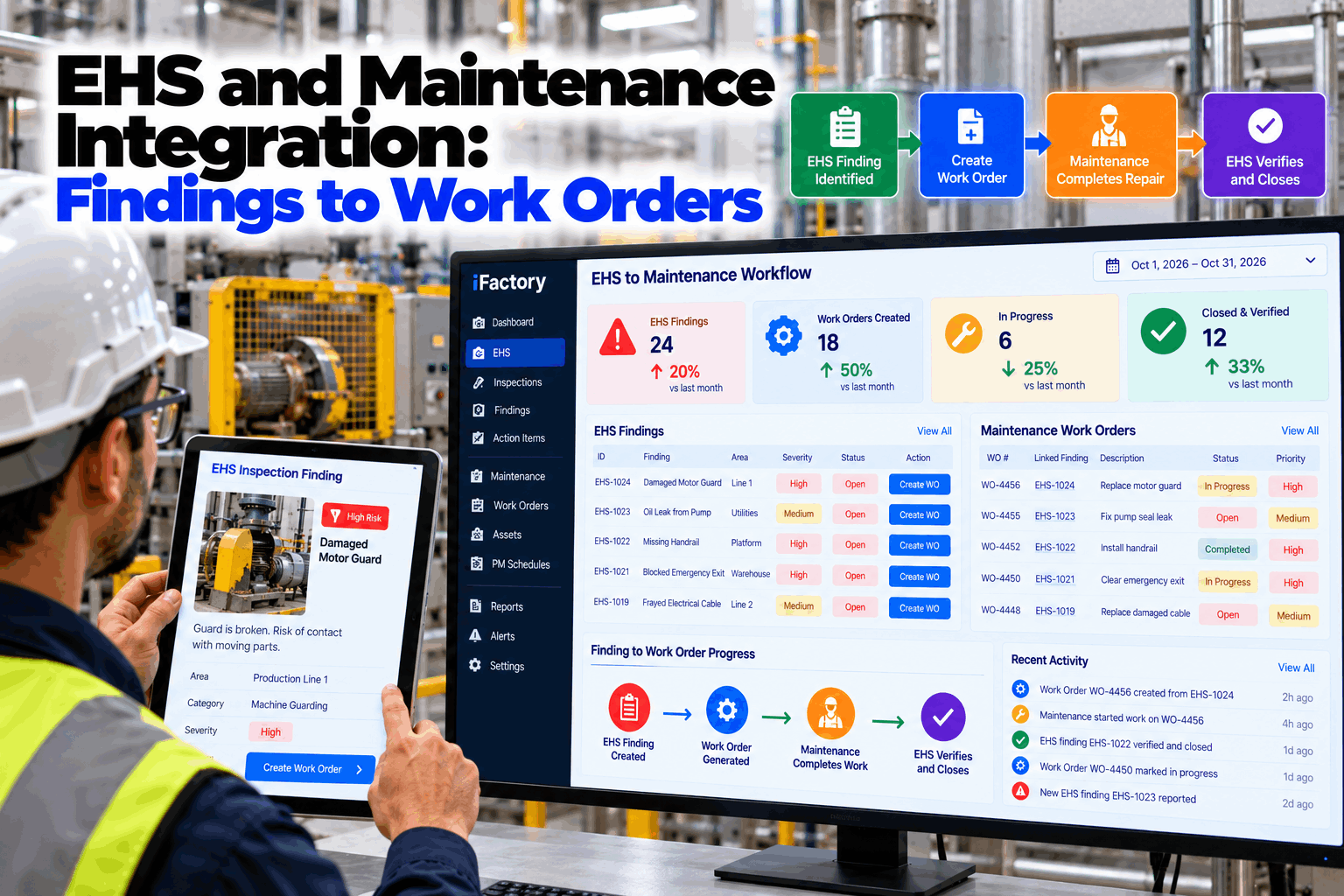
A safety inspector finds a missing guard, writes it in the audit report and moves on. Days later maintenance hears about it, or does not. The finding lives in an EHS register, the repair would live in the CMMS, and nobody owns the gap between them. EHS and maintenance integration closes that gap: a finding becomes a work order with one click or one spoken command, both teams see the same status, and EHS verifies the fix before the finding is closed. Plant managers can see the flow in a findings to work orders demo.
EHS and Maintenance Integration: Findings to Work Orders
Turn safety findings into work orders automatically, track repair status on both EHS and maintenance boards, and close the loop with verification. One click or one voice command moves a finding from the inspection to the maintenance backlog.
- One click or voice command creates the work order
- Status visible to EHS and maintenance on the same record
- EHS verifies every repair before the finding closes
Where Safety Findings Get Lost
The finding is in one system and the repair is in another.
Most plants record safety findings well. The trouble starts after the record is made. Someone has to re-key the finding into the CMMS, someone has to tell the inspector when it is fixed, and someone has to check that the fix works. Each hand-off is a place where a hazard can wait for weeks. Our EHS and maintenance specialists can review how findings move in your plant today.
Two systems
EHS register and CMMS never talk to each other.
Re-keyed by hand
The same finding typed again, often late.
No status back
Inspector cannot see if the repair started.
Closed unchecked
Work order done, but nobody confirms the hazard is gone.
The Finding-to-Fix Path
Five steps, one record, no re-typing.
The finding is the start of the record and the verified repair is the end of it. Everything in between is attached to the same item, so the inspector, the planner, the technician and the plant manager all look at one thing. Map the path for your plant with our implementation team.
Finding raised
From an inspection, audit, observation or near miss.
Work order created
One click or voice command, with area, asset and photo.
Prioritised
Set by the risk rating, not by who shouted loudest.
Repaired
Technician updates status, parts and notes on the order.
Verified by EHS
Inspector confirms the hazard is gone and closes the finding.
What Each Type of Finding Turns Into
The same flow, with the right work order for the hazard.
Different findings need different work orders and different proof of closure. The table below is a starting template for the linking rules. Your own risk matrix, asset list and sign-off rules decide the final version. Build your rules in a working session.
A photo, location and risk rating on the original finding travel with the work order. Technicians stop asking what was meant, and the verifier has a clear before and after.
Make Every Safety Finding Reach a Technician and Come Back Verified
Work orders created from findings, status shared across both teams and fixes confirmed before closure.
Create the Work Order by Voice or With One Click
The inspector should not have to switch systems.
Inspectors are usually on their feet in the plant, not at a desk. They raise the finding on a phone or a floor screen, then confirm the work order with one tap or by speaking. The system fills in the asset, location and photo from the finding and routes the order to the right planner. See it with your own wording in a live walk-through.
One Record, Two Boards
EHS and maintenance look at the same item from their own side.
Both teams see the same status without a meeting to compare notes. EHS watches risk and closure. Maintenance watches parts, labour and scheduling. A change on one board shows up on the other, so there is never an argument about which version is correct. Plan the views with our operations team.
What EHS sees
- Open findings by risk rating and age
- Linked work order and its current status
- Repairs waiting for verification
- Findings that were reopened
What maintenance sees
- Safety work orders in the normal backlog
- Photo, location and risk from the finding
- Parts and labour needed per order
- Which orders block a safety closure
Reading the Safety Maintenance Backlog
Age tells you more than the count.
A safety backlog of thirty items can be fine or dangerous depending on how old they are and how risky each one is. Ranking by risk and age shows the items that need a decision from the plant manager. The example below uses illustrative numbers.
Closing the Loop With Verification
A finished work order is not the same as a safe plant.
A technician can complete a work order and still leave the hazard in place, for instance a guard fitted without the interlock reconnected. Verification gives the person who raised the finding the last word. If the fix does not hold, the finding reopens on the same record with the history intact. Review your sign-off rules with our EHS team.
Photo evidence
After photo attached to the order.
Re-inspection
Inspector confirms on site.
Failed fix
Finding returns to the same record.
Full history
Every step, person and time kept.
Findings Come From Everywhere
Any source can start the same workflow.
The workflow does not depend on where the finding came from. Inspections, audits, observations, near misses and incident investigations all feed the same path, so a corrective action from an investigation is tracked like a guard repair. Ask how your sources connect with our integration team.
Inspections
Routine area and equipment checks.
Audits
Internal and external audit findings.
Observations
Behaviour and condition reports.
Investigations
Corrective actions after an event.
EHS to CMMS Integration Mistakes to Avoid
The link is easy to build and easy to get wrong.
These patterns often show up when plants connect safety findings to maintenance. A short readiness review can catch them early.
What works
- One record from finding to verified repair
- Priority set from the risk rating
- Status shared on both boards
- The original inspector verifies the fix
What fails
- Findings copied by hand into the CMMS
- Safety orders buried in the normal queue
- Closure when the work order is complete
- No view of how old each safety order is
How iFactory Runs the Integrated Workflow
Findings to work orders, on your own network.
iFactory links your safety findings to the CMMS you already use, creates the work order from the finding, carries the photo, risk and location across and brings the repair status back to the EHS board. It runs on an on-prem AI server inside your plant, so the workflow keeps working even if the plant's link to the outside world is down. Fit questions go to our solutions team.
CMMS link
Finding and work order on one record.
Voice and one click
Work orders created in the field.
Risk-based priority
Hazards ranked by your risk matrix.
Shared status boards
EHS and maintenance see the same item.
Repair verification
EHS confirms before the finding closes.
On-prem
Safety and maintenance data stay in the plant.
The figures and exchanges on this page are illustrative. Your own results depend on your findings, assets, CMMS and practices, and we measure them on your data during the pilot.
Turnkey AI: Delivered, Connected and Live in 6–12 Weeks
You do not build this. It arrives ready.
iFactory ships as a pre-configured NVIDIA AI server with the software pre-loaded, racked and ready. Rack it, plug in power and Ethernet, and the AI is live on your network. Our team handles cabling, network setup, PLC, SCADA, DCS and CMMS integration, EHS record links, operator training and 24×7 remote monitoring. Data stays on your network. For an implementation guide matched to your plant, request a turnkey quote.
Ship, network and data
Server installed. EHS records and the CMMS connected.
Linking rules and pilot
Finding types, priorities and sign-off rules set up. Live workflow runs in a few areas.
Go-live and training
Workflow live across the plant. Teams trained. 24×7 monitoring begins.
Frequently Asked Questions
What is EHS and maintenance integration?
It links the EHS register to the maintenance system so a safety finding becomes a work order on the same record, repair status is shared, and EHS verifies the fix before the finding is closed.
How are safety work orders created from findings?
The inspector confirms with one click or a spoken command. The asset, location, photo and risk rating carry across from the finding, and the order goes to the right planner.
Does it work with our existing CMMS?
Yes. iFactory links to the CMMS you already use, and our team handles the integration as part of the turnkey scope. Confirm your system in the first call.
How does repair verification work?
When the technician completes the order, the finding moves to verification. The inspector checks the fix, attaches evidence and closes the finding, or reopens it on the same record.
Is there a template for the linking rules?
Yes. The finding types, work order content and closure conditions on this page are the starting template, and your team can change any of them.
Can you give examples of findings that become work orders?
Missing guards, electrical defects, fire system faults, walkway hazards, chemical storage faults and failed safety equipment are the usual examples, along with corrective actions from incident investigations.
What does it cost and what is the return?
Cost depends on the number of sites, systems and users. The return comes from hazards fixed sooner, less re-keying and a clear record for audits. We scope both during the pilot and keep the numbers specific to your plant.
What do plant managers see?
Plant managers see the safety backlog by risk and age, the findings waiting on parts or decisions, and the repairs awaiting verification.
How do we start?
Start with a few areas. A 6-week pilot connects your EHS records and CMMS, sets the linking rules and runs live findings to verified repairs. To plan it, contact our team.
See How Many Safety Findings Are Waiting on a Repair Right Now
In thirty minutes we look at how findings reach maintenance today and show what a closed-loop workflow would reveal. You keep the notes either way.
- 1Your latest inspection or audit findings
- 2The open actions register
- 3A sample of safety work orders
- 4Your risk matrix and priority rules
- 5The CMMS you use today