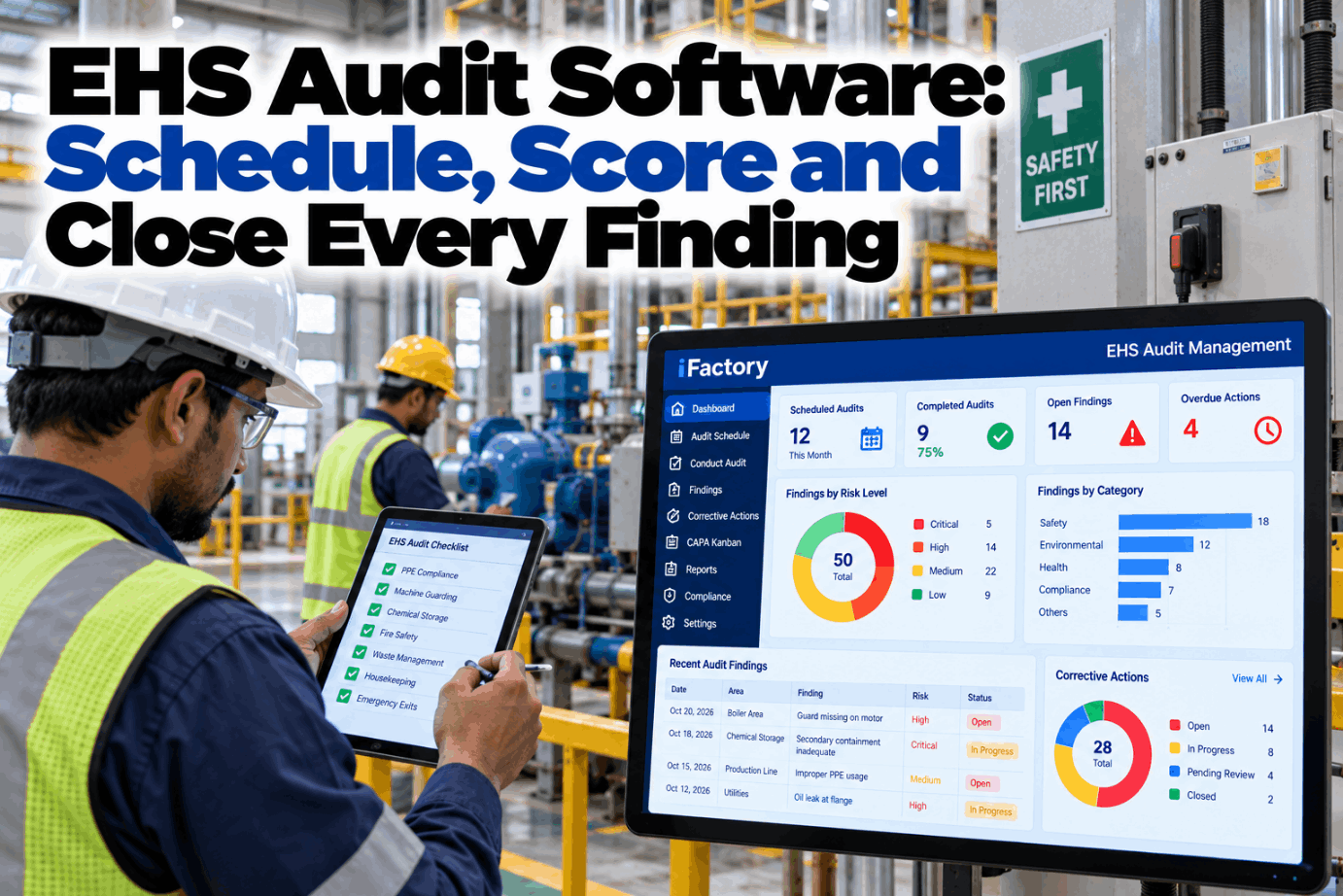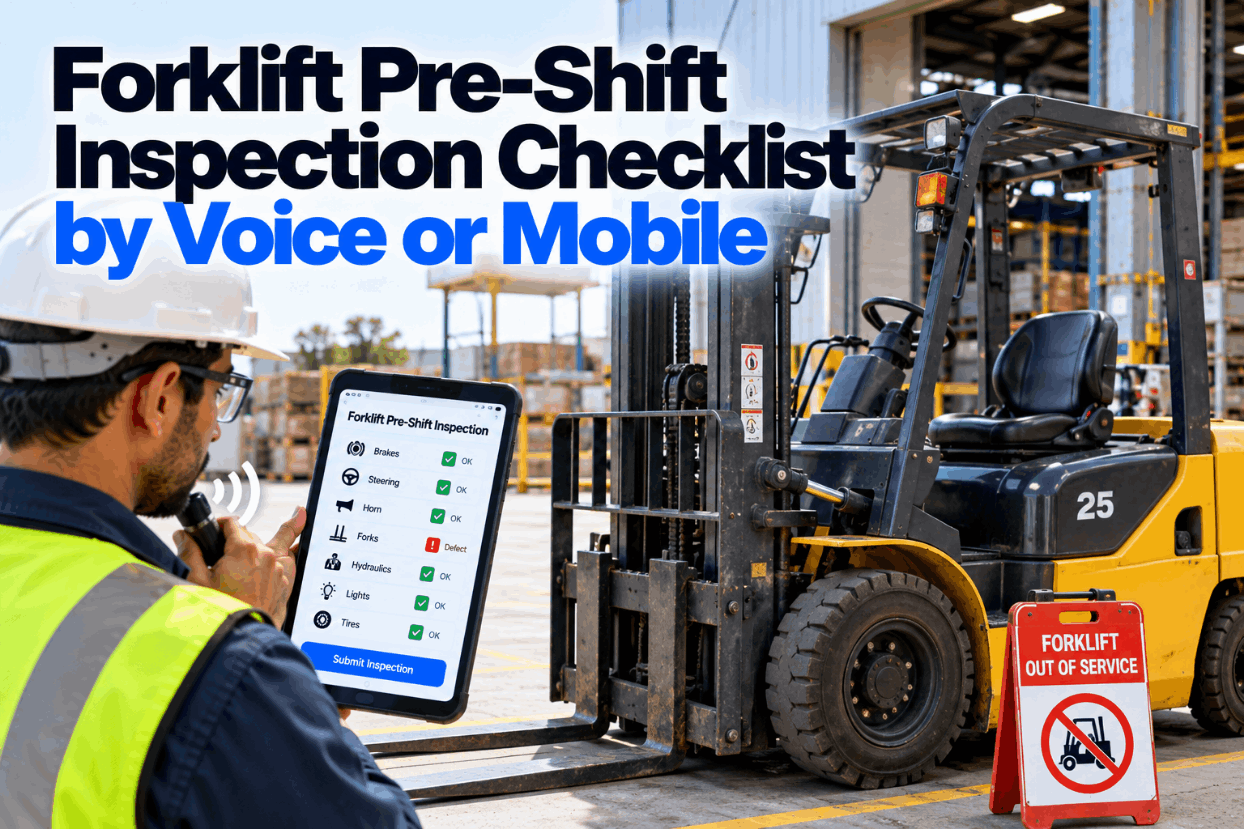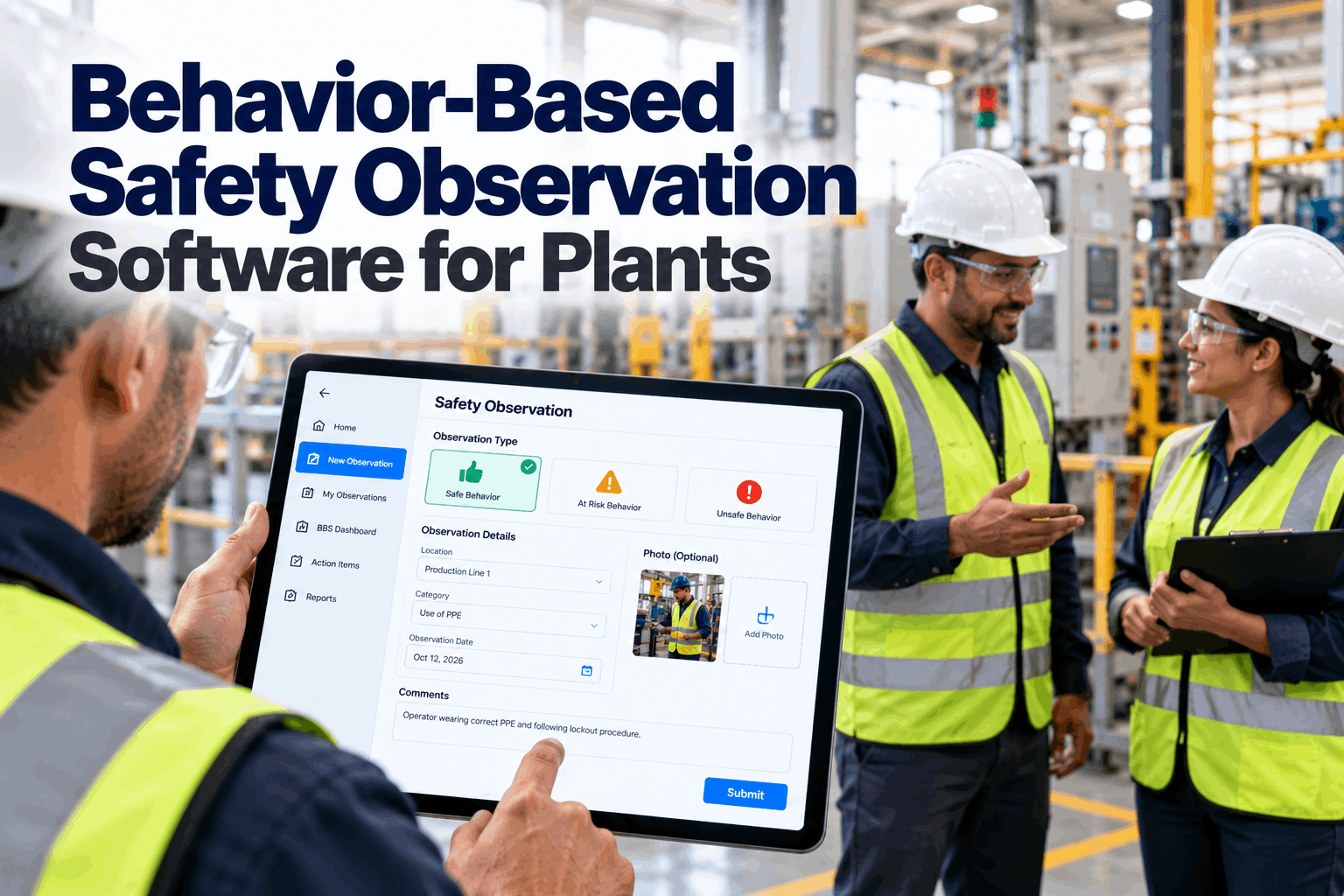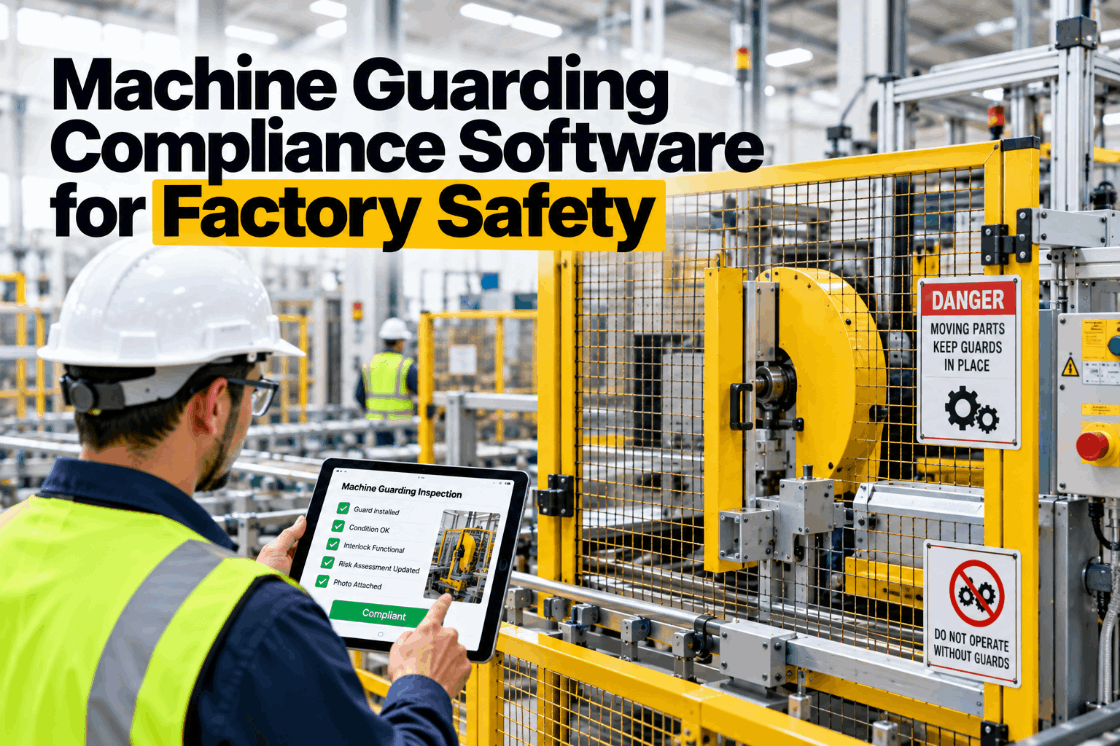
Most safety apps are built for an idealized plant — reliable signal everywhere, inspectors at a desk, no time pressure. Real plants aren't that. They have dead zones in exactly the process units where the evidence matters most, workers moving through them gloves-on in loud, low-light conditions, and a regulatory clock that starts the moment a hazard is found. An app that needs a signal fails on contact with that reality: when the safety system depends on connectivity, people fall back to pen and paper, and that's where information gets lost. And the deepest problem is who does the noticing — the near-miss is first seen by the frontline worker, not the safety professional at a desk, so if reporting has any friction, they skip it and the signal disappears. An offline-first app in every worker's pocket removes both barriers: it works with no signal, and it's built for gloves-on hands. You can book a demo to see it on your floor.
Put Inspections in Every Worker's Pocket — Signal or No Signal
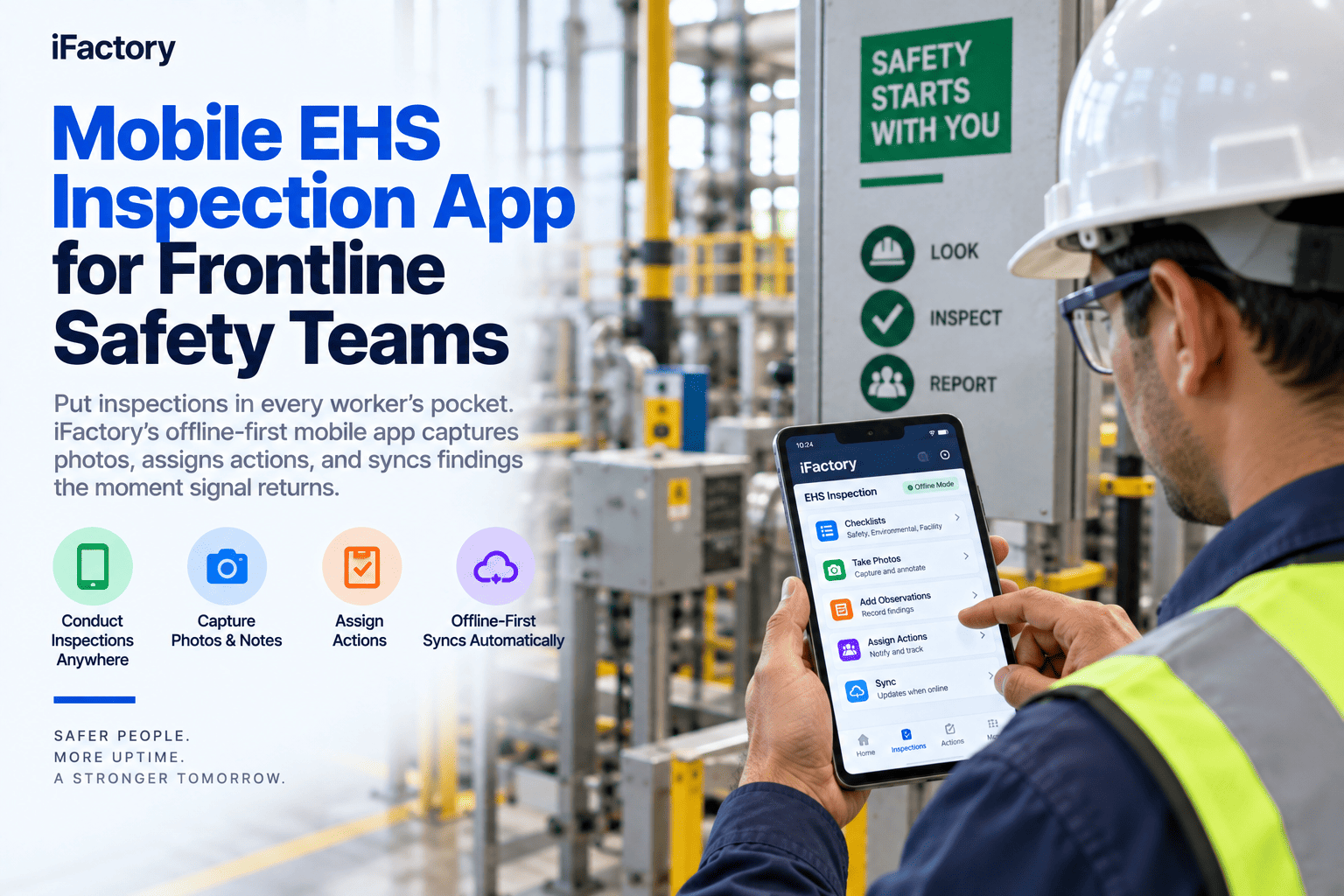
An offline-first mobile app that captures photos, logs observations and near-misses, and assigns corrective actions with no connection — then syncs the moment signal returns, with no duplicates and nothing lost. Built for gloves-on hands, not a desk.
The App Has to Work the Way Your Floor Actually Works
The gap between a safety app that demos well and one that survives deployment is the gap between an idealized plant and the real one. A field-ready app has to handle the specific conditions office-built tools quietly assume away — and each of these, on its own, is enough to send a program back to paper. These are the realities the app has to be built for.
Process units, tank farms, basements, and confined spaces have unreliable or absent signal — and they're exactly where hazards are found. An app that needs connectivity to capture a photo or submit a finding is useless in the place it's needed most.
Frontline workers aren't at a desk. They're moving through units, often gloved, sometimes in loud or dim conditions. An interface with small targets and fiddly forms doesn't get used gloves-on — it gets skipped for the paper it was meant to replace.
The near-miss is noticed by a busy person doing another job. If logging it takes too long or too many taps, they don't — they move on, and the single most valuable safety signal is lost before it's ever captured. Speed isn't a nicety; it's the whole thing.
Many apps let you open a form offline but still need a signal for the photo, the corrective action, or the final submit. That's not offline — it's a form that fails at the exact step that matters, in the exact place there's no signal.
Full Capture With No Connection, Then a Clean Sync
Offline-first means the app is designed to run with no signal as the normal case, not a degraded one — every part of an inspection completes on the device, stored locally, and syncs when connectivity returns. The distinction from apps that merely tolerate being offline is exactly where those apps break. This is what genuine offline-first delivers.
Forms, checklists, photos, voice notes, geotags, and corrective actions all save locally with no connection — the whole inspection, not just the parts that don't need the network. The worker never hits a step that stalls waiting for a signal that isn't there.
When the device comes back into coverage, queued submissions sync automatically in the background — no manual upload, no remembering to send, no duplicate entry. The worker doesn't think about connectivity at all; the system just handles it.
The hard part of sync is what happens when a connection drops mid-upload and the app retries — a naive system creates a second record. Deterministic record IDs make retries idempotent, so a dropped-and-resumed sync produces one clean record, never a phantom duplicate that corrupts the data.
Local validation flags an incomplete section before submission, so a required photo or field isn't discovered missing days later when the record syncs and it's too late to go back. The check happens on the spot, while the worker is still at the hazard.
Test It in a Real Dead Zone, Not a Conference Room
iFactory's inspections run fully offline — capture, photos, actions, validation, all on the device — and sync cleanly with no duplicates when signal returns. Try it where your signal actually drops.
Safety's Best Data Comes From the People Not Called Safety
The most valuable safety signals — the near-miss, the unsafe condition, the at-risk behavior — are first noticed by frontline workers going about other jobs, not by the EHS team on a scheduled walk. Putting fast, simple capture in everyone's pocket turns the whole workforce into hazard sensors, which is the single biggest lever on leading-indicator data. This is what frontline capture unlocks.
Any worker reports a near-miss, hazard, or at-risk behavior in seconds with a photo or a voice note — capturing the leading-indicator data that's most predictive of serious incidents and most often lost to reporting friction.
A photo attached to each finding turns a vague description into evidence — of the condition, the location, and the fix. It's what makes a report actionable and what produces the audit-ready record an OSHA officer will ask for.
When typing isn't practical, the worker speaks the observation and the form fills itself — removing the friction that stops a gloved, busy person from logging what they just saw. The easier the capture, the more gets reported.
Quick, guided forms with large tap targets and prefilled fields make a report a matter of seconds, not minutes — the difference between a hazard that gets logged in the moment and one that's forgotten by the end of the shift.
A Finding Isn't Done Until It's Assigned and Closed
Capturing a hazard means nothing if it sits in a report. The value is in what happens next — the finding becoming an assigned corrective action that's tracked to closure. A frontline app has to close that loop from the floor, not hand the finding off to a separate system where it stalls.
The worker who finds the hazard assigns the corrective action right there — owner and due date attached — so there's no gap between observation and action, and no report that dies waiting for someone to transcribe it into a task.
Open actions, deadlines, and who owns what are visible from any device, so a finding is followed to completion rather than lost. The same discipline a formal CAPA uses, available to a frontline observation.
An action that isn't closed on time escalates rather than sitting silently, so a hazard someone flagged doesn't quietly stay open — the loop is enforced, not just offered.
For findings with a deadline, the clock starts the moment the hazard is logged — so capturing it in real time on the floor, rather than at end of shift, protects the time you have to respond.
One App on the Floor, One Live Picture for Safety Leaders
Every offline capture that syncs becomes part of the plant's live safety picture, so the frontline app isn't a standalone tool — it's the data source the whole EHS program runs on. What the worker logs in the field is what the safety leader sees in real time. Here's how the floor connects up.
Completion rates, open findings, and risk by site, area, and crew update as inspections sync, so a safety leader sees the true state across single or multi-site operations instead of assembling it from paper on Monday morning.
Every synced inspection is a time-stamped, photo-verified record, so when an OSHA officer asks for evidence of routine hazard assessments, it's a query — not a filing cabinet of paper forms to dig through.
The near-misses and observations captured from the floor are exactly the leading-indicator data predictive safety analytics reads — so more frontline reporting directly sharpens the forecast of where the next incident is likely.
Inspection photos and observations can carry sensitive information, so data is encrypted, access is role-based, and retention follows policy — the security an EHS record demands, on the device and in the cloud.
Offline-First Capture, Assigned Action, One Live Program
iFactory puts EHS inspections in every worker's pocket as a genuinely offline-first app: full capture with no signal, a clean idempotent sync, corrective actions assigned and tracked from the floor, and every finding feeding one live safety picture — built for the plant you actually run, dead zones and gloves included.
What Safety Teams Ask About the Mobile EHS App
Turn Every Worker Into a Safety Sensor — Signal or Not
iFactory's offline-first mobile app captures photos, near-misses, and inspections with no connection, assigns and tracks the fix from the floor, and syncs cleanly into one live program — so nothing your frontline notices gets lost to a dead zone or a fiddly form.