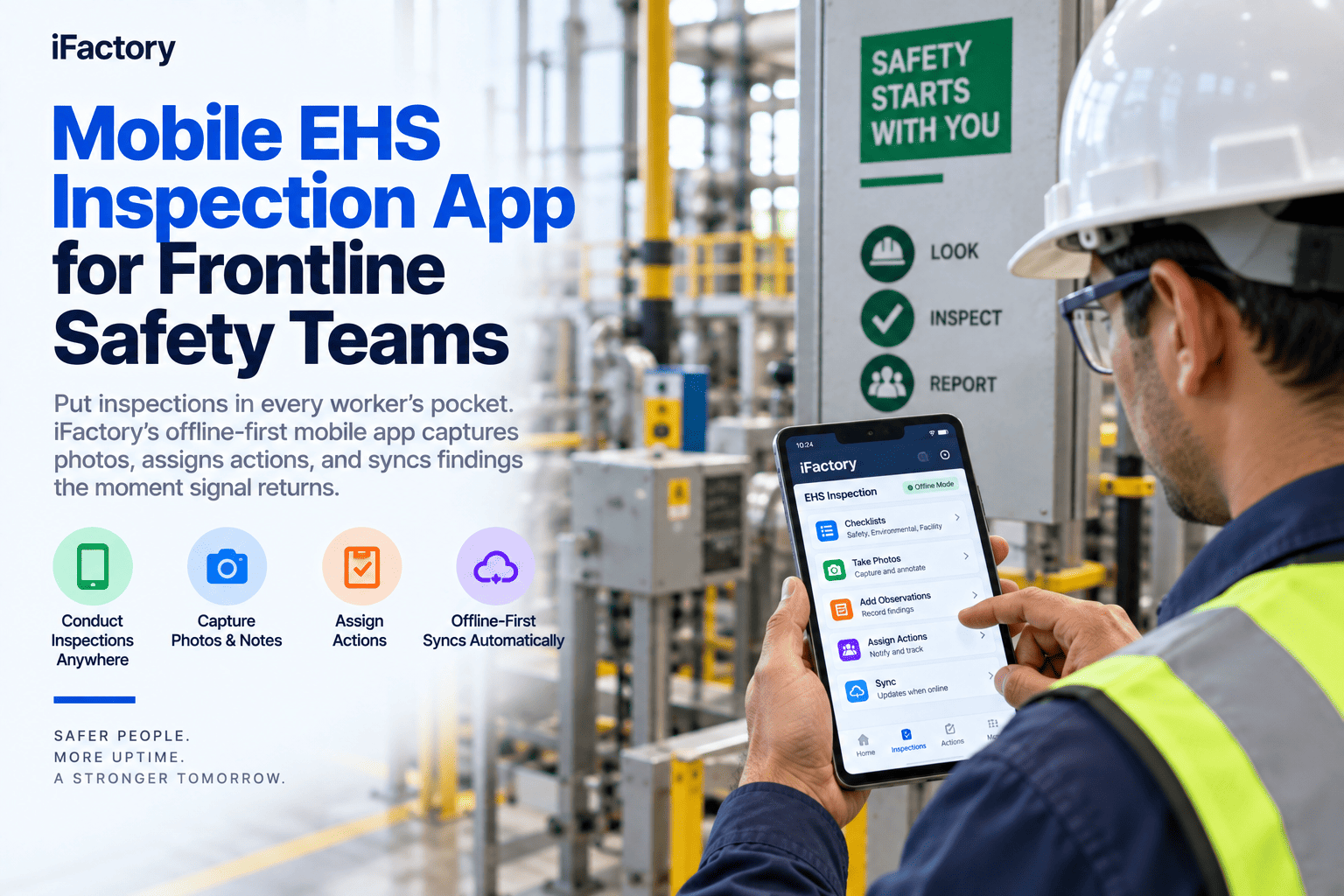
A safety audit is only as useful as the finding it produces and the corrective action that closes it. In a multi-site operation, that gets harder every time you add a plant. Auditors show up with paper forms that no one else at the company will read, findings get typed into a spreadsheet on someone's laptop back at the corporate office, and by the time a corrective action makes it back to the site the auditor has moved on and the pattern is invisible. Meanwhile the mobile inspection apps on the floor use one system, the corporate audit team uses another, and no one has a single view of what got found where. Consolidating audits and inspections into one platform, with offline mobile capture and instant sync to CAPA, is what finally makes multi-site safety visible at the level of the whole company. iFactory's Mobile Audit & Inspection Suite connects every finding to a closable action.
iFactory Mobile Audit & Inspection Suite
Audit Every Site, See Every Finding, Close Every Loop
Schedule, run, and track safety audits and inspections across every plant from one dashboard. Mobile capture works offline; findings sync to CAPA the moment you're back on network.
Where Multi-Site Audits Break Down
A single-plant audit program is a spreadsheet problem. A multi-site program is a coordination problem — and it fails in ways spreadsheets can't solve.
Fragmented Audits
"What did the corporate auditor find at Plant 3?"
Paper forms typed into a laptop back at HQ
Findings emailed to sites in a PDF report
No one dashboard shows all sites at once
Corrective actions live in the auditor's inbox
Unified Audits
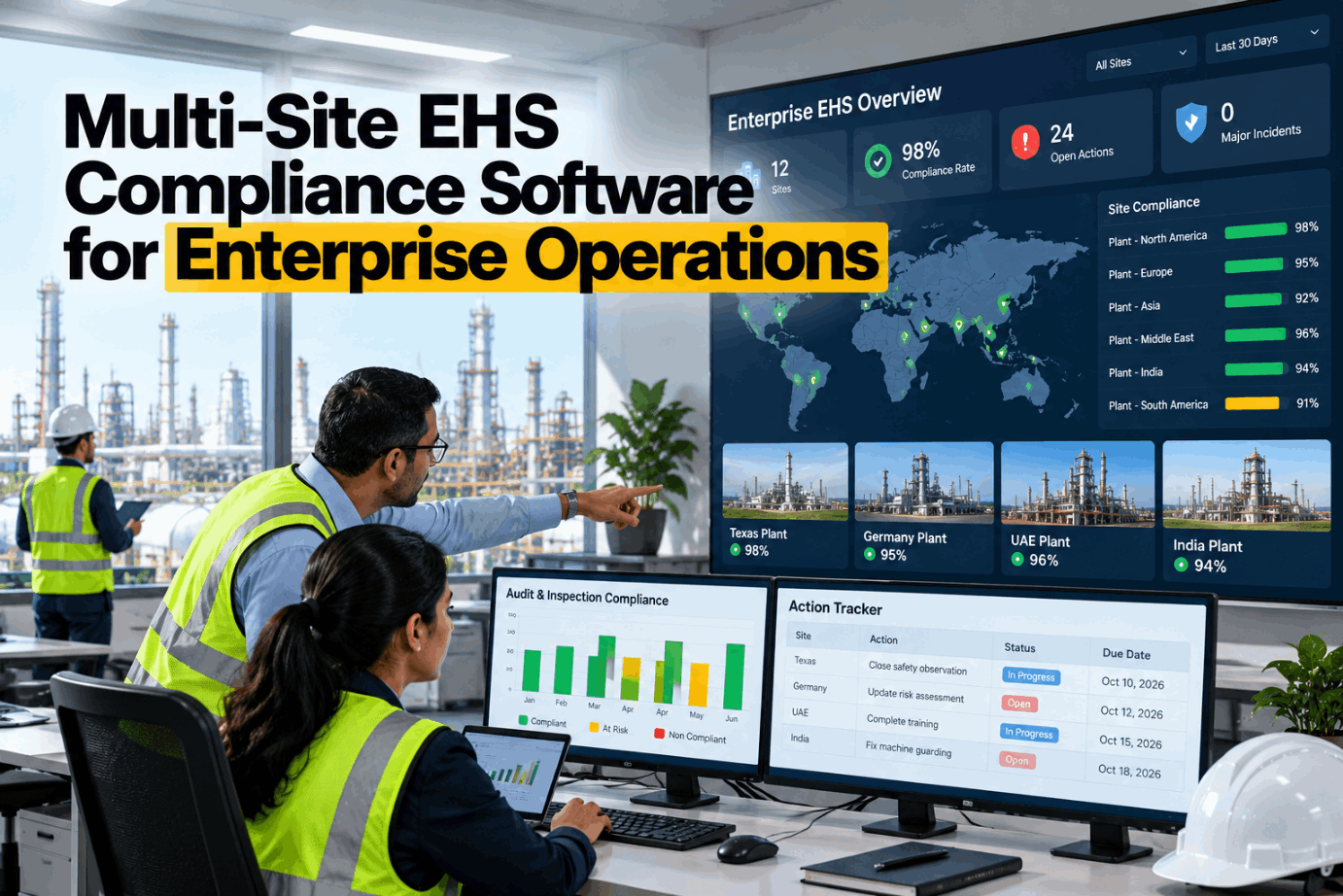
"One dashboard shows every finding at every site."
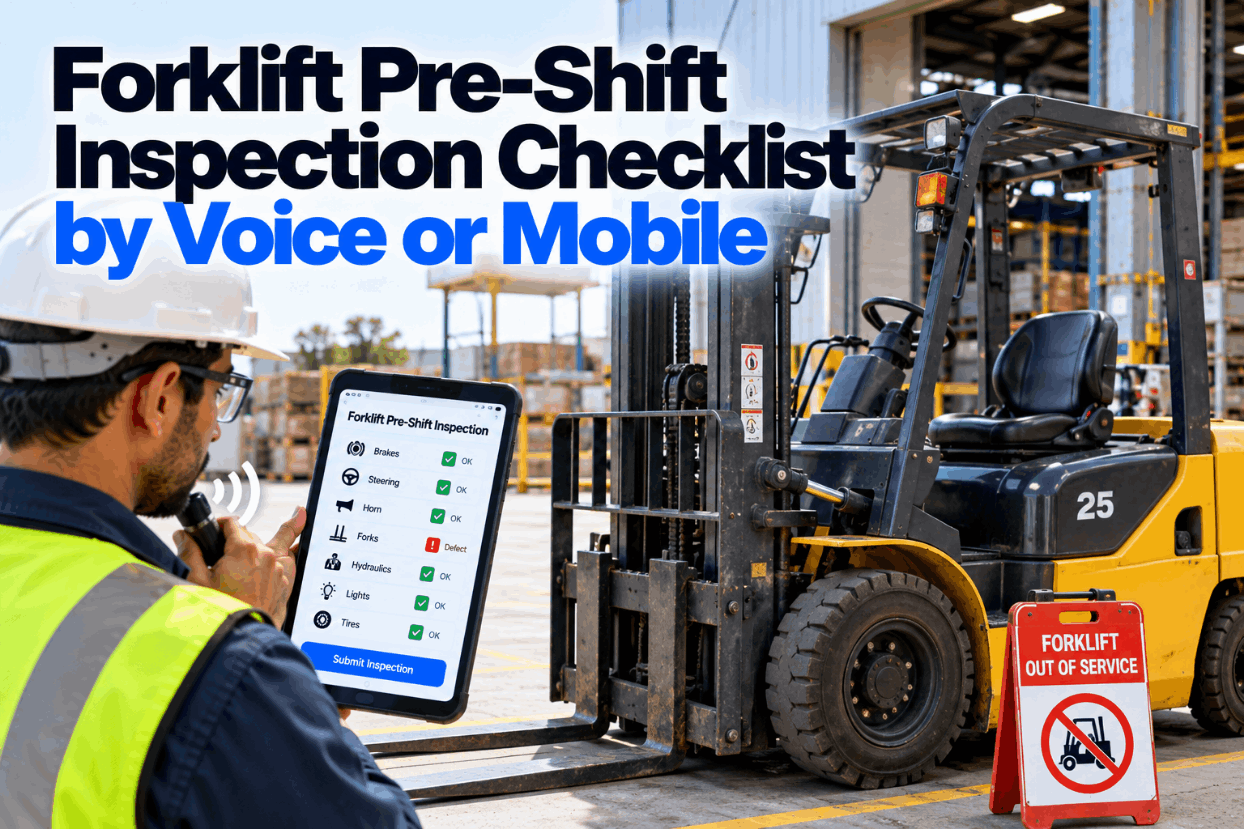
Mobile capture on the floor, offline or online
Findings sync to CAPA the moment they're saved
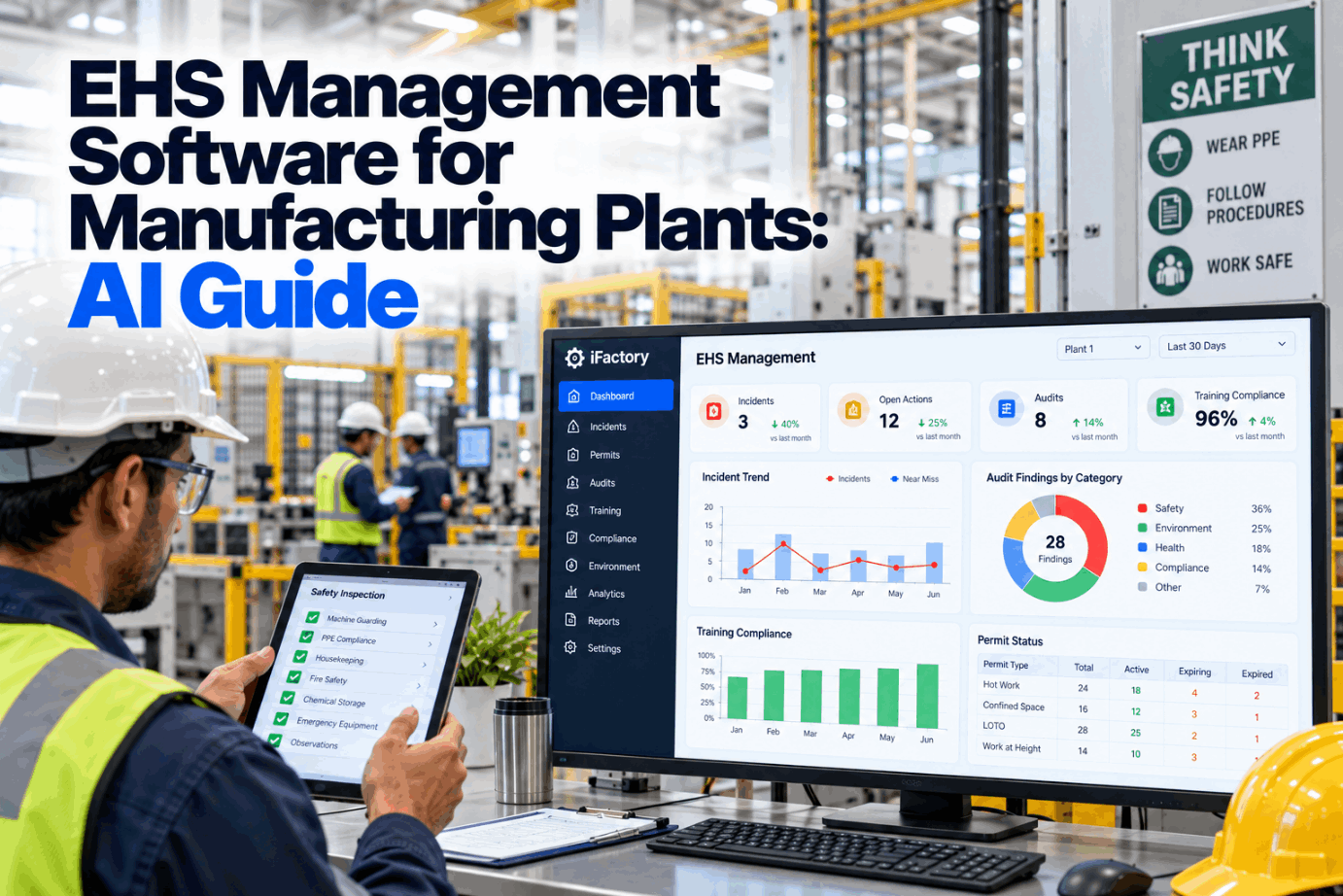
Real-time dashboard across every site and audit type
Owners and due dates set at the moment of finding
Every Audit and Inspection Type
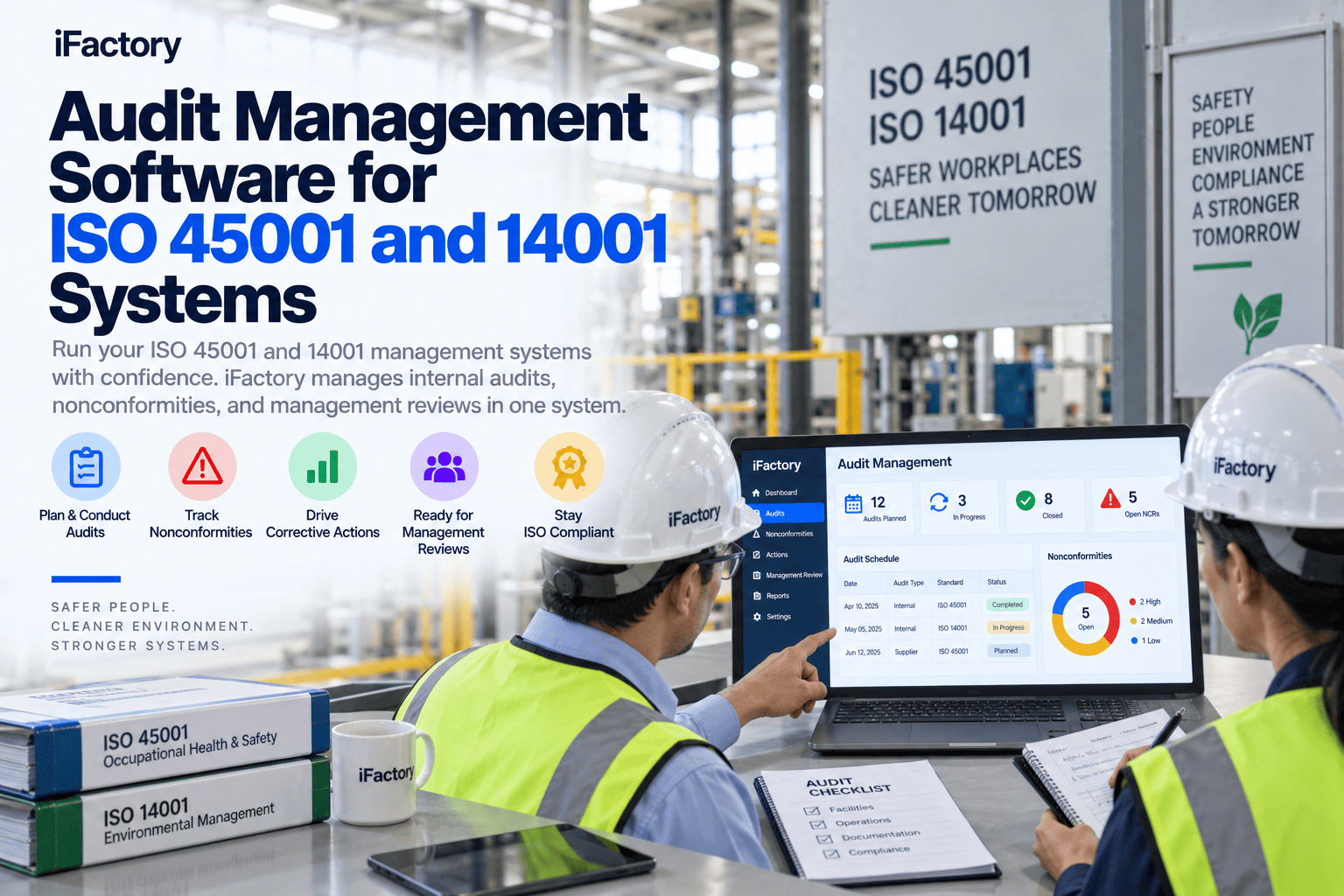
A working audit program covers more than the corporate annual visit. iFactory holds every type in one system so nothing lives in its own silo.
Corporate Audits
Scheduled corporate or third-party audits with structured checklists, evidence attached, and findings routed to the site.
Type: scheduled corporate
Site Self-Audits
Plant-level self-audits with the same rigor as corporate, so findings match when the auditor arrives.
Type: plant self-audit
Daily Inspections
Floor inspections, area walks, and shift-level checks captured on mobile with photos and comments.
Type: daily walk
Regulatory Audits
OSHA, EPA, or state-agency audits with evidence pulled from the same records the auditor sees.
Type: regulatory
Contractor Audits
On-site contractor safety audits tied to the contractor's qualification record and any active permits.
Type: contractor
What the Suite Actually Does
The point of a mobile audit tool is not just replacing paper. It's compressing the time from a finding on the floor to a corrective action assigned in the system.
Schedule
Every audit and inspection on a rolling calendar — recurring, one-off, or event-triggered — with owners and reminders.
Capture
Mobile-first with offline capture so a shop floor without signal still gets the finding and photos in the moment.
Route
Findings flow into CAPA the moment they sync, with owner, due date, and priority set at creation.
Trend
Cross-site dashboards show which findings repeat where, so the corporate team sees patterns, not just events.
What Unified Audits Deliver
When audits and inspections stop living in silos, the multi-site view finally becomes visible — and the corrective actions actually close.
Faster
Finding to action
mobile capture syncs to CAPA
One
Multi-site view
every plant on one dashboard
Fewer
Repeat findings
patterns visible across sites
Audit
Ready records
evidence attached at capture
Want one view of safety across every plant? Book a demo — we'll map your current audit program onto the multi-site dashboard.
Frequently Asked Questions
How is mobile audit different from just an inspection checklist app?
A checklist app captures a list. iFactory captures the finding, attaches evidence, routes it into a CAPA workflow with an owner and due date, and tracks the corrective action to verified closure — all connected. It's the difference between an app that logs and a platform that finishes the loop.
Does the mobile app work when the plant floor has no signal?
Yes. The whole capture workflow — checklists, photos, comments, sign-offs — runs offline. When the device is back on network, everything syncs automatically to the multi-site dashboard and any findings flow into CAPA. No lost findings, no re-typing at the office.
Can we see all sites on one dashboard?
Yes. Corporate EHS gets a single dashboard showing every scheduled audit, every open finding, every overdue action across all plants, with drill-down to any one site. Site managers see their own site by default. The pattern of what fails where finally becomes visible at the corporate level.
Do findings actually flow into corrective action tracking?
Yes — and that is the entire point. The moment a finding is captured, it becomes a tracked corrective action with an owner and due date, escalates automatically before it slips, and blocks closure until verified. Findings and actions live in the same platform, not two disconnected ones.
Book a demo to see the flow on a live site.
Can we start with one plant or one audit type?
Yes. Many operations start with a single site or with one audit type such as daily walks or corporate self-audits, prove the workflow there, then extend across sites and audit types. Book a demo and we'll scope the starting point around your operation.
Stop losing findings in email attachments.
See the Multi-Site Audit Dashboard on Your Own Plants
Bring your current audit calendar and one recent finding report. We'll show it running mobile on the floor, syncing to the multi-site dashboard, and closing the loop in CAPA.