AI Maintenance Planner Copilot: Automotive Scheduling

By James Smith on August 27, 2026

ai-copilot-maintenance-planner-automotive-scheduling

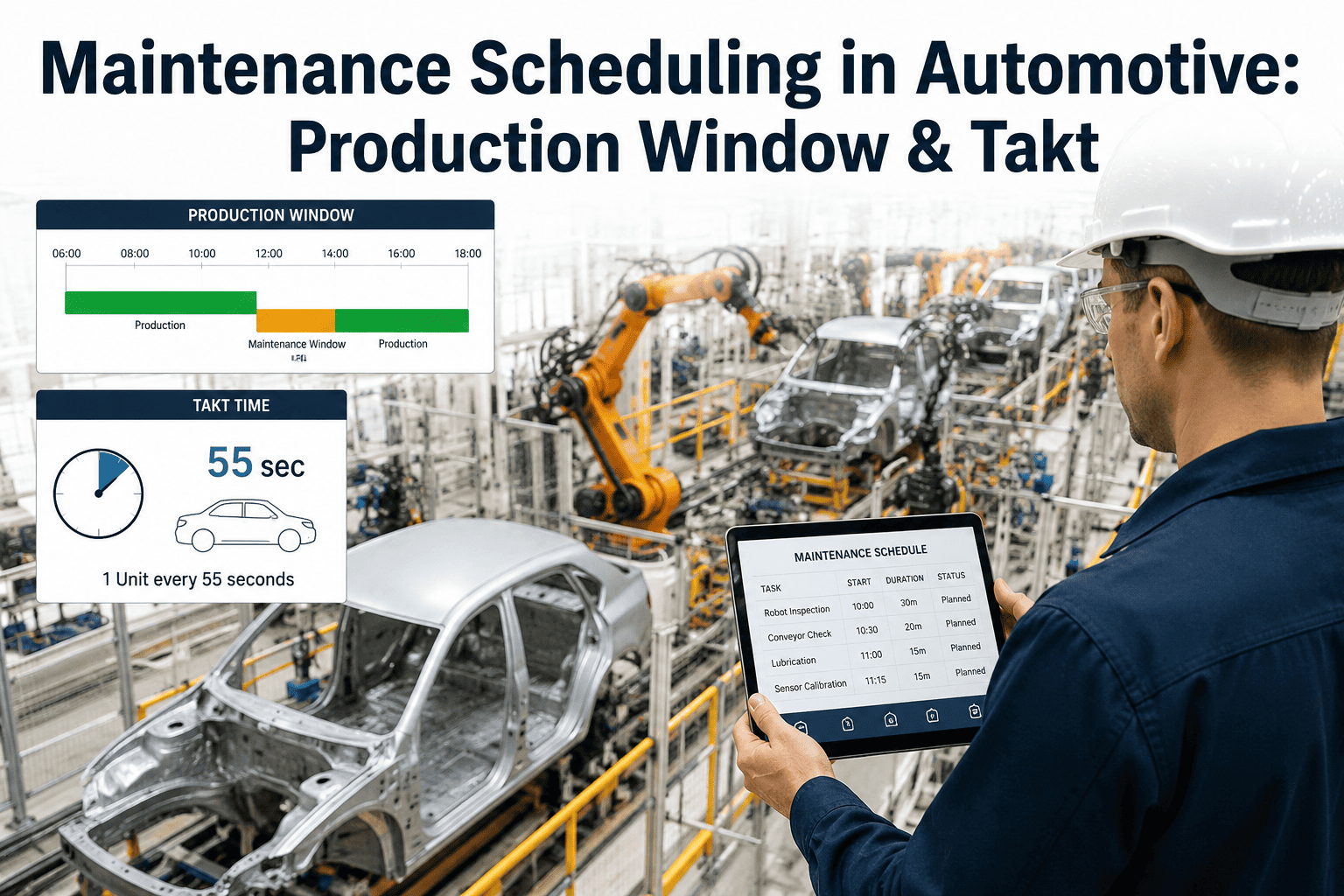
A maintenance planner in an automotive plant is usually juggling a work order backlog longer than the shift has hours for, a handful of technicians with overlapping but not identical skill sets, and a production schedule that changes twice before lunch. Deciding what gets done today, by whom, in what order, is a judgment call made under pressure, and it is remade from scratch every single morning because nothing captures why yesterday's sequence worked or didn't. An AI maintenance planner copilot takes that judgment call and grounds it in actual data, ranking the backlog by production risk and technician fit before the planner even opens the board, and you can book a demo to see it plan against your current backlog.

AI MAINTENANCE PLANNER · INTELLIGENT SCHEDULING · RESOURCE FIT

Stop Rebuilding the Maintenance Schedule From Memory Every Morning

iFactory's AI maintenance planner copilot reads your open work order backlog, technician skills and availability, and current production priorities together, then proposes a ranked schedule that a planner can approve, adjust, or override in minutes instead of hours.

THE MORNING SCHEDULING PROBLEM

Every Backlog Item Looks Urgent Until Someone Ranks Them

A typical automotive maintenance backlog mixes safety-critical work orders, preventive tasks nearing their due window, and reactive tickets that arrived overnight, and almost none of them carry a clear indication of which one actually threatens today's production run. Planners resolve this ambiguity with experience and gut feel, which works reasonably well right up until the planner is out sick, new to the role, or simply juggling more tickets than one person can reasonably prioritize by eye before the morning production meeting starts.

1
Line-Stopping Risk
Work orders tied to equipment showing early failure signals on a line with no redundant capacity.
2
Preventive Window Closing
Scheduled preventive tasks approaching their due date where a miss triggers a compliance flag.
3
Quality-Linked Reactive Tickets
Reactive tickets on equipment already correlated with a rising scrap or rework trend.
4
Routine Backlog
Lower-urgency tickets scheduled around the higher-priority work rather than in submission order.
MATCHING PEOPLE TO WORK

Skill Fit Matters as Much as Urgency

Ranking the backlog by urgency solves only half the problem, because the second half is deciding which technician should actually take each ticket given certification, equipment familiarity, and who is already committed to another job that morning. A planner copilot cross-references the ranked backlog against technician certifications, recent experience on that specific equipment class, and current shift assignment, so the proposed schedule accounts for who can actually do the work well, not just who happens to be free.

2-3 hrs
Time a planner commonly spends manually rebuilding the daily schedule around overnight changes
Skill Gap
A frequent root cause of rework when the wrong technician is assigned to a specialized ticket
Live
Recommended schedule updates as new tickets arrive rather than only once per shift

See Your Own Backlog Ranked and Assigned

iFactory can run against a real export of your current maintenance backlog to show exactly how it would rank and staff today's work. Book a demo and bring your own data.

HOW THE RECOMMENDATION IS BUILT

Four Inputs the Copilot Weighs Together

A useful schedule recommendation is only as good as the inputs behind it, and a planner copilot needs to weigh several data sources at once rather than optimizing for a single variable like due date or ticket age.

Production Priority
Today's run schedule and which lines have zero tolerance for unplanned downtime this shift.
Equipment Risk Signal
Recent alarm trends and condition data flagging early degradation on specific assets.
Technician Skill and Availability
Certifications, recent hands-on history, and current shift and time-off status.
Parts and Tool Readiness
Whether the required parts are on hand so a scheduled job does not stall mid-shift.
MANUAL PLANNING VS COPILOT-ASSISTED PLANNING

What Actually Changes for the Planner's Morning

The difference is rarely about whether the plant has a CMMS, it is about whether that system's backlog gets turned into a ranked, staffed schedule in minutes rather than reconstructed by hand every single day.

Factor Manual Planning iFactory Planner Copilot
Backlog Ranking Sorted by memory and gut feel each morning Ranked automatically by production and equipment risk
Technician Assignment Based on who happens to be free Matched by certification and recent equipment experience
Schedule Updates Rebuilt manually when a new ticket arrives Recommendation adjusts continuously through the shift
New Planner Ramp-Up Relies on tribal knowledge from the outgoing planner Recommendation logic is consistent regardless of who is planning
WHERE THIS FITS IN YOUR PLANT

Built for Every Area Competing for the Same Technicians

Maintenance planning gets harder wherever multiple production areas draw from the same limited technician pool, which describes most automotive plants running body, paint, and assembly on overlapping shifts.

Multi-Area Maintenance Teams
Balance competing requests from body shop, paint, and assembly against one shared technician pool.
Maintenance Planners and Schedulers
Start each shift with a ranked, staffed schedule instead of a flat backlog list.
Plant Maintenance Managers
See where technician capacity is consistently short relative to backlog demand.
Reliability Engineers
Confirm preventive tasks are actually being scheduled within their due window, not just logged.
FREQUENTLY ASKED QUESTIONS

What Maintenance Teams Ask Before Adopting a Planner Copilot

Does this replace our CMMS or work order system?
No, the copilot reads work orders from the CMMS you already use and layers a ranking and assignment recommendation on top, rather than requiring technicians or planners to adopt a separate system for logging tickets. Your existing workflow for opening and closing work orders stays the same. Book a demo to see how it connects to your current CMMS.
Can the planner override the recommended schedule?
Yes, the recommendation is a starting point the planner reviews and adjusts, not an automated dispatch that removes human judgment from the process. Planners retain full visibility into why a ticket was ranked where it was, which makes it easier to override with confidence when local context the system does not have applies. Contact our support team to see the override workflow in more detail.
How does it know which technician has the right skills for a job?
Technician certifications and recent work history are pulled from your existing HR or CMMS records where available, and the copilot builds a running profile of which technicians have handled which equipment classes most recently, weighting recent hands-on experience more heavily than a certification alone. Book a demo to review how skill matching would work with your technician roster.
What happens when an emergency ticket arrives mid-shift?
The recommended schedule updates as soon as a new ticket is logged, re-ranking the remaining backlog against the new priority so the planner can see immediately what should be bumped rather than manually reworking the whole board by hand. Contact our support team to discuss how emergency tickets are weighted in the ranking.
Does this require new sensors or equipment instrumentation to work?
Scheduling recommendations can start from your existing work order and technician data alone, and get more precise as equipment condition data is added, but a baseline recommendation does not require a new sensor rollout before it becomes useful to a planner. Contact our support team to review what your current systems already provide.

Let the Backlog Rank and Staff Itself Every Morning

iFactory's AI maintenance planner copilot turns your open work order backlog into a ranked, staffed schedule before the shift starts. Book a demo and bring your own backlog.


Share This Story, Choose Your Platform!