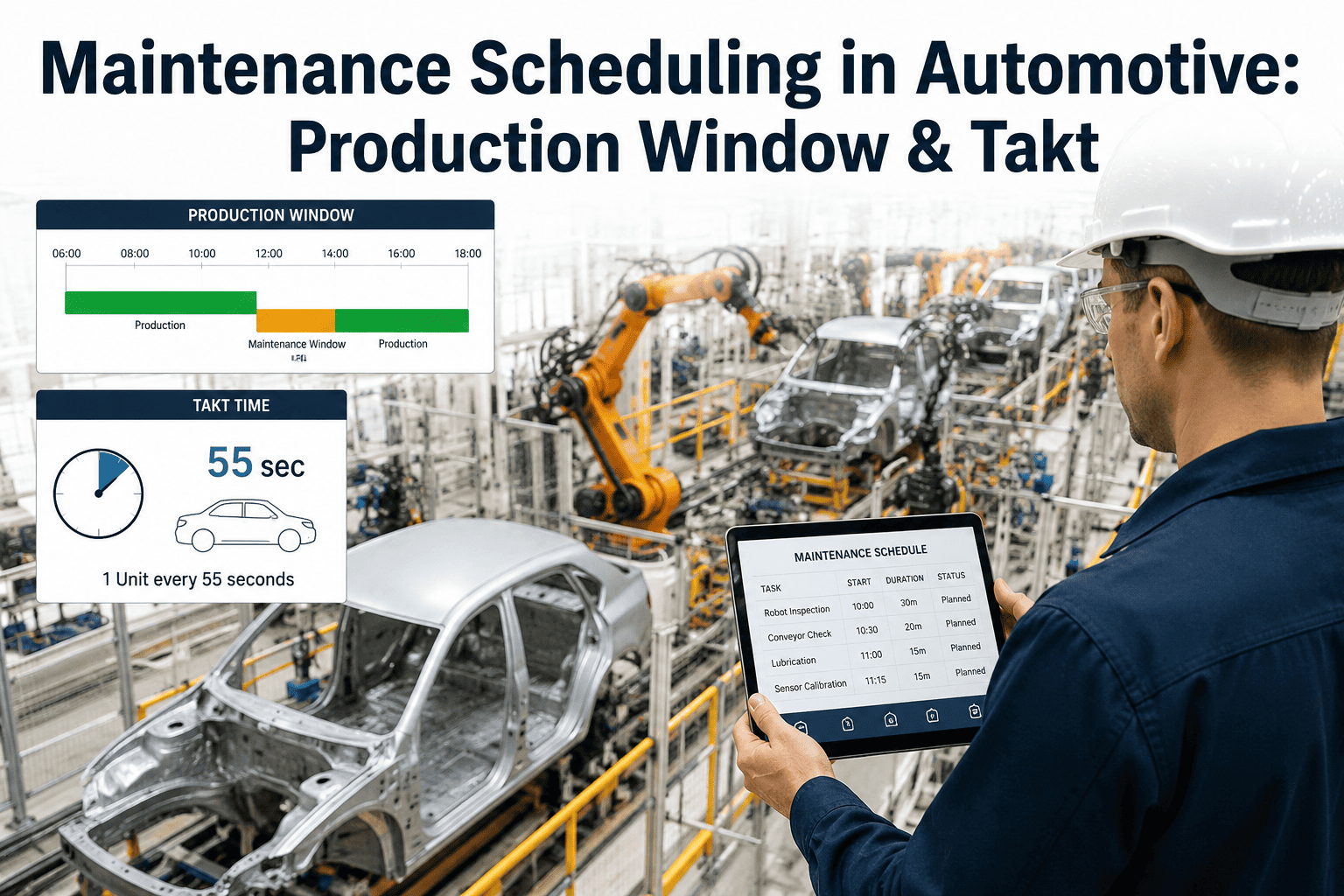
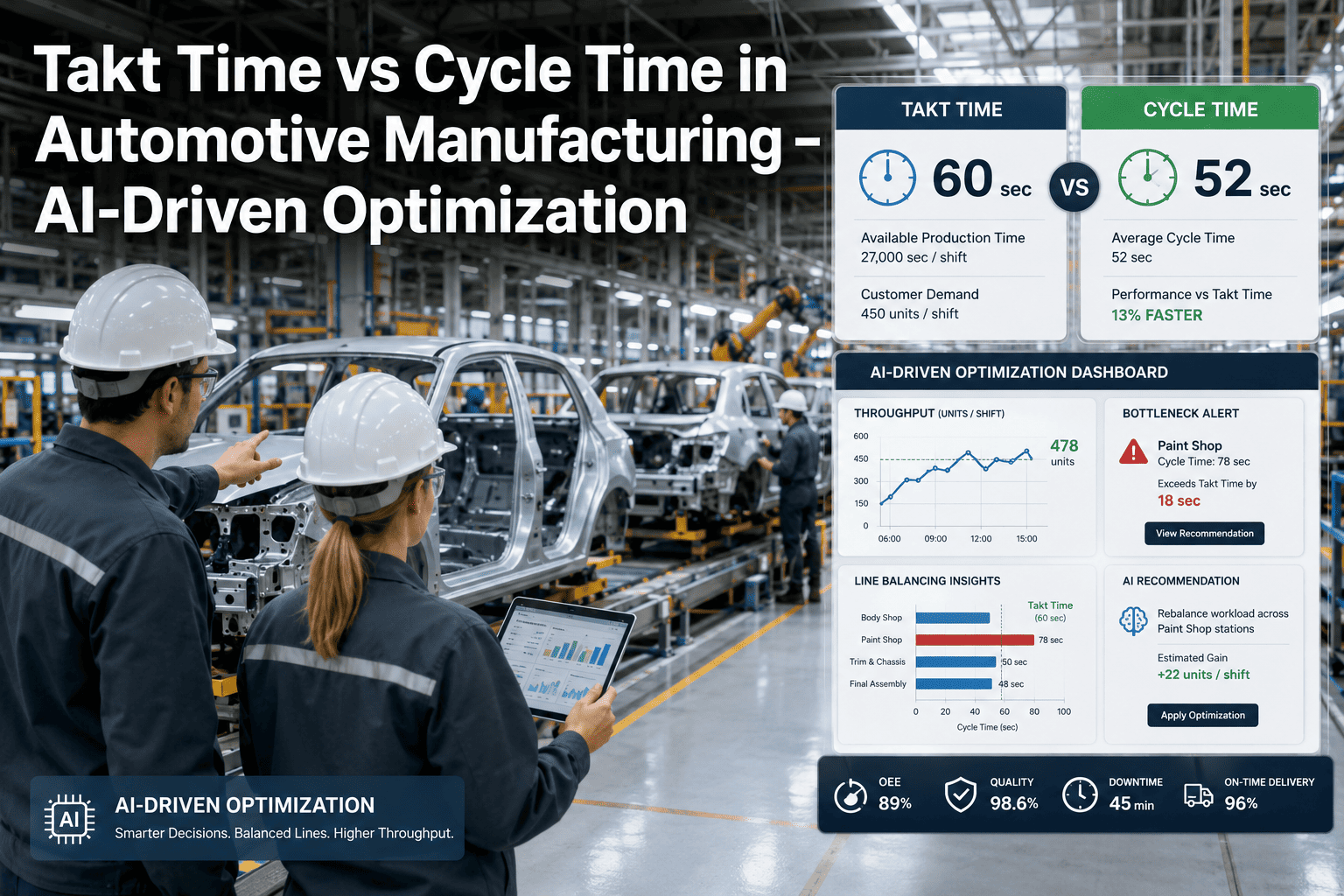
Predictive maintenance only pays off if the maintenance actually gets scheduled somewhere the line can afford to lose. A robot that's flagged as trending toward failure in six days is still a problem if the only available maintenance window is three weeks out, or if the fix requires forty minutes and the longest planned stop on the calendar is fifteen. Automotive plants running fixed takt time have almost no slack built in, which means maintenance scheduling has to work around production windows, shift breaks and model changeovers rather than against them. Book a demo to see maintenance windows scheduled around your actual takt constraints.
Maintenance Scheduling for Automotive
A Prediction Is Only Useful If There's a Window to Act On It
iFactory's predictive maintenance scheduling works within your production windows, takt constraints, shift breaks and changeovers, turning early failure warnings into maintenance that actually happens with minimal disruption.
The Four Windows Where Maintenance Can Actually Happen
Every automotive plant has a small set of recurring windows where equipment can come down without threatening the production schedule, and scheduling maintenance around them is what separates a usable prediction from an ignored alert. Ask support how your specific window calendar gets mapped into the system.
Shift Breaks
Short, frequent windows suited to quick component checks, sensor recalibration and minor adjustments under 15 minutes.
Model Changeovers
Longer planned stops during tooling or fixture changes, well suited to moderate repairs that need 30-60 minutes of access time.
Planned Downtime
Scheduled weekend or off-shift maintenance blocks reserved for major component replacement and preventive overhauls.
Takt Slack Points
Specific stations in the line with small built-in buffer time, usable for very brief interventions without cascading delay.
How Predictions Get Matched to the Right Window
A failure prediction alone doesn't tell a planner what to do with it. The scheduling layer has to combine urgency, repair duration and window availability into one recommendation. Book a demo to see a live prediction matched to your window calendar.
1
Failure Trend Detected
Vibration, temperature or cycle-time drift on a robot or fixture crosses a threshold, with an estimated days-to-failure window calculated.
2
Repair Duration Estimated
The specific failure mode is matched against historical repair records to estimate realistic time needed for the fix.
3
Window Matched
The nearest upcoming shift break, changeover or planned stop long enough for the estimated repair duration is identified automatically.
4
Planner Notified
Maintenance planners receive a specific window recommendation with urgency ranked against days-to-failure, not just a general alert.
5
Maintenance Executed
The repair happens inside the matched window, closing the loop before the predicted failure point is reached.
Reactive Scheduling vs. Window-Matched Predictive Scheduling
| Factor | Reactive / Manual Scheduling | iFactory Window-Matched Scheduling |
|---|
| Trigger Point | Maintenance scheduled after failure or during the next convenient stop, whichever comes first. | Scheduled proactively at the nearest window long enough for the specific repair. |
| Window Selection | Planner manually checks the schedule, often defaulting to the next weekend stop. | Automatically matched against shift breaks, changeovers and planned stops. |
| Production Impact | Unplanned stoppage when a prediction is missed or ignored due to no available window. | Repairs completed within existing planned downtime, no added line stoppage. |
| Repair Duration Match | Duration estimated informally, often mismatched to the window chosen. | Estimated from historical repair data and matched precisely to window length. |
| Planner Workload | Manual cross-checking of alerts against the production calendar for every prediction. | Recommended window delivered automatically alongside every prediction. |
Map Your Production Windows Into a Usable Maintenance Calendar
iFactory reviews your existing shift structure, changeover schedule and takt constraints to build a maintenance scheduling model specific to your line.
Building a Window-Aware Scheduling Model
1
Window Calendar Mapping
Shift breaks, changeover durations, planned downtime blocks and takt slack points are catalogued for every line.
2
Repair Duration Library
Historical repair records are analyzed to build realistic duration estimates for common failure modes by equipment type.
3
Prediction-to-Window Matching Live
Predictive alerts begin generating specific window recommendations rather than general urgency flags.
4
Planner Workflow Integration
Recommendations flow into the existing maintenance planning tool or CMMS so no new standalone system is required.
Results From Window-Matched Scheduling
Automotive Assembly Line
Unplanned Robot Downtime Cut 47% Without Added Stoppage Time
A plant with accurate failure predictions was still seeing unplanned stoppages because maintenance was scheduled at the next available weekend rather than the nearest suitable window. After window-matched scheduling went live, repairs began landing inside existing changeover and shift-break windows, cutting unplanned downtime by 47% with no measurable increase in total maintenance time consumed from production.
47%
Reduction in unplanned downtime
0 min
Added stoppage time from scheduling
6 wks
Time to full window integration
What Maintenance Planners Say
We had good predictions for years. What we didn't have was a way to fit them into a takt-constrained schedule without guessing. That's the piece that actually changed our downtime numbers.
Maintenance Planning Manager
Assembly Plant, Tennessee
Getting a specific window recommendation instead of a general alert took the guesswork out of every shift handoff meeting.
Reliability Engineer
Body Shop, Michigan
Frequently Asked Questions
How does the system know how long our shift breaks and changeovers actually last?
Window durations are mapped during initial setup based on your actual production schedule and shift structure, including any variation between lines or shifts, rather than relying on a generic assumption. This calendar is kept current as your schedule changes, so window recommendations always reflect the real time available rather than a static estimate.
What happens if a predicted failure is more urgent than the next available matching window?
When a prediction's days-to-failure estimate falls before the next suitable window, the system flags it as requiring an unplanned intervention rather than silently waiting, giving planners the information needed to make a deliberate tradeoff between an early planned stop and risking failure. This is one of the scenarios reviewed during setup to define your plant's risk tolerance.
Does this replace our existing CMMS or work order system?
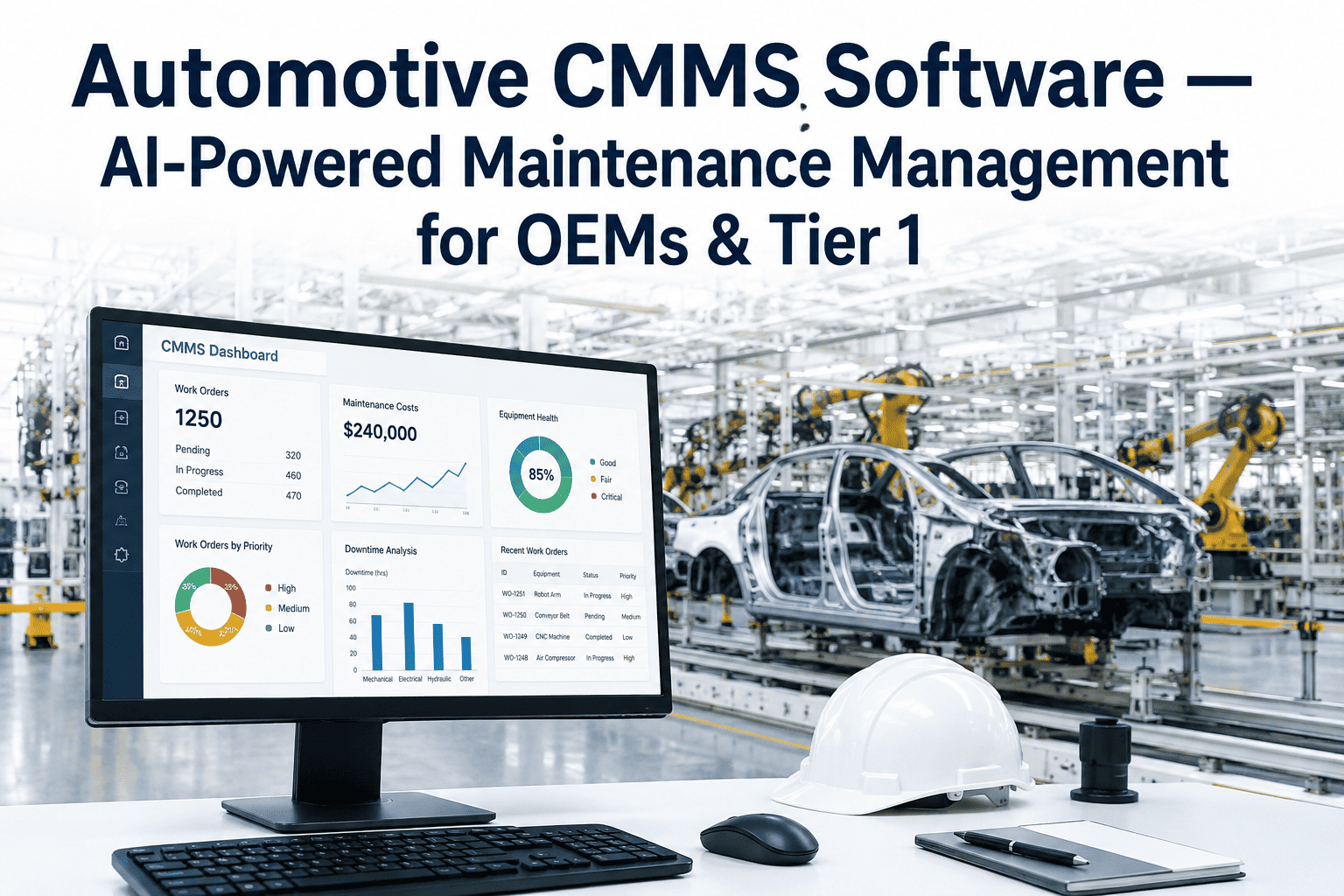
No, window-matched recommendations typically flow into your existing CMMS or maintenance planning tool as work order suggestions rather than replacing the system your team already uses day to day.
Talk to support about integration with your specific CMMS platform.
How accurate are the repair duration estimates used for window matching?
Duration estimates are built from your own historical repair records for each failure mode and equipment type, refined over time as more repairs are logged against predictions, so accuracy improves the longer the system runs on your data. Early estimates during rollout are conservative by design to avoid matching a repair to a window that turns out too short.
Can this work across multiple lines with different takt times and shift patterns?
Yes, each line's window calendar, takt constraints and shift pattern are mapped independently, so a prediction on one line is matched against that line's specific windows rather than a plant-wide average. This is particularly relevant in plants running mixed-model lines with different changeover frequencies.
Book a demo to see multi-line scheduling in action.
Turn Every Prediction Into a Maintenance Window That Actually Happens
iFactory matches every failure prediction to your nearest suitable shift break, changeover or planned stop, so predictive maintenance becomes something your team can act on, not just watch.
Predictions matched to real production windows
Repair duration estimated from your own history
No added stoppage time from scheduling
Works across mixed-model, mixed-takt lines