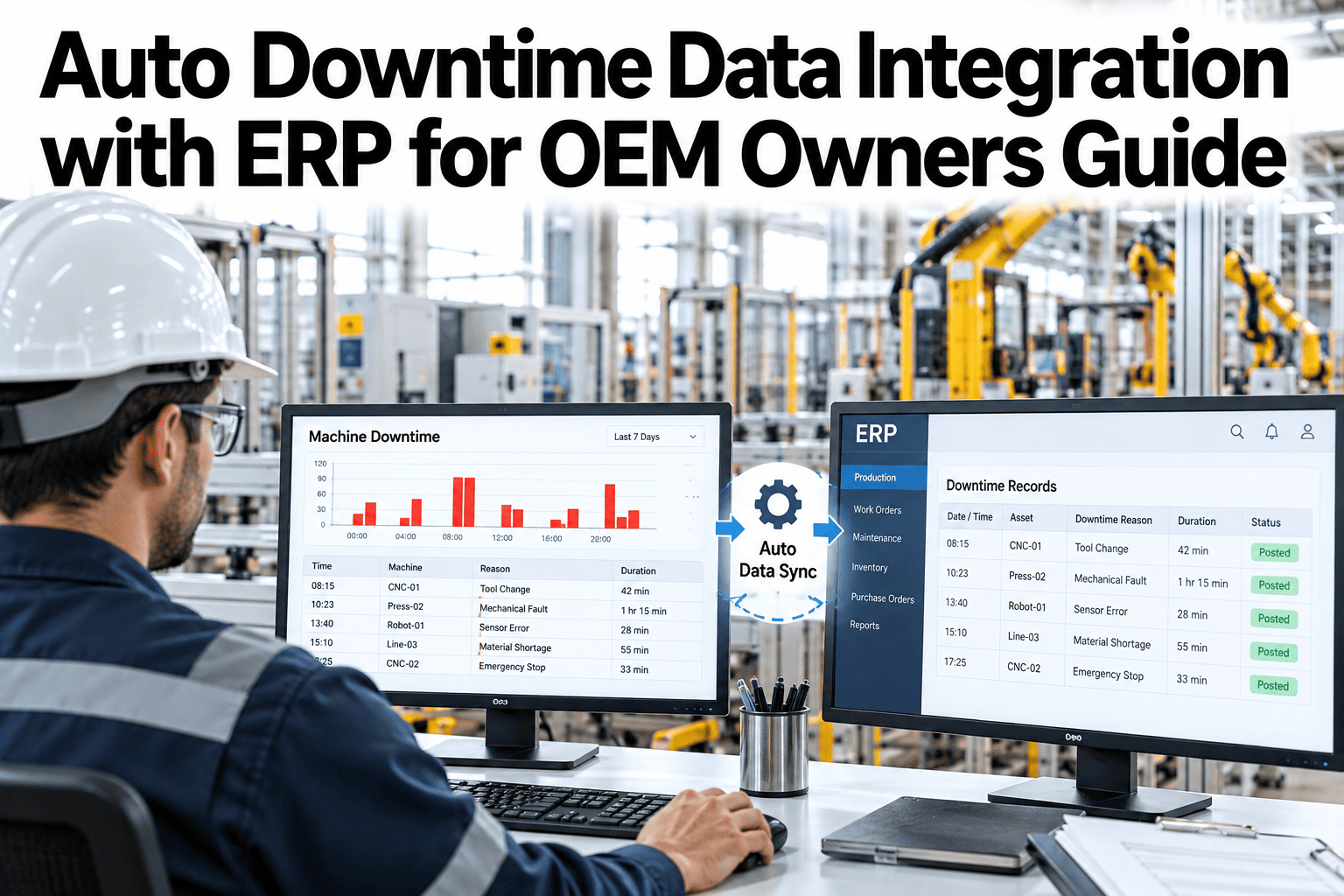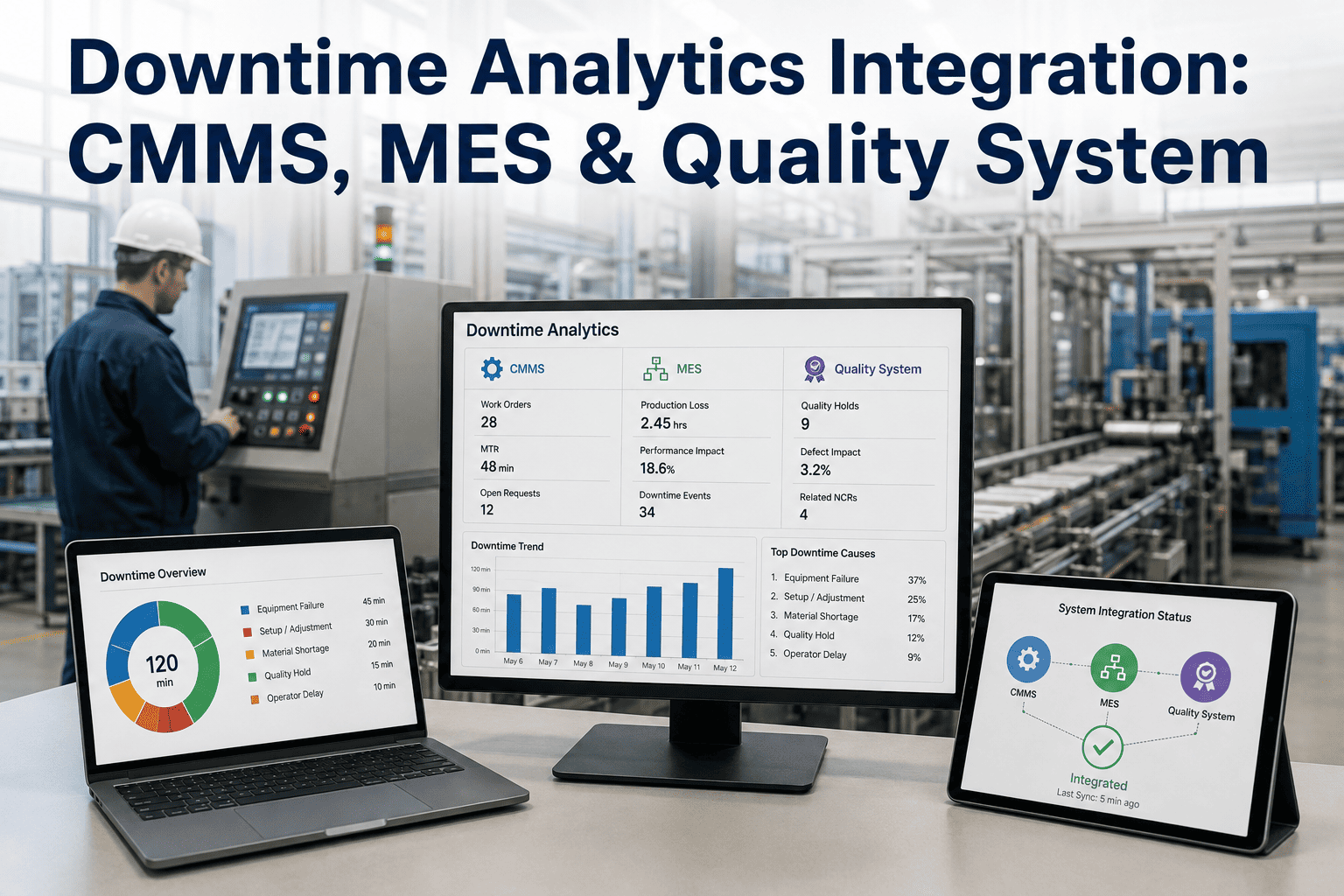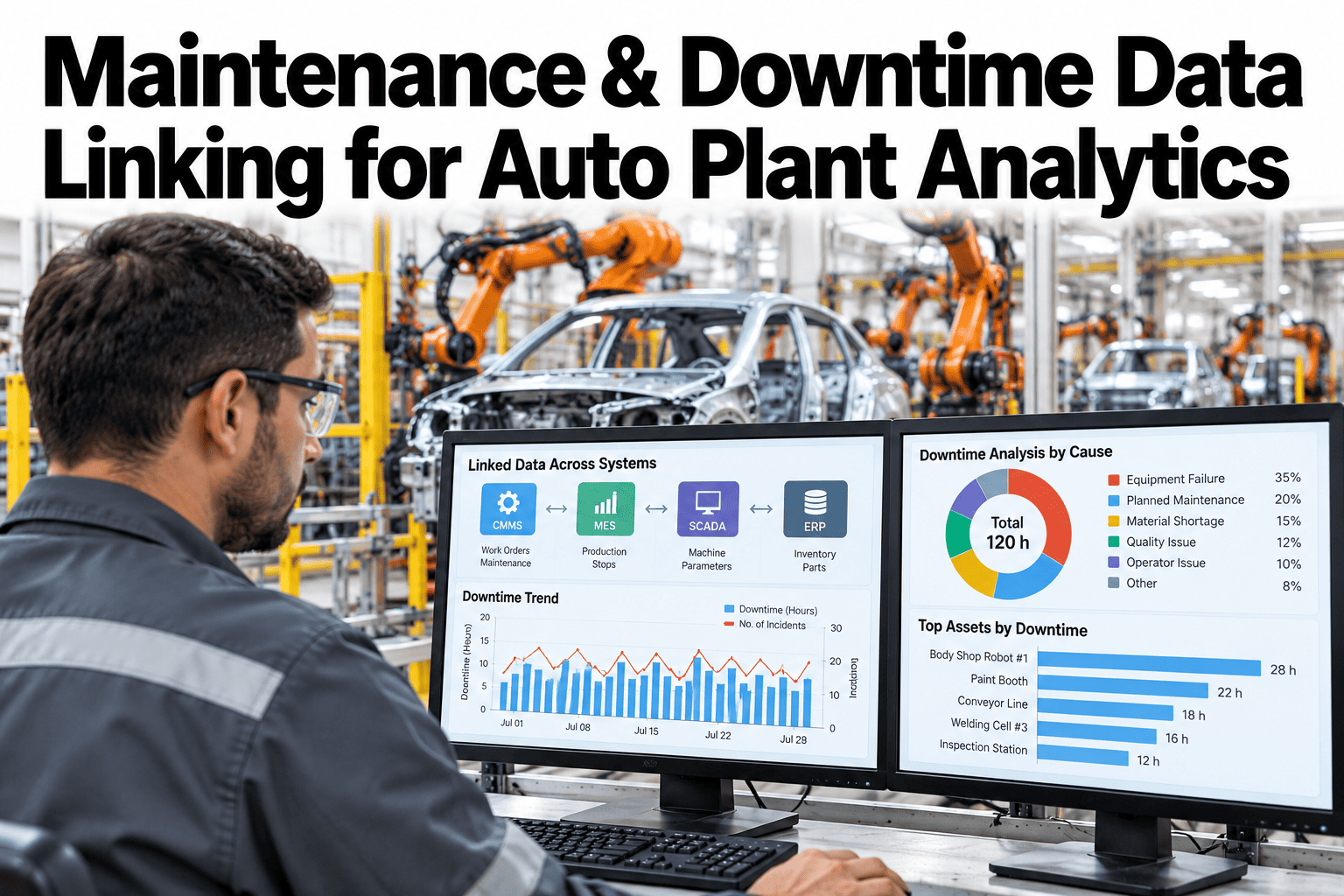
A downtime event and the work order that followed it should be the easiest two records in a plant to connect, and yet in most auto plants they live in systems that have never been introduced. The MES logs the stop. The CMMS logs the repair. Tracing one to the other is still, in a lot of plants, a manual lookup by timestamp. This guide covers how to build a real handshake between the two, so every downtime cause traces cleanly to the maintenance work behind it. Teams ready to connect their own CMMS and MES can book a demo with the iFactory AI team.
Maintenance and Downtime Data Linking for Auto Plant Analytics
A downtime event and a work order describe the same incident from two sides. Linking them means every stop can be traced forward to the fix, and every fix can be traced back to the stop that caused it.
Why the Handshake Usually Fails
CMMS and MES systems are typically bought years apart, from different vendors, by different teams, with different ideas about what an asset is called. The handshake fails quietly, not loudly, which is why most plants do not notice until someone tries to trace a chronic downtime cause and hits a dead end.
| Mismatch | Typical Cause | Effect |
|---|---|---|
| Asset naming | MES uses a station code, CMMS uses an equipment tag | No automatic match between the two records |
| Timestamp precision | MES logs to the second, CMMS logs to the shift | Hard to confirm which work order followed which stop |
| Cause coding | Each system has its own downtime reason list | No shared language to summarize across systems |
Building the Event Handshake
A working handshake needs three things in place: a shared asset identifier, a consistent timestamp standard, and a rule for how far apart in time two records can be and still count as the same incident.
What a Linked Timeline Shows
Once linked, a single downtime cause can be traced across its full lifecycle, from the first stop through to the work order that closed it, and every repeat occurrence after.
This illustrative sequence, once linked, becomes a single traceable record instead of three separate log entries that happen to sit close together in time. The nine-minute gap between the stop and the work order opening is itself a useful number, since a chronically slow response time is a different problem than a chronically long repair.
Trace Every Stop to Its Fix Automatically
iFactory AI links downtime events to the work orders that resolved them, closing the gap between your MES and CMMS. Book a 30-minute walkthrough.
Chronic Causes Once the Link Exists
The real value of the handshake shows up over weeks, not in any single incident. Once downtime causes and work orders are reliably linked, patterns that were invisible in separate systems become obvious.
Plain-Language Glossary
A shared vocabulary keeps maintenance and operations teams reading the same linked data the same way.
Expert Review
Reliability teams who have linked CMMS and MES data across auto plants keep returning to the same two notes.
Fix the asset map first
A mismatched asset identifier is the single most common reason a handshake fails silently. Getting this translation table right pays off more than any later dashboard work.
Separate detection from repair
Splitting the stop-to-work-order gap from the work-order-to-repair gap usually reveals that one of the two, not both, is driving most of the total downtime.
Frequently Asked Questions
What if our CMMS and MES use completely different asset naming?
A mapping table is built once to translate between the two, and it is usually the single biggest unlock for a reliable handshake. Book a demo to see an asset mapping example.
How wide should the matching window be?
It depends on how quickly work orders are typically opened after a stop, though most auto lines find a window of fifteen to thirty minutes catches the great majority of real matches.
Can this work if our CMMS data is entered manually?
Yes, though manual entry timestamps tend to be less precise, so a slightly wider matching window usually compensates. Ask support how manual CMMS entry is handled.
Does linking require changing our downtime reason codes?
Not necessarily, though mapping both systems' cause codes to a shared taxonomy does make cross-system summaries far more useful. Book a demo to see cause code mapping in practice.
How do we find work orders with no linked downtime event?
Once the handshake is in place, these simply show up as unmatched records, which is itself a useful filter for separating preventive from reactive maintenance work.
Close the Gap Between Every Stop and Its Fix
iFactory AI builds the event handshake between your CMMS and MES, so downtime causes and work orders trace automatically. Book a walkthrough built around your plant.