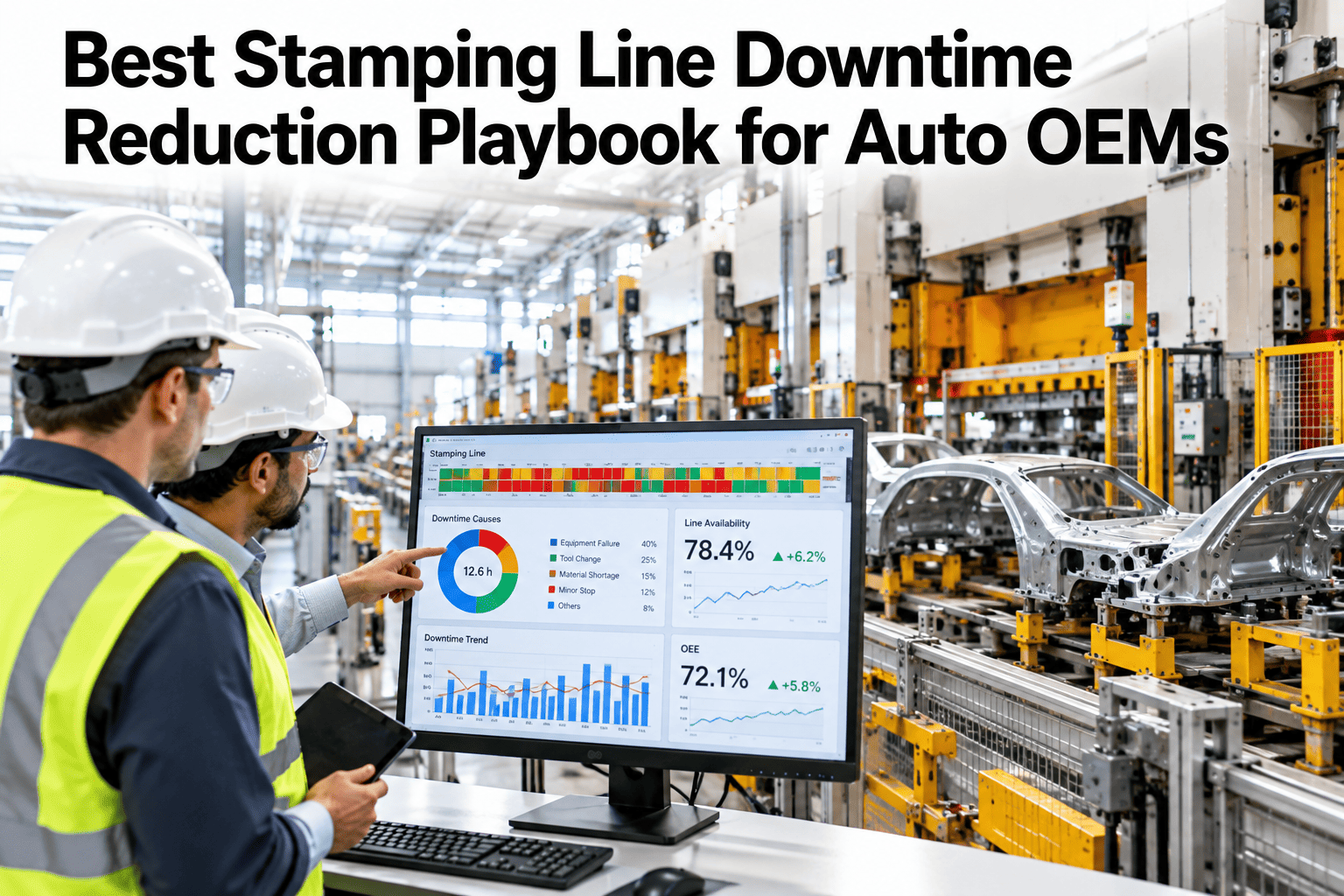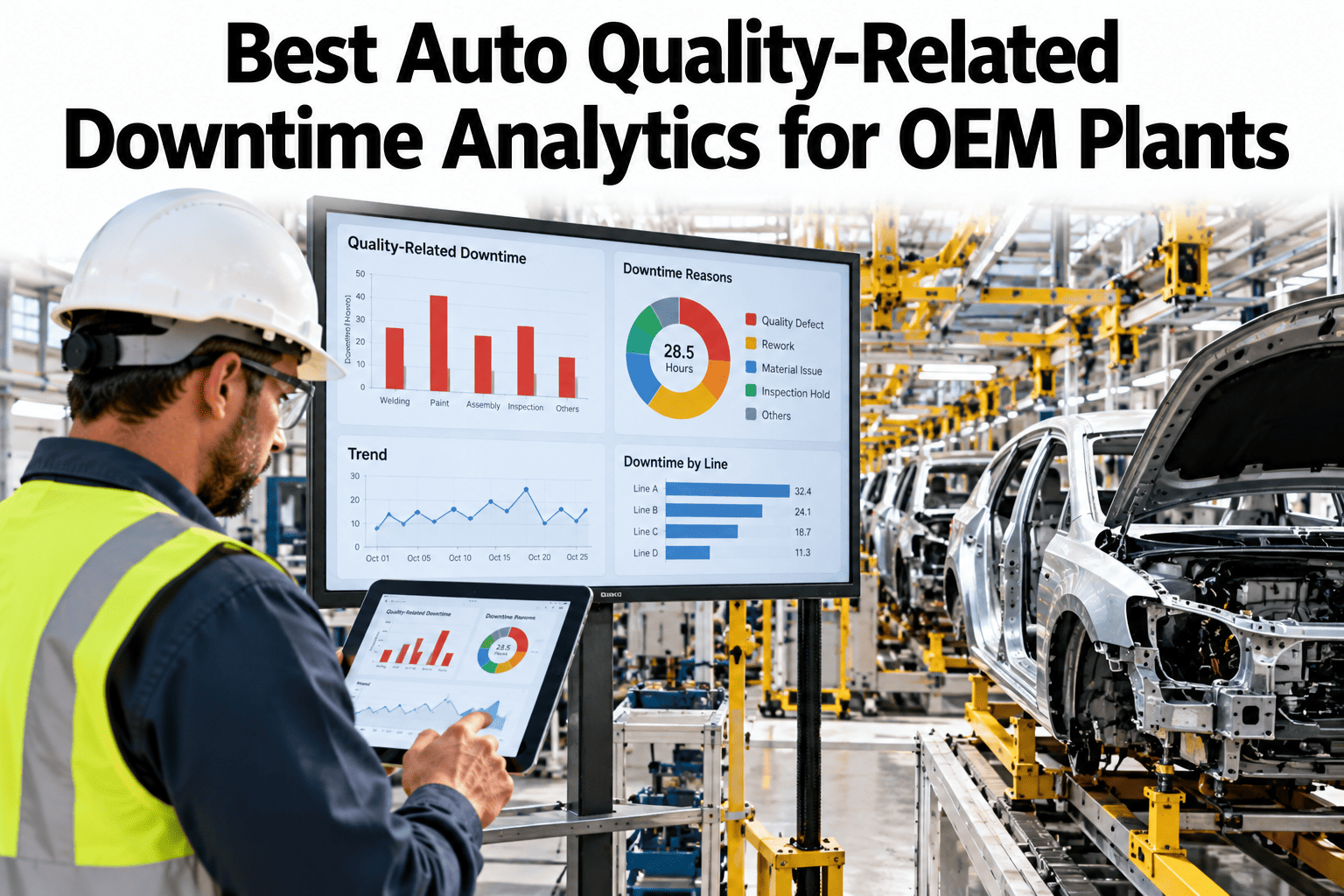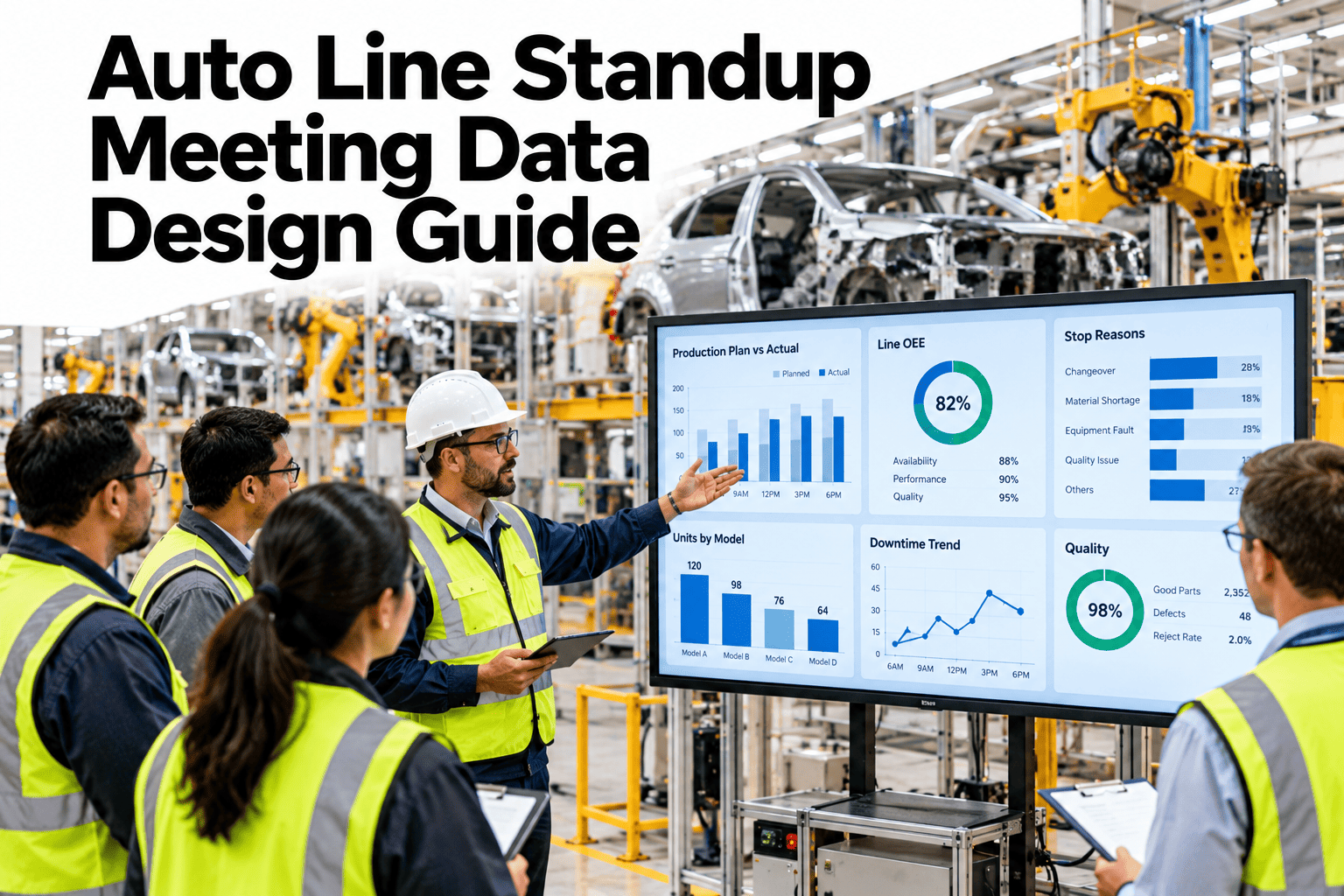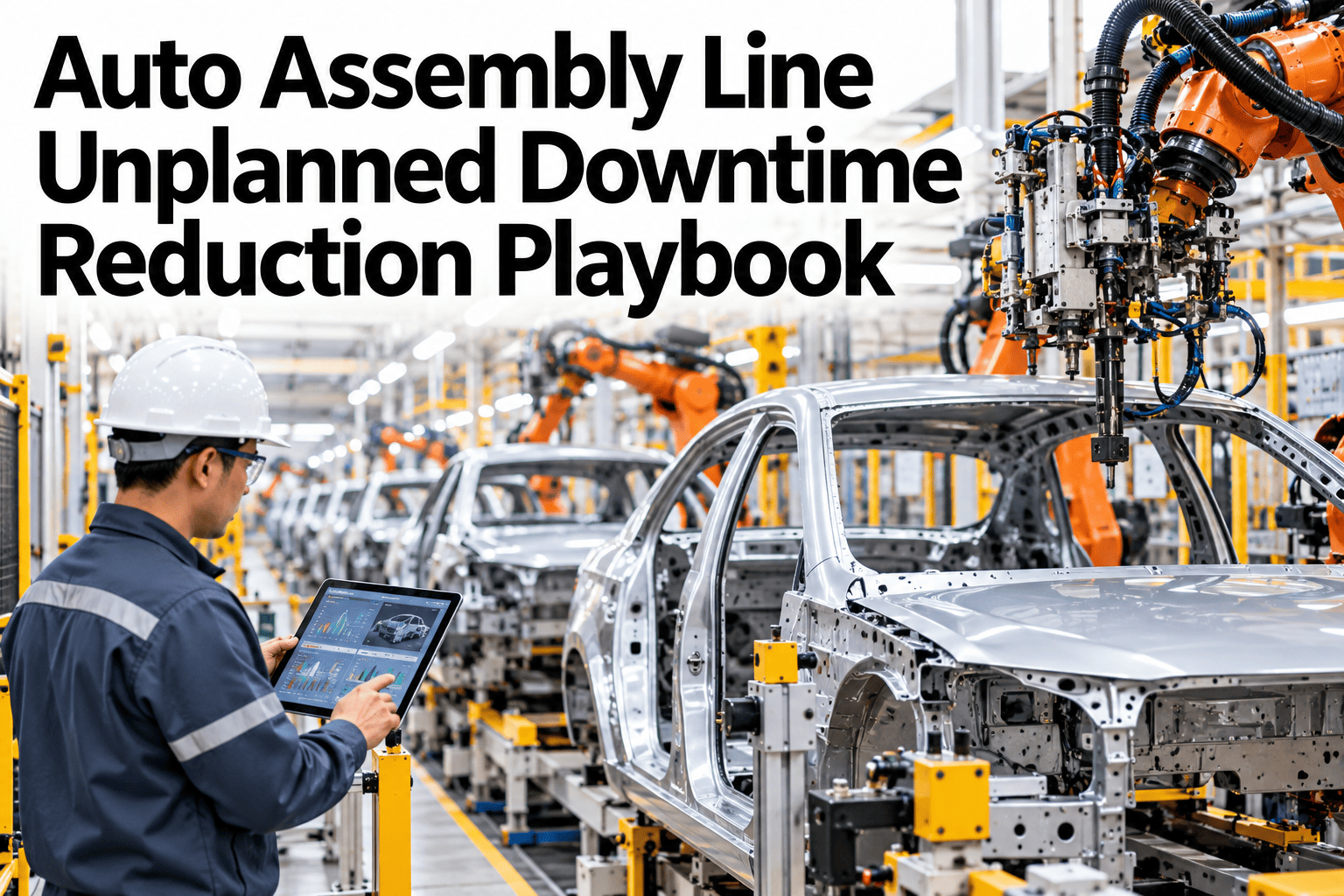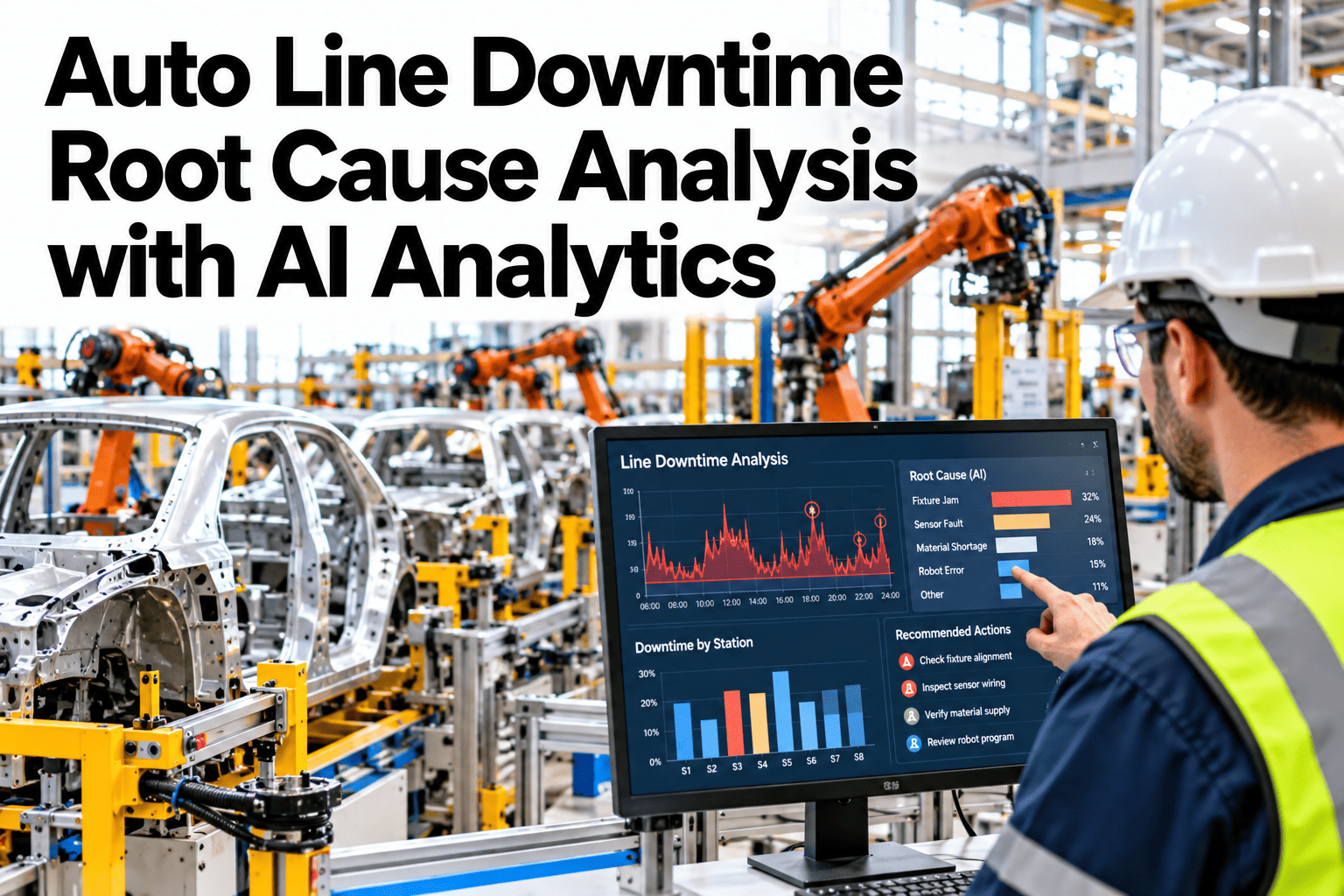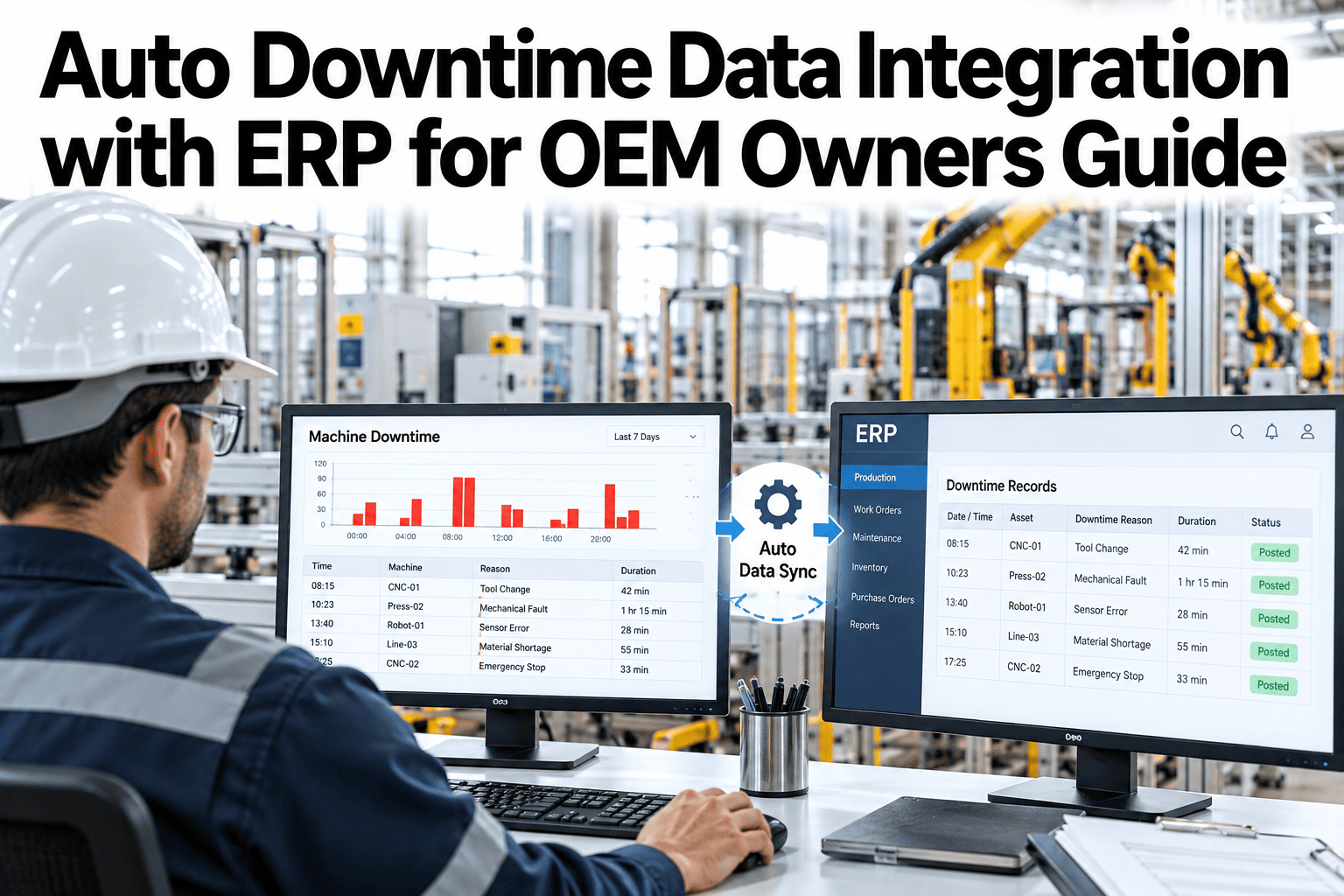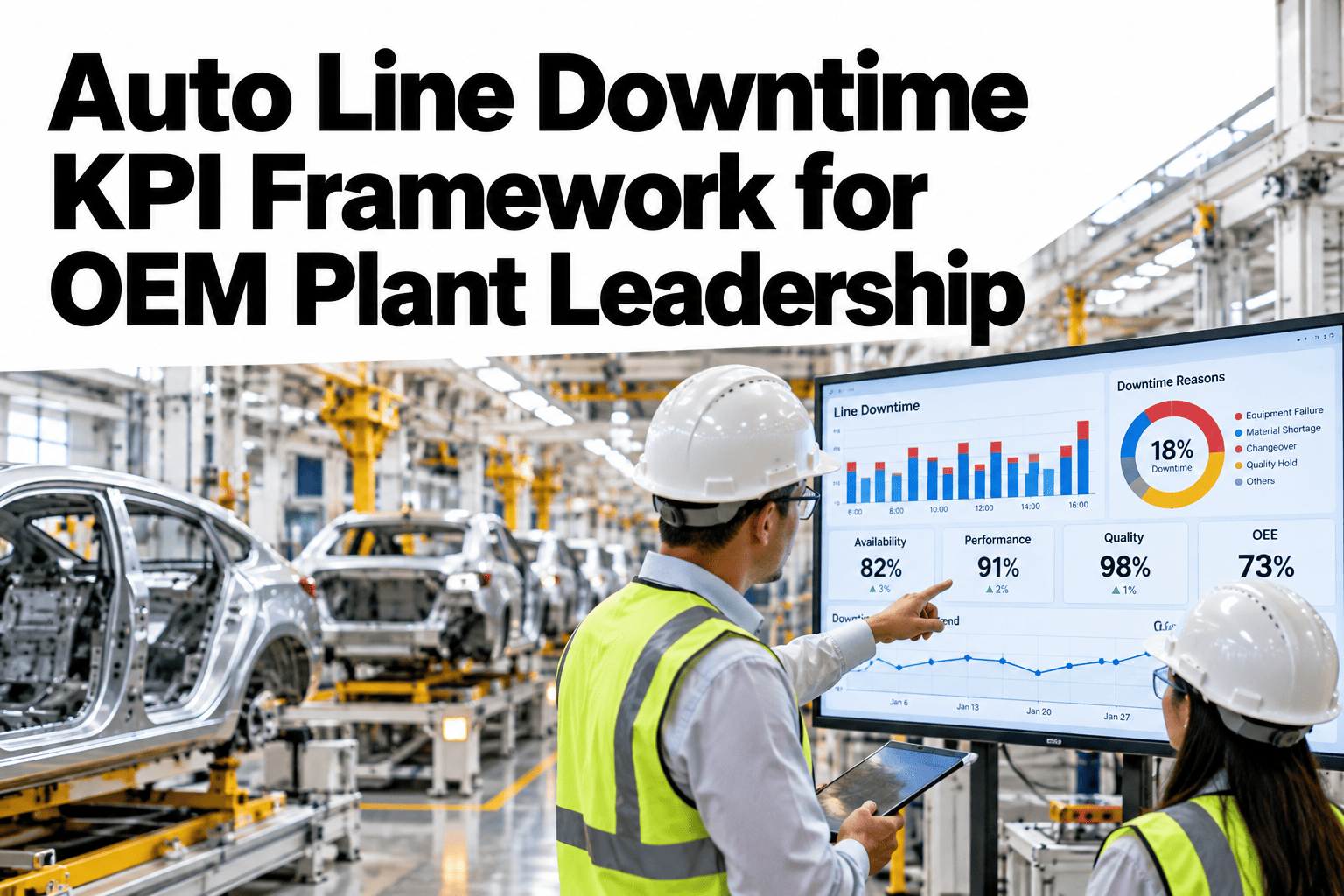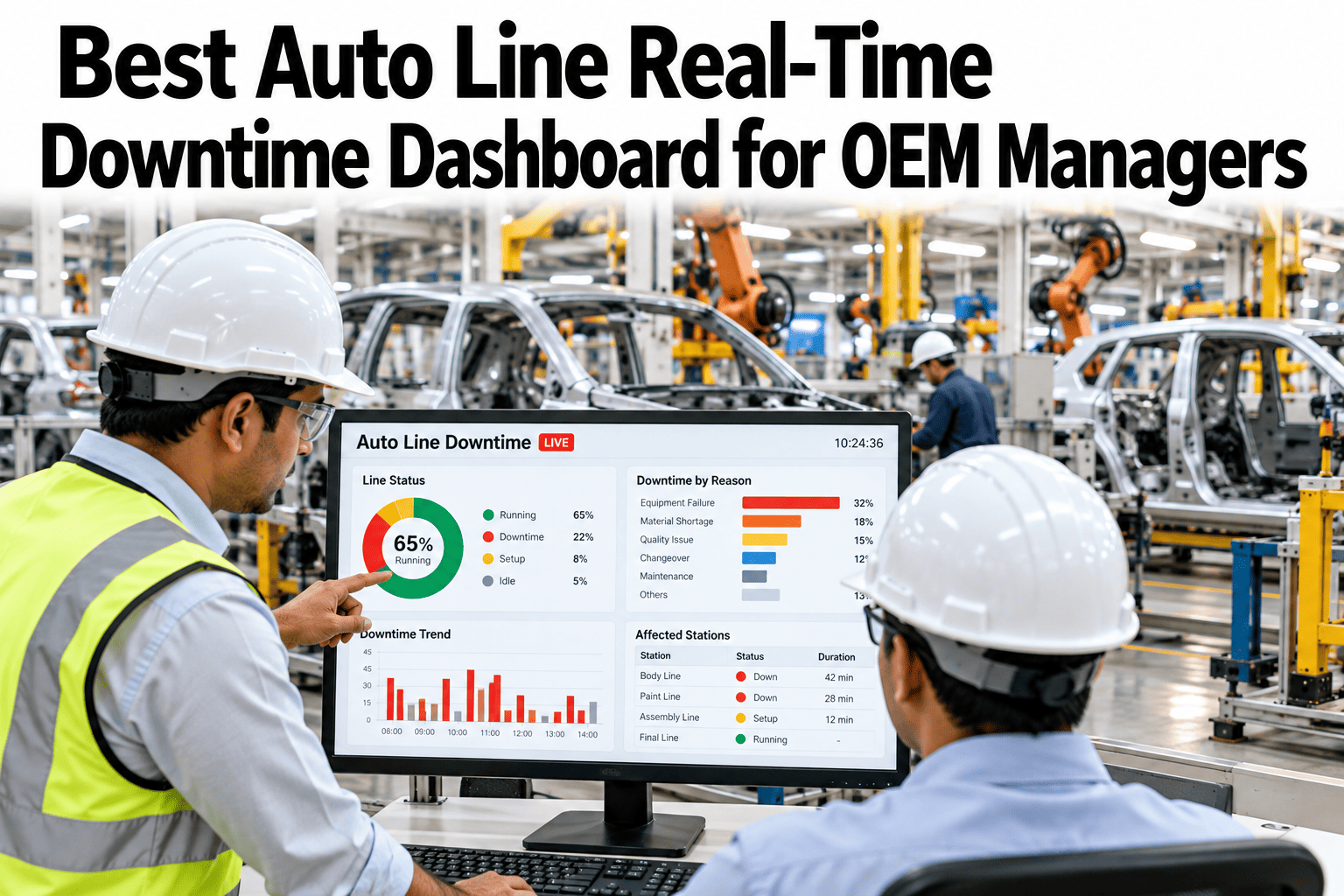
A line manager walking into a morning standup with yesterday's downtime report is already working from stale information. The report says what happened twelve hours ago, not what is happening on the line right now, and by the time a pattern shows up in a daily summary, the shift that caused it has already ended. A real-time dashboard closes that gap by surfacing events as they happen, prioritized by what actually needs attention, and managers curious what that looks like on their own line can see a live dashboard built from their own line data.
Stop Managing Yesterday's Line
iFactory AI captures downtime events live, surfaces priority issues as they happen, and compares shift performance side by side, so OEM line managers walk into standup already knowing what matters.
Why Yesterday's Report Is Always a Step Behind
A daily downtime report is built to summarize, not to catch something while it is still happening. By the time it lands in a manager's inbox, every event in it is already history, and the pattern worth acting on, a station that stopped three times in the last hour, has had an entire shift to repeat before anyone outside that station even notices.
What "Priority Issue" Actually Means
Priority is not the same as severity. A station that stops once for thirty minutes and a station that micro-stops eight times for two minutes each can show the same total downtime, but they call for very different responses, and a dashboard that only ranks by total minutes lost would treat them as equally urgent when they are not.
A real-time dashboard full of every event as it happens is not automatically more useful than a daily report, it can just be noisier. The value comes from prioritization, surfacing the handful of events that need a manager's attention right now instead of listing everything with equal weight.
Walk Into Standup Already Knowing What's Wrong
Book a 30-minute session and see how iFactory AI prioritizes live events on a line like yours instead of listing everything with equal weight.
What Gets Lost Between Shift Handoffs
A shift handoff usually relies on a verbal summary or a handwritten note, which means context gets lost every time one crew walks off the floor and another walks on. A pattern the outgoing shift noticed but did not consider urgent enough to escalate often never reaches the incoming crew at all, and the pattern simply continues uninterrupted across the handoff.
A live dashboard removes that dependency on memory and handwriting. The incoming shift sees the same prioritized view the outgoing shift was working from, with nothing lost in translation between the two, which matters most exactly when a pattern is still active and building across the shift boundary.
Shift Comparison: Where the Real Patterns Live
A single shift's downtime number rarely tells the full story on its own. Comparing shifts side by side, on the same stations, the same part mix and the same equipment, is often what reveals whether a downtime pattern is tied to the line itself or to how a particular shift runs it.
| Metric | First Shift | Second Shift | Third Shift |
|---|---|---|---|
| Micro-stops per hour | 2.1 | 2.3 | 4.6 |
| Average changeover time | 26 min | 28 min | 41 min |
| Cycle time variance | Low | Low | High |
Building the Business Case for a Live View
A dashboard proposal is easier to justify once it is framed around decisions that would have gone differently with earlier visibility, rather than around the technology itself. A manager who can point to a specific overnight pattern that went unaddressed for a full shift has a stronger case than one arguing abstractly about the value of real-time data.
Most plants build this case over a short pilot window on one or two lines, comparing how quickly priority patterns get addressed with live visibility against how long the same patterns historically sat in a daily report before anyone acted on them. That side-by-side comparison tends to make the case for expansion on its own.
From Live Event to Standup Talking Point
The goal of a real-time dashboard is not to replace the standup meeting, it is to walk into that meeting with the right questions already answered. A manager who already knows which station drove the overnight downtime spends the meeting deciding what to do about it, instead of spending the meeting figuring out what happened.
Overnight Priority Summary
A short list of what actually needs attention, waiting at shift start instead of buried in a full event log.
Shift-to-Shift Comparison
Side-by-side metrics across shifts on the same stations, so a pattern tied to a specific crew is visible immediately.
Trend, Not Just Snapshot
Each flagged station shows its recent trend line, so a manager can see whether an issue is new or has been building.
Action Routing
Priority issues route directly to the relevant team, so the standup discussion starts from an assigned owner, not a blank slate.
Building the Case for Real-Time Visibility
A dashboard proposal touches line managers, plant leadership and IT differently, and each group tends to weigh a different concern before supporting the rollout.
Avoiding Alert Fatigue
A real-time system that alerts on every deviation quickly trains its own users to ignore it, the same way a car alarm that goes off too often stops drawing attention from neighbors. The priority scoring behind a dashboard matters as much as the live data feeding it, since a dashboard a manager has learned to tune out is no better than the daily report it was meant to replace.
Thresholds tuned to each station's own baseline, rather than a single plant-wide cutoff, are what keep the signal-to-noise ratio workable over time. A station that normally runs noisy should not trigger the same alert level as a station that is usually rock steady, even if both cross the same raw number.
Where iFactory AI Fits
Building a real-time dashboard that actually prioritizes rather than just displays requires connecting live line signals, historical baselines and shift context in one place, updating continuously rather than on a daily batch cycle. iFactory AI handles that connection automatically, so what a manager sees at shift start is already filtered to what matters.
Live Event Capture
Downtime events stream in as they happen from PLC and line signals, with no daily batch delay before they appear.
Priority Scoring
Events are scored against each station's own baseline, so repeat patterns and drifting trends surface above isolated noise.
Shift Comparison Views
Side-by-side shift metrics on the same stations highlight patterns tied to a specific crew or time window automatically.
Action Routing
Flagged issues route to the relevant team with context attached, so the standup starts from an assigned next step.
A Composite Morning: From Alert to Resolved
The scenario below reflects an illustrative morning on an OEM trim line where a priority alert led directly to a resolved fix well before the daily report would have surfaced the same pattern.
Expert Review
Line managers who have switched from a daily report to a live prioritized dashboard tend to describe the same change in how their mornings go: instead of reconstructing what happened overnight, they walk in already knowing, and the standup becomes a working session instead of a status update. See how a live dashboard would have flagged your last overnight pattern in a short session.
Frequently Asked Questions
Does a real-time dashboard replace the daily downtime report?
Most plants keep both, since the daily report still supports longer-term trend review while the live dashboard handles same-shift decisions the daily report is too slow to catch. Ask how the two typically work together.
How is priority decided for the events shown first?
Each station has its own baseline, and events are scored against that baseline rather than a single plant-wide threshold, so a repeat pattern on a normally stable station gets flagged faster than routine variation on a station known to run noisy.
Can the dashboard be customized per line manager's preferences?
Yes, view and alert settings can be tuned per role, so a line manager, a plant manager and a maintenance planner each see the priority information most relevant to their own decisions. Ask how views are configured for your team structure.
What happens if the network connection to a station drops?
Events are buffered locally at the edge and synced once connectivity returns, so a brief network interruption does not create a permanent gap in the event history.
Does shift comparison require manually tagging which shift ran which hours?
No, shift boundaries are configured once during setup and applied automatically to incoming event data, so comparison views update without manual tagging for each new shift. Ask support how shift schedules are configured for lines with rotating patterns.
Give Every Shift a Live View, Not a Next-Day Report
iFactory AI captures and prioritizes downtime events as they happen. Book a walkthrough using your own line's event data.