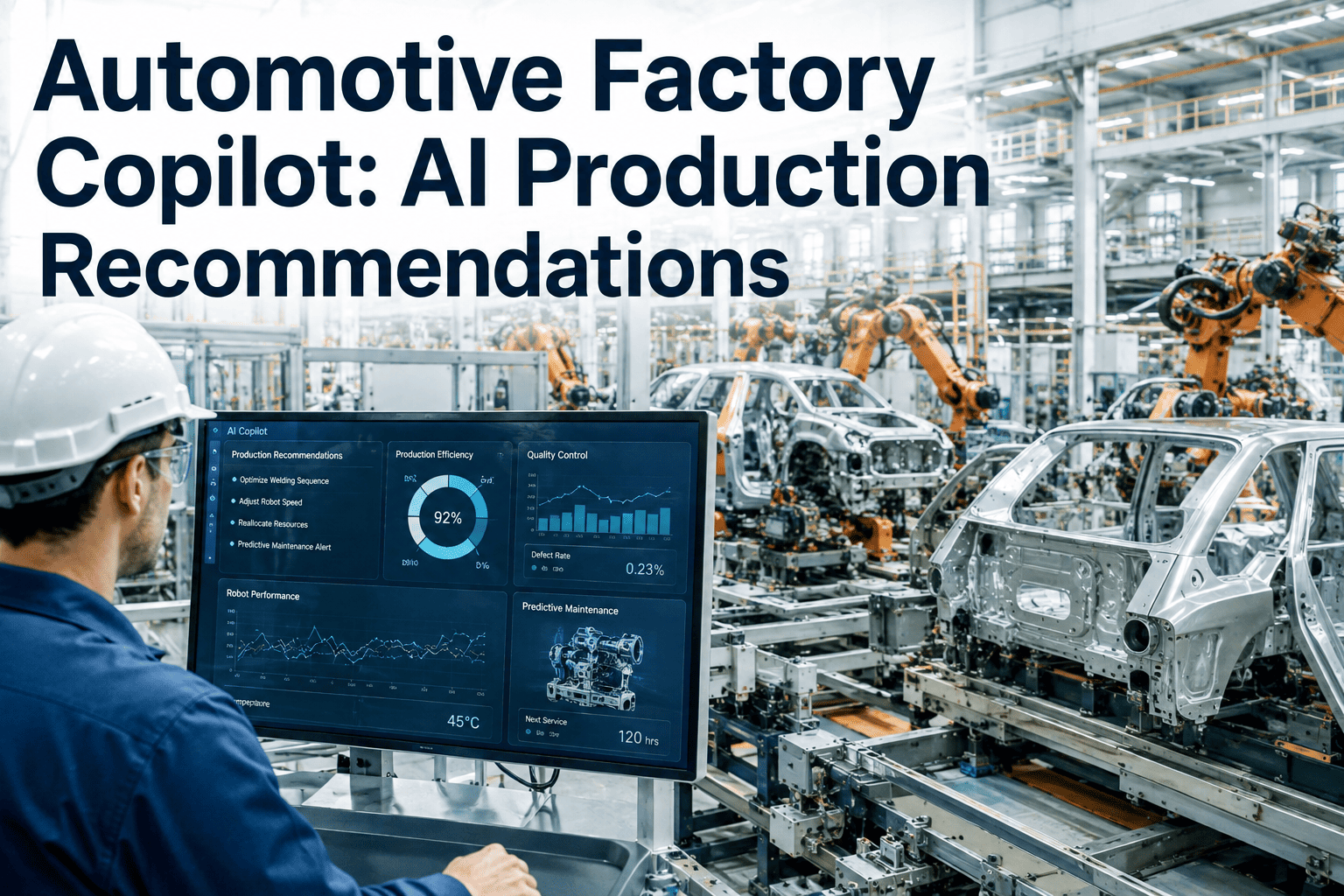
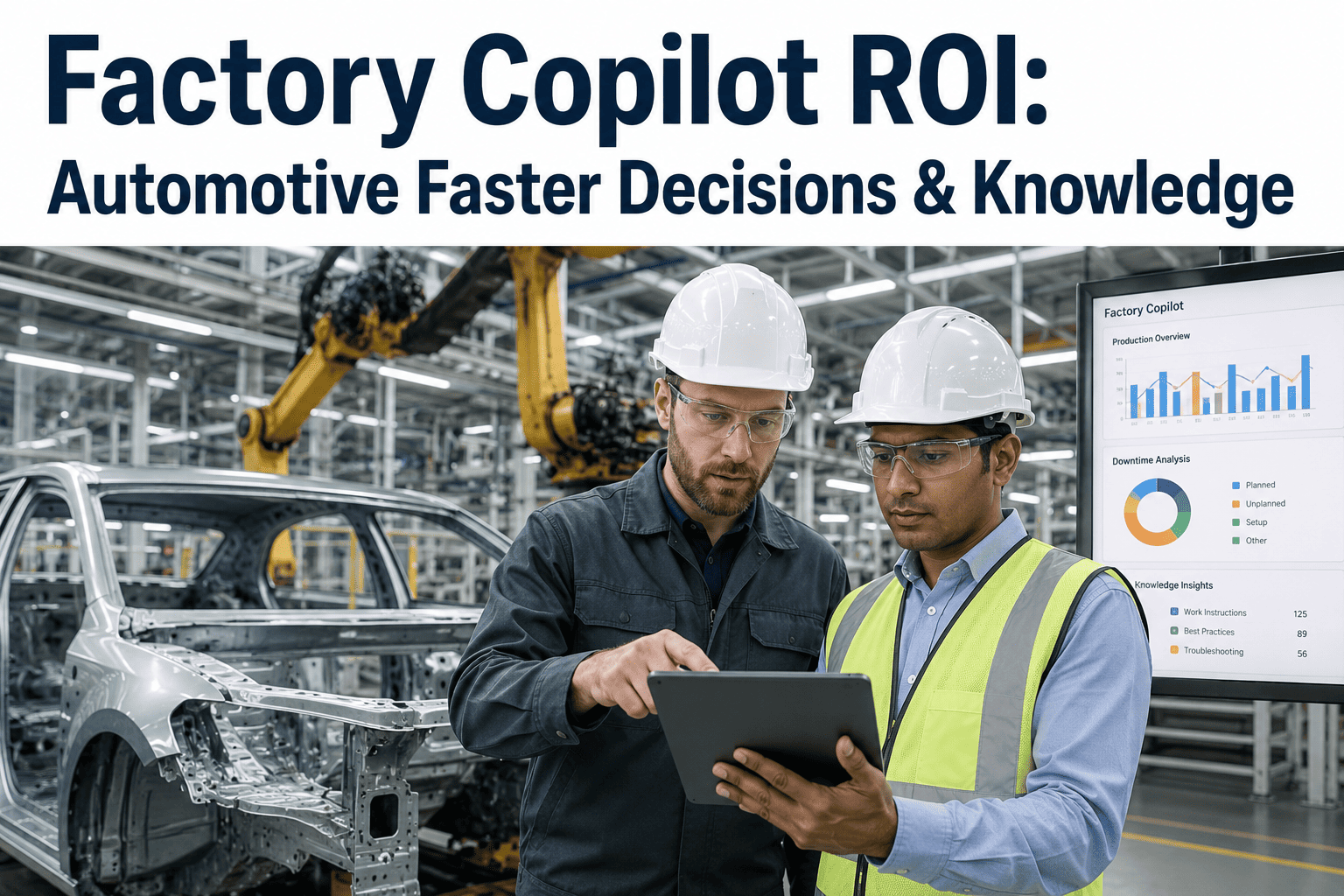
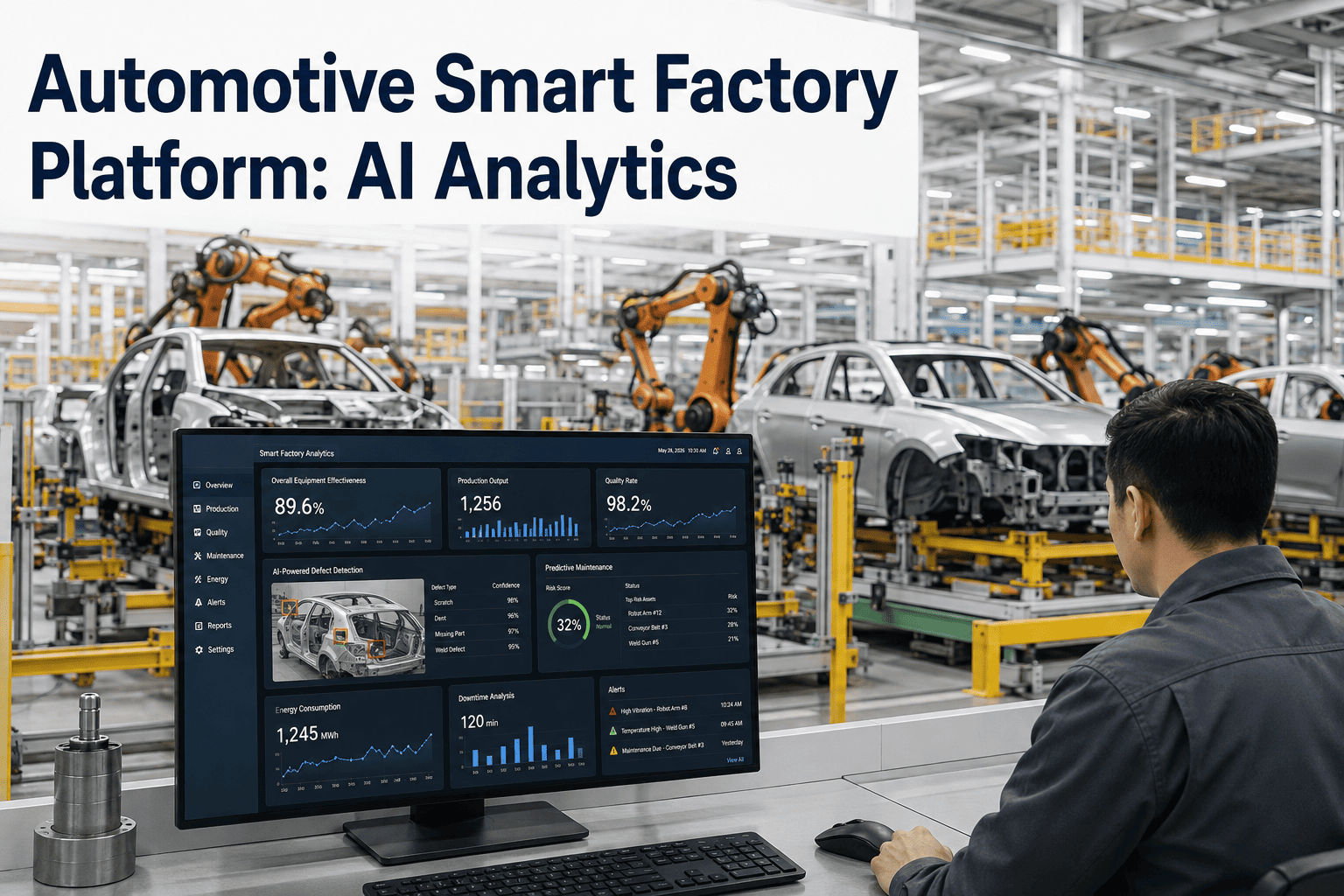
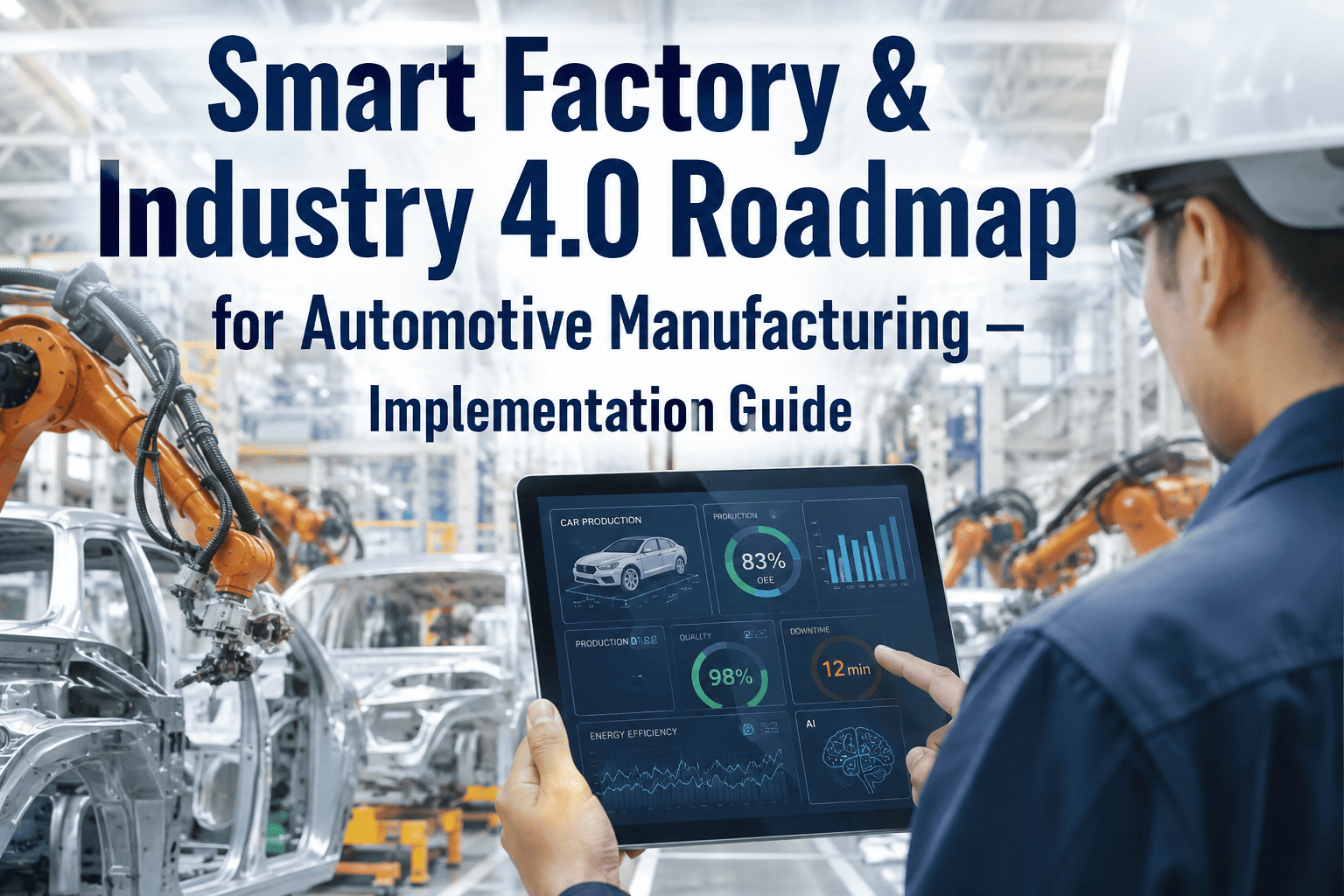
An automotive line supervisor troubleshooting a fault code today usually does one of three things: flips through a binder of SOPs, radios someone more experienced, or opens a search bar and hopes the plant's own documentation shows up before a generic result does. None of those three is fast, and on a line where downtime runs into hundreds of thousands of dollars an hour, slow is expensive. A factory copilot replaces all three with a single natural-language question typed or spoken at the point of work, answered from your plant's own manuals, historical fault logs, and live production data rather than a generic internet search. iFactory builds copilots trained on your specific automotive line's documentation and history, not a one-size-fits-all chatbot. To see one answering questions against your own plant's data, book a demo.
FACTORY COPILOT · AUTOMOTIVE · PRODUCTION AI
Ask the Question, Get the Answer, Get Back to the Line
iFactory's Factory Copilot answers operator and engineer questions in natural language, grounded in your plant's own SOPs, maintenance logs, and live production data — not a generic model guessing at your equipment.
A Typical Exchange on the Floor
Operator: Station 14 robot threw error code E-402 during the changeover. What does that mean and what do I check first?
Factory Copilot: E-402 on this robot model indicates a servo torque limit fault, most commonly caused by a misaligned end-of-arm tool after a changeover. Your plant's maintenance log shows this exact code occurred four times on Station 14 in the past six months, three of which were resolved by recalibrating the tool mounting bracket. Recommended first check: verify the EOAT alignment against the calibration jig before inspecting the servo itself.
THREE THINGS A COPILOT ACTUALLY DOES
Query, Recommend, and Troubleshoot Are Three Different Capabilities
The word "copilot" gets applied loosely across manufacturing software today, and it is worth separating what a factory copilot on an automotive line is actually doing into its three distinct capabilities, because each one solves a different problem and each one requires a different level of trust from the person using it.
01
Real-Time Query
Answering a direct question against existing documentation and data — a torque spec, a fault code meaning, a current line status — retrieved and returned in natural language rather than requiring the operator to search a manual manually.
02
Intelligent Recommendation
Going beyond retrieval to suggest a next action based on patterns in historical data — which fix resolved this fault code most often, which shift schedule minimizes changeover time given current constraints.
03
Guided Troubleshooting
Walking a technician through a multi-step diagnostic sequence interactively, adjusting the next question or instruction based on what the technician reports back at each step.
A copilot that only does the first of these three is still useful, but it is fundamentally a smarter search bar. The second and third capabilities are what start to change how quickly a line recovers from a fault, and they are also where the trust boundary between AI suggestion and human decision matters most, covered later in this article. Plants evaluating a copilot vendor should ask specifically which of the three capabilities is being demonstrated in a sales pitch, since a polished query-only demo can look deceptively similar to a system with genuine recommendation and troubleshooting depth behind it.
WHERE THE ANSWERS COME FROM
Why "Trained on Your Plant" Is the Difference That Matters
A general-purpose AI assistant answers a manufacturing question the way it answers any question, from patterns in broad internet training data. A factory copilot built correctly answers from a fundamentally different and much narrower set of sources, and that difference is what separates a genuinely useful shop-floor tool from an impressive-sounding demo that gives generic advice.
Standard Operating Procedures
Your plant's actual SOPs, indexed and searchable in natural language, so an answer reflects your documented process rather than an industry-generic best practice.
Maintenance and Fault History
The specific history of fault codes, repairs, and outcomes on your equipment, so a recommendation is grounded in what has actually worked on this line before.
Engineering Drawings and Specifications
Torque values, tolerances, and part specifications specific to the equipment and product variant currently in production, not a generic spec sheet.
Live Production and SCADA Data
Current line status, equipment state, and active work order context, so the copilot can answer questions about what is happening right now, not only what the documentation says should happen.
Keeping the copilot grounded in these sources, and only these sources, is also what makes its answers auditable. When a recommendation traces back to a specific SOP section or a specific historical repair record, a supervisor can verify it in seconds rather than having to trust a black-box suggestion on faith. This grounding also has a practical security benefit worth noting for any plant weighing a copilot deployment: keeping the system's knowledge scoped to your own indexed data means proprietary process information never needs to leave the facility to make the tool useful.
See a copilot answer questions against your own plant documentation
iFactory indexes your SOPs, maintenance logs, and live production data into a copilot that speaks your plant's language, not a generic one.
WHO ASKS WHAT
Different Roles on an Automotive Line Ask the Copilot Different Questions
A single copilot deployment typically serves several different roles on an automotive line, and the value it delivers looks different depending on who is asking. Understanding this range is useful when scoping which use cases matter most for your specific plant.
Line Operators
Fault code meanings, first-check troubleshooting steps, torque and process specs pulled instantly instead of interrupting a supervisor or digging through a binder.
Maintenance Technicians
Historical repair patterns for a specific fault, guided multi-step diagnostic sequences, and access to engineering drawings without leaving the equipment they are working on.
Production Supervisors
Current line status summaries, shift handover briefings generated automatically from sensor events and operator notes, and scheduling recommendations under changing constraints.
Quality Engineers
Correlating a specific defect pattern against recent process parameter changes or tooling swaps, surfacing the connection faster than a manual data review would.
THE TRUST BOUNDARY
What the Copilot Decides Versus What Stays a Human Call
The single most important design decision in any factory copilot deployment is not which questions it can answer, it is where the boundary sits between an AI suggestion and a human decision. Getting this boundary wrong in either direction undermines the tool — too conservative and operators stop trusting it enough to use it, too autonomous and a wrong recommendation reaches the line without anyone catching it first.
Copilot Handles Directly
Retrieving documented facts — specs, fault code meanings, procedure steps
Summarizing historical patterns and past repair outcomes
Generating shift handover summaries from logged data
Surfacing correlations between process data and quality outcomes
Requires Human Sign-Off
Any recommendation that changes a process parameter or safety interlock
Scheduling changes that affect committed production or delivery dates
Final root-cause conclusions on a quality escape or safety incident
Any action outside the scope of documented, approved procedures
This split is deliberate, not a limitation to be engineered away over time. Every recommendation a well-built copilot generates should be traceable to specific evidence — a document section, a historical record, a live data point — precisely so a human reviewer can verify it quickly rather than either blindly trusting or reflexively distrusting the system. As the copilot's track record on a given category of question builds up over months of use, some plants choose to widen the directly-handled category incrementally, but that widening is always a deliberate governance decision made by plant leadership, never a default the system drifts into on its own.
MORE EXAMPLE QUERIES
The Range of Questions a Well-Built Copilot Actually Handles
Beyond the fault-code example in the hero section, the practical range of questions a factory copilot fields on a real automotive line spans far wider than troubleshooting alone. Seeing a broader sample makes it easier to picture how the tool fits into a normal shift rather than only the crisis moments.
"What's the torque spec for the rear subframe bolts on the current build variant?"
Pulled directly from the engineering specification for the specific product variant currently running, not a generic average across all variants.
"Summarize what happened on second shift last night before I start my shift."
A generated handover summary drawn from logged sensor events, fault records, and any operator notes entered during the previous shift.
"Has Station 22 had this vibration pattern before, and what fixed it?"
A pattern match against historical sensor data and maintenance records, surfacing the specific past repair that resolved a similar signature.
"Which recent quality rejects correlate with the tooling change on Line 3 last week?"
A correlation pulled from quality data and the maintenance log's tooling change record, surfacing a connection a manual review might take hours to find.
What connects all four examples is that none of them requires the person asking to know which system holds the answer, or to translate their question into that system's specific query syntax. The copilot absorbs that translation step, which is exactly the friction that keeps people from looking things up in the first place and instead relying on memory or guesswork.
ROLLOUT PATTERN
How Successful Copilot Adoption Actually Spreads Across a Plant
A factory copilot that launches plant-wide on day one, before anyone has built trust in its answers, tends to get used sparingly if at all. The adoption pattern that consistently works instead starts narrow and expands based on demonstrated reliability, mirroring the same disciplined pilot structure that works for other shop-floor AI deployments.
1
Start With One High-Frequency Question Category
Pick the question type operators ask most often today, such as fault code lookups, and get that category answering reliably before expanding scope.
2
Pilot With a Small, Engaged Group
A handful of operators or technicians who will give direct feedback on wrong or unhelpful answers build the correction loop that improves the copilot before wider rollout.
3
Expand Question Categories Incrementally
Once the first category is reliably answering well, add the next most valuable one, rather than exposing every possible capability simultaneously.
4
Let Word of Mouth Drive Wider Adoption
Operators who see a colleague get a fast, accurate answer are far more likely to try the tool themselves than operators told to use it by a policy memo.
This pattern takes slightly longer to reach full plant-wide usage than a single big-bang rollout, but it produces a copilot that operators actually reach for during a real problem, rather than one that gets ignored after an unhelpful early answer damages trust before it had a chance to improve.
MEASURABLE IMPACT
What Changes Operationally When a Copilot Is Actually Used
The value of a factory copilot shows up less in any single dramatic save and more in the steady compounding of small time savings across hundreds of daily interactions on an automotive line running multiple shifts.
Minutes
Not Shifts, to Get an Answer
A question that once meant tracking down a specific person or searching a binder gets answered in the time it takes to type or speak it.
Faster
Mean Time to Repair
Historical fault-to-fix pattern matching gives technicians a starting point instead of a blank diagnostic slate on every repeat fault.
Retained
Tribal Knowledge
Experienced operator and technician knowledge, captured in fault history and voice notes, stays accessible to the next shift instead of leaving with retirement or turnover.
Shorter
New Operator Ramp Time
A continuously available answer source reduces how much a new hire depends on an experienced coworker's availability during onboarding.
TURNKEY DELIVERY
How iFactory Builds a Copilot Around Your Plant's Actual Systems
A factory copilot is only as good as what it is connected to. iFactory's deployment focuses on indexing your existing documentation and connecting to your live data sources correctly before the conversational layer is exposed to operators, rather than launching a polished interface with thin underlying data.
What Gets Built
SOP, manual, and engineering drawing indexing with natural-language search
Maintenance and fault history connected for pattern-based recommendations
Live SCADA and MES data integration for current-state queries
Role-specific interfaces for operators, technicians, supervisors, and engineers
Voice and text input at the point of work, including mobile and tablet
Deployment Timeline
Weeks 1–4: Documentation and data source audit, indexing pipeline setup
Weeks 5–8: Copilot training against your data, pilot with a defined operator group
Weeks 9–12: Plant-wide rollout, role-specific tuning, operator training
FREQUENTLY ASKED QUESTIONS
What Automotive Plants Ask Before Deploying a Factory Copilot
How is this different from just giving operators a general AI chatbot?
A general-purpose AI chatbot answers from broad internet training data and has no access to your plant's specific SOPs, fault history, or live production state, so it can only offer generic manufacturing advice rather than an answer grounded in your actual equipment and documented process. A factory copilot is deliberately narrowed to your plant's own indexed documentation and data, which is what makes its answers specific, accurate, and traceable back to a source a supervisor can verify. This grounding is also what keeps proprietary plant data from ever leaving your facility to train a third party's general model.
Book a demo to see the difference directly against a question specific to your line.
Can the copilot make changes to equipment or process settings on its own?
No, and this is a deliberate design boundary rather than a current limitation awaiting removal. The copilot retrieves information, surfaces patterns, and generates recommendations, but any action that changes a process parameter, safety interlock, or committed schedule requires human sign-off before it takes effect. This keeps the system firmly in the category of AI decision support rather than autonomous control, which is the appropriate posture for a shop-floor tool operating around safety-critical automotive equipment.
Contact our support team to review exactly where the trust boundary sits for your specific processes.
Our SOPs and maintenance records are scattered across paper, spreadsheets, and an old system — can those still be used?
Yes, and consolidating scattered documentation is typically the first phase of a copilot deployment rather than a blocking prerequisite. Paper SOPs get digitized and indexed, spreadsheet-based maintenance logs get connected through structured data pipelines, and legacy systems that expose an API or export capability get integrated directly. The documentation and data source audit at the start of the engagement is specifically designed to map out what exists today and what needs consolidation before the copilot can answer reliably from it.
Book a demo to walk through what your current documentation state would need.
How do we know operators will actually trust and use the recommendations?
Trust builds through traceability, not through the copilot being right every time on the first try. Every recommendation ties back to a specific SOP section, a specific historical repair record, or a specific live data point, so an operator or supervisor can verify the reasoning in seconds rather than being asked to accept a suggestion on faith. Starting with a defined pilot group rather than a plant-wide rollout also gives early adopters time to build confidence in the tool's accuracy before it becomes the default answer source for the wider floor.
Contact our support team to discuss pilot group selection for your plant.
Does deploying a copilot require replacing our existing MES or SCADA systems?
No, the copilot is designed to connect to your existing MES and SCADA systems as data sources rather than replace them, in the same way a digital twin's data layer integrates with rather than displaces the systems already running your plant. The copilot adds a natural-language interface on top of systems and documentation you already have, pulling live context from SCADA and MES rather than duplicating what those systems already do well.
Book a demo to review compatibility with your specific plant systems.
GROUNDED IN YOUR OWN DATA
Give Your Floor a Copilot That Actually Knows Your Plant
iFactory indexes your SOPs, maintenance history, and live production data into a factory copilot built for your automotive line, with clear boundaries between AI recommendation and human decision from day one.