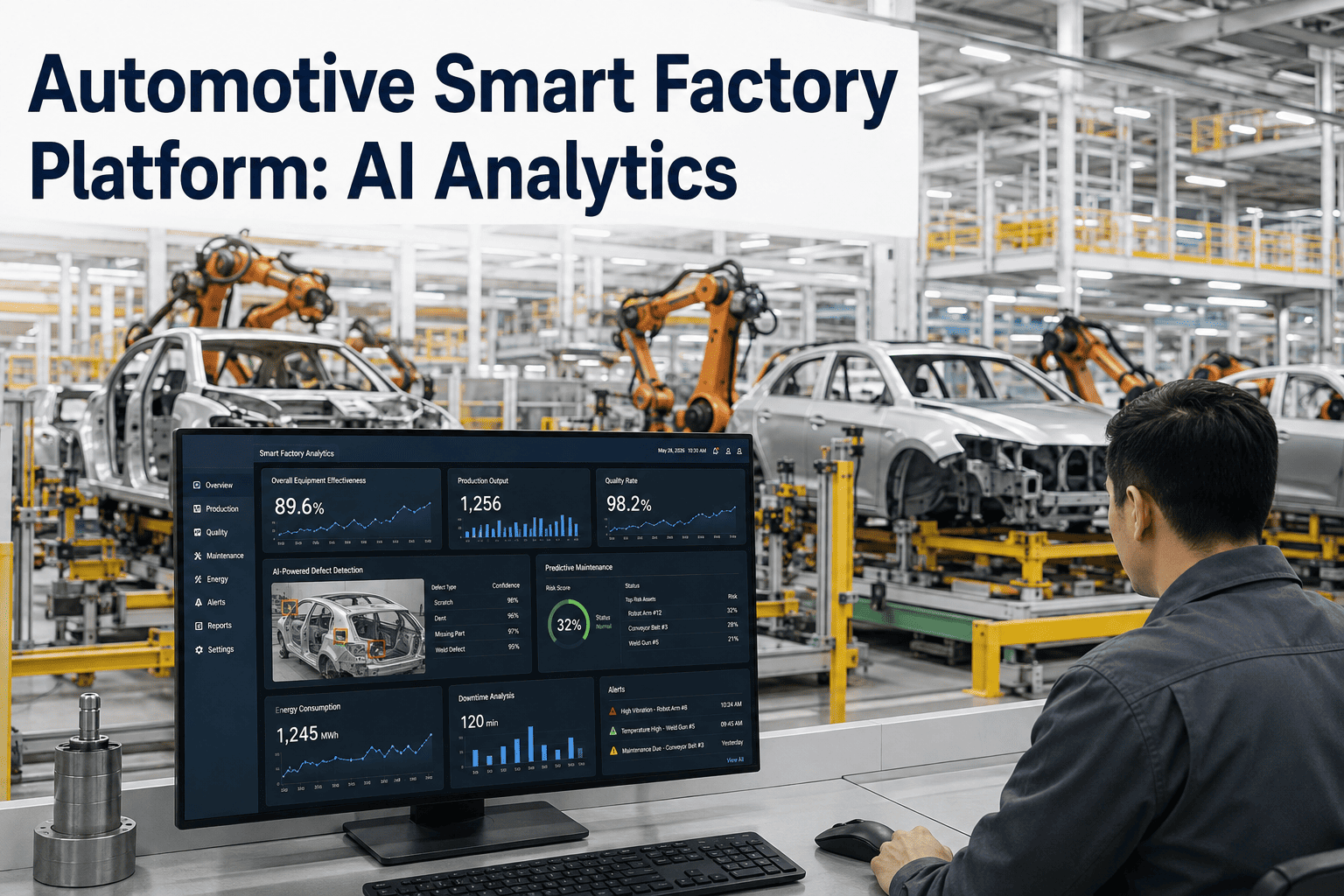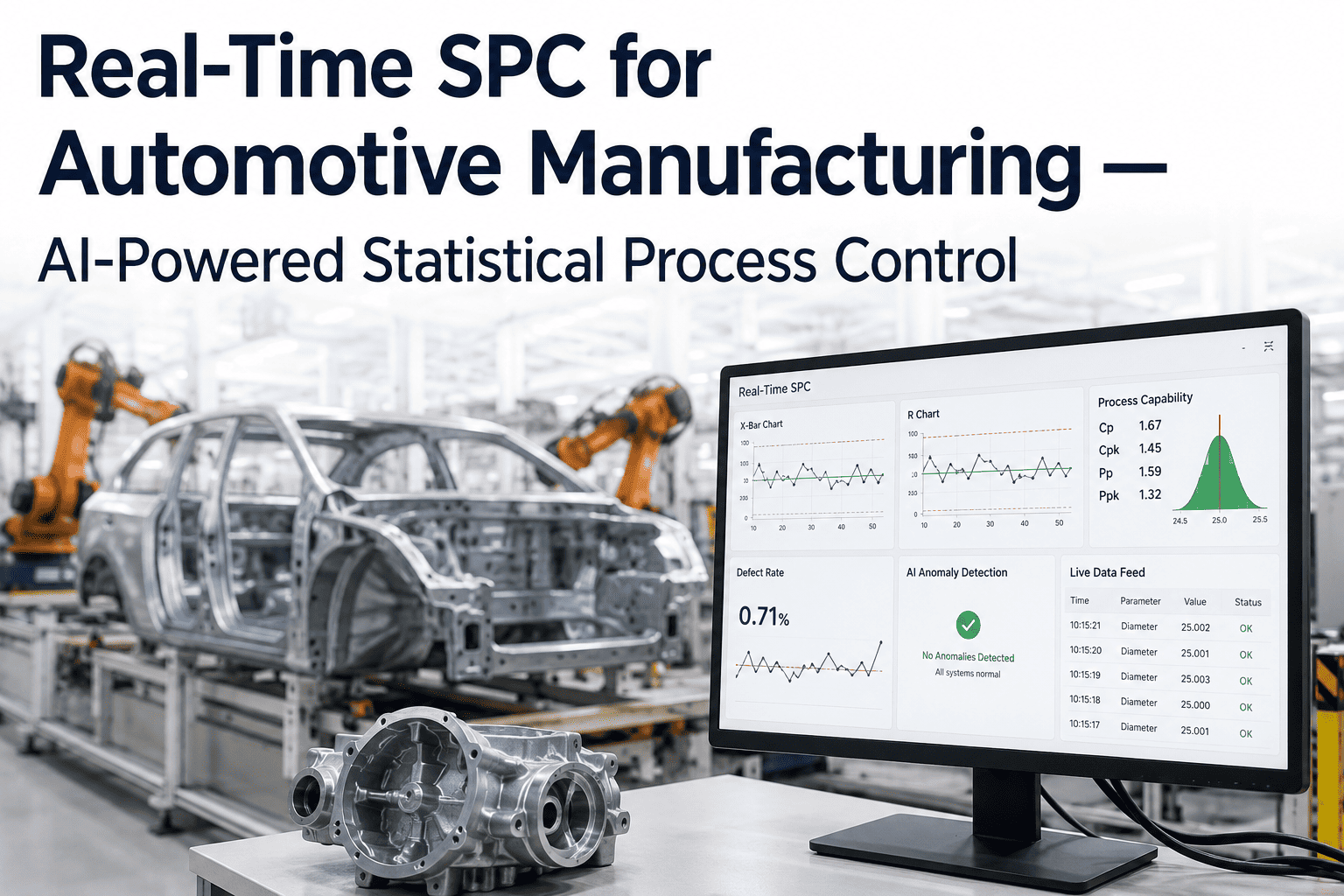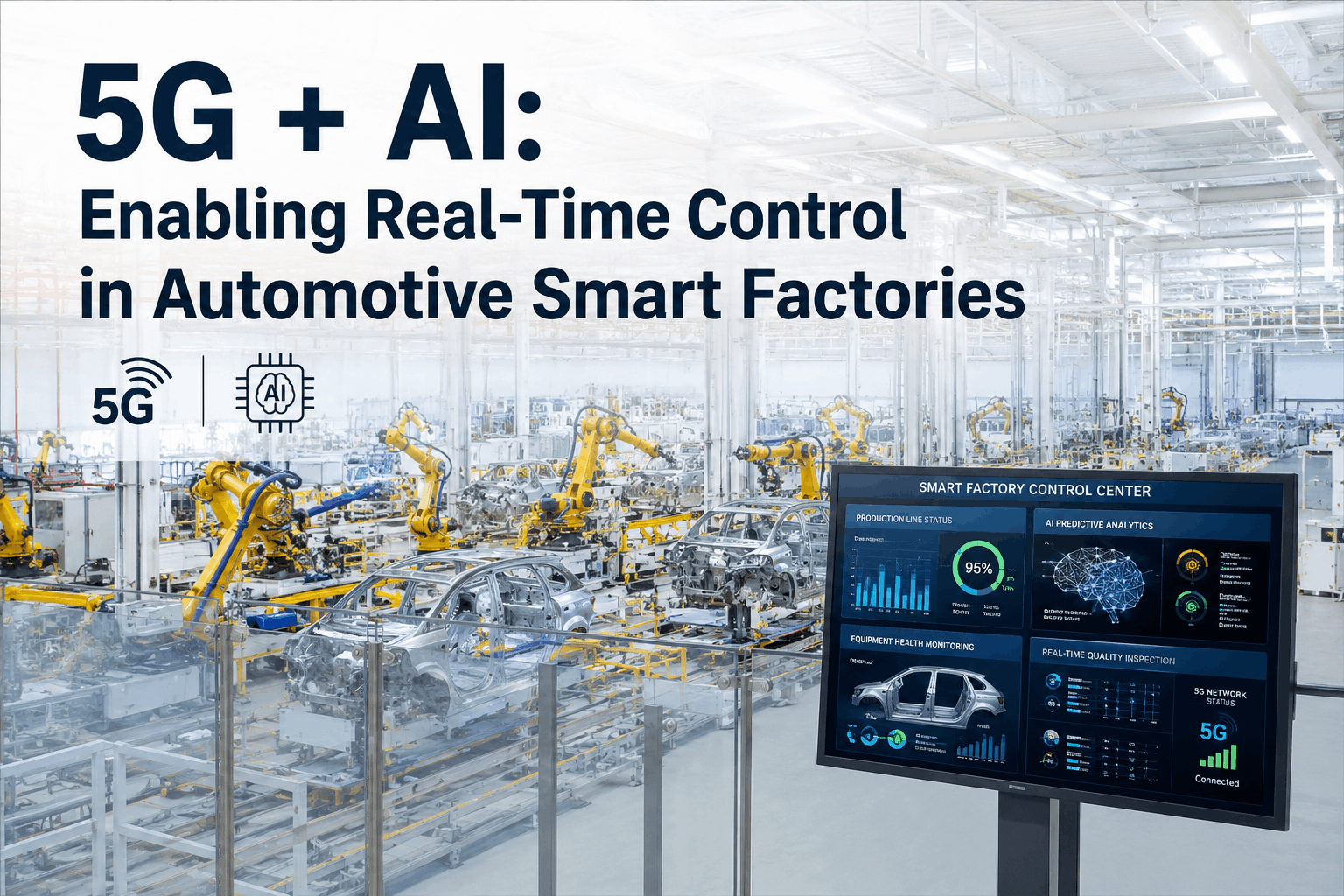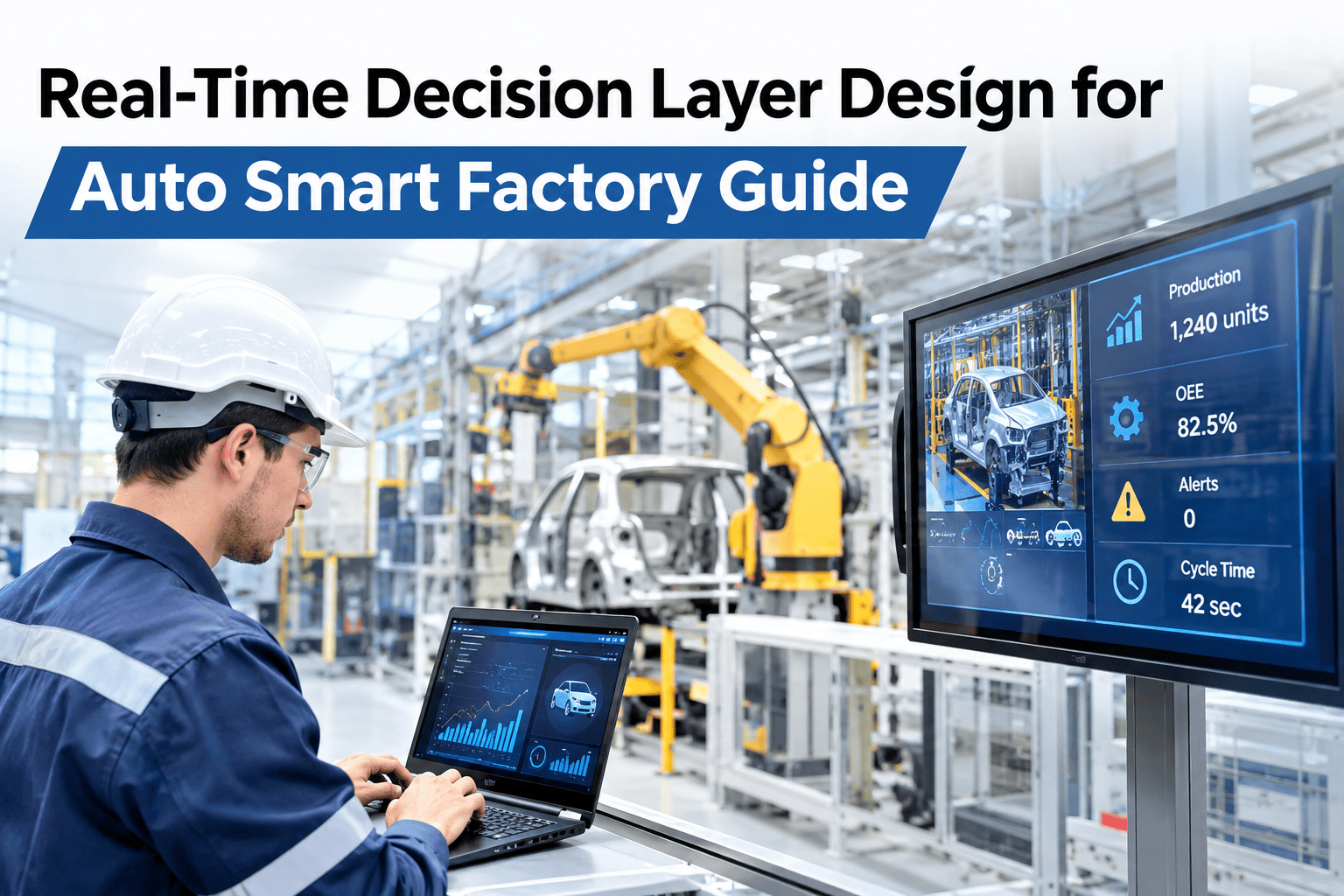
"Real-time" gets used loosely in smart factory conversations — a dashboard that refreshes every fifteen minutes gets called real-time just as often as a system that reacts within seconds. For an auto plant, that difference decides whether a decision layer catches a quality drift before it scraps a shift's worth of parts or finds out after the fact. Designing a decision layer that is actually fast enough for the problem it is meant to solve is a specific engineering choice, one auto OEM teams can work through with iFactory AI on a short architecture session.
Not Every "Real-Time" Dashboard Is Actually Fast Enough to Matter
iFactory AI designs the stream-processing, rules-engine and escalation layers needed to turn plant data into a decision while it still matters.
What "Real-Time" Needs to Mean for Your Use Case
The right latency depends entirely on how fast the problem it is catching can get worse. A quality drift that scraps one part a minute needs a different response speed than an energy trend reviewed once a shift.
The Pipeline Behind a Genuine Real-Time Decision
Check Whether Your Current Setup Is Actually Fast Enough
Walk through your current alerting latency against what your use case actually needs before investing in a bigger streaming build.
Human-in-the-Loop Escalation: When to Automate and When to Ask
| Situation | Confidence | Recommended path |
|---|---|---|
| Safety-critical stop | High | Automatic action, logged for review |
| Quality drift, established pattern | High | Automatic alert, operator confirms action |
| Quality drift, new or rare pattern | Lower | Operator reviews before any action |
| Trend review, non-urgent | N/A | Included in shift or daily report |
A Composite Scenario: The Alert That Arrived Too Late to Matter
A plant's quality drift alert was technically automated, but it pulled from a dashboard that refreshed every twenty minutes, so by the time an operator saw the alert, a full batch of parts downstream had already been made under the drifted condition. Rebuilding the same check as a streaming rule that evaluated each part as it was measured, rather than waiting for the next refresh cycle, cut the detection delay from twenty minutes to under thirty seconds — the difference between catching a drift at the first few parts versus an entire batch, a distinction iFactory AI's team can help assess in your current alerting setup.
The Cost of Building Streaming Infrastructure for the Wrong Use Case
Streaming infrastructure is not free to build or maintain, and plants that apply it everywhere regardless of actual need often end up with a complex system that is harder to troubleshoot than the batch process it replaced. Matching the investment to the actual cost of delay keeps the architecture proportional — heavy infrastructure where seconds matter, simpler polling where they genuinely do not.
This distinction is also what keeps a decision layer trustworthy to operators. A system that triggers too many low-stakes real-time alerts trains people to ignore notifications, which defeats the purpose the moment a genuinely urgent one arrives.
How Confidence Scoring Should Change Over Time
A newly deployed decision layer should route more decisions to a person than it will a year later, simply because the model has not yet proven itself against enough real conditions. As confidence builds through a track record of correct recommendations, the automation threshold can be loosened gradually — but that shift should be earned through evidence, not assumed on day one.
Frequently Asked Questions
Build a Decision Layer Fast Enough to Actually Help
iFactory AI designs streaming, rules and escalation layers matched to how fast each problem actually needs a response. Book a walkthrough with your own data.