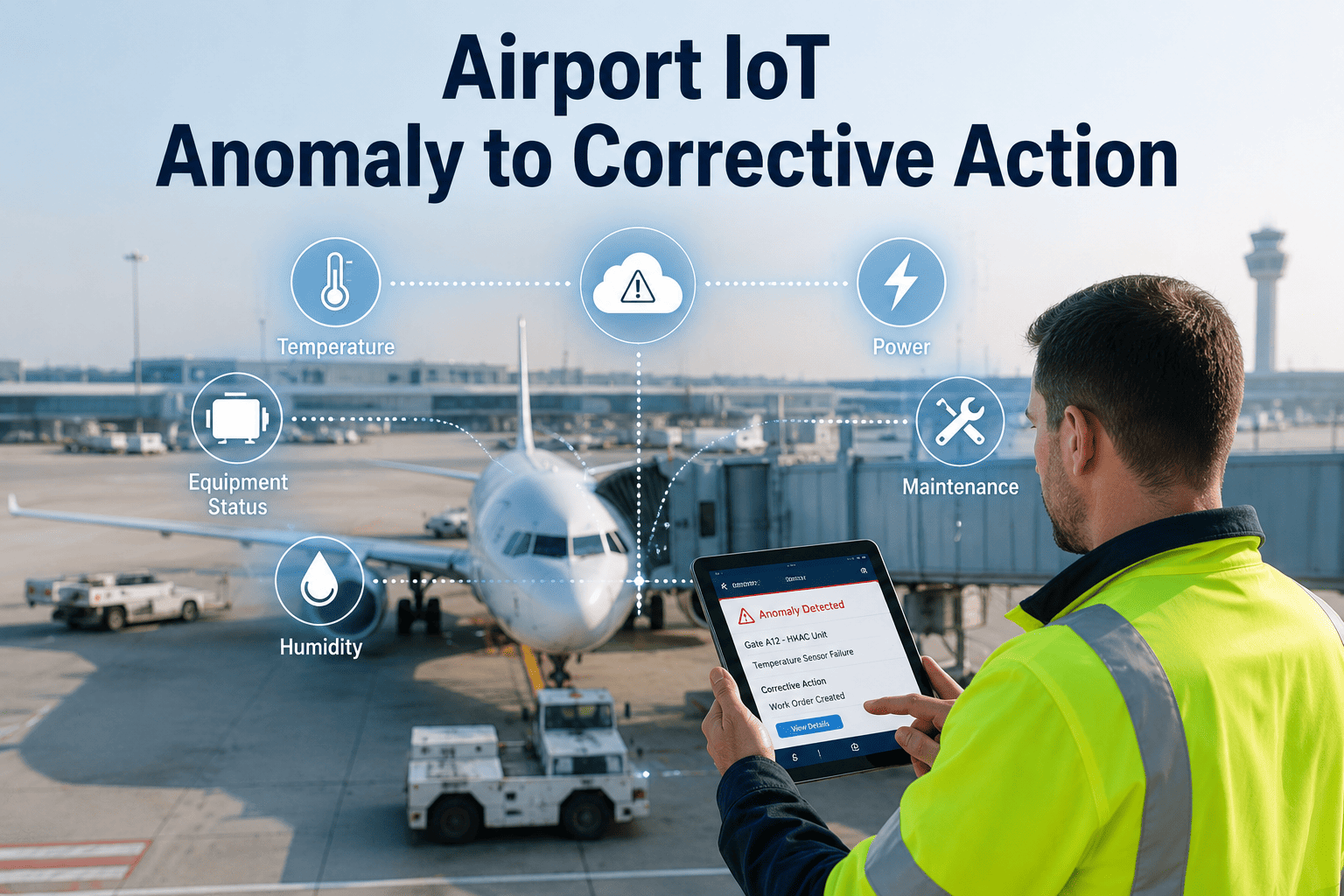
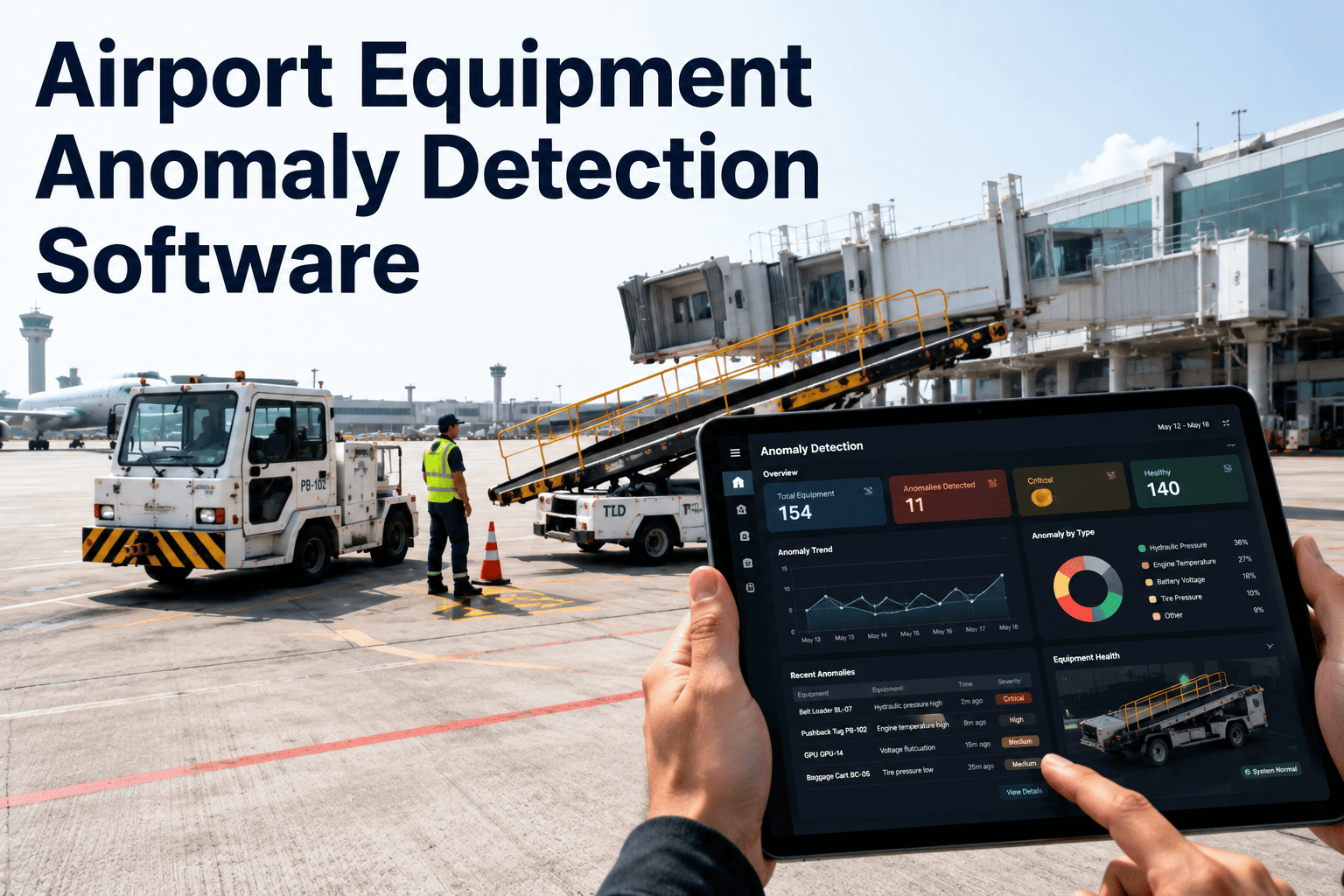
An airport's IoT sensors are quietly doing their job. A vibration sensor on a baggage belt motor flags a drift outside its normal band, a current sensor on a jet bridge drive picks up a load spike, a temperature probe in a switchgear cabinet logs a slow climb. Every one of these anomalies gets captured, timestamped, and stored somewhere in a dashboard nobody checks until the asset actually fails. The sensor did its job. Nobody built the path from that flag to a technician standing in front of the equipment with a work order in hand. iFactory closes that path automatically, turning every detected anomaly into an owned, escalated, evidence-backed corrective action instead of a data point that sits unread, and you can book a demo to see it running against your own sensor feeds.
DISCONNECTED IOT TO ACTION · AIRPORT MAINTENANCE · AUTOMATED ESCALATION
Every Anomaly Detected Is a Ticket Waiting to Happen, Not a Dashboard Waiting to Be Checked
iFactory converts airport IoT anomalies into tracked corrective actions automatically, assigning ownership, escalating by severity, capturing evidence, and confirming closure before the loop is considered done.
THE DETECTION-TO-ACTION GAP
Where Airport IoT Anomalies Actually Go After They're Flagged
Most airport IoT deployments were sold and installed as detection projects, not action projects, so the sensor network is often excellent at spotting deviations and comparatively weak at making sure anyone does something about them. The funnel below reflects a pattern seen across baggage, GSE, HVAC, and electrical sensor deployments: a large volume of anomalies gets detected, a much smaller share ever gets reviewed by a person, fewer still get formally assigned to a technician, and only a fraction reach a documented, verified close.
Assigned to a Technician
34%
Closed With Verified Evidence
19%
The pattern illustrated here is not a technology failure, the sensors are working exactly as designed. It's a process failure, because nothing in most deployments forces an anomaly to keep moving once it's been detected. Every gap in that funnel represents an anomaly that a sensor correctly caught and a team never acted on until the underlying fault became a full breakdown, a safety incident, or a compliance finding.
WHY ANOMALIES STALL
The Four Places a Flagged Anomaly Quietly Dies
No Assigned Owner
An anomaly lands in a shared dashboard or alert feed with no specific person responsible for reviewing it, so it becomes everyone's responsibility and therefore no one's.
No Escalation Path
If the assigned reviewer doesn't act within a reasonable window, nothing automatically pushes the anomaly to a supervisor, so it simply ages in place until someone happens to notice.
No Evidence Trail
Even when a technician does investigate, there's often no structured place to log what was found, what was done, or what readings confirmed the issue was resolved.
No Closure Verification
A work order gets marked complete based on a technician's word alone, with no sensor confirmation that the underlying anomaly actually returned to normal range.
THE CLOSED-LOOP MODEL
Five Stages That Turn a Sensor Flag Into a Verified Fix
Closing the detection-to-action gap requires a defined path that an anomaly moves through automatically, with each stage handing off to the next rather than depending on someone remembering to check a screen. The five stages below describe how iFactory routes every anomaly from the moment a sensor threshold is crossed to the moment the fix is confirmed.
1
Detect
A sensor reading crosses a defined anomaly threshold, whether that's a vibration spike, a temperature drift, a current draw outside normal range, or a repeated fault code.
→
2
Escalate
The anomaly is scored by severity and routed to the correct team, with automatic escalation to a supervisor if the initial owner doesn't act inside the defined window.
→
3
Assign
A specific technician is assigned ownership with the anomaly context attached, including the sensor reading, asset history, and any related prior alerts.
→
4
Capture Evidence
The technician logs findings, photos, and readings directly against the anomaly record, building a documented trail of what was found and what was done about it.
→
5
Verify Close
The triggering sensor reading is checked against its normal range before the anomaly is marked resolved, confirming the fix worked rather than accepting a technician's note alone.
SEVERITY AND ESCALATION
How Anomaly Severity Determines the Escalation Path
Not every anomaly deserves the same response speed, so the escalation logic needs to route safety-relevant and asset-threatening anomalies faster than minor deviations that can wait for a routine review. The table below outlines a typical severity structure applied across airport IoT anomaly types.
See Where Your Own Anomalies Are Falling Through the Gap
iFactory can map your current IoT alert volume against how many actually reach a documented, verified close, showing exactly where the loop is breaking today.
MANUAL VS AUTOMATED CLOSED-LOOP
What Changes When the Loop Closes Itself
A manually managed alert process depends on someone consistently checking a dashboard, remembering to follow up, and manually confirming resolution, all of which compete against the dozens of other tasks running during a shift. An automated closed loop keeps every anomaly moving on its own until it reaches a verified close, regardless of how busy the team handling it happens to be that day.
CASE SCENARIO
What Happens to a Baggage Motor Vibration Alert With and Without a Closed Loop
Before the Loop Closes
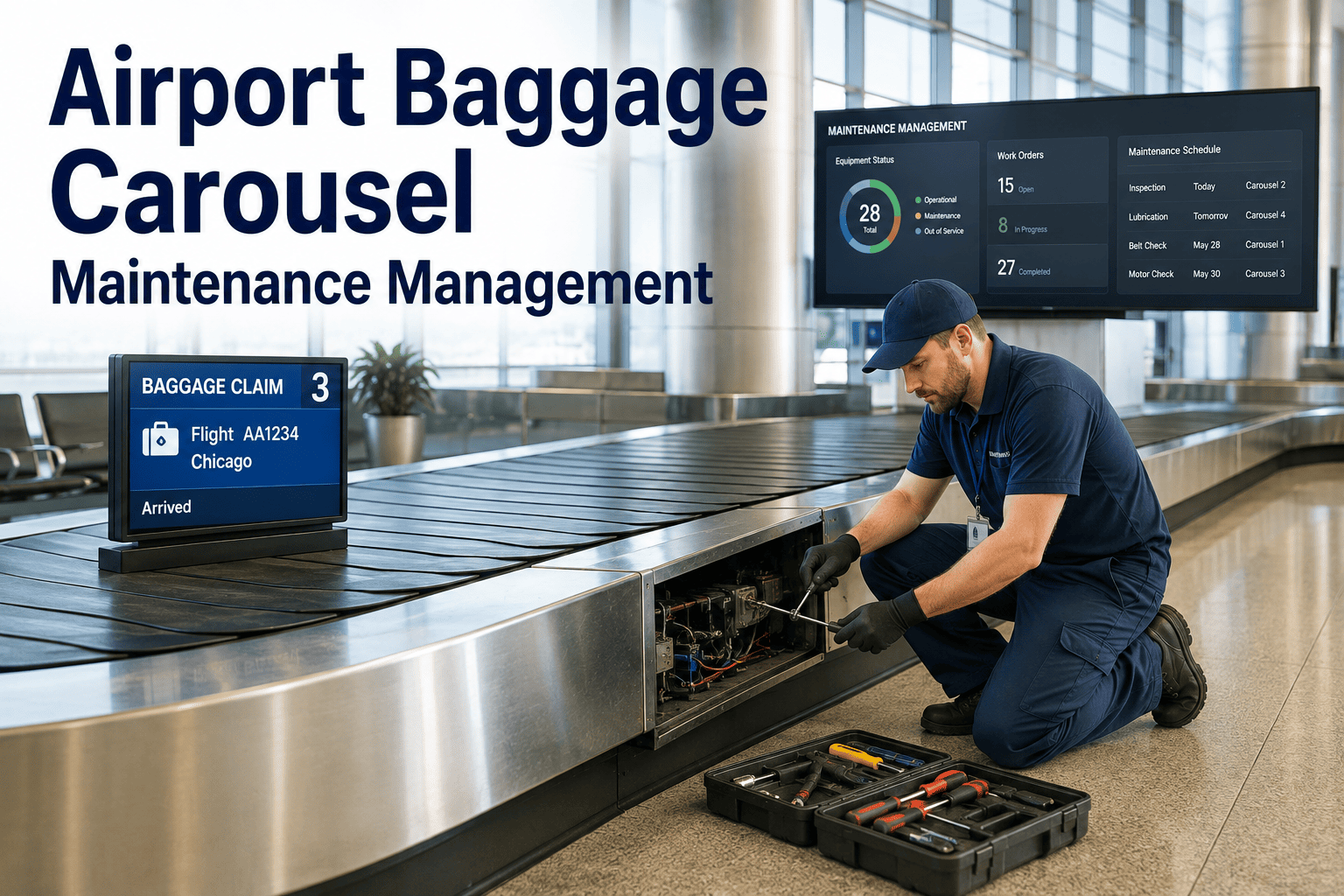
A vibration sensor on a baggage conveyor drive motor flags a reading outside its normal band on a Tuesday morning. The alert appears in a dashboard alongside dozens of others, gets glanced at, and is left open with no owner assigned. Three weeks later the motor fails mid-shift during a high-volume arrival bank, taking the belt offline and forcing manual bag handling until a replacement motor arrives.
After the Loop Closes
The same vibration reading triggers an automatic assignment to the mechanical team lead, who acknowledges it within the hour. A technician inspects the motor, logs bearing wear findings and photos against the alert, and schedules a bearing replacement during a low-traffic window. The follow-up vibration reading confirms the fix before the ticket is marked closed, and the belt never goes down mid-shift.
GETTING STARTED
What It Takes to Connect Your Existing Sensors to a Closed Loop
Closing the loop doesn't require replacing your current IoT sensor investment, it requires connecting the alerts those sensors already generate to a structured ownership, escalation, and evidence process. The checklist below outlines what most airport maintenance teams put in place before their first closed-loop rollout.
Inventory Current Sensor Feeds
List every IoT sensor source currently generating alerts, including baggage, GSE, HVAC, and electrical monitoring systems, and confirm each one's alert format.
Define Severity Thresholds
Agree on which readings count as critical, high, medium, or low severity for each asset type, so escalation timing matches actual operational risk.
Assign Default Owners by Asset Type
Set a default responsible team or role for each equipment category, so every new anomaly has somewhere to land immediately rather than sitting unassigned.
Pilot on One Sensor Category First
Start the closed loop on a single sensor type, such as baggage motor vibration or electrical thermal monitoring, before extending it across the full sensor network.
FREQUENTLY ASKED QUESTIONS
Questions Airport Teams Ask About Closing the IoT Action Gap
We already have IoT sensors installed. Does closing the loop require new hardware?
In most cases, no new hardware is required, since the gap being closed sits between the alert your existing sensors already generate and the work order process that should follow it, not in the sensing layer itself. iFactory connects to the alert feeds your current sensors produce and adds the ownership, escalation, evidence, and closure verification structure around them, so the sensor investment you've already made starts producing tracked action instead of unread dashboard entries.
Book a demo to see how your current sensor feeds connect into a closed-loop process.
How is auto-escalation different from just setting up email alerts to a supervisor?
A basic email alert notifies someone once and then relies entirely on that person to act, with nothing tracking whether they did or automatically pushing the issue further if they didn't. Auto-escalation in a closed loop continuously tracks whether the assigned owner has acknowledged and acted on the anomaly within its defined response window, and if they haven't, it automatically routes the item to a supervisor or backup owner rather than leaving it silently unread in an inbox.
Contact our support team to see the escalation logic applied to a real anomaly example.
What counts as evidence, and why does it matter if the technician already fixed the problem?
Evidence includes the technician's written findings, photos of the affected component, and any follow-up readings taken during or after the repair, all logged directly against the original anomaly record rather than left as a verbal report. This matters because a documented trail lets a supervisor, auditor, or future technician understand exactly what was found and done without having to track down whoever handled the original ticket, and it turns a one-off fix into a searchable pattern if the same issue recurs on that asset.
Book a demo to see how evidence capture attaches to an anomaly record in practice.
Can closure verification actually check that a fix worked, or does it just track that a ticket was closed?
Closure verification is built specifically to check the underlying condition, not just the paperwork, by comparing the original triggering sensor reading against its normal range after the repair is logged as complete. If the vibration, temperature, current draw, or other monitored value hasn't actually returned to an acceptable range, the anomaly stays open regardless of what the technician marked, which prevents a fix from being recorded as successful when the underlying issue is still developing.
Contact our support team to review how verification works for your specific sensor types.
How quickly can a closed-loop process be set up across a large, mixed sensor environment?
Most teams start with a single sensor category, such as baggage motor vibration or electrical thermal monitoring, get the ownership and escalation rules tuned correctly, and then extend the same structure to additional sensor types once the initial category is running smoothly. This staged approach usually takes a matter of weeks for the first category rather than months, since it's building a process around alerts you're already generating rather than deploying new sensing infrastructure from scratch.
Book a demo to discuss a rollout sequence that fits your current sensor mix.
Stop Letting Detected Anomalies Sit Unread
iFactory turns every airport IoT anomaly into an owned, escalated, evidence-backed corrective action with verified closure. Book a demo to see the full detect-to-close loop running on your own sensor data.