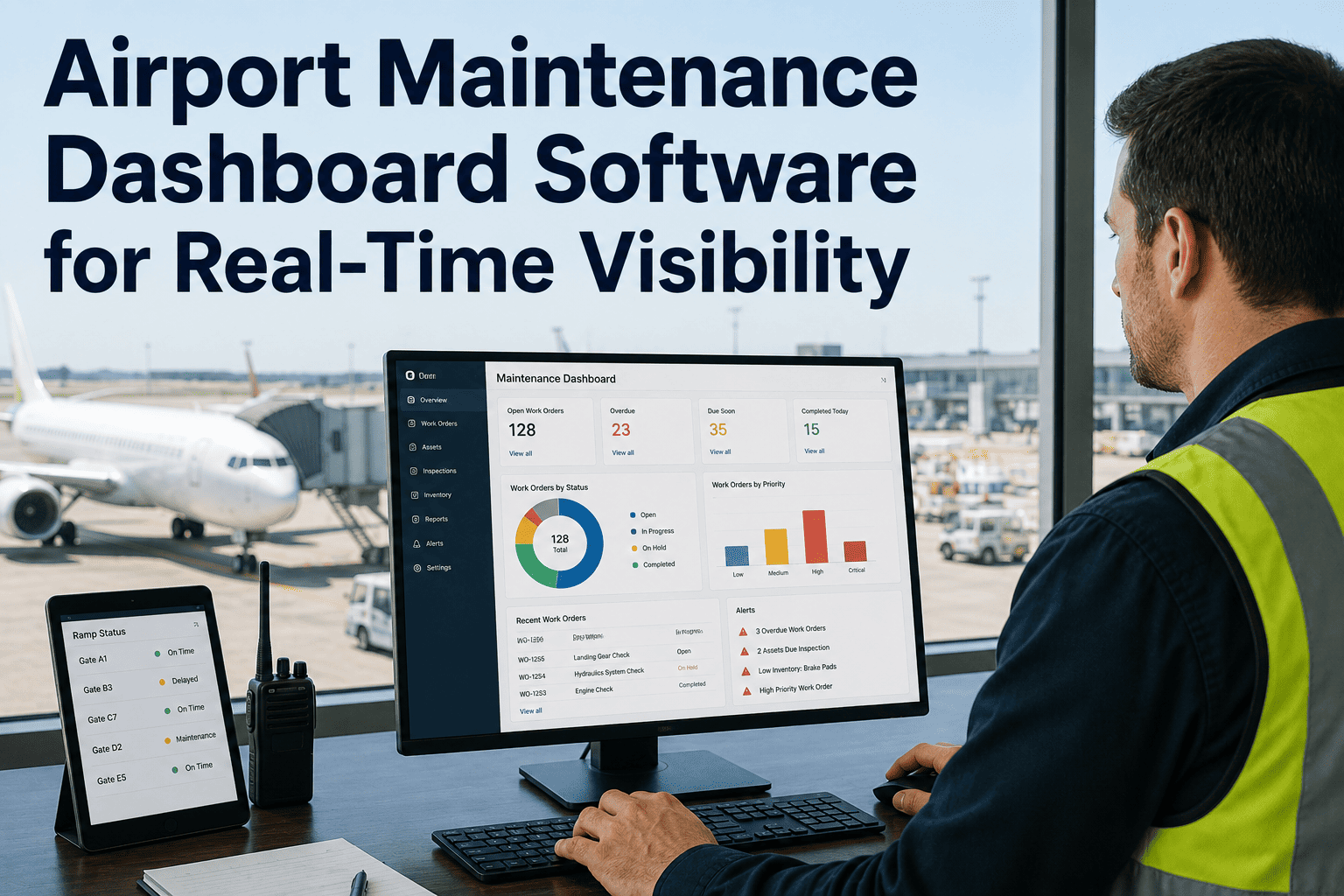
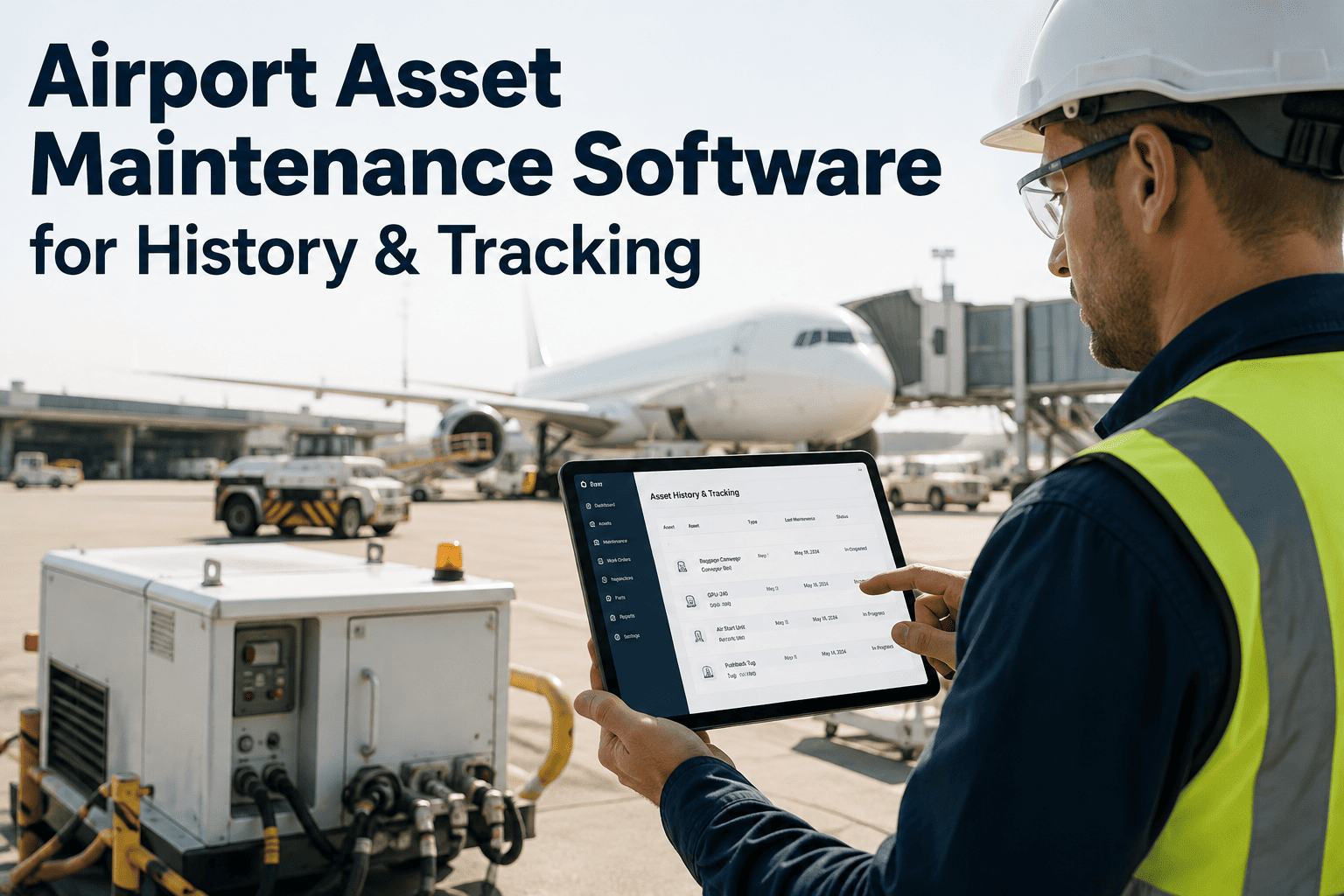
An airport asset touches more hands than almost any other piece of infrastructure — an airline's ground handling crew notices a jet bridge acting up, the airport's own facilities team owns the work order, a third-party maintenance contractor does the repair, and none of the three is looking at the same system. Ask five people at a mid-size airport where a specific piece of equipment stands today and it is common to get five different answers, each pulled from a spreadsheet, an email thread, or a system that only one stakeholder can see. That fragmentation is not a minor inconvenience; it is the reason repeat failures go unnoticed, repairs get duplicated, and airlines find out about an equipment issue only after it has already delayed a turn. A shared dashboard that gives every stakeholder role-appropriate visibility into asset health, inspections, and open work orders replaces five disconnected pictures with one — details on rollout are available at iFactory support.
Unified Visibility · Airport Operations
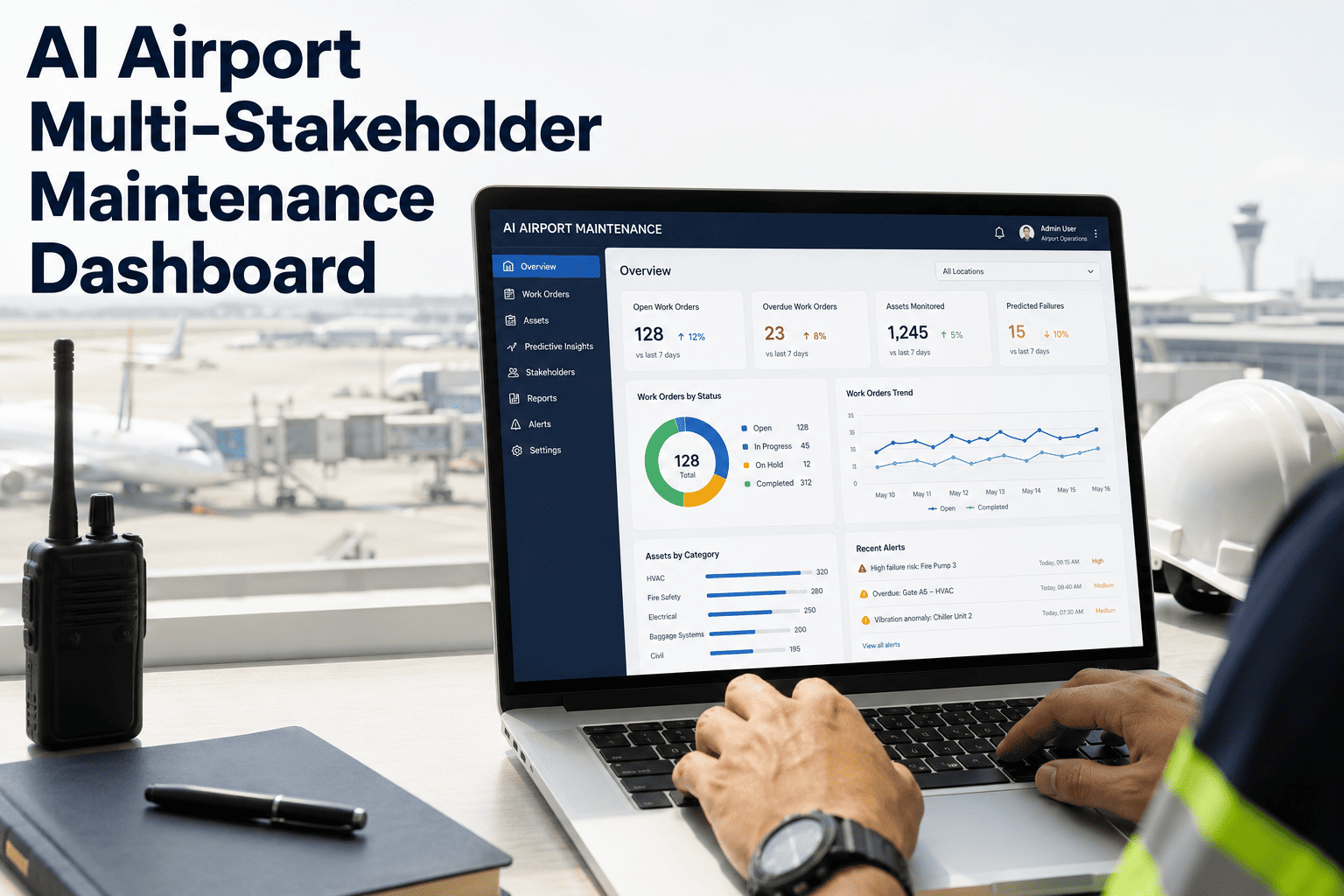
AI Airport Multi-Stakeholder Maintenance Dashboard
Give airlines, airport operations, ground handlers, and maintenance teams shared visibility into asset health, inspections, work orders, and risk — from one platform, with role-based views for every stakeholder.
Airline Ops
Jet bridge & gate asset status
Airport Facilities
Full asset register & work orders
Ground Handlers
GSE fleet health & inspections
Maintenance Contractors
Assigned work & repair history
4+ Systems
Typical number of disconnected tools a mid-size airport's stakeholders each rely on for asset status
One View
Shared dashboard replacing spreadsheets, emails, and siloed systems across every stakeholder
Role-Based
Each stakeholder sees exactly the asset and work order data relevant to their responsibility
Why Data Silos Persist at Airports
Every Stakeholder Has a Piece of the Picture, No One Has the Whole Thing
Separate Systems Per Stakeholder
Airlines, ground handlers, airport facilities, and maintenance contractors each run their own tools, so an asset issue logged in one system stays invisible to everyone else operating around that same asset.
Email & Radio as the Handoff Layer
When a ground handler notices a jet bridge issue, the fastest path is often a radio call or an email that never becomes a tracked work order, so the same issue gets reported repeatedly with no history attached.
No Shared Asset History
A recurring fault on a piece of GSE or a jet bridge is invisible as a pattern when each repair is logged in a different contractor's own system with no shared record across visits.
Delayed Awareness of Risk
Airport facilities may know an asset is flagged for repair, but the airline relying on that asset for a gate turn often only finds out when the delay is already happening.
Role-Based Visibility
What Each Stakeholder Actually Needs to See
Stakeholder
Asset Visibility
Work Order Access
Airline Operations
Status of jet bridges, GPUs, and gate-assigned equipment relevant to their flights
View open issues affecting their gates, not full contractor detail
Airport Facilities
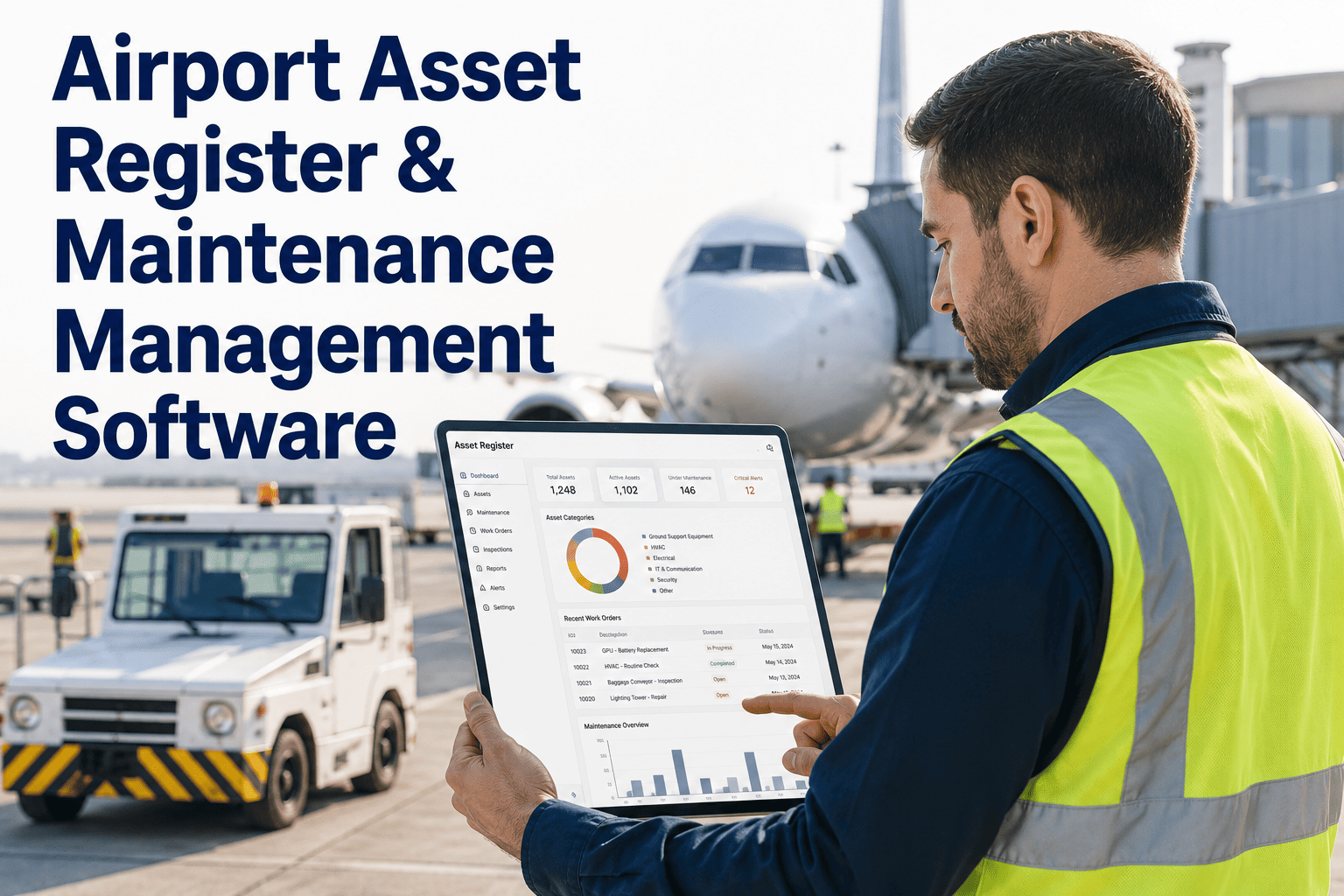
Full asset register across terminal, ramp, and airside equipment
Create, assign, and close work orders across the full portfolio
Ground Handlers
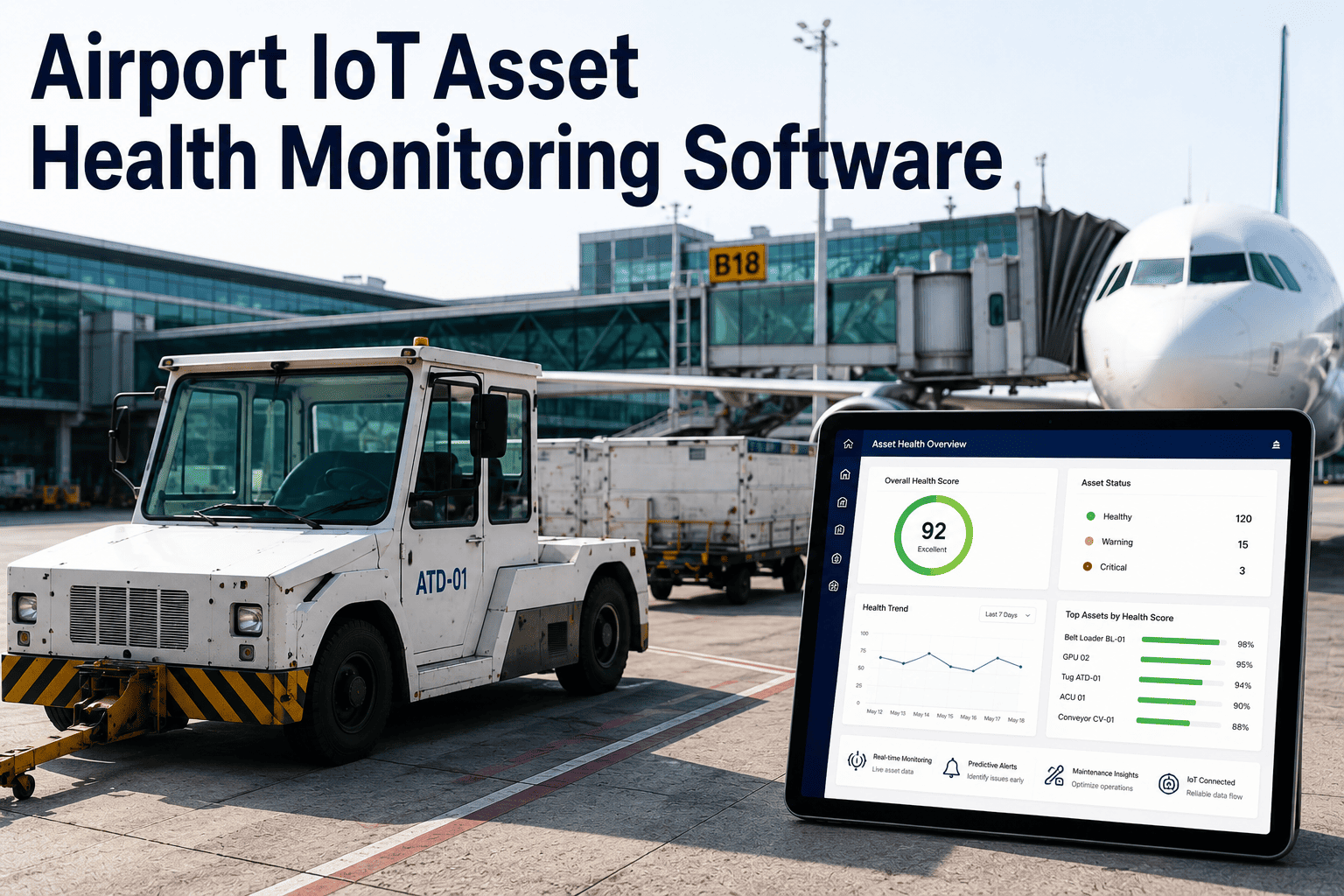
Condition and inspection status of their own GSE fleet
Log defects directly, tracked from report to resolution
Maintenance Contractors
Full history and diagnostic data for assets they are assigned to service
Receive, update, and close assigned work orders with photo evidence
Five Stakeholders, Five Systems, Five Different Answers About the Same Asset.
A shared dashboard gives every stakeholder the visibility their role actually needs, from one connected source of truth.
Integration Sources
Where the Shared View Actually Pulls Its Data From
CMMS & Work Order Systems
Existing maintenance management systems feed open, in-progress, and closed work orders directly into the shared dashboard rather than requiring a parallel entry process.
Building Management Systems
HVAC, chiller, and terminal system alarms and trends surface alongside asset condition data instead of staying isolated in a separate BMS interface.
GSE Telematics
Ground support equipment fleet health data from ground handler telematics platforms flows into the shared view without requiring facilities staff to log into a separate portal.
Inspection & Condition Records
Drone inspection findings, vibration monitoring alerts, and manual inspection logs are attached to the relevant asset record automatically.
Disconnected Tools vs. Unified Dashboard
Where the Two Approaches Diverge
Aspect
Spreadsheets & Separate Systems
Unified Dashboard
Asset Status Source
Different answer depending on which stakeholder's system you ask
One shared status, visible to every relevant stakeholder
Issue Handoff
Email, radio, or verbal handoff with no tracked record
Logged defect becomes a tracked work order automatically
Pattern Detection
Recurring faults invisible across contractor-specific logs
Repeat issues surface as a pattern across the shared history
Airline Awareness
Learns of equipment issues when the delay is already happening
Sees relevant asset status ahead of gate assignment
How Data Moves Through the Dashboard
From Multiple Systems to One Shared, Closed-Loop View
1
Source Systems Connect
CMMS, BMS, GSE telematics, and inspection tools connect into the platform without replacing what each stakeholder already uses day to day.
2
Asset Record Unified
Data from every source is tied to a single asset record, so condition, inspection, and work order history live in one place per asset.
3
Role-Based View Applied
Each stakeholder logs into a dashboard filtered to their role — airline, facilities, ground handler, or contractor — showing only what is relevant.
4
Shared Alerts Fire
A flagged issue triggers a notification to every stakeholder whose operations depend on that asset, not just the team that happened to log it.
5
Closed-Loop Resolution
Work order status updates flow back into the shared view automatically, so every stakeholder sees resolution progress without a follow-up call.
Common Mistakes
Where Multi-Stakeholder Programs Fall Short
One-Size-Fits-All Access
Giving every stakeholder identical full access creates clutter and confusion instead of the role-specific clarity that actually drives faster resolution.
Ignoring the Ground Handler View
Programs built around airport facilities and airline needs often leave ground handlers, who spot many issues first, without a simple way to log a defect.
No Shared Notification Path
A dashboard that shows status but does not actively notify affected stakeholders still leaves people checking manually instead of being told proactively.
Treating Rollout as IT-Only
Deploying a shared dashboard without involving ground handlers and contractors in workflow design leads to a tool that gets bypassed in favor of old habits.
Field Example
Closing the Handoff Gap Between a Ground Handler and Airport Facilities
At a mid-size airport, a ground handling crew had reported a recurring jet bridge alignment issue verbally to the gate agent on three separate occasions over two months, with no tracked record connecting the reports to each other or to airport facilities, who owned the actual repair authority.
After the shared dashboard rollout, the same crew logged the next occurrence directly against the jet bridge's asset record, which immediately surfaced its history of prior reports as a pattern rather than an isolated complaint. Airport facilities received an automatic notification tied to the specific bridge and gate, along with the accumulated report history.
A root-cause inspection was scheduled within the week rather than waiting for a fourth verbal report, and the alignment sensor issue causing the recurring fault was replaced during a low-traffic window. The gate now shows a clean history, and the ground handling crew continues logging defects directly rather than relying on verbal handoffs.
3 reports
Verbal reports over two months with no tracked record before rollout
1 week
From logged defect to scheduled root-cause inspection
Pattern Surfaced
Recurring issue visible immediately instead of after a fourth complaint
Readiness Checklist
Is Your Stakeholder Group Ready for a Shared Dashboard
01
Every stakeholder group involved with a given asset class is identified, including third-party contractors
02
Existing CMMS, BMS, and telematics systems are inventoried as potential connection sources
03
Role-based access needs are mapped out per stakeholder before rollout, not decided ad hoc afterward
04
A clear defect-logging path exists for frontline staff like ground handlers, not just facilities teams
Frequently Asked Questions
What Airport Operations Teams Ask First
Does this replace our existing CMMS or GSE telematics systems?
No, the dashboard is designed to connect into the systems each stakeholder already uses rather than replacing them outright. A CMMS remains the system of record for work order execution, and GSE telematics platforms continue tracking fleet-specific data, while the shared dashboard pulls relevant information from each into one unified, role-based view. This approach avoids asking any single stakeholder group to abandon a tool they have already built workflows around. Details on integration scope can be reviewed during a
demo.
How is data access controlled between competing stakeholders like different airlines?
Access is scoped by role and by relevant asset relationship, so one airline does not see another airline's gate-specific data, and a ground handling contractor sees only the assets and work relevant to its contract scope. Airport facilities retain the broadest view since they own the full asset portfolio, while every other stakeholder sees a filtered subset appropriate to their operational responsibility. This scoping is configured during initial rollout based on existing contractual and operational boundaries.
What happens if a stakeholder does not use any digital system today?
A stakeholder starting from paper logs or verbal reporting can begin logging defects and viewing relevant asset status directly through the shared dashboard without needing an existing system to connect from. This is common with smaller ground handling contractors, and the onboarding process focuses on a simple defect-logging workflow rather than requiring a full system migration on their end. The
support team can walk through onboarding options for stakeholders without existing digital tools.
Can airlines see maintenance cost or contractor pricing data?
No, role-based access is specifically designed to keep commercially sensitive data like contractor pricing and internal maintenance costs restricted to the stakeholders who own that information, typically airport facilities and the contractors themselves. Airlines and ground handlers see operational status — whether an asset is available, flagged, or under repair — without visibility into the financial detail behind that status. This separation is a core part of the access model, not an afterthought.
How long does a multi-stakeholder rollout typically take?
Initial rollout typically spans several weeks, covering system integration mapping, role-based access configuration for each stakeholder group, and workflow training so frontline staff like ground handlers know how to log a defect directly. Timeline varies based on how many source systems need connecting and how many distinct stakeholder groups are involved at a given airport. A first-phase scope covering the highest-friction stakeholder handoffs can be planned by booking a
demo.
Stop Reconciling Five Different Answers About the Same Airport Asset
One shared dashboard, role-based views for every stakeholder — airlines, airport facilities, ground handlers, and maintenance contractors, all working from the same picture.