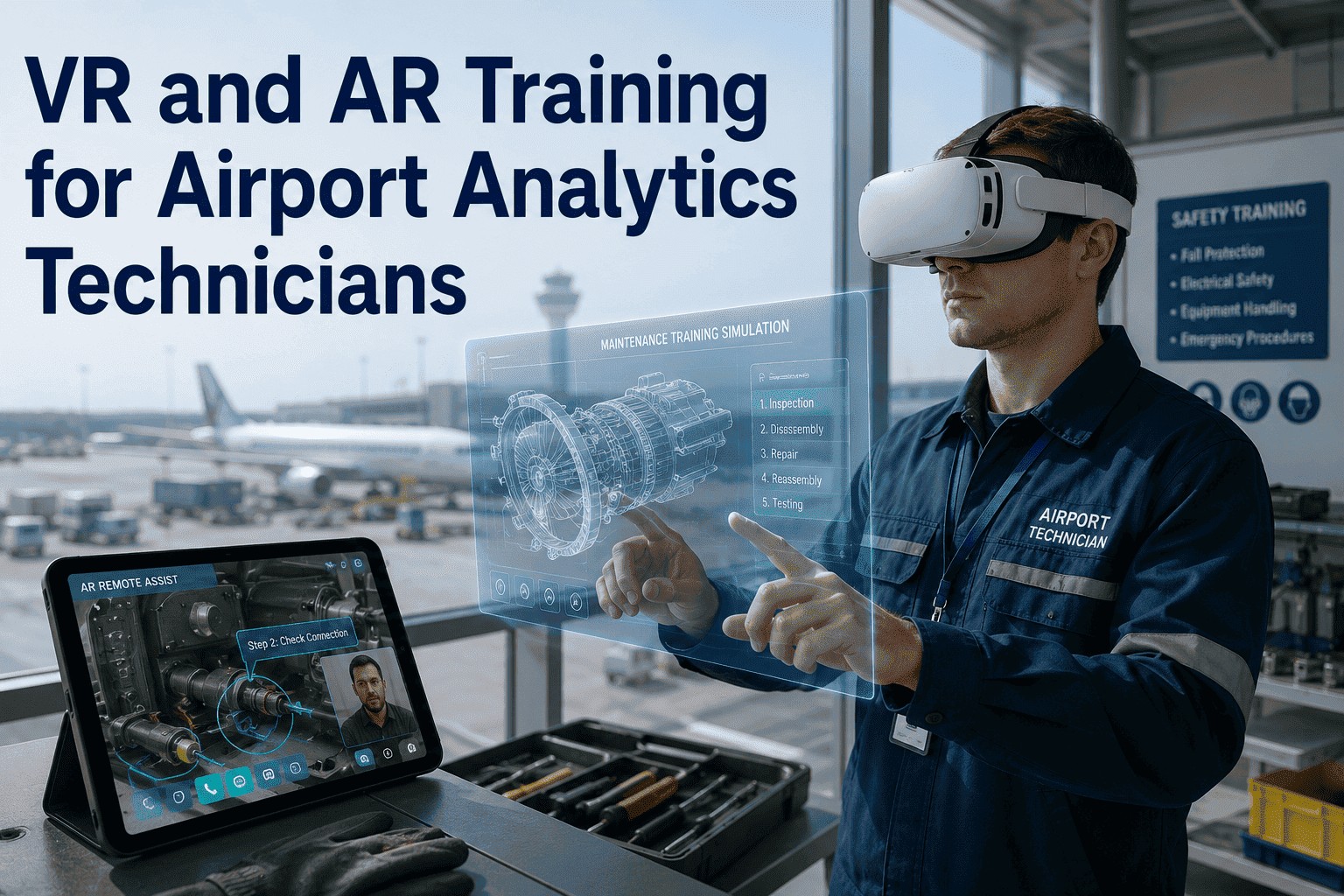
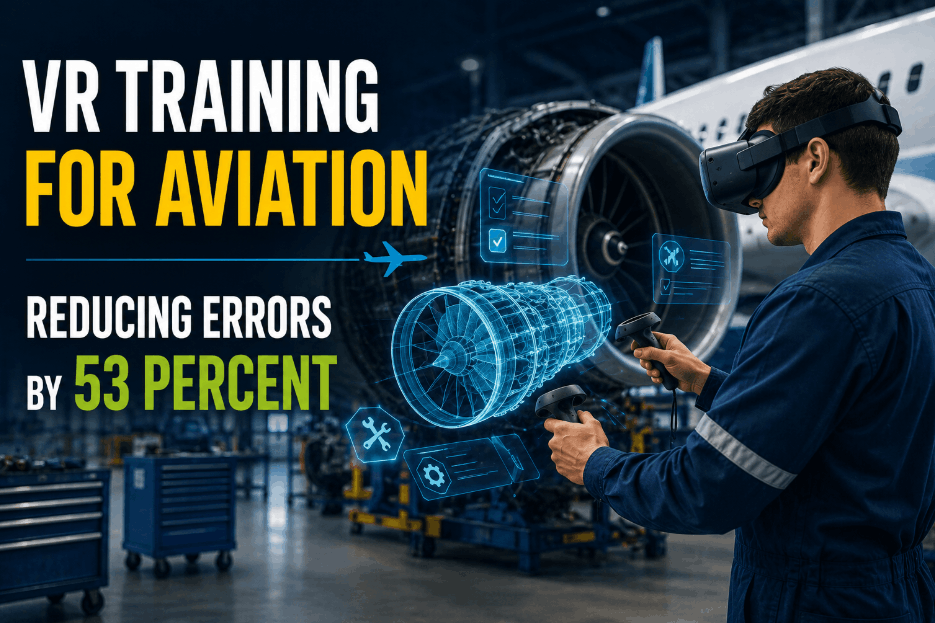
Every aircraft technician knows the weight of a paper manual. Not just the physical weight, though a binding of 2,000 pages for the A320 certainly has that. The real weight is cognitive. Cross-referencing wiring diagrams against physical bundles, flipping between structural repair manuals and service bulletins, transcribing measurements onto clipboard forms, then typing them into a CMMS hours later. Each handoff between human eyes, paper, and keyboard is an opportunity for error. The USAF measured it: 53% fewer errors when technicians use augmented reality guidance instead of traditional methods. Boeing demonstrated it: first-time pass quality on wiring installations jumped from 50% to 97% when technicians wore HoloLens headsets overlaying 3D harness schematics directly onto the airframe. The global augmented reality in aviation maintenance market reached $1.42 billion in 2024 and is growing at 22.7% CAGR through 2033. This is not a pilot program. This is the new standard for how humans and machines collaborate on aircraft analytics, repair, and inspection. iFactory's AR Work Instruction Module bridges the gap between what a technician sees and what the system knows, guiding both human and robotic actions through synchronized, data-rich overlays.
From Manual to Autonomous: The AR-Robotic Spectrum
How Augmented Reality Changes the Balance Between Human Skill and Machine Precision
AR-guided analytics does not replace technicians. It shifts where their expertise is applied. On one end of the spectrum, a technician works alone with paper manuals. On the other end, a fully autonomous robotic system performs analytics with no human in the loop. Most real-world MRO operations sit somewhere in between. The AR overlay is the critical layer that makes each transition possible by giving every participant — human or machine — the right information at the right point.
AR Overlay in Action: What Changes at Each Step
Task-by-Task Comparison of Traditional vs. AR-Guided vs. AR-Robotic Execution
| Task | Traditional Method | AR-Guided (Human) | AR-Guided (Human + Robot) |
|---|---|---|---|
| Wiring harness installation | 20-ft paper diagram, manual routing, 50% first-time pass (Boeing benchmark) | 3D holographic overlay on airframe, 97% first-time pass | Robot feeds wire, AR highlights path, technician terminates — 30% faster |
| Skin damage mapping | Manual tape measure, chinagraph pencil, photo log, manual transfer to SRM | AR projects grid and previous damage map onto skin, tap-to-register new defects | Drone scans surface, AR overlays AI-detected defects, technician validates in situ |
| Fastener torque verification | Torque wrench + paper checklist, manual sign-off per fastener | AR highlights each fastener in order, torque value displayed, voice-activated sign-off | Robot applies torque per AR sequence, technician validates via AR visual indicator |
| NDT ultrasonic scanning | Probe + couplant + grid tape, manual reading, separate data entry | AR grid projected on surface, probe position tracked, C-scan data overlaid live | Robotic arm scans with UT probe, thickness map rendered in AR for technician review |
| Component removal / replacement | Paper IPC, manual torque lookup, tool tracking, separate logbook entry | AR shows fastener locations, torque specs, tool requirements, step-by-step removal sequence | Robot positions lift, AR guides alignment, technician completes connections — 40% faster R&R |
How AR Guides Robotic Analytics: The Execution Pipeline
From Digital Plan to Physical Action — Four Stages of AR-Robotic Collaboration
The combination of augmented reality and robotic analytics follows a repeatable pipeline. Each stage transfers information between the digital model, the AR overlay, the robotic actuator, and the human technician. iFactory's platform orchestrates these transfers through a single integrated CMMS interface.
Technology Integration Stack
The Layers That Make AR-Guided Robotic Analytics Work
An AR-guided robotic analytics system is not a single product. It is a stack of integrated technologies, each performing a specific function. iFactory's open-architecture platform connects these layers without requiring proprietary hardware or vendor lock-in.
AR-Guided Analytics in Practice
Real Deployments Across Aviation MRO and Manufacturing
Frequently Asked Questions
What hardware do I need to run AR-guided work instructions in my hangar?
iFactory's AR Work Instruction Module supports multiple hardware tiers. For heads-up hands-free operation, Microsoft HoloLens 2 and Magic Leap 2 are the primary supported AR headsets. For tablet-based operation, the module runs on standard iPads and Android tablets with rear-facing cameras. No specialized servers, external tracking systems, or custom networking equipment are required. The AR engine runs on the device and syncs with iFactory's cloud or on-premise CMMS via standard Wi-Fi. Most MRO facilities can deploy with existing IT infrastructure. A typical per-user hardware investment ranges from $1,500 for a tablet setup to $3,500 for a HoloLens 2 headset.
How does the AR overlay stay aligned when I move around the aircraft?
The AR engine uses simultaneous localization and mapping (SLAM) combined with object recognition to maintain spatial registration. When the technician scans a QR code or AR marker placed on the aircraft, the system establishes a local coordinate system. As the technician moves around the aircraft, the headset or tablet continuously tracks its position relative to that coordinate system using onboard cameras and inertial sensors. The overlay stays locked to the physical surface because the system knows where the device is in 3D space relative to the aircraft at all times. For large aircraft sections where a single marker is insufficient, multiple markers are placed at 5-8 meter intervals and the system seamlessly transitions between them.
Can AR instructions be created from existing CMMS work orders, or do I need to author them separately?
iFactory generates AR work instructions directly from existing CMMS work order data. The platform reads the task description, referenced part numbers, torque specifications, tool requirements, and inspection criteria already stored in the work order. It then auto-populates the AR instruction template with this information, mapping each step to the corresponding 3D model annotation. If your organization already uses iFactory for work order management, no separate authoring is needed. For organizations using third-party CMMS platforms, iFactory's integration layer maps the existing data fields to AR instruction templates with a one-time configuration. Manual authoring is only required for tasks that have no existing digital work instruction.
Does AR-guided robotic analytics require collaborative robots, or can I integrate existing robotic systems?
iFactory's AR robotic control interface supports both collaborative and industrial robot arms from major manufacturers including Universal Robots, FANUC, KUKA, Yaskawa, and ABB. The integration uses the robot manufacturer's standard API or I/O interface. For collaborative robots with force and speed limiting, the AR overlay can project safe operating zones and dynamic speed limits based on technician proximity. For industrial robots with safety fencing, the AR overlay displays the robot's intended path and next position before execution. iFactory does not require proprietary robot hardware. The module also supports integration with inspection drones (DJI, Skydio, Donecle) and mobile manipulators for hangar-scale deployments.
How does the system handle documentation and regulatory compliance?
Every step executed under AR guidance is automatically documented in iFactory's CMMS with full traceability. The record includes: technician identity and certification level, timestamp and duration of each step, measurement values captured by connected tools or sensors, photographic evidence annotated with AR callouts, digital signature at task completion, and any deviations or non-conformances flagged during execution. For regulated environments (FAA Part 145, EASA Part 145, AS9110), the documentation meets the evidentiary standards for maintenance records, repair documentation, and continued airworthiness. Compliance reports can be exported directly from iFactory with no additional data entry or reconciliation.
What is the typical return on investment for deploying AR-guided robotic analytics?
Based on published case studies and iFactory deployment data, typical ROI metrics include: 30-40% reduction in task completion time for complex repairs, 50-97% improvement in first-time pass quality (eliminating rework), 32% reduction in error rates compared to paper-based workflows (Deloitte 2024), 40-60% faster onboarding for new technicians (PTC 2024), and elimination of manual data entry and transcription errors. For a mid-size MRO facility processing 5,000 work orders per year, the combined labor savings, rework reduction, and documentation efficiency typically deliver full system payback within 6 to 9 months. iFactory's AR Work Instruction Module is priced at $250 per user per month with no long-term contract. Hardware costs are separate and typically $1,500-$3,500 per user depending on device choice.