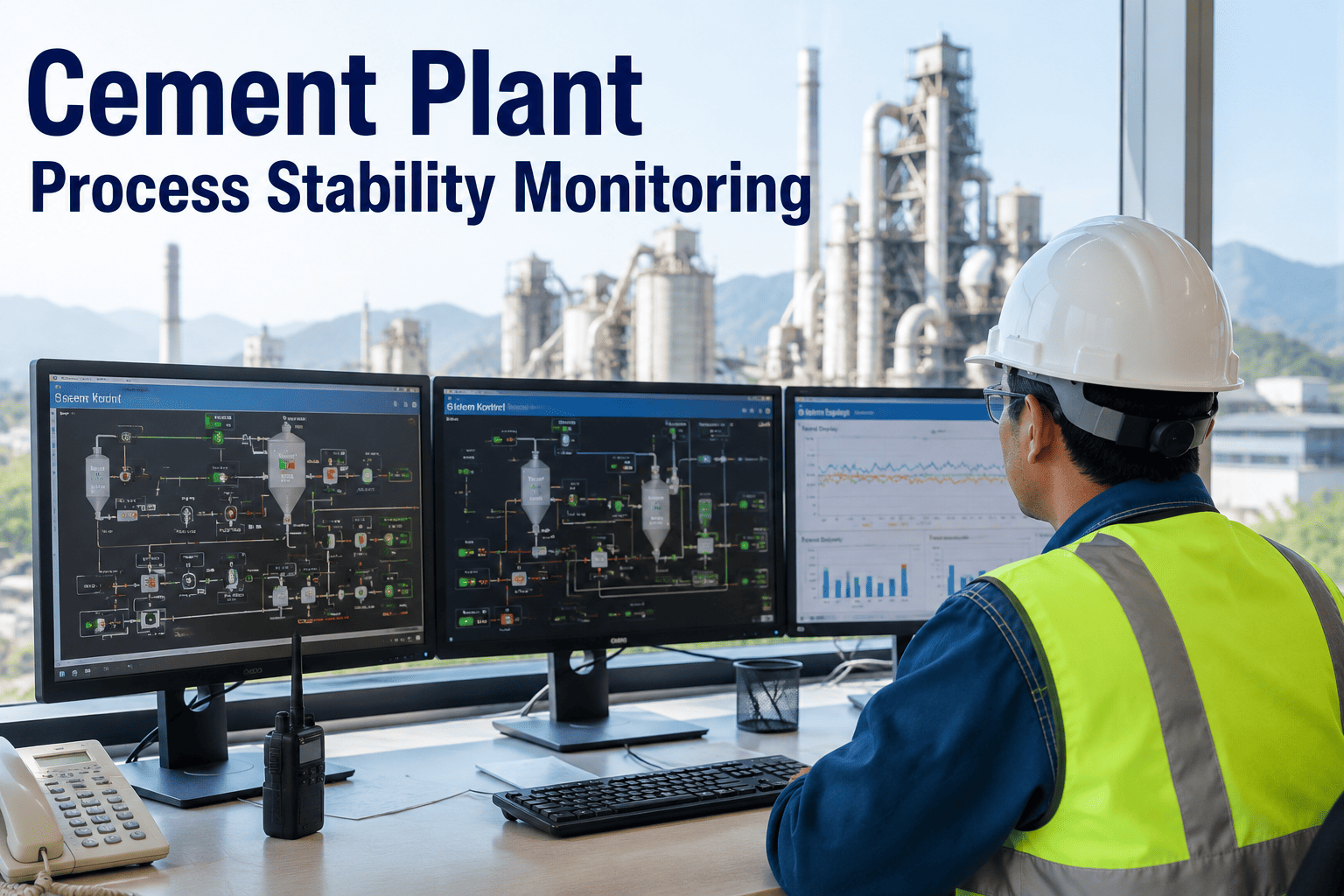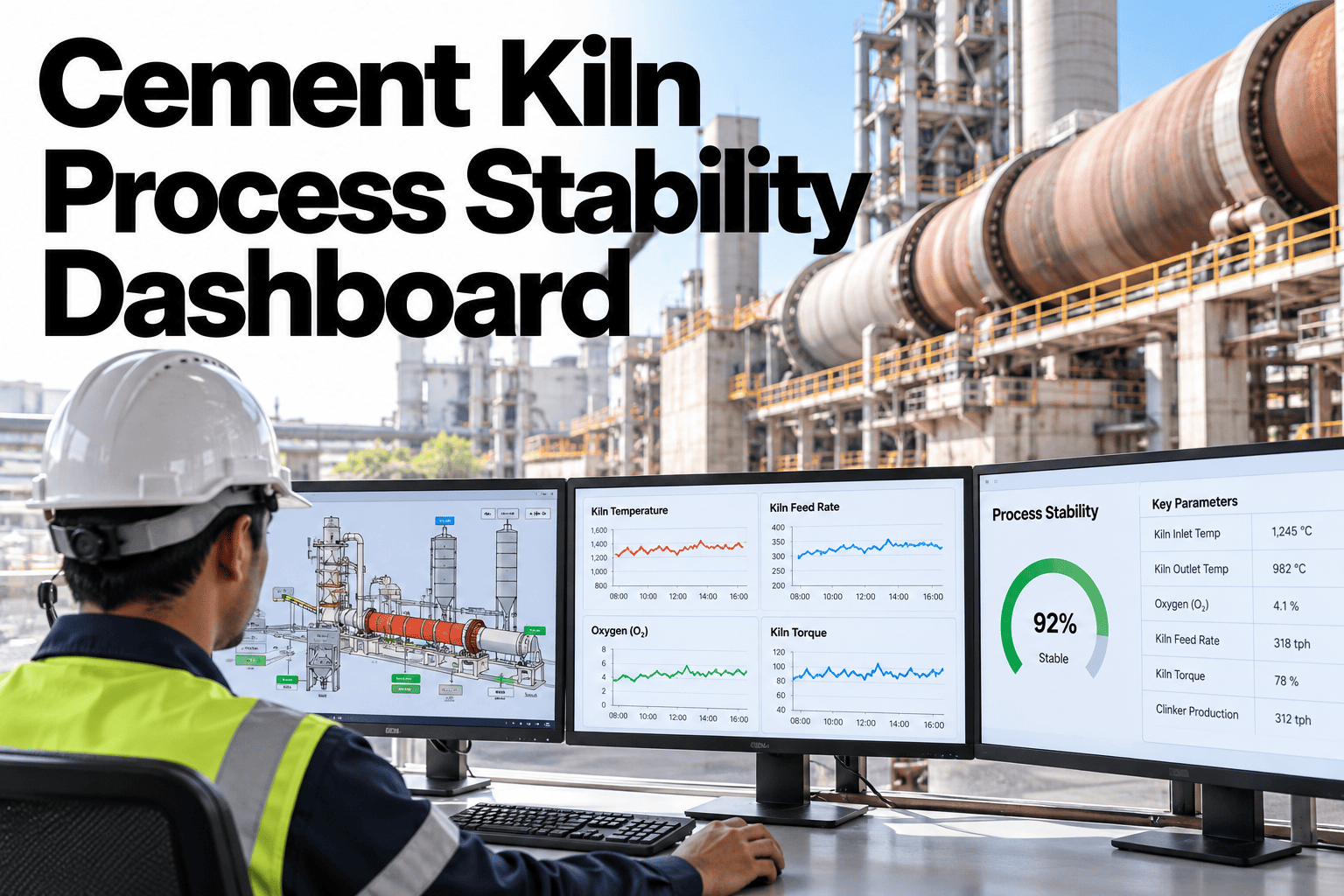
A kiln that looks stable on an hour-by-hour average can still be swinging through meaningful variation underneath, and that variation is exactly what tends to erode clinker consistency, fuel efficiency and refractory life over time. A process stability dashboard brings the handful of variables that matter most, their trend windows, alarm timeline and shift-to-shift comparison, into one screen that a process team can actually use during a live shift, not just reconstruct afterward from scattered reports. Plant leaders can request a cement plant demo of iFactory AI built around their own kiln's critical variables.
See Kiln Stability the Way Your Shift Actually Needs to See It
iFactory AI puts your critical process variables, alarm timeline and shift comparison on one dashboard built around your kiln.
Why Hourly Averages Hide the Real Stability Picture
An hourly average can smooth over exactly the kind of short-duration swing that affects clinker quality and burnability, which means a kiln can look fine on a summary report while still running through meaningful instability shift after shift.
A stable-looking average can hide several short excursions within the same hour.
Operators cannot keep eyes on every tag at once without a prioritized view.
Without a baseline, it is hard to say whether today's variation is unusual.
Process variation is rarely connected back to the clinker output it affects.
The Critical Variables a Stability Dashboard Tracks
| Variable | Why It Matters for Stability |
|---|---|
| Burning zone temperature | Directly affects clinker nodulization and free lime |
| Kiln drive torque | An early indicator of coating and ring formation issues |
| Preheater stage temperatures | Reflects heat transfer efficiency and feed consistency |
| O2 and draft pressure | Shows whether combustion conditions are holding steady |
See This Dashboard Built Around Your Own Kiln
Bring your critical variable list to a 30-minute demo session.
From Raw Trend to a Shift-Ready View
The plant's own critical process tags are identified and prioritized.
Short and longer trend windows are configured for each variable.
Threshold excursions are marked directly on the trend timeline.
The current shift is shown against recent prior shifts for context.
Why Trend Resolution Is the Core Design Choice
The single decision that most shapes whether a stability dashboard is actually useful is the resolution at which data gets displayed. Too coarse, and it becomes just another summary report. Too fine, and it overwhelms an operator with noise that obscures the signal worth acting on.
The right resolution tends to sit at a window short enough to catch meaningful short-duration swings, typically measured in minutes rather than hours, but smoothed enough that normal sensor noise does not get mistaken for a genuine process shift. Getting that balance right is less about more data and more about the right amount, shown clearly.
A Scenario: The Shift That Looked Normal on the Report
Picture a shift summary report showing all key averages within normal range, no major alarms, nothing flagged for follow-up in the handover notes.
A stability dashboard reviewing the same shift at a finer trend resolution might show burning zone temperature oscillating more than usual in the second half of the shift, settling back to a normal average by the time the hourly report was generated. The summary report was technically accurate and still missed the instability, because averages by design smooth out exactly the kind of short-term variation a stability view is built to surface.
Summary Reports vs a Live Stability Dashboard
Why Shift Comparison Changes How Variation Gets Judged
The same amount of variation can read as completely normal or genuinely concerning depending entirely on what a plant's typical baseline looks like, and that baseline is exactly what a single shift's data cannot show on its own.
Placing the current shift next to a rolling comparison of recent shifts gives an operator an immediate sense of context that no absolute threshold alone can provide, since what counts as unusual on one kiln running one fuel mix may be entirely routine on another.
What Operators Actually Use During a Shift
Why This Matters More as Plants Push Alternative Fuel Rates Higher
Higher alternative fuel substitution rates generally introduce more combustion variability than a traditional fuel mix, which means process stability becomes harder to hold as thermal substitution increases, not easier.
A plant pushing its alternative fuel rate upward without a corresponding improvement in how closely it can monitor stability risks trading fuel cost savings for a harder-to-manage process, where quality and refractory life absorb costs that never show up directly in the fuel bill.
Connecting Stability to Clinker Output
Process stability matters because of what it protects downstream, and clinker quality is the most direct example. A dashboard that stops at process variables alone misses the chance to show the team why a given swing actually matters.
Tying the stability view back to clinker output context, even at a simple level, turns a technical process discussion into one that connects clearly to product quality and production targets the whole team already understands and cares about.
What Teams Typically Flag in Their First Week With a Dashboard
Plants seeing a stability dashboard for the first time often notice patterns they had suspected informally but never had a clear view to confirm. A few common discoveries tend to show up early.
One crew's operating style shows measurably less variation than others.
Certain fuel transitions line up with a visible instability window.
A threshold set too tight or too loose relative to actual normal variation.
The same instability shape appears after every kiln restart.
Rolling the Dashboard Out Without Disrupting Shift Routine
A new dashboard competes for attention with every other screen already in front of an operator, so adoption works best when it starts narrow and earns its place rather than being mandated all at once.
Where iFactory AI Fits
Prioritizes critical variables
Surfaces the handful of tags that matter most for your kiln.
Shows the alarm timeline
Marks excursions directly on the trend, with the context around them.
Compares shifts
Shows the current shift against recent prior shifts for an instant baseline.
Connects to clinker output
Ties process variation back to the quality outcome it affects.
Expert Review
A cement process engineering perspective, reviewed for accuracy before publication: stability is often discussed in terms of averages because averages are what get reported, but the operational reality lives in the shorter-duration swings that averages smooth away. A dashboard built around trend resolution rather than summary numbers gives a shift team a genuinely different, more useful picture of what the kiln is actually doing. Seeing this applied to your own kiln's critical variables is the clearest way to judge the difference. Confirm specific feature capabilities against your plant's systems before relying on any workflow.
Frequently Asked Questions
How many variables should a stability dashboard track?
Most plants find a focused set of five to eight critical variables more useful than a dashboard trying to show everything at once, since the goal is a view an operator can actually monitor during a busy shift. Discuss which variables matter most for your kiln.
Does this replace the existing DCS screens?
No, this is meant to complement existing control system screens by adding trend context, shift comparison and clinker linkage that a standard DCS view typically does not provide. Ask about how this fits alongside your current DCS setup.
Can the dashboard be customized per kiln if we run multiple lines?
Yes, each kiln typically has its own critical variable set and normal operating ranges, so the dashboard is usually configured separately per line rather than applying one generic view across different kilns. Explore a multi-kiln dashboard setup for your plant.
How is shift comparison actually useful day to day?
Seeing the current shift against recent prior shifts gives an operator an instant sense of whether today's variation is typical or unusual, without needing to recall from memory what normal looked like on a similar shift last week or the week before. Talk through how shift comparison would work for your team.
What does a demo of this dashboard actually show?
A demo typically walks through the dashboard configured around a representative kiln setup, so your team can see how the trend windows, alarm timeline and shift comparison would look with variables similar to your own. Request a cement plant demo to see it firsthand, configured with variables close to what your own operation already tracks.
Give Your Shift a Dashboard Built Around Your Kiln
iFactory AI brings your critical variables, alarms and shift comparison into one live view. Request a cement plant demo.