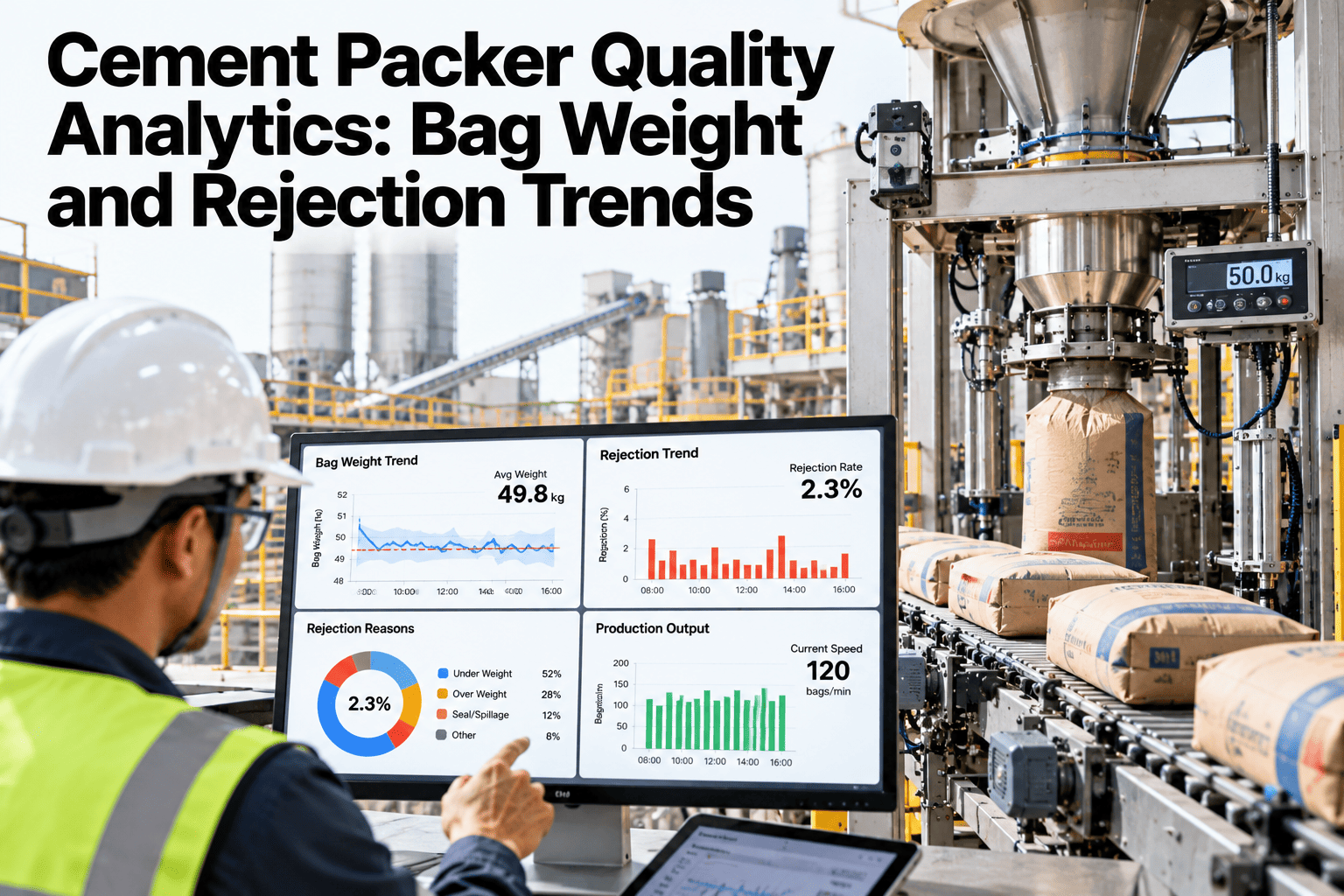
A packer running half a percent heavy on every bag does not look like a problem on any single shift report. Multiplied across a month of fifty-kilogram bags, it is tonnes of free cement handed out at the loading dock, invisible until someone adds up the giveaway at year end. Bag weight drift is one of the quietest cost leaks on a cement plant floor. See your own packer's giveaway trend in a live session.
Every Gram Over Target Is Margin Walking Out the Door
iFactory AI tracks bag weight and rejection data by packer and shift, catching drift before it becomes a quarter of giveaway.
Why Bag Weight Drifts Unnoticed
Packer scales are calibrated on a schedule, not continuously, and small mechanical wear between calibrations shows up as a slow upward creep in average weight.
A shift supervisor checking a handful of bags by hand will rarely catch a half-percent drift, because it falls inside normal bag-to-bag variation. It only becomes visible once thousands of bags are averaged together, which is exactly the view most plants do not have in real time.
Bag Weight by Packer and Shift
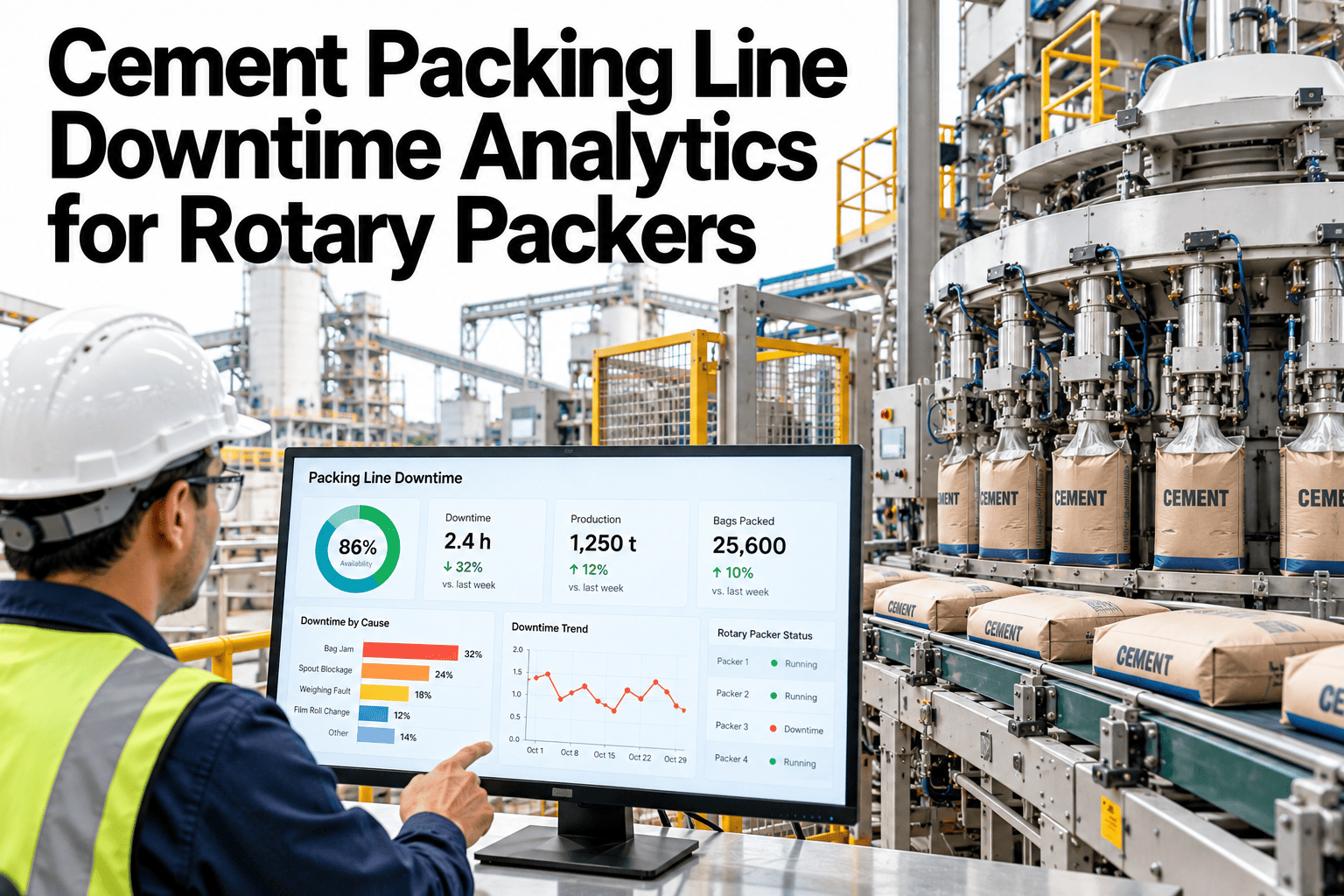
Drift rarely hits every packer line evenly. Comparing lines and shifts side by side is what points to a specific scale, not a plant-wide issue.
| Packer Line | Avg Weight | Target Band | Status |
|---|---|---|---|
| Line 1 - Day Shift | 50.1kg | 49.8-50.2kg | Within band |
| Line 1 - Night Shift | 50.4kg | 49.8-50.2kg | Trending high |
| Line 2 - Day Shift | 50.0kg | 49.8-50.2kg | Within band |
| Line 2 - Night Shift | 50.6kg | 49.8-50.2kg | Flagged for calibration |
Find the Line That Is Costing You Tonnage
Book a 30-minute session and see which packer line is drifting against your own target band.
Rejection Categories Worth Watching
Not all rejections share a cause. Grouping them by category points maintenance to the right fix faster.
What the Analytics Track
Four data points, tracked continuously, cover most of what drives packer performance.
Bag-Weight Records
Every bag's actual weight logged against target, not just periodic samples.
Packer and Shift Comparison
Performance broken out by line and shift to isolate where drift is occurring.
Calibration Records
Scale calibration history linked directly to weight trend changes over time.
Action Tracking
Maintenance actions on flagged lines tracked through to confirmed resolution.
Getting It Running on Your Plant
iFactory AI connects directly to packer line scales and your existing quality records.
Frequently Asked Questions
Does this replace our scheduled scale calibration?
No, scheduled calibration continues as normal, but trend tracking adds an early warning that triggers an unscheduled check when weight drifts outside the target band between calibrations.
Can it tell us how much giveaway we are losing in cost terms?
Yes, average giveaway per line is tracked against bag count to show the material cost of running above target weight, by line and by shift.
What packer line equipment does this connect to?
Most standard packer scale outputs can be connected during setup. Support can confirm compatibility with your current lines before deployment.
How are rejection categories defined?
Default categories cover underweight, overweight, torn bags, and seal failures, and can be adjusted to match how your plant currently classifies rejections.
Can we see trends across multiple plants in one view?
Yes, for organizations with multiple plants, packer performance can be compared across sites in a single rolled-up view. Ask about multi-plant reporting in a walkthrough.
Stop Giving Away Tonnes You Never See
iFactory AI tracks bag weight and rejections by packer and shift, catching drift before it costs a quarter of margin. Book a walkthrough.