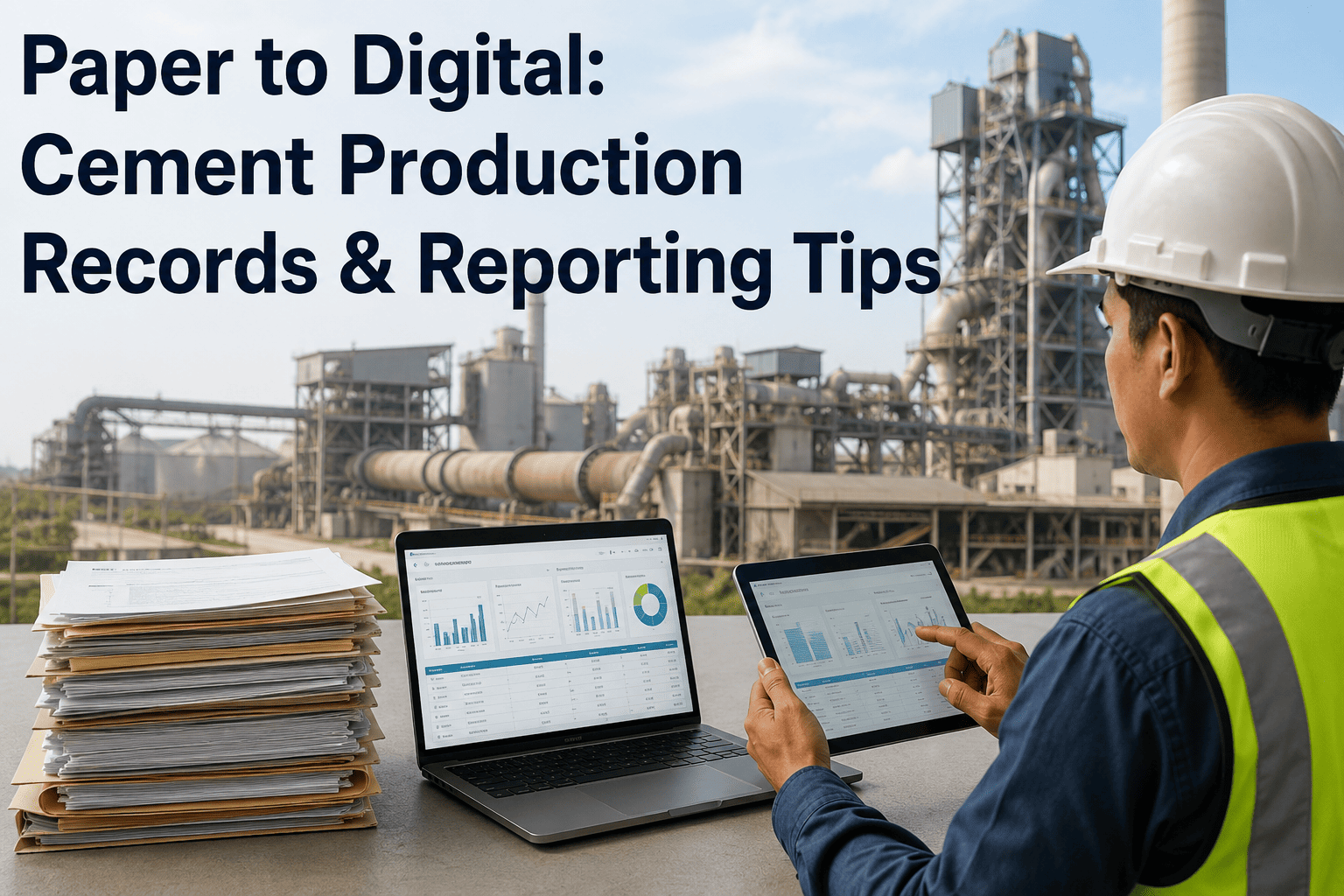
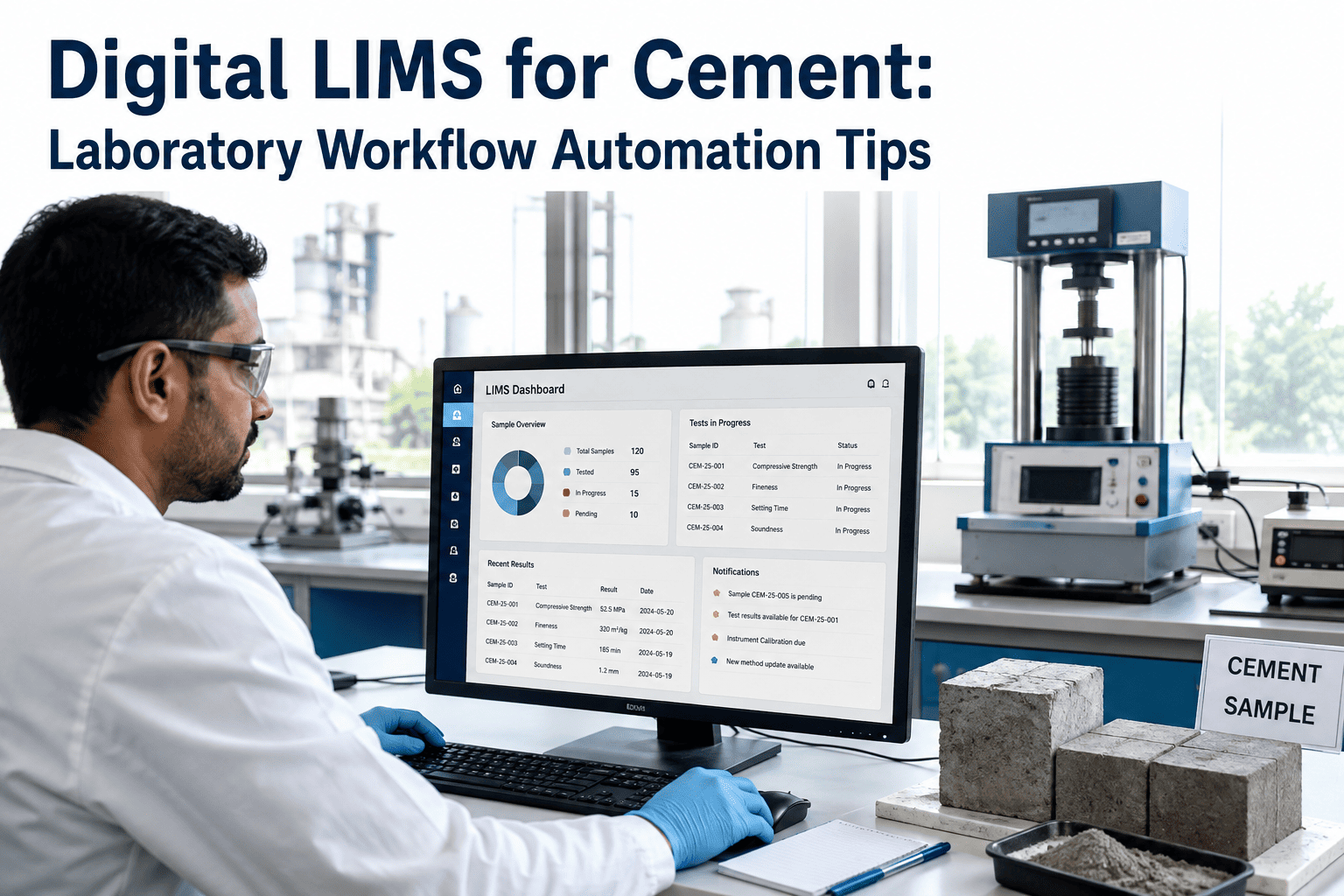
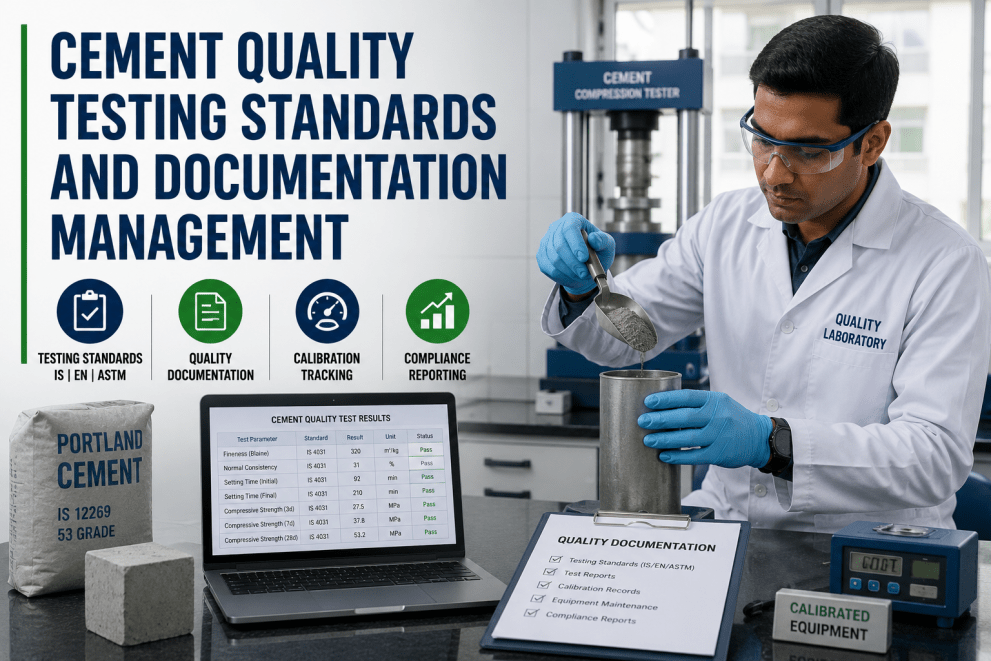
Most cement plants still run production documentation on paper — shift logs filled out by hand near the kiln, quality slips clipped to a board in the lab, and downtime notes scribbled on a whiteboard before someone re-keys them into a spreadsheet at the end of the shift. That re-keying step is where things go wrong: a supervisor misreads a smudged number, a form sits in a folder for two days before the person who needs it ever sees it, or the same reading gets copied into three different logs with three slightly different values. Digitizing that same information at the point of capture removes the re-keying step entirely and timestamps every reading the moment it happens, and plants that have already made the switch describe the difference showing up first in how fast a shift report comes together.
Digital Transformation · Paper To Digital Records
Paper to Digital: Turning Cement Production Records Into Live, Reportable Data
Clipboards, logbooks, and end-of-shift spreadsheets were never built to keep up with a plant running three shifts a day. iFactory replaces paper capture with structured digital forms and mobile data entry, so every kiln reading, quality result, and downtime note is already searchable, reportable, and audit-ready the moment it's recorded.
0
Paper forms left to re-key by hand
Real-Time
Visibility from shift floor to office
Minutes
Not days, to assemble a report
The Paper Problem
Where Paper Records Actually Break Down on a Cement Plant Floor
Legibility
Handwriting Nobody Can Read Later
A number scrawled in a hurry at 3 AM during a kiln upset is often unreadable by the time someone tries to transcribe it the next morning, so the value that ends up in the system is a guess, not a measurement.
Delay
Data That Arrives a Shift Too Late
A paper log only becomes visible to the next shift, or to the office, once someone physically carries it there and enters it — which means a developing trend often isn't caught until it's already a problem.
Duplication
The Same Reading Typed Three Times
One clinker temperature reading gets written on the shift log, copied into a daily production sheet, then retyped again into a monthly report — three separate chances to introduce a mismatch between what actually happened and what got recorded.
Loss
Forms That Simply Go Missing
A clipboard left in a control room, a page that never made it back from the lab, or a logbook damaged by dust and moisture — paper has no backup copy, so a lost form is lost history.
How the Shift Actually Happens
From a Handwritten Reading to a Structured, Searchable Record
1
Capture at the Source
An operator enters a kiln reading, a mill parameter, or a downtime reason directly into a mobile form at the point where it happens, instead of writing it down to be re-entered later.
2
Structured Automatically
Every entry lands in the same field every time — no free-text guesswork, no inconsistent units, no shorthand only one supervisor understands.
3
Checked Before It's Trusted
Values outside an expected range are flagged as they're entered, rather than being discovered weeks later when a monthly total looks wrong.
4
Visible to Everyone Who Needs It
The next shift, the plant manager, and the quality lab all see the same record in real time instead of waiting for a paper copy to physically move between them.
5
Reported Without Reassembly
Shift, daily, and monthly reports pull directly from the same digital record set, so nobody spends an afternoon reconstructing a report from a stack of forms.
Side by Side
Paper Records vs. Digital Production Records
| Dimension | Paper Process | Digital Process |
| Data entry |
Written by hand, re-keyed later |
Entered once, directly into a structured form |
| Visibility |
Limited to whoever is holding the page |
Shared instantly across shifts and departments |
| Error checking |
Caught only if someone happens to notice |
Flagged automatically against expected ranges |
| Storage |
Physical folders, boxes, and logbooks |
Searchable digital record with full history |
| Report assembly |
Manually compiled from multiple paper sources |
Generated directly from the existing dataset |
See Your Own Forms Digitized
Bring a Real Shift Log or Quality Form to the Call
We'll walk through one of your actual paper forms and map exactly how it becomes a mobile digital form, field by field, so you can see the change against work you already recognize.
What Actually Changes
What Digital Production Records Look Like on the Floor
Mobile Data Entry
Operators log kiln, mill, and cooler readings from a handheld device on the floor, so the record is created where the work happens instead of at a desk an hour later.
Digital Forms Library
Shift logs, downtime reports, quality checks, and safety rounds all live as structured digital forms instead of a drawer full of different paper templates.
Automated Shift Reports
The handover report a supervisor used to type up from memory is instead compiled automatically from the shift's actual logged entries.
Real-Time Dashboards
Production, downtime, and quality data update on a live dashboard as they're entered, replacing the daily wait for someone to consolidate the paper.
A Composite Scenario
One Kiln Line, Three Shifts, A Year of Paper Logs
Before
Each shift supervisor kept a handwritten log of kiln temperatures, feed rates, and downtime reasons. At shift change, the incoming supervisor had to read through the previous log to catch up, and once a week someone in the office spent half a day retyping a month's worth of pages into a spreadsheet for the monthly production report. Handwriting disputes over an unclear number were common enough that the team kept a running joke about it.
After
Readings are entered on a handheld device as they happen, and the outgoing supervisor's handover is generated automatically from that shift's actual entries. The monthly report that used to take half a day of retyping is now assembled directly from the digital record set, and disputes over what a number actually said have effectively disappeared because the value was never handwritten in the first place.
Before You Start
Getting Ready to Move From Paper to Digital
List every paper form currently in use across shifts, the lab, and maintenance, and who fills each one out
Identify which forms feed a regulatory or customer report, since those are usually the highest-value ones to digitize first
Confirm which areas of the plant have reliable device connectivity for mobile data entry
Plan a short parallel-run period where paper and digital forms are used side by side before paper is retired
Common Questions
Paper to Digital Cement Records — FAQ
Do operators need training to switch from paper to digital forms?
Most teams pick up mobile data entry quickly because the forms are built to match the fields operators already know from the paper version, just without the retyping step afterward. A short walkthrough on the floor is usually enough to get a shift comfortable, and the digital form actually removes decisions operators had to make on paper, like which box to write a number in.
Our team can talk through what onboarding typically looks like for a plant your size.
What happens to years of historical paper records?
Historical paper doesn't need to be re-entered to get value from digitizing going forward — most plants start capturing new data digitally and keep the paper archive as a reference for older history. Where older records are needed for trend analysis, they can be digitized selectively rather than all at once, starting with whatever period matters most for current reporting or audits.
Can digital forms work in areas with poor network signal?
Yes. Entries made in low-connectivity areas of the plant, like near the kiln or in the yard, are captured on the device and sync automatically once a connection is available, so a supervisor isn't blocked from logging a reading just because a signal drops for a few minutes.
Does this replace our shift supervisors or lab technicians?
No. It removes the retyping and reassembly work that used to eat into their shift, not their judgment or oversight. A supervisor still reviews the handover, and a lab technician still interprets a result — the difference is that neither one spends time re-entering a number that was already recorded once.
Book a demo to see what a typical shift looks like once that retyping work is gone.
How long does a typical rollout take?
It depends on how many forms and shifts are in scope, but most plants start with one or two of their highest-value forms, run them alongside the paper version for a couple of weeks, and expand from there once the team is comfortable with the new workflow rather than switching everything over on a single day.
Stop Re-Keying What You Already Recorded
Move Your Production Records From Paper to a System Built to Report From
iFactory replaces the clipboard and the logbook with mobile digital forms that feed shift handovers, dashboards, and reports automatically — so the record is created once and used everywhere it's needed.