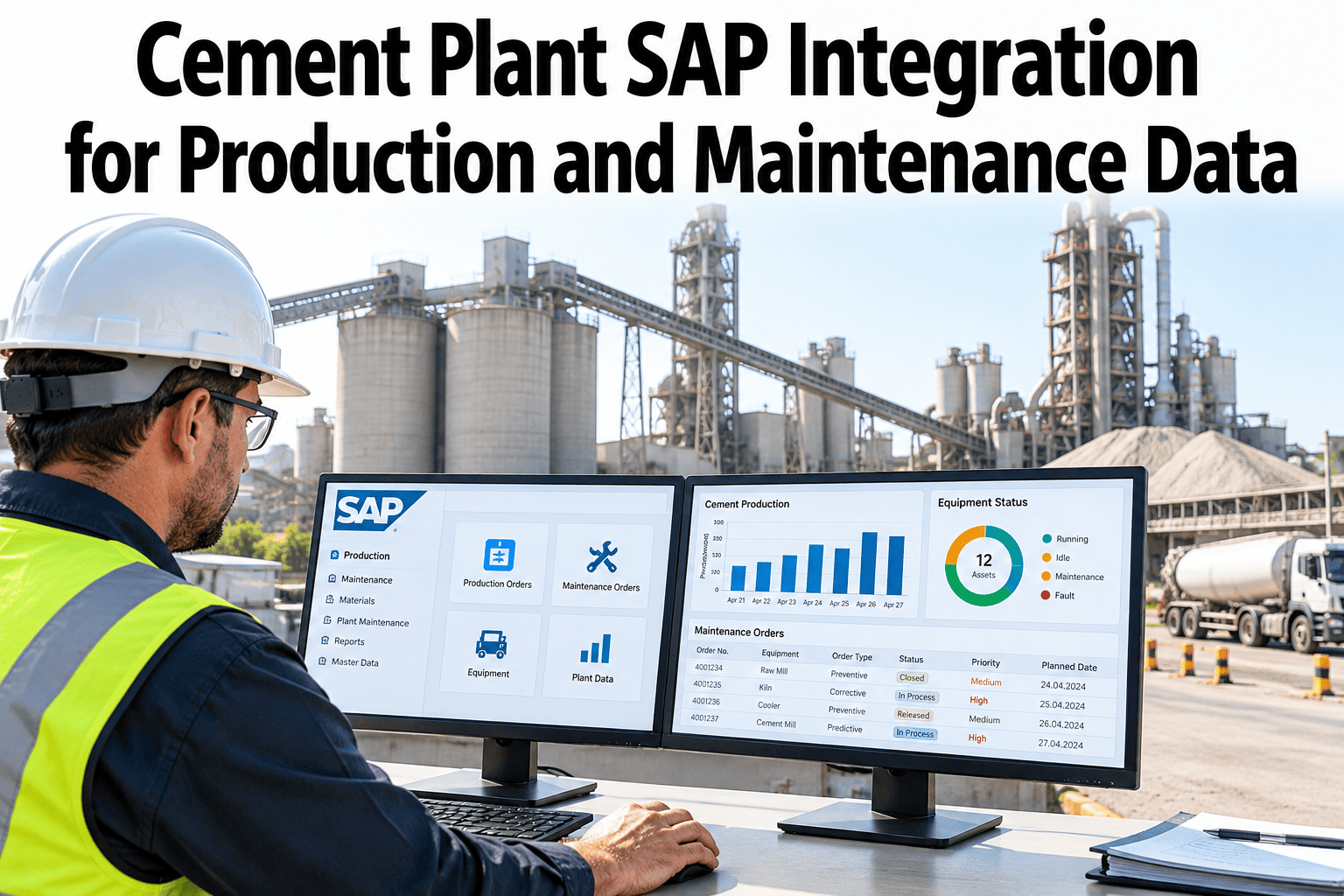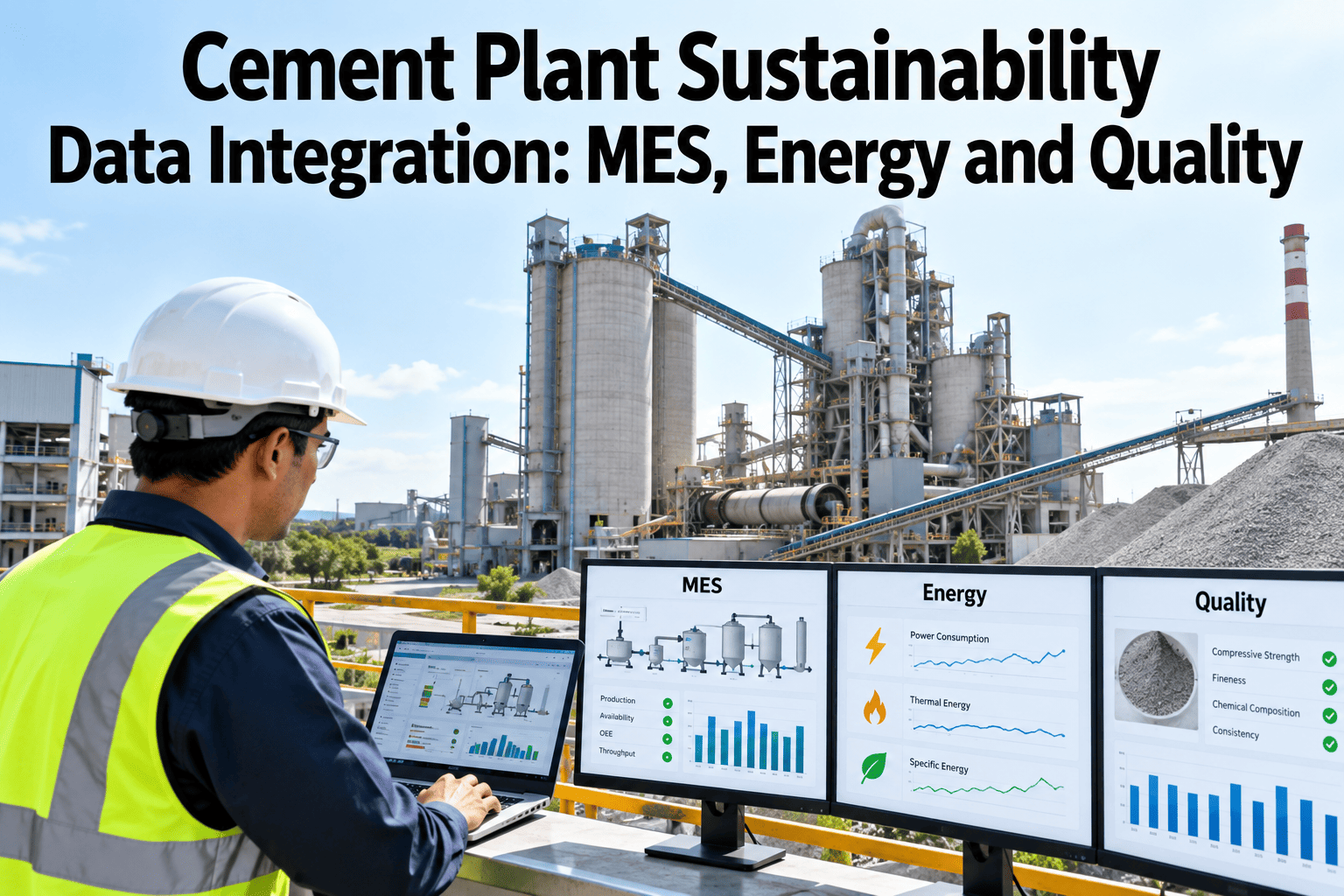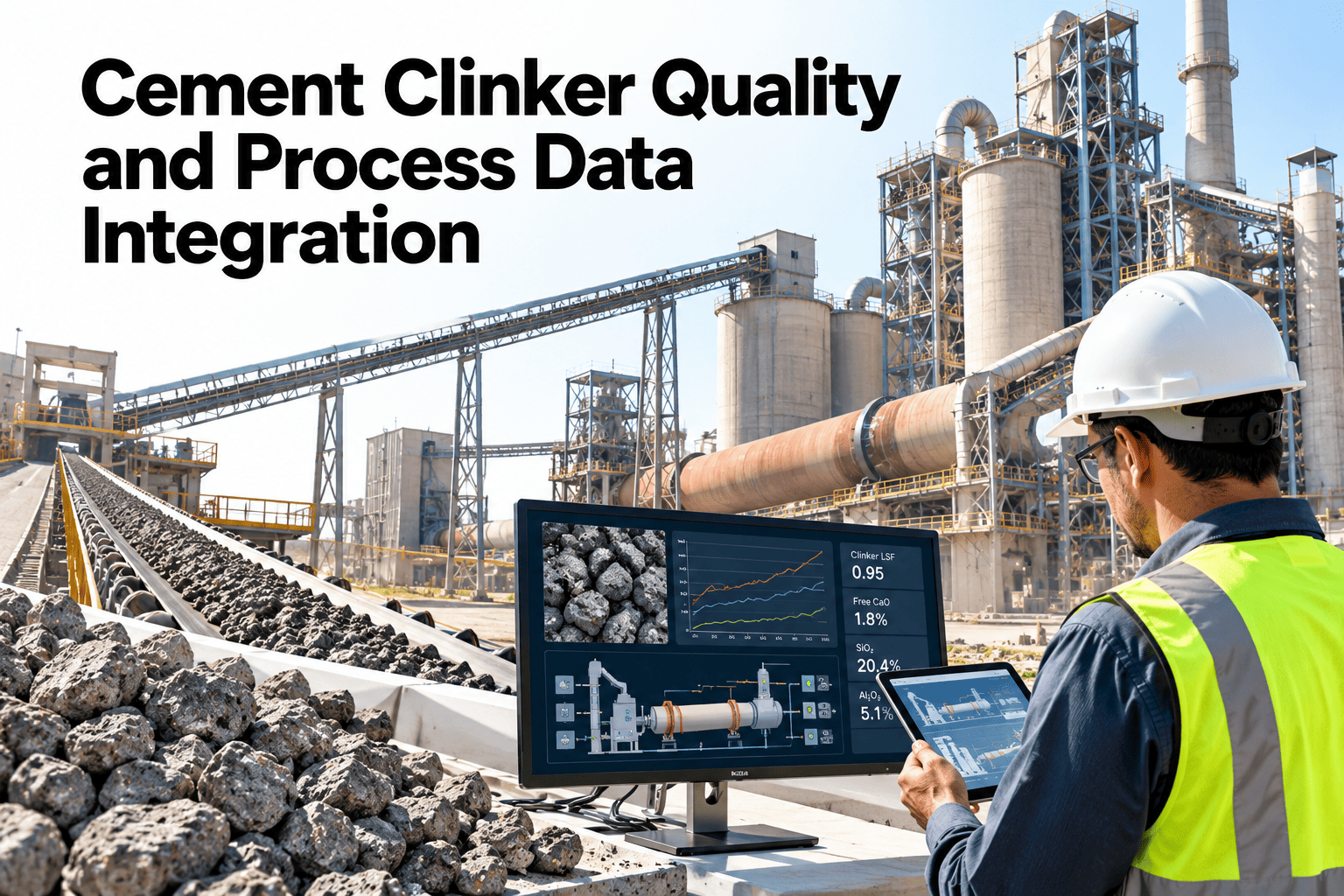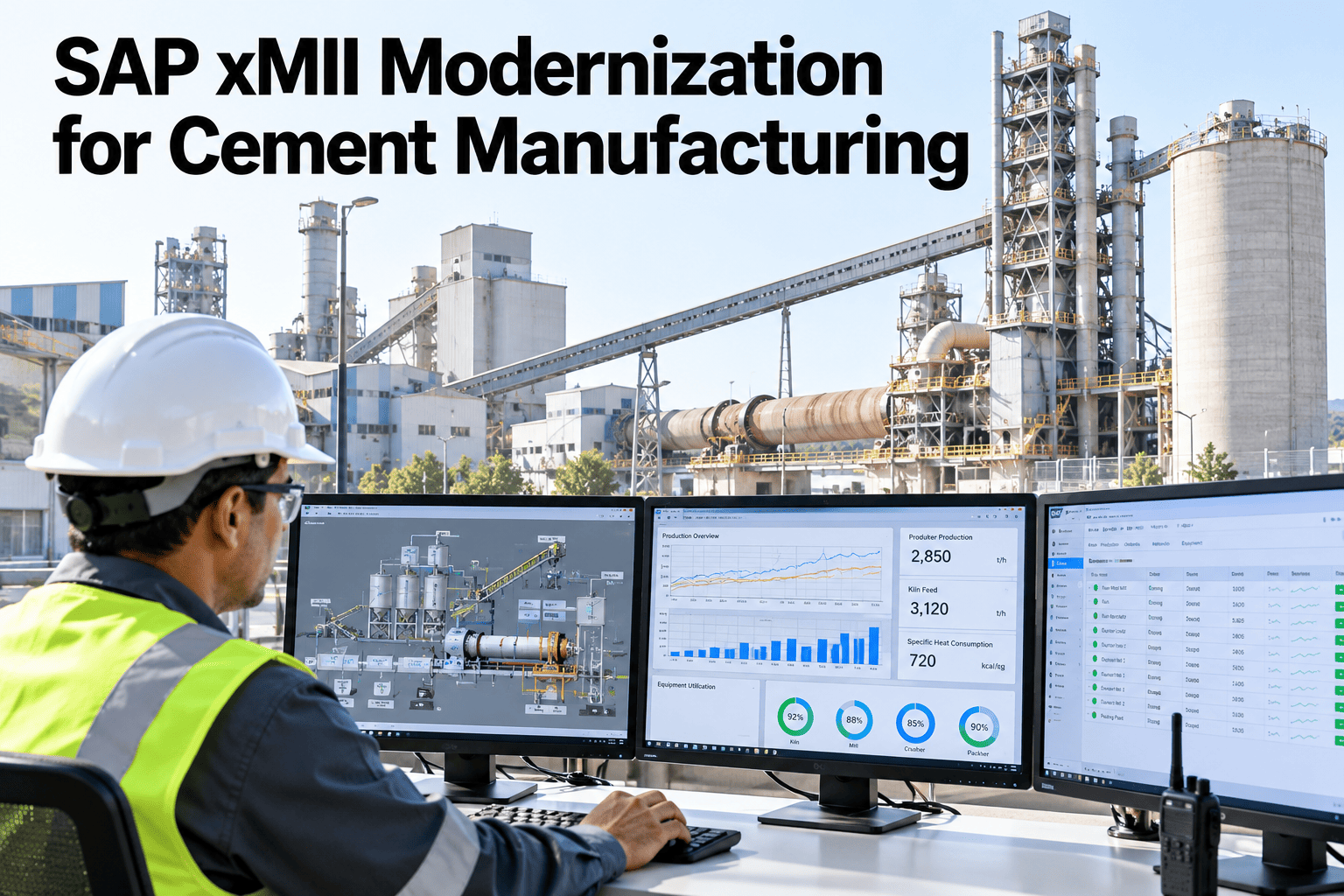
Many cement plants still lean on SAP xMII, now called SAP MII, to move kiln, mill and laboratory data into dashboards and ERP. It works, but SAP's roadmap shows no new MII releases, and years of custom queries are rarely documented. Modernizing starts with knowing what you run today. Plant and IT leaders can walk through an MII inventory with iFactory in a short session.
Move Beyond xMII Without Losing a Single Plant Number
iFactory AI reads kiln, mill, laboratory and ERP data into one plant data model, so your KPIs can run side by side with xMII before any cutover.
Why the Clock Matters
SAP MII version 15.5 is reported as the final release. Analyst and partner write-ups describe mainstream support ending around 2027 and extended maintenance reaching the end of 2030, with SAP Digital Manufacturing named as the strategic successor. Dates depend on your contract, so confirm your own entitlement with SAP.
Why Cement Data Is Different
Cement is a continuous, heavy process. A kiln runs around the clock, and a bad hour can echo for days. The data model should follow the process chain, so every number sits next to its neighbours in the flow.
Three Paths: Which Fits Your Plant?
There is no single right answer. Each path suits a different mix of budget, timing, custom logic and ERP plans. Compare them honestly before you commit.
Stay and extend
Keep xMII running on extended maintenance where your contract allows it. This buys time, but it adds cost and leaves no path for new features.
Move to SAP's successor
SAP names Digital Manufacturing as the strategic route. Heavily customized logic is usually rebuilt, so the effort tracks how much custom work you carry.
Add a plant data layer
Move plant data, KPIs and analytics to a separate layer in phases, and keep SAP ERP for transactions. Scope is agreed plant by plant.
Step 1: Current-State Assessment
Start by finding out what xMII actually does. Over the years teams add queries, transactions, screens and scripts. Some are critical, some are unused, and some nobody remembers. Sorting them into three tiers sets the size of the project.
Business-critical
Feeds ERP postings, shift reports or compliance data. Must be rebuilt and proven before cutover.
Daily convenience
Dashboards and trends operators like. Rebuild after Tier 1 and ask users what they truly use.
Unused or unknown
Retire after a quiet period. Do not carry dead logic into a new platform.
| Inventory item | What to record | Why it matters |
|---|---|---|
| Queries and calculations | Source tags, formulas, time basis, owner | Hidden KPI logic is the largest source of migration effort |
| Transactions and workflows | Triggers, inputs, outputs, ERP postings | Shows which business processes depend on xMII |
| Dashboards and reports | Audience, usage, refresh rate | Separates what people use from what merely exists |
| Connectors and agents | Systems reached, protocol, credentials owner | Feeds the interface inventory in the next step |
| Custom code and scripts | Author, last change, documentation | Undocumented code needs the most careful review |
Step 2: Interface Inventory
Every arrow in your architecture is an interface that must still work after the change. List each one with its direction, data and owner. Interface owners can ask support for an interface checklist to start the list.
| Source or target | Direction | Typical data | Timing | Usual owner |
|---|---|---|---|---|
| Kiln DCS | Read | Feed rate, temperatures, fuel flow, draft | Near real time | Process control |
| Raw and cement mill PLCs | Read | Throughput, motor power, separator speed | Near real time | Automation |
| Process historian | Read | Tag history for trends and KPIs | Batch and live | Automation or IT |
| Laboratory LIMS | Read | Chemistry, fineness, free lime, strength | Per sample | Quality |
| Weighbridge and dispatch | Read | Truck weights, product, destination | Per load | Logistics |
| SAP ERP modules | Read and write | Orders, confirmations, goods movements, maintenance orders | Event and scheduled | SAP team |
Rate Each Interface Before You Plan
Data Quirks to Fix Before the Move
Cement data carries habits that xMII quietly handled for years. Spot them early, and the new model starts clean instead of copying old problems.
See Your xMII Inventory Mapped to a New Data Model
Book a 30-minute session and iFactory AI will walk through your sources, interfaces and KPIs with your plant team.
Step 3: Build the Plant Data Model
A good model is the quiet hero of any migration. It gives every tag one clear home and every KPI one clear definition. The levels narrow from plant down to the single signal and then widen again into the numbers managers read.
KPIs Cement Plants Commonly Carry Over
| KPI | Common unit | Typical sources | Main audience |
|---|---|---|---|
| Clinker production | Tonnes per day | Kiln feed, cooler and weighing data | Plant manager |
| Specific thermal energy | Energy per tonne of clinker | Fuel flow and clinker output | Process and energy teams |
| Specific power use | kWh per tonne of cement | Mill and fan meters | Energy manager |
| Clinker factor | Clinker share of cement | Recipe and mill feed records | Operations and sustainability |
| Kiln run factor | Percent of time running | Kiln status and stoppage logs | Maintenance and operations |
| Quality conformance | Percent in specification | LIMS results | Quality manager |
Step 4: Migration Phases
Sources describe typical programs running 12 to 36 months, depending on custom logic, the number of sites and the ERP landscape. Moving in phases, with the old and new views running together, keeps the plant safe. Teams can compare phase plans for a cement site in a short session.
Step 5: Validation and Cutover
Trust is earned by matching numbers. During the parallel run, compare each KPI from the old and new views over the same period. Differences should be explained, not just accepted.
| KPI under test | xMII value | New view value | Difference | Status |
|---|---|---|---|---|
| Clinker output, daily | 3,120 t | 3,118 t | 0.06% | Within tolerance |
| Cement mill power, per tonne | 34.2 kWh | 34.3 kWh | 0.3% | Within tolerance |
| Kiln run factor, week | 91.5% | 89.8% | 1.7 points | Investigate definition |
Five Gates Before You Switch
All Tier 1 interfaces tested end to end.
KPI differences explained and signed off.
Users trained on shift, not only in class.
Rollback steps written and rehearsed.
Cutover window agreed with operations.
Avoid kiln start-ups, major shutdowns and month-end close. A quiet production week with full staffing gives the team room to react.
What Plants Gain Beyond a Like-for-Like Move
A migration done well is also a clean-up. Once data sits in one model, new questions become cheap to answer. The cards show common gains, always tested against your own baseline first.
Clearer energy picture
Thermal and electrical energy by area, shift and product, side by side.
Faster quality answers
Laboratory results next to the process signals that came before them.
Better stoppage review
Stoppage causes linked to equipment history, so repeat faults stand out.
One version of the numbers
Managers and the plant floor read the same KPI with the same definition.
Less single-person risk
Logic moves from one expert's scripts into documented, shared definitions.
Ready for analytics and AI
Clean, labeled data is the base for forecasting and assistants.
A Composite Scenario: One Cement Plant, Twelve Months
A single-kiln plant with years of xMII logic followed the phases above. The columns show an illustrative progress picture at three points in the year. They are not a promise, only a way to see how the work builds.
Eight Questions to Ask Your SAP Team
Step 6: Risk Checklist
Tick each item as it is closed. A short list that the whole team can see beats a long plan that nobody reads.
After Go-Live: Ownership and Budget
A migration is finished when ownership is clear, not when the screens switch. Name owners for data, KPIs and interfaces, and plan budget for the work people forget. Project leads can ask support about a governance outline for plant teams.
Keeps tags and units clean
Approves new tags, retires old ones and watches data quality flags.
Guards each definition
Signs off any change to a formula and explains it to users.
Watches every exchange
Monitors ERP, LIMS and historian links and handles failures.
Budget Lines People Forget
Where iFactory AI Fits
iFactory AI is a plant data and analytics layer for cement. It joins kiln, mill, laboratory, energy and maintenance data in one model and lets teams compare results with their existing views. Exact scope, interfaces and ERP exchanges are confirmed in discovery with your plant and SAP teams.
Unified Plant Data Model
Organize tags by area and equipment, with one definition for each KPI.
Side-by-Side Validation
Compare old and new KPI results over the same periods during a parallel run.
Energy and Kiln Analytics
Track thermal and electrical energy by area with plant-ready dashboards.
Quality Data Link
Bring laboratory results next to process data to explain quality shifts.
Maintenance Context
Show stoppages and work history beside the signals that preceded them.
Plant AI Assistant
Let operators and engineers ask plain questions about plant data.
Frequently Asked Questions
Does iFactory AI replace SAP ERP?
No. SAP ERP stays your system of record for orders, finance and maintenance orders. iFactory AI works at the plant data layer, reading process, laboratory and equipment data and exchanging agreed information with ERP. Support can explain how ERP exchanges are scoped for each plant.
When does SAP MII support end?
Published commentary points to mainstream support ending around 2027 and extended maintenance running to the end of 2030, with SAP Digital Manufacturing named as the successor. Dates depend on your licence and release. Confirm your exact entitlement with SAP before you fix a plan, and treat any third-party summary as a starting point.
Can we run xMII and a new platform together?
Yes, and most plants should. A parallel run compares KPIs from both views over the same periods, so differences are explained before any switch. It also lets teams move one area at a time. See a parallel-run comparison on cement data in a short walkthrough.
How long does the migration take?
Sources report ranges of 12 to 36 months for full MES transitions, driven by custom logic and site count. A data and analytics layer can go live faster, with iFactory AI delivered turnkey in 6 to 12 weeks, and the wider migration follows the phases above.
What do we need to start?
An inventory of xMII queries, screens and interfaces, access to your DCS, PLC, historian and laboratory data, and a named owner for each KPI. Most plants hold much of this already. The first weeks focus on matching records by tag, time and sample.
Modernize Your Plant Data Without a Risky Cutover
iFactory AI lets cement teams match every KPI side by side, then switch when the numbers agree. Book a walkthrough to see it on your own plant.