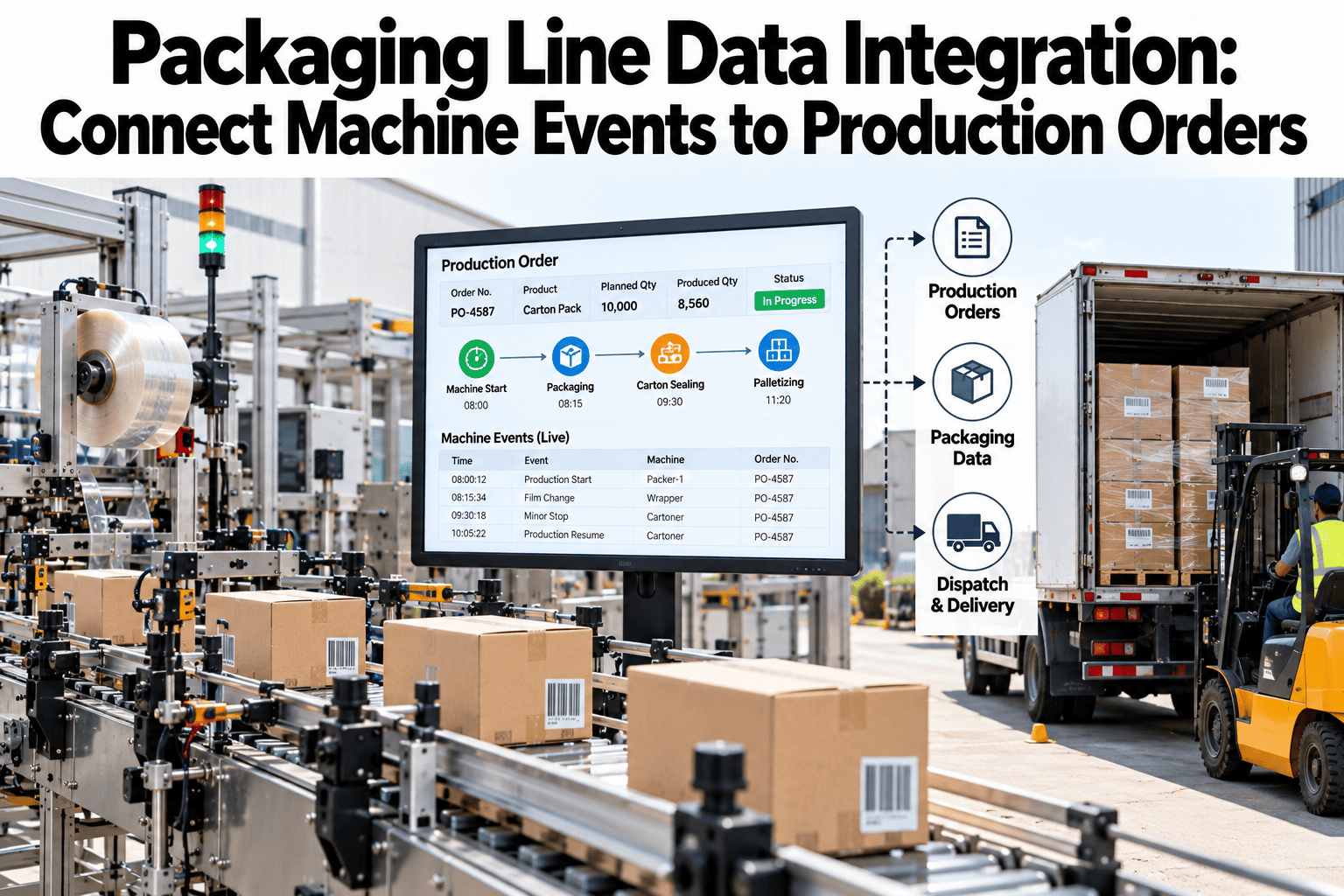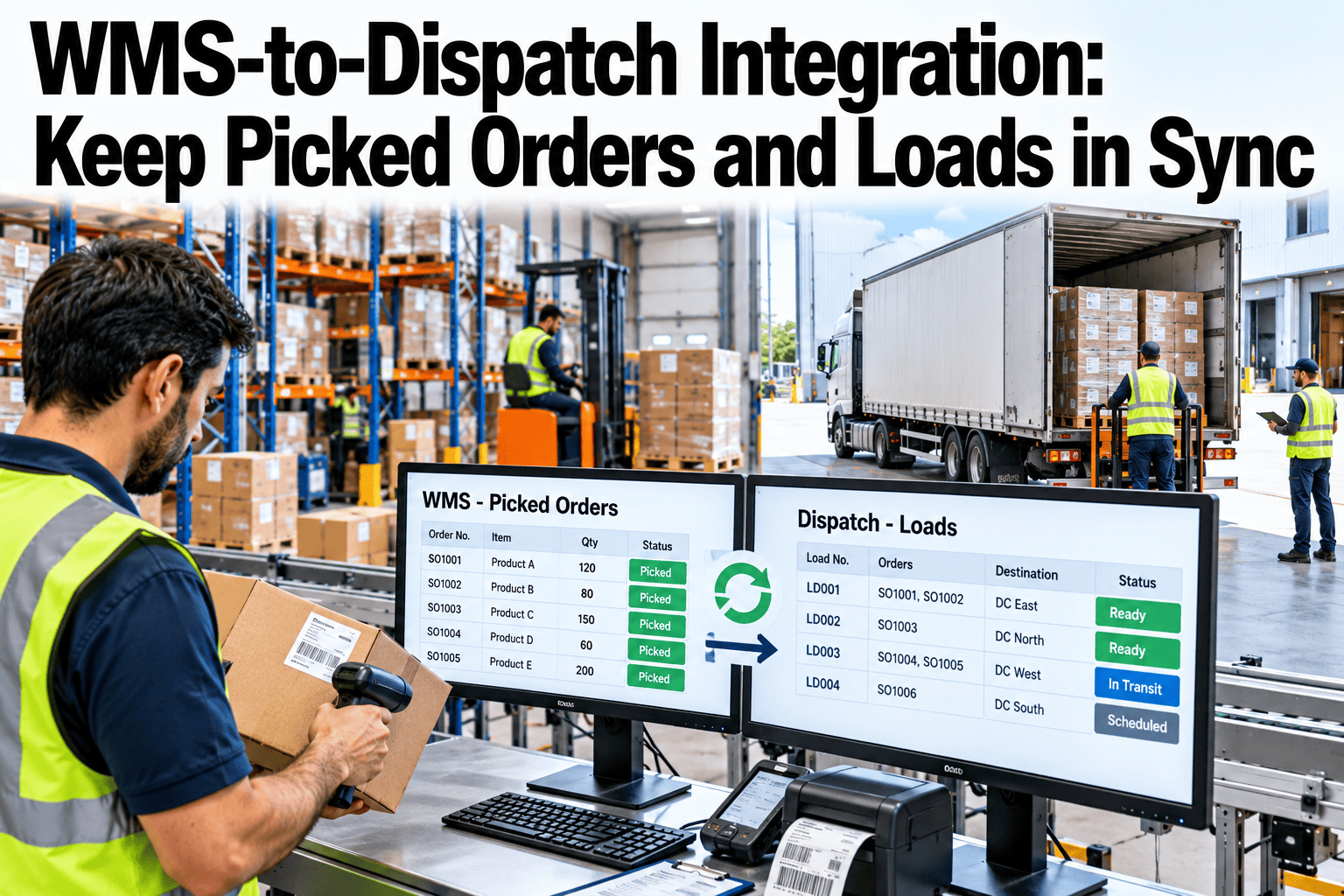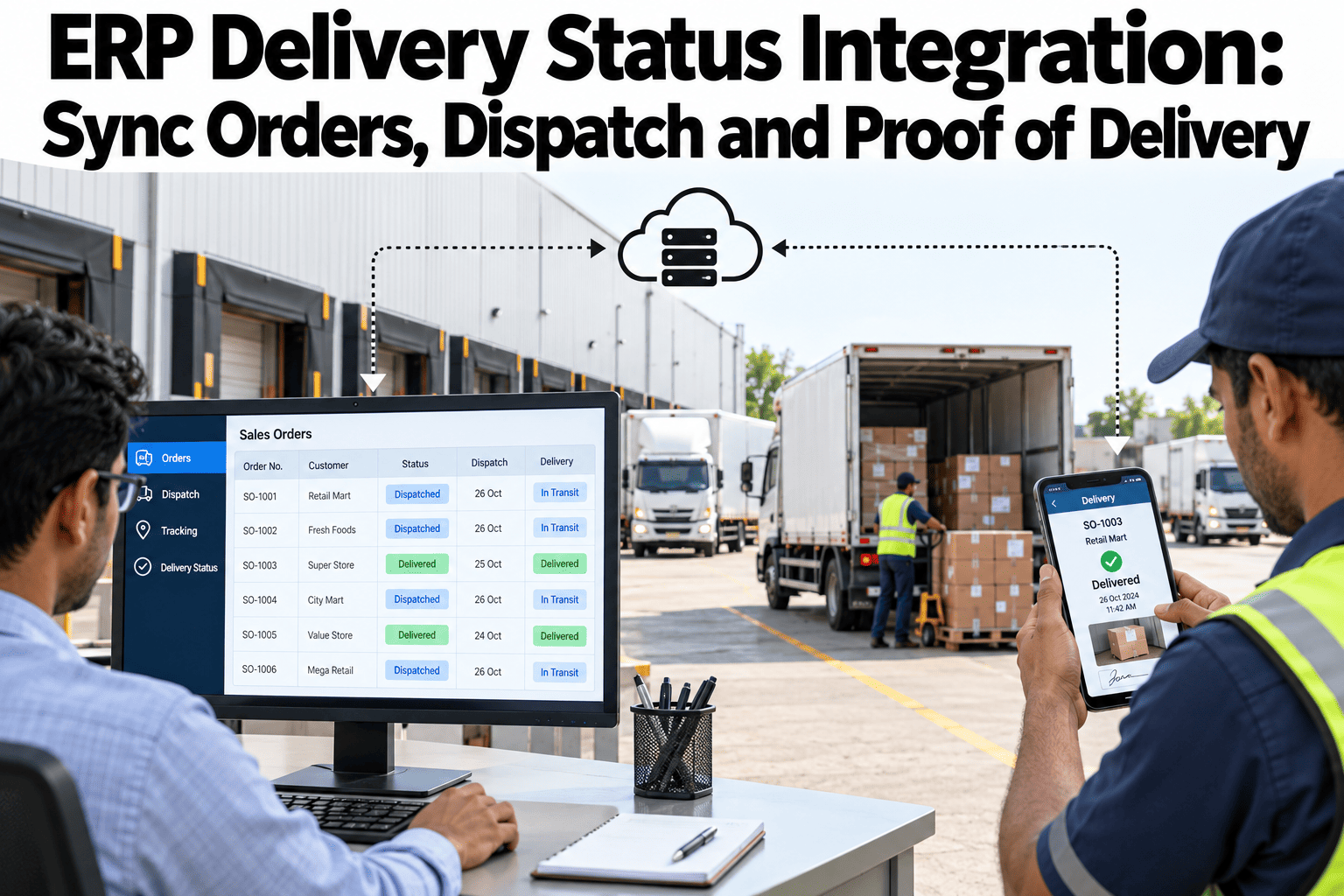
A customer checking order status in a portal connected to the ERP sees whatever status the ERP last recorded, which is only accurate if dispatch events and proof of delivery actually flow back into that ERP promptly and correctly. In practice, a delivery system and an ERP often update on different schedules using different identifiers for the same order, and the gap between them is exactly where a customer sees "processing" on an order that was delivered yesterday. Syncing order identifiers, status mapping and event timestamps between the two systems is what keeps that status accurate. Supply chain and delivery operations teams can review their own ERP-to-delivery sync in a short session.
What the ERP Shows Should Match What Actually Happened
iFactory syncs order identifiers, status and timestamps between ERP and delivery systems, keeping customer-facing status accurate.
Order Identifiers and Status Mapping
The ERP and the delivery or logistics system usually each have their own order numbering, and the first integration challenge is a reliable cross-reference so an event in one system updates the correct order in the other.
| Integration Element | Common Gap | Fix |
|---|---|---|
| Order identifiers | ERP and delivery system use different order numbers for the same shipment | A reliable cross-reference maps identifiers between systems |
| Status mapping | Delivery system statuses don't correspond cleanly to ERP status fields | A defined mapping translates delivery events into the correct ERP status |
| Event timestamps | Events update in the ERP on a delayed batch cycle | Near real-time event flow keeps ERP status current |
Find Where Your ERP and Delivery Status Diverge
Book a 30-minute session and iFactory will compare your ERP status against actual delivery records.
Exception Handling
Failed Delivery Attempts
A failed or rescheduled delivery attempt updates the ERP status immediately, rather than leaving it stuck on a stale "In Transit" state.
Address or Routing Changes
A mid-route change is reflected in both systems, keeping customer-facing status consistent with the actual plan.
Proof of Delivery Capture
Proof of delivery, signature or photo, syncs back to the ERP and attaches to the order record automatically.
Reconciliation
Even with real-time sync, periodic reconciliation between ERP and delivery records catches any gaps that slipped through, keeping the two systems genuinely aligned rather than just assumed to be.
Where iFactory Fits
iFactory syncs order identifiers, status and events between your ERP and delivery systems, keeping customer-facing status accurate and reconciled.
Reliable Order Cross-Reference
Order identifiers map consistently between ERP and delivery systems, so events update the correct record.
Near Real-Time Status Sync
Delivery events flow into the ERP close to real time, not on a delayed batch cycle.
Automated Proof of Delivery Capture
Signature or photo confirmation syncs back and attaches to the order record automatically.
Routine Reconciliation Checks
Periodic reconciliation confirms the systems stay genuinely aligned, catching any gap before a customer does.
Reviewed by iFactory's Operations Integration team for alignment with standard ERP and delivery system integration practice. Specific feature capabilities should be validated against current product functionality and your own ERP and delivery systems.
Frequently Asked Questions
Does this work with our specific ERP system?
Integration is built to connect with your existing ERP system rather than require a replacement, and compatibility is confirmed as part of the initial assessment. Support can confirm compatibility with your specific ERP.
How quickly does a delivery event reach the ERP?
Sync happens close to real time, meaning a delivery or exception event updates the ERP within a short window rather than waiting for a daily or periodic batch update.
What happens if order identifiers don't naturally match between systems?
A cross-reference mapping is built during setup to handle cases where the two systems use entirely different numbering schemes for the same order. Check my own ERP sync accuracy to see how this maps to your current identifiers.
Can this support multiple delivery or logistics providers?
Yes, status mapping can be configured per provider where different carriers or logistics systems report status differently, consolidating everything into one consistent ERP view.
How often should reconciliation checks run?
A regular cadence, often daily, catches gaps before they accumulate, though the right frequency depends on your order volume and how critical real-time accuracy is to your customer experience. Ask support about setting a reconciliation schedule.
Make Customer-Facing Status Match Reality
iFactory syncs your ERP and delivery systems in near real time. Book a walkthrough on your own order data.