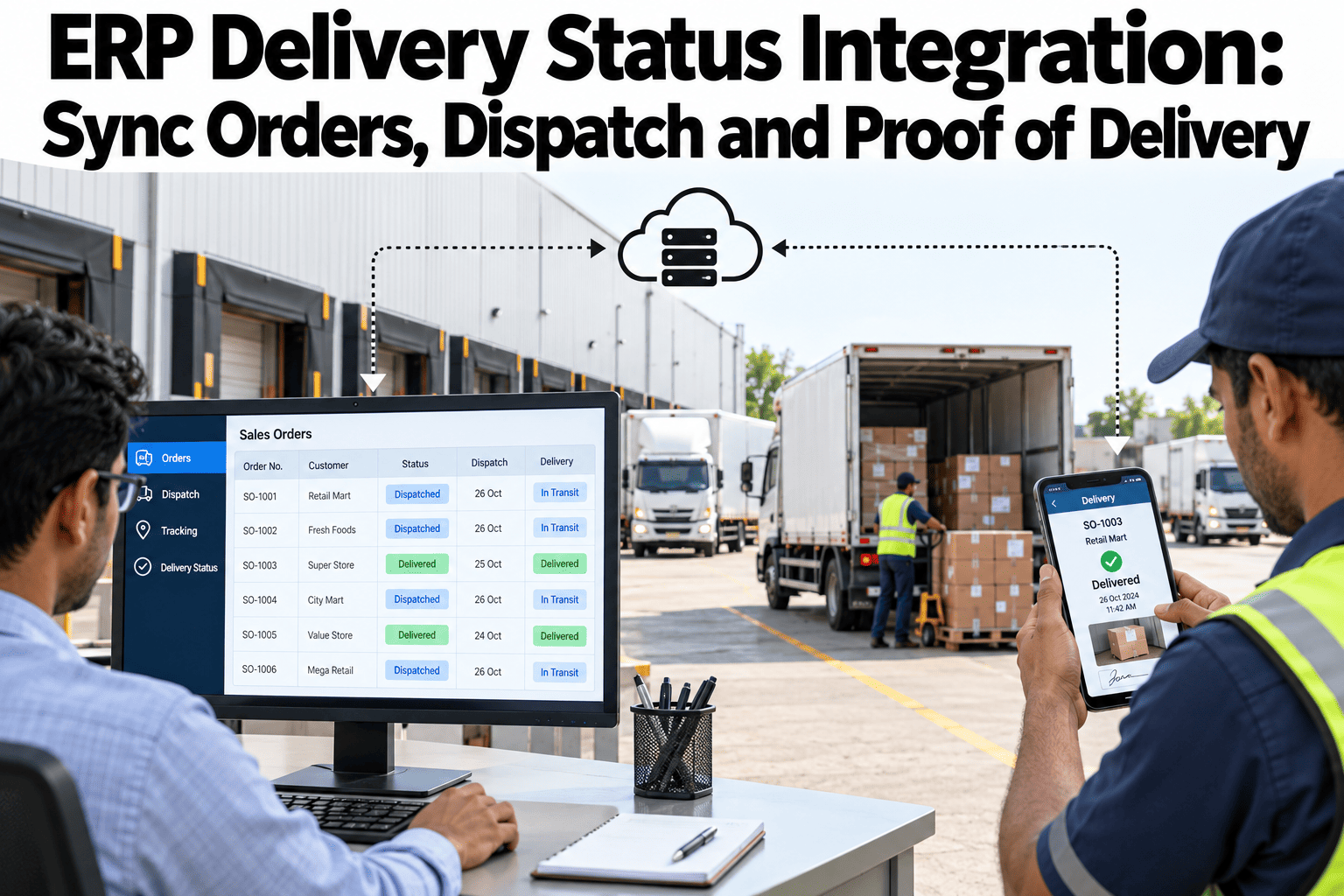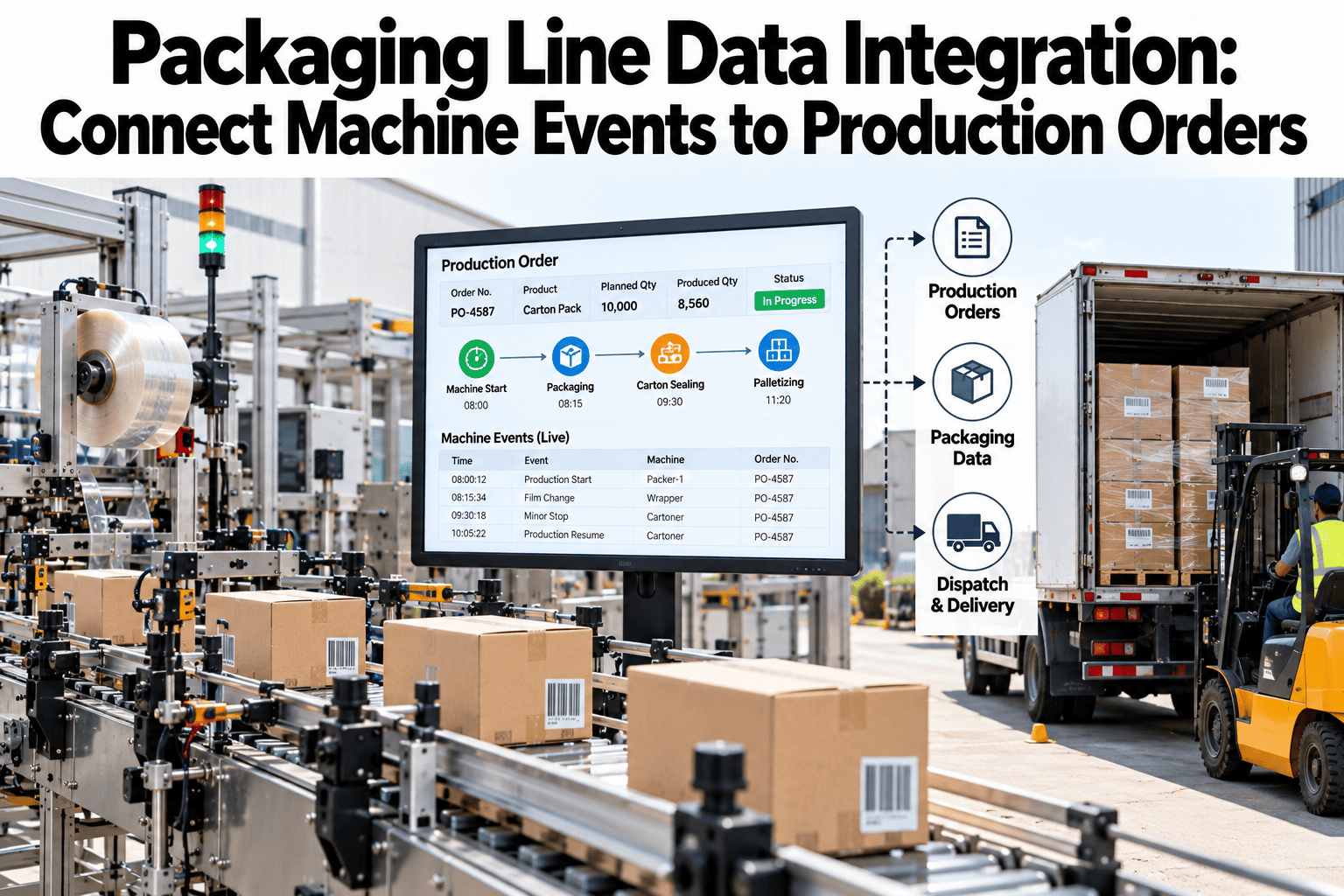
A packaging line generates a constant stream of machine events, stops, state changes, speed shifts, but on its own that stream says nothing about which production order or SKU was actually running when a given event occurred. Without that link, a stop at 2:14pm is just a timestamp and a duration, disconnected from the order it delayed or the customer commitment it put at risk. Connecting machine events to production order and SKU context is what turns a raw equipment log into something operations, quality and delivery teams can actually use to answer "which orders were affected." Packaging and operations teams can review their own machine event integration in a short session.
Every Machine Event Tagged to the Order It Actually Affected
iFactory connects packaging machine events to production orders and SKUs, so a stop comes with its business context attached.
Run started
Minor stop
Changeover
Run complete
Machine State Mapping
The first step is mapping each machine's raw states, running, stopped, changing over, faulted, into a consistent vocabulary that applies the same way across every line, so an event means the same thing regardless of which specific machine generated it.
| Integration Element | What It Connects | Why It Matters |
|---|---|---|
| Machine state mapping | Raw equipment signals to a consistent state vocabulary | Lets events be compared and analyzed consistently across lines |
| Order and SKU context | Each event to the specific production order and SKU running at the time | Turns a generic stop into "which order this delayed" |
| Event timestamps | Precise timing for every state change | Supports accurate downtime and duration calculations |
Connect Your Own Machine Events to Order Context
Book a 30-minute session and iFactory will review how your packaging line events could link to production order data.
Stop Reason Capture
Automatic State-Based Capture
Stop reasons are inferred from equipment signals where possible, reducing dependence on manual entry that's easy to skip under line pressure.
Operator-Confirmed Context
Where automatic inference isn't possible, a quick confirmation step captures reason codes without slowing the line significantly.
Order-Linked Reporting
Every captured reason rolls up by order, SKU and line, supporting both operational review and customer-facing delay explanation.
Data Quality
Order-linked event data is only as useful as it is accurate, and a few data quality practices keep the integration trustworthy rather than a source of confusing or contradictory reports.
Where iFactory Fits
iFactory connects packaging machine events to production order and SKU context automatically, built around your existing line equipment and order system.
Consistent State Vocabulary
Machine states are mapped consistently across every line, supporting reliable cross-line comparison.
Automatic Order Linking
Events link automatically to the production order and SKU running at the time, with no manual tagging required.
Stop Reason Capture
Reasons are captured automatically where possible, with a quick confirmation step filling remaining gaps.
Data Quality Monitoring
Reconciliation checks confirm logged events match actual line downtime, catching capture gaps early.
Reviewed by iFactory's Operations Integration team for alignment with standard packaging line data integration practice. Specific feature capabilities should be validated against current product functionality and your own line equipment and order management systems.
Frequently Asked Questions
Does this work with our existing packaging equipment, or does it require new hardware?
In most cases, existing PLC and equipment signals already provide what's needed for state mapping, without requiring new hardware on the line itself. Support can assess your current equipment's signal availability.
How does order context get matched to the correct time window?
Order start and end times from your production order system are matched against the machine event timeline, so each event falls within the order that was actually running at that moment.
Can this connect to multiple packaging lines with different equipment types?
Yes, the state mapping layer is built to normalize across different equipment types, so lines with different machine brands still report into one consistent view. Discuss my packaging line data to see this mapped across your own equipment mix.
Does stop reason capture add work for operators?
Automatic capture handles what it can from equipment signals, so operator confirmation is needed only for cases the system can't infer on its own, keeping the added workload minimal.
How does this connect to downstream dispatch or customer communication?
Order-linked delay data can feed into dispatch planning or customer-facing status updates where those systems are connected, giving downstream teams earlier visibility into a delay. Ask support how this connects to your dispatch workflow.
Give Every Machine Event Its Business Context
iFactory connects packaging line events to production orders and SKUs automatically. Book a walkthrough on your own line.