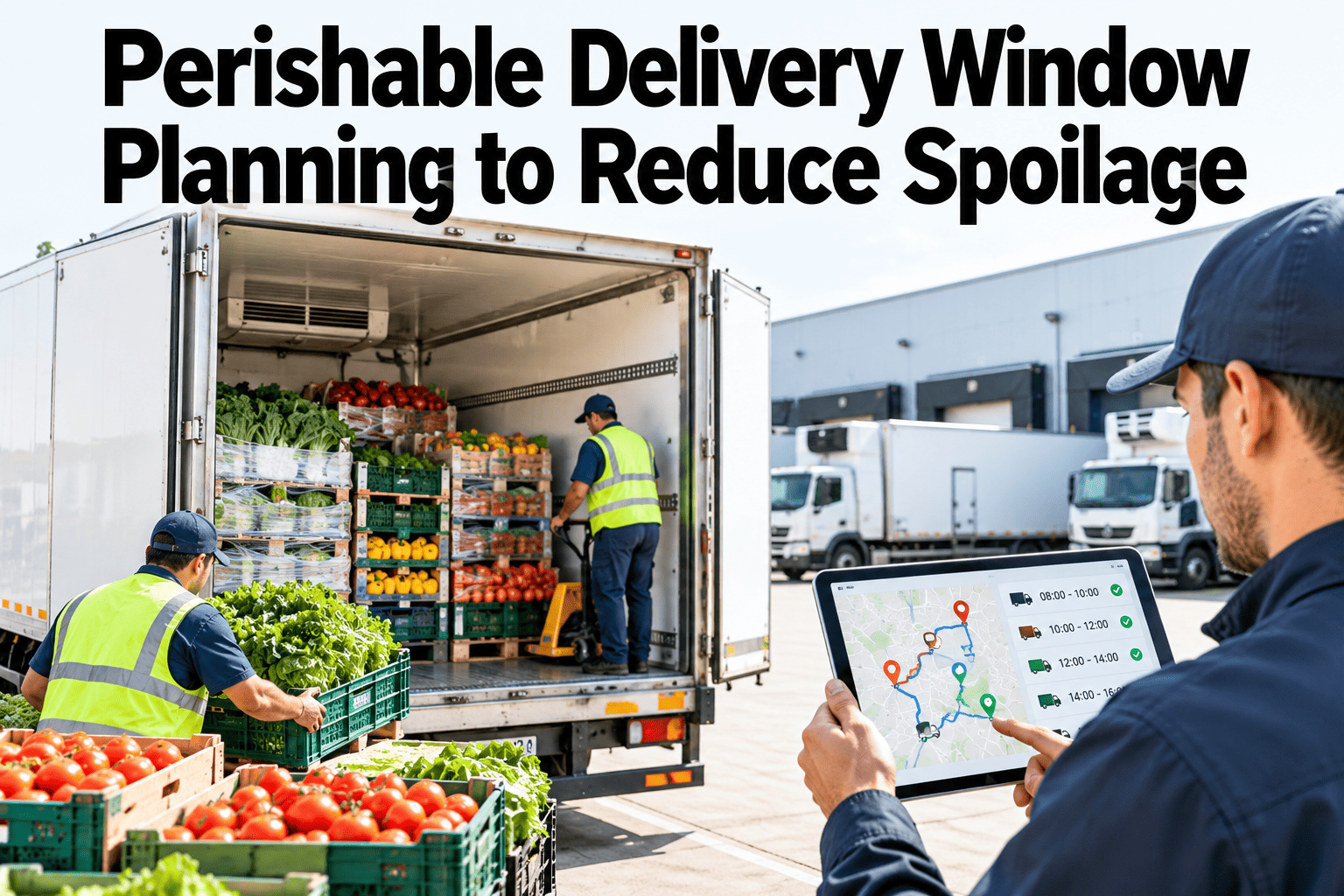
Perishable products start losing value the moment they leave the production line, and every hour of delay, extra stop or long wait at a dock takes a little more. Delivery window planning balances shelf-life limits, customer receiving windows, route order and loading time so product arrives fresh enough to be accepted and sold. Done well, it cuts spoilage, rejections and waste. This guide explains how to plan around shelf life and which measures show whether the plan works. To review your own routes, you can walk through a perishable delivery planning approach with our team.
Cold chain, perishable and time-critical delivery
Plan Delivery Windows Around Shelf Life So Fresh Product Arrives Fresh
iFactory AI combines shelf-life limits, customer windows and route data so planners can sequence stops and loading to cut spoilage and rejections.
Four things a perishable plan balances
Shelf lifeDelivery windowsRoute orderLoading time
The freshness clockEvery Hour Between Packing and Shelf Counts
A perishable product has a limited life, and the time available to deliver it shrinks with each step. Customers often set a minimum remaining shelf life at receipt, and anything below it may be rejected.
Packed
Shelf life begins to run
Held
Waiting in the warehouse or on the dock
Delivered
Time on the road and at each stop
Sold
Customer needs enough life left to sell
Planning that ignores the clock treats a one-day product and a fourteen-day product as equals. They are not.
Shelf-life arithmeticA Simple Calculation for Remaining Life
Remaining shelf life at delivery = total shelf life - age at dispatch - time in transit and waiting
The example uses illustrative numbers for a chilled product.
0.5 days
Transit and waiting
7.5 days
Remaining at delivery
If the customer requires at least eight days remaining, this delivery fails even though the vehicle was on time. Planning must start from the requirement.
Customer requirementsWhat Customers Typically Expect
| Requirement | What it means | Planning effect |
|---|
| Minimum remaining shelf life | Shortest acceptable life at receipt | Sets the latest dispatch and the longest route |
| Delivery window | Time range for receiving at the site | Sets the order of stops |
| Temperature at receipt | Product within range on arrival | Sets loading and pre-cooling steps |
| Frequency and drop size | How often and how much | Affects route density and vehicle choice |
| Acceptance rules | What happens if the product is late or too fresh | Sets tolerance for early or late arrival |
See Which Deliveries Are at Risk Before the Vehicle Leaves
Share your shelf-life rules and delivery windows and see how iFactory AI would flag orders likely to arrive too late or too old.
Delivery windowsWindows Are Constraints, Not Wishes
Customers receive goods when they have staff, dock space and storage. A missed window may mean a refusal or a long wait.
1
Fixed windows
Hard limits such as a two-hour slot. Missing them often means refusal.
2
Soft windows
Preferred times that can flex with notice.
3
Opening hours
Wider limits that still set the earliest and latest arrival.
4
Day-of-week rules
Some customers receive only on certain days.
5
Receiving capacity
A site may limit how many vehicles it can handle at once.
Record windows accurately in the planning system. Outdated windows are a common cause of failed deliveries.
Route sequenceOrder the Stops by Sensitivity and Window
The best order is rarely the shortest distance. Perishability and windows shape the sequence.
Stop profile
Tight window
Flexible window
Very perishable
Deliver first
Protect the freshest, most time-critical stops
Slot in carefully
Tight window but stable product
More stable
Place early
Flexible window but perishable product
Deliver later
Flexible window and stable product
Sequence affects temperature too. Frequent door openings late in a route warm the load for the last stops.
Loading timeLoad in Reverse Stop Order and Keep the Dock Efficient
Loading is part of the delivery window. A delayed load pushes everything back.
1
Pre-cool the vehicle
The vehicle reaches target temperature before loading starts.
2
Stage by stop
Orders are picked and staged in reverse stop order.
3
Load quickly and close doors
Dock time is kept short to protect temperature.
4
Confirm departure
Time and temperature are recorded as the vehicle leaves.
Short dock dwell at the depot saves shelf life as surely as a faster route.
Dwell timeWhere Time Disappears During a Trip
Time on the road is only part of the story. Waiting at the depot and at customer sites often takes longer. This split is illustrative.
20 percent: Waiting at the depot
Loading delays and queueing.
40 percent: Driving
Time between stops.
30 percent: At customer sites
Unloading, waiting for receiving staff.
10 percent: Other
Breaks, traffic and unplanned stops.
The customer-site slice is often the easiest to reduce through better booking and communication.
Static versus dynamic planningWhat Changes When Plans Adapt to the Day
Fixed plans
Same routes regardless of orders
Windows treated as approximations
Delays discovered at the door
Shelf life checked after delivery
Dynamic planning
Routes adapt to daily orders and traffic
Windows treated as constraints
Delays flagged during the trip
Shelf life checked before dispatch
Dynamic planning does not mean constant change. It means the plan responds when something important changes.
Spoilage and rejection metricsSix Measures of Delivery Freshness
| Measure | What it shows | Why it matters |
|---|
| Rejection rate | Deliveries refused for age or condition | Direct loss and customer experience |
| Average remaining shelf life | Life left at delivery | Margin for error |
| On-time in window | Share delivered in the window | Receiving reliability |
| Waste value | Cost of product discarded | Financial impact |
| Dwell time at sites | Average wait at customer sites | Planning accuracy |
| Temperature compliance | Share of deliveries within range | Product safety and quality |
Planning inputsBring Product, Customer and Route Data Together
Product shelf-life dataCustomer windows and rulesRoute and traffic data
Perishable delivery planner
Route and stop sequenceLoading planRisk alerts for planners
Good plans start with good master data. To check yours, ask our team about perishable planning data.
Shelf life over the routeRemaining Life Falls With Each Stop
A later stop has less shelf life remaining than an earlier one. This illustrative chart shows the idea.
Put the shortest-life products and strictest customers early in the route where possible.
Who is involvedPlanning Spans Several Teams
Planners
We sequence stops and loads around shelf life and windows.
Warehouse
We stage and load on time and at the right temperature.
Drivers
We follow the plan and report delays early.
Customer service and sales
We keep windows and requirements up to date.
Review rejections together each week. Shared causes are usually found in windows, loading time or product age at dispatch.
What improvement looks likeBefore and After Window Planning
Track rejection rate, waste and remaining shelf life. This view is illustrative.
Fixed plans
Rejections for age or condition
Remaining shelf life at delivery
Shelf-life-aware planning
Rejections for age or condition
Remaining shelf life at delivery
Planning mistakesFive Errors That Waste Fresh Product
1
Treating all products alike
One-day and ten-day products need different handling.
2
Out-of-date customer windows
Old records cause missed windows and refusals.
3
Ignoring dock time
Late loading erases the benefit of a good route.
4
Planning by distance only
The shortest route may not respect shelf life.
5
Not measuring waste
Without numbers, nobody sees the cost of delay.
RolloutFive Steps From Pilot Routes to Standard Practice
1
Gather the rules
Record shelf life, minimum remaining life and windows.
2
Find the risk
Use history to see which routes and customers lose product.
3
Plan a pilot
Apply shelf-life-aware sequencing to a few routes.
4
Measure
Track rejections, waste and remaining life.
5
Extend
Roll out to more routes and refresh rules regularly.
Shelf-life and minimum remaining life recorded by product and customer
Delivery windows and receiving rules up to date
Loading time and dock dwell measured
Stop sequencing rules defined by sensitivity
Pre-cooling and temperature checks in place
Rejections and waste tracked weekly
Delays reported during the trip
Owner named for planning data quality
Peaks and seasonsPlan for the Times When Everything Is Harder
Perishable delivery varies through the year. Peaks and seasons change volumes, temperatures and traffic.
Holiday peaks
Higher volumes strain loading and delivery windows.
Hot weather
Higher ambient temperatures raise cooling demand and speed up spoilage.
Promotions
Sudden volume swings change drop sizes and frequency.
Weather disruption
Storms and road closures extend journey times.
Build contingency into peak plans, such as spare vehicles, wider buffers and earlier loading, rather than relying on normal-day assumptions.
Recovering valueWhat to Do With Product That Is Running Out of Time
Not all product reaches a customer in ideal condition. Quick decisions can recover value that would otherwise be lost.
Redirect
Send nearly-expired product to customers with shorter requirements.
Discount
Offer product at a reduced price for faster sale.
Donate
Where policy and safety rules allow, give to food banks or charities.
Rework or dispose
Reprocess where safe, otherwise dispose of it responsibly.
Safety always comes first. Use only options that your quality and food safety procedures permit.
Comparing plansA Simple Test of Two Planning Approaches
A side-by-side comparison on one week of orders shows what shelf-life-aware planning changes. The numbers are illustrative.
| Measure | Distance-based plan | Shelf-life-aware plan |
|---|
| Deliveries below minimum remaining life | 14 | 5 |
| Deliveries outside the window | 9 | 4 |
| Total distance driven | Lowest | Slightly higher |
| Rejected and discarded value | Higher | Lower |
A slightly longer route can cost less overall if it avoids rejections and waste. Measure total cost, not distance alone.
MaturityMove From Rules of Thumb to Planned Freshness
Level 1: Rules of thumbExperienced planners use habit
Level 2: Recorded rulesShelf life and windows documented
Level 3: Rule-based planningSoftware applies rules and flags risks
Level 4: OptimisedPlans adapt to daily data and results
Each level reduces reliance on individual memory and makes results easier to repeat.
Expert reviewWhat a Fresh Food Supply Chain Manager Would Check First
Freshness is won or lost before the vehicle leaves. Accurate shelf-life data, realistic windows and short dock times matter more than clever route algorithms.
Verdict
Strong when plans start from customer requirements and use accurate data.
Watch for
Optimising distance while ignoring shelf life and windows.
Do next
Pilot a few routes with shelf-life rules and compare rejections before and after.
Frequently asked questionsWhat Delivery Planners Ask About Perishable Windows and Spoilage
How do we find out customers' shelf-life requirements?
Check supply agreements and receiving rules, ask account teams and review rejection history. Record the minimum remaining shelf life by customer and product in your planning system, and keep it up to date as agreements change.
Plan a requirements review.
Should we always deliver the most perishable stops first?
Often, but not always. Window constraints, travel distance and temperature effects also matter. A rule that combines sensitivity with windows gives a better order than either alone.
Ask about sequencing rules.
How can we reduce waiting at customer sites?
Agree booking windows, share arrival estimates in advance and record waiting times by customer. Consistent long waits are a sign to discuss receiving arrangements or change the route.
Discuss site waiting.
What metrics should we track first?
Start with rejection rate, remaining shelf life at delivery and waste value, then add on-time in window and dwell time. Keep measures few and review them weekly.
Ask about starting measures.
Can we plan around spoilage risk automatically?
Software can flag orders and routes likely to breach shelf-life or window limits and suggest changes, while planners decide. Good master data is essential.
See risk flagging in a demo.
Fresh at dispatch, fresh at the door
Deliver Perishable Product Before the Clock Runs Out
Book a session with iFactory AI to map your shelf-life rules, check your windows and plan routes and loads that cut spoilage and rejections.