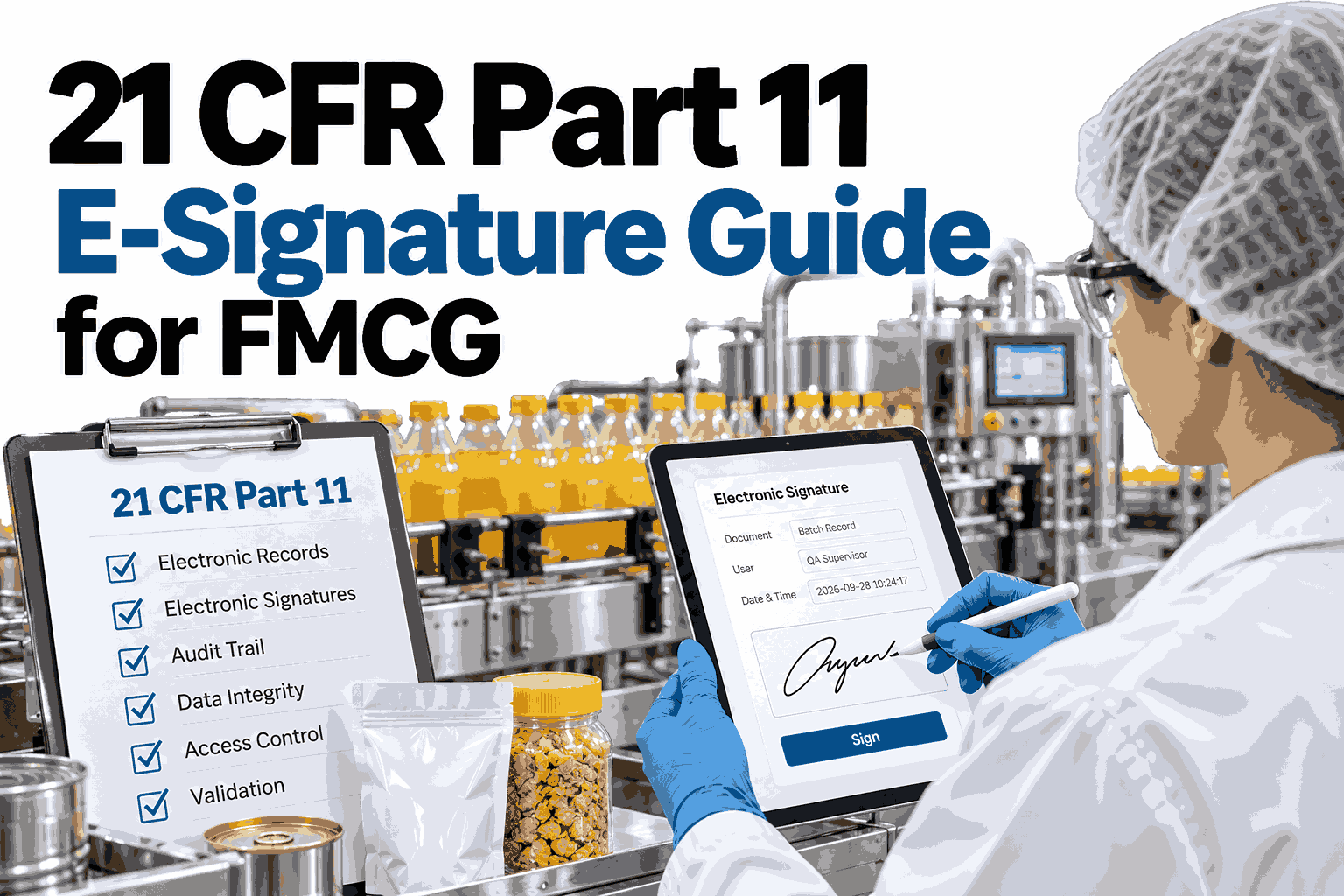
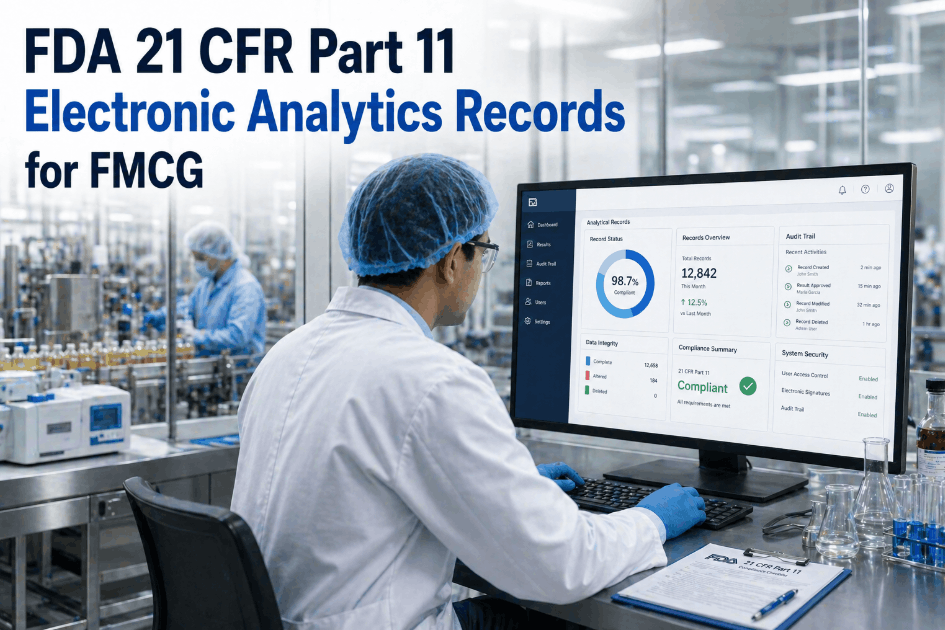
A wet-ink signature on a batch record is easy to defend because everyone understands what it proves: a named person, at a moment in time, stood behind that entry. Replace the pen with a tablet or a login and that certainty disappears unless the system itself can prove who signed, when, and why. For food, supplement, cosmetic, and personal care manufacturers that fall under FDA predicate rules, 21 CFR Part 11 defines what that proof looks like. Teams moving off paper in 2026 can see how iFactory handles compliant e-signatures inside real batch and quality workflows.
DIGITAL GMP FOR FMCG
The 21 CFR Part 11 E-Signature Guide for FMCG Manufacturers
The technical, procedural, and administrative controls that turn a paper signature into a defensible digital one, explained for plant and quality teams.
WHERE PART 11 APPLIES
Which FMCG Records Fall Under the Rule
Part 11 applies when a record is required by another FDA regulation, called a predicate rule, and you choose to keep it electronically.
Batch production and packaging records
Sanitation and cleaning logs
Supplier and ingredient approvals
Deviation and CAPA records
Calibration and equipment logs
Training and qualification records
Dietary supplements, OTC products, and many cosmetics and food categories carry predicate record requirements. Confirm your exact scope with regulatory counsel.
SIGNATURE ANATOMY
What a Compliant Electronic Signature Must Show
Part 11 requires every signed record to display specific information, and the signature must stay permanently tied to that record.
Batch Release Record
Reviewed by: Printed Name
Date and time: Stamped by system
Meaning: Approved for release
Printed name identifies the signer in human-readable form.
Date and time comes from the system clock, never typed by the user.
Meaning states whether it is review, approval, or responsibility.
Record linking prevents the signature from being copied or moved to another record.
Check your signature workflows against the rule
Bring one batch record or deviation form and see how it looks as a compliant digital workflow in iFactory.
THREE CONTROL FAMILIES
Compliance Is Built From Technical, Procedural, and Administrative Controls
No software alone makes you compliant. The rule expects the system, your written procedures, and your management practices to work as one.
Technical
Unique user IDs, never shared
Secure, computer-generated audit trails
Role-based access and authority checks
Session timeouts and re-authentication
Locked records after approval
Procedural
Validation of the system for intended use
SOPs for signing, review, and release
Change control for configuration updates
Backup, retention, and recovery routines
Procedures for lost or compromised credentials
Administrative
Documented training before system access
Policy that e-signatures equal handwritten ones
Periodic access and password reviews
Named ownership for the system
Supplier and vendor qualification
Auditors usually test the weakest family, so most gaps surface in procedures and administration rather than software features.
CLAUSE MAP
Part 11 Sections Translated Into Plant Language
This table links the main sections of the rule to what a quality manager should expect to see in practice.
| Section |
What It Covers |
What Auditors Look For |
| 11.10 |
Controls for closed systems |
Validation evidence, audit trails, access limits, trained users |
| 11.50 |
Signature manifestations |
Name, date, time, and meaning displayed on the record |
| 11.70 |
Signature and record linking |
Signatures that cannot be cut, copied, or transferred |
| 11.100 |
General signature requirements |
Unique signatures, verified identity, certification to FDA |
| 11.200 |
Signature components |
Two distinct identification components, such as ID and password |
| 11.300 |
Controls for ID codes and passwords |
Uniqueness, periodic review, loss management, misuse detection |
SIGNING FLOW
How a Compliant Signing Event Should Work
Walk through this sequence on your own system. If any step is missing, that is a gap to close before an audit finds it.
1
Authenticate
The user signs in with a unique ID plus a second component such as a password.
2
Authorize
The system checks that this role may sign this record type at this stage.
3
Declare Meaning
The user sees whether they are reviewing, approving, or taking responsibility.
4
Stamp and Lock
Name, date, and time attach to the record, and any later change is audit-trailed.
AUDIT TRAIL ESSENTIALS
What the Audit Trail Has to Capture
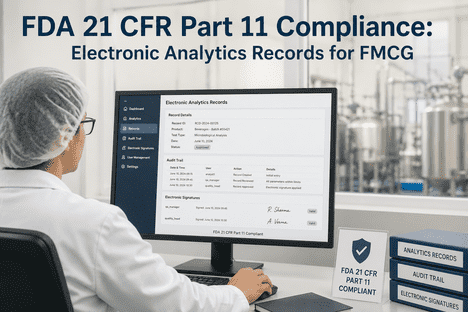
An audit trail is the record of the record. It must be secure, time-stamped, and impossible for users to edit or switch off.
Who
The unique user who created, changed, or deleted an entry.
When
A system-generated date and time for every action.
What Changed
The old value, the new value, and the field affected.
Why
A reason for change, where your procedures require one.
Previous entries must never be obscured, so a correction adds a new line instead of erasing the old one.
PAPER VERSUS DIGITAL
What Gets Stronger, and What Gets Stricter
Going digital removes many paper weaknesses but adds obligations that paper never had.
Gets Stronger
Illegible handwriting disappears.
Missing signatures are blocked before release.
Time stamps are objective, not recalled.
Records are searchable in minutes during an audit.
Gets Stricter
The system itself must be validated.
Credential sharing becomes a data integrity issue.
Backups and retention must be proven, not assumed.
Configuration changes need documented control.
READINESS CHECKLIST
Ten Questions to Ask Before Going Live
Answer each honestly. Any "no" is a work item for your validation plan.
Does every user have a unique login that is never shared?
Do signed records show printed name, date, time, and meaning?
Is the audit trail automatic and protected from user edits?
Are roles limited to the records and steps they own?
Has the system been validated for its intended use?
Are users trained and is that training documented?
Is there a written policy that e-signatures are legally binding?
Can you produce accurate copies of records for FDA review?
Are lost or compromised credentials handled by procedure?
Is configuration change controlled and documented?
ROLLOUT PLAN
A 90-Day Path From Paper to Defensible Digital
The bars below show a typical effort split. Your plant size and record volume will shift the balance.
Days 1 to 30: Scope and gap assessment
Days 20 to 60: Configuration and validation
Days 45 to 75: SOPs and user training
Days 70 to 90: Pilot line and go-live
Starting with one high-value record type, such as batch release, builds confidence before you expand to the rest of the plant.
COMMON FAILURES
Five Mistakes That Show Up in Audits
These patterns appear repeatedly when paper-to-digital projects skip the non-software work.
1Shared shift logins on a packaging line terminal.
2Validation done once and never revisited after upgrades.
3Audit trails enabled but never reviewed by anyone.
4Training records missing for temporary or seasonal staff.
5Signing meaning unclear, so reviewers approve by accident.
FREQUENTLY ASKED QUESTIONS
What FMCG Quality Teams Ask About Part 11
Does every FMCG product category need Part 11 controls?
No. The rule applies to records required by FDA predicate rules that you keep electronically, so exposure depends on your product category and regulated activities. Supplements, OTC items, and many food operations have clear record requirements.
Ask our support team how to scope your records before planning.
Is a scanned image of a wet signature enough?
A scan of a paper record is a different situation from an electronic signature applied inside a system. Once you rely on signing within software, the signing controls in Part 11 apply to that workflow. Many plants choose native digital signing to avoid managing both.
See native e-signing in a live session with real records.
Can a username and password count as a signature?
Yes, when the system uses two distinct identification components and enforces the related uniqueness and security controls. The first signing in a session generally needs both components, and later ones can follow the rule's continuous-session provisions. Your procedures should state exactly how this works.
Review the authentication flow with a specialist against your policy.
Who is responsible for validation, us or the software vendor?
Responsibility is shared, but the regulated company owns the final result. A vendor can supply documentation, testing support, and a controlled platform, while you confirm the system works for your intended use. Keep that evidence organized for inspection.
Contact support about validation documentation available for your rollout.
How long should electronic records be retained?
Retention periods come from the predicate rule for each record type, not from Part 11 itself. What Part 11 adds is the requirement that records remain accurate, retrievable, and protected throughout that period. Confirm periods with regulatory counsel.
Discuss retention and retrieval setup in a short demo.
AUDIT-READY FROM DAY ONE
Replace Paper Signatures With Records You Can Defend
iFactory brings e-signatures, audit trails, and controlled workflows together so your quality team can move to digital GMP without losing inspection confidence.