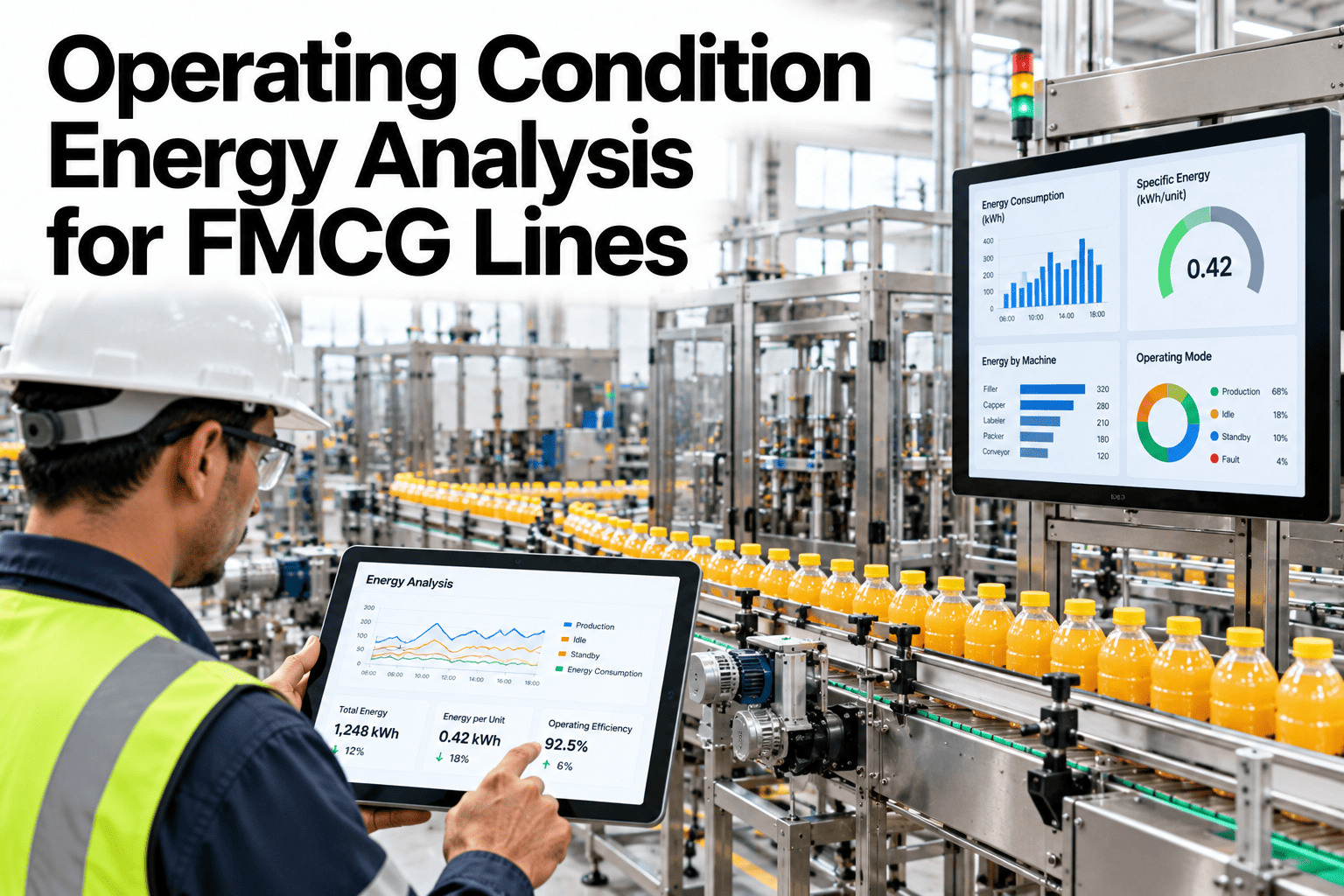
A line that is not running still draws power. Compressors idle, conveyors creep, chillers hold temperature, and none of it shows up as production. Operating condition energy analysis splits a line's draw into running, idle, cleaning and changeover states, so each one can be measured and reduced on its own terms instead of being buried inside one average figure. This guide walks through how plants build that breakdown and what it typically finds. Teams ready to see their own line split by state can book a demo with the iFactory AI team.
Operating Condition Energy Analysis for FMCG Lines
Running, idle, cleaning and changeover energy signatures that expose the biggest cost per state, per line.
A line cycles through all four states every shift. Each one carries its own energy signature, illustrative above.
Why One Average Hides the Cost
A line's average kWh per hour blends four very different behaviors into one number, and the state draining the most money is rarely the one anyone suspects.
Idle energy in particular tends to surprise plants the first time it is isolated, because equipment left spinning between short runs rarely gets switched off out of habit rather than need.
How a State Is Detected
A line does not need a new sensor for every state. Most states can be inferred from signals plants already collect.
| State | Detection Signal | Typical Duration Share |
|---|---|---|
| Running | Line speed and output counter above threshold | 55 to 70% |
| Idle | Power draw with zero output counter movement | 10 to 20% |
| Cleaning | Wash cycle flag from the sanitation system | 5 to 10% |
| Changeover | Product code change event from MES | 8 to 15% |
Energy Signature by State, Illustrative
The figures below are invented to show how uneven the cost per state usually is, not to benchmark your plant.
Idle draw here runs at nearly two-thirds of full running power for zero output, which is the kind of gap a state-level view makes impossible to miss.
Find the State That Is Costing You Most
Book a 30-minute walkthrough and see your line's energy split into running, idle, cleaning and changeover states.
The Cost of Idle Left Unchecked
A short worked example shows how idle energy accumulates over a year when nobody is watching it.
Common Mistakes in State Analysis
The same pitfalls appear when plants first try to split energy by state.
Plain-Language Glossary
Shared terms keep production and energy teams reading the same report the same way.
Turning a State Breakdown Into a Habit Change
A chart showing idle draw is only useful if it changes what someone does on shift. Three small habit changes tend to capture most of the gain.
None of these require capital spend. They require a visible number and a person who checks it regularly, which is usually the hardest part to build without a live dashboard.
Comparing Lines, Not Just States
Once one line has a state breakdown, the natural next question is how it compares to a sister line running the same product elsewhere in the plant.
Two lines with identical equipment specs can carry very different idle shares simply because of scheduling habits, operator routine or how changeovers are sequenced between them.
| Comparison | What It Reveals |
|---|---|
| Same line, week over week | Whether a recent change improved or worsened a state |
| Sister lines, same product | Whether one operator habit outperforms another |
| Peak season vs off-peak | Whether idle share grows when volume drops |
Frequently Asked Questions
Do we need new sensors to detect states?
Usually not. Most states can be inferred from signals already available in the control system and MES, such as line speed, output counters and product change events. Book a demo to check what your line already provides.
How long does a first state analysis take?
A single line can usually be analysed within a few weeks once data access is confirmed, long enough to capture a representative mix of products and shifts.
Is idle energy always wasteful?
No, some idle holds are necessary for product safety or quick restart. The value of the analysis is separating necessary holds from avoidable ones, not eliminating idle time entirely.
Can this feed our per-batch energy figures too?
Yes, state-level data strengthens batch attribution by explaining why similar batches sometimes carry different energy costs. Ask support how the two analyses connect.
See Every State Your Line Spends Energy In
iFactory AI splits line energy into running, idle, cleaning and changeover states from data you already collect. Book a walkthrough built around your plant.