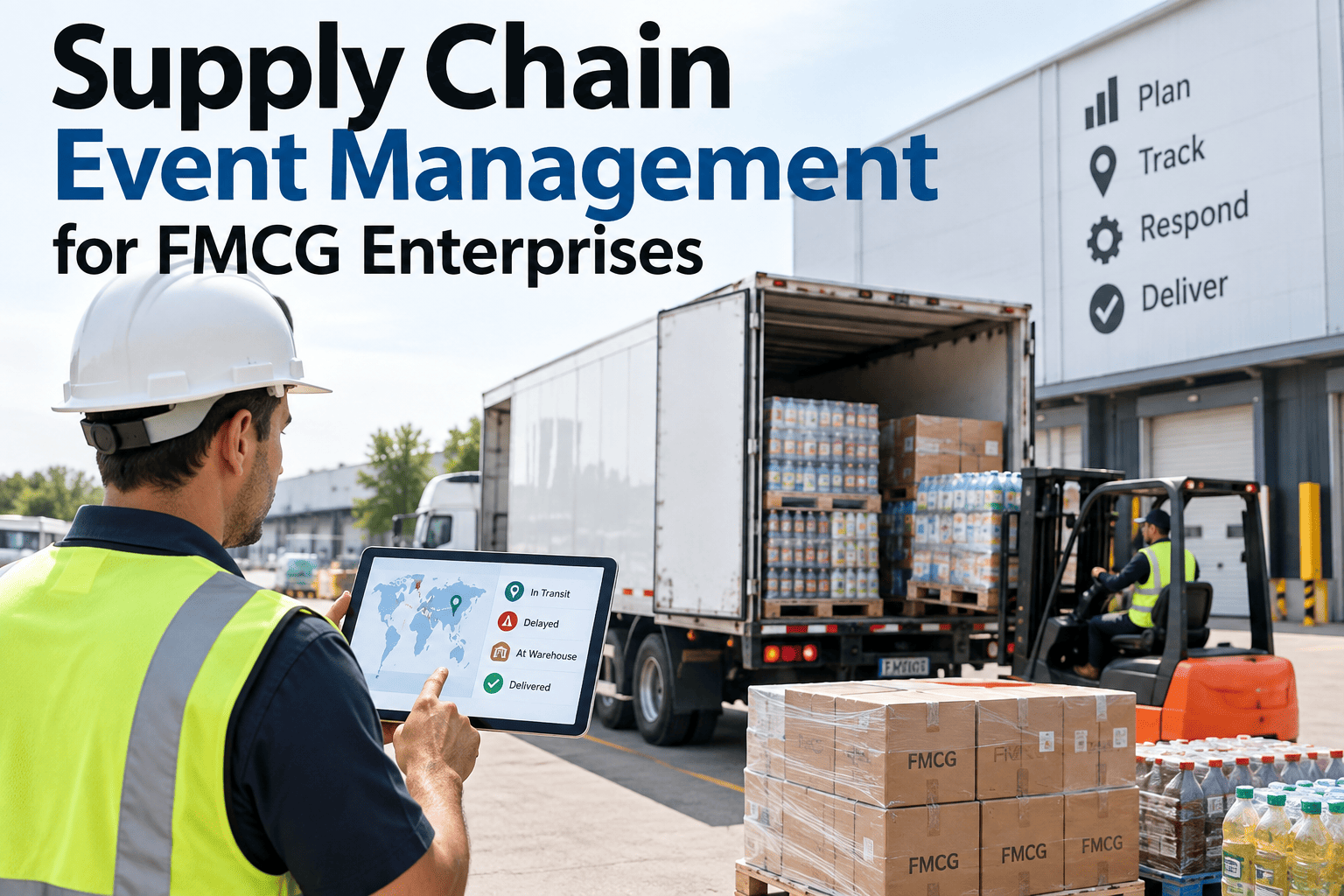
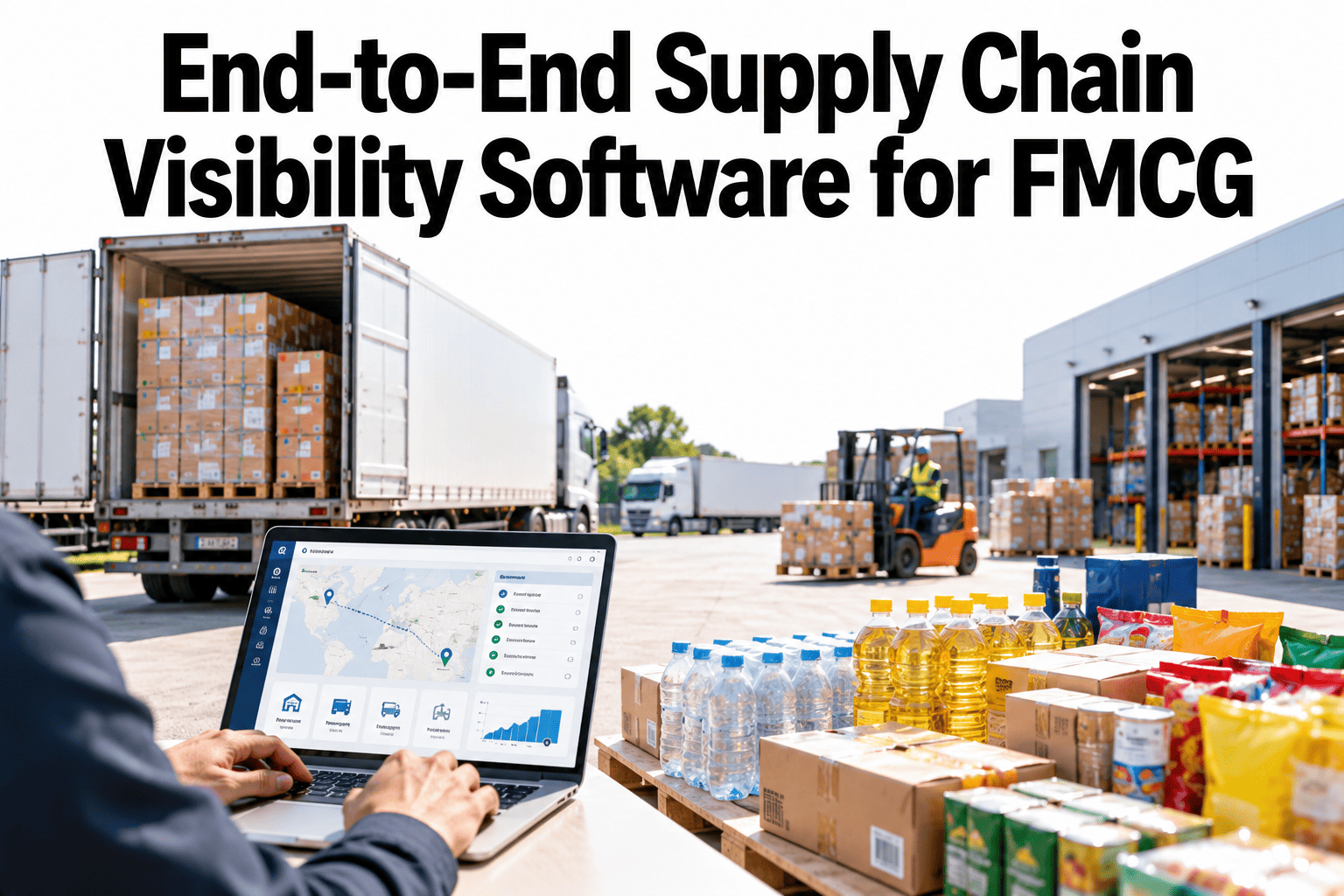
An FMCG supply chain generates a constant stream of small events, a delayed inbound truck, a temperature excursion on a cold chain shipment, a quality hold at a co-packer, a port congestion alert, and most of them get handled the same way they always have, through a phone call, an email thread, or a spreadsheet someone updates manually while three other things are also going wrong. The problem isn't that these events happen, disruption is a normal part of running a physical supply chain, the problem is that without a structured system to capture, classify, and route them, every event gets handled from scratch by whoever happens to notice it first. That inconsistency is exactly what turns a manageable event into an unmanaged one, and booking a demo shows how a structured event workflow changes that.
EVENT MANAGEMENT · SCEM · FMCG ENTERPRISE
Every Disruption Deserves a Playbook, Not a Scramble
iFactory captures supply chain events as they happen, classifies them by priority, and routes each one through the response playbook your team already trusts, turning ad hoc firefighting into a repeatable process.
WHAT COUNTS AS AN EVENT
The Events Most FMCG Supply Chains Are Already Living With
Event management doesn't start by inventing new categories of risk, it starts by recognizing the disruptions that are already happening constantly across transportation, production, quality, and supplier relationships, and giving each one a consistent path instead of an improvised one.
TRANSPORTATION
Delays, Route Deviations, Temperature Excursions
PRODUCTION
Line Downtime, Yield Drops, Changeover Overruns
QUALITY
Holds, Out-of-Spec Results, Customer Complaints
SUPPLIER
Late Shipments, Short Fills, Capacity Notices
EXTERNAL
Port Congestion, Weather, Regulatory Changes
INVENTORY
Stockouts, Overstock, Expiry Risk Windows
THE LIFECYCLE
What Happens to an Event From the Moment It's Detected
A structured event management process doesn't try to prevent every disruption, it makes sure that once one happens, it moves through the same five stages every time, regardless of who's on shift or which team notices it first.
1
Capture
The event is logged automatically where possible, from a sensor alert or system flag, or manually where a person is the first to notice it.
2
Classify
The event is scored for severity and business impact against a consistent set of criteria, not a judgment call made under pressure.
3
Route
Based on classification, the event goes to the right team and the right playbook automatically, instead of waiting for someone to decide who should handle it.
4
Resolve
The response plays out against the assigned playbook, with progress tracked so a stalled response is visible before it becomes a bigger problem.
5
Learn
Resolved events feed back into the classification model and playbook library, so the next similar event is handled even faster.
See your last quarter of disruptions run through a structured lifecycle
iFactory can map your recent events against this five-stage process to show exactly where the gaps are today.
PRIORITY CLASSIFICATION
How Events Get Scored for Severity and Impact
Not every event deserves the same urgency, and treating a minor delay with the same escalation as a cold chain breach wastes response capacity that should be reserved for what actually threatens product or customer commitments.
| Priority Level |
Example Trigger |
Response Target |
| Critical |
Cold chain temperature excursion, active quality hold on shipped product |
Immediate escalation, response within minutes |
| High |
Supplier short fill affecting a committed order, line downtime past threshold |
Same-shift response, assigned owner within the hour |
| Medium |
Transportation delay within recoverable lead time, minor yield drop |
Same-day response, tracked through standard workflow |
| Low |
Non-critical documentation gap, minor route deviation with no service impact |
Logged and monitored, batched into routine review |
RESPONSE PLAYBOOKS
What a Playbook Actually Contains
A playbook isn't a general policy document, it's a specific, pre-agreed sequence of actions tied to one event type, so the person handling it doesn't have to invent a response from scratch under time pressure.
Cold Chain Excursion
Immediate quarantine flag, quality team notification, temperature log pull, and a hold-release decision tree based on severity and duration.
Supplier Short Fill
Alternate source check, affected order list generation, customer service notification threshold, and expedite cost approval path.
Line Downtime
Root cause capture, production reschedule trigger, downstream order impact assessment, and maintenance escalation if recurring.
Port Congestion Alert
Affected shipment identification, alternate routing evaluation, customer commitment risk flag, and inventory buffer check at destination.
THE COST OF UNMANAGED EVENTS
What Happens Without a Structured Process
Every FMCG supply chain team is already responding to events, the question is whether that response is consistent and fast or dependent entirely on who happens to be paying attention.
3-5x
longer average resolution time when an event is handled ad hoc versus through a defined playbook
40%+
of minor events go undocumented entirely when tracking depends on manual logging under time pressure
0
institutional memory captured when a resolved event never feeds back into the next response plan
TURNKEY DELIVERY
How iFactory Builds Your Event Management Workflow
iFactory connects to your existing operations, quality, and logistics systems to capture events automatically where possible, then works with your team to build the classification model and playbook library around how your business actually responds today.
What Gets Built
Automated event capture from connected operations and logistics systems
Severity and impact classification model tuned to your business
Playbook library covering your most common and highest-risk event types
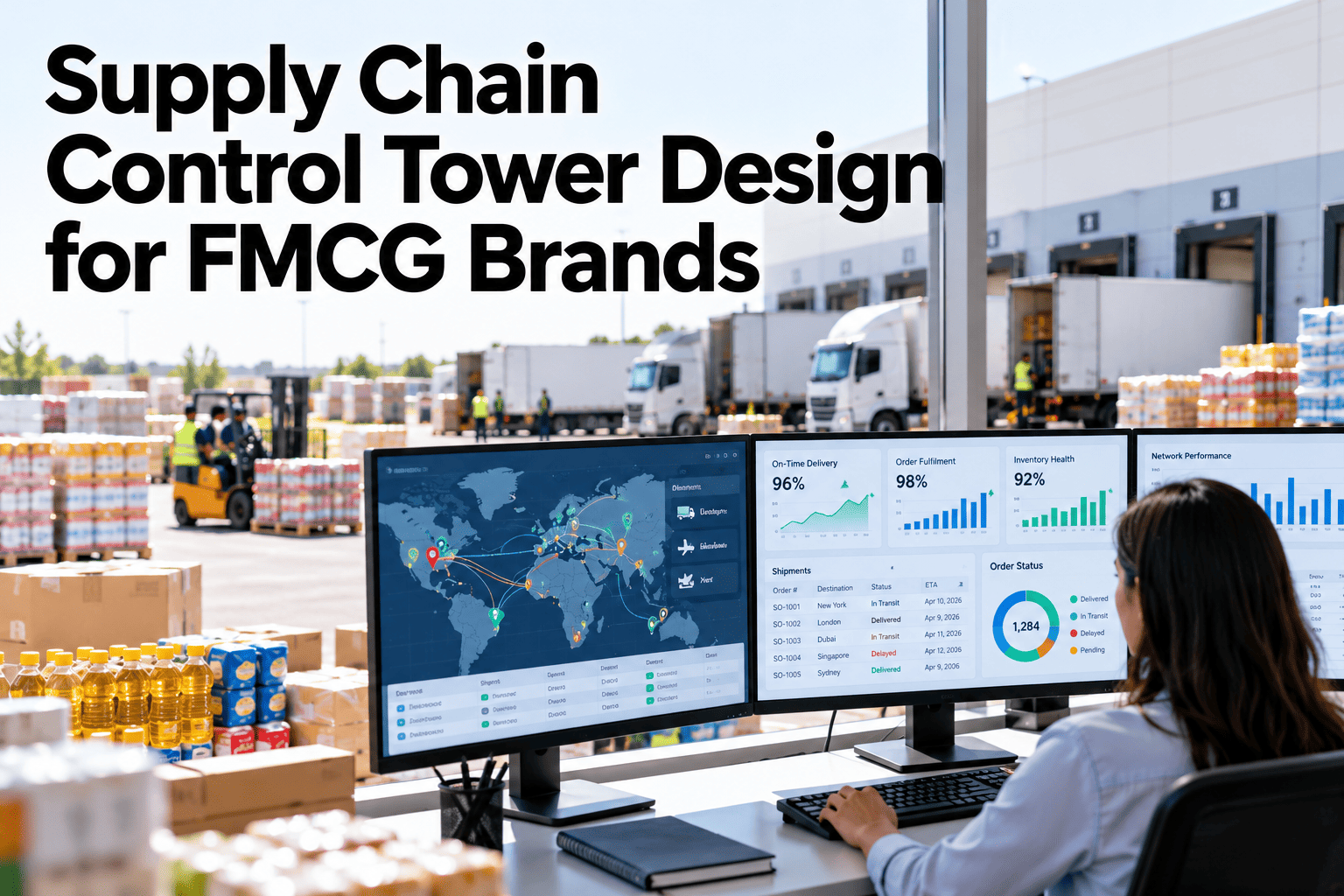
Central dashboard showing every open event, owner, and status in real time
Deployment Timeline
Weeks 1-3: System integration and event source mapping
Weeks 4-6: Classification model and initial playbook build
Weeks 7-9: Dashboard go-live and team workflow training
FREQUENTLY ASKED QUESTIONS
What Operations Teams Ask Before Adopting SCEM
Do we need sensors and IoT infrastructure already in place for this to work?
No, event capture works with whatever data sources you already have, whether that's sensor and system-generated alerts, existing quality and logistics software, or manual entries from your team when a person is the first to notice something. Automated capture is added incrementally wherever it's available, since it reduces detection lag, but the classification, routing, and playbook layers work just as well on manually logged events as they do on system-triggered ones.
Book a demo to see how this maps onto your current data sources.
How are the playbooks built, do you use generic templates or our own processes?
Playbooks are built around how your team already responds to each event type today, refined to remove the inconsistency that comes from different people handling the same situation differently. The starting point is always your existing process, not a generic industry template, since your supplier relationships, product categories, and internal escalation paths are specific to your business. Generic best practices inform the structure, but the actual steps and owners in each playbook come from what already works for your team.
Contact our support team to discuss how your current response processes translate into playbooks.
What happens when an event doesn't fit neatly into an existing classification?
Any event that doesn't match an established classification routes to a default review queue where a team member assigns severity manually, and that decision becomes part of the training data that refines the classification model going forward. The system is built to get more precise over time as it sees more real events, not to force every situation into a rigid category from day one. This is also how new playbooks get created, since a recurring unclassified event pattern signals that a dedicated playbook is needed.
Book a demo to see the manual review workflow in action.
Can different teams see different views of the same event dashboard?
Yes, the dashboard is role-based, so a quality team member sees the events and playbooks relevant to quality holds and out-of-spec results, while a logistics coordinator sees transportation and supplier-related events, with leadership able to see the full picture across all categories. This keeps each team focused on what they're responsible for resolving without losing the enterprise-wide visibility that leadership needs to spot patterns across categories.
Contact our support team to discuss role configuration for your organization.
How long before our team stops relying on email and phone calls for event response?
Most teams shift the majority of event handling into the structured workflow within the first month after go-live, since the dashboard becomes the faster, more reliable path once the playbooks are built and trusted. Some informal communication will always exist for genuinely urgent situations, but the goal is that every event, urgent or not, gets logged and tracked through the system even if the initial conversation happened over the phone.
Book a demo to see a realistic adoption timeline for a team your size.
CAPTURE, CLASSIFY, ROUTE, RESOLVE, LEARN
Turn Every Disruption Into a Managed Event, Not a Scramble
iFactory captures supply chain events as they happen and routes each one through a playbook your team already trusts, so response stops depending on who happens to notice first.