In an FMCG plant, an operator can follow an SOP perfectly and still fail an audit if that SOP was superseded last week and nobody pulled the old copy from the line. Paper binders, shared drives and emailed PDFs make that gap easy to create and hard to see. GMP documentation management closes it by controlling every version, approval and effective date from one place. The fastest way to judge the difference is to watch a controlled document move through approval in a live walkthrough.
DIGITAL GMP AND AUDIT-READY RECORDS
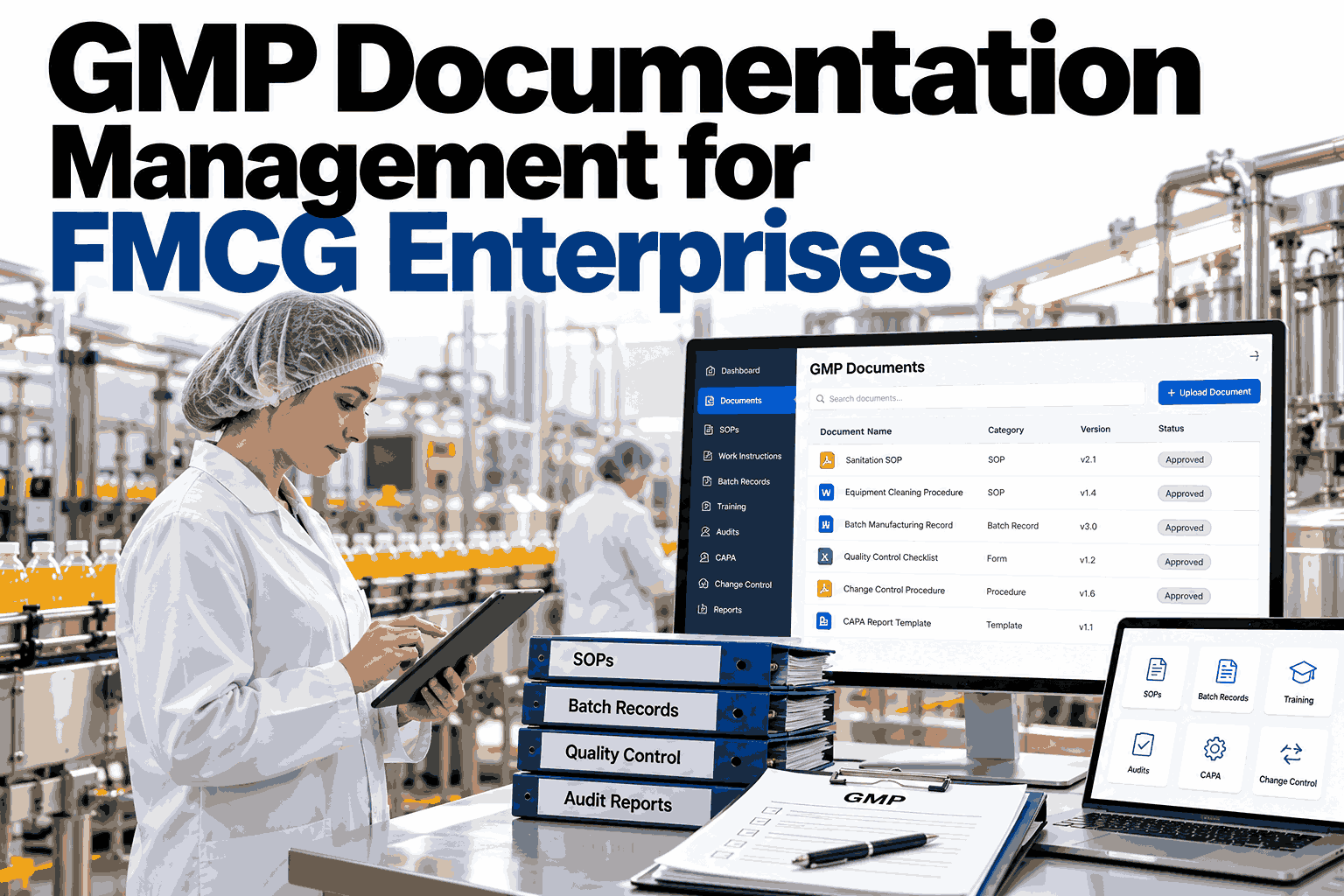
GMP Documentation Management for FMCG Enterprises
iFactory Digital GMP keeps SOPs, forms and specifications under version control, with approvals, effective dates and training tied together.
WHAT NEEDS CONTROL
The Document Pyramid Behind Every Batch
Quality documents sit in layers. A change at the top has to reach every layer below it, or the plant runs on mixed instructions.
Quality Policy and Manual
Sets the rules everything else follows
SOPs
How each task is performed, step by step
Specifications
Material, product and packaging limits
Forms and Records
Where evidence of each action is captured
WHERE IT BREAKS
Five Ways Uncontrolled Documents Create Findings
Most documentation findings come from the same few gaps. Each one is a process problem, not a people problem.
01
Obsolete copy in use
A printed SOP stays on the line after a revision is released.
02
Approval stalls
A revision waits in an inbox while the old process continues.
03
Untrained operators
A document goes live before the people using it have read it.
04
Unclear change history
Nobody can show what changed, who approved it and why.
05
Mismatched forms
A form references a specification that has since been replaced.
See your document gaps before an auditor does
Bring a few real SOPs and watch how version control and approvals would handle them.
DOCUMENT LIFECYCLE
From Draft to Retired, Every Step Recorded
A controlled document follows one path. Each stage leaves a record that an auditor can read without help.
Draft
Author edits in a controlled workspace
Review
Subject experts comment and sign off
Approve
QA applies an electronic signature
Effective
The new version goes live on a set date
Retire
The old version is withdrawn but archived
EFFECTIVE DATE LOGIC
Why Approval Date and Effective Date Are Not the Same
A revision is rarely safe to use the moment it is signed. Operators need time to be trained first.
Revision approved
The new version is locked, but the old one stays in force.
Training assigned
Affected roles receive the change and a read-and-understand task.
Training confirmed
The system checks that everyone required has completed it.
Effective date reached
The new version replaces the old at every workstation at once.
BEFORE AND AFTER
Paper and Shared Drives Versus Controlled Digital GMP
The difference shows up most clearly on the shop floor and on audit day.
Uncontrolled
Several copies in different folders
Approvals chased by email
Training tracked in a separate sheet
Audit trail rebuilt by hand
Controlled
One current version at the point of use
Approval routing with e-signatures
Training linked to each revision
History available on request
SIDE BY SIDE
What Each Document Type Needs From the System
SOPs, forms and specifications are controlled differently, so one generic folder tool falls short.
| Document Type | Key Control | Typical Risk | Linked To |
|---|---|---|---|
| SOP | Versioning and training | Obsolete copy on the line | Operator training records |
| Specification | Approval and change history | Wrong limit applied | Batch and material records |
| Form | Template locking | Edited blank form | Completed batch records |
| Work instruction | Role-based access | Unreviewed update | Line and equipment |
ROLLOUT
How iFactory Digitizes GMP Documents
The rollout moves your current documents into control, one document family at a time.
Step 1
Inventory
Catalogue current SOPs, forms and specifications and flag duplicates.
Step 2
Configure
Set approval routes, roles and training rules to match your quality system.
Step 3
Migrate
Load current approved versions and retire superseded copies.
Step 4
Go Live
Operators work from one controlled source on every line.
FAQ
Questions Quality Teams Ask First
Does it support electronic signatures?
Yes. Approvals are captured with an identified signer, a timestamp and the meaning of the signature, and are stored with the document history. Your own procedures define who must sign each type. See the signature flow in action during a short session.
Can we keep our existing numbering system?
In most cases, yes. Existing document numbers and revision conventions can be carried over so staff and auditors recognize every record. This avoids renumbering thousands of files. Ask support about numbering migration for your plant.
How is training linked to a revision?
When a revision is approved, the system identifies affected roles and assigns the read-and-understand task. The effective date can be held until required training is complete. Review a training linkage example with our team.
Does it replace our quality system?
No. It carries out the procedures you have already defined and enforces them consistently. Your quality manual and regulatory obligations remain yours to set and own. Discuss fit with your quality system through support.
What happens to retired documents?
Superseded versions are withdrawn from use but stay archived and retrievable, with their full approval and change history intact. Operators only ever see the current version. Plan an archive walkthrough in a demo.
Make Every Audit a Routine Day
iFactory Digital GMP keeps documents, approvals and training connected, so the right version is always the one in use.