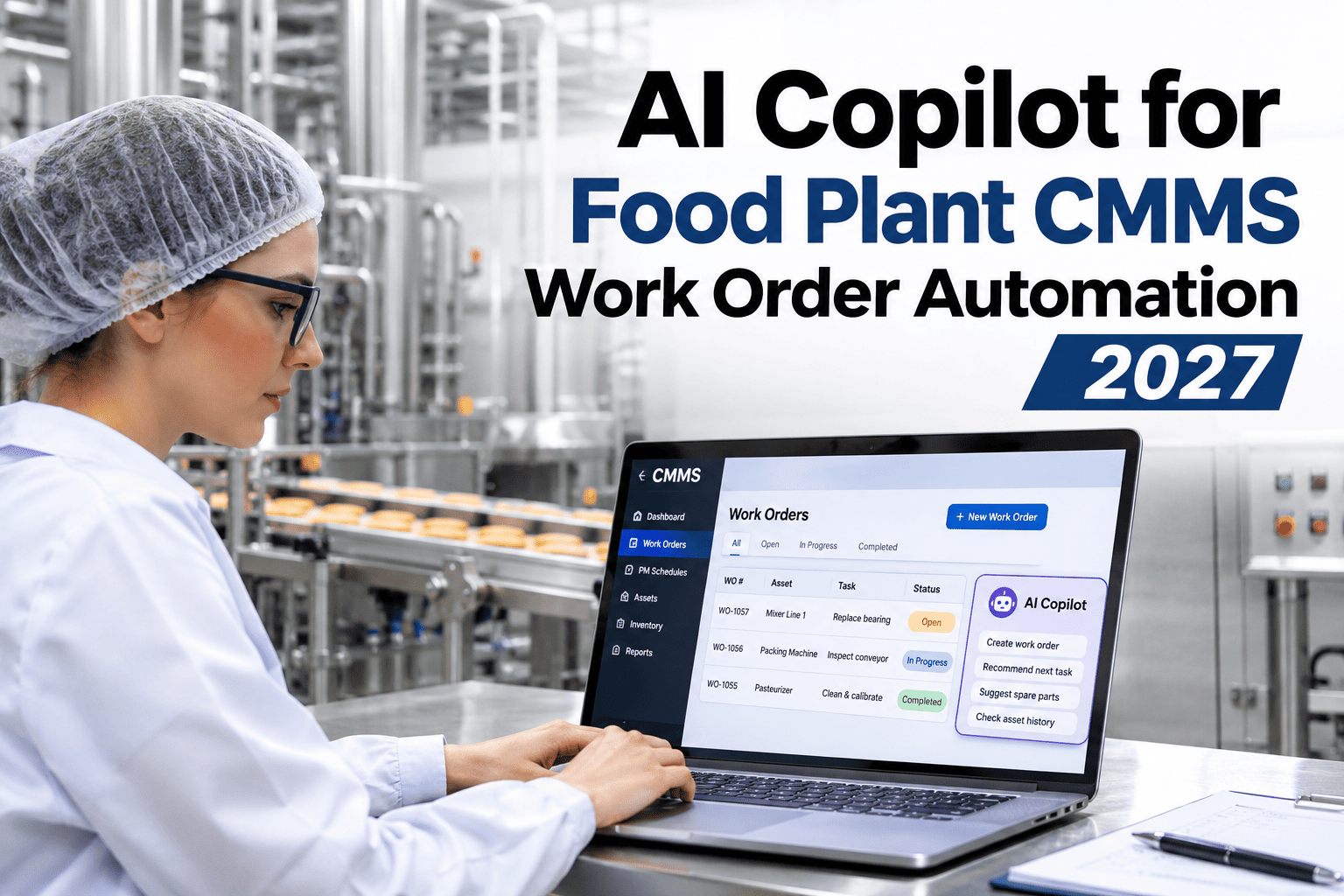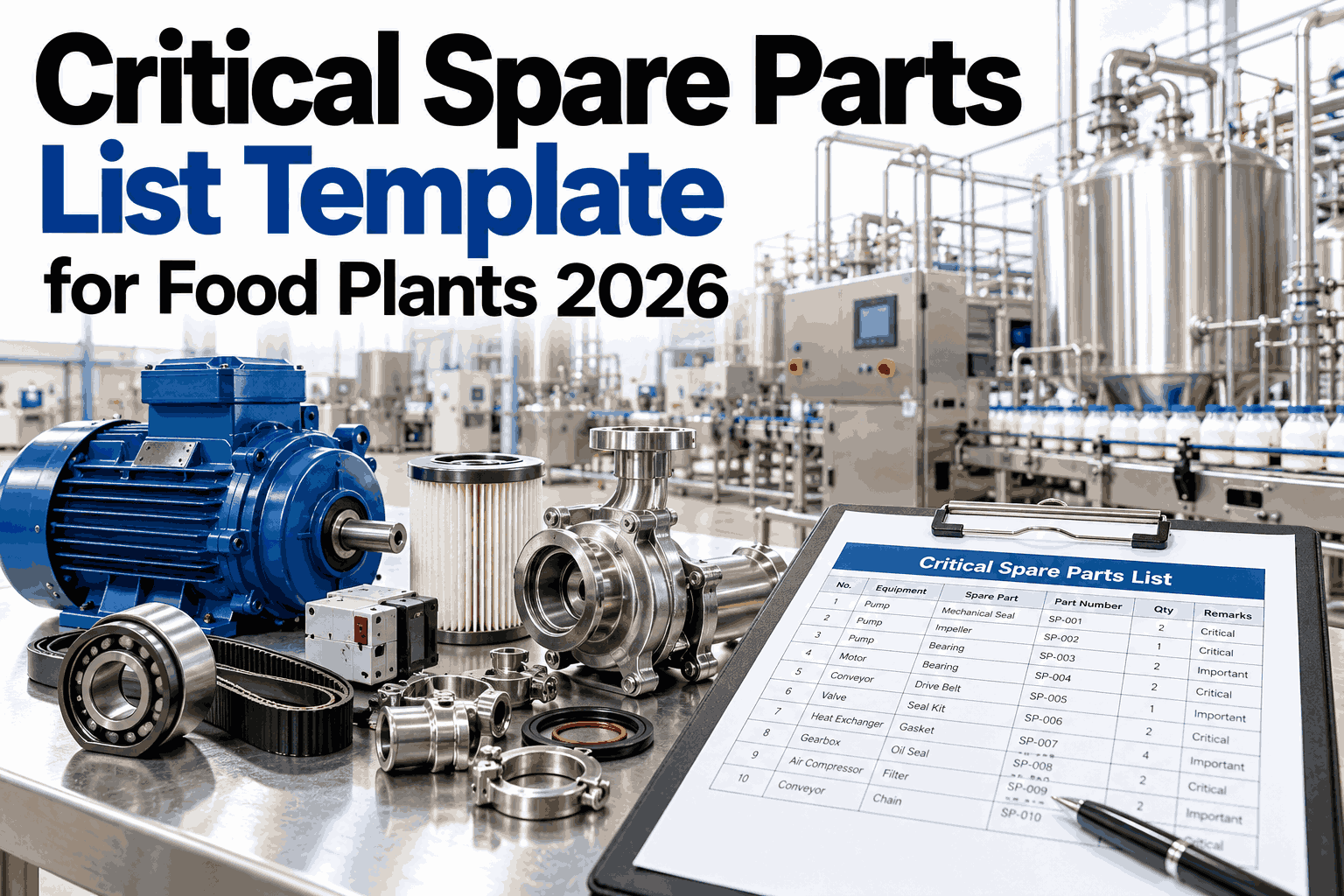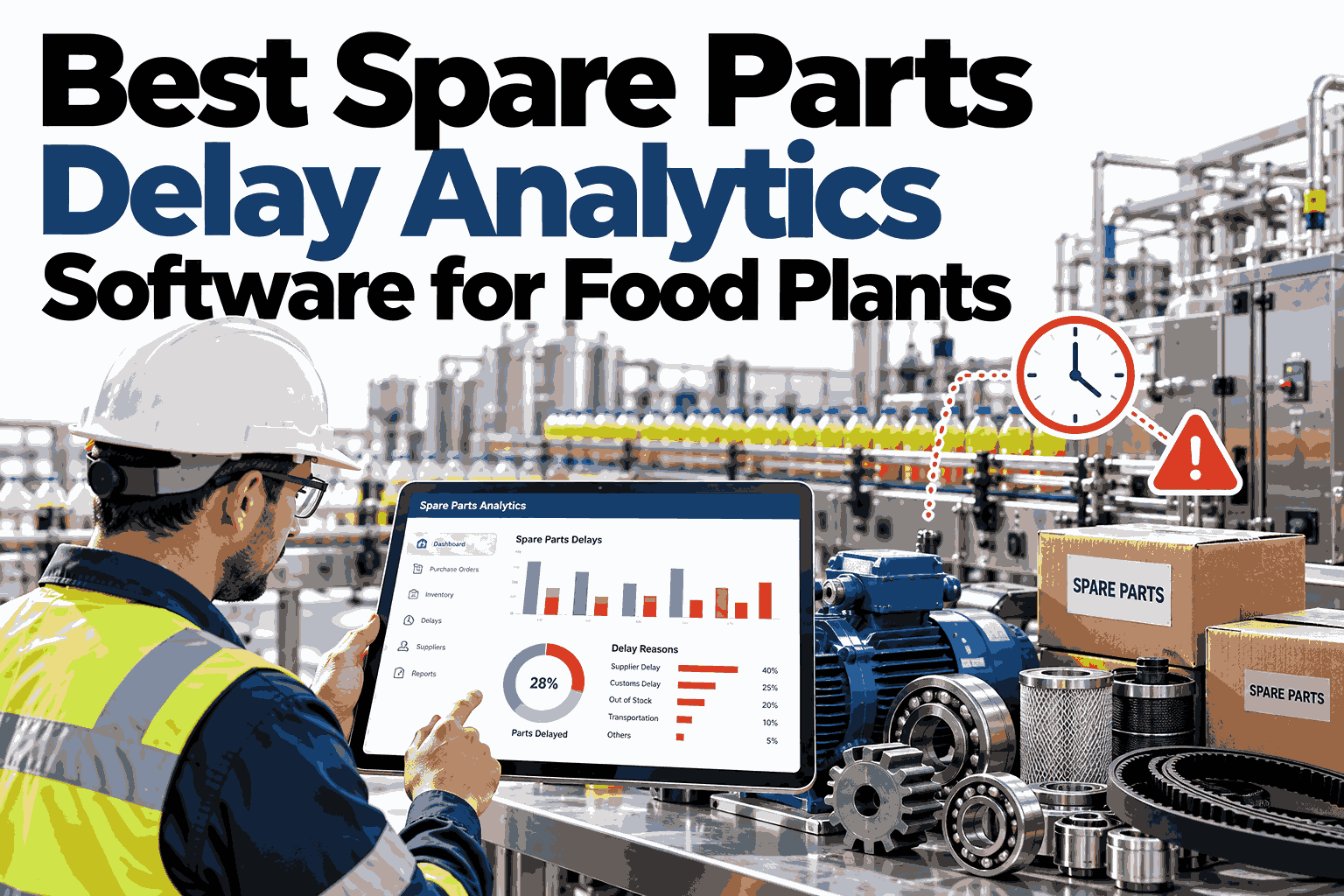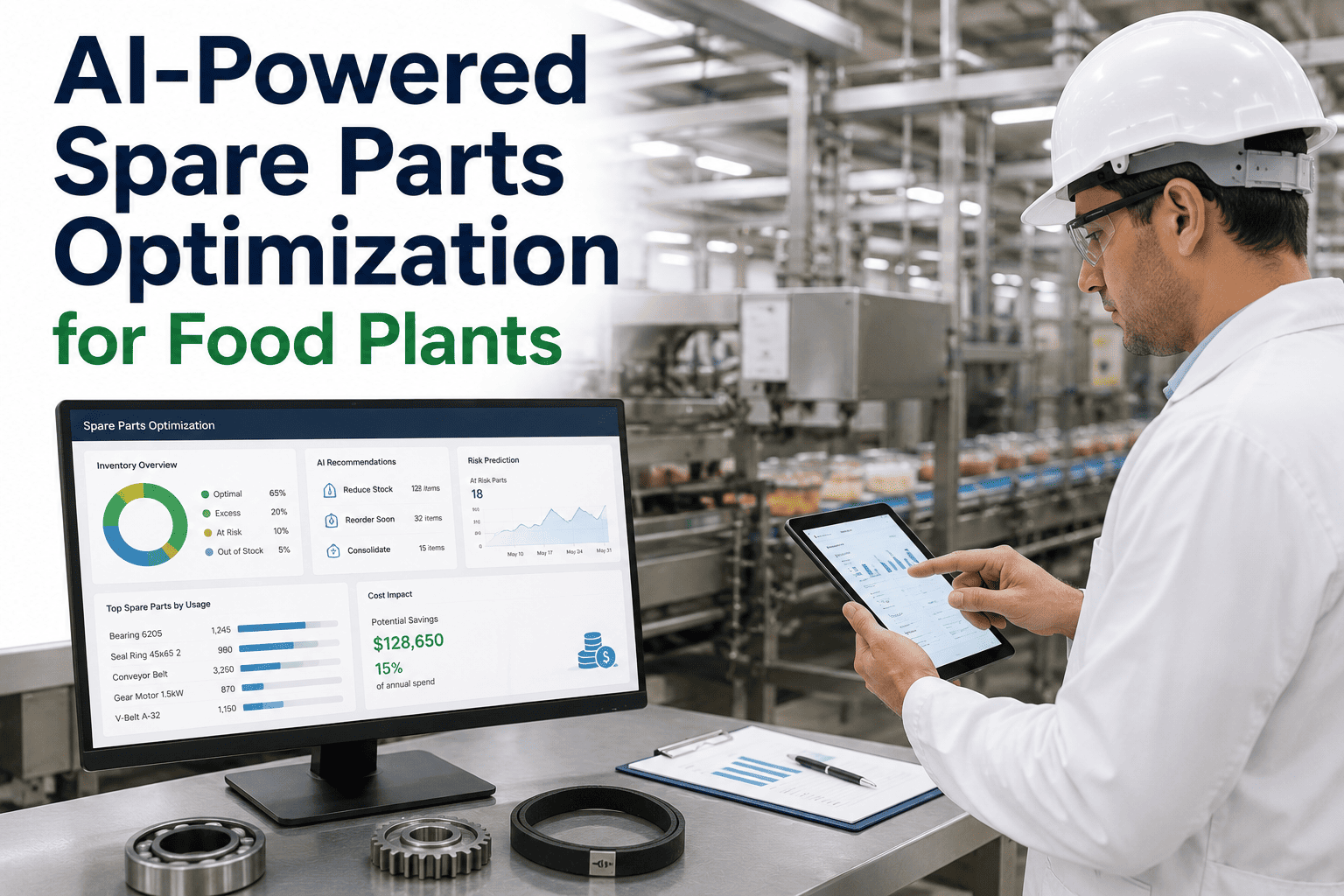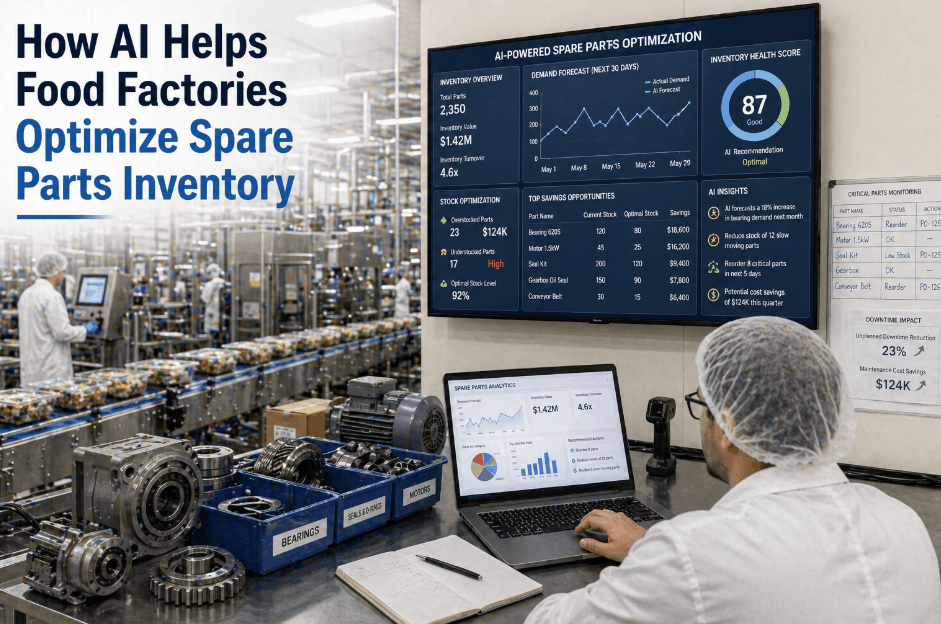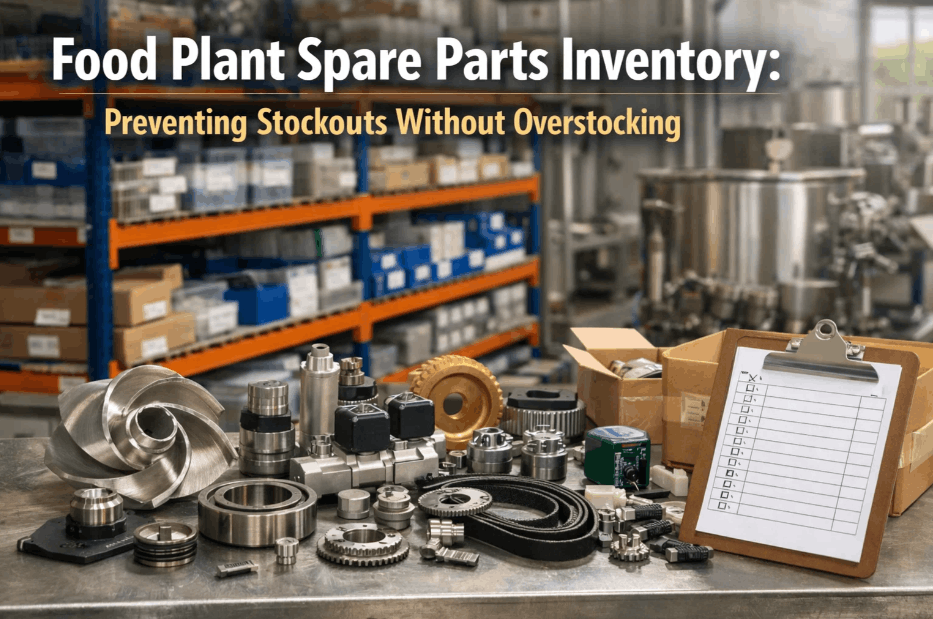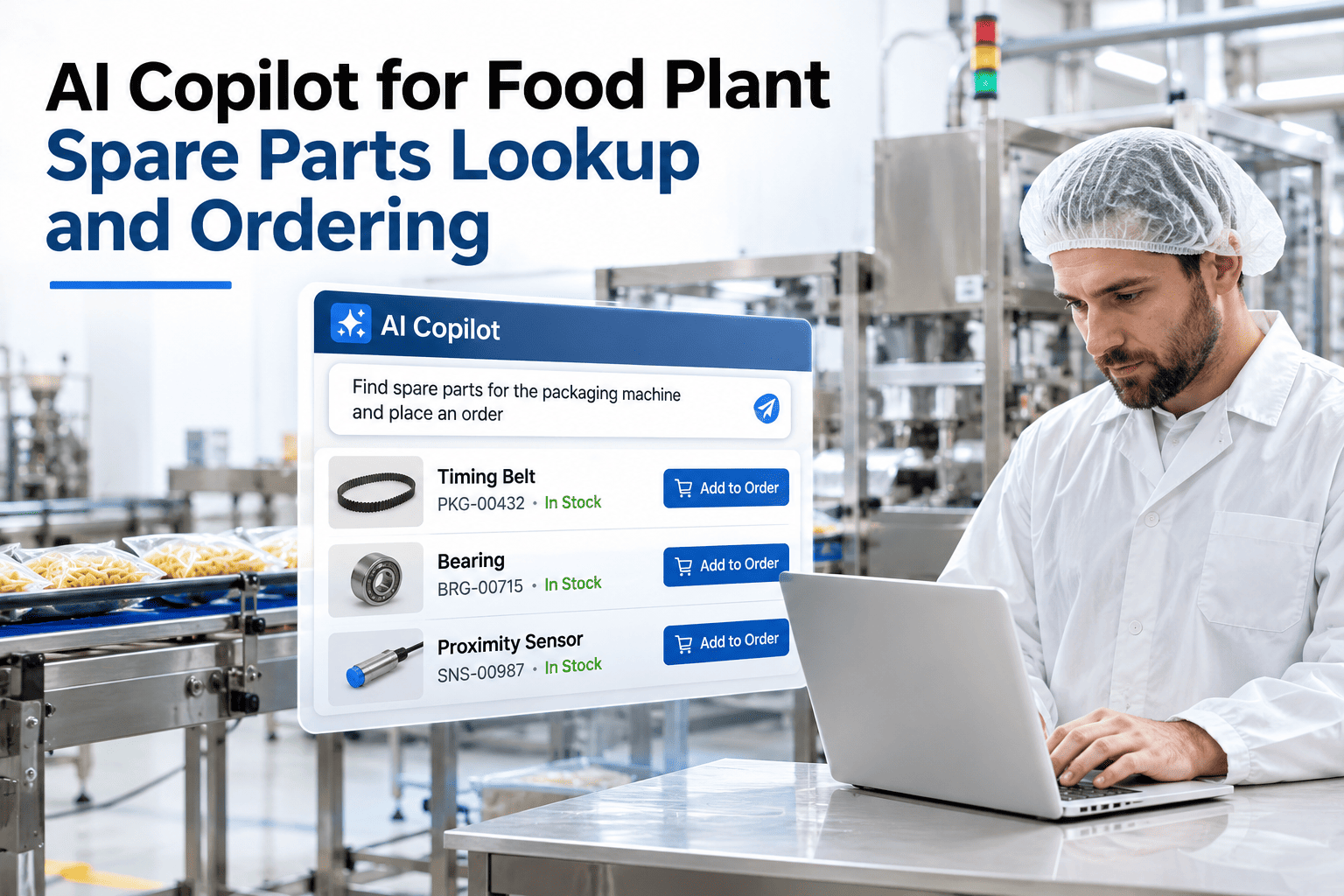
A maintenance technician at 2am with a failed spiral freezer motor and no bearing on the shelf has three options: call the parts room supervisor who may or may not know, search the CMMS parts module with an asset number they may or may not have memorised, or describe what they are holding to someone who can find it. iFactory AI, an on-premise AI platform for food manufacturing, is that someone — available at 2am, trained on your parts database, able to identify a component from a photo or a symptom description, and able to tell the technician whether it is in stock, where it is located in the stockroom, and what the lead time is if it is not. The difference between a 2-hour delay and a 6-hour delay on a food production line is often whether the right part was found in the first 20 minutes. Teams that want to see how fast a technician can find a part using iFactory AI can watch a parts lookup demonstration with their own inventory data.
Describe the Part, Show a Photo, or Name the Symptom — Get SKU, Stock Count, and Lead Time in Seconds
iFactory AI's on-premise parts copilot identifies components from photos, symptom descriptions, or machine context — then returns the SKU, on-hand count, bin location, and vendor lead time from your own inventory system.
Why Food Plant Parts Identification Is Harder Than It Should Be
Parts identification in a food plant is a multi-step problem that most technicians have learned to solve through tribal knowledge, storeroom familiarity, and senior colleagues — none of which are available at 2am or to a new hire on their first night shift.
Three Ways to Identify a Part With the iFactory AI Copilot
iFactory AI supports three identification approaches — from the most common (symptom or machine context) to the most powerful (photo) — all running on-premise with no need for internet connectivity.
Give Every Technician 24/7 Access to Your Full Parts Database
iFactory AI's on-premise parts copilot connects to your inventory system and delivers part identification, stock counts, bin locations, and lead times — instantly, by description or photo, without internet dependency.
Food-Grade Compliance Filtering in Parts Lookup
In a food plant, not every bearing, seal, lubricant, or gasket is acceptable in every zone. The parts copilot applies food-grade compliance filters automatically based on the asset location and zone classification — so technicians do not have to remember which parts are approved in which areas.
| Zone classification | Parts filter applied | Example compliance check |
|---|---|---|
| Product contact zone | NSF-H1 lubricant required; food-grade seal materials only; no zinc or cadmium | Bearing greased with Klüber Paraliq GTE 703 (H1-approved) — confirmed |
| Incidental contact zone | H1 lubricant preferred; food-grade materials recommended | Seal ring: Viton approved; Nitrile approved; EPDM: check application |
| Non-product zone | Standard industrial parts acceptable; approved vendor list applies | Standard bearing; approved vendor confirmation required |
| Allergen-designated zone | All replacement materials must be allergen-free; materials logged for allergen audit | Gasket material: allergen-free declaration required from vendor |
Teams that want to configure zone-based parts compliance filters for their specific food safety programme can ask iFactory AI's support team how zone classification maps to the parts lookup system.
From Lookup to Reorder: Closing the MRO Loop
Parts identification is the beginning of the MRO cycle, not the end. iFactory AI's parts copilot closes the loop — from identification through consumption recording to automatic reorder trigger — so the same part is in stock for the next failure without anyone manually tracking it.
Frequently Asked Questions
How accurate is the photo-based parts identification?
Photo identification accuracy depends on photo quality and the visibility of identifying features — markings, dimensions, and part geometry. For standard industrial components (bearings, seals, couplings) with visible markings, accuracy exceeds 90% in well-lit photos. For heavily worn or contaminated parts, accuracy is lower and the AI returns multiple candidates ranked by probability, with the technician confirming the correct match. The system is designed to flag low-confidence identifications rather than return a wrong answer confidently. See photo identification accuracy on a sample of your most common parts.
What inventory systems does iFactory AI's parts copilot connect to?
iFactory AI integrates with inventory data through REST API, ODBC database connections, or file-based synchronisation for platforms without an API. This covers most CMMS platforms (SAP PM, IBM Maximo, UpKeep, Fiix, eMaint) as well as standalone inventory systems (Oracle Inventory, NetSuite, legacy ERP inventory modules). For plants without a digital inventory system, iFactory AI can serve as the inventory system of record using a structured import of your current storeroom data. Ask the support team about connecting to your specific inventory platform.
Can the parts copilot help build a recommended stocking list for a new food plant?
Yes. iFactory AI analyses the asset register, failure history, criticality classification, and OEM recommended spares lists to generate a prioritised critical spares recommendation — covering the parts that, if not stocked, would cause the longest production delays or the most significant food safety risks. This is typically delivered as part of the deployment planning phase for new plants or plants undergoing asset expansion. Book a session to review a critical spares analysis for your food plant.
How does the parts copilot handle OEM part numbers that differ from our internal SKUs?
iFactory AI maintains a cross-reference layer that maps OEM part numbers, manufacturer part numbers, and common industry equivalents to your internal SKU system. When a technician describes a part using its OEM number (from a nameplate or manual), the AI translates it to the internal SKU and returns stock status against that SKU. Cross-references are built during the deployment ingestion phase and updated whenever new parts are added to inventory. Ask the support team how the cross-reference database is built and maintained.
Does the parts copilot work offline if the plant's internal network goes down?
The iFactory AI on-premise server holds a local copy of the parts database and cross-reference index. If the internal network connection between the mobile device and the server is maintained, parts lookup works without internet connectivity. The on-premise deployment means there is no cloud dependency for any parts lookup function — the entire identification and stock query runs locally. Only the reorder approval and vendor communication step, if managed through a cloud ERP, requires network connectivity to that external system. Review the offline capability map for your plant's network architecture.
Find Any Part in Seconds — From Description, Photo, or Machine History
iFactory AI's on-premise parts copilot gives every food plant technician instant access to SKU, stock count, bin location, and lead time — with food-grade compliance filters built in.